
Мы продолжаем наблюдать за ситуацией, пока можем сделать такие выводы, те, кто сталкивается с проблемами запуска клиента — могут попробовать решить это следующим образом:
— Удалить 360 Total Security и перезапустить ПК.
— Удалить Крипто ПРО CSP (а так же КриптоПро ЭЦП Browser и его производные) и перезапустить ПК.
— Включить отображение скрытых файловпапок Windows и удалить перед запуском игры в папке с игрой папку «TempRes».
— Попробовать полностью переустановить клиент и не модифицировать его.
Список программ, которые пытаются внедрить свои изменения в игру (и соответственно анти-чит запрещает запуск игры) будет пополняться.
**Просьба проверить всё, что ранее у Вас вызывало проблемы внутри игры и сообщить о них в специальном обсуждении — Тестирование защиты игры Версия клиента от 299
***Те, у кого при запуске пытается инициализироваться xigncode (ошибка 0000007Е) — убедитесь, что Вы используете ПОСЛЕДНЮЮ ВЕРСИЮ игры — 299 или выше (запускать игру ВСЕГДА нужно через dnlauncher.exe), добавьте папку с игрой в исключения антивируса и(или) отключите его.
****Если у Вас остались проблемы с запускомигровым процессом на ПОСЛЕДНЕЙ ВЕРСИИ игры (299 или выше) — необходимо:
— Точно убедиться, что у Вас установлена ПОСЛЕДНЯЯ ВЕРСИЯ игры — 299 или выше
— Точно убедиться, что Вы добавили папку с игрой в исключения антивируса и(или) отключили его
— Удалить 360 Total Security, с последующим перезапуском ПК.
— Удалить Крипто ПРО CSP (а так же КриптоПро ЭЦП Browser и его производные) и перезапустить ПК.
— Включить отображение скрытых файловпапок Windows и удалить перед запуском игры в папке с игрой папку «TempRes».
— Запустить игру с помощью dnlauncher.exe (повторить процедуру несколько раз)
— Попробовать полностью переустановить клиент и не модифицировать его
— Записать на видео какая у Вас проблема возникла в игре
— Записать на видео отчётливо папку с игрой и её содержимое
Напишите на почту в техподдержку XIGNCODE ([email protected]) и приложите к сообщению log файл, который находится в корневой папке с игрой. В ответ вы получите пути, по которым на вашем компьютере расположены проблемные программы, мешающие запуску игры.
Список возможных программ:
Ollydbg
Почти все VNC сервера, например RealVNC
NetLimiter 2.0.10 Pro
Media Player
WhatPulse
Outpost Firewall Pro
Process Explorer
Xpadder
WPE Pro
Tsearch
Motherboard Monitor
SpeedFan
Filezilla
Eclipse
Zboard
Freenet
AutoHotkey
Razer
ATI Tray Tools
AVG Anti-Virus
TokyoShot Screenshotter
Mal Updater
Media Player Classic
Net Limiter
Wireshark
LimeWire
Cheat Engine
The Core Media Player
WhatPulse
QIP Infium
RivaTuner
AutoHotkey
PuntoSwitcher
COMODO Internet Security
RealVNS и другие службы удаленного управления
Art Money
Важно: владельцам видеокарт производства ATI/AMD перед запуском игрового клиента рекомендуется выгружать ATI Tray Tool. Также хотим отметить, что большинству игроков помогает переустановка операционной системы.
Announcement

XIGNCODE initializing Failed?!
I’ve been experiencing this start up problem where after starting the launcher it says XIGNCODE initializing failed!! Error code: 0000007E. I have no idea how to resolve this issue so I can play DN again. I tried to redownload the game twice, the first time through the launcher and the 2nd time through the zip pack. Nothing works and it stated the same issue. Please help thank you!
Alright, first off, make sure your computer and stuff is up to date.
Second, perhaps this link will be able to help you: http://forum.dragonnest.com/forum/su. xigncode-error
it’ll have you download a working version of the XIGNCODE folder I believe. Download at your own risk and whatnot.
If that doesn’t work, maybe try the Steam launcher or upload a picture of what’s inside your dragon nest folder I can try to look to see if anything is missing.
Or, you can try setting up DN through this method: http://forum.dragonnest.com/forum/su. ng-dragon-nest
Comment

Yeah, updating windows and other important programs.
I’m sorry about that first link, I didn’t bother checking the link to see if it still worked.
Odd that the second link and steam didn’t work though.
Have you tried starting the game with your antivirus disabled? Also, maybe try having Dragon Nest as the only program running (besides Steam if you’re using that launcher).
Try uploading a picture of your dragon nest folder and your XIGNCODE folder. If anything is missing or looks odd, I can try to give you whatever file you may need.
And its no problem, I’m not the best at this stuff but I do want to help.
Comment
Comment
Comment
Comment
Hmm, I’m honestly running out of ideas at this point. I couldn’t find anything about a XIGNCODE 0000005 error from google and your dragon nest folder seems to be the same as mine (I’m not sure if any of your files are corrupt as I don’t know the size of each file from your picture, but it seems unlikely that both the steam and game client versions would become corrupt in the same/similar way).
But just to be sure, you’ve tried disabling any unnecessary startup programs and trying to use Dragon Nest first thing after restarting your computer, you tried replacing all the files inside your XIGNCODE folder with the ones I sent you, and you’ve tried both the steam and game clients (including trying the full game client and the game client split into different parts), correct?
If so, I only have one or two more things to try.
I found a link to the XIGNCODE folder for the regular launcher (I don’t think there will be a difference but it’s worth a shot). Try using the other launcher and replacing the XIGNCODE files with the stuff found here: http://www.mediafire.com/file/smnwg5. i/XIGNCODE.rar
Besides that, I would have to say to try sending in a ticket to customer support. Sadly the reputation of that isn’t too great from what I hear.. Or maybe try posting in the General Discussion section of the forums. That place is a bit more popular than here and others may be willing to help.
If I find anything else on this I’ll be sure to let you know. Good luck.
Источник
Announcement
Re-Install : Yes, I used the installer downloaded from the current web
Allow in Firewall : Yes, 3 executable file in DN folder is allowed
Kill Antivirus : Yes, I only have MS. Essential and killed the service
Kill Win Defender : Yes, done
Run files as administrator and the compatibility setting : done
Replace xigncode folder : done, used my friend’s xigncode folder and had replaced it
Specs info : Win7 64bit Ultimate, 8gbRAM, 4gbVGA, i3
Edited :
Oddly, it is disgustingly works on my laptop i5 Win8.1 with all same settings (firewall and win defend disabled)

Hello! Try downloading this. download the folder and any files that are not in your XIGN folder, copy and paste them in
Hello Sir! Please free to mention me or send me a private message if you need any assistance! I will try my best to help you to the best that I can!
-Subscribed to every forum section except Trades-
Discord: Couplord#5195
NA IGN: SirCoup
Comment
Hello! Try downloading this. download the folder and any files that are not in your XIGN folder, copy and paste them in
Hello Sir! Please free to mention me or send me a private message if you need any assistance! I will try my best to help you to the best that I can!
-Subscribed to every forum section except Trades-
Discord: Couplord#5195
NA IGN: SirCoup
Comment
Comment
0xE0010007 error occurrences This error code occurs due to an internal problem from XIGNCODE. Please compress your entire XIGNCODE folder or xigncode.log and contact support@wellbia.com. We will get back to you as soon as possible.
★ Gintama ❖ 「ヒカリ証明論 / Hikari Shoumeiron」 ❖ CHiCO with HoneyWorks ★
✾▬▬▬▬▬▬❀▬▬▬▬▬▬✾
Spotify URI | Spotify Song Link
★ Wars Of Our Time (Dn Sea Forum History) ❖ ED 1:1 Inquire(SEA) ❖ Choco’s Academic Fanart Gallery :3 ★
DNSEA Discord Invite
Comment
At the same time, I did also came across with some juicy stories about it. This one for example.
submitted 2 years ago* by Fuckfencing
Was getting kicked for XIGNCODE violations, and their automated system reported the following:
Note that this isn’t an active piece of software. It’s an installer for AHK, something many people use frequently for non-gaming (and gaming reasons).
Neople really needs to look into getting some better anti-cheat, this is ridiculous.
This is also the type of thing that will greatly prevent widespread adoption of the game. When companies run software as intrusive as this, user-bases tend to get pretty upset. Everyone here claims they want this game to grow and actually be successful, but this software will make it 100% impossible currently.
Just sharing to give a general idea to those people who don’t know how a rootkit ahem anti-cheat softwares works. About your privacy, don’t worry, they don’t have any interest on your pron activities  .
.
Just search around the web if you wanna sate your curiosities.
Источник
Announcement

XignCode not running
Please help me i cant play DN since 1 month ago..
after patch to the latest update of DN.. i click start button then.. nothing happened,ussually xigncode would running after i click start button right?
im currently using windows 10 pro 64 bit insider preview build..
should i revert the update to the ussual one?i already follow the email from xigncode support,they tell me to delete xmag.xem and restart the pc and the result is still same nothing happened.
please help i want to play dn.. cant play since migrate from cherrycredit T.T
Comment
Comment
Comment

Well. I’m using Windows 10 Pro Insider Build 17074. I’m having the same issue as yours.
According to what I tested on Previous builds, I found out that after they implemented FULLY the new «Registry» Process, Dragon Nest(XIGNCODE3) would not run.
It seemed to me that the XIGNCODE3 couldn’t can’t create the process to execute properly. Thus, it affected Dragon Nest and it will not run.
You can see the new «Registry» Process reflected on your Task Manager. If you read the blog post on the Insider Blog, you will know what it does.
It seemed to stem from the XIGNCODE3 rather than the Dragon Nest Client itself. This is evident in the Task Manager if you look closely, there will be a «Windows Error Reporting» the moment you click after the DragonNest Launcher(dnlauncher.exe).
Clicking the dnlaucher.exe it will not create a file that is required for the XIGNCODE3 to run.
It is located at: «C:Windowsxhunter1.sys»
and the Registry Entries in:
» ComputerHKEY_LOCAL_MACHINESYSTEMControlSet001S ervicesxhunter1 » and more.
I assumed you are aware your using a development version of Windows 10 and you are prepared to take risks.
What I have done is:
1. Dual-boot the RTM Windows 10 Build 16299 and the Insider Build 17074. So when I want to play DN, I will boot to the RTM Windows.
2. RollBack to previous Build at least Build 17046 and before. (Not Recommended)
The only HOPE we can have is either Microsoft fix their new «Registry» Process thing or the XIGNCODE3 Developers modify their code to support it.
But with new Insider Build being Flight out each time, there is a risk that something could be broke. In this case, the XIGNCODE3 and thus DN is affected.
Also, I’m no EXPERT in these kind of issues but all of these are according to my OBSERVATIONS so far(I may not be perfectly 100% Correct).
Hope this answers your post on «XIGNCODE not running» and have a nice day ahead!
Midnight Environment == PEACEFUL
Afternoon Environment == ROWDY
Comment
Well. I’m using Windows 10 Pro Insider Build 17074. I’m having the same issue as yours.
According to what I tested on Previous builds, I found out that after they implemented FULLY the new «Registry» Process, Dragon Nest(XIGNCODE3) would not run.
It seemed to me that the XIGNCODE3 couldn’t can’t create the process to execute properly. Thus, it affected Dragon Nest and it will not run.
You can see the new «Registry» Process reflected on your Task Manager. If you read the blog post on the Insider Blog, you will know what it does.
It seemed to stem from the XIGNCODE3 rather than the Dragon Nest Client itself. This is evident in the Task Manager if you look closely, there will be a «Windows Error Reporting» the moment you click after the DragonNest Launcher(dnlauncher.exe).
Clicking the dnlaucher.exe it will not create a file that is required for the XIGNCODE3 to run.
It is located at: «C:Windowsxhunter1.sys»
and the Registry Entries in:
» ComputerHKEY_LOCAL_MACHINESYSTEMControlSet001S ervicesxhunter1 » and more.
I assumed you are aware your using a development version of Windows 10 and you are prepared to take risks.
What I have done is:
1. Dual-boot the RTM Windows 10 Build 16299 and the Insider Build 17074. So when I want to play DN, I will boot to the RTM Windows.
2. RollBack to previous Build at least Build 17046 and before. (Not Recommended)
The only HOPE we can have is either Microsoft fix their new «Registry» Process thing or the XIGNCODE3 Developers modify their code to support it.
But with new Insider Build being Flight out each time, there is a risk that something could be broke. In this case, the XIGNCODE3 and thus DN is affected.
Also, I’m no EXPERT in these kind of issues but all of these are according to my OBSERVATIONS so far(I may not be perfectly 100% Correct).
Hope this answers your post on «XIGNCODE not running» and have a nice day ahead!
Источник
Dragon nest xigncode initializing failed error code 0000007e
These are the files i found on this thread http://forum.dragonnest.com/forum/support/technical-support/135205-game-wont-start that hosted links to fixing the Dragon Quest Launcher Issue.
The Files you need to download are
GO INTO THE FORUM AND LOOK FOR THE 4 DOWNLOAD LINKS. TRUSTED FORUM.
These are simply legacy (older version) of the XIGNCODE.
Instructions:
1. Download all those Files and select all for copying
2. Open your Dragon Nest File Location
3. Locate your «xigncode» Folder and open it
4. Paste all those selected files you downloaded from above.
5. Launch the Game (DNLauncher.exe) as Admin and it should work.


nvm it worked. Thank you

^
You are my savior 6 июн. 2018 в 15:12


It didn’t work for me unfortunately. I downloaded the Files. I had to go through steam to find the local files, went into Dragon Nest, XIGNCODE, and pasted it into there, prompting me to replace the old ones. (I did) After that I ran the game through steam, Xigncode loads, the game window comes up but it crashes shortly after (before and/or after the Eyedentity logo shows up) I also tried running the DNLauncher from the file origin, as administrator, but it doesn’t bring up the window to connect to Steam server. When I press Game Start after that, nothing loads, no Xigncode, no game window, which is the same thing it did before I placed the new folders.
Kind of at a loss here. 🙁

It didn’t work for me unfortunately. I downloaded the Files. I had to go through steam to find the local files, went into Dragon Nest, XIGNCODE, and pasted it into there, prompting me to replace the old ones. (I did) After that I ran the game through steam, Xigncode loads, the game window comes up but it crashes shortly after (before and/or after the Eyedentity logo shows up) I also tried running the DNLauncher from the file origin, as administrator, but it doesn’t bring up the window to connect to Steam server. When I press Game Start after that, nothing loads, no Xigncode, no game window, which is the same thing it did before I placed the new folders.
Kind of at a loss here. 🙁

It didn’t work for me unfortunately. I downloaded the Files. I had to go through steam to find the local files, went into Dragon Nest, XIGNCODE, and pasted it into there, prompting me to replace the old ones. (I did) After that I ran the game through steam, Xigncode loads, the game window comes up but it crashes shortly after (before and/or after the Eyedentity logo shows up) I also tried running the DNLauncher from the file origin, as administrator, but it doesn’t bring up the window to connect to Steam server. When I press Game Start after that, nothing loads, no Xigncode, no game window, which is the same thing it did before I placed the new folders.
Kind of at a loss here. 🙁
You Might Need to Go To Dragon Nest’s Official Site and ReDownload the Game there and give it a go. Because sometimes steam likes to redownload files if it does not see them. But Go onto their website: http://us.dragonnest.com/game/download and give it a go that way. (You will have to create a new Install Path for it like Drive A: instead od Local C: ) Paste the Legacy XIGNCODE into the same DragonNest Folder Directory as mentioned above and you should be good!
Well, not even the buttons to download it are working for me.
Источник
Dragon nest xigncode initializing failed error code 0000007e
These are the files i found on this thread http://forum.dragonnest.com/forum/support/technical-support/135205-game-wont-start that hosted links to fixing the Dragon Quest Launcher Issue.
The Files you need to download are
GO INTO THE FORUM AND LOOK FOR THE 4 DOWNLOAD LINKS. TRUSTED FORUM.
These are simply legacy (older version) of the XIGNCODE.
Instructions:
1. Download all those Files and select all for copying
2. Open your Dragon Nest File Location
3. Locate your «xigncode» Folder and open it
4. Paste all those selected files you downloaded from above.
5. Launch the Game (DNLauncher.exe) as Admin and it should work.
nvm it worked. Thank you
^
You are my savior 6 июн. 2018 в 15:12
It didn’t work for me unfortunately. I downloaded the Files. I had to go through steam to find the local files, went into Dragon Nest, XIGNCODE, and pasted it into there, prompting me to replace the old ones. (I did) After that I ran the game through steam, Xigncode loads, the game window comes up but it crashes shortly after (before and/or after the Eyedentity logo shows up) I also tried running the DNLauncher from the file origin, as administrator, but it doesn’t bring up the window to connect to Steam server. When I press Game Start after that, nothing loads, no Xigncode, no game window, which is the same thing it did before I placed the new folders.
Kind of at a loss here. 🙁
It didn’t work for me unfortunately. I downloaded the Files. I had to go through steam to find the local files, went into Dragon Nest, XIGNCODE, and pasted it into there, prompting me to replace the old ones. (I did) After that I ran the game through steam, Xigncode loads, the game window comes up but it crashes shortly after (before and/or after the Eyedentity logo shows up) I also tried running the DNLauncher from the file origin, as administrator, but it doesn’t bring up the window to connect to Steam server. When I press Game Start after that, nothing loads, no Xigncode, no game window, which is the same thing it did before I placed the new folders.
Kind of at a loss here. 🙁
It didn’t work for me unfortunately. I downloaded the Files. I had to go through steam to find the local files, went into Dragon Nest, XIGNCODE, and pasted it into there, prompting me to replace the old ones. (I did) After that I ran the game through steam, Xigncode loads, the game window comes up but it crashes shortly after (before and/or after the Eyedentity logo shows up) I also tried running the DNLauncher from the file origin, as administrator, but it doesn’t bring up the window to connect to Steam server. When I press Game Start after that, nothing loads, no Xigncode, no game window, which is the same thing it did before I placed the new folders.
Kind of at a loss here. 🙁
You Might Need to Go To Dragon Nest’s Official Site and ReDownload the Game there and give it a go. Because sometimes steam likes to redownload files if it does not see them. But Go onto their website: http://us.dragonnest.com/game/download and give it a go that way. (You will have to create a new Install Path for it like Drive A: instead od Local C: ) Paste the Legacy XIGNCODE into the same DragonNest Folder Directory as mentioned above and you should be good!
Well, not even the buttons to download it are working for me.
Источник
Announcement
For Players with Problems Downloading & Installing Dragon Nest
Alright, quick background information about me. I’ve been trying to help out people on the forums with technical problems, like if the game can’t be downloaded, or it isn’t operating properly, and I’ve been trying to assist players in-game when they have questions. I want the game to keep living, so because the real support team is really slow to respond, IF they respond, I’m gonna just try to help. I don’t want this game to die, I find it really entertaining.
If anybody thinks I’m lying, or that this is some kind of scam, here’s some links of me helping others and/or providing download links here on the forums:
Alright, enough of that. So what is this thread?
This thread is for when you are trying to download/install Dragon Nest, not on Steam, but the client isn’t working
I went and uploaded the main parts of the client to a file hosting website. So if your DN client isn’t working after you downloaded it for some reason, you can try the client parts I’ll provide.
To install this, make a Dragon Nest folder where you expect to be using it. Usually the folder goes somewhere in your «C:» drive.
Then download any of the 4 parts you are missing or need. Just cut and paste the data.cab, data2.cab, and data3.cab files into the Dragon Nest folder. If you need the other files, the DN_Setup.rar file will have them. Just extract the contents of that file into the Dragon Nest folder you made. I will attach a picture of what the Dragon Nest folder should look like at the end of this post.
Once everything is in place, you should be able to run the setup.exe in your Dragon Nest folder, and installation should run smoothly from there.
If any of this stuff doesn’t work and you still can’t get the client working, feel free to post here, or even make a new thread if you like, and hopefully I or someone else will assist you ASAP.
If you can’t get the game to work through Steam, make a new thread about it and we’ll talk about the problem there.
Check this out if you’re having problems installing Dragon Nest
Check out this or this if you can’t hit or loot anything in-game
Источник
Dragon nest xigncode initializing failed error code 0000007e
These are the files i found on this thread http://forum.dragonnest.com/forum/support/technical-support/135205-game-wont-start that hosted links to fixing the Dragon Quest Launcher Issue.
The Files you need to download are
GO INTO THE FORUM AND LOOK FOR THE 4 DOWNLOAD LINKS. TRUSTED FORUM.
These are simply legacy (older version) of the XIGNCODE.
Instructions:
1. Download all those Files and select all for copying
2. Open your Dragon Nest File Location
3. Locate your «xigncode» Folder and open it
4. Paste all those selected files you downloaded from above.
5. Launch the Game (DNLauncher.exe) as Admin and it should work.
nvm it worked. Thank you
^
You are my savior 6 Jun, 2018 @ 3:12pm
It didn’t work for me unfortunately. I downloaded the Files. I had to go through steam to find the local files, went into Dragon Nest, XIGNCODE, and pasted it into there, prompting me to replace the old ones. (I did) After that I ran the game through steam, Xigncode loads, the game window comes up but it crashes shortly after (before and/or after the Eyedentity logo shows up) I also tried running the DNLauncher from the file origin, as administrator, but it doesn’t bring up the window to connect to Steam server. When I press Game Start after that, nothing loads, no Xigncode, no game window, which is the same thing it did before I placed the new folders.
Kind of at a loss here. 🙁
It didn’t work for me unfortunately. I downloaded the Files. I had to go through steam to find the local files, went into Dragon Nest, XIGNCODE, and pasted it into there, prompting me to replace the old ones. (I did) After that I ran the game through steam, Xigncode loads, the game window comes up but it crashes shortly after (before and/or after the Eyedentity logo shows up) I also tried running the DNLauncher from the file origin, as administrator, but it doesn’t bring up the window to connect to Steam server. When I press Game Start after that, nothing loads, no Xigncode, no game window, which is the same thing it did before I placed the new folders.
Kind of at a loss here. 🙁
It didn’t work for me unfortunately. I downloaded the Files. I had to go through steam to find the local files, went into Dragon Nest, XIGNCODE, and pasted it into there, prompting me to replace the old ones. (I did) After that I ran the game through steam, Xigncode loads, the game window comes up but it crashes shortly after (before and/or after the Eyedentity logo shows up) I also tried running the DNLauncher from the file origin, as administrator, but it doesn’t bring up the window to connect to Steam server. When I press Game Start after that, nothing loads, no Xigncode, no game window, which is the same thing it did before I placed the new folders.
Kind of at a loss here. 🙁
You Might Need to Go To Dragon Nest’s Official Site and ReDownload the Game there and give it a go. Because sometimes steam likes to redownload files if it does not see them. But Go onto their website: http://us.dragonnest.com/game/download and give it a go that way. (You will have to create a new Install Path for it like Drive A: instead od Local C: ) Paste the Legacy XIGNCODE into the same DragonNest Folder Directory as mentioned above and you should be good!
Well, not even the buttons to download it are working for me.
Источник
Dragon nest xigncode initializing failed error code 0000007e
These are the files i found on this thread http://forum.dragonnest.com/forum/support/technical-support/135205-game-wont-start that hosted links to fixing the Dragon Quest Launcher Issue.
The Files you need to download are
GO INTO THE FORUM AND LOOK FOR THE 4 DOWNLOAD LINKS. TRUSTED FORUM.
These are simply legacy (older version) of the XIGNCODE.
Instructions:
1. Download all those Files and select all for copying
2. Open your Dragon Nest File Location
3. Locate your «xigncode» Folder and open it
4. Paste all those selected files you downloaded from above.
5. Launch the Game (DNLauncher.exe) as Admin and it should work.
nvm it worked. Thank you
^
You are my savior 6 Jun, 2018 @ 3:12pm
It didn’t work for me unfortunately. I downloaded the Files. I had to go through steam to find the local files, went into Dragon Nest, XIGNCODE, and pasted it into there, prompting me to replace the old ones. (I did) After that I ran the game through steam, Xigncode loads, the game window comes up but it crashes shortly after (before and/or after the Eyedentity logo shows up) I also tried running the DNLauncher from the file origin, as administrator, but it doesn’t bring up the window to connect to Steam server. When I press Game Start after that, nothing loads, no Xigncode, no game window, which is the same thing it did before I placed the new folders.
Kind of at a loss here. 🙁
It didn’t work for me unfortunately. I downloaded the Files. I had to go through steam to find the local files, went into Dragon Nest, XIGNCODE, and pasted it into there, prompting me to replace the old ones. (I did) After that I ran the game through steam, Xigncode loads, the game window comes up but it crashes shortly after (before and/or after the Eyedentity logo shows up) I also tried running the DNLauncher from the file origin, as administrator, but it doesn’t bring up the window to connect to Steam server. When I press Game Start after that, nothing loads, no Xigncode, no game window, which is the same thing it did before I placed the new folders.
Kind of at a loss here. 🙁
It didn’t work for me unfortunately. I downloaded the Files. I had to go through steam to find the local files, went into Dragon Nest, XIGNCODE, and pasted it into there, prompting me to replace the old ones. (I did) After that I ran the game through steam, Xigncode loads, the game window comes up but it crashes shortly after (before and/or after the Eyedentity logo shows up) I also tried running the DNLauncher from the file origin, as administrator, but it doesn’t bring up the window to connect to Steam server. When I press Game Start after that, nothing loads, no Xigncode, no game window, which is the same thing it did before I placed the new folders.
Kind of at a loss here. 🙁
You Might Need to Go To Dragon Nest’s Official Site and ReDownload the Game there and give it a go. Because sometimes steam likes to redownload files if it does not see them. But Go onto their website: http://us.dragonnest.com/game/download and give it a go that way. (You will have to create a new Install Path for it like Drive A: instead od Local C: ) Paste the Legacy XIGNCODE into the same DragonNest Folder Directory as mentioned above and you should be good!
Well, not even the buttons to download it are working for me.
Источник
Announcement
Upon pressing the «Game Start» button, the launcher closes but the game is not opening!
Task Manager was also checked, but nothing DN/ED related programs are running upon the launcher’s exit.
I have tried reinstalling both the official launcher and STEAM launcher, neither of them worked.
Does anyone else have the problem? or possible fixes?
Comment
Game working just fine here lol
You reinstalled the entire game though?
Comment
Comment
I have two PC, one worked, one didn’t.
I copy and paste the folders on the one that worked over to the one that didn’t work.
With the folders from the PC that works, the other PC does not work with it’s folder.
Guildie said it might be a XIGNCODE error, and if it is. @GM Nest tell the devs.
I have been struggling to get it fix since the patch was done.
Comment
Comment
Comment
Comment
Comment
Comment

Comment
Hello I found the solution it is related to XIGNCODE3, apparently a recent Dragon Nest update broke XIGNCODE3 or the newer version of XIGNCODE3 was working before the Windows 10 v1803 Update
DON’T WORRY THIS IS NOT A VIRUS, THIS IS AN OFFICIAL LINK, YOU CAN CLEARLY SEE THE DOMAIN.
If it still doesnt work try replacing this files too..(In my case I only needed the file above..)
Comment
Hello I found the solution it is related to XIGNCODE3, apparently a recent Dragon Nest update broke XIGNCODE3 or the newer version of XIGNCODE3 was working before the Windows 10 v1803 Update
DON’T WORRY THIS IS NOT A VIRUS, THIS IS AN OFFICIAL LINK, YOU CAN CLEARLY SEE THE DOMAIN.
If it still doesnt work try replacing this files too..(In my case I only needed the file above..)
Источник
Dragon Nest не запускается, вылетает ошибка
Почему не запускается (общие советы)
Исправление ошибок
Вылетает Ошибка № 30000030: «HS_ERR_NETWORK_CONNECT_FAIL»/Ошибка № 205
Данная ошибка означает, что ваш антивирус блокирует игру. Для успешного запуска Dragon Nest вам нужно отключить антивирус и попробовать запустить игру ещё раз. Но многие пользователи не хотят отключать антивирус (из-за правил безопасности конечно). В таком случае нужно скачать программу Paretologic PC Health Advisor, с помощью которой можно устранить ошибку.
Чёрный экран при запуске / во время игры Dragon Nest
Если при запуске игры вместо логотипа только чёрный экран, то это в большинстве случаев проблема с видеокартой или её драйверами. Для решения проблемы можно переустановить DirectX и/или обновить драйвера видеокарты. Так же, стоит отметить, причиной черного экрана может быть то, что ваша видеокарта перегревается, так что лучше почистить её.
Не удалось установить файл DnEndingBanner.exe клиента игры
В этой ситуации вам нужно проделать те же действия, что описаны в решении первой ошибки.
Dragon Nest Ошибка: «Access violation at address».
Решение этой проблемы может поспособствовать переустановка клиента игры, перед чем удалить папку с игрой. Так же вы можете попробовать установить программу Paretologic PC Health Advisor и исправить ошибку. Если оба варианта не дали результата, необходимо переустановить операционную систему.
Dragon Nest исключение неизвестное программное исключение (0xc0000409) в приложении по адресу 0×0040f9a7
Причиной возникновения этой ошибки может быть присутствие вирусов на компьютере или в случаях, когда неисправны драйверы. Попробуйте проверить компьютер на наличие вирусов и вредоносных программ и переустановите драйвера. Если выполнение этих действий не помогло, переустановите ОС.
В процессе установки клиента произошла ошибка. Возможно, повреждены файлы дистрибутива
Решение проблемы поврежденных файлов дистрибутива идентично решению первой проблемы. Не забывайте перед переустановкой предварительно удалять папку с игрой.
Источник
Устранение критической ошибки BSoD 0x0000007e
Как и любое сложное оборудование, компьютер может выйти из строя по целому ряду причин. В операционных системах Windows о возникновении критических ошибок пользователю сообщает BSoD (blue screen of death) – синий экран смерти. Несмотря на свое грозное название, данный отчет крайне полезен – он информирует о характере и источнике проблемы, из-за которой нормальная работа ПК невозможна. Зная причину, пользователь в силах самостоятельно наладить нормальную работу компьютера без необходимости обращения в сервисные центры. Темой данной статьи станет распространенная ошибка 0x0000007E. Наши подсказки помогут вам разобраться в проблеме и найти ее решение.
Учимся читать отчет BSoD
При появлении «синего экрана» на мониторе многие неопытные пользователи надолго впадают в ступор или начинают в панике нажимать на кнопку перезагрузки компьютера. Стоит запомнить навсегда, что BSoD несет в себе очень нужную вам информацию о критической ошибке, с которой необходимо ознакомиться.

Распознавание ошибки 0x0000007E в Windows 7 и 10 происходит одинаково. Сообщение о сбое может иметь разное содержание, но одинаковую схематичность. На скриншоте выше изображен данный BSoD с названием «SYSTEM_ THREAD_EXCEPTION_NOT_HANDLED».
Отчет разделен на несколько частей.
Строка основных параметров включает в себя:
В некоторых случаях система сообщает о проблемном драйвере, что очень облегчает поиск источника проблемы.

Код ошибки 0x0000007E свидетельствует о невозможности исполнения определенной операции. Причиной может стать конфликт драйверов, малый объем свободной памяти на системном разделе винчестера, неисправность комплектующих ПК, несовместимость «железа» и «софта» и другие функции. Для конкретизации источника нужно обращать внимание на код исключения.
Самые часто появляющиеся исключения:
При появлении на экране другого кода воспользуйтесь онлайн-справочниками, например, http://allerrorcodes.ru/ntstatus.
Ниже мы покажем вам, как исправить данную ошибку и приведем для этого несколько способов.
Освобождаем память системного раздела HDD
Первой и самой распространенной причиной возникновения ошибки 0x0000007E в Windows 7 и 10 является малый объем свободной памяти на жестком диске, а именно в системном разделе (по умолчанию «C:»). Проверьте наличие свободного места раздела в меню «Компьютер» (Win 7) или «Этот компьютер» (Win 10). Если система сигнализирует о его переполненности – удалите все ненужные файлы.


Важно! Советуем не добавлять галочки элементов, назначение которых вы не знаете. Также мы не рекомендуем неопытным людям проводить очистку реестра – это может привести к повреждению системных файлов.
Устанавливаем «свежий» драйвер
Вторым по частоте «виновником» в появлении критического сбоя выступает некорректный драйвер или служба. В этом случае ошибка 0xc000007E выскакивает при запуске приложения, которое использует ресурсы определенного устройства, например, видеокарты. В отчете BSoD обычно появляется файл проблемного драйвера (смотрите начало статьи). Его-то и нужно обновить до новой версии.
Внимание! Если ошибка появилась при установке драйвера, то нужно, наоборот, откатить его до прежней версии.
Для определения и обновления драйвера выполняем следующее:


Совет: чтобы быстро определить, какой именно драйвер или приложение нужно менять – скопируйте название этого файла и вставьте в поисковую строку браузера. Это займет не более 1-2 минут.


Полная проверка и откат системы
Следующая проблема вытекает из предыдущей – причиной может оказаться поврежденная системная служба Windows.
Начинаем с проверки системы на наличие дефектных системных файлов.

Проверяем «железо» на борту ПК
Нередки ситуации, когда компоненты компьютера не могут работать в единой системе. Это приводит к конфликтам их ПО и появлению ошибки SYSTEM_THREAD_EXCEPTION_NOT_HANDLED в Windows 7 и 10. Наихудший вариант ‒ это возникшая неисправность отдельного модуля или устройства, при которой обновление драйвера бесполезно.
Попытайтесь вспомнить: какие действия над ПК производились перед появлением ошибки. Если вы подсоединили новое устройство (видео- или звуковую карту, Wi-Fi адаптер, модуль памяти и др.) и увидели на экране BSoD – изучите инструкцию к нему. Возможно, данная модификация несовместима с вашей материнской платой либо она требует перепрошивки микросхемы BIOS. Решением проблемы станет удаление устройства либо перепрошивка материнской платы.
Если «синий экран» возник внезапно без вмешательств в аппаратную и программную часть системы – велика вероятность поломки компонента системного блока. Нужно произвести поэтапную проверку всех комплектующих, начиная с модулей оперативной памяти и заканчивая периферией.
Выключите компьютер из сети, откройте крышку системного блока и отсоедините все комплектующие на материнке. Если имеется встроенное в процессор или чипсет видеоядро – отсоедините дискретную видеокарту и переключите кабель монитора в аналогичное гнездо на плате. Оставьте на месте только ЦП и один модуль ОЗУ. После запускайте компьютер и следите за появлением «синего экрана смерти». Если ошибка не дала о себе знать – выключайте ПК и добавляйте один модуль памяти (если он присутствует), и так со всеми снятыми устройствами до того момента, когда вы не «поймаете» ее. Последняя подсоединенная деталь и есть источник проблемы – ее нужно заменить.
Помимо вышеизложенного способа, вы можете проверить исправность оперативной памяти мини-утилитой MemTest или программой Memtest86+ из-под MS-DOS.
Рассмотрим работу с MemTest.


Существенным минусом утилиты является ограничение ее бесплатной версии по объему проверяемой памяти – не более 3,5 Гб. Проверяйте модули, вставляя их по отдельности (предварительно выключая ПК из сети).
В редких случаях владельца ПК может подвести жесткий диск, который отработал свой ресурс или был ударен в момент записи и чтения. Для профилактики проверьте и его с помощью программы Western Digital Data LifeGuard Diagnostic.
Порядок работы приведен ниже.


Исправный винчестер будет иметь статус «PASS». Вы также можете пройти полную проверку, нажав «EXTENDED TEST» (занимает значительно больше времени).
В итоге
Как видим, ошибка 0xc000007E является обобщенной, оповещающей о нарушениях работы различных компонентов и программного обеспечения компьютера. Чтобы быстро и эффективно устранить проблему – не впадайте в панику при виде «экрана смерти», а подробно изучите содержимое отчета. Тут вашими главными помощниками являются специальные бесплатные утилиты для проверки комплектующих ПК и наши полезные советы из этой статьи.
Источник
Announcement
Xigncode3 error
Hello, im having trouble to pass xigncode3, i just made a clean install of windows10 in my pc, i also downloaded client from oneclicksolution, i updated my drivers, and have the same configuration as i had before i did a clean install, now i tried downloading the game 2 times, in both had errors, before xigncode3 updates it stop at 3/4 and crash and freeze my pc, the error i get is E0190304. Please help
Note: i already tried to copy paste the xigncode3 carpet from someone else that posted it on forum and that did not worked.
I also searched for errors in C:, ram, and ran cmd to fix errors but nothing solved it
There are 1 solution as I can think of now:
Try running dnlauncher.exe as an «Administrator First» and see how it goes.
If above doesn’t work.
Navigate to your Dragon Nest folder(DN Folder) and DELETE cut and paste your current «xignncode» folder to somewhere.
Next, I’ve attached a copy of the xigncode3 and see if replacing it in the Dragon Nest folder solves this issue.
NOTE: Certain updates on DN or the XIGNCODE will most likely update the files. Thus, in future, this might not be a viable solution. As of now, this XIGNCODE3 is a v242 of Dragon Nest.
Midnight Environment == PEACEFUL
Afternoon Environment == ROWDY
Comment
Comment
About that code, this is from Xingcode FAQ: 0xE0190301
0xE0190312 error occurrences This error code occurs in cases of XIGNCODE malfunctioning. Please compress your entire XIGNCODE folder or xigncode.log and contact support@wellbia.com. We will get back to you as soon as possible.
Comment
@to all:
Hello, im back, before sending the folder i went to despair and again made a clean install, the first thing i downloaded of all after updates was dragon nest, i installed the updates and worked fine, but then i started to update some of the things i use, once i done i had the same freeze overall the pc, so i had to turn it off from the power, i never had this issue with gameguard but i had read that xigncode3 Is very abusive to players over other games also, u told me to send u my xigncode3 files, i can tell the issue Is not the folder or something that went corrupt, Is the aplication itself.
For now im testing (since the day i did this post) which program, drive or update Is making it crash, my options are:
AMD processador drive
AMD cataclyst Center Nvidia GeForce
Directx12
Google Chrome
Microsoft framework 4.7
visual c++ 2013
Visual c++ 2015
Visual c++ 2017
Drivers overall
Edit: i already tried cleaninstall, use someone else folder, erase xhunter from registry, and repair my PC from errors, so that dont work.
Источник
Dragon nest xigncode initializing failed error code 0000007e
These are the files i found on this thread http://forum.dragonnest.com/forum/support/technical-support/135205-game-wont-start that hosted links to fixing the Dragon Quest Launcher Issue.
The Files you need to download are
GO INTO THE FORUM AND LOOK FOR THE 4 DOWNLOAD LINKS. TRUSTED FORUM.
These are simply legacy (older version) of the XIGNCODE.
Instructions:
1. Download all those Files and select all for copying
2. Open your Dragon Nest File Location
3. Locate your «xigncode» Folder and open it
4. Paste all those selected files you downloaded from above.
5. Launch the Game (DNLauncher.exe) as Admin and it should work.


nvm it worked. Thank you

^
You are my savior 6/jun./2018 às 15:12


It didn’t work for me unfortunately. I downloaded the Files. I had to go through steam to find the local files, went into Dragon Nest, XIGNCODE, and pasted it into there, prompting me to replace the old ones. (I did) After that I ran the game through steam, Xigncode loads, the game window comes up but it crashes shortly after (before and/or after the Eyedentity logo shows up) I also tried running the DNLauncher from the file origin, as administrator, but it doesn’t bring up the window to connect to Steam server. When I press Game Start after that, nothing loads, no Xigncode, no game window, which is the same thing it did before I placed the new folders.
Kind of at a loss here. 🙁

It didn’t work for me unfortunately. I downloaded the Files. I had to go through steam to find the local files, went into Dragon Nest, XIGNCODE, and pasted it into there, prompting me to replace the old ones. (I did) After that I ran the game through steam, Xigncode loads, the game window comes up but it crashes shortly after (before and/or after the Eyedentity logo shows up) I also tried running the DNLauncher from the file origin, as administrator, but it doesn’t bring up the window to connect to Steam server. When I press Game Start after that, nothing loads, no Xigncode, no game window, which is the same thing it did before I placed the new folders.
Kind of at a loss here. 🙁

It didn’t work for me unfortunately. I downloaded the Files. I had to go through steam to find the local files, went into Dragon Nest, XIGNCODE, and pasted it into there, prompting me to replace the old ones. (I did) After that I ran the game through steam, Xigncode loads, the game window comes up but it crashes shortly after (before and/or after the Eyedentity logo shows up) I also tried running the DNLauncher from the file origin, as administrator, but it doesn’t bring up the window to connect to Steam server. When I press Game Start after that, nothing loads, no Xigncode, no game window, which is the same thing it did before I placed the new folders.
Kind of at a loss here. 🙁
You Might Need to Go To Dragon Nest’s Official Site and ReDownload the Game there and give it a go. Because sometimes steam likes to redownload files if it does not see them. But Go onto their website: http://us.dragonnest.com/game/download and give it a go that way. (You will have to create a new Install Path for it like Drive A: instead od Local C: ) Paste the Legacy XIGNCODE into the same DragonNest Folder Directory as mentioned above and you should be good!
Well, not even the buttons to download it are working for me.
Источник
Announcement
[Tutorial] Looking into XignCode errors
If you are having problems with XignCode, your computer might be running a program that prevents the game from running any further.
To know which program(s) needs to be closed, simply press the «Log» button and you will see xigncode.log

Go to your email, and send this file to support@wellbia.com by dragging xigncode.log into the mail.

Wait one minute and you will receive a reply, telling you which program has to be closed before running the game.

P.S. I’m aware that someone else might have posted an identical thread in the NA section, but eh.

Join us at the (unofficial) DN SEA Discord Server:
https://discord.gg/sGvk2Mr
[We have GM Ares now for some reason]
Discord: お尻魔法使い#0001 (subject to change so have my ID: 208782729565700107)
Источник
ความคิดเห็น • 27

Подскажите МНОГИМ игрокам, есть проблема в Dragon Nest, отсоединеие от сети, инет и комп тянут все на ура, а вот херня осталась после винды переустановки скорее всего. Запускается игра но через время зависает мобы хотят ты тоже но порты не раб. собрать не можешь мобы не бьют тебя ты им тоже урон не наносишь. Что делать? такое у многих точно знаю
сообщи об ошибке на сайт dragon nest тебе помогут уменя такиеже лаги были это проблема не windows не сетевого подключения. По пробуй очистеть память диска С и занова установи игру
скачайте прогу Teamweawer, мб поможет кто ещё не знает что делать )
Помогите как я захожу в игру у меня выдаёт ошибку «неверный том»
формотировать диск С нажми поможет
Та же фигня,уже не 1 раз,но раньше как то запускал стимовский дн и на ру всё норм было,а что делать сейчас хз..
Источник
Показать панель управления
Комментарии • 27

Подскажите МНОГИМ игрокам, есть проблема в Dragon Nest, отсоединеие от сети, инет и комп тянут все на ура, а вот херня осталась после винды переустановки скорее всего. Запускается игра но через время зависает мобы хотят ты тоже но порты не раб. собрать не можешь мобы не бьют тебя ты им тоже урон не наносишь. Что делать? такое у многих точно знаю
сообщи об ошибке на сайт dragon nest тебе помогут уменя такиеже лаги были это проблема не windows не сетевого подключения. По пробуй очистеть память диска С и занова установи игру
скачайте прогу Teamweawer, мб поможет кто ещё не знает что делать )
Помогите как я захожу в игру у меня выдаёт ошибку «неверный том»
формотировать диск С нажми поможет
Та же фигня,уже не 1 раз,но раньше как то запускал стимовский дн и на ру всё норм было,а что делать сейчас хз..
Источник
Dragon Nest на Windows 10: почему не запускается и как решить эту проблему
Dragon Nest — онлайн-игра, в своё время получившая популярность благодаря необычному сочетанию жанров слэшера и MMORPG, дополненных non-target системой. А сессионность и большое количество режимов как для PVE, так и для PVP сражений позволило ей занять нишу среди киберспортивных состязаний. Но игра была выпущена в 2010–2013 годах. Из-за чего новички и бывалые игроки сталкиваются с проблемами при попытке запустить её на обновлённых компьютерах. Но к счастью, бо́льшая часть из них всё же решаема.
Причины, по которым Dragon Nest может не запускаться на Windows 10
Дата выпуска Dragon Nest (DN) накладывает свои ограничения, поэтому ситуации, когда игра не хочет запускаться, не являются редкостью.
Виной всему могут стать неправильно скачанные файлы или некорректная их установка. Но распространены и другие факторы, провоцирующие вылеты DN:
Хотя чаще проблемы возникают при желании поиграть в Dragon Nest на Windows 10. Игра просто не учитывает особенности операционной системы, из-за чего к списку стандартных проблем добавляются уже более специфические:
В результате этого DN может начать вылетать на рабочий стол, выдавать критические ошибки во время загрузки или вовсе не запускаться.
Проверка целостности файлов и переустановка игры
В случае неисправности Dragon Nest в первую очередь необходимо убедиться в целостности файлов и переустановить игру, предварительно полностью её удалив:
Не забудьте проверить и актуальность скачанного клиента. Есть вероятность, что сервер, к которому игра пытается подключиться, использует другую версию или не работает. Узнать наверняка можно лишь изучив игровые новости сайта или форума, относящегося конкретно к вашему клиенту. Если же переустановка не помогла, а с файлами Dragon Nest и сервером всё в порядке, следует рассмотреть другие способы решения проблемы.
Всегда обращайте внимание на всплывающие окна с ошибками при попытке запуска игры. Содержащийся в них текст облегчит поиск и устранение возникших неполадок. Не говоря о том, что в них может содержаться прямое описание причины, по которой DN отказывается запускаться.
Проверенный способ реанимировать игру без переустановки — зайти в «Документы» компьютера и удалить оттуда папку Dragon Nest с сохранёнными данными. Если это поможет, такую «операцию» придётся проделывать после каждого перезапуска игры.
Совместимость ПК с игрой
Для работоспособности DN и комфортной игры на высоких настройках компьютер должен соответствовать определённым системным требованиям.
Минимальные и рекомендуемые системные требования
Узнать количество доступной оперативной памяти, тип и характеристики процессора можно в «Свойствах системы», вызываемых сочетанием клавиш Win + Pause/Break. Информация о видеокарте доступна в «Параметрах экрана», открываемых кликом правой кнопки мыши по свободной части рабочего стола.
Важный параметр — объём свободного места на жёстком диске. Чтобы клиент смог запуститься и нормально работать после установки Dragon Nest, в запасе должно быть свободно не менее 2–6 Гб.
Не меньшее значение имеет и оперативная память, «подкинуть» которую можно путём апгрейда ПК или увеличения файла подкачки. Второй вариант менее радикален, но эффективен. Чтобы расширить оперативную память с помощью файла подкачки:
Если Dragon Nest вместо игры показывает чёрный экран, проблема может быть связана со слабым процессором или старой видеокартой. Тут ошибку исправит разве что замена комплектующих компьютера. Хотя для входа в DN иногда достаточно пару раз переключиться между окнами сочетанием кнопок Alt + Tab.
Обновления 1804 и выше в Windows 10 сопровождались изменениями политики конфиденциальности, ограничивающей доступ программ к файлам. Поэтому некоторые клиенты Dragon Nest при попытке обновиться стали натыкаться на запрет системы и выдавать ошибку вместо запуска. К сожалению, исправить ситуацию в подобном случае можно лишь переходом на ранние версии ОС — Win 10 до обновления 1803 или стабильную для игры Win 7.
Таблица: минимальные и рекомендуемые системные требования Dragon Nest
| Параметры | Минимальные | Рекомендуемые |
| Процессор | Intel r Core tm Duo CPU E8400 или Core 2 quad |
Intel r Pentium Core i3 530 или i5 |
| Операционная система | Windows XP Service Pack 3 | 64-разрядная Window 7 |
| Оперативная память | 2 Гб | 4 Гб |
| Видеокарта | Nvidia GeGorce 9500 GT | Nvidia GeGorce GTX 250 |
| Место на жёстком диске | 10 Гб | больше 10 Гб |
| Direct X | 9.0 c | 9.0 c или выше |
Видео: устранение технических ошибок DN
Режим совместимости
Так как DN не рассчитана на Windows 10, для ликвидации проблем с игрой необходимо настроить запуск от администратора и режим совместимости:
Изменение имён файлов в папке с игрой
Исправить ошибку запуска DN без переустановки помогает изменение имён файлов:
Не забывайте временно изымать файлы с модификациями из папки Dragon Nest перед обновлениями. Их наличие может привести к появлению ошибок вплоть до полной «поломки» клиента.
Видео: внесение изменений в папку с игрой
Обновление драйверов
DN частенько перестаёт запускаться из-за присутствия в системе неправильно установленных, старых или, напротив, излишне свежих драйверов. Быстрый способ проверить их состояние:
Открыть поиск Windows 10, ввести «Диспетчер устройств» и запустить приложение.
Если такие всё-таки имеются, то щёлкаем по ним правой кнопкой мыши и выбираем пункт «Обновить драйверы». Этот способ позволит обновить версию драйвера или установить новый для неопознанных устройств.
Помимо драйверов, нужно проверить наличие на компьютере компонентов, необходимых для корректной работы игр:
Последние рабочие версии этих программ всегда доступны для скачивания на официальном сайте Microsoft.
Другие способы
Не менее распространённой проблемой для Dragon Nest является антивирус. Чтобы в попытке защитить ПК от угрозы он случайно не «съел» нужные файлы, рекомендуется отключить его на время установки клиента, после чего добавить папку игры в исключения (показано на примере Avast Free Antivirus):
После этого можно включать антивирус и уже не беспокоиться о том, что он удалит исполняемые файлы или добавит игру в карантин. Нечто подобное следует проделать и со стандартным брандмауэром Windows 10:
Конфликт с другими программами
Функционированию DN мешает стороннее ПО, если запуск выдаёт ошибки:
В основном они происходят при одновременном запуске игры с одной из перечисленных программам:
Метод исправления очевиден, отыскать конкретного «виновника» и закрыть:
Видео: что делать, если DN не запускается
Даже если попытка запустить Dragon Nest на Windows 10 не увенчалась успехом, это вовсе не значит, что нужно сразу переходить к установке более ранней версии ОС. Не стоит ставить окончательный «диагноз» раньше времени. Вполне возможно, что масштабная проблема решится простым переименованием пары файлов или обновлением драйвера видеокарты.
Источник
Dragon nest xigncode initializing failed error code 0000007e
These are the files i found on this thread http://forum.dragonnest.com/forum/support/technical-support/135205-game-wont-start that hosted links to fixing the Dragon Quest Launcher Issue.
The Files you need to download are
GO INTO THE FORUM AND LOOK FOR THE 4 DOWNLOAD LINKS. TRUSTED FORUM.
These are simply legacy (older version) of the XIGNCODE.
Instructions:
1. Download all those Files and select all for copying
2. Open your Dragon Nest File Location
3. Locate your «xigncode» Folder and open it
4. Paste all those selected files you downloaded from above.
5. Launch the Game (DNLauncher.exe) as Admin and it should work.
nvm it worked. Thank you
^
You are my savior 6/jun./2018 às 15:12
It didn’t work for me unfortunately. I downloaded the Files. I had to go through steam to find the local files, went into Dragon Nest, XIGNCODE, and pasted it into there, prompting me to replace the old ones. (I did) After that I ran the game through steam, Xigncode loads, the game window comes up but it crashes shortly after (before and/or after the Eyedentity logo shows up) I also tried running the DNLauncher from the file origin, as administrator, but it doesn’t bring up the window to connect to Steam server. When I press Game Start after that, nothing loads, no Xigncode, no game window, which is the same thing it did before I placed the new folders.
Kind of at a loss here. 🙁
It didn’t work for me unfortunately. I downloaded the Files. I had to go through steam to find the local files, went into Dragon Nest, XIGNCODE, and pasted it into there, prompting me to replace the old ones. (I did) After that I ran the game through steam, Xigncode loads, the game window comes up but it crashes shortly after (before and/or after the Eyedentity logo shows up) I also tried running the DNLauncher from the file origin, as administrator, but it doesn’t bring up the window to connect to Steam server. When I press Game Start after that, nothing loads, no Xigncode, no game window, which is the same thing it did before I placed the new folders.
Kind of at a loss here. 🙁
It didn’t work for me unfortunately. I downloaded the Files. I had to go through steam to find the local files, went into Dragon Nest, XIGNCODE, and pasted it into there, prompting me to replace the old ones. (I did) After that I ran the game through steam, Xigncode loads, the game window comes up but it crashes shortly after (before and/or after the Eyedentity logo shows up) I also tried running the DNLauncher from the file origin, as administrator, but it doesn’t bring up the window to connect to Steam server. When I press Game Start after that, nothing loads, no Xigncode, no game window, which is the same thing it did before I placed the new folders.
Kind of at a loss here. 🙁
You Might Need to Go To Dragon Nest’s Official Site and ReDownload the Game there and give it a go. Because sometimes steam likes to redownload files if it does not see them. But Go onto their website: http://us.dragonnest.com/game/download and give it a go that way. (You will have to create a new Install Path for it like Drive A: instead od Local C: ) Paste the Legacy XIGNCODE into the same DragonNest Folder Directory as mentioned above and you should be good!
Well, not even the buttons to download it are working for me.
Источник
Dragon nest xigncode initializing failed error code 0000007e
These are the files i found on this thread http://forum.dragonnest.com/forum/support/technical-support/135205-game-wont-start that hosted links to fixing the Dragon Quest Launcher Issue.
The Files you need to download are
GO INTO THE FORUM AND LOOK FOR THE 4 DOWNLOAD LINKS. TRUSTED FORUM.
These are simply legacy (older version) of the XIGNCODE.
Instructions:
1. Download all those Files and select all for copying
2. Open your Dragon Nest File Location
3. Locate your «xigncode» Folder and open it
4. Paste all those selected files you downloaded from above.
5. Launch the Game (DNLauncher.exe) as Admin and it should work.
nvm it worked. Thank you
^
You are my savior 6 JUN 2018 a las 3:12 p. m.
It didn’t work for me unfortunately. I downloaded the Files. I had to go through steam to find the local files, went into Dragon Nest, XIGNCODE, and pasted it into there, prompting me to replace the old ones. (I did) After that I ran the game through steam, Xigncode loads, the game window comes up but it crashes shortly after (before and/or after the Eyedentity logo shows up) I also tried running the DNLauncher from the file origin, as administrator, but it doesn’t bring up the window to connect to Steam server. When I press Game Start after that, nothing loads, no Xigncode, no game window, which is the same thing it did before I placed the new folders.
Kind of at a loss here. 🙁
It didn’t work for me unfortunately. I downloaded the Files. I had to go through steam to find the local files, went into Dragon Nest, XIGNCODE, and pasted it into there, prompting me to replace the old ones. (I did) After that I ran the game through steam, Xigncode loads, the game window comes up but it crashes shortly after (before and/or after the Eyedentity logo shows up) I also tried running the DNLauncher from the file origin, as administrator, but it doesn’t bring up the window to connect to Steam server. When I press Game Start after that, nothing loads, no Xigncode, no game window, which is the same thing it did before I placed the new folders.
Kind of at a loss here. 🙁
It didn’t work for me unfortunately. I downloaded the Files. I had to go through steam to find the local files, went into Dragon Nest, XIGNCODE, and pasted it into there, prompting me to replace the old ones. (I did) After that I ran the game through steam, Xigncode loads, the game window comes up but it crashes shortly after (before and/or after the Eyedentity logo shows up) I also tried running the DNLauncher from the file origin, as administrator, but it doesn’t bring up the window to connect to Steam server. When I press Game Start after that, nothing loads, no Xigncode, no game window, which is the same thing it did before I placed the new folders.
Kind of at a loss here. 🙁
You Might Need to Go To Dragon Nest’s Official Site and ReDownload the Game there and give it a go. Because sometimes steam likes to redownload files if it does not see them. But Go onto their website: http://us.dragonnest.com/game/download and give it a go that way. (You will have to create a new Install Path for it like Drive A: instead od Local C: ) Paste the Legacy XIGNCODE into the same DragonNest Folder Directory as mentioned above and you should be good!
Well, not even the buttons to download it are working for me.
Источник
Dragon nest xigncode initializing failed error code 0000007e
These are the files i found on this thread http://forum.dragonnest.com/forum/support/technical-support/135205-game-wont-start that hosted links to fixing the Dragon Quest Launcher Issue.
The Files you need to download are
GO INTO THE FORUM AND LOOK FOR THE 4 DOWNLOAD LINKS. TRUSTED FORUM.
These are simply legacy (older version) of the XIGNCODE.
Instructions:
1. Download all those Files and select all for copying
2. Open your Dragon Nest File Location
3. Locate your «xigncode» Folder and open it
4. Paste all those selected files you downloaded from above.
5. Launch the Game (DNLauncher.exe) as Admin and it should work.
nvm it worked. Thank you
^
You are my savior 6 jun, 2018 @ 15:12
It didn’t work for me unfortunately. I downloaded the Files. I had to go through steam to find the local files, went into Dragon Nest, XIGNCODE, and pasted it into there, prompting me to replace the old ones. (I did) After that I ran the game through steam, Xigncode loads, the game window comes up but it crashes shortly after (before and/or after the Eyedentity logo shows up) I also tried running the DNLauncher from the file origin, as administrator, but it doesn’t bring up the window to connect to Steam server. When I press Game Start after that, nothing loads, no Xigncode, no game window, which is the same thing it did before I placed the new folders.
Kind of at a loss here. 🙁
It didn’t work for me unfortunately. I downloaded the Files. I had to go through steam to find the local files, went into Dragon Nest, XIGNCODE, and pasted it into there, prompting me to replace the old ones. (I did) After that I ran the game through steam, Xigncode loads, the game window comes up but it crashes shortly after (before and/or after the Eyedentity logo shows up) I also tried running the DNLauncher from the file origin, as administrator, but it doesn’t bring up the window to connect to Steam server. When I press Game Start after that, nothing loads, no Xigncode, no game window, which is the same thing it did before I placed the new folders.
Kind of at a loss here. 🙁
It didn’t work for me unfortunately. I downloaded the Files. I had to go through steam to find the local files, went into Dragon Nest, XIGNCODE, and pasted it into there, prompting me to replace the old ones. (I did) After that I ran the game through steam, Xigncode loads, the game window comes up but it crashes shortly after (before and/or after the Eyedentity logo shows up) I also tried running the DNLauncher from the file origin, as administrator, but it doesn’t bring up the window to connect to Steam server. When I press Game Start after that, nothing loads, no Xigncode, no game window, which is the same thing it did before I placed the new folders.
Kind of at a loss here. 🙁
You Might Need to Go To Dragon Nest’s Official Site and ReDownload the Game there and give it a go. Because sometimes steam likes to redownload files if it does not see them. But Go onto their website: http://us.dragonnest.com/game/download and give it a go that way. (You will have to create a new Install Path for it like Drive A: instead od Local C: ) Paste the Legacy XIGNCODE into the same DragonNest Folder Directory as mentioned above and you should be good!
Well, not even the buttons to download it are working for me.
Источник
Announcement
Xigncode Problems
XIGNCODE is the guard program that protects the game and identify if the user will attempt to use 3rd party programs or other methods by any means to take advantage of and might be malicious.
i do not suggest trying any other methods you found on the internet, that could cause severe problems with both your game and your computer system, to avoid that, it is better to simply ask a question here in the forums again if you have any problems regarding the game that you cannot find a solution when googling it on the internet.
(you may need to reinstall your game in order for your game to work properly)
you can download the copy of my dn folder here and try if it works
Comment
XIGNCODE is the guard program that protects the game and identify if the user will attempt to use 3rd party programs or other methods by any means to take advantage of and might be malicious.
i do not suggest trying any other methods you found on the internet, that could cause severe problems with both your game and your computer system, to avoid that, it is better to simply ask a question here in the forums again if you have any problems regarding the game that you cannot find a solution when googling it on the internet.
(you may need to reinstall your game in order for your game to work properly)
you can download the copy of my dn folder here and try if it works
Comment
Comment
Comment
it looks like my file is damaged. i didn’t compressed it properly, i don’t know how to securely compress files on a rar, sorry about that.
i will try to download it on my own, if the results is the same as yours, then its on my part at fault.
but if i downloaded it and i successfully extracted it with no problem, it must be because of your internet connection, if you are using any type of wireless dependent modems or broadband/pocket wifis, then the problem lies within your part, because these devices that help you connect to the internet sometimes has an unstable internet connection, they are prone to give you bad downloads on your files, and they are only meant for streaming, surfing the internet, and playing online games (if your signal is sufficient or your area is near a satellite tower or cell tower)
i think i may not be able to help you beyond that, i am sorry, it is better if you inquire on 1:1 Support and file a ticket, make a short description about your problem and include a screenshot of it.
also, if you are interested in watching more anime series, i suggest you watching (Sakamoto Desu ga? / Silver Spoon season 1 and 2 / Youkai Apartment no Yuuga na Nichijou / Inuyashiki ) those are the animes that i have currently watched over the past few months and i have been very satisfied of finishing those series
Источник
Announcement
Game wont start
Comment
Comment
Comment
Comment
Don’t know if you guys have tried this or not yet but:
You could also try restoring Windows to a previous version (it worked for a handful of people) though it was not recommended.
Comment
Don’t know if you guys have tried this or not yet but:
You could also try restoring Windows to a previous version (it worked for a handful of people) though it was not recommended.
Comment
This just worked for me.
Hopefully ED doesn’t see this as a cheat and ban us.
Comment
Don’t know if you guys have tried this or not yet but:
You could also try restoring Windows to a previous version (it worked for a handful of people) though it was not recommended.
Источник
Dragon nest xigncode initializing failed error code 0000007e
These are the files i found on this thread http://forum.dragonnest.com/forum/support/technical-support/135205-game-wont-start that hosted links to fixing the Dragon Quest Launcher Issue.
The Files you need to download are
GO INTO THE FORUM AND LOOK FOR THE 4 DOWNLOAD LINKS. TRUSTED FORUM.
These are simply legacy (older version) of the XIGNCODE.
Instructions:
1. Download all those Files and select all for copying
2. Open your Dragon Nest File Location
3. Locate your «xigncode» Folder and open it
4. Paste all those selected files you downloaded from above.
5. Launch the Game (DNLauncher.exe) as Admin and it should work.
nvm it worked. Thank you
^
You are my savior 6. juni 2018 kl. 15.12
It didn’t work for me unfortunately. I downloaded the Files. I had to go through steam to find the local files, went into Dragon Nest, XIGNCODE, and pasted it into there, prompting me to replace the old ones. (I did) After that I ran the game through steam, Xigncode loads, the game window comes up but it crashes shortly after (before and/or after the Eyedentity logo shows up) I also tried running the DNLauncher from the file origin, as administrator, but it doesn’t bring up the window to connect to Steam server. When I press Game Start after that, nothing loads, no Xigncode, no game window, which is the same thing it did before I placed the new folders.
Kind of at a loss here. 🙁
It didn’t work for me unfortunately. I downloaded the Files. I had to go through steam to find the local files, went into Dragon Nest, XIGNCODE, and pasted it into there, prompting me to replace the old ones. (I did) After that I ran the game through steam, Xigncode loads, the game window comes up but it crashes shortly after (before and/or after the Eyedentity logo shows up) I also tried running the DNLauncher from the file origin, as administrator, but it doesn’t bring up the window to connect to Steam server. When I press Game Start after that, nothing loads, no Xigncode, no game window, which is the same thing it did before I placed the new folders.
Kind of at a loss here. 🙁
It didn’t work for me unfortunately. I downloaded the Files. I had to go through steam to find the local files, went into Dragon Nest, XIGNCODE, and pasted it into there, prompting me to replace the old ones. (I did) After that I ran the game through steam, Xigncode loads, the game window comes up but it crashes shortly after (before and/or after the Eyedentity logo shows up) I also tried running the DNLauncher from the file origin, as administrator, but it doesn’t bring up the window to connect to Steam server. When I press Game Start after that, nothing loads, no Xigncode, no game window, which is the same thing it did before I placed the new folders.
Kind of at a loss here. 🙁
You Might Need to Go To Dragon Nest’s Official Site and ReDownload the Game there and give it a go. Because sometimes steam likes to redownload files if it does not see them. But Go onto their website: http://us.dragonnest.com/game/download and give it a go that way. (You will have to create a new Install Path for it like Drive A: instead od Local C: ) Paste the Legacy XIGNCODE into the same DragonNest Folder Directory as mentioned above and you should be good!
Well, not even the buttons to download it are working for me.
Источник
Dragon nest xigncode initializing failed error code 0000007e
These are the files i found on this thread http://forum.dragonnest.com/forum/support/technical-support/135205-game-wont-start that hosted links to fixing the Dragon Quest Launcher Issue.
The Files you need to download are
GO INTO THE FORUM AND LOOK FOR THE 4 DOWNLOAD LINKS. TRUSTED FORUM.
These are simply legacy (older version) of the XIGNCODE.
Instructions:
1. Download all those Files and select all for copying
2. Open your Dragon Nest File Location
3. Locate your «xigncode» Folder and open it
4. Paste all those selected files you downloaded from above.
5. Launch the Game (DNLauncher.exe) as Admin and it should work.
nvm it worked. Thank you
^
You are my savior 6 Jun, 2018 às 15:12
It didn’t work for me unfortunately. I downloaded the Files. I had to go through steam to find the local files, went into Dragon Nest, XIGNCODE, and pasted it into there, prompting me to replace the old ones. (I did) After that I ran the game through steam, Xigncode loads, the game window comes up but it crashes shortly after (before and/or after the Eyedentity logo shows up) I also tried running the DNLauncher from the file origin, as administrator, but it doesn’t bring up the window to connect to Steam server. When I press Game Start after that, nothing loads, no Xigncode, no game window, which is the same thing it did before I placed the new folders.
Kind of at a loss here. 🙁
It didn’t work for me unfortunately. I downloaded the Files. I had to go through steam to find the local files, went into Dragon Nest, XIGNCODE, and pasted it into there, prompting me to replace the old ones. (I did) After that I ran the game through steam, Xigncode loads, the game window comes up but it crashes shortly after (before and/or after the Eyedentity logo shows up) I also tried running the DNLauncher from the file origin, as administrator, but it doesn’t bring up the window to connect to Steam server. When I press Game Start after that, nothing loads, no Xigncode, no game window, which is the same thing it did before I placed the new folders.
Kind of at a loss here. 🙁
It didn’t work for me unfortunately. I downloaded the Files. I had to go through steam to find the local files, went into Dragon Nest, XIGNCODE, and pasted it into there, prompting me to replace the old ones. (I did) After that I ran the game through steam, Xigncode loads, the game window comes up but it crashes shortly after (before and/or after the Eyedentity logo shows up) I also tried running the DNLauncher from the file origin, as administrator, but it doesn’t bring up the window to connect to Steam server. When I press Game Start after that, nothing loads, no Xigncode, no game window, which is the same thing it did before I placed the new folders.
Kind of at a loss here. 🙁
You Might Need to Go To Dragon Nest’s Official Site and ReDownload the Game there and give it a go. Because sometimes steam likes to redownload files if it does not see them. But Go onto their website: http://us.dragonnest.com/game/download and give it a go that way. (You will have to create a new Install Path for it like Drive A: instead od Local C: ) Paste the Legacy XIGNCODE into the same DragonNest Folder Directory as mentioned above and you should be good!
Well, not even the buttons to download it are working for me.
Источник
Dragon nest xigncode initializing failed error code 0000007e
These are the files i found on this thread http://forum.dragonnest.com/forum/support/technical-support/135205-game-wont-start that hosted links to fixing the Dragon Quest Launcher Issue.
The Files you need to download are
GO INTO THE FORUM AND LOOK FOR THE 4 DOWNLOAD LINKS. TRUSTED FORUM.
These are simply legacy (older version) of the XIGNCODE.
Instructions:
1. Download all those Files and select all for copying
2. Open your Dragon Nest File Location
3. Locate your «xigncode» Folder and open it
4. Paste all those selected files you downloaded from above.
5. Launch the Game (DNLauncher.exe) as Admin and it should work.
nvm it worked. Thank you
^
You are my savior 6. juni 2018 kl. 15.12
It didn’t work for me unfortunately. I downloaded the Files. I had to go through steam to find the local files, went into Dragon Nest, XIGNCODE, and pasted it into there, prompting me to replace the old ones. (I did) After that I ran the game through steam, Xigncode loads, the game window comes up but it crashes shortly after (before and/or after the Eyedentity logo shows up) I also tried running the DNLauncher from the file origin, as administrator, but it doesn’t bring up the window to connect to Steam server. When I press Game Start after that, nothing loads, no Xigncode, no game window, which is the same thing it did before I placed the new folders.
Kind of at a loss here. 🙁
It didn’t work for me unfortunately. I downloaded the Files. I had to go through steam to find the local files, went into Dragon Nest, XIGNCODE, and pasted it into there, prompting me to replace the old ones. (I did) After that I ran the game through steam, Xigncode loads, the game window comes up but it crashes shortly after (before and/or after the Eyedentity logo shows up) I also tried running the DNLauncher from the file origin, as administrator, but it doesn’t bring up the window to connect to Steam server. When I press Game Start after that, nothing loads, no Xigncode, no game window, which is the same thing it did before I placed the new folders.
Kind of at a loss here. 🙁
It didn’t work for me unfortunately. I downloaded the Files. I had to go through steam to find the local files, went into Dragon Nest, XIGNCODE, and pasted it into there, prompting me to replace the old ones. (I did) After that I ran the game through steam, Xigncode loads, the game window comes up but it crashes shortly after (before and/or after the Eyedentity logo shows up) I also tried running the DNLauncher from the file origin, as administrator, but it doesn’t bring up the window to connect to Steam server. When I press Game Start after that, nothing loads, no Xigncode, no game window, which is the same thing it did before I placed the new folders.
Kind of at a loss here. 🙁
You Might Need to Go To Dragon Nest’s Official Site and ReDownload the Game there and give it a go. Because sometimes steam likes to redownload files if it does not see them. But Go onto their website: http://us.dragonnest.com/game/download and give it a go that way. (You will have to create a new Install Path for it like Drive A: instead od Local C: ) Paste the Legacy XIGNCODE into the same DragonNest Folder Directory as mentioned above and you should be good!
Well, not even the buttons to download it are working for me.
Источник
Dragon nest xigncode initializing failed error code 0000007e
These are the files i found on this thread http://forum.dragonnest.com/forum/support/technical-support/135205-game-wont-start that hosted links to fixing the Dragon Quest Launcher Issue.
The Files you need to download are
GO INTO THE FORUM AND LOOK FOR THE 4 DOWNLOAD LINKS. TRUSTED FORUM.
These are simply legacy (older version) of the XIGNCODE.
Instructions:
1. Download all those Files and select all for copying
2. Open your Dragon Nest File Location
3. Locate your «xigncode» Folder and open it
4. Paste all those selected files you downloaded from above.
5. Launch the Game (DNLauncher.exe) as Admin and it should work.
nvm it worked. Thank you
^
You are my savior 6 JUN 2018 a las 3:12 p. m.
It didn’t work for me unfortunately. I downloaded the Files. I had to go through steam to find the local files, went into Dragon Nest, XIGNCODE, and pasted it into there, prompting me to replace the old ones. (I did) After that I ran the game through steam, Xigncode loads, the game window comes up but it crashes shortly after (before and/or after the Eyedentity logo shows up) I also tried running the DNLauncher from the file origin, as administrator, but it doesn’t bring up the window to connect to Steam server. When I press Game Start after that, nothing loads, no Xigncode, no game window, which is the same thing it did before I placed the new folders.
Kind of at a loss here. 🙁
It didn’t work for me unfortunately. I downloaded the Files. I had to go through steam to find the local files, went into Dragon Nest, XIGNCODE, and pasted it into there, prompting me to replace the old ones. (I did) After that I ran the game through steam, Xigncode loads, the game window comes up but it crashes shortly after (before and/or after the Eyedentity logo shows up) I also tried running the DNLauncher from the file origin, as administrator, but it doesn’t bring up the window to connect to Steam server. When I press Game Start after that, nothing loads, no Xigncode, no game window, which is the same thing it did before I placed the new folders.
Kind of at a loss here. 🙁
It didn’t work for me unfortunately. I downloaded the Files. I had to go through steam to find the local files, went into Dragon Nest, XIGNCODE, and pasted it into there, prompting me to replace the old ones. (I did) After that I ran the game through steam, Xigncode loads, the game window comes up but it crashes shortly after (before and/or after the Eyedentity logo shows up) I also tried running the DNLauncher from the file origin, as administrator, but it doesn’t bring up the window to connect to Steam server. When I press Game Start after that, nothing loads, no Xigncode, no game window, which is the same thing it did before I placed the new folders.
Kind of at a loss here. 🙁
You Might Need to Go To Dragon Nest’s Official Site and ReDownload the Game there and give it a go. Because sometimes steam likes to redownload files if it does not see them. But Go onto their website: http://us.dragonnest.com/game/download and give it a go that way. (You will have to create a new Install Path for it like Drive A: instead od Local C: ) Paste the Legacy XIGNCODE into the same DragonNest Folder Directory as mentioned above and you should be good!
Well, not even the buttons to download it are working for me.
Источник
Announcement
Xigncode Error Code: E0190265
Tried Fresh Installing, disabled AV, firewall, change dns, ip and other stuff, nothing works.
Maybe someone would be kind enough to upload their Xigncode folder? It could help or not, just a thought. Thanks!
Azonia Teh 110-pound Dancer
BoRaCay Guild
Comment
Comment
My friend helped me out by uploading the Xigncode Folder. I hope this helps anyone who’s having problems with it.
Comment
Thanks for this man, finally got to play without dc, I tried downloading fresh client from the website but my slow internet and limited time would take me weeks to download the full 8GB file.
This saves me alot of time.
I wonder why none of the forumers who have the client working upload this simple file.
Why does it take a whole week before someone actually upload a working xigncode folder.
It would help alot players in need.
Источник
error 0x7e: Не удается загрузить компонент защиты
Некоторые пользователи сообщают, что после успешного обновления Windows при попытке запустить некоторые установленные программы на своем устройстве они сталкиваются с сообщением об ошибке — Не удается загрузить компонент защиты, error 0x7e.
Не удается загрузить компонент защиты, error code is 0x7e
Если вы столкнулись с этой проблемой, вы можете попробовать наши рекомендуемые решения ниже в произвольном порядке и посмотреть, поможет ли это решить проблему.
Давайте посмотрим на описание процесса, связанного с каждым из перечисленных решений:
Удалите и повторно установите программное обеспечение
Это решение просто требует, чтобы вы удалили программу, которая выдает the file autorun dll 0x7e, а затем загрузите и установите самую последнюю версию программы. Если это не поможет решить проблему, попробуйте следующее решение.

Запустите программу от имени администратора
Это решение требует, чтобы вы запустили программу от имени администратора и посмотрели, запустится ли программа без ошибки — error code 0x7e autorun dll.
Запустите сканирование SFC и DISM
Если у вас есть ошибки в системных файлах, вы можете столкнуться с этой ошибкой.
SFC и DISM утилита в Windows, которая позволяет пользователям сканировать поврежденные системные файлы Windows, и восстановить их.
Для простоты и удобства вы можете запустить сканирование, используя описанную ниже процедуру.
@echo off
date /t & time /t
echo Dism /Online /Cleanup-Image /StartComponentCleanup
Dism /Online /Cleanup-Image /StartComponentCleanup
echo …
date /t & time /t
echo Dism /Online /Cleanup-Image /RestoreHealth
Dism /Online /Cleanup-Image /RestoreHealth
echo …
date /t & time /t
echo SFC /scannow
SFC /scannow
date /t & time /t
pause
Попробуйте снова открыть и посмотрите удалось ли исправить 0x7e. Если нет, переходите к следующему решению.
Временно отключите программное обеспечение безопасности
Как видно из начального изображения, некоторые программы безопасности могут блокировать компоненты системы защиты от копирования и вызывать код ошибки 0x7e, что может помешать запуску программы, которую вы пытаетесь открыть.
Отключение антивируса перед запуском рассматриваемой программы решит проблему. После успешного запуска программы вы можете снова активировать свое программное обеспечение безопасности.
Если Защитник Windows блокирует приложение, вы можете отключить Защитник Windows. Для стороннего программного обеспечения безопасности это во многом зависит от установленного вами ПО.
Источник
Dragon Nest | How To Fix The XIGNCODE Error
Показать панель управления
Комментарии • 22

OMG thank you! Your method in the description box solved my problem!
It’s working! Thank you so’ much!
It’s working Thank you
Hi! Do you have any solution to «Initialize Stage Failed»? Thank you!
Im playing cabal online and same problem here i always disconnects from the and the xigncode always show on my screen can you help me how to fix this
There may be programs that you have downloaded. Then xigncode thinks it’s a hack program
i got error code : E0FF006D, i was tried all instruction, it still not working
same situation, did you solve your problem?
Can You Help Me To Fix Dragon Nest, Dragon Nest Wont Load To Login
I already did but still like that
@KUNTAPAT still not working
Источник
Announcement
always freeze when loading «xigncode»
AMD A8
8GB DDR3 ram
Sapphire R7 250 D3 2G vcard
hdd 500GB
disable and enable crossfire also same freeze
vcard driver updated
always freeze when loading «xigncode»
Does it shows an error message or just stops? There’s a little black loading bar at the bottom of the Xigncode launcher, at what point do you notice it’s freezing? (just say low, middle or almost full I know it doesn’t show numbers %)
Usually these are caused because a file is missing in the Xigncode folder (post or send me a screenshot of your folder in a PM) or because Xigncode is detecting (or erroneously detecting) a harmful program:
Xigncode errors happen whenever a «suspicious» program is found and Xigncode is not able to initialize.
Even seemingly harmless programs can cause this problem, try closing all non-essential programs and restart the launcher.
If you are a BitDefender user:
Toggle the «Active Virus Control» option off, as it clashes with Xigncode.
If you are an Avast user:
1) Open the Hidden Tray on your desktop
2) Right click the Avast icon
3) Click Open User Interface
4) Click on the cogwheel in the top right corner of the Avast User Interface
5) Switch to General Setting ( If not on it by default)
6) Uncheck «Enable Deepscan»
7) Click OK
Please note that the following programs may also cause trouble with Xigncode:
— Comodo Internet Security
— RivaTuner
— MSI Afterburner
Incase you are using any of these program, please try disabling or uninstalling them before running the game.
That’s a tip that goes around other forums, tho I understand you may not want to uninstall your protection. You can try white-listing the Xigncode folder or the whole DN folder.
I use BitDefender myself (the free version) and never had issues.
Источник
Dragon nest xigncode initializing failed error code 0000007e
These are the files i found on this thread http://forum.dragonnest.com/forum/support/technical-support/135205-game-wont-start that hosted links to fixing the Dragon Quest Launcher Issue.
The Files you need to download are
GO INTO THE FORUM AND LOOK FOR THE 4 DOWNLOAD LINKS. TRUSTED FORUM.
These are simply legacy (older version) of the XIGNCODE.
Instructions:
1. Download all those Files and select all for copying
2. Open your Dragon Nest File Location
3. Locate your «xigncode» Folder and open it
4. Paste all those selected files you downloaded from above.
5. Launch the Game (DNLauncher.exe) as Admin and it should work.
nvm it worked. Thank you
^
You are my savior 6 jun, 2018 @ 15:12
It didn’t work for me unfortunately. I downloaded the Files. I had to go through steam to find the local files, went into Dragon Nest, XIGNCODE, and pasted it into there, prompting me to replace the old ones. (I did) After that I ran the game through steam, Xigncode loads, the game window comes up but it crashes shortly after (before and/or after the Eyedentity logo shows up) I also tried running the DNLauncher from the file origin, as administrator, but it doesn’t bring up the window to connect to Steam server. When I press Game Start after that, nothing loads, no Xigncode, no game window, which is the same thing it did before I placed the new folders.
Kind of at a loss here. 🙁
It didn’t work for me unfortunately. I downloaded the Files. I had to go through steam to find the local files, went into Dragon Nest, XIGNCODE, and pasted it into there, prompting me to replace the old ones. (I did) After that I ran the game through steam, Xigncode loads, the game window comes up but it crashes shortly after (before and/or after the Eyedentity logo shows up) I also tried running the DNLauncher from the file origin, as administrator, but it doesn’t bring up the window to connect to Steam server. When I press Game Start after that, nothing loads, no Xigncode, no game window, which is the same thing it did before I placed the new folders.
Kind of at a loss here. 🙁
It didn’t work for me unfortunately. I downloaded the Files. I had to go through steam to find the local files, went into Dragon Nest, XIGNCODE, and pasted it into there, prompting me to replace the old ones. (I did) After that I ran the game through steam, Xigncode loads, the game window comes up but it crashes shortly after (before and/or after the Eyedentity logo shows up) I also tried running the DNLauncher from the file origin, as administrator, but it doesn’t bring up the window to connect to Steam server. When I press Game Start after that, nothing loads, no Xigncode, no game window, which is the same thing it did before I placed the new folders.
Kind of at a loss here. 🙁
You Might Need to Go To Dragon Nest’s Official Site and ReDownload the Game there and give it a go. Because sometimes steam likes to redownload files if it does not see them. But Go onto their website: http://us.dragonnest.com/game/download and give it a go that way. (You will have to create a new Install Path for it like Drive A: instead od Local C: ) Paste the Legacy XIGNCODE into the same DragonNest Folder Directory as mentioned above and you should be good!
Well, not even the buttons to download it are working for me.
Источник
Dragon nest xigncode initializing failed error code 0000007e
These are the files i found on this thread http://forum.dragonnest.com/forum/support/technical-support/135205-game-wont-start that hosted links to fixing the Dragon Quest Launcher Issue.
The Files you need to download are
GO INTO THE FORUM AND LOOK FOR THE 4 DOWNLOAD LINKS. TRUSTED FORUM.
These are simply legacy (older version) of the XIGNCODE.
Instructions:
1. Download all those Files and select all for copying
2. Open your Dragon Nest File Location
3. Locate your «xigncode» Folder and open it
4. Paste all those selected files you downloaded from above.
5. Launch the Game (DNLauncher.exe) as Admin and it should work.
nvm it worked. Thank you
^
You are my savior 6 JUN 2018 a las 15:12
It didn’t work for me unfortunately. I downloaded the Files. I had to go through steam to find the local files, went into Dragon Nest, XIGNCODE, and pasted it into there, prompting me to replace the old ones. (I did) After that I ran the game through steam, Xigncode loads, the game window comes up but it crashes shortly after (before and/or after the Eyedentity logo shows up) I also tried running the DNLauncher from the file origin, as administrator, but it doesn’t bring up the window to connect to Steam server. When I press Game Start after that, nothing loads, no Xigncode, no game window, which is the same thing it did before I placed the new folders.
Kind of at a loss here. 🙁
It didn’t work for me unfortunately. I downloaded the Files. I had to go through steam to find the local files, went into Dragon Nest, XIGNCODE, and pasted it into there, prompting me to replace the old ones. (I did) After that I ran the game through steam, Xigncode loads, the game window comes up but it crashes shortly after (before and/or after the Eyedentity logo shows up) I also tried running the DNLauncher from the file origin, as administrator, but it doesn’t bring up the window to connect to Steam server. When I press Game Start after that, nothing loads, no Xigncode, no game window, which is the same thing it did before I placed the new folders.
Kind of at a loss here. 🙁
It didn’t work for me unfortunately. I downloaded the Files. I had to go through steam to find the local files, went into Dragon Nest, XIGNCODE, and pasted it into there, prompting me to replace the old ones. (I did) After that I ran the game through steam, Xigncode loads, the game window comes up but it crashes shortly after (before and/or after the Eyedentity logo shows up) I also tried running the DNLauncher from the file origin, as administrator, but it doesn’t bring up the window to connect to Steam server. When I press Game Start after that, nothing loads, no Xigncode, no game window, which is the same thing it did before I placed the new folders.
Kind of at a loss here. 🙁
You Might Need to Go To Dragon Nest’s Official Site and ReDownload the Game there and give it a go. Because sometimes steam likes to redownload files if it does not see them. But Go onto their website: http://us.dragonnest.com/game/download and give it a go that way. (You will have to create a new Install Path for it like Drive A: instead od Local C: ) Paste the Legacy XIGNCODE into the same DragonNest Folder Directory as mentioned above and you should be good!
Well, not even the buttons to download it are working for me.
Источник
Dragon nest xigncode initializing failed error code 0000007e
These are the files i found on this thread http://forum.dragonnest.com/forum/support/technical-support/135205-game-wont-start that hosted links to fixing the Dragon Quest Launcher Issue.
The Files you need to download are
GO INTO THE FORUM AND LOOK FOR THE 4 DOWNLOAD LINKS. TRUSTED FORUM.
These are simply legacy (older version) of the XIGNCODE.
Instructions:
1. Download all those Files and select all for copying
2. Open your Dragon Nest File Location
3. Locate your «xigncode» Folder and open it
4. Paste all those selected files you downloaded from above.
5. Launch the Game (DNLauncher.exe) as Admin and it should work.
nvm it worked. Thank you
^
You are my savior 6 Jun, 2018 às 15:12
It didn’t work for me unfortunately. I downloaded the Files. I had to go through steam to find the local files, went into Dragon Nest, XIGNCODE, and pasted it into there, prompting me to replace the old ones. (I did) After that I ran the game through steam, Xigncode loads, the game window comes up but it crashes shortly after (before and/or after the Eyedentity logo shows up) I also tried running the DNLauncher from the file origin, as administrator, but it doesn’t bring up the window to connect to Steam server. When I press Game Start after that, nothing loads, no Xigncode, no game window, which is the same thing it did before I placed the new folders.
Kind of at a loss here. 🙁
It didn’t work for me unfortunately. I downloaded the Files. I had to go through steam to find the local files, went into Dragon Nest, XIGNCODE, and pasted it into there, prompting me to replace the old ones. (I did) After that I ran the game through steam, Xigncode loads, the game window comes up but it crashes shortly after (before and/or after the Eyedentity logo shows up) I also tried running the DNLauncher from the file origin, as administrator, but it doesn’t bring up the window to connect to Steam server. When I press Game Start after that, nothing loads, no Xigncode, no game window, which is the same thing it did before I placed the new folders.
Kind of at a loss here. 🙁
It didn’t work for me unfortunately. I downloaded the Files. I had to go through steam to find the local files, went into Dragon Nest, XIGNCODE, and pasted it into there, prompting me to replace the old ones. (I did) After that I ran the game through steam, Xigncode loads, the game window comes up but it crashes shortly after (before and/or after the Eyedentity logo shows up) I also tried running the DNLauncher from the file origin, as administrator, but it doesn’t bring up the window to connect to Steam server. When I press Game Start after that, nothing loads, no Xigncode, no game window, which is the same thing it did before I placed the new folders.
Kind of at a loss here. 🙁
You Might Need to Go To Dragon Nest’s Official Site and ReDownload the Game there and give it a go. Because sometimes steam likes to redownload files if it does not see them. But Go onto their website: http://us.dragonnest.com/game/download and give it a go that way. (You will have to create a new Install Path for it like Drive A: instead od Local C: ) Paste the Legacy XIGNCODE into the same DragonNest Folder Directory as mentioned above and you should be good!
Well, not even the buttons to download it are working for me.
Источник
Как исправляется большинство ошибок в «Dragon Nest»
Pokaż elementy sterujące odtwarzacza
Komentarze • 24

Ой братан помогло, Подписка лайк.
брат я надеюсь на эту идею) пошел пробовать.
Что делать если Произошла ошибка выполнения программы. Необходимо перезапустить игру Dragon Nest. Приносим извинения за доставленные неудобства.
у тебя на компе вирус наверное скачай антивирус касперский. я с помощью него очистил комп и драгон нест запустился и всё норм.
Удалось решить проблему?
появляется синий экран смерти
У меня нет этой папки.
+SanchoMasterX ну как помогло.
У меня вот что пишет помогите
Ошибка вот:XIGNCODE Initializing Failed!!
Error Code:0000007E Вот такая ошибка зашол Докуманты папку ДрагонНеста удаляю захожу в ДрагонНест ничего не получается.Все время вот такая ошибка выходит :XIGNCODE Initializing Failed!!
Error Code:0000007E
Илья Чебуреков Ошибка OxE19100B что делать.
да, я решил. у тебя на компе вирус наверное скачай антивирус касперский. я с помощью него очистил комп и драгон нест запустился и всё норм.
+Алексей play / Прохождения, гайды и другое (Алексей Play) удалось решить проблему?Если да скажи как,у меня просто такая же проблема
та же хрень ;( и это не из-за выбора а из-за какой-то программы
Источник
Dragon nest xigncode initializing failed error code 0000007e
These are the files i found on this thread http://forum.dragonnest.com/forum/support/technical-support/135205-game-wont-start that hosted links to fixing the Dragon Quest Launcher Issue.
The Files you need to download are
GO INTO THE FORUM AND LOOK FOR THE 4 DOWNLOAD LINKS. TRUSTED FORUM.
These are simply legacy (older version) of the XIGNCODE.
Instructions:
1. Download all those Files and select all for copying
2. Open your Dragon Nest File Location
3. Locate your «xigncode» Folder and open it
4. Paste all those selected files you downloaded from above.
5. Launch the Game (DNLauncher.exe) as Admin and it should work.
nvm it worked. Thank you
^
You are my savior 6. čvn. 2018 v 15.12
It didn’t work for me unfortunately. I downloaded the Files. I had to go through steam to find the local files, went into Dragon Nest, XIGNCODE, and pasted it into there, prompting me to replace the old ones. (I did) After that I ran the game through steam, Xigncode loads, the game window comes up but it crashes shortly after (before and/or after the Eyedentity logo shows up) I also tried running the DNLauncher from the file origin, as administrator, but it doesn’t bring up the window to connect to Steam server. When I press Game Start after that, nothing loads, no Xigncode, no game window, which is the same thing it did before I placed the new folders.
Kind of at a loss here. 🙁
It didn’t work for me unfortunately. I downloaded the Files. I had to go through steam to find the local files, went into Dragon Nest, XIGNCODE, and pasted it into there, prompting me to replace the old ones. (I did) After that I ran the game through steam, Xigncode loads, the game window comes up but it crashes shortly after (before and/or after the Eyedentity logo shows up) I also tried running the DNLauncher from the file origin, as administrator, but it doesn’t bring up the window to connect to Steam server. When I press Game Start after that, nothing loads, no Xigncode, no game window, which is the same thing it did before I placed the new folders.
Kind of at a loss here. 🙁
It didn’t work for me unfortunately. I downloaded the Files. I had to go through steam to find the local files, went into Dragon Nest, XIGNCODE, and pasted it into there, prompting me to replace the old ones. (I did) After that I ran the game through steam, Xigncode loads, the game window comes up but it crashes shortly after (before and/or after the Eyedentity logo shows up) I also tried running the DNLauncher from the file origin, as administrator, but it doesn’t bring up the window to connect to Steam server. When I press Game Start after that, nothing loads, no Xigncode, no game window, which is the same thing it did before I placed the new folders.
Kind of at a loss here. 🙁
You Might Need to Go To Dragon Nest’s Official Site and ReDownload the Game there and give it a go. Because sometimes steam likes to redownload files if it does not see them. But Go onto their website: http://us.dragonnest.com/game/download and give it a go that way. (You will have to create a new Install Path for it like Drive A: instead od Local C: ) Paste the Legacy XIGNCODE into the same DragonNest Folder Directory as mentioned above and you should be good!
Well, not even the buttons to download it are working for me.
Источник
Dragon nest xigncode initializing failed error code 0000007e
These are the files i found on this thread http://forum.dragonnest.com/forum/support/technical-support/135205-game-wont-start that hosted links to fixing the Dragon Quest Launcher Issue.
The Files you need to download are
GO INTO THE FORUM AND LOOK FOR THE 4 DOWNLOAD LINKS. TRUSTED FORUM.
These are simply legacy (older version) of the XIGNCODE.
Instructions:
1. Download all those Files and select all for copying
2. Open your Dragon Nest File Location
3. Locate your «xigncode» Folder and open it
4. Paste all those selected files you downloaded from above.
5. Launch the Game (DNLauncher.exe) as Admin and it should work.
nvm it worked. Thank you
^
You are my savior 6. juni 2018 kl. 15:12
It didn’t work for me unfortunately. I downloaded the Files. I had to go through steam to find the local files, went into Dragon Nest, XIGNCODE, and pasted it into there, prompting me to replace the old ones. (I did) After that I ran the game through steam, Xigncode loads, the game window comes up but it crashes shortly after (before and/or after the Eyedentity logo shows up) I also tried running the DNLauncher from the file origin, as administrator, but it doesn’t bring up the window to connect to Steam server. When I press Game Start after that, nothing loads, no Xigncode, no game window, which is the same thing it did before I placed the new folders.
Kind of at a loss here. 🙁
It didn’t work for me unfortunately. I downloaded the Files. I had to go through steam to find the local files, went into Dragon Nest, XIGNCODE, and pasted it into there, prompting me to replace the old ones. (I did) After that I ran the game through steam, Xigncode loads, the game window comes up but it crashes shortly after (before and/or after the Eyedentity logo shows up) I also tried running the DNLauncher from the file origin, as administrator, but it doesn’t bring up the window to connect to Steam server. When I press Game Start after that, nothing loads, no Xigncode, no game window, which is the same thing it did before I placed the new folders.
Kind of at a loss here. 🙁
It didn’t work for me unfortunately. I downloaded the Files. I had to go through steam to find the local files, went into Dragon Nest, XIGNCODE, and pasted it into there, prompting me to replace the old ones. (I did) After that I ran the game through steam, Xigncode loads, the game window comes up but it crashes shortly after (before and/or after the Eyedentity logo shows up) I also tried running the DNLauncher from the file origin, as administrator, but it doesn’t bring up the window to connect to Steam server. When I press Game Start after that, nothing loads, no Xigncode, no game window, which is the same thing it did before I placed the new folders.
Kind of at a loss here. 🙁
You Might Need to Go To Dragon Nest’s Official Site and ReDownload the Game there and give it a go. Because sometimes steam likes to redownload files if it does not see them. But Go onto their website: http://us.dragonnest.com/game/download and give it a go that way. (You will have to create a new Install Path for it like Drive A: instead od Local C: ) Paste the Legacy XIGNCODE into the same DragonNest Folder Directory as mentioned above and you should be good!
Well, not even the buttons to download it are working for me.
Источник
Pokaż elementy sterujące odtwarzacza
Komentarze • 27
Подскажите МНОГИМ игрокам, есть проблема в Dragon Nest, отсоединеие от сети, инет и комп тянут все на ура, а вот херня осталась после винды переустановки скорее всего. Запускается игра но через время зависает мобы хотят ты тоже но порты не раб. собрать не можешь мобы не бьют тебя ты им тоже урон не наносишь. Что делать? такое у многих точно знаю
сообщи об ошибке на сайт dragon nest тебе помогут уменя такиеже лаги были это проблема не windows не сетевого подключения. По пробуй очистеть память диска С и занова установи игру
скачайте прогу Teamweawer, мб поможет кто ещё не знает что делать )
Помогите как я захожу в игру у меня выдаёт ошибку «неверный том»
формотировать диск С нажми поможет
Та же фигня,уже не 1 раз,но раньше как то запускал стимовский дн и на ру всё норм было,а что делать сейчас хз..
Источник
Dragon Nest | How To Fix The XIGNCODE Error
ความคิดเห็น • 22
OMG thank you! Your method in the description box solved my problem!
It’s working! Thank you so’ much!
It’s working Thank you
Hi! Do you have any solution to «Initialize Stage Failed»? Thank you!
Im playing cabal online and same problem here i always disconnects from the and the xigncode always show on my screen can you help me how to fix this
There may be programs that you have downloaded. Then xigncode thinks it’s a hack program
i got error code : E0FF006D, i was tried all instruction, it still not working
same situation, did you solve your problem?
Can You Help Me To Fix Dragon Nest, Dragon Nest Wont Load To Login
I already did but still like that
@KUNTAPAT still not working
Источник
Dragon nest xigncode initializing failed error code 0000007e
These are the files i found on this thread http://forum.dragonnest.com/forum/support/technical-support/135205-game-wont-start that hosted links to fixing the Dragon Quest Launcher Issue.
The Files you need to download are
GO INTO THE FORUM AND LOOK FOR THE 4 DOWNLOAD LINKS. TRUSTED FORUM.
These are simply legacy (older version) of the XIGNCODE.
Instructions:
1. Download all those Files and select all for copying
2. Open your Dragon Nest File Location
3. Locate your «xigncode» Folder and open it
4. Paste all those selected files you downloaded from above.
5. Launch the Game (DNLauncher.exe) as Admin and it should work.
nvm it worked. Thank you
^
You are my savior 6. juni 2018 kl. 15:12
It didn’t work for me unfortunately. I downloaded the Files. I had to go through steam to find the local files, went into Dragon Nest, XIGNCODE, and pasted it into there, prompting me to replace the old ones. (I did) After that I ran the game through steam, Xigncode loads, the game window comes up but it crashes shortly after (before and/or after the Eyedentity logo shows up) I also tried running the DNLauncher from the file origin, as administrator, but it doesn’t bring up the window to connect to Steam server. When I press Game Start after that, nothing loads, no Xigncode, no game window, which is the same thing it did before I placed the new folders.
Kind of at a loss here. 🙁
It didn’t work for me unfortunately. I downloaded the Files. I had to go through steam to find the local files, went into Dragon Nest, XIGNCODE, and pasted it into there, prompting me to replace the old ones. (I did) After that I ran the game through steam, Xigncode loads, the game window comes up but it crashes shortly after (before and/or after the Eyedentity logo shows up) I also tried running the DNLauncher from the file origin, as administrator, but it doesn’t bring up the window to connect to Steam server. When I press Game Start after that, nothing loads, no Xigncode, no game window, which is the same thing it did before I placed the new folders.
Kind of at a loss here. 🙁
It didn’t work for me unfortunately. I downloaded the Files. I had to go through steam to find the local files, went into Dragon Nest, XIGNCODE, and pasted it into there, prompting me to replace the old ones. (I did) After that I ran the game through steam, Xigncode loads, the game window comes up but it crashes shortly after (before and/or after the Eyedentity logo shows up) I also tried running the DNLauncher from the file origin, as administrator, but it doesn’t bring up the window to connect to Steam server. When I press Game Start after that, nothing loads, no Xigncode, no game window, which is the same thing it did before I placed the new folders.
Kind of at a loss here. 🙁
You Might Need to Go To Dragon Nest’s Official Site and ReDownload the Game there and give it a go. Because sometimes steam likes to redownload files if it does not see them. But Go onto their website: http://us.dragonnest.com/game/download and give it a go that way. (You will have to create a new Install Path for it like Drive A: instead od Local C: ) Paste the Legacy XIGNCODE into the same DragonNest Folder Directory as mentioned above and you should be good!
Well, not even the buttons to download it are working for me.
Источник
Устраняем BSOD с кодом 0x0000007e в Windows 7
Устранение синего экрана 0x0000007e
Причины, вызывающие данную ошибку, делятся на «железные» и программные. Наиболее сложно диагностировать и устранить последние, так как вариантов неполадок довольно много. В основном это сбои в установленных пользователем или системных драйверах. Впрочем, существуют и более «простые» случаи, например, недостаток свободного места на системном жестком диске или неисправности видеокарты.
Рассматриваемую ошибку можно назвать общей, что позволяет воспользоваться инструкциями из статьи, доступной по ссылке ниже. Если рекомендации не принесут желаемого результата, то следует вернуться сюда и попробовать решить проблему одним из приведенных способов (или всеми по очереди).
Причина 1: Жесткий диск
Под жестким диском в данном случае мы понимаем тот накопитель, на котором находится папка «Windows», а значит, установлена ОС. Если на нем окажется недостаточно свободного места для создания временных системных файлов при загрузке и работе, то мы закономерно получим ошибку. Решение здесь простое: освободить пространство на диске, удалив ненужные файлы и программы с помощью CCleaner.
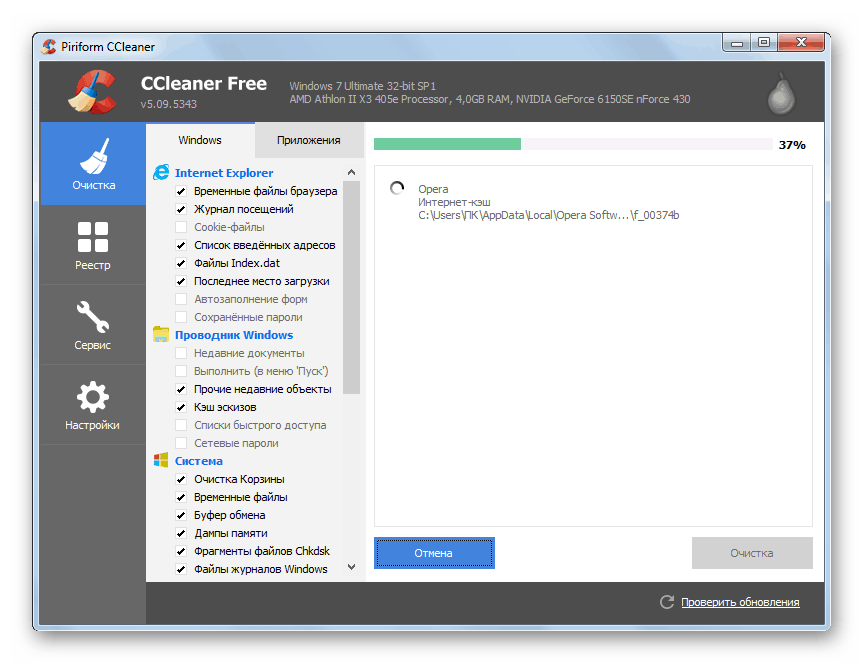
Если BSOD возникает при старте Виндовс, то для очистки придется воспользоваться одним из Live-дистрибутивов. Для решения поставленной задачи обратимся к ERD Commander, предварительно его необходимо скачать, а затем записать на флешку, с которой будет происходить загрузка.
В первую очередь проверяем директории «Documents», «Desktop» и «Downloads». Также следует обратить внимание на «Videos», «Music» и «Pictures». Здесь также следует оперировать только содержимым, а сами каталоги оставить на месте.
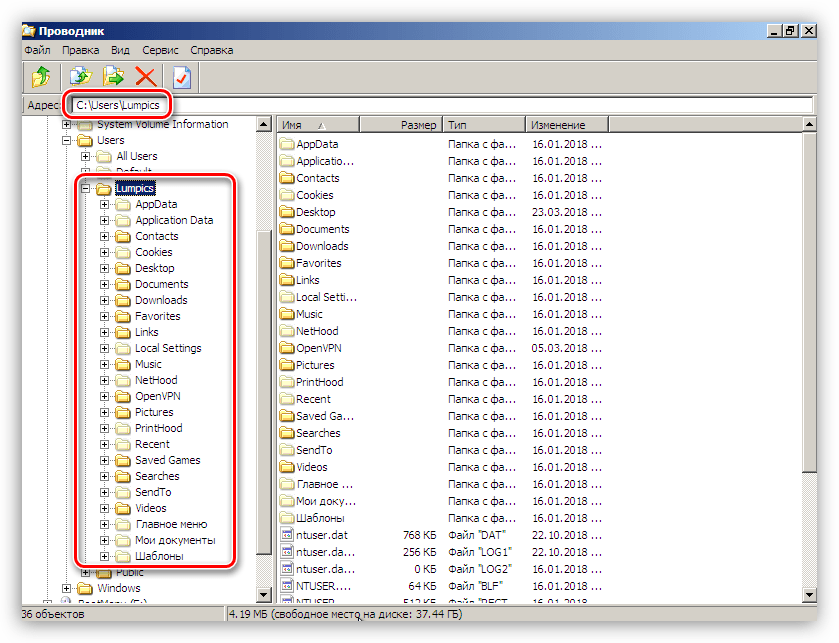
Если файлы удалять никак нельзя, можно перенести их на другой диск или предварительно (перед загрузкой) подключенную флешку. Делается это путем клика по документу ПКМ и выбора соответствующего пункта контекстного меню.
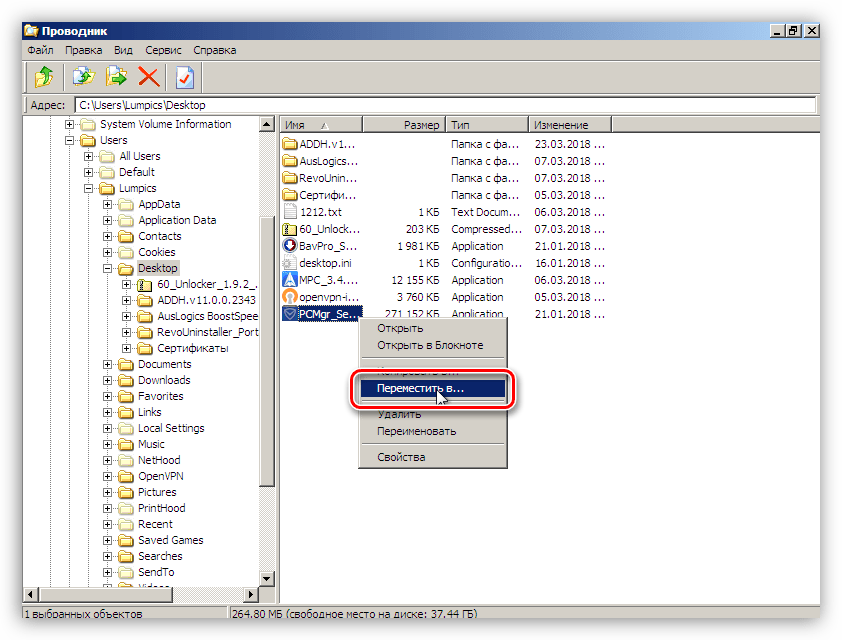
В открывшемся окне выбираем носитель, на который планируем переместить файл, и нажимаем ОК. Процесс может занять довольно продолжительное время, в зависимости от объема исходного документа.

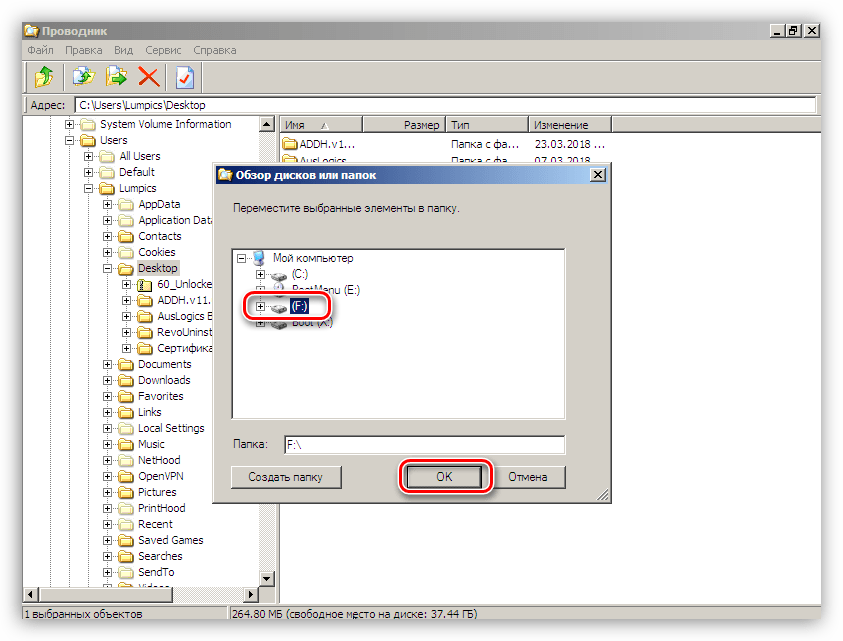
После выполнения всех действий можно загрузить систему и удалить ненужные программы с помощью системного инструмента или специального софта.
Причина 2: Видеокарта
Неисправный дискретный графический адаптер может повлиять на стабильность работы всей системы, в том числе и привести к появлению ошибки 0x0000007e. Причиной может послужить и некорректная работа видеодрайвера, но об этом поговорим позже. Для того чтобы диагностировать неполадку, достаточно отключить карту от ПК и проверить работоспособность ОС. Картинку можно получить, включив монитор в соответствующий разъем на материнской плате.
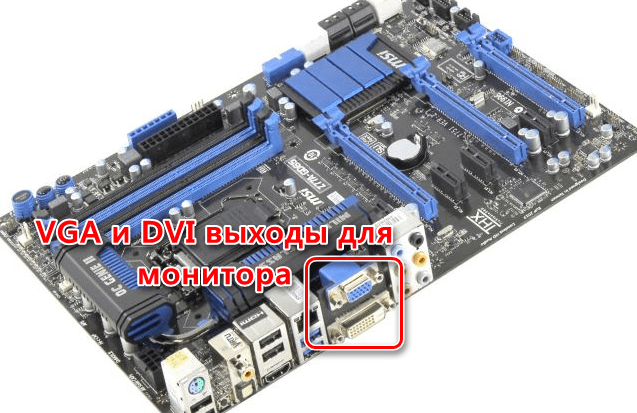
Причина 3: BIOS
BIOS – это маленькая программка, управляющая всеми аппаратными компонентами системы, записанная на специальную микросхему на «материнке». Неправильные ее настройки довольно часто приводят к различным ошибкам. Здесь нам поможет сброс параметров.
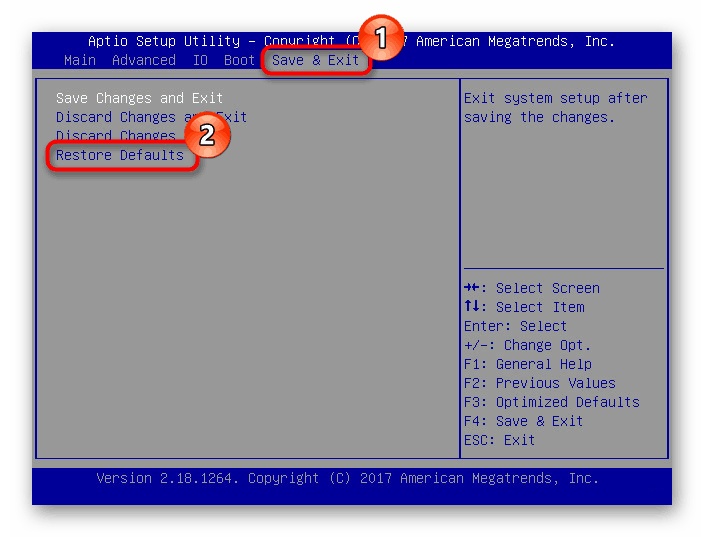
Устаревший код БИОС может оказаться несовместимым с установленным оборудованием. Для решения проблемы нужно обновить данное микропрограммное обеспечение.
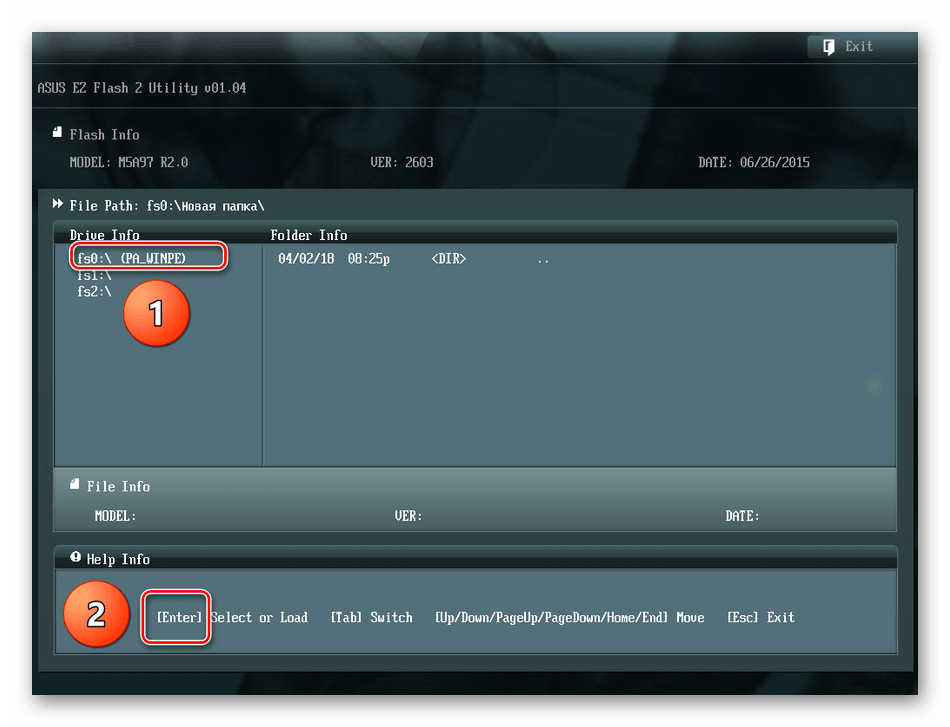
Причина 4: Драйвера
Универсальным решением при проблеме с драйверами является восстановление системы. Правда, оно сработает только в том случае, если причиной ошибки стало программное обеспечение, установленное пользователем.
Распространенным, но все же частным случаем является сбой в системном драйвере Win32k.sys. Эта информация указывается в одном из блоков BSOD.
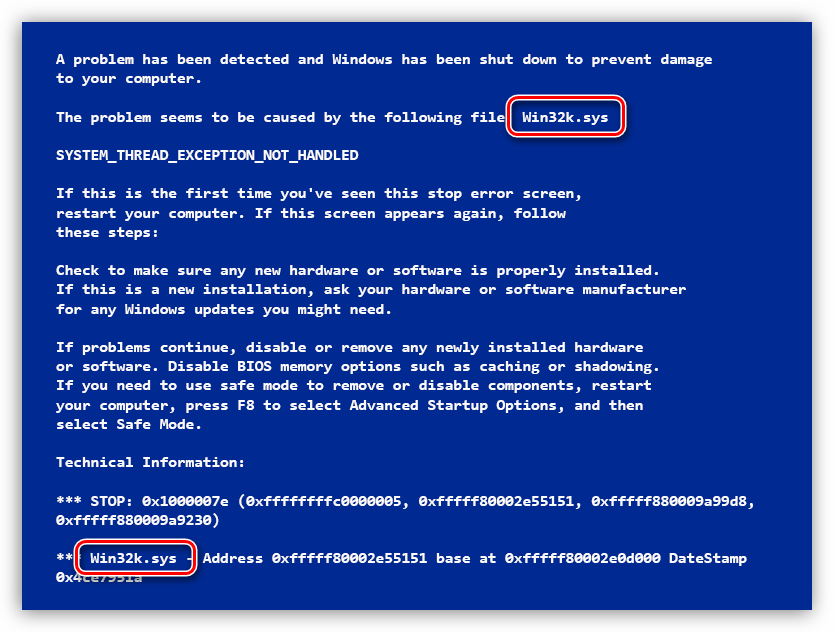
Причиной такого поведения системы может стать сторонний софт для удаленного управления компьютером. Если вы им пользуетесь, поможет удаление, переустановка или замена программы аналогом.
Если в БСОД указан другой драйвер, необходимо найти о нем информацию в интернете, воспользовавшись любым поисковиком: какой программе принадлежит, где располагается на диске. Если будет выяснено, что это файл стороннего софта, то его (софт) следует удалить или переустановить. Если же драйвер системный, то можно попытаться его восстановить. Делается это с помощью ERD Commander, другого софта или системной утилиты SFC.
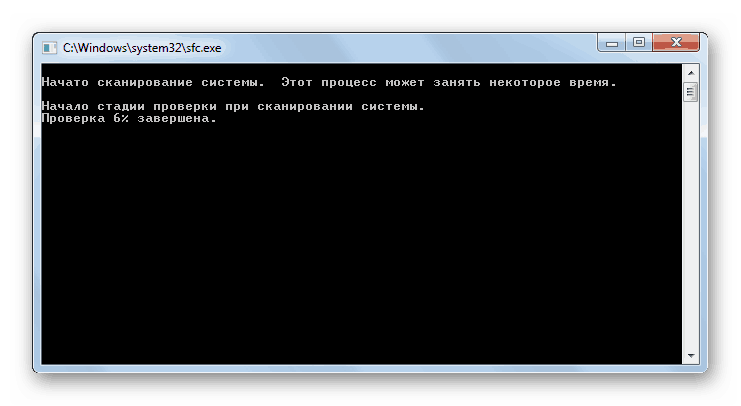
ERD Commander
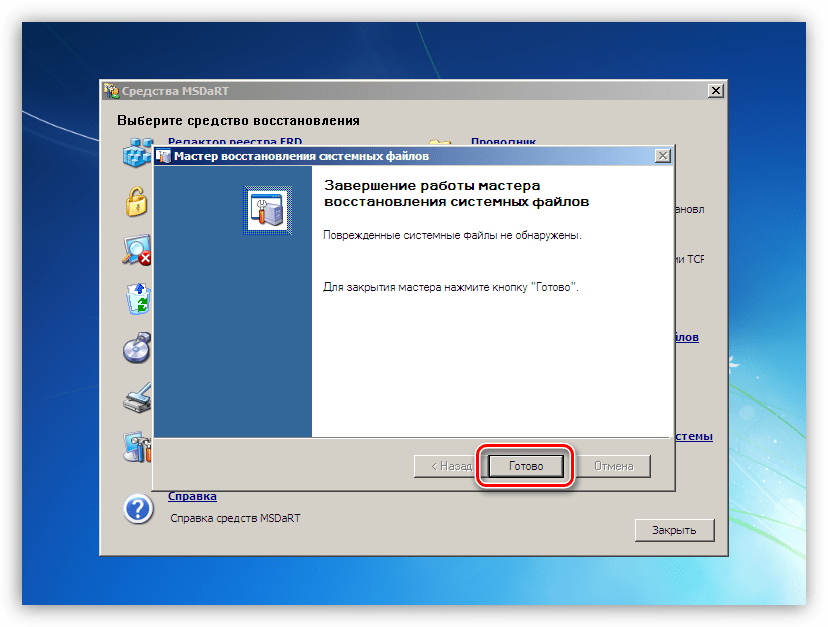
Заключение
Как видите, способов устранения ошибки 0x0000007e довольно много, поэтому необходимо правильно ее диагностировать, то есть выявить проблемный аппаратный или программный элемент. Сделать это можно путем манипуляций с «железом» — дисками и видеокартой и получения технической информации с экрана ошибки.
Источник
Dragon nest xigncode initializing failed error code 0000007e
These are the files i found on this thread http://forum.dragonnest.com/forum/support/technical-support/135205-game-wont-start that hosted links to fixing the Dragon Quest Launcher Issue.
The Files you need to download are
GO INTO THE FORUM AND LOOK FOR THE 4 DOWNLOAD LINKS. TRUSTED FORUM.
These are simply legacy (older version) of the XIGNCODE.
Instructions:
1. Download all those Files and select all for copying
2. Open your Dragon Nest File Location
3. Locate your «xigncode» Folder and open it
4. Paste all those selected files you downloaded from above.
5. Launch the Game (DNLauncher.exe) as Admin and it should work.
nvm it worked. Thank you
^
You are my savior 2018. jún. 6., 15:12
It didn’t work for me unfortunately. I downloaded the Files. I had to go through steam to find the local files, went into Dragon Nest, XIGNCODE, and pasted it into there, prompting me to replace the old ones. (I did) After that I ran the game through steam, Xigncode loads, the game window comes up but it crashes shortly after (before and/or after the Eyedentity logo shows up) I also tried running the DNLauncher from the file origin, as administrator, but it doesn’t bring up the window to connect to Steam server. When I press Game Start after that, nothing loads, no Xigncode, no game window, which is the same thing it did before I placed the new folders.
Kind of at a loss here. 🙁
It didn’t work for me unfortunately. I downloaded the Files. I had to go through steam to find the local files, went into Dragon Nest, XIGNCODE, and pasted it into there, prompting me to replace the old ones. (I did) After that I ran the game through steam, Xigncode loads, the game window comes up but it crashes shortly after (before and/or after the Eyedentity logo shows up) I also tried running the DNLauncher from the file origin, as administrator, but it doesn’t bring up the window to connect to Steam server. When I press Game Start after that, nothing loads, no Xigncode, no game window, which is the same thing it did before I placed the new folders.
Kind of at a loss here. 🙁
It didn’t work for me unfortunately. I downloaded the Files. I had to go through steam to find the local files, went into Dragon Nest, XIGNCODE, and pasted it into there, prompting me to replace the old ones. (I did) After that I ran the game through steam, Xigncode loads, the game window comes up but it crashes shortly after (before and/or after the Eyedentity logo shows up) I also tried running the DNLauncher from the file origin, as administrator, but it doesn’t bring up the window to connect to Steam server. When I press Game Start after that, nothing loads, no Xigncode, no game window, which is the same thing it did before I placed the new folders.
Kind of at a loss here. 🙁
You Might Need to Go To Dragon Nest’s Official Site and ReDownload the Game there and give it a go. Because sometimes steam likes to redownload files if it does not see them. But Go onto their website: http://us.dragonnest.com/game/download and give it a go that way. (You will have to create a new Install Path for it like Drive A: instead od Local C: ) Paste the Legacy XIGNCODE into the same DragonNest Folder Directory as mentioned above and you should be good!
Well, not even the buttons to download it are working for me.
Источник
Dragon nest xigncode initializing failed error code 0000007e
These are the files i found on this thread http://forum.dragonnest.com/forum/support/technical-support/135205-game-wont-start that hosted links to fixing the Dragon Quest Launcher Issue.
The Files you need to download are
GO INTO THE FORUM AND LOOK FOR THE 4 DOWNLOAD LINKS. TRUSTED FORUM.
These are simply legacy (older version) of the XIGNCODE.
Instructions:
1. Download all those Files and select all for copying
2. Open your Dragon Nest File Location
3. Locate your «xigncode» Folder and open it
4. Paste all those selected files you downloaded from above.
5. Launch the Game (DNLauncher.exe) as Admin and it should work.
nvm it worked. Thank you
^
You are my savior 6. Juni 2018 um 15:12
It didn’t work for me unfortunately. I downloaded the Files. I had to go through steam to find the local files, went into Dragon Nest, XIGNCODE, and pasted it into there, prompting me to replace the old ones. (I did) After that I ran the game through steam, Xigncode loads, the game window comes up but it crashes shortly after (before and/or after the Eyedentity logo shows up) I also tried running the DNLauncher from the file origin, as administrator, but it doesn’t bring up the window to connect to Steam server. When I press Game Start after that, nothing loads, no Xigncode, no game window, which is the same thing it did before I placed the new folders.
Kind of at a loss here. 🙁
It didn’t work for me unfortunately. I downloaded the Files. I had to go through steam to find the local files, went into Dragon Nest, XIGNCODE, and pasted it into there, prompting me to replace the old ones. (I did) After that I ran the game through steam, Xigncode loads, the game window comes up but it crashes shortly after (before and/or after the Eyedentity logo shows up) I also tried running the DNLauncher from the file origin, as administrator, but it doesn’t bring up the window to connect to Steam server. When I press Game Start after that, nothing loads, no Xigncode, no game window, which is the same thing it did before I placed the new folders.
Kind of at a loss here. 🙁
It didn’t work for me unfortunately. I downloaded the Files. I had to go through steam to find the local files, went into Dragon Nest, XIGNCODE, and pasted it into there, prompting me to replace the old ones. (I did) After that I ran the game through steam, Xigncode loads, the game window comes up but it crashes shortly after (before and/or after the Eyedentity logo shows up) I also tried running the DNLauncher from the file origin, as administrator, but it doesn’t bring up the window to connect to Steam server. When I press Game Start after that, nothing loads, no Xigncode, no game window, which is the same thing it did before I placed the new folders.
Kind of at a loss here. 🙁
You Might Need to Go To Dragon Nest’s Official Site and ReDownload the Game there and give it a go. Because sometimes steam likes to redownload files if it does not see them. But Go onto their website: http://us.dragonnest.com/game/download and give it a go that way. (You will have to create a new Install Path for it like Drive A: instead od Local C: ) Paste the Legacy XIGNCODE into the same DragonNest Folder Directory as mentioned above and you should be good!
Well, not even the buttons to download it are working for me.
Источник
Dragon nest xigncode initializing failed error code 0000007e
These are the files i found on this thread http://forum.dragonnest.com/forum/support/technical-support/135205-game-wont-start that hosted links to fixing the Dragon Quest Launcher Issue.
The Files you need to download are
GO INTO THE FORUM AND LOOK FOR THE 4 DOWNLOAD LINKS. TRUSTED FORUM.
These are simply legacy (older version) of the XIGNCODE.
Instructions:
1. Download all those Files and select all for copying
2. Open your Dragon Nest File Location
3. Locate your «xigncode» Folder and open it
4. Paste all those selected files you downloaded from above.
5. Launch the Game (DNLauncher.exe) as Admin and it should work.
nvm it worked. Thank you
^
You are my savior 6 giu 2018, ore 15:12
It didn’t work for me unfortunately. I downloaded the Files. I had to go through steam to find the local files, went into Dragon Nest, XIGNCODE, and pasted it into there, prompting me to replace the old ones. (I did) After that I ran the game through steam, Xigncode loads, the game window comes up but it crashes shortly after (before and/or after the Eyedentity logo shows up) I also tried running the DNLauncher from the file origin, as administrator, but it doesn’t bring up the window to connect to Steam server. When I press Game Start after that, nothing loads, no Xigncode, no game window, which is the same thing it did before I placed the new folders.
Kind of at a loss here. 🙁
It didn’t work for me unfortunately. I downloaded the Files. I had to go through steam to find the local files, went into Dragon Nest, XIGNCODE, and pasted it into there, prompting me to replace the old ones. (I did) After that I ran the game through steam, Xigncode loads, the game window comes up but it crashes shortly after (before and/or after the Eyedentity logo shows up) I also tried running the DNLauncher from the file origin, as administrator, but it doesn’t bring up the window to connect to Steam server. When I press Game Start after that, nothing loads, no Xigncode, no game window, which is the same thing it did before I placed the new folders.
Kind of at a loss here. 🙁
It didn’t work for me unfortunately. I downloaded the Files. I had to go through steam to find the local files, went into Dragon Nest, XIGNCODE, and pasted it into there, prompting me to replace the old ones. (I did) After that I ran the game through steam, Xigncode loads, the game window comes up but it crashes shortly after (before and/or after the Eyedentity logo shows up) I also tried running the DNLauncher from the file origin, as administrator, but it doesn’t bring up the window to connect to Steam server. When I press Game Start after that, nothing loads, no Xigncode, no game window, which is the same thing it did before I placed the new folders.
Kind of at a loss here. 🙁
You Might Need to Go To Dragon Nest’s Official Site and ReDownload the Game there and give it a go. Because sometimes steam likes to redownload files if it does not see them. But Go onto their website: http://us.dragonnest.com/game/download and give it a go that way. (You will have to create a new Install Path for it like Drive A: instead od Local C: ) Paste the Legacy XIGNCODE into the same DragonNest Folder Directory as mentioned above and you should be good!
Well, not even the buttons to download it are working for me.
Источник
Dragon nest xigncode initializing failed error code 0000007e
These are the files i found on this thread http://forum.dragonnest.com/forum/support/technical-support/135205-game-wont-start that hosted links to fixing the Dragon Quest Launcher Issue.
The Files you need to download are
GO INTO THE FORUM AND LOOK FOR THE 4 DOWNLOAD LINKS. TRUSTED FORUM.
These are simply legacy (older version) of the XIGNCODE.
Instructions:
1. Download all those Files and select all for copying
2. Open your Dragon Nest File Location
3. Locate your «xigncode» Folder and open it
4. Paste all those selected files you downloaded from above.
5. Launch the Game (DNLauncher.exe) as Admin and it should work.
nvm it worked. Thank you
^
You are my savior 6 июн. 2018 в 15:12
It didn’t work for me unfortunately. I downloaded the Files. I had to go through steam to find the local files, went into Dragon Nest, XIGNCODE, and pasted it into there, prompting me to replace the old ones. (I did) After that I ran the game through steam, Xigncode loads, the game window comes up but it crashes shortly after (before and/or after the Eyedentity logo shows up) I also tried running the DNLauncher from the file origin, as administrator, but it doesn’t bring up the window to connect to Steam server. When I press Game Start after that, nothing loads, no Xigncode, no game window, which is the same thing it did before I placed the new folders.
Kind of at a loss here. 🙁
It didn’t work for me unfortunately. I downloaded the Files. I had to go through steam to find the local files, went into Dragon Nest, XIGNCODE, and pasted it into there, prompting me to replace the old ones. (I did) After that I ran the game through steam, Xigncode loads, the game window comes up but it crashes shortly after (before and/or after the Eyedentity logo shows up) I also tried running the DNLauncher from the file origin, as administrator, but it doesn’t bring up the window to connect to Steam server. When I press Game Start after that, nothing loads, no Xigncode, no game window, which is the same thing it did before I placed the new folders.
Kind of at a loss here. 🙁
It didn’t work for me unfortunately. I downloaded the Files. I had to go through steam to find the local files, went into Dragon Nest, XIGNCODE, and pasted it into there, prompting me to replace the old ones. (I did) After that I ran the game through steam, Xigncode loads, the game window comes up but it crashes shortly after (before and/or after the Eyedentity logo shows up) I also tried running the DNLauncher from the file origin, as administrator, but it doesn’t bring up the window to connect to Steam server. When I press Game Start after that, nothing loads, no Xigncode, no game window, which is the same thing it did before I placed the new folders.
Kind of at a loss here. 🙁
You Might Need to Go To Dragon Nest’s Official Site and ReDownload the Game there and give it a go. Because sometimes steam likes to redownload files if it does not see them. But Go onto their website: http://us.dragonnest.com/game/download and give it a go that way. (You will have to create a new Install Path for it like Drive A: instead od Local C: ) Paste the Legacy XIGNCODE into the same DragonNest Folder Directory as mentioned above and you should be good!
Well, not even the buttons to download it are working for me.
Источник
Dragon nest xigncode initializing failed error code 0000007e
These are the files i found on this thread http://forum.dragonnest.com/forum/support/technical-support/135205-game-wont-start that hosted links to fixing the Dragon Quest Launcher Issue.
The Files you need to download are
GO INTO THE FORUM AND LOOK FOR THE 4 DOWNLOAD LINKS. TRUSTED FORUM.
These are simply legacy (older version) of the XIGNCODE.
Instructions:
1. Download all those Files and select all for copying
2. Open your Dragon Nest File Location
3. Locate your «xigncode» Folder and open it
4. Paste all those selected files you downloaded from above.
5. Launch the Game (DNLauncher.exe) as Admin and it should work.
nvm it worked. Thank you
^
You are my savior 6. Juni 2018 um 15:12
It didn’t work for me unfortunately. I downloaded the Files. I had to go through steam to find the local files, went into Dragon Nest, XIGNCODE, and pasted it into there, prompting me to replace the old ones. (I did) After that I ran the game through steam, Xigncode loads, the game window comes up but it crashes shortly after (before and/or after the Eyedentity logo shows up) I also tried running the DNLauncher from the file origin, as administrator, but it doesn’t bring up the window to connect to Steam server. When I press Game Start after that, nothing loads, no Xigncode, no game window, which is the same thing it did before I placed the new folders.
Kind of at a loss here. 🙁
It didn’t work for me unfortunately. I downloaded the Files. I had to go through steam to find the local files, went into Dragon Nest, XIGNCODE, and pasted it into there, prompting me to replace the old ones. (I did) After that I ran the game through steam, Xigncode loads, the game window comes up but it crashes shortly after (before and/or after the Eyedentity logo shows up) I also tried running the DNLauncher from the file origin, as administrator, but it doesn’t bring up the window to connect to Steam server. When I press Game Start after that, nothing loads, no Xigncode, no game window, which is the same thing it did before I placed the new folders.
Kind of at a loss here. 🙁
It didn’t work for me unfortunately. I downloaded the Files. I had to go through steam to find the local files, went into Dragon Nest, XIGNCODE, and pasted it into there, prompting me to replace the old ones. (I did) After that I ran the game through steam, Xigncode loads, the game window comes up but it crashes shortly after (before and/or after the Eyedentity logo shows up) I also tried running the DNLauncher from the file origin, as administrator, but it doesn’t bring up the window to connect to Steam server. When I press Game Start after that, nothing loads, no Xigncode, no game window, which is the same thing it did before I placed the new folders.
Kind of at a loss here. 🙁
You Might Need to Go To Dragon Nest’s Official Site and ReDownload the Game there and give it a go. Because sometimes steam likes to redownload files if it does not see them. But Go onto their website: http://us.dragonnest.com/game/download and give it a go that way. (You will have to create a new Install Path for it like Drive A: instead od Local C: ) Paste the Legacy XIGNCODE into the same DragonNest Folder Directory as mentioned above and you should be good!
Well, not even the buttons to download it are working for me.
Источник
Dragon nest xigncode initializing failed error code 0000007e
Case1)
If you cannot see any of your previous characters after user transfer, or you face with errors during transfer, please be aware of the following.
Step1:
Log out from everything (including Dragon Nest Game).
Step2:
Create new EYE account in https://sea.dragonnest.com/member/Account/SignUp and finish the email verification.
! Please do not log in into the game with a new EYE account before you finish all transfer steps here.
! Please use your real email address from @yahoo.com or etc. cause you have to verify the email.
Otherwise, you cannot transfer.
Step3:
After verification of your e-mail (MUST), please make sure log in https://sea.dragonnest.com again.
Step4:
Click the Banner «Transfer Now» below PM Tasha’s BLOG
Step5:
Please click «Apply for Transfer» and click «OK» to go to Cherry’s transfer Page
Step6:
Please log in with your Cherry Account (to transfer) and Select Cherry Game Account > Apply Transfer
! If you cannot remember ID or PW or PinCODE of your Cherry Account, please contact Cherry.
Step7:
Step5 will get you to be in EYE transfer page again. Please click «Apply for Transfer» again.
Step8:
In your mail box, open up verification email and click «Click Here«.
Step9:
Check your account name and click «OK«
Step10:
Now you can log in into the game now with your new EYE account!
Case2)
Although you did Case1) solution already, If you still cannot find your previous character info. from the transferred account (from Cherry to EYE) or face with any other problems, please get back to us with 1:1 Inquiry ( https://sea.dragonnest.com/support/request ).
When you make a 1:1 inquiry, please make sure to write up these 3 things.
1) your problematic accounts name :
2) suspicious character names :
3) transfer date and time :
Case3)
If an error message popped up in the middle of launcher patch as the example photo, please follow the instructions as below.
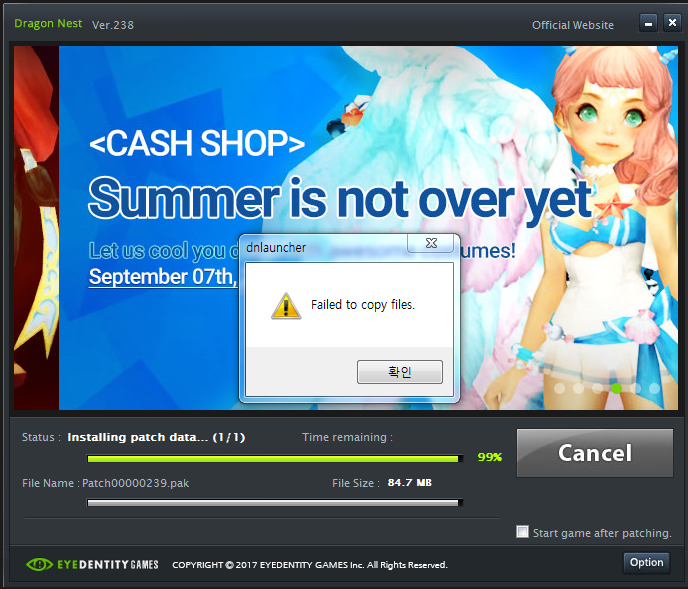
1. Find your Dragon Nest Shortcut from your desktop.
2. Right-Click>Go to Properties>Compatibility Tab
3. Click «Run as Administrator»
Источник
Dragon nest xigncode initializing failed error code 0000007e
These are the files i found on this thread http://forum.dragonnest.com/forum/support/technical-support/135205-game-wont-start that hosted links to fixing the Dragon Quest Launcher Issue.
The Files you need to download are
GO INTO THE FORUM AND LOOK FOR THE 4 DOWNLOAD LINKS. TRUSTED FORUM.
These are simply legacy (older version) of the XIGNCODE.
Instructions:
1. Download all those Files and select all for copying
2. Open your Dragon Nest File Location
3. Locate your «xigncode» Folder and open it
4. Paste all those selected files you downloaded from above.
5. Launch the Game (DNLauncher.exe) as Admin and it should work.
nvm it worked. Thank you
^
You are my savior 2018년 6월 6일 오후 3시 12분
It didn’t work for me unfortunately. I downloaded the Files. I had to go through steam to find the local files, went into Dragon Nest, XIGNCODE, and pasted it into there, prompting me to replace the old ones. (I did) After that I ran the game through steam, Xigncode loads, the game window comes up but it crashes shortly after (before and/or after the Eyedentity logo shows up) I also tried running the DNLauncher from the file origin, as administrator, but it doesn’t bring up the window to connect to Steam server. When I press Game Start after that, nothing loads, no Xigncode, no game window, which is the same thing it did before I placed the new folders.
Kind of at a loss here. 🙁
It didn’t work for me unfortunately. I downloaded the Files. I had to go through steam to find the local files, went into Dragon Nest, XIGNCODE, and pasted it into there, prompting me to replace the old ones. (I did) After that I ran the game through steam, Xigncode loads, the game window comes up but it crashes shortly after (before and/or after the Eyedentity logo shows up) I also tried running the DNLauncher from the file origin, as administrator, but it doesn’t bring up the window to connect to Steam server. When I press Game Start after that, nothing loads, no Xigncode, no game window, which is the same thing it did before I placed the new folders.
Kind of at a loss here. 🙁
It didn’t work for me unfortunately. I downloaded the Files. I had to go through steam to find the local files, went into Dragon Nest, XIGNCODE, and pasted it into there, prompting me to replace the old ones. (I did) After that I ran the game through steam, Xigncode loads, the game window comes up but it crashes shortly after (before and/or after the Eyedentity logo shows up) I also tried running the DNLauncher from the file origin, as administrator, but it doesn’t bring up the window to connect to Steam server. When I press Game Start after that, nothing loads, no Xigncode, no game window, which is the same thing it did before I placed the new folders.
Kind of at a loss here. 🙁
You Might Need to Go To Dragon Nest’s Official Site and ReDownload the Game there and give it a go. Because sometimes steam likes to redownload files if it does not see them. But Go onto their website: http://us.dragonnest.com/game/download and give it a go that way. (You will have to create a new Install Path for it like Drive A: instead od Local C: ) Paste the Legacy XIGNCODE into the same DragonNest Folder Directory as mentioned above and you should be good!
Well, not even the buttons to download it are working for me.
Источник
Dragon nest xigncode initializing failed error code 0000007e
These are the files i found on this thread http://forum.dragonnest.com/forum/support/technical-support/135205-game-wont-start that hosted links to fixing the Dragon Quest Launcher Issue.
The Files you need to download are
GO INTO THE FORUM AND LOOK FOR THE 4 DOWNLOAD LINKS. TRUSTED FORUM.
These are simply legacy (older version) of the XIGNCODE.
Instructions:
1. Download all those Files and select all for copying
2. Open your Dragon Nest File Location
3. Locate your «xigncode» Folder and open it
4. Paste all those selected files you downloaded from above.
5. Launch the Game (DNLauncher.exe) as Admin and it should work.
nvm it worked. Thank you
^
You are my savior 6 giu 2018, ore 15:12
It didn’t work for me unfortunately. I downloaded the Files. I had to go through steam to find the local files, went into Dragon Nest, XIGNCODE, and pasted it into there, prompting me to replace the old ones. (I did) After that I ran the game through steam, Xigncode loads, the game window comes up but it crashes shortly after (before and/or after the Eyedentity logo shows up) I also tried running the DNLauncher from the file origin, as administrator, but it doesn’t bring up the window to connect to Steam server. When I press Game Start after that, nothing loads, no Xigncode, no game window, which is the same thing it did before I placed the new folders.
Kind of at a loss here. 🙁
It didn’t work for me unfortunately. I downloaded the Files. I had to go through steam to find the local files, went into Dragon Nest, XIGNCODE, and pasted it into there, prompting me to replace the old ones. (I did) After that I ran the game through steam, Xigncode loads, the game window comes up but it crashes shortly after (before and/or after the Eyedentity logo shows up) I also tried running the DNLauncher from the file origin, as administrator, but it doesn’t bring up the window to connect to Steam server. When I press Game Start after that, nothing loads, no Xigncode, no game window, which is the same thing it did before I placed the new folders.
Kind of at a loss here. 🙁
It didn’t work for me unfortunately. I downloaded the Files. I had to go through steam to find the local files, went into Dragon Nest, XIGNCODE, and pasted it into there, prompting me to replace the old ones. (I did) After that I ran the game through steam, Xigncode loads, the game window comes up but it crashes shortly after (before and/or after the Eyedentity logo shows up) I also tried running the DNLauncher from the file origin, as administrator, but it doesn’t bring up the window to connect to Steam server. When I press Game Start after that, nothing loads, no Xigncode, no game window, which is the same thing it did before I placed the new folders.
Kind of at a loss here. 🙁
You Might Need to Go To Dragon Nest’s Official Site and ReDownload the Game there and give it a go. Because sometimes steam likes to redownload files if it does not see them. But Go onto their website: http://us.dragonnest.com/game/download and give it a go that way. (You will have to create a new Install Path for it like Drive A: instead od Local C: ) Paste the Legacy XIGNCODE into the same DragonNest Folder Directory as mentioned above and you should be good!
Well, not even the buttons to download it are working for me.
Источник
Dragon nest xigncode initializing failed error code 0000007e
These are the files i found on this thread http://forum.dragonnest.com/forum/support/technical-support/135205-game-wont-start that hosted links to fixing the Dragon Quest Launcher Issue.
The Files you need to download are
GO INTO THE FORUM AND LOOK FOR THE 4 DOWNLOAD LINKS. TRUSTED FORUM.
These are simply legacy (older version) of the XIGNCODE.
Instructions:
1. Download all those Files and select all for copying
2. Open your Dragon Nest File Location
3. Locate your «xigncode» Folder and open it
4. Paste all those selected files you downloaded from above.
5. Launch the Game (DNLauncher.exe) as Admin and it should work.
nvm it worked. Thank you
^
You are my savior 2018. jún. 6., 15:12
It didn’t work for me unfortunately. I downloaded the Files. I had to go through steam to find the local files, went into Dragon Nest, XIGNCODE, and pasted it into there, prompting me to replace the old ones. (I did) After that I ran the game through steam, Xigncode loads, the game window comes up but it crashes shortly after (before and/or after the Eyedentity logo shows up) I also tried running the DNLauncher from the file origin, as administrator, but it doesn’t bring up the window to connect to Steam server. When I press Game Start after that, nothing loads, no Xigncode, no game window, which is the same thing it did before I placed the new folders.
Kind of at a loss here. 🙁
It didn’t work for me unfortunately. I downloaded the Files. I had to go through steam to find the local files, went into Dragon Nest, XIGNCODE, and pasted it into there, prompting me to replace the old ones. (I did) After that I ran the game through steam, Xigncode loads, the game window comes up but it crashes shortly after (before and/or after the Eyedentity logo shows up) I also tried running the DNLauncher from the file origin, as administrator, but it doesn’t bring up the window to connect to Steam server. When I press Game Start after that, nothing loads, no Xigncode, no game window, which is the same thing it did before I placed the new folders.
Kind of at a loss here. 🙁
It didn’t work for me unfortunately. I downloaded the Files. I had to go through steam to find the local files, went into Dragon Nest, XIGNCODE, and pasted it into there, prompting me to replace the old ones. (I did) After that I ran the game through steam, Xigncode loads, the game window comes up but it crashes shortly after (before and/or after the Eyedentity logo shows up) I also tried running the DNLauncher from the file origin, as administrator, but it doesn’t bring up the window to connect to Steam server. When I press Game Start after that, nothing loads, no Xigncode, no game window, which is the same thing it did before I placed the new folders.
Kind of at a loss here. 🙁
You Might Need to Go To Dragon Nest’s Official Site and ReDownload the Game there and give it a go. Because sometimes steam likes to redownload files if it does not see them. But Go onto their website: http://us.dragonnest.com/game/download and give it a go that way. (You will have to create a new Install Path for it like Drive A: instead od Local C: ) Paste the Legacy XIGNCODE into the same DragonNest Folder Directory as mentioned above and you should be good!
Well, not even the buttons to download it are working for me.
Источник
Dragon nest xigncode initializing failed error code 0000007e
These are the files i found on this thread http://forum.dragonnest.com/forum/support/technical-support/135205-game-wont-start that hosted links to fixing the Dragon Quest Launcher Issue.
The Files you need to download are
GO INTO THE FORUM AND LOOK FOR THE 4 DOWNLOAD LINKS. TRUSTED FORUM.
These are simply legacy (older version) of the XIGNCODE.
Instructions:
1. Download all those Files and select all for copying
2. Open your Dragon Nest File Location
3. Locate your «xigncode» Folder and open it
4. Paste all those selected files you downloaded from above.
5. Launch the Game (DNLauncher.exe) as Admin and it should work.
nvm it worked. Thank you
^
You are my savior 6 iun. 2018 @ 15:12
It didn’t work for me unfortunately. I downloaded the Files. I had to go through steam to find the local files, went into Dragon Nest, XIGNCODE, and pasted it into there, prompting me to replace the old ones. (I did) After that I ran the game through steam, Xigncode loads, the game window comes up but it crashes shortly after (before and/or after the Eyedentity logo shows up) I also tried running the DNLauncher from the file origin, as administrator, but it doesn’t bring up the window to connect to Steam server. When I press Game Start after that, nothing loads, no Xigncode, no game window, which is the same thing it did before I placed the new folders.
Kind of at a loss here. 🙁
It didn’t work for me unfortunately. I downloaded the Files. I had to go through steam to find the local files, went into Dragon Nest, XIGNCODE, and pasted it into there, prompting me to replace the old ones. (I did) After that I ran the game through steam, Xigncode loads, the game window comes up but it crashes shortly after (before and/or after the Eyedentity logo shows up) I also tried running the DNLauncher from the file origin, as administrator, but it doesn’t bring up the window to connect to Steam server. When I press Game Start after that, nothing loads, no Xigncode, no game window, which is the same thing it did before I placed the new folders.
Kind of at a loss here. 🙁
It didn’t work for me unfortunately. I downloaded the Files. I had to go through steam to find the local files, went into Dragon Nest, XIGNCODE, and pasted it into there, prompting me to replace the old ones. (I did) After that I ran the game through steam, Xigncode loads, the game window comes up but it crashes shortly after (before and/or after the Eyedentity logo shows up) I also tried running the DNLauncher from the file origin, as administrator, but it doesn’t bring up the window to connect to Steam server. When I press Game Start after that, nothing loads, no Xigncode, no game window, which is the same thing it did before I placed the new folders.
Kind of at a loss here. 🙁
You Might Need to Go To Dragon Nest’s Official Site and ReDownload the Game there and give it a go. Because sometimes steam likes to redownload files if it does not see them. But Go onto their website: http://us.dragonnest.com/game/download and give it a go that way. (You will have to create a new Install Path for it like Drive A: instead od Local C: ) Paste the Legacy XIGNCODE into the same DragonNest Folder Directory as mentioned above and you should be good!
Well, not even the buttons to download it are working for me.
Источник
Dragon nest xigncode initializing failed error code 0000007e
These are the files i found on this thread http://forum.dragonnest.com/forum/support/technical-support/135205-game-wont-start that hosted links to fixing the Dragon Quest Launcher Issue.
The Files you need to download are
GO INTO THE FORUM AND LOOK FOR THE 4 DOWNLOAD LINKS. TRUSTED FORUM.
These are simply legacy (older version) of the XIGNCODE.
Instructions:
1. Download all those Files and select all for copying
2. Open your Dragon Nest File Location
3. Locate your «xigncode» Folder and open it
4. Paste all those selected files you downloaded from above.
5. Launch the Game (DNLauncher.exe) as Admin and it should work.
nvm it worked. Thank you
^
You are my savior 6 iun. 2018 @ 15:12
It didn’t work for me unfortunately. I downloaded the Files. I had to go through steam to find the local files, went into Dragon Nest, XIGNCODE, and pasted it into there, prompting me to replace the old ones. (I did) After that I ran the game through steam, Xigncode loads, the game window comes up but it crashes shortly after (before and/or after the Eyedentity logo shows up) I also tried running the DNLauncher from the file origin, as administrator, but it doesn’t bring up the window to connect to Steam server. When I press Game Start after that, nothing loads, no Xigncode, no game window, which is the same thing it did before I placed the new folders.
Kind of at a loss here. 🙁
It didn’t work for me unfortunately. I downloaded the Files. I had to go through steam to find the local files, went into Dragon Nest, XIGNCODE, and pasted it into there, prompting me to replace the old ones. (I did) After that I ran the game through steam, Xigncode loads, the game window comes up but it crashes shortly after (before and/or after the Eyedentity logo shows up) I also tried running the DNLauncher from the file origin, as administrator, but it doesn’t bring up the window to connect to Steam server. When I press Game Start after that, nothing loads, no Xigncode, no game window, which is the same thing it did before I placed the new folders.
Kind of at a loss here. 🙁
It didn’t work for me unfortunately. I downloaded the Files. I had to go through steam to find the local files, went into Dragon Nest, XIGNCODE, and pasted it into there, prompting me to replace the old ones. (I did) After that I ran the game through steam, Xigncode loads, the game window comes up but it crashes shortly after (before and/or after the Eyedentity logo shows up) I also tried running the DNLauncher from the file origin, as administrator, but it doesn’t bring up the window to connect to Steam server. When I press Game Start after that, nothing loads, no Xigncode, no game window, which is the same thing it did before I placed the new folders.
Kind of at a loss here. 🙁
You Might Need to Go To Dragon Nest’s Official Site and ReDownload the Game there and give it a go. Because sometimes steam likes to redownload files if it does not see them. But Go onto their website: http://us.dragonnest.com/game/download and give it a go that way. (You will have to create a new Install Path for it like Drive A: instead od Local C: ) Paste the Legacy XIGNCODE into the same DragonNest Folder Directory as mentioned above and you should be good!
Well, not even the buttons to download it are working for me.
Источник
- Статус темы:
-
Закрыта.
-

Bombaleylo
User- Регистрация:
- 14.08.20
- Сообщения:
- 7
- Симпатии:
- 0
Добрый день,у меня случилась проблема с запуском игры.Я где то месяц назад игру удалил и тут решил опять начать играть.Установил игру вроде все хорошо,но когда начал запускать xigncode3 не загружался,а потом просто появилась табличка failed to init.Подскажите пожалуйста что делать?
-
Попробуйте следующую рекомендацию.
1. Зайдите в «Сетевые подключения»: — «Панель управления» => «Сеть и Интернет» => «Просмотр состояния сети и задач» => «Изменение параметров адаптера»
2. Выберете свой адаптер сетевого подключения и кликните по нему правой кнопкой мыши. Нажмите на «Свойства».
3. Нажмите на вкладку с IPv4 и нажмите «Свойства».
4. Во вкладке «Общее» настройте всё следующим образом:
— Предпочитаемый DNS-сервер: 8.8.8.8
— Альтернативный DNS сервер: 1.1.1.1
5. Нажимайте «ОК», затем «Закрыть».
6. Отключитесь от адаптера, кликнув по нему ПКМ и выбрав вкладку «Отключить». После этого заново подключитесь к нему же.
После чего попробуйте запустить игру. -
Bombaleylo
User- Регистрация:
- 14.08.20
- Сообщения:
- 7
- Симпатии:
- 0
Сделал все по вашему совету,но не помогло
-
Bombaleylo
User- Регистрация:
- 14.08.20
- Сообщения:
- 7
- Симпатии:
- 0
-
Bombaleylo
User- Регистрация:
- 14.08.20
- Сообщения:
- 7
- Симпатии:
- 0
Не помогло,что можно еще сделать?
-
Я так понимаю Вы из Беларуси и к сожалению для Вас варианта всего 2:
1. Ждать конца всех событий в стране, так как часть трафика у вас блокируется
2. Использовать другой интернет, некоторые пользователи с подобной проблемой смогли запустить игру с МТС интернета -
Bombaleylo
User- Регистрация:
- 14.08.20
- Сообщения:
- 7
- Симпатии:
- 0
Ну интернет в Беларуси уже работает,я понял если бы опять были перебои,но нет все идет идиально,в другие онлайн игры играю и норм
-
Означает что у Вас не может завестись система защиты, чаще всего по причине плохого интернета.
Можете попробовать еще удалить обе папки bin и bin64 затем починить клиент в лончере и попробовать -
Bombaleylo
User- Регистрация:
- 14.08.20
- Сообщения:
- 7
- Симпатии:
- 0
Окей сейчас попробую и отпишу
-
Bombaleylo
User- Регистрация:
- 14.08.20
- Сообщения:
- 7
- Симпатии:
- 0
Я написал в поддержку в перл аббусе,они мне через несколько минут ответили,и все рассказали и теперь у меня все работает,а у вас ужасная тех.поддержка
-
Так-то, на форуме техподдержки вообще нет. Она тут: https://ru.4gamesupport.com/.
Но для других пользователей, у кого может возникнуть такая же проблема, было здорово поделиться решением.
-
Guntyt
User- Регистрация:
- 21.08.20
- Сообщения:
- 1
- Симпатии:
- 0
Подскажите что вам помогло,пожалуйста.
-
Тема устарела и была перемещена в архив. Если проблема не была решена, обратитесь в Службу поддержки (https://ru.4gamesupport.com/).


- Статус темы:
-
Закрыта.

- Forum
- MultiPlayer Game Hacks & Cheats
- Other Semi-Popular First Person Shooter Hacks
- Alliance of Valiant Arms (AVA) Hacks & Cheats
- Alliance of Valiant Arms (AVA) Help
- [Help Request] Xigncode Error!![0x0000007e] Everytime I load Macro Pro and try to play AVA this come

-
Welcome to MPGH — MultiPlayer Game Hacking, the world’s leader in Game Hacks, Game Cheats, Trainers, Combat Arms Hacks & Cheats, Crossfire Hacks & Cheats, WarRock Hacks & Cheats, SoldierFront Hacks & Cheats, Project Blackout Hacks & Cheats, Operation 7 Hacks & Cheats, Blackshot Hacks & Cheats, A.V.A. Hacks & Cheats, Call of Duty Hacks & Cheats, Gunz Hacks & Cheats, Quake LIVE Hacks & Cheats, WolfTeam Hacks & Cheats, America’s Army Hacks & Cheats, Battlefield 2/2142 Hacks & Cheats, Battlefield Heroes Hacks & Cheats, Battlefield Bad Company 2 (BC2) Hacks & Cheats, Battlefield 3 (BF3) Hacks & Cheats, Maplestory Hacks & Cheats, Diablo 3 Hacks & Cheats, Starcraft 2 Hacks & Cheats, Heroes of Newerth Hacks & Cheats, Call of Duty Hacks & Cheats, Call of Duty 4 Hacks & Cheats, Modern Warfare Hacks & Cheats, Modern Warfare 2 Hacks & Cheats, Call of Duty Modern Warfare 3 Hacks & Cheats, Project Blackout Hacks & Cheats, Runescape Hacks & Bots, Minecraft Hacks & Mods, MAT Hacks & Cheats, All Points Bulletin Hacks & Cheats, Vindictus Hacks & Cheats, Dragon Nest Hacks & Cheats, DayZ Hacks & Cheats, WarZ Hacks & Cheats, Arctic Combat Hacks & Cheats, Black OPS 2 Hacks & Cheats, BlackLight Retribution Hacks & Cheats, Bullet Run Hacks & Cheats, All Points Bulletin Hacks & Cheats, Arctic Combat Hacks & Cheats, Warframe Hacks & Cheats, Crysis 3 Hacks & Cheats, Warface Hacks & Cheats, Realm of the Mad God Hacks & Cheats, War Thunder Hacks & Cheats, Call of Duty Ghosts Hacks & Cheats, Battlefield 4 Hacks & Cheats and cheats and trainers for many other multiplayer games.
With several hundred thousand FREE hacks, cheats and bots, over 4 million members strong, a free and open marketplace and a great community, what else is there to ask for?
REGISTER now for full benefits of our site, it’s completely FREE to join:
- Access to our large gaming community with millions of discussions to participate in.
- Free access to tutorials, resources, information, tools, trainers, cheats and hacks.
- Interact with our great community, and make new friends with our members.
- Active marketplace for gamers and people like you, with thousands of contributors and over half a million posts.
- Let your voice be heard! You can post, reply, and share whatever is on your mind.
- Ads are removed, almost completely ad free browsing.
If you are having any issues, shoot us an email, Contact MPGH Support.
As always, have fun and enjoy your stay!
— MPGH Staff
-
04-18-2013
#1
Xigncode Error!![0x0000007e] Everytime I load Macro Pro and try to play AVA this come
I downloaded Macro Pro and open AVA and this error code comes up and wont let me play. I always have Chrome closed and have tryed almost anything youtube and other sources can provided and I cant get the Macro to go undetected please help me.
Thanks!
-
04-18-2013
#2
Originally Posted by OGTyrell
I downloaded Macro Pro and open AVA and this error code comes up and wont let me play. I always have Chrome closed and have tryed almost anything youtube and other sources can provided and I cant get the Macro to go undetected please help me.
Thanks!
Did you read the whole thread about having to rebuild the PE Header and Hex edit before using it.
-
04-18-2013
#3
Do what Riddick said and it will work.
MPGH Member Since: 2011
AVA Minion Since: 7.14.2013 — 7.4.2014
⎳ℴ ⎷ ℯ
進撃の巨人
-
The Following User Says Thank You to Predator For This Useful Post:
 Originally Posted by OGTyrell


Similar Threads
-
Replies: 63
Last Post: 06-24-2012, 11:07 AM
-
Replies: 20
Last Post: 04-26-2012, 11:05 PM
-
Replies: 80
Last Post: 01-28-2012, 03:07 AM
-
Replies: 49
Last Post: 01-24-2012, 07:14 AM
-
Replies: 12
Last Post: 08-28-2011, 09:22 AM
Содержание
- Устранение синего экрана 0x0000007e
- Причина 1: Жесткий диск
- Причина 2: Видеокарта
- Причина 3: BIOS
- Причина 4: Драйвера
- Заключение
- Вопросы и ответы
Ошибки, выражающиеся в появлении BSOD – «синих экранов смерти» — возникают из-за критических неполадок в аппаратной или программной части системы. Этот материал мы посвятим разбору причин BSOD с кодом 0x0000007e.
Причины, вызывающие данную ошибку, делятся на «железные» и программные. Наиболее сложно диагностировать и устранить последние, так как вариантов неполадок довольно много. В основном это сбои в установленных пользователем или системных драйверах. Впрочем, существуют и более «простые» случаи, например, недостаток свободного места на системном жестком диске или неисправности видеокарты.
Рассматриваемую ошибку можно назвать общей, что позволяет воспользоваться инструкциями из статьи, доступной по ссылке ниже. Если рекомендации не принесут желаемого результата, то следует вернуться сюда и попробовать решить проблему одним из приведенных способов (или всеми по очереди).
Подробнее: Решаем проблему синих экранов в Windows
Причина 1: Жесткий диск
Под жестким диском в данном случае мы понимаем тот накопитель, на котором находится папка «Windows», а значит, установлена ОС. Если на нем окажется недостаточно свободного места для создания временных системных файлов при загрузке и работе, то мы закономерно получим ошибку. Решение здесь простое: освободить пространство на диске, удалив ненужные файлы и программы с помощью CCleaner.
Подробнее:
Как пользоваться CCleaner
Исправляем ошибки и удаляем «мусор» на компьютере с Windows 7
Если BSOD возникает при старте Виндовс, то для очистки придется воспользоваться одним из Live-дистрибутивов. Для решения поставленной задачи обратимся к ERD Commander, предварительно его необходимо скачать, а затем записать на флешку, с которой будет происходить загрузка.
Подробнее:
Руководство по созданию флешки с ERD Commander
Настраиваем BIOS для загрузки с флешки
- После загрузки стрелками выбираем разрядность своей системы – 32 или 64 бита и нажимаем ENTER.

- Инициализируем подключение к сети в фоновом режиме, нажав «Да». Это действие позволит нам воспользоваться сетевыми дисками (если таковые имеются) для перемещения файлов.

- Далее можно позволить программе переназначить буквы дисков, но это делать не обязательно, так как мы знаем, с каким накопителем следует работать. Жмем «Да» или «Нет».

- Выбираем раскладку клавиатуры.

- После того как ERD обнаружит установленную систему, нажимаем «Далее».

- Кликаем по самому нижнему пункту в открывшемся меню – «Microsoft Diagnostics and Recovery Toolset».

- Далее переходим к «Проводнику».

- В левом блоке ищем диск с папкой «Windows».

- Теперь нам нужно отыскать и удалить ненужные файлы. В первую очередь это содержимое «Корзины» (папка «$Recycle.Bin»). Саму папку трогать не нужно, а вот все, что в ней находится, подлежит удалению.

- Следующими «под нож» идут большие файлы и папки с видео, картинками и другим контентом. Обычно они располагаются в папке пользователя.
Буква_Диска:UsersИмя_Вашей_Учетной_ЗаписиВ первую очередь проверяем директории «Documents», «Desktop» и «Downloads». Также следует обратить внимание на «Videos», «Music» и «Pictures». Здесь также следует оперировать только содержимым, а сами каталоги оставить на месте.

Если файлы удалять никак нельзя, можно перенести их на другой диск или предварительно (перед загрузкой) подключенную флешку. Делается это путем клика по документу ПКМ и выбора соответствующего пункта контекстного меню.

В открывшемся окне выбираем носитель, на который планируем переместить файл, и нажимаем ОК. Процесс может занять довольно продолжительное время, в зависимости от объема исходного документа.

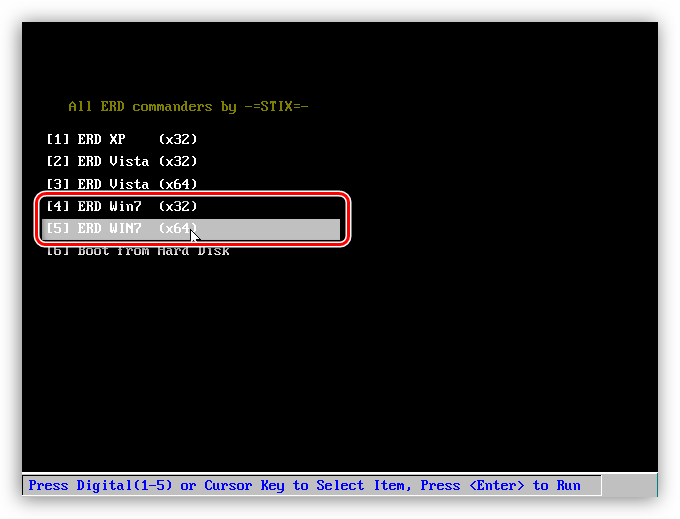
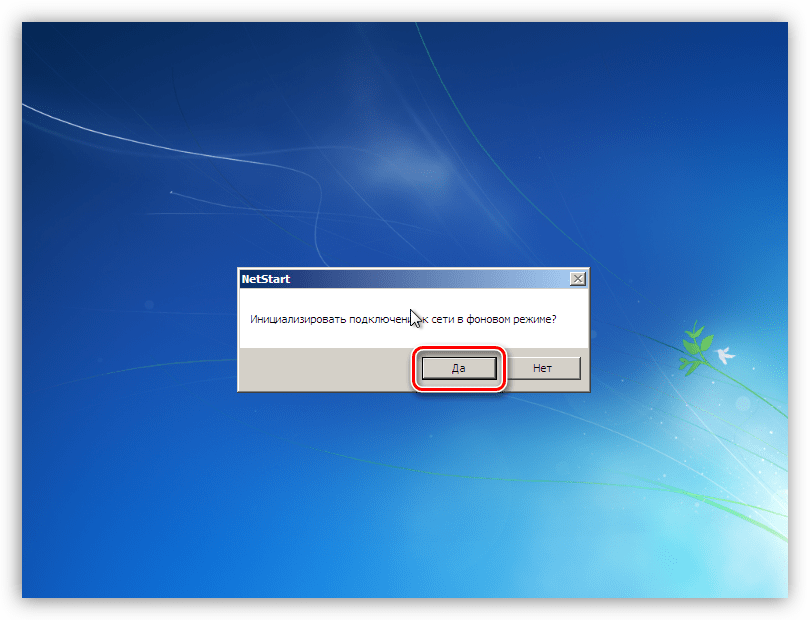
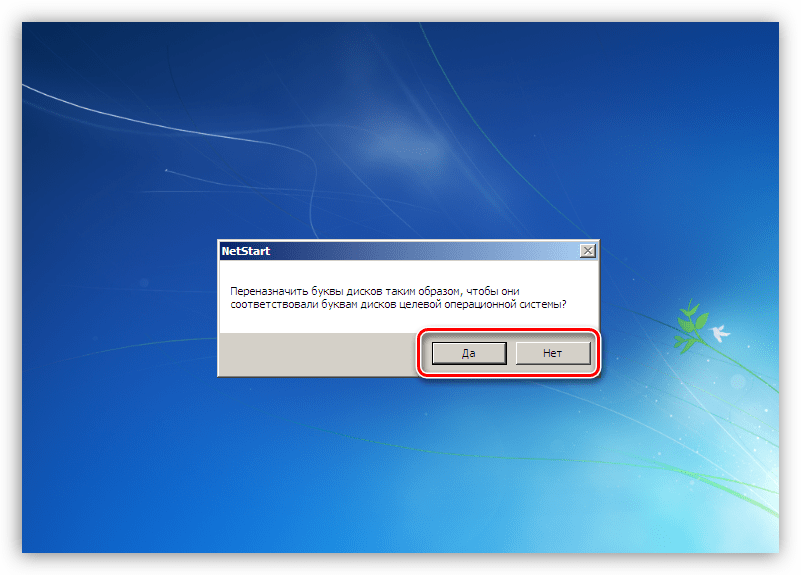
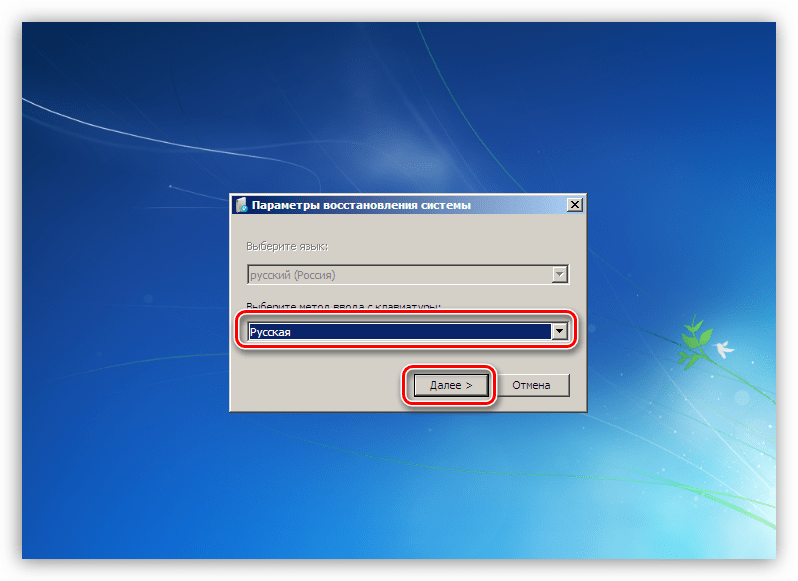
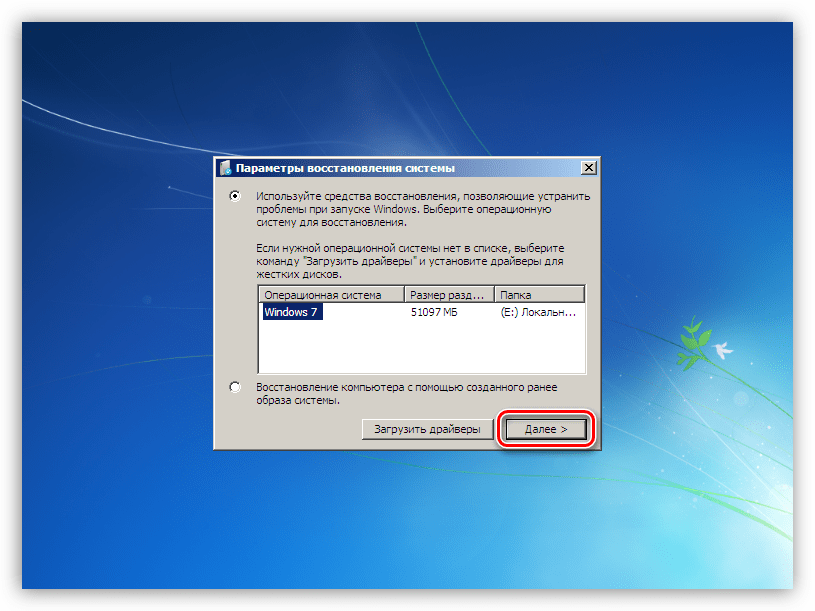
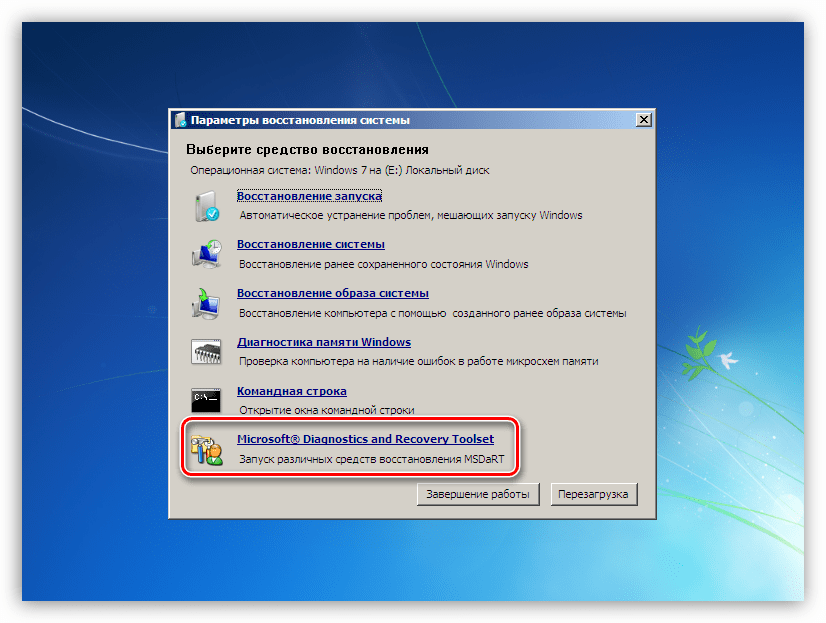
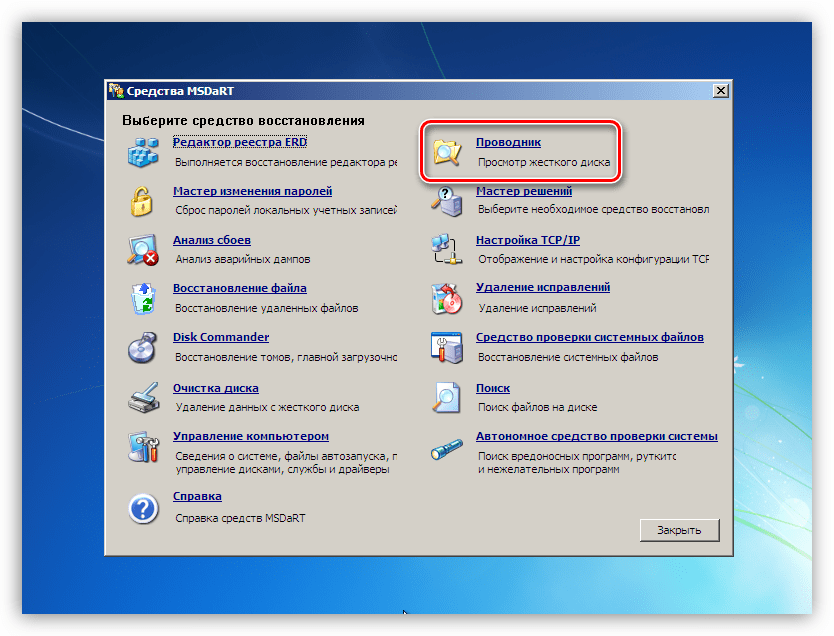
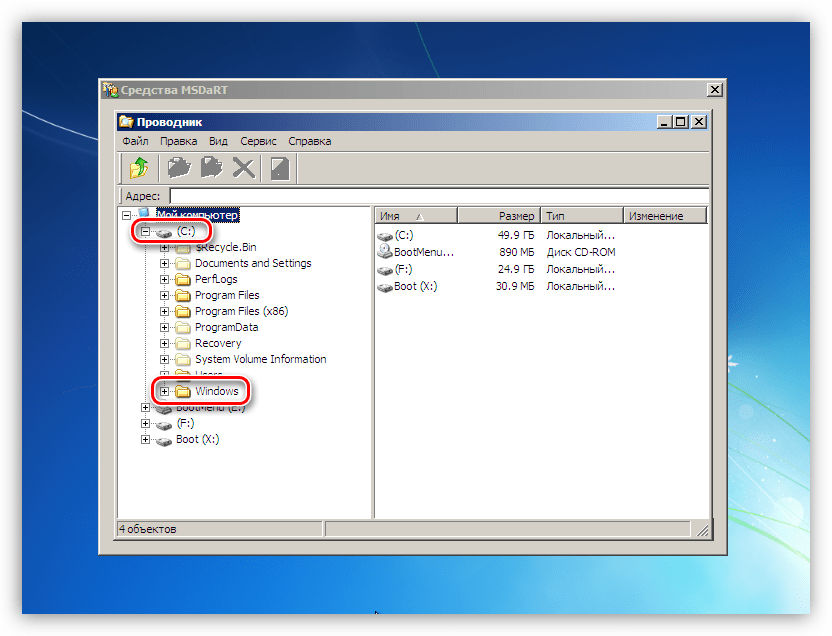
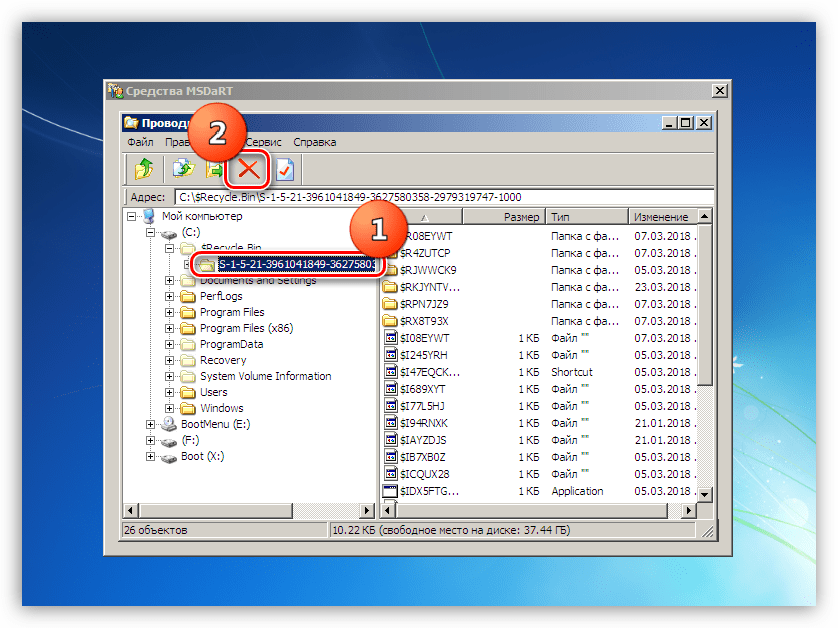
После выполнения всех действий можно загрузить систему и удалить ненужные программы с помощью системного инструмента или специального софта.
Подробнее: Инсталляция и деинсталляция программ в Windows 7
Причина 2: Видеокарта
Неисправный дискретный графический адаптер может повлиять на стабильность работы всей системы, в том числе и привести к появлению ошибки 0x0000007e. Причиной может послужить и некорректная работа видеодрайвера, но об этом поговорим позже. Для того чтобы диагностировать неполадку, достаточно отключить карту от ПК и проверить работоспособность ОС. Картинку можно получить, включив монитор в соответствующий разъем на материнской плате.
Подробнее:
Отключаем видеокарту от компьютера
Как пользоваться встроенной видеокартой
Причина 3: BIOS
BIOS – это маленькая программка, управляющая всеми аппаратными компонентами системы, записанная на специальную микросхему на «материнке». Неправильные ее настройки довольно часто приводят к различным ошибкам. Здесь нам поможет сброс параметров.
Подробнее: Сбрасываем настройки BIOS
Устаревший код БИОС может оказаться несовместимым с установленным оборудованием. Для решения проблемы нужно обновить данное микропрограммное обеспечение.
Подробнее: Обновление BIOS на компьютере
Причина 4: Драйвера
Универсальным решением при проблеме с драйверами является восстановление системы. Правда, оно сработает только в том случае, если причиной ошибки стало программное обеспечение, установленное пользователем.
Подробнее: Как восстановить Windows 7
Распространенным, но все же частным случаем является сбой в системном драйвере Win32k.sys. Эта информация указывается в одном из блоков BSOD.
Причиной такого поведения системы может стать сторонний софт для удаленного управления компьютером. Если вы им пользуетесь, поможет удаление, переустановка или замена программы аналогом.
Подробнее: Программы для удаленного доступа
Если в БСОД указан другой драйвер, необходимо найти о нем информацию в интернете, воспользовавшись любым поисковиком: какой программе принадлежит, где располагается на диске. Если будет выяснено, что это файл стороннего софта, то его (софт) следует удалить или переустановить. Если же драйвер системный, то можно попытаться его восстановить. Делается это с помощью ERD Commander, другого софта или системной утилиты SFC.
Подробнее: Проверяем целостность системных файлов в Windows 7
ERD Commander
- Выполняем пункты с 1 по 6 включительно из первого параграфа про жесткий диск.
- Выбираем «Средство проверки системных файлов».

- Жмем «Далее».

- В следующем окне оставляем настройки по умолчанию и снова нажимаем «Далее».

- Ждем завершения процедуры, жмем «Готово» и перезагружаем компьютер с жесткого диска (после настройки БИОС).

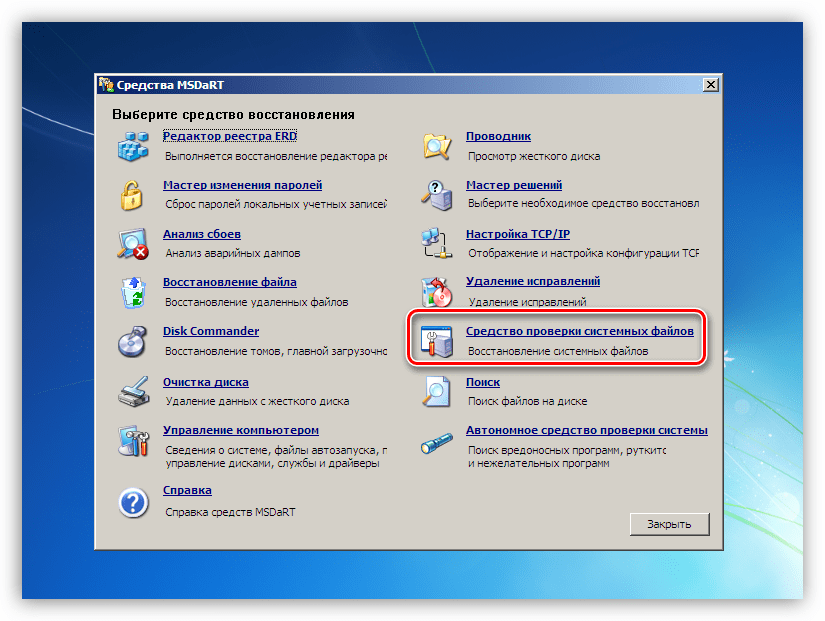
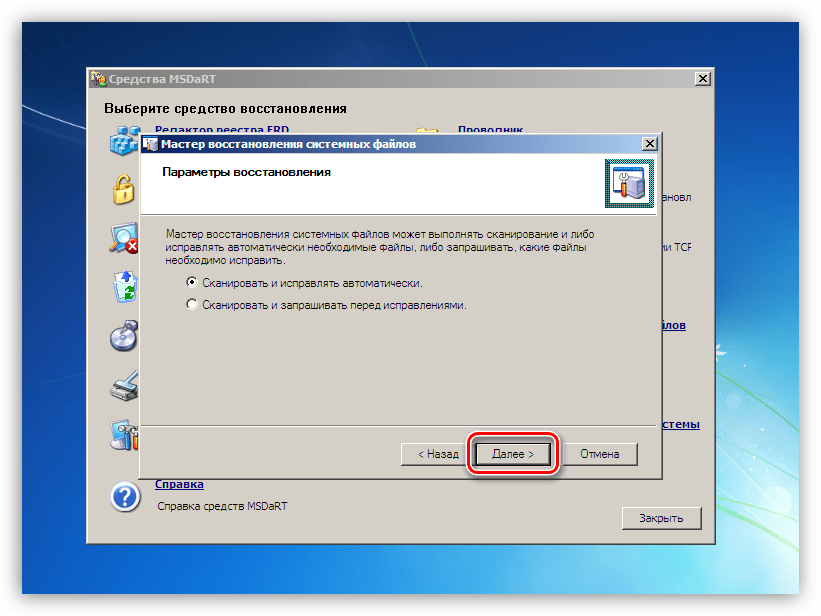
Заключение
Как видите, способов устранения ошибки 0x0000007e довольно много, поэтому необходимо правильно ее диагностировать, то есть выявить проблемный аппаратный или программный элемент. Сделать это можно путем манипуляций с «железом» — дисками и видеокартой и получения технической информации с экрана ошибки.
Windows 7 Enterprise Windows 7 Home Basic Windows 7 Home Premium Windows 7 Professional Windows 7 Starter Windows 7 Ultimate Windows Server 2008 R2 Datacenter Windows Server 2008 R2 Enterprise Windows Server 2008 R2 Foundation Windows Server 2008 R2 Standard Еще…Меньше
Симптомы
На компьютере под управлением Windows 7 или Windows Server 2008 R2 может появиться следующее сообщение об ошибке:
0x0000007E ( parameter1 , parameter2 , parameter3 , parameter4 )
SYSTEM_THREAD_EXCEPTION_NOT_HANDLED
Примечания
-
Параметры в этом сообщении об ошибке зависит от конфигурации компьютера.
-
Не все «0x0000007E» Stop-ошибок, вызванных этой проблемы.
Причина
Эта проблема возникает, поскольку ядра WMI GUID указатель имеет значение null. Это приводит к уязвимости double free в указатель.
Решение
Сведения об исправлении
Доступно исправление от службы поддержки Майкрософт. Однако данное исправление предназначено для устранения только проблемы, описанной в этой статье. Применяйте это исправление только в тех случаях, когда наблюдается проблема, описанная в данной статье. Это исправление может проходить дополнительное тестирование. Таким образом если вы не подвержены серьезно этой проблеме, рекомендуется дождаться следующего пакета обновления, содержащего это исправление.
Если исправление доступно для скачивания, имеется раздел «Пакет исправлений доступен для скачивания» в верхней части этой статьи базы знаний. Если этот раздел не отображается, обратитесь в службу поддержки для получения исправления.
Примечание. Если наблюдаются другие проблемы или необходимо устранить неполадки, вам может понадобиться создать отдельный запрос на обслуживание. Стандартная оплата за поддержку будет взиматься только за дополнительные вопросы и проблемы, которые не соответствуют требованиям конкретного исправления. Чтобы просмотреть полный список телефонов поддержки и обслуживания клиентов корпорации Майкрософт или создать отдельный запрос на обслуживание, посетите следующий веб-сайт корпорации Майкрософт:
http://support.microsoft.com/contactus/?ws=supportПримечание. В форме «Пакет исправлений доступен для скачивания» отображаются языки, для которых доступно исправление. Если нужный язык не отображается, значит исправление для данного языка отсутствует.
Предварительные условия
Для установки этого исправления необходимо иметь Пакет обновления 1 для Windows 7 или Windows Server 2008 R2 установлен.
Необходимость перезагрузки
После установки исправления компьютер необходимо перезагрузить.
Сведения о замене исправлений
Это исправление не заменяет все ранее выпущенные исправления.
Английский (США) версия данного исправления устанавливает файлы с атрибутами, указанными в приведенных ниже таблицах. Дата и время для файлов указаны в формате UTC. Дата и время для файлов на локальном компьютере отображаются в местном времени с вашим текущим смещением летнего времени (DST). Кроме того, при выполнении определенных операций с файлами, даты и время могут изменяться.
Информация о файлах для Windows 7 и Windows Server 2008 R2 и примечанияВажно. Исправления для Windows Server 2008 R2 и Windows 7 включены в одни и те же пакеты. Однако исправления на странице запроса исправлений перечислены под обеими операционными системами. Чтобы запросить пакет исправления, который применяется к одной или обеим ОС, установите исправление, описанное в разделе «Windows 7/Windows Server 2008 R2» страницы. Всегда смотрите раздел «Информация в данной статье относится к следующим продуктам» статьи для определения фактических операционных систем, к которым применяется каждое исправление.
-
Файлы, относящиеся к определенному продукту, этапу разработки (RTM, SPn) и направлению поддержки (LDR, GDR) можно определить путем проверки номера версий файлов, как показано в следующей таблице.
Версия
Продукт
SR_Level
Направление поддержки
6.1.760
0.
16 xxxWindows 7 и Windows Server 2008 R2
RTM
GDR
6.1.760
1.
17 xxxWindows 7 и Windows Server 2008 R2
SP1
GDR
6.1.760
1.
22 xxxWindows 7 и Windows Server 2008 R2
SP1
LDR
-
Выпуски обновлений GDR содержат только те исправления, которые выпускаются повсеместно и предназначены для устранения распространенных крайне важных проблем. В обновления LDR входят также специализированные исправления.
-
Файлы MANIFEST (.manifest) и MUM (.mum), устанавливаемые для каждой среды, указаны отдельно в разделе «Сведения о дополнительных файлах для Windows 7 и Windows Server 2008 R2». Файлы MUM и MANIFEST, а также связанные файлы каталога безопасности (CAT) чрезвычайно важны для поддержания состояния обновленных компонентов. Файлы каталога безопасности, для которых не перечислены атрибуты, подписаны цифровой подписью корпорации Майкрософт.
Для всех поддерживаемых 86-разрядных версий Windows 7
|
Имя файла |
Версия файла |
Размер файла |
Дата |
Время |
Платформа |
|---|---|---|---|---|---|
|
Appid-ppdlic.xrm-ms |
Неприменимо |
3,013 |
05-Nov-2014 |
03:17 |
Неприменимо |
|
Appid.sys |
6.1.7601.22736 |
50,688 |
07-Jul-2014 |
00:45 |
x86 |
|
Appidapi.dll |
6.1.7601.22736 |
50,688 |
07-Jul-2014 |
01:40 |
x86 |
|
Appidcertstorecheck.exe |
6.1.7601.22653 |
16,896 |
12-Apr-2014 |
02:06 |
x86 |
|
Appidpolicyconverter.exe |
6.1.7601.22653 |
97,792 |
12-Apr-2014 |
02:06 |
x86 |
|
Appidsvc.dll |
6.1.7601.22736 |
29,696 |
07-Jul-2014 |
01:40 |
x86 |
|
Setbcdlocale.dll |
6.1.7601.22780 |
50,176 |
19-Aug-2014 |
02:48 |
x86 |
|
Winload.exe |
6.1.7601.22854 |
521,384 |
29-Oct-2014 |
02:16 |
x86 |
|
Winresume.exe |
6.1.7601.22730 |
456,776 |
28-Jun-2014 |
00:22 |
x86 |
|
Winload.exe.mui |
6.1.7600.16385 |
34,896 |
14-Jul-2009 |
01:49 |
Неприменимо |
|
Winresume.exe.mui |
6.1.7601.22736 |
30,656 |
07-Jul-2014 |
02:57 |
Неприменимо |
|
Winload.exe.mui |
6.1.7600.16385 |
34,384 |
14-Jul-2009 |
01:49 |
Неприменимо |
|
Winresume.exe.mui |
6.1.7601.22736 |
30,648 |
07-Jul-2014 |
02:54 |
Неприменимо |
|
Winload.exe.mui |
6.1.7600.16385 |
35,920 |
14-Jul-2009 |
01:51 |
Неприменимо |
|
Winresume.exe.mui |
6.1.7601.22736 |
31,160 |
07-Jul-2014 |
02:54 |
Неприменимо |
|
Winload.exe.mui |
6.1.7600.16385 |
36,944 |
14-Jul-2009 |
01:46 |
Неприменимо |
|
Winresume.exe.mui |
6.1.7601.22736 |
31,672 |
07-Jul-2014 |
02:53 |
Неприменимо |
|
Winload.exe.mui |
6.1.7600.16385 |
33,344 |
14-Jul-2009 |
01:11 |
Неприменимо |
|
Winresume.exe.mui |
6.1.7601.22736 |
30,136 |
07-Jul-2014 |
01:33 |
Неприменимо |
|
Winload.exe.mui |
6.1.7600.16385 |
35,408 |
14-Jul-2009 |
01:49 |
Неприменимо |
|
Winresume.exe.mui |
6.1.7601.22736 |
31,160 |
07-Jul-2014 |
02:53 |
Неприменимо |
|
Winload.exe.mui |
6.1.7600.16385 |
34,880 |
14-Jul-2009 |
01:46 |
Неприменимо |
|
Winresume.exe.mui |
6.1.7601.22736 |
30,648 |
07-Jul-2014 |
02:46 |
Неприменимо |
|
Winload.exe.mui |
6.1.7600.16385 |
35,904 |
14-Jul-2009 |
01:51 |
Неприменимо |
|
Winresume.exe.mui |
6.1.7601.22736 |
31,672 |
07-Jul-2014 |
02:54 |
Неприменимо |
|
Winload.exe.mui |
6.1.7600.16385 |
35,392 |
14-Jul-2009 |
01:51 |
Неприменимо |
|
Winresume.exe.mui |
6.1.7601.22736 |
31,160 |
07-Jul-2014 |
02:50 |
Неприменимо |
|
Winload.exe.mui |
6.1.7600.16385 |
35,408 |
14-Jul-2009 |
01:48 |
Неприменимо |
|
Winresume.exe.mui |
6.1.7601.22736 |
31,680 |
07-Jul-2014 |
02:48 |
Неприменимо |
|
Winload.exe.mui |
6.1.7600.16385 |
29,264 |
14-Jul-2009 |
03:45 |
Неприменимо |
|
Winresume.exe.mui |
6.1.7601.22736 |
27,576 |
07-Jul-2014 |
02:57 |
Неприменимо |
|
Winload.exe.mui |
6.1.7600.16385 |
29,776 |
14-Jul-2009 |
03:02 |
Неприменимо |
|
Winresume.exe.mui |
6.1.7601.22736 |
28,088 |
07-Jul-2014 |
02:57 |
Неприменимо |
|
Winload.exe.mui |
6.1.7600.16385 |
34,384 |
14-Jul-2009 |
01:46 |
Неприменимо |
|
Winresume.exe.mui |
6.1.7601.22736 |
30,648 |
07-Jul-2014 |
02:53 |
Неприменимо |
|
Winload.exe.mui |
6.1.7600.16385 |
35,392 |
14-Jul-2009 |
01:52 |
Неприменимо |
|
Winresume.exe.mui |
6.1.7601.22736 |
31,160 |
07-Jul-2014 |
02:47 |
Неприменимо |
|
Winload.exe.mui |
6.1.7600.16385 |
35,904 |
14-Jul-2009 |
01:52 |
Неприменимо |
|
Winresume.exe.mui |
6.1.7601.22736 |
31,160 |
07-Jul-2014 |
02:51 |
Неприменимо |
|
Winload.exe.mui |
6.1.7600.16385 |
35,408 |
14-Jul-2009 |
01:53 |
Неприменимо |
|
Winresume.exe.mui |
6.1.7601.22736 |
30,648 |
07-Jul-2014 |
02:53 |
Неприменимо |
|
Winload.exe.mui |
6.1.7600.16385 |
35,920 |
14-Jul-2009 |
01:51 |
Неприменимо |
|
Winresume.exe.mui |
6.1.7601.22736 |
31,168 |
07-Jul-2014 |
02:50 |
Неприменимо |
|
Winload.exe.mui |
6.1.7600.16385 |
34,896 |
14-Jul-2009 |
01:51 |
Неприменимо |
|
Winresume.exe.mui |
6.1.7601.22736 |
31,160 |
07-Jul-2014 |
02:50 |
Неприменимо |
|
Winload.exe.mui |
6.1.7600.16385 |
34,384 |
14-Jul-2009 |
01:51 |
Неприменимо |
|
Winresume.exe.mui |
6.1.7601.22736 |
30,648 |
07-Jul-2014 |
02:45 |
Неприменимо |
|
Winload.exe.mui |
6.1.7600.16385 |
33,872 |
14-Jul-2009 |
01:53 |
Неприменимо |
|
Winresume.exe.mui |
6.1.7601.22736 |
30,648 |
07-Jul-2014 |
02:53 |
Неприменимо |
|
Winload.exe.mui |
6.1.7600.16385 |
28,224 |
14-Jul-2009 |
03:02 |
Неприменимо |
|
Winresume.exe.mui |
6.1.7601.22736 |
27,072 |
07-Jul-2014 |
02:52 |
Неприменимо |
|
Winload.exe.mui |
6.1.7600.16385 |
28,224 |
14-Jul-2009 |
01:43 |
Неприменимо |
|
Winresume.exe.mui |
6.1.7601.22736 |
27,064 |
07-Jul-2014 |
02:47 |
Неприменимо |
|
Winload.exe.mui |
6.1.7600.16385 |
28,224 |
14-Jul-2009 |
03:02 |
Неприменимо |
|
Winresume.exe.mui |
6.1.7601.22736 |
27,064 |
07-Jul-2014 |
02:56 |
Неприменимо |
|
Winload.exe.mui |
6.1.7600.16385 |
34,896 |
14-Jul-2009 |
01:49 |
Неприменимо |
|
Winresume.exe.mui |
6.1.7601.22736 |
30,656 |
07-Jul-2014 |
02:57 |
Неприменимо |
|
Winload.exe.mui |
6.1.7600.16385 |
34,384 |
14-Jul-2009 |
01:49 |
Неприменимо |
|
Winresume.exe.mui |
6.1.7601.22736 |
30,648 |
07-Jul-2014 |
02:54 |
Неприменимо |
|
Winload.exe.mui |
6.1.7600.16385 |
35,920 |
14-Jul-2009 |
01:51 |
Неприменимо |
|
Winresume.exe.mui |
6.1.7601.22736 |
31,160 |
07-Jul-2014 |
02:54 |
Неприменимо |
|
Winload.exe.mui |
6.1.7600.16385 |
36,944 |
14-Jul-2009 |
01:46 |
Неприменимо |
|
Winresume.exe.mui |
6.1.7601.22736 |
31,672 |
07-Jul-2014 |
02:53 |
Неприменимо |
|
Winload.exe.mui |
6.1.7600.16385 |
33,344 |
14-Jul-2009 |
01:11 |
Неприменимо |
|
Winresume.exe.mui |
6.1.7601.22736 |
30,136 |
07-Jul-2014 |
01:33 |
Неприменимо |
|
Winload.exe.mui |
6.1.7600.16385 |
35,408 |
14-Jul-2009 |
01:49 |
Неприменимо |
|
Winresume.exe.mui |
6.1.7601.22736 |
31,160 |
07-Jul-2014 |
02:53 |
Неприменимо |
|
Winload.exe.mui |
6.1.7600.16385 |
34,880 |
14-Jul-2009 |
01:46 |
Неприменимо |
|
Winresume.exe.mui |
6.1.7601.22736 |
30,648 |
07-Jul-2014 |
02:46 |
Неприменимо |
|
Winload.exe.mui |
6.1.7600.16385 |
35,904 |
14-Jul-2009 |
01:51 |
Неприменимо |
|
Winresume.exe.mui |
6.1.7601.22736 |
31,672 |
07-Jul-2014 |
02:54 |
Неприменимо |
|
Winload.exe.mui |
6.1.7600.16385 |
35,392 |
14-Jul-2009 |
01:51 |
Неприменимо |
|
Winresume.exe.mui |
6.1.7601.22736 |
31,160 |
07-Jul-2014 |
02:50 |
Неприменимо |
|
Winload.exe.mui |
6.1.7600.16385 |
35,408 |
14-Jul-2009 |
01:48 |
Неприменимо |
|
Winresume.exe.mui |
6.1.7601.22736 |
31,680 |
07-Jul-2014 |
02:48 |
Неприменимо |
|
Winload.exe.mui |
6.1.7600.16385 |
29,264 |
14-Jul-2009 |
03:45 |
Неприменимо |
|
Winresume.exe.mui |
6.1.7601.22736 |
27,576 |
07-Jul-2014 |
02:57 |
Неприменимо |
|
Winload.exe.mui |
6.1.7600.16385 |
29,776 |
14-Jul-2009 |
03:02 |
Неприменимо |
|
Winresume.exe.mui |
6.1.7601.22736 |
28,088 |
07-Jul-2014 |
02:57 |
Неприменимо |
|
Winload.exe.mui |
6.1.7600.16385 |
34,384 |
14-Jul-2009 |
01:46 |
Неприменимо |
|
Winresume.exe.mui |
6.1.7601.22736 |
30,648 |
07-Jul-2014 |
02:53 |
Неприменимо |
|
Winload.exe.mui |
6.1.7600.16385 |
35,392 |
14-Jul-2009 |
01:52 |
Неприменимо |
|
Winresume.exe.mui |
6.1.7601.22736 |
31,160 |
07-Jul-2014 |
02:47 |
Неприменимо |
|
Winload.exe.mui |
6.1.7600.16385 |
35,904 |
14-Jul-2009 |
01:52 |
Неприменимо |
|
Winresume.exe.mui |
6.1.7601.22736 |
31,160 |
07-Jul-2014 |
02:51 |
Неприменимо |
|
Winload.exe.mui |
6.1.7600.16385 |
35,408 |
14-Jul-2009 |
01:53 |
Неприменимо |
|
Winresume.exe.mui |
6.1.7601.22736 |
30,648 |
07-Jul-2014 |
02:53 |
Неприменимо |
|
Winload.exe.mui |
6.1.7600.16385 |
35,920 |
14-Jul-2009 |
01:51 |
Неприменимо |
|
Winresume.exe.mui |
6.1.7601.22736 |
31,168 |
07-Jul-2014 |
02:50 |
Неприменимо |
|
Winload.exe.mui |
6.1.7600.16385 |
34,896 |
14-Jul-2009 |
01:51 |
Неприменимо |
|
Winresume.exe.mui |
6.1.7601.22736 |
31,160 |
07-Jul-2014 |
02:50 |
Неприменимо |
|
Winload.exe.mui |
6.1.7600.16385 |
34,384 |
14-Jul-2009 |
01:51 |
Неприменимо |
|
Winresume.exe.mui |
6.1.7601.22736 |
30,648 |
07-Jul-2014 |
02:45 |
Неприменимо |
|
Winload.exe.mui |
6.1.7600.16385 |
33,872 |
14-Jul-2009 |
01:53 |
Неприменимо |
|
Winresume.exe.mui |
6.1.7601.22736 |
30,648 |
07-Jul-2014 |
02:53 |
Неприменимо |
|
Winload.exe.mui |
6.1.7600.16385 |
28,224 |
14-Jul-2009 |
03:02 |
Неприменимо |
|
Winresume.exe.mui |
6.1.7601.22736 |
27,072 |
07-Jul-2014 |
02:52 |
Неприменимо |
|
Winload.exe.mui |
6.1.7600.16385 |
28,224 |
14-Jul-2009 |
01:43 |
Неприменимо |
|
Winresume.exe.mui |
6.1.7601.22736 |
27,064 |
07-Jul-2014 |
02:47 |
Неприменимо |
|
Winload.exe.mui |
6.1.7600.16385 |
28,224 |
14-Jul-2009 |
03:02 |
Неприменимо |
|
Winresume.exe.mui |
6.1.7601.22736 |
27,064 |
07-Jul-2014 |
02:56 |
Неприменимо |
|
Winload.exe |
6.1.7601.22854 |
521,384 |
29-Oct-2014 |
02:16 |
x86 |
|
Winresume.exe |
6.1.7601.22730 |
456,776 |
28-Jun-2014 |
00:22 |
x86 |
|
Ci.dll.mui |
6.1.7601.22736 |
10 752 |
07-Jul-2014 |
02:24 |
Неприменимо |
|
Ci.dll.mui |
6.1.7601.22736 |
9,728 |
07-Jul-2014 |
01:35 |
Неприменимо |
|
Ci.dll.mui |
6.1.7601.22736 |
10 752 |
07-Jul-2014 |
02:24 |
Неприменимо |
|
Ci.dll.mui |
6.1.7601.22736 |
10 752 |
07-Jul-2014 |
02:25 |
Неприменимо |
|
Ci.dll.mui |
6.1.7601.22736 |
11,264 |
07-Jul-2014 |
02:24 |
Неприменимо |
|
Ci.dll.mui |
6.1.7601.22736 |
6,656 |
07-Jul-2014 |
02:24 |
Неприменимо |
|
Ci.dll.mui |
6.1.7601.22736 |
9,728 |
07-Jul-2014 |
02:21 |
Неприменимо |
|
Ci.dll |
6.1.7601.22730 |
409,272 |
28-Jun-2014 |
00:22 |
x86 |
|
Driver.stl |
Неприменимо |
4,186 |
26-Jun-2014 |
22:21 |
Неприменимо |
|
Csrsrv.dll |
6.1.7601.22653 |
38,912 |
12-Apr-2014 |
02:06 |
x86 |
|
Setbcdlocale.dll |
6.1.7601.22780 |
50,176 |
19-Aug-2014 |
02:48 |
x86 |
|
Winload.exe |
6.1.7601.22854 |
521,384 |
29-Oct-2014 |
02:16 |
x86 |
|
Winresume.exe |
6.1.7601.22861 |
456,776 |
05-Nov-2014 |
03:04 |
x86 |
|
Winload.exe.mui |
6.1.7601.17514 |
34,688 |
20-Nov-2010 |
12:50 |
Неприменимо |
|
Winresume.exe.mui |
6.1.7601.22736 |
30,656 |
07-Jul-2014 |
02:57 |
Неприменимо |
|
Winload.exe.mui |
6.1.7601.17514 |
34,176 |
20-Nov-2010 |
12:50 |
Неприменимо |
|
Winresume.exe.mui |
6.1.7601.22736 |
30,648 |
07-Jul-2014 |
02:54 |
Неприменимо |
|
Winload.exe.mui |
6.1.7600.16385 |
35,720 |
02-Apr-2010 |
04:13 |
Неприменимо |
|
Winresume.exe.mui |
6.1.7601.22736 |
31,160 |
07-Jul-2014 |
02:54 |
Неприменимо |
|
Winload.exe.mui |
6.1.7601.17514 |
36,736 |
20-Nov-2010 |
12:50 |
Неприменимо |
|
Winresume.exe.mui |
6.1.7601.22736 |
31,672 |
07-Jul-2014 |
02:53 |
Неприменимо |
|
Winload.exe.mui |
6.1.7600.16385 |
33,168 |
02-Apr-2010 |
04:09 |
Неприменимо |
|
Winresume.exe.mui |
6.1.7601.22736 |
30,136 |
07-Jul-2014 |
01:33 |
Неприменимо |
|
Winload.exe.mui |
6.1.7600.16385 |
35,216 |
02-Apr-2010 |
04:10 |
Неприменимо |
|
Winresume.exe.mui |
6.1.7601.22736 |
31,160 |
07-Jul-2014 |
02:53 |
Неприменимо |
|
Winload.exe.mui |
6.1.7601.17514 |
34,688 |
20-Nov-2010 |
12:50 |
Неприменимо |
|
Winresume.exe.mui |
6.1.7601.22736 |
30,648 |
07-Jul-2014 |
02:46 |
Неприменимо |
|
Winload.exe.mui |
6.1.7600.16385 |
35,728 |
02-Apr-2010 |
04:10 |
Неприменимо |
|
Winresume.exe.mui |
6.1.7601.22736 |
31,672 |
07-Jul-2014 |
02:54 |
Неприменимо |
|
Winload.exe.mui |
6.1.7601.17514 |
35,200 |
20-Nov-2010 |
12:58 |
Неприменимо |
|
Winresume.exe.mui |
6.1.7601.22736 |
31,160 |
07-Jul-2014 |
02:50 |
Неприменимо |
|
Winload.exe.mui |
6.1.7600.16385 |
35,216 |
02-Apr-2010 |
04:08 |
Неприменимо |
|
Winresume.exe.mui |
6.1.7601.22736 |
31,680 |
07-Jul-2014 |
02:48 |
Неприменимо |
|
Winload.exe.mui |
6.1.7600.16385 |
29,072 |
02-Apr-2010 |
05:06 |
Неприменимо |
|
Winresume.exe.mui |
6.1.7601.22736 |
27,576 |
07-Jul-2014 |
02:57 |
Неприменимо |
|
Winload.exe.mui |
6.1.7601.17514 |
29,568 |
20-Nov-2010 |
13:45 |
Неприменимо |
|
Winresume.exe.mui |
6.1.7601.22736 |
28,088 |
07-Jul-2014 |
02:57 |
Неприменимо |
|
Winload.exe.mui |
6.1.7601.17514 |
34,176 |
20-Nov-2010 |
12:49 |
Неприменимо |
|
Winresume.exe.mui |
6.1.7601.22736 |
30,648 |
07-Jul-2014 |
02:53 |
Неприменимо |
|
Winload.exe.mui |
6.1.7600.16385 |
35,216 |
07-Apr-2010 |
09:51 |
Неприменимо |
|
Winresume.exe.mui |
6.1.7601.22736 |
31,160 |
07-Jul-2014 |
02:47 |
Неприменимо |
|
Winload.exe.mui |
6.1.7601.17514 |
35,712 |
20-Nov-2010 |
12:59 |
Неприменимо |
|
Winresume.exe.mui |
6.1.7601.22736 |
31,160 |
07-Jul-2014 |
02:51 |
Неприменимо |
|
Winload.exe.mui |
6.1.7601.17514 |
35,200 |
20-Nov-2010 |
13:01 |
Неприменимо |
|
Winresume.exe.mui |
6.1.7601.22736 |
30,648 |
07-Jul-2014 |
02:53 |
Неприменимо |
|
Winload.exe.mui |
6.1.7601.17514 |
35,712 |
20-Nov-2010 |
12:59 |
Неприменимо |
|
Winresume.exe.mui |
6.1.7601.22736 |
31,168 |
07-Jul-2014 |
02:50 |
Неприменимо |
|
Winload.exe.mui |
6.1.7601.17514 |
34,688 |
20-Nov-2010 |
12:58 |
Неприменимо |
|
Winresume.exe.mui |
6.1.7601.22736 |
31,160 |
07-Jul-2014 |
02:50 |
Неприменимо |
|
Winload.exe.mui |
6.1.7601.17514 |
34,176 |
20-Nov-2010 |
12:58 |
Неприменимо |
|
Winresume.exe.mui |
6.1.7601.22736 |
30,648 |
07-Jul-2014 |
02:45 |
Неприменимо |
|
Winload.exe.mui |
6.1.7601.17514 |
33,664 |
20-Nov-2010 |
13:01 |
Неприменимо |
|
Winresume.exe.mui |
6.1.7601.22736 |
30,648 |
07-Jul-2014 |
02:53 |
Неприменимо |
|
Winload.exe.mui |
6.1.7601.17514 |
28,032 |
20-Nov-2010 |
13:45 |
Неприменимо |
|
Winresume.exe.mui |
6.1.7601.22736 |
27,072 |
07-Jul-2014 |
02:52 |
Неприменимо |
|
Winload.exe.mui |
6.1.7601.17514 |
28,032 |
20-Nov-2010 |
12:45 |
Неприменимо |
|
Winresume.exe.mui |
6.1.7601.22736 |
27,064 |
07-Jul-2014 |
02:47 |
Неприменимо |
|
Winload.exe.mui |
6.1.7601.17514 |
28,032 |
20-Nov-2010 |
13:46 |
Неприменимо |
|
Winresume.exe.mui |
6.1.7601.22736 |
27,064 |
07-Jul-2014 |
02:56 |
Неприменимо |
|
Winload.exe.mui |
6.1.7600.16385 |
35,720 |
02-Apr-2010 |
04:13 |
Неприменимо |
|
Winresume.exe.mui |
6.1.7601.22736 |
31,160 |
07-Jul-2014 |
02:54 |
Неприменимо |
|
Winload.exe.mui |
6.1.7600.16385 |
33,168 |
02-Apr-2010 |
04:09 |
Неприменимо |
|
Winresume.exe.mui |
6.1.7601.22736 |
30,136 |
07-Jul-2014 |
01:33 |
Неприменимо |
|
Winload.exe.mui |
6.1.7600.16385 |
35,216 |
02-Apr-2010 |
04:10 |
Неприменимо |
|
Winresume.exe.mui |
6.1.7601.22736 |
31,160 |
07-Jul-2014 |
02:53 |
Неприменимо |
|
Winload.exe.mui |
6.1.7600.16385 |
35,728 |
02-Apr-2010 |
04:10 |
Неприменимо |
|
Winresume.exe.mui |
6.1.7601.22736 |
31,672 |
07-Jul-2014 |
02:54 |
Неприменимо |
|
Winload.exe.mui |
6.1.7600.16385 |
35,216 |
02-Apr-2010 |
04:08 |
Неприменимо |
|
Winresume.exe.mui |
6.1.7601.22736 |
31,680 |
07-Jul-2014 |
02:48 |
Неприменимо |
|
Winload.exe.mui |
6.1.7600.16385 |
29,072 |
02-Apr-2010 |
05:06 |
Неприменимо |
|
Winresume.exe.mui |
6.1.7601.22736 |
27,576 |
07-Jul-2014 |
02:57 |
Неприменимо |
|
Winload.exe.mui |
6.1.7600.16385 |
35,216 |
07-Apr-2010 |
09:51 |
Неприменимо |
|
Winresume.exe.mui |
6.1.7601.22736 |
31,160 |
07-Jul-2014 |
02:47 |
Неприменимо |
|
Winload.exe |
6.1.7601.22854 |
521,384 |
29-Oct-2014 |
02:16 |
x86 |
|
Winresume.exe |
6.1.7601.22861 |
456,776 |
05-Nov-2014 |
03:04 |
x86 |
|
Ntkrnlpa.exe |
6.1.7601.22861 |
3,976,640 |
05-Nov-2014 |
03:06 |
Неприменимо |
|
Ntoskrnl.exe |
6.1.7601.22861 |
3,920,832 |
05-Nov-2014 |
03:06 |
Неприменимо |
|
Apisetschema.dll |
6.1.7601.22653 |
6,656 |
12-Apr-2014 |
02:03 |
x86 |
|
Smss.exe |
6.1.7601.22653 |
69,632 |
12-Apr-2014 |
02:06 |
x86 |
|
Apisetschema.dll |
6.1.7601.22653 |
6,656 |
12-Apr-2014 |
02:03 |
x86 |
|
Smss.exe |
6.1.7601.22653 |
69,632 |
12-Apr-2014 |
02:06 |
x86 |
|
Rstrui.exe |
6.1.7601.21988 |
262,656 |
05-May-2012 |
07:29 |
x86 |
|
Srclient.dll |
6.1.7601.21988 |
43,008 |
05-May-2012 |
07:33 |
x86 |
|
Srcore.dll |
6.1.7601.22780 |
400,896 |
19-Aug-2014 |
02:48 |
x86 |
Для всех поддерживаемых 64-разрядных версий Windows 7 и Windows Server 2008 R2
|
Имя файла |
Версия файла |
Размер файла |
Дата |
Время |
Платформа |
|---|---|---|---|---|---|
|
Appid-ppdlic.xrm-ms |
Неприменимо |
3,013 |
05-Nov-2014 |
03:43 |
Неприменимо |
|
Appid.sys |
6.1.7601.22736 |
62,464 |
07-Jul-2014 |
01:04 |
x64 |
|
Appidapi.dll |
6.1.7601.22736 |
58,880 |
07-Jul-2014 |
02:06 |
x64 |
|
Appidcertstorecheck.exe |
6.1.7601.22653 |
17,920 |
12-Apr-2014 |
02:31 |
x64 |
|
Appidpolicyconverter.exe |
6.1.7601.22653 |
148,480 |
12-Apr-2014 |
02:31 |
x64 |
|
Appidsvc.dll |
6.1.7601.22736 |
34,304 |
07-Jul-2014 |
02:06 |
x64 |
|
Setbcdlocale.dll |
6.1.7601.22780 |
63,488 |
19-Aug-2014 |
03:05 |
x64 |
|
Winload.efi |
6.1.7601.22861 |
693,176 |
05-Nov-2014 |
03:32 |
Неприменимо |
|
Winload.exe |
6.1.7601.22854 |
619,056 |
29-Oct-2014 |
02:16 |
x64 |
|
Winresume.efi |
6.1.7601.22861 |
617,376 |
05-Nov-2014 |
03:30 |
Неприменимо |
|
Winresume.exe |
6.1.7601.22730 |
533,200 |
28-Jun-2014 |
00:21 |
x64 |
|
Winload.efi.mui |
6.1.7600.16385 |
33,360 |
14-Jul-2009 |
02:09 |
Неприменимо |
|
Winload.exe.mui |
6.1.7600.16385 |
34,896 |
14-Jul-2009 |
02:09 |
Неприменимо |
|
Winresume.efi.mui |
6.1.7601.22736 |
30,136 |
07-Jul-2014 |
03:37 |
Неприменимо |
|
Winresume.exe.mui |
6.1.7601.22736 |
30,648 |
07-Jul-2014 |
03:37 |
Неприменимо |
|
Winload.efi.mui |
6.1.7600.16385 |
33,360 |
14-Jul-2009 |
02:06 |
Неприменимо |
|
Winload.exe.mui |
6.1.7600.16385 |
34,368 |
14-Jul-2009 |
02:06 |
Неприменимо |
|
Winresume.efi.mui |
6.1.7601.22736 |
30,144 |
07-Jul-2014 |
03:43 |
Неприменимо |
|
Winresume.exe.mui |
6.1.7601.22736 |
30,656 |
07-Jul-2014 |
03:43 |
Неприменимо |
|
Winload.efi.mui |
6.1.7600.16385 |
35,920 |
14-Jul-2009 |
02:10 |
Неприменимо |
|
Winload.exe.mui |
6.1.7600.16385 |
35,904 |
14-Jul-2009 |
02:10 |
Неприменимо |
|
Winresume.efi.mui |
6.1.7601.22736 |
31,160 |
07-Jul-2014 |
03:40 |
Неприменимо |
|
Winresume.exe.mui |
6.1.7601.22736 |
31,160 |
07-Jul-2014 |
03:40 |
Неприменимо |
|
Winload.efi.mui |
6.1.7600.16385 |
33,360 |
14-Jul-2009 |
02:06 |
Неприменимо |
|
Winload.exe.mui |
6.1.7600.16385 |
36,944 |
14-Jul-2009 |
02:06 |
Неприменимо |
|
Winresume.efi.mui |
6.1.7601.22736 |
30,136 |
07-Jul-2014 |
03:33 |
Неприменимо |
|
Winresume.exe.mui |
6.1.7601.22736 |
31,672 |
07-Jul-2014 |
03:33 |
Неприменимо |
|
Winload.efi.mui |
6.1.7600.16385 |
33,360 |
14-Jul-2009 |
01:31 |
Неприменимо |
|
Winload.exe.mui |
6.1.7600.16385 |
33,344 |
14-Jul-2009 |
01:31 |
Неприменимо |
|
Winresume.efi.mui |
6.1.7601.22736 |
30,136 |
07-Jul-2014 |
01:59 |
Неприменимо |
|
Winresume.exe.mui |
6.1.7601.22736 |
30,136 |
07-Jul-2014 |
01:59 |
Неприменимо |
|
Winload.efi.mui |
6.1.7600.16385 |
33,360 |
14-Jul-2009 |
02:09 |
Неприменимо |
|
Winload.exe.mui |
6.1.7600.16385 |
35,408 |
14-Jul-2009 |
02:09 |
Неприменимо |
|
Winresume.efi.mui |
6.1.7601.22736 |
30,136 |
07-Jul-2014 |
03:36 |
Неприменимо |
|
Winresume.exe.mui |
6.1.7601.22736 |
31,160 |
07-Jul-2014 |
03:36 |
Неприменимо |
|
Winload.efi.mui |
6.1.7600.16385 |
33,344 |
14-Jul-2009 |
02:06 |
Неприменимо |
|
Winload.exe.mui |
6.1.7600.16385 |
34,896 |
14-Jul-2009 |
02:06 |
Неприменимо |
|
Winresume.efi.mui |
6.1.7601.22736 |
30,136 |
07-Jul-2014 |
03:31 |
Неприменимо |
|
Winresume.exe.mui |
6.1.7601.22736 |
30,656 |
07-Jul-2014 |
03:31 |
Неприменимо |
|
Winload.efi.mui |
6.1.7600.16385 |
35,920 |
14-Jul-2009 |
02:10 |
Неприменимо |
|
Winload.exe.mui |
6.1.7600.16385 |
35,920 |
14-Jul-2009 |
02:10 |
Неприменимо |
|
Winresume.efi.mui |
6.1.7601.22736 |
31,680 |
07-Jul-2014 |
03:40 |
Неприменимо |
|
Winresume.exe.mui |
6.1.7601.22736 |
31,680 |
07-Jul-2014 |
03:40 |
Неприменимо |
|
Winload.efi.mui |
6.1.7600.16385 |
33,344 |
14-Jul-2009 |
02:09 |
Неприменимо |
|
Winload.exe.mui |
6.1.7600.16385 |
35,392 |
14-Jul-2009 |
02:09 |
Неприменимо |
|
Winresume.efi.mui |
6.1.7601.22736 |
30,144 |
07-Jul-2014 |
03:36 |
Неприменимо |
|
Winresume.exe.mui |
6.1.7601.22736 |
31,160 |
07-Jul-2014 |
03:36 |
Неприменимо |
|
Winload.efi.mui |
6.1.7600.16385 |
33,360 |
14-Jul-2009 |
02:09 |
Неприменимо |
|
Winload.exe.mui |
6.1.7600.16385 |
35,408 |
14-Jul-2009 |
02:09 |
Неприменимо |
|
Winresume.efi.mui |
6.1.7601.22736 |
30,136 |
07-Jul-2014 |
03:35 |
Неприменимо |
|
Winresume.exe.mui |
6.1.7601.22736 |
31,672 |
07-Jul-2014 |
03:35 |
Неприменимо |
|
Winload.efi.mui |
6.1.7600.16385 |
29,264 |
14-Jul-2009 |
02:22 |
Неприменимо |
|
Winload.exe.mui |
6.1.7600.16385 |
29,264 |
14-Jul-2009 |
02:22 |
Неприменимо |
|
Winresume.efi.mui |
6.1.7601.22736 |
27,576 |
07-Jul-2014 |
03:40 |
Неприменимо |
|
Winresume.exe.mui |
6.1.7601.22736 |
27,576 |
07-Jul-2014 |
03:40 |
Неприменимо |
|
Winload.efi.mui |
6.1.7600.16385 |
29,776 |
14-Jul-2009 |
03:17 |
Неприменимо |
|
Winload.exe.mui |
6.1.7600.16385 |
29,776 |
14-Jul-2009 |
03:17 |
Неприменимо |
|
Winresume.efi.mui |
6.1.7601.22736 |
28,088 |
07-Jul-2014 |
03:41 |
Неприменимо |
|
Winresume.exe.mui |
6.1.7601.22736 |
28,088 |
07-Jul-2014 |
03:41 |
Неприменимо |
|
Winload.efi.mui |
6.1.7600.16385 |
33,344 |
14-Jul-2009 |
02:06 |
Неприменимо |
|
Winload.exe.mui |
6.1.7600.16385 |
34,368 |
14-Jul-2009 |
02:06 |
Неприменимо |
|
Winresume.efi.mui |
6.1.7601.22736 |
30,136 |
07-Jul-2014 |
03:31 |
Неприменимо |
|
Winresume.exe.mui |
6.1.7601.22736 |
30,656 |
07-Jul-2014 |
03:31 |
Неприменимо |
|
Winload.efi.mui |
6.1.7600.16385 |
33,344 |
14-Jul-2009 |
02:00 |
Неприменимо |
|
Winload.exe.mui |
6.1.7600.16385 |
35,408 |
14-Jul-2009 |
02:00 |
Неприменимо |
|
Winresume.efi.mui |
6.1.7601.22736 |
30,136 |
07-Jul-2014 |
03:41 |
Неприменимо |
|
Winresume.exe.mui |
6.1.7601.22736 |
31,168 |
07-Jul-2014 |
03:41 |
Неприменимо |
|
Winload.efi.mui |
6.1.7600.16385 |
33,360 |
14-Jul-2009 |
02:00 |
Неприменимо |
|
Winload.exe.mui |
6.1.7600.16385 |
35,904 |
14-Jul-2009 |
02:00 |
Неприменимо |
|
Winresume.efi.mui |
6.1.7601.22736 |
30,136 |
07-Jul-2014 |
03:33 |
Неприменимо |
|
Winresume.exe.mui |
6.1.7601.22736 |
31,160 |
07-Jul-2014 |
03:33 |
Неприменимо |
|
Winload.efi.mui |
6.1.7600.16385 |
33,344 |
14-Jul-2009 |
02:00 |
Неприменимо |
|
Winload.exe.mui |
6.1.7600.16385 |
35,392 |
14-Jul-2009 |
02:00 |
Неприменимо |
|
Winresume.efi.mui |
6.1.7601.22736 |
30,144 |
07-Jul-2014 |
03:37 |
Неприменимо |
|
Winresume.exe.mui |
6.1.7601.22736 |
30,656 |
07-Jul-2014 |
03:37 |
Неприменимо |
|
Winload.efi.mui |
6.1.7600.16385 |
33,344 |
14-Jul-2009 |
02:09 |
Неприменимо |
|
Winload.exe.mui |
6.1.7600.16385 |
35,920 |
14-Jul-2009 |
02:09 |
Неприменимо |
|
Winresume.efi.mui |
6.1.7601.22736 |
30,144 |
07-Jul-2014 |
03:32 |
Неприменимо |
|
Winresume.exe.mui |
6.1.7601.22736 |
31,168 |
07-Jul-2014 |
03:32 |
Неприменимо |
|
Winload.efi.mui |
6.1.7600.16385 |
33,360 |
14-Jul-2009 |
02:10 |
Неприменимо |
|
Winload.exe.mui |
6.1.7600.16385 |
34,880 |
14-Jul-2009 |
02:10 |
Неприменимо |
|
Winresume.efi.mui |
6.1.7601.22736 |
30,136 |
07-Jul-2014 |
03:36 |
Неприменимо |
|
Winresume.exe.mui |
6.1.7601.22736 |
31,168 |
07-Jul-2014 |
03:36 |
Неприменимо |
|
Winload.efi.mui |
6.1.7600.16385 |
33,360 |
14-Jul-2009 |
02:09 |
Неприменимо |
|
Winload.exe.mui |
6.1.7600.16385 |
34,368 |
14-Jul-2009 |
02:09 |
Неприменимо |
|
Winresume.efi.mui |
6.1.7601.22736 |
30,136 |
07-Jul-2014 |
03:37 |
Неприменимо |
|
Winresume.exe.mui |
6.1.7601.22736 |
30,648 |
07-Jul-2014 |
03:37 |
Неприменимо |
|
Winload.efi.mui |
6.1.7600.16385 |
33,344 |
14-Jul-2009 |
02:00 |
Неприменимо |
|
Winload.exe.mui |
6.1.7600.16385 |
33,856 |
14-Jul-2009 |
02:00 |
Неприменимо |
|
Winresume.efi.mui |
6.1.7601.22736 |
30,144 |
07-Jul-2014 |
03:33 |
Неприменимо |
|
Winresume.exe.mui |
6.1.7601.22736 |
30,648 |
07-Jul-2014 |
03:33 |
Неприменимо |
|
Winload.efi.mui |
6.1.7600.16385 |
28,224 |
14-Jul-2009 |
03:17 |
Неприменимо |
|
Winload.exe.mui |
6.1.7600.16385 |
28,224 |
14-Jul-2009 |
03:17 |
Неприменимо |
|
Winresume.efi.mui |
6.1.7601.22736 |
27,072 |
07-Jul-2014 |
03:33 |
Неприменимо |
|
Winresume.exe.mui |
6.1.7601.22736 |
27,064 |
07-Jul-2014 |
03:33 |
Неприменимо |
|
Winload.efi.mui |
6.1.7600.16385 |
28,224 |
14-Jul-2009 |
02:03 |
Неприменимо |
|
Winload.exe.mui |
6.1.7600.16385 |
28,240 |
14-Jul-2009 |
02:03 |
Неприменимо |
|
Winresume.efi.mui |
6.1.7601.22736 |
27,072 |
07-Jul-2014 |
03:29 |
Неприменимо |
|
Winresume.exe.mui |
6.1.7601.22736 |
27,072 |
07-Jul-2014 |
03:29 |
Неприменимо |
|
Winload.efi.mui |
6.1.7600.16385 |
28,240 |
14-Jul-2009 |
03:17 |
Неприменимо |
|
Winload.exe.mui |
6.1.7600.16385 |
28,224 |
14-Jul-2009 |
03:17 |
Неприменимо |
|
Winresume.efi.mui |
6.1.7601.22736 |
27,064 |
07-Jul-2014 |
03:35 |
Неприменимо |
|
Winresume.exe.mui |
6.1.7601.22736 |
27,064 |
07-Jul-2014 |
03:35 |
Неприменимо |
|
Winload.efi.mui |
6.1.7600.16385 |
33,360 |
14-Jul-2009 |
02:09 |
Неприменимо |
|
Winload.exe.mui |
6.1.7600.16385 |
34,896 |
14-Jul-2009 |
02:09 |
Неприменимо |
|
Winresume.efi.mui |
6.1.7601.22736 |
30,136 |
07-Jul-2014 |
03:37 |
Неприменимо |
|
Winresume.exe.mui |
6.1.7601.22736 |
30,648 |
07-Jul-2014 |
03:37 |
Неприменимо |
|
Winload.efi.mui |
6.1.7600.16385 |
33,360 |
14-Jul-2009 |
02:06 |
Неприменимо |
|
Winload.exe.mui |
6.1.7600.16385 |
34,368 |
14-Jul-2009 |
02:06 |
Неприменимо |
|
Winresume.efi.mui |
6.1.7601.22736 |
30,144 |
07-Jul-2014 |
03:43 |
Неприменимо |
|
Winresume.exe.mui |
6.1.7601.22736 |
30,656 |
07-Jul-2014 |
03:43 |
Неприменимо |
|
Winload.efi.mui |
6.1.7600.16385 |
35,920 |
14-Jul-2009 |
02:10 |
Неприменимо |
|
Winload.exe.mui |
6.1.7600.16385 |
35,904 |
14-Jul-2009 |
02:10 |
Неприменимо |
|
Winresume.efi.mui |
6.1.7601.22736 |
31,160 |
07-Jul-2014 |
03:40 |
Неприменимо |
|
Winresume.exe.mui |
6.1.7601.22736 |
31,160 |
07-Jul-2014 |
03:40 |
Неприменимо |
|
Winload.efi.mui |
6.1.7600.16385 |
33,360 |
14-Jul-2009 |
02:06 |
Неприменимо |
|
Winload.exe.mui |
6.1.7600.16385 |
36,944 |
14-Jul-2009 |
02:06 |
Неприменимо |
|
Winresume.efi.mui |
6.1.7601.22736 |
30,136 |
07-Jul-2014 |
03:33 |
Неприменимо |
|
Winresume.exe.mui |
6.1.7601.22736 |
31,672 |
07-Jul-2014 |
03:33 |
Неприменимо |
|
Winload.efi.mui |
6.1.7600.16385 |
33,360 |
14-Jul-2009 |
01:31 |
Неприменимо |
|
Winload.exe.mui |
6.1.7600.16385 |
33,344 |
14-Jul-2009 |
01:31 |
Неприменимо |
|
Winresume.efi.mui |
6.1.7601.22736 |
30,136 |
07-Jul-2014 |
01:59 |
Неприменимо |
|
Winresume.exe.mui |
6.1.7601.22736 |
30,136 |
07-Jul-2014 |
01:59 |
Неприменимо |
|
Winload.efi.mui |
6.1.7600.16385 |
33,360 |
14-Jul-2009 |
02:09 |
Неприменимо |
|
Winload.exe.mui |
6.1.7600.16385 |
35,408 |
14-Jul-2009 |
02:09 |
Неприменимо |
|
Winresume.efi.mui |
6.1.7601.22736 |
30,136 |
07-Jul-2014 |
03:36 |
Неприменимо |
|
Winresume.exe.mui |
6.1.7601.22736 |
31,160 |
07-Jul-2014 |
03:36 |
Неприменимо |
|
Winload.efi.mui |
6.1.7600.16385 |
33,344 |
14-Jul-2009 |
02:06 |
Неприменимо |
|
Winload.exe.mui |
6.1.7600.16385 |
34,896 |
14-Jul-2009 |
02:06 |
Неприменимо |
|
Winresume.efi.mui |
6.1.7601.22736 |
30,136 |
07-Jul-2014 |
03:31 |
Неприменимо |
|
Winresume.exe.mui |
6.1.7601.22736 |
30,656 |
07-Jul-2014 |
03:31 |
Неприменимо |
|
Winload.efi.mui |
6.1.7600.16385 |
35,920 |
14-Jul-2009 |
02:10 |
Неприменимо |
|
Winload.exe.mui |
6.1.7600.16385 |
35,920 |
14-Jul-2009 |
02:10 |
Неприменимо |
|
Winresume.efi.mui |
6.1.7601.22736 |
31,680 |
07-Jul-2014 |
03:40 |
Неприменимо |
|
Winresume.exe.mui |
6.1.7601.22736 |
31,680 |
07-Jul-2014 |
03:40 |
Неприменимо |
|
Winload.efi.mui |
6.1.7600.16385 |
33,344 |
14-Jul-2009 |
02:09 |
Неприменимо |
|
Winload.exe.mui |
6.1.7600.16385 |
35,392 |
14-Jul-2009 |
02:09 |
Неприменимо |
|
Winresume.efi.mui |
6.1.7601.22736 |
30,144 |
07-Jul-2014 |
03:36 |
Неприменимо |
|
Winresume.exe.mui |
6.1.7601.22736 |
31,160 |
07-Jul-2014 |
03:36 |
Неприменимо |
|
Winload.efi.mui |
6.1.7600.16385 |
33,360 |
14-Jul-2009 |
02:09 |
Неприменимо |
|
Winload.exe.mui |
6.1.7600.16385 |
35,408 |
14-Jul-2009 |
02:09 |
Неприменимо |
|
Winresume.efi.mui |
6.1.7601.22736 |
30,136 |
07-Jul-2014 |
03:35 |
Неприменимо |
|
Winresume.exe.mui |
6.1.7601.22736 |
31,672 |
07-Jul-2014 |
03:35 |
Неприменимо |
|
Winload.efi.mui |
6.1.7600.16385 |
29,264 |
14-Jul-2009 |
02:22 |
Неприменимо |
|
Winload.exe.mui |
6.1.7600.16385 |
29,264 |
14-Jul-2009 |
02:22 |
Неприменимо |
|
Winresume.efi.mui |
6.1.7601.22736 |
27,576 |
07-Jul-2014 |
03:40 |
Неприменимо |
|
Winresume.exe.mui |
6.1.7601.22736 |
27,576 |
07-Jul-2014 |
03:40 |
Неприменимо |
|
Winload.efi.mui |
6.1.7600.16385 |
29,776 |
14-Jul-2009 |
03:17 |
Неприменимо |
|
Winload.exe.mui |
6.1.7600.16385 |
29,776 |
14-Jul-2009 |
03:17 |
Неприменимо |
|
Winresume.efi.mui |
6.1.7601.22736 |
28,088 |
07-Jul-2014 |
03:41 |
Неприменимо |
|
Winresume.exe.mui |
6.1.7601.22736 |
28,088 |
07-Jul-2014 |
03:41 |
Неприменимо |
|
Winload.efi.mui |
6.1.7600.16385 |
33,344 |
14-Jul-2009 |
02:06 |
Неприменимо |
|
Winload.exe.mui |
6.1.7600.16385 |
34,368 |
14-Jul-2009 |
02:06 |
Неприменимо |
|
Winresume.efi.mui |
6.1.7601.22736 |
30,136 |
07-Jul-2014 |
03:31 |
Неприменимо |
|
Winresume.exe.mui |
6.1.7601.22736 |
30,656 |
07-Jul-2014 |
03:31 |
Неприменимо |
|
Winload.efi.mui |
6.1.7600.16385 |
33,344 |
14-Jul-2009 |
02:00 |
Неприменимо |
|
Winload.exe.mui |
6.1.7600.16385 |
35,408 |
14-Jul-2009 |
02:00 |
Неприменимо |
|
Winresume.efi.mui |
6.1.7601.22736 |
30,136 |
07-Jul-2014 |
03:41 |
Неприменимо |
|
Winresume.exe.mui |
6.1.7601.22736 |
31,168 |
07-Jul-2014 |
03:41 |
Неприменимо |
|
Winload.efi.mui |
6.1.7600.16385 |
33,360 |
14-Jul-2009 |
02:00 |
Неприменимо |
|
Winload.exe.mui |
6.1.7600.16385 |
35,904 |
14-Jul-2009 |
02:00 |
Неприменимо |
|
Winresume.efi.mui |
6.1.7601.22736 |
30,136 |
07-Jul-2014 |
03:33 |
Неприменимо |
|
Winresume.exe.mui |
6.1.7601.22736 |
31,160 |
07-Jul-2014 |
03:33 |
Неприменимо |
|
Winload.efi.mui |
6.1.7600.16385 |
33,344 |
14-Jul-2009 |
02:00 |
Неприменимо |
|
Winload.exe.mui |
6.1.7600.16385 |
35,392 |
14-Jul-2009 |
02:00 |
Неприменимо |
|
Winresume.efi.mui |
6.1.7601.22736 |
30,144 |
07-Jul-2014 |
03:37 |
Неприменимо |
|
Winresume.exe.mui |
6.1.7601.22736 |
30,656 |
07-Jul-2014 |
03:37 |
Неприменимо |
|
Winload.efi.mui |
6.1.7600.16385 |
33,344 |
14-Jul-2009 |
02:09 |
Неприменимо |
|
Winload.exe.mui |
6.1.7600.16385 |
35,920 |
14-Jul-2009 |
02:09 |
Неприменимо |
|
Winresume.efi.mui |
6.1.7601.22736 |
30,144 |
07-Jul-2014 |
03:32 |
Неприменимо |
|
Winresume.exe.mui |
6.1.7601.22736 |
31,168 |
07-Jul-2014 |
03:32 |
Неприменимо |
|
Winload.efi.mui |
6.1.7600.16385 |
33,360 |
14-Jul-2009 |
02:10 |
Неприменимо |
|
Winload.exe.mui |
6.1.7600.16385 |
34,880 |
14-Jul-2009 |
02:10 |
Неприменимо |
|
Winresume.efi.mui |
6.1.7601.22736 |
30,136 |
07-Jul-2014 |
03:36 |
Неприменимо |
|
Winresume.exe.mui |
6.1.7601.22736 |
31,168 |
07-Jul-2014 |
03:36 |
Неприменимо |
|
Winload.efi.mui |
6.1.7600.16385 |
33,360 |
14-Jul-2009 |
02:09 |
Неприменимо |
|
Winload.exe.mui |
6.1.7600.16385 |
34,368 |
14-Jul-2009 |
02:09 |
Неприменимо |
|
Winresume.efi.mui |
6.1.7601.22736 |
30,136 |
07-Jul-2014 |
03:37 |
Неприменимо |
|
Winresume.exe.mui |
6.1.7601.22736 |
30,648 |
07-Jul-2014 |
03:37 |
Неприменимо |
|
Winload.efi.mui |
6.1.7600.16385 |
33,344 |
14-Jul-2009 |
02:00 |
Неприменимо |
|
Winload.exe.mui |
6.1.7600.16385 |
33,856 |
14-Jul-2009 |
02:00 |
Неприменимо |
|
Winresume.efi.mui |
6.1.7601.22736 |
30,144 |
07-Jul-2014 |
03:33 |
Неприменимо |
|
Winresume.exe.mui |
6.1.7601.22736 |
30,648 |
07-Jul-2014 |
03:33 |
Неприменимо |
|
Winload.efi.mui |
6.1.7600.16385 |
28,224 |
14-Jul-2009 |
03:17 |
Неприменимо |
|
Winload.exe.mui |
6.1.7600.16385 |
28,224 |
14-Jul-2009 |
03:17 |
Неприменимо |
|
Winresume.efi.mui |
6.1.7601.22736 |
27,072 |
07-Jul-2014 |
03:33 |
Неприменимо |
|
Winresume.exe.mui |
6.1.7601.22736 |
27,064 |
07-Jul-2014 |
03:33 |
Неприменимо |
|
Winload.efi.mui |
6.1.7600.16385 |
28,224 |
14-Jul-2009 |
02:03 |
Неприменимо |
|
Winload.exe.mui |
6.1.7600.16385 |
28,240 |
14-Jul-2009 |
02:03 |
Неприменимо |
|
Winresume.efi.mui |
6.1.7601.22736 |
27,072 |
07-Jul-2014 |
03:29 |
Неприменимо |
|
Winresume.exe.mui |
6.1.7601.22736 |
27,072 |
07-Jul-2014 |
03:29 |
Неприменимо |
|
Winload.efi.mui |
6.1.7600.16385 |
28,240 |
14-Jul-2009 |
03:17 |
Неприменимо |
|
Winload.exe.mui |
6.1.7600.16385 |
28,224 |
14-Jul-2009 |
03:17 |
Неприменимо |
|
Winresume.efi.mui |
6.1.7601.22736 |
27,064 |
07-Jul-2014 |
03:35 |
Неприменимо |
|
Winresume.exe.mui |
6.1.7601.22736 |
27,064 |
07-Jul-2014 |
03:35 |
Неприменимо |
|
Winload.efi |
6.1.7601.22861 |
693,176 |
05-Nov-2014 |
03:32 |
Неприменимо |
|
Winload.exe |
6.1.7601.22854 |
619,056 |
29-Oct-2014 |
02:16 |
x64 |
|
Winresume.efi |
6.1.7601.22861 |
617,376 |
05-Nov-2014 |
03:30 |
Неприменимо |
|
Winresume.exe |
6.1.7601.22730 |
533,200 |
28-Jun-2014 |
00:21 |
x64 |
|
Ci.dll.mui |
6.1.7601.22736 |
10 752 |
07-Jul-2014 |
03:16 |
Неприменимо |
|
Ci.dll.mui |
6.1.7601.22736 |
9,728 |
07-Jul-2014 |
02:01 |
Неприменимо |
|
Ci.dll.mui |
6.1.7601.22736 |
10 752 |
07-Jul-2014 |
03:15 |
Неприменимо |
|
Ci.dll.mui |
6.1.7601.22736 |
10 752 |
07-Jul-2014 |
03:16 |
Неприменимо |
|
Ci.dll.mui |
6.1.7601.22736 |
11,264 |
07-Jul-2014 |
03:15 |
Неприменимо |
|
Ci.dll.mui |
6.1.7601.22736 |
6,656 |
07-Jul-2014 |
03:14 |
Неприменимо |
|
Ci.dll.mui |
6.1.7601.22736 |
9,728 |
07-Jul-2014 |
03:15 |
Неприменимо |
|
Ci.dll |
6.1.7601.22730 |
457,400 |
28-Jun-2014 |
00:21 |
x64 |
|
Driver.stl |
Неприменимо |
4,186 |
26-Jun-2014 |
22:22 |
Неприменимо |
|
Csrsrv.dll |
6.1.7601.22653 |
43,520 |
12-Apr-2014 |
02:31 |
x64 |
|
Setbcdlocale.dll |
6.1.7601.22780 |
63,488 |
19-Aug-2014 |
03:05 |
x64 |
|
Winload.efi |
6.1.7601.22861 |
693,176 |
05-Nov-2014 |
03:32 |
Неприменимо |
|
Winload.exe |
6.1.7601.22854 |
619,056 |
29-Oct-2014 |
02:16 |
x64 |
|
Winresume.efi |
6.1.7601.22861 |
571,320 |
05-Nov-2014 |
03:31 |
Неприменимо |
|
Winresume.exe |
6.1.7601.22861 |
533,200 |
05-Nov-2014 |
03:30 |
x64 |
|
Winload.efi.mui |
6.1.7601.17514 |
33,152 |
20-Nov-2010 |
13:38 |
Неприменимо |
|
Winload.exe.mui |
6.1.7601.17514 |
34,688 |
20-Nov-2010 |
13:38 |
Неприменимо |
|
Winresume.efi.mui |
6.1.7601.22736 |
30,136 |
07-Jul-2014 |
03:37 |
Неприменимо |
|
Winresume.exe.mui |
6.1.7601.22736 |
30,648 |
07-Jul-2014 |
03:37 |
Неприменимо |
|
Winload.efi.mui |
6.1.7601.17514 |
33,152 |
20-Nov-2010 |
13:40 |
Неприменимо |
|
Winload.exe.mui |
6.1.7601.17514 |
34,176 |
20-Nov-2010 |
13:40 |
Неприменимо |
|
Winresume.efi.mui |
6.1.7601.22736 |
30,144 |
07-Jul-2014 |
03:43 |
Неприменимо |
|
Winresume.exe.mui |
6.1.7601.22736 |
30,656 |
07-Jul-2014 |
03:43 |
Неприменимо |
|
Winload.efi.mui |
6.1.7600.16385 |
35,728 |
02-Apr-2010 |
04:22 |
Неприменимо |
|
Winload.exe.mui |
6.1.7600.16385 |
35,728 |
02-Apr-2010 |
04:22 |
Неприменимо |
|
Winresume.efi.mui |
6.1.7601.22736 |
31,160 |
07-Jul-2014 |
03:40 |
Неприменимо |
|
Winresume.exe.mui |
6.1.7601.22736 |
31,160 |
07-Jul-2014 |
03:40 |
Неприменимо |
|
Winload.efi.mui |
6.1.7601.17514 |
33,152 |
20-Nov-2010 |
13:40 |
Неприменимо |
|
Winload.exe.mui |
6.1.7601.17514 |
36,736 |
20-Nov-2010 |
13:40 |
Неприменимо |
|
Winresume.efi.mui |
6.1.7601.22736 |
30,136 |
07-Jul-2014 |
03:33 |
Неприменимо |
|
Winresume.exe.mui |
6.1.7601.22736 |
31,672 |
07-Jul-2014 |
03:33 |
Неприменимо |
|
Winload.efi.mui |
6.1.7600.16385 |
33,168 |
02-Apr-2010 |
04:22 |
Неприменимо |
|
Winload.exe.mui |
6.1.7600.16385 |
33,160 |
02-Apr-2010 |
04:22 |
Неприменимо |
|
Winresume.efi.mui |
6.1.7601.22736 |
30,136 |
07-Jul-2014 |
01:59 |
Неприменимо |
|
Winresume.exe.mui |
6.1.7601.22736 |
30,136 |
07-Jul-2014 |
01:59 |
Неприменимо |
|
Winload.efi.mui |
6.1.7600.16385 |
33,160 |
02-Apr-2010 |
04:22 |
Неприменимо |
|
Winload.exe.mui |
6.1.7600.16385 |
35,216 |
02-Apr-2010 |
04:22 |
Неприменимо |
|
Winresume.efi.mui |
6.1.7601.22736 |
30,136 |
07-Jul-2014 |
03:36 |
Неприменимо |
|
Winresume.exe.mui |
6.1.7601.22736 |
31,160 |
07-Jul-2014 |
03:36 |
Неприменимо |
|
Winload.efi.mui |
6.1.7601.17514 |
33,152 |
20-Nov-2010 |
13:36 |
Неприменимо |
|
Winload.exe.mui |
6.1.7601.17514 |
34,688 |
20-Nov-2010 |
13:36 |
Неприменимо |
|
Winresume.efi.mui |
6.1.7601.22736 |
30,136 |
07-Jul-2014 |
03:31 |
Неприменимо |
|
Winresume.exe.mui |
6.1.7601.22736 |
30,656 |
07-Jul-2014 |
03:31 |
Неприменимо |
|
Winload.efi.mui |
6.1.7600.16385 |
35,728 |
02-Apr-2010 |
04:22 |
Неприменимо |
|
Winload.exe.mui |
6.1.7600.16385 |
35,728 |
02-Apr-2010 |
04:22 |
Неприменимо |
|
Winresume.efi.mui |
6.1.7601.22736 |
31,680 |
07-Jul-2014 |
03:40 |
Неприменимо |
|
Winresume.exe.mui |
6.1.7601.22736 |
31,680 |
07-Jul-2014 |
03:40 |
Неприменимо |
|
Winload.efi.mui |
6.1.7601.17514 |
33,152 |
20-Nov-2010 |
13:47 |
Неприменимо |
|
Winload.exe.mui |
6.1.7601.17514 |
35,200 |
20-Nov-2010 |
13:47 |
Неприменимо |
|
Winresume.efi.mui |
6.1.7601.22736 |
30,144 |
07-Jul-2014 |
03:36 |
Неприменимо |
|
Winresume.exe.mui |
6.1.7601.22736 |
31,160 |
07-Jul-2014 |
03:36 |
Неприменимо |
|
Winload.efi.mui |
6.1.7600.16385 |
33,160 |
02-Apr-2010 |
04:22 |
Неприменимо |
|
Winload.exe.mui |
6.1.7600.16385 |
35,216 |
02-Apr-2010 |
04:22 |
Неприменимо |
|
Winresume.efi.mui |
6.1.7601.22736 |
30,136 |
07-Jul-2014 |
03:35 |
Неприменимо |
|
Winresume.exe.mui |
6.1.7601.22736 |
31,672 |
07-Jul-2014 |
03:35 |
Неприменимо |
|
Winload.efi.mui |
6.1.7600.16385 |
29,064 |
02-Apr-2010 |
05:17 |
Неприменимо |
|
Winload.exe.mui |
6.1.7600.16385 |
29,064 |
02-Apr-2010 |
05:17 |
Неприменимо |
|
Winresume.efi.mui |
6.1.7601.22736 |
27,576 |
07-Jul-2014 |
03:40 |
Неприменимо |
|
Winresume.exe.mui |
6.1.7601.22736 |
27,576 |
07-Jul-2014 |
03:40 |
Неприменимо |
|
Winload.efi.mui |
6.1.7601.17514 |
29,568 |
20-Nov-2010 |
14:34 |
Неприменимо |
|
Winload.exe.mui |
6.1.7601.17514 |
29,568 |
20-Nov-2010 |
14:34 |
Неприменимо |
|
Winresume.efi.mui |
6.1.7601.22736 |
28,088 |
07-Jul-2014 |
03:41 |
Неприменимо |
|
Winresume.exe.mui |
6.1.7601.22736 |
28,088 |
07-Jul-2014 |
03:41 |
Неприменимо |
|
Winload.efi.mui |
6.1.7601.17514 |
33,152 |
20-Nov-2010 |
13:42 |
Неприменимо |
|
Winload.exe.mui |
6.1.7601.17514 |
34,176 |
20-Nov-2010 |
13:42 |
Неприменимо |
|
Winresume.efi.mui |
6.1.7601.22736 |
30,136 |
07-Jul-2014 |
03:31 |
Неприменимо |
|
Winresume.exe.mui |
6.1.7601.22736 |
30,656 |
07-Jul-2014 |
03:31 |
Неприменимо |
|
Winload.efi.mui |
6.1.7600.16385 |
33,160 |
07-Apr-2010 |
17:47 |
Неприменимо |
|
Winload.exe.mui |
6.1.7600.16385 |
35,208 |
07-Apr-2010 |
17:47 |
Неприменимо |
|
Winresume.efi.mui |
6.1.7601.22736 |
30,136 |
07-Jul-2014 |
03:41 |
Неприменимо |
|
Winresume.exe.mui |
6.1.7601.22736 |
31,168 |
07-Jul-2014 |
03:41 |
Неприменимо |
|
Winload.efi.mui |
6.1.7601.17514 |
33,152 |
20-Nov-2010 |
13:48 |
Неприменимо |
|
Winload.exe.mui |
6.1.7601.17514 |
35,712 |
20-Nov-2010 |
13:48 |
Неприменимо |
|
Winresume.efi.mui |
6.1.7601.22736 |
30,136 |
07-Jul-2014 |
03:33 |
Неприменимо |
|
Winresume.exe.mui |
6.1.7601.22736 |
31,160 |
07-Jul-2014 |
03:33 |
Неприменимо |
|
Winload.efi.mui |
6.1.7601.17514 |
33,152 |
20-Nov-2010 |
13:49 |
Неприменимо |
|
Winload.exe.mui |
6.1.7601.17514 |
35,200 |
20-Nov-2010 |
13:49 |
Неприменимо |
|
Winresume.efi.mui |
6.1.7601.22736 |
30,144 |
07-Jul-2014 |
03:37 |
Неприменимо |
|
Winresume.exe.mui |
6.1.7601.22736 |
30,656 |
07-Jul-2014 |
03:37 |
Неприменимо |
|
Winload.efi.mui |
6.1.7601.17514 |
33,152 |
20-Nov-2010 |
13:47 |
Неприменимо |
|
Winload.exe.mui |
6.1.7601.17514 |
35,712 |
20-Nov-2010 |
13:47 |
Неприменимо |
|
Winresume.efi.mui |
6.1.7601.22736 |
30,144 |
07-Jul-2014 |
03:32 |
Неприменимо |
|
Winresume.exe.mui |
6.1.7601.22736 |
31,168 |
07-Jul-2014 |
03:32 |
Неприменимо |
|
Winload.efi.mui |
6.1.7601.17514 |
33,152 |
20-Nov-2010 |
13:48 |
Неприменимо |
|
Winload.exe.mui |
6.1.7601.17514 |
34,688 |
20-Nov-2010 |
13:48 |
Неприменимо |
|
Winresume.efi.mui |
6.1.7601.22736 |
30,136 |
07-Jul-2014 |
03:36 |
Неприменимо |
|
Winresume.exe.mui |
6.1.7601.22736 |
31,168 |
07-Jul-2014 |
03:36 |
Неприменимо |
|
Winload.efi.mui |
6.1.7601.17514 |
33,152 |
20-Nov-2010 |
13:48 |
Неприменимо |
|
Winload.exe.mui |
6.1.7601.17514 |
34,176 |
20-Nov-2010 |
13:48 |
Неприменимо |
|
Winresume.efi.mui |
6.1.7601.22736 |
30,136 |
07-Jul-2014 |
03:37 |
Неприменимо |
|
Winresume.exe.mui |
6.1.7601.22736 |
30,648 |
07-Jul-2014 |
03:37 |
Неприменимо |
|
Winload.efi.mui |
6.1.7601.17514 |
33,152 |
20-Nov-2010 |
13:49 |
Неприменимо |
|
Winload.exe.mui |
6.1.7601.17514 |
33,664 |
20-Nov-2010 |
13:49 |
Неприменимо |
|
Winresume.efi.mui |
6.1.7601.22736 |
30,144 |
07-Jul-2014 |
03:33 |
Неприменимо |
|
Winresume.exe.mui |
6.1.7601.22736 |
30,648 |
07-Jul-2014 |
03:33 |
Неприменимо |
|
Winload.efi.mui |
6.1.7601.17514 |
28,032 |
20-Nov-2010 |
14:34 |
Неприменимо |
|
Winload.exe.mui |
6.1.7601.17514 |
28,032 |
20-Nov-2010 |
14:34 |
Неприменимо |
|
Winresume.efi.mui |
6.1.7601.22736 |
27,072 |
07-Jul-2014 |
03:33 |
Неприменимо |
|
Winresume.exe.mui |
6.1.7601.22736 |
27,064 |
07-Jul-2014 |
03:33 |
Неприменимо |
|
Winload.efi.mui |
6.1.7601.17514 |
28,032 |
20-Nov-2010 |
13:38 |
Неприменимо |
|
Winload.exe.mui |
6.1.7601.17514 |
28,032 |
20-Nov-2010 |
13:38 |
Неприменимо |
|
Winresume.efi.mui |
6.1.7601.22736 |
27,072 |
07-Jul-2014 |
03:29 |
Неприменимо |
|
Winresume.exe.mui |
6.1.7601.22736 |
27,072 |
07-Jul-2014 |
03:29 |
Неприменимо |
|
Winload.efi.mui |
6.1.7601.17514 |
28,032 |
20-Nov-2010 |
14:34 |
Неприменимо |
|
Winload.exe.mui |
6.1.7601.17514 |
28,032 |
20-Nov-2010 |
14:34 |
Неприменимо |
|
Winresume.efi.mui |
6.1.7601.22736 |
27,064 |
07-Jul-2014 |
03:35 |
Неприменимо |
|
Winresume.exe.mui |
6.1.7601.22736 |
27,064 |
07-Jul-2014 |
03:35 |
Неприменимо |
|
Winload.efi.mui |
6.1.7600.16385 |
35,728 |
02-Apr-2010 |
04:22 |
Неприменимо |
|
Winload.exe.mui |
6.1.7600.16385 |
35,728 |
02-Apr-2010 |
04:22 |
Неприменимо |
|
Winresume.efi.mui |
6.1.7601.22736 |
31,160 |
07-Jul-2014 |
03:40 |
Неприменимо |
|
Winresume.exe.mui |
6.1.7601.22736 |
31,160 |
07-Jul-2014 |
03:40 |
Неприменимо |
|
Winload.efi.mui |
6.1.7600.16385 |
33,168 |
02-Apr-2010 |
04:22 |
Неприменимо |
|
Winload.exe.mui |
6.1.7600.16385 |
33,160 |
02-Apr-2010 |
04:22 |
Неприменимо |
|
Winresume.efi.mui |
6.1.7601.22736 |
30,136 |
07-Jul-2014 |
01:59 |
Неприменимо |
|
Winresume.exe.mui |
6.1.7601.22736 |
30,136 |
07-Jul-2014 |
01:59 |
Неприменимо |
|
Winload.efi.mui |
6.1.7600.16385 |
33,160 |
02-Apr-2010 |
04:22 |
Неприменимо |
|
Winload.exe.mui |
6.1.7600.16385 |
35,216 |
02-Apr-2010 |
04:22 |
Неприменимо |
|
Winresume.efi.mui |
6.1.7601.22736 |
30,136 |
07-Jul-2014 |
03:36 |
Неприменимо |
|
Winresume.exe.mui |
6.1.7601.22736 |
31,160 |
07-Jul-2014 |
03:36 |
Неприменимо |
|
Winload.efi.mui |
6.1.7600.16385 |
35,728 |
02-Apr-2010 |
04:22 |
Неприменимо |
|
Winload.exe.mui |
6.1.7600.16385 |
35,728 |
02-Apr-2010 |
04:22 |
Неприменимо |
|
Winresume.efi.mui |
6.1.7601.22736 |
31,680 |
07-Jul-2014 |
03:40 |
Неприменимо |
|
Winresume.exe.mui |
6.1.7601.22736 |
31,680 |
07-Jul-2014 |
03:40 |
Неприменимо |
|
Winload.efi.mui |
6.1.7600.16385 |
33,160 |
02-Apr-2010 |
04:22 |
Неприменимо |
|
Winload.exe.mui |
6.1.7600.16385 |
35,216 |
02-Apr-2010 |
04:22 |
Неприменимо |
|
Winresume.efi.mui |
6.1.7601.22736 |
30,136 |
07-Jul-2014 |
03:35 |
Неприменимо |
|
Winresume.exe.mui |
6.1.7601.22736 |
31,672 |
07-Jul-2014 |
03:35 |
Неприменимо |
|
Winload.efi.mui |
6.1.7600.16385 |
29,064 |
02-Apr-2010 |
05:17 |
Неприменимо |
|
Winload.exe.mui |
6.1.7600.16385 |
29,064 |
02-Apr-2010 |
05:17 |
Неприменимо |
|
Winresume.efi.mui |
6.1.7601.22736 |
27,576 |
07-Jul-2014 |
03:40 |
Неприменимо |
|
Winresume.exe.mui |
6.1.7601.22736 |
27,576 |
07-Jul-2014 |
03:40 |
Неприменимо |
|
Winload.efi.mui |
6.1.7600.16385 |
33,160 |
07-Apr-2010 |
17:47 |
Неприменимо |
|
Winload.exe.mui |
6.1.7600.16385 |
35,208 |
07-Apr-2010 |
17:47 |
Неприменимо |
|
Winresume.efi.mui |
6.1.7601.22736 |
30,136 |
07-Jul-2014 |
03:41 |
Неприменимо |
|
Winresume.exe.mui |
6.1.7601.22736 |
31,168 |
07-Jul-2014 |
03:41 |
Неприменимо |
|
Winload.efi |
6.1.7601.22861 |
693,176 |
05-Nov-2014 |
03:32 |
Неприменимо |
|
Winload.exe |
6.1.7601.22854 |
619,056 |
29-Oct-2014 |
02:16 |
x64 |
|
Winresume.efi |
6.1.7601.22861 |
571,320 |
05-Nov-2014 |
03:31 |
Неприменимо |
|
Winresume.exe |
6.1.7601.22861 |
533,200 |
05-Nov-2014 |
03:30 |
x64 |
|
Ntoskrnl.exe |
6.1.7601.22861 |
5,553,592 |
05-Nov-2014 |
03:32 |
x64 |
|
Apisetschema.dll |
6.1.7601.22653 |
6,656 |
12-Apr-2014 |
02:28 |
x64 |
|
Smss.exe |
6.1.7601.22653 |
112,640 |
12-Apr-2014 |
02:31 |
x64 |
|
Apisetschema.dll |
6.1.7601.22653 |
6,656 |
12-Apr-2014 |
02:28 |
x64 |
|
Smss.exe |
6.1.7601.22653 |
112,640 |
12-Apr-2014 |
02:31 |
x64 |
|
Rstrui.exe |
6.1.7601.21988 |
296,960 |
05-May-2012 |
08:17 |
x64 |
|
Srclient.dll |
6.1.7601.21988 |
50,176 |
05-May-2012 |
08:18 |
x64 |
|
Srcore.dll |
6.1.7601.22780 |
503,808 |
19-Aug-2014 |
03:05 |
x64 |
|
Appidapi.dll |
6.1.7601.22736 |
50,688 |
07-Jul-2014 |
01:40 |
x86 |
|
Apisetschema.dll |
6.1.7601.22653 |
6,656 |
12-Apr-2014 |
02:03 |
x86 |
|
Apisetschema.dll |
6.1.7601.22653 |
6,656 |
12-Apr-2014 |
02:03 |
x86 |
|
Srclient.dll |
6.1.7601.21988 |
43,008 |
05-May-2012 |
07:33 |
x86 |
|
Ntkrnlpa.exe |
6.1.7601.22861 |
3,976,640 |
05-Nov-2014 |
03:06 |
Неприменимо |
|
Ntoskrnl.exe |
6.1.7601.22861 |
3,920,832 |
05-Nov-2014 |
03:06 |
Неприменимо |
Сведения о дополнительных файлах для Windows 7 и Windows Server 2008 R2
Дополнительные файлы для всех поддерживаемых 86-разрядных версий Windows 7
|
Имя файла |
Package_100_for_kb2974005~31bf3856ad364e35~x86~~6.1.1.0.mum |
|
Версия файла |
Неприменимо |
|
Размер файла |
1,813 |
|
Дата (UTC) |
05-Nov-2014 |
|
Время (UTC) |
10:30 |
|
Имя файла |
Package_101_for_kb2974005~31bf3856ad364e35~x86~~6.1.1.0.mum |
|
Версия файла |
Неприменимо |
|
Размер файла |
1,813 |
|
Дата (UTC) |
05-Nov-2014 |
|
Время (UTC) |
10:30 |
|
Имя файла |
Package_102_for_kb2974005~31bf3856ad364e35~x86~~6.1.1.0.mum |
|
Версия файла |
Неприменимо |
|
Размер файла |
2,053 |
|
Дата (UTC) |
05-Nov-2014 |
|
Время (UTC) |
10:30 |
|
Имя файла |
Package_103_for_kb2974005~31bf3856ad364e35~x86~~6.1.1.0.mum |
|
Версия файла |
Неприменимо |
|
Размер файла |
1,813 |
|
Дата (UTC) |
05-Nov-2014 |
|
Время (UTC) |
10:30 |
|
Имя файла |
Package_104_for_kb2974005~31bf3856ad364e35~x86~~6.1.1.0.mum |
|
Версия файла |
Неприменимо |
|
Размер файла |
1,813 |
|
Дата (UTC) |
05-Nov-2014 |
|
Время (UTC) |
10:30 |
|
Имя файла |
Package_105_for_kb2974005~31bf3856ad364e35~x86~~6.1.1.0.mum |
|
Версия файла |
Неприменимо |
|
Размер файла |
1,813 |
|
Дата (UTC) |
05-Nov-2014 |
|
Время (UTC) |
10:30 |
|
Имя файла |
Package_106_for_kb2974005~31bf3856ad364e35~x86~~6.1.1.0.mum |
|
Версия файла |
Неприменимо |
|
Размер файла |
1,813 |
|
Дата (UTC) |
05-Nov-2014 |
|
Время (UTC) |
10:30 |
|
Имя файла |
Package_107_for_kb2974005~31bf3856ad364e35~x86~~6.1.1.0.mum |
|
Версия файла |
Неприменимо |
|
Размер файла |
1,813 |
|
Дата (UTC) |
05-Nov-2014 |
|
Время (UTC) |
10:30 |
|
Имя файла |
Package_108_for_kb2974005~31bf3856ad364e35~x86~~6.1.1.0.mum |
|
Версия файла |
Неприменимо |
|
Размер файла |
1,813 |
|
Дата (UTC) |
05-Nov-2014 |
|
Время (UTC) |
10:30 |
|
Имя файла |
Package_109_for_kb2974005~31bf3856ad364e35~x86~~6.1.1.0.mum |
|
Версия файла |
Неприменимо |
|
Размер файла |
1,813 |
|
Дата (UTC) |
05-Nov-2014 |
|
Время (UTC) |
10:30 |
|
Имя файла |
Package_10_for_kb2974005~31bf3856ad364e35~x86~~6.1.1.0.mum |
|
Версия файла |
Неприменимо |
|
Размер файла |
2,072 |
|
Дата (UTC) |
05-Nov-2014 |
|
Время (UTC) |
10:30 |
|
Имя файла |
Package_110_for_kb2974005~31bf3856ad364e35~x86~~6.1.1.0.mum |
|
Версия файла |
Неприменимо |
|
Размер файла |
1,813 |
|
Дата (UTC) |
05-Nov-2014 |
|
Время (UTC) |
10:30 |
|
Имя файла |
Package_111_for_kb2974005~31bf3856ad364e35~x86~~6.1.1.0.mum |
|
Версия файла |
Неприменимо |
|
Размер файла |
1,813 |
|
Дата (UTC) |
05-Nov-2014 |
|
Время (UTC) |
10:30 |
|
Имя файла |
Package_112_for_kb2974005~31bf3856ad364e35~x86~~6.1.1.0.mum |
|
Версия файла |
Неприменимо |
|
Размер файла |
1,798 |
|
Дата (UTC) |
05-Nov-2014 |
|
Время (UTC) |
10:30 |
|
Имя файла |
Package_113_for_kb2974005~31bf3856ad364e35~x86~~6.1.1.0.mum |
|
Версия файла |
Неприменимо |
|
Размер файла |
1,813 |
|
Дата (UTC) |
05-Nov-2014 |
|
Время (UTC) |
10:30 |
|
Имя файла |
Package_114_for_kb2974005~31bf3856ad364e35~x86~~6.1.1.0.mum |
|
Версия файла |
Неприменимо |
|
Размер файла |
2,030 |
|
Дата (UTC) |
05-Nov-2014 |
|
Время (UTC) |
10:30 |
|
Имя файла |
Package_115_for_kb2974005~31bf3856ad364e35~x86~~6.1.1.0.mum |
|
Версия файла |
Неприменимо |
|
Размер файла |
2,039 |
|
Дата (UTC) |
05-Nov-2014 |
|
Время (UTC) |
10:30 |
|
Имя файла |
Package_118_for_kb2974005~31bf3856ad364e35~x86~~6.1.1.0.mum |
|
Версия файла |
Неприменимо |
|
Размер файла |
9,245 |
|
Дата (UTC) |
05-Nov-2014 |
|
Время (UTC) |
10:30 |
|
Имя файла |
Package_119_for_kb2974005~31bf3856ad364e35~x86~~6.1.1.0.mum |
|
Версия файла |
Неприменимо |
|
Размер файла |
7,517 |
|
Дата (UTC) |
05-Nov-2014 |
|
Время (UTC) |
10:30 |
|
Имя файла |
Package_11_for_kb2974005~31bf3856ad364e35~x86~~6.1.1.0.mum |
|
Версия файла |
Неприменимо |
|
Размер файла |
2,299 |
|
Дата (UTC) |
05-Nov-2014 |
|
Время (UTC) |
10:30 |
|
Имя файла |
Package_120_for_kb2974005~31bf3856ad364e35~x86~~6.1.1.0.mum |
|
Версия файла |
Неприменимо |
|
Размер файла |
7,625 |
|
Дата (UTC) |
05-Nov-2014 |
|
Время (UTC) |
10:30 |
|
Имя файла |
Package_12_for_kb2974005~31bf3856ad364e35~x86~~6.1.1.0.mum |
|
Версия файла |
Неприменимо |
|
Размер файла |
2,299 |
|
Дата (UTC) |
05-Nov-2014 |
|
Время (UTC) |
10:30 |
|
Имя файла |
Package_13_for_kb2974005~31bf3856ad364e35~x86~~6.1.1.0.mum |
|
Версия файла |
Неприменимо |
|
Размер файла |
2,072 |
|
Дата (UTC) |
05-Nov-2014 |
|
Время (UTC) |
10:30 |
|
Имя файла |
Package_14_for_kb2974005~31bf3856ad364e35~x86~~6.1.1.0.mum |
|
Версия файла |
Неприменимо |
|
Размер файла |
2,072 |
|
Дата (UTC) |
05-Nov-2014 |
|
Время (UTC) |
10:30 |
|
Имя файла |
Package_15_for_kb2974005~31bf3856ad364e35~x86~~6.1.1.0.mum |
|
Версия файла |
Неприменимо |
|
Размер файла |
2,299 |
|
Дата (UTC) |
05-Nov-2014 |
|
Время (UTC) |
10:30 |
|
Имя файла |
Package_16_for_kb2974005~31bf3856ad364e35~x86~~6.1.1.0.mum |
|
Версия файла |
Неприменимо |
|
Размер файла |
2,072 |
|
Дата (UTC) |
05-Nov-2014 |
|
Время (UTC) |
10:30 |
|
Имя файла |
Package_17_for_kb2974005~31bf3856ad364e35~x86~~6.1.1.0.mum |
|
Версия файла |
Неприменимо |
|
Размер файла |
2,072 |
|
Дата (UTC) |
05-Nov-2014 |
|
Время (UTC) |
10:30 |
|
Имя файла |
Package_18_for_kb2974005~31bf3856ad364e35~x86~~6.1.1.0.mum |
|
Версия файла |
Неприменимо |
|
Размер файла |
2,072 |
|
Дата (UTC) |
05-Nov-2014 |
|
Время (UTC) |
10:30 |
|
Имя файла |
Package_19_for_kb2974005~31bf3856ad364e35~x86~~6.1.1.0.mum |
|
Версия файла |
Неприменимо |
|
Размер файла |
2,072 |
|
Дата (UTC) |
05-Nov-2014 |
|
Время (UTC) |
10:30 |
|
Имя файла |
Package_1_for_kb2974005~31bf3856ad364e35~x86~~6.1.1.0.mum |
|
Версия файла |
Неприменимо |
|
Размер файла |
7,742 |
|
Дата (UTC) |
05-Nov-2014 |
|
Время (UTC) |
10:30 |
|
Имя файла |
Package_20_for_kb2974005~31bf3856ad364e35~x86~~6.1.1.0.mum |
|
Версия файла |
Неприменимо |
|
Размер файла |
2,072 |
|
Дата (UTC) |
05-Nov-2014 |
|
Время (UTC) |
10:30 |
|
Имя файла |
Package_21_for_kb2974005~31bf3856ad364e35~x86~~6.1.1.0.mum |
|
Версия файла |
Неприменимо |
|
Размер файла |
2,072 |
|
Дата (UTC) |
05-Nov-2014 |
|
Время (UTC) |
10:30 |
|
Имя файла |
Package_22_for_kb2974005~31bf3856ad364e35~x86~~6.1.1.0.mum |
|
Версия файла |
Неприменимо |
|
Размер файла |
2,072 |
|
Дата (UTC) |
05-Nov-2014 |
|
Время (UTC) |
10:30 |
|
Имя файла |
Package_23_for_kb2974005~31bf3856ad364e35~x86~~6.1.1.0.mum |
|
Версия файла |
Неприменимо |
|
Размер файла |
2,072 |
|
Дата (UTC) |
05-Nov-2014 |
|
Время (UTC) |
10:30 |
|
Имя файла |
Package_24_for_kb2974005~31bf3856ad364e35~x86~~6.1.1.0.mum |
|
Версия файла |
Неприменимо |
|
Размер файла |
2,072 |
|
Дата (UTC) |
05-Nov-2014 |
|
Время (UTC) |
10:30 |
|
Имя файла |
Package_25_for_kb2974005~31bf3856ad364e35~x86~~6.1.1.0.mum |
|
Версия файла |
Неприменимо |
|
Размер файла |
2,244 |
|
Дата (UTC) |
05-Nov-2014 |
|
Время (UTC) |
10:30 |
|
Имя файла |
Package_26_for_kb2974005~31bf3856ad364e35~x86~~6.1.1.0.mum |
|
Версия файла |
Неприменимо |
|
Размер файла |
1,775 |
|
Дата (UTC) |
05-Nov-2014 |
|
Время (UTC) |
10:30 |
|
Имя файла |
Package_27_for_kb2974005~31bf3856ad364e35~x86~~6.1.1.0.mum |
|
Версия файла |
Неприменимо |
|
Размер файла |
2,286 |
|
Дата (UTC) |
05-Nov-2014 |
|
Время (UTC) |
10:30 |
|
Имя файла |
Package_28_for_kb2974005~31bf3856ad364e35~x86~~6.1.1.0.mum |
|
Версия файла |
Неприменимо |
|
Размер файла |
8,594 |
|
Дата (UTC) |
05-Nov-2014 |
|
Время (UTC) |
10:30 |
|
Имя файла |
Package_29_for_kb2974005~31bf3856ad364e35~x86~~6.1.1.0.mum |
|
Версия файла |
Неприменимо |
|
Размер файла |
2,438 |
|
Дата (UTC) |
05-Nov-2014 |
|
Время (UTC) |
10:30 |
|
Имя файла |
Package_2_for_kb2974005~31bf3856ad364e35~x86~~6.1.1.0.mum |
|
Версия файла |
Неприменимо |
|
Размер файла |
4,727 |
|
Дата (UTC) |
05-Nov-2014 |
|
Время (UTC) |
10:30 |
|
Имя файла |
Package_30_for_kb2974005~31bf3856ad364e35~x86~~6.1.1.0.mum |
|
Версия файла |
Неприменимо |
|
Размер файла |
1,817 |
|
Дата (UTC) |
05-Nov-2014 |
|
Время (UTC) |
10:30 |
|
Имя файла |
Package_31_for_kb2974005~31bf3856ad364e35~x86~~6.1.1.0.mum |
|
Версия файла |
Неприменимо |
|
Размер файла |
8,104 |
|
Дата (UTC) |
05-Nov-2014 |
|
Время (UTC) |
10:30 |
|
Имя файла |
Package_32_for_kb2974005~31bf3856ad364e35~x86~~6.1.1.0.mum |
|
Версия файла |
Неприменимо |
|
Размер файла |
4,897 |
|
Дата (UTC) |
05-Nov-2014 |
|
Время (UTC) |
10:30 |
|
Имя файла |
Package_33_for_kb2974005~31bf3856ad364e35~x86~~6.1.1.0.mum |
|
Версия файла |
Неприменимо |
|
Размер файла |
2,527 |
|
Дата (UTC) |
05-Nov-2014 |
|
Время (UTC) |
10:30 |
|
Имя файла |
Package_34_for_kb2974005~31bf3856ad364e35~x86~~6.1.1.0.mum |
|
Версия файла |
Неприменимо |
|
Размер файла |
2,084 |
|
Дата (UTC) |
05-Nov-2014 |
|
Время (UTC) |
10:30 |
|
Имя файла |
Package_35_for_kb2974005~31bf3856ad364e35~x86~~6.1.1.0.mum |
|
Версия файла |
Неприменимо |
|
Размер файла |
2,084 |
|
Дата (UTC) |
05-Nov-2014 |
|
Время (UTC) |
10:30 |
|
Имя файла |
Package_36_for_kb2974005~31bf3856ad364e35~x86~~6.1.1.0.mum |
|
Версия файла |
Неприменимо |
|
Размер файла |
2,311 |
|
Дата (UTC) |
05-Nov-2014 |
|
Время (UTC) |
10:30 |
|
Имя файла |
Package_37_for_kb2974005~31bf3856ad364e35~x86~~6.1.1.0.mum |
|
Версия файла |
Неприменимо |
|
Размер файла |
2,084 |
|
Дата (UTC) |
05-Nov-2014 |
|
Время (UTC) |
10:30 |
|
Имя файла |
Package_38_for_kb2974005~31bf3856ad364e35~x86~~6.1.1.0.mum |
|
Версия файла |
Неприменимо |
|
Размер файла |
2,311 |
|
Дата (UTC) |
05-Nov-2014 |
|
Время (UTC) |
10:30 |
|
Имя файла |
Package_39_for_kb2974005~31bf3856ad364e35~x86~~6.1.1.0.mum |
|
Версия файла |
Неприменимо |
|
Размер файла |
2,084 |
|
Дата (UTC) |
05-Nov-2014 |
|
Время (UTC) |
10:30 |
|
Имя файла |
Package_3_for_kb2974005~31bf3856ad364e35~x86~~6.1.1.0.mum |
|
Версия файла |
Неприменимо |
|
Размер файла |
2,501 |
|
Дата (UTC) |
05-Nov-2014 |
|
Время (UTC) |
10:30 |
|
Имя файла |
Package_40_for_kb2974005~31bf3856ad364e35~x86~~6.1.1.0.mum |
|
Версия файла |
Неприменимо |
|
Размер файла |
2,084 |
|
Дата (UTC) |
05-Nov-2014 |
|
Время (UTC) |
10:30 |
|
Имя файла |
Package_41_for_kb2974005~31bf3856ad364e35~x86~~6.1.1.0.mum |
|
Версия файла |
Неприменимо |
|
Размер файла |
2,311 |
|
Дата (UTC) |
05-Nov-2014 |
|
Время (UTC) |
10:30 |
|
Имя файла |
Package_42_for_kb2974005~31bf3856ad364e35~x86~~6.1.1.0.mum |
|
Версия файла |
Неприменимо |
|
Размер файла |
2,311 |
|
Дата (UTC) |
05-Nov-2014 |
|
Время (UTC) |
10:30 |
|
Имя файла |
Package_43_for_kb2974005~31bf3856ad364e35~x86~~6.1.1.0.mum |
|
Версия файла |
Неприменимо |
|
Размер файла |
2,084 |
|
Дата (UTC) |
05-Nov-2014 |
|
Время (UTC) |
10:30 |
|
Имя файла |
Package_44_for_kb2974005~31bf3856ad364e35~x86~~6.1.1.0.mum |
|
Версия файла |
Неприменимо |
|
Размер файла |
2,084 |
|
Дата (UTC) |
05-Nov-2014 |
|
Время (UTC) |
10:30 |
|
Имя файла |
Package_45_for_kb2974005~31bf3856ad364e35~x86~~6.1.1.0.mum |
|
Версия файла |
Неприменимо |
|
Размер файла |
2,311 |
|
Дата (UTC) |
05-Nov-2014 |
|
Время (UTC) |
10:30 |
|
Имя файла |
Package_46_for_kb2974005~31bf3856ad364e35~x86~~6.1.1.0.mum |
|
Версия файла |
Неприменимо |
|
Размер файла |
2,084 |
|
Дата (UTC) |
05-Nov-2014 |
|
Время (UTC) |
10:30 |
|
Имя файла |
Package_47_for_kb2974005~31bf3856ad364e35~x86~~6.1.1.0.mum |
|
Версия файла |
Неприменимо |
|
Размер файла |
2,084 |
|
Дата (UTC) |
05-Nov-2014 |
|
Время (UTC) |
10:30 |
|
Имя файла |
Package_48_for_kb2974005~31bf3856ad364e35~x86~~6.1.1.0.mum |
|
Версия файла |
Неприменимо |
|
Размер файла |
2,084 |
|
Дата (UTC) |
05-Nov-2014 |
|
Время (UTC) |
10:30 |
|
Имя файла |
Package_49_for_kb2974005~31bf3856ad364e35~x86~~6.1.1.0.mum |
|
Версия файла |
Неприменимо |
|
Размер файла |
2,084 |
|
Дата (UTC) |
05-Nov-2014 |
|
Время (UTC) |
10:30 |
|
Имя файла |
Package_4_for_kb2974005~31bf3856ad364e35~x86~~6.1.1.0.mum |
|
Версия файла |
Неприменимо |
|
Размер файла |
2,070 |
|
Дата (UTC) |
05-Nov-2014 |
|
Время (UTC) |
10:30 |
|
Имя файла |
Package_50_for_kb2974005~31bf3856ad364e35~x86~~6.1.1.0.mum |
|
Версия файла |
Неприменимо |
|
Размер файла |
2,084 |
|
Дата (UTC) |
05-Nov-2014 |
|
Время (UTC) |
10:30 |
|
Имя файла |
Package_51_for_kb2974005~31bf3856ad364e35~x86~~6.1.1.0.mum |
|
Версия файла |
Неприменимо |
|
Размер файла |
2,084 |
|
Дата (UTC) |
05-Nov-2014 |
|
Время (UTC) |
10:30 |
|
Имя файла |
Package_52_for_kb2974005~31bf3856ad364e35~x86~~6.1.1.0.mum |
|
Версия файла |
Неприменимо |
|
Размер файла |
2,084 |
|
Дата (UTC) |
05-Nov-2014 |
|
Время (UTC) |
10:30 |
|
Имя файла |
Package_53_for_kb2974005~31bf3856ad364e35~x86~~6.1.1.0.mum |
|
Версия файла |
Неприменимо |
|
Размер файла |
2,084 |
|
Дата (UTC) |
05-Nov-2014 |
|
Время (UTC) |
10:30 |
|
Имя файла |
Package_54_for_kb2974005~31bf3856ad364e35~x86~~6.1.1.0.mum |
|
Версия файла |
Неприменимо |
|
Размер файла |
2,084 |
|
Дата (UTC) |
05-Nov-2014 |
|
Время (UTC) |
10:30 |
|
Имя файла |
Package_55_for_kb2974005~31bf3856ad364e35~x86~~6.1.1.0.mum |
|
Версия файла |
Неприменимо |
|
Размер файла |
2,269 |
|
Дата (UTC) |
05-Nov-2014 |
|
Время (UTC) |
10:30 |
|
Имя файла |
Package_56_for_kb2974005~31bf3856ad364e35~x86~~6.1.1.0.mum |
|
Версия файла |
Неприменимо |
|
Размер файла |
9,026 |
|
Дата (UTC) |
05-Nov-2014 |
|
Время (UTC) |
10:30 |
|
Имя файла |
Package_57_for_kb2974005~31bf3856ad364e35~x86~~6.1.1.0.mum |
|
Версия файла |
Неприменимо |
|
Размер файла |
2,453 |
|
Дата (UTC) |
05-Nov-2014 |
|
Время (UTC) |
10:30 |
|
Имя файла |
Package_58_for_kb2974005~31bf3856ad364e35~x86~~6.1.1.0.mum |
|
Версия файла |
Неприменимо |
|
Размер файла |
8,284 |
|
Дата (UTC) |
05-Nov-2014 |
|
Время (UTC) |
10:30 |
|
Имя файла |
Package_59_for_kb2974005~31bf3856ad364e35~x86~~6.1.1.0.mum |
|
Версия файла |
Неприменимо |
|
Размер файла |
2,063 |
|
Дата (UTC) |
05-Nov-2014 |
|
Время (UTC) |
10:30 |
|
Имя файла |
Package_5_for_kb2974005~31bf3856ad364e35~x86~~6.1.1.0.mum |
|
Версия файла |
Неприменимо |
|
Размер файла |
2,070 |
|
Дата (UTC) |
05-Nov-2014 |
|
Время (UTC) |
10:30 |
|
Имя файла |
Package_60_for_kb2974005~31bf3856ad364e35~x86~~6.1.1.0.mum |
|
Версия файла |
Неприменимо |
|
Размер файла |
1,841 |
|
Дата (UTC) |
05-Nov-2014 |
|
Время (UTC) |
10:30 |
|
Имя файла |
Package_61_for_kb2974005~31bf3856ad364e35~x86~~6.1.1.0.mum |
|
Версия файла |
Неприменимо |
|
Размер файла |
1,841 |
|
Дата (UTC) |
05-Nov-2014 |
|
Время (UTC) |
10:30 |
|
Имя файла |
Package_62_for_kb2974005~31bf3856ad364e35~x86~~6.1.1.0.mum |
|
Версия файла |
Неприменимо |
|
Размер файла |
1,841 |
|
Дата (UTC) |
05-Nov-2014 |
|
Время (UTC) |
10:30 |
|
Имя файла |
Package_63_for_kb2974005~31bf3856ad364e35~x86~~6.1.1.0.mum |
|
Версия файла |
Неприменимо |
|
Размер файла |
1,841 |
|
Дата (UTC) |
05-Nov-2014 |
|
Время (UTC) |
10:30 |
|
Имя файла |
Package_64_for_kb2974005~31bf3856ad364e35~x86~~6.1.1.0.mum |
|
Версия файла |
Неприменимо |
|
Размер файла |
1,841 |
|
Дата (UTC) |
05-Nov-2014 |
|
Время (UTC) |
10:30 |
|
Имя файла |
Package_65_for_kb2974005~31bf3856ad364e35~x86~~6.1.1.0.mum |
|
Версия файла |
Неприменимо |
|
Размер файла |
4,309 |
|
Дата (UTC) |
05-Nov-2014 |
|
Время (UTC) |
10:30 |
|
Имя файла |
Package_66_for_kb2974005~31bf3856ad364e35~x86~~6.1.1.0.mum |
|
Версия файла |
Неприменимо |
|
Размер файла |
2,216 |
|
Дата (UTC) |
05-Nov-2014 |
|
Время (UTC) |
10:30 |
|
Имя файла |
Package_67_for_kb2974005~31bf3856ad364e35~x86~~6.1.1.0.mum |
|
Версия файла |
Неприменимо |
|
Размер файла |
2,042 |
|
Дата (UTC) |
05-Nov-2014 |
|
Время (UTC) |
10:30 |
|
Имя файла |
Package_68_for_kb2974005~31bf3856ad364e35~x86~~6.1.1.0.mum |
|
Версия файла |
Неприменимо |
|
Размер файла |
2,042 |
|
Дата (UTC) |
05-Nov-2014 |
|
Время (UTC) |
10:30 |
|
Имя файла |
Package_69_for_kb2974005~31bf3856ad364e35~x86~~6.1.1.0.mum |
|
Версия файла |
Неприменимо |
|
Размер файла |
2,042 |
|
Дата (UTC) |
05-Nov-2014 |
|
Время (UTC) |
10:30 |
|
Имя файла |
Package_6_for_kb2974005~31bf3856ad364e35~x86~~6.1.1.0.mum |
|
Версия файла |
Неприменимо |
|
Размер файла |
2,297 |
|
Дата (UTC) |
05-Nov-2014 |
|
Время (UTC) |
10:30 |
|
Имя файла |
Package_70_for_kb2974005~31bf3856ad364e35~x86~~6.1.1.0.mum |
|
Версия файла |
Неприменимо |
|
Размер файла |
2,042 |
|
Дата (UTC) |
05-Nov-2014 |
|
Время (UTC) |
10:30 |
|
Имя файла |
Package_71_for_kb2974005~31bf3856ad364e35~x86~~6.1.1.0.mum |
|
Версия файла |
Неприменимо |
|
Размер файла |
2,042 |
|
Дата (UTC) |
05-Nov-2014 |
|
Время (UTC) |
10:30 |
|
Имя файла |
Package_72_for_kb2974005~31bf3856ad364e35~x86~~6.1.1.0.mum |
|
Версия файла |
Неприменимо |
|
Размер файла |
2,042 |
|
Дата (UTC) |
05-Nov-2014 |
|
Время (UTC) |
10:30 |
|
Имя файла |
Package_73_for_kb2974005~31bf3856ad364e35~x86~~6.1.1.0.mum |
|
Версия файла |
Неприменимо |
|
Размер файла |
2,042 |
|
Дата (UTC) |
05-Nov-2014 |
|
Время (UTC) |
10:30 |
|
Имя файла |
Package_74_for_kb2974005~31bf3856ad364e35~x86~~6.1.1.0.mum |
|
Версия файла |
Неприменимо |
|
Размер файла |
2,042 |
|
Дата (UTC) |
05-Nov-2014 |
|
Время (UTC) |
10:30 |
|
Имя файла |
Package_75_for_kb2974005~31bf3856ad364e35~x86~~6.1.1.0.mum |
|
Версия файла |
Неприменимо |
|
Размер файла |
2,042 |
|
Дата (UTC) |
05-Nov-2014 |
|
Время (UTC) |
10:30 |
|
Имя файла |
Package_76_for_kb2974005~31bf3856ad364e35~x86~~6.1.1.0.mum |
|
Версия файла |
Неприменимо |
|
Размер файла |
2,042 |
|
Дата (UTC) |
05-Nov-2014 |
|
Время (UTC) |
10:30 |
|
Имя файла |
Package_77_for_kb2974005~31bf3856ad364e35~x86~~6.1.1.0.mum |
|
Версия файла |
Неприменимо |
|
Размер файла |
2,042 |
|
Дата (UTC) |
05-Nov-2014 |
|
Время (UTC) |
10:30 |
|
Имя файла |
Package_78_for_kb2974005~31bf3856ad364e35~x86~~6.1.1.0.mum |
|
Версия файла |
Неприменимо |
|
Размер файла |
2,042 |
|
Дата (UTC) |
05-Nov-2014 |
|
Время (UTC) |
10:30 |
|
Имя файла |
Package_79_for_kb2974005~31bf3856ad364e35~x86~~6.1.1.0.mum |
|
Версия файла |
Неприменимо |
|
Размер файла |
2,042 |
|
Дата (UTC) |
05-Nov-2014 |
|
Время (UTC) |
10:30 |
|
Имя файла |
Package_7_for_kb2974005~31bf3856ad364e35~x86~~6.1.1.0.mum |
|
Версия файла |
Неприменимо |
|
Размер файла |
2,070 |
|
Дата (UTC) |
05-Nov-2014 |
|
Время (UTC) |
10:30 |
|
Имя файла |
Package_80_for_kb2974005~31bf3856ad364e35~x86~~6.1.1.0.mum |
|
Версия файла |
Неприменимо |
|
Размер файла |
2,042 |
|
Дата (UTC) |
05-Nov-2014 |
|
Время (UTC) |
10:30 |
|
Имя файла |
Package_81_for_kb2974005~31bf3856ad364e35~x86~~6.1.1.0.mum |
|
Версия файла |
Неприменимо |
|
Размер файла |
2,042 |
|
Дата (UTC) |
05-Nov-2014 |
|
Время (UTC) |
10:30 |
|
Имя файла |
Package_82_for_kb2974005~31bf3856ad364e35~x86~~6.1.1.0.mum |
|
Версия файла |
Неприменимо |
|
Размер файла |
2,042 |
|
Дата (UTC) |
05-Nov-2014 |
|
Время (UTC) |
10:30 |
|
Имя файла |
Package_83_for_kb2974005~31bf3856ad364e35~x86~~6.1.1.0.mum |
|
Версия файла |
Неприменимо |
|
Размер файла |
2,042 |
|
Дата (UTC) |
05-Nov-2014 |
|
Время (UTC) |
10:30 |
|
Имя файла |
Package_84_for_kb2974005~31bf3856ad364e35~x86~~6.1.1.0.mum |
|
Версия файла |
Неприменимо |
|
Размер файла |
2,042 |
|
Дата (UTC) |
05-Nov-2014 |
|
Время (UTC) |
10:30 |
|
Имя файла |
Package_85_for_kb2974005~31bf3856ad364e35~x86~~6.1.1.0.mum |
|
Версия файла |
Неприменимо |
|
Размер файла |
2,042 |
|
Дата (UTC) |
05-Nov-2014 |
|
Время (UTC) |
10:30 |
|
Имя файла |
Package_86_for_kb2974005~31bf3856ad364e35~x86~~6.1.1.0.mum |
|
Версия файла |
Неприменимо |
|
Размер файла |
2,042 |
|
Дата (UTC) |
05-Nov-2014 |
|
Время (UTC) |
10:30 |
|
Имя файла |
Package_87_for_kb2974005~31bf3856ad364e35~x86~~6.1.1.0.mum |
|
Версия файла |
Неприменимо |
|
Размер файла |
2,042 |
|
Дата (UTC) |
05-Nov-2014 |
|
Время (UTC) |
10:30 |
|
Имя файла |
Package_88_for_kb2974005~31bf3856ad364e35~x86~~6.1.1.0.mum |
|
Версия файла |
Неприменимо |
|
Размер файла |
6,947 |
|
Дата (UTC) |
05-Nov-2014 |
|
Время (UTC) |
10:30 |
|
Имя файла |
Package_89_for_kb2974005~31bf3856ad364e35~x86~~6.1.1.0.mum |
|
Версия файла |
Неприменимо |
|
Размер файла |
4,117 |
|
Дата (UTC) |
05-Nov-2014 |
|
Время (UTC) |
10:30 |
|
Имя файла |
Package_8_for_kb2974005~31bf3856ad364e35~x86~~6.1.1.0.mum |
|
Версия файла |
Неприменимо |
|
Размер файла |
2,297 |
|
Дата (UTC) |
05-Nov-2014 |
|
Время (UTC) |
10:30 |
|
Имя файла |
Package_90_for_kb2974005~31bf3856ad364e35~x86~~6.1.1.0.mum |
|
Версия файла |
Неприменимо |
|
Размер файла |
2,228 |
|
Дата (UTC) |
05-Nov-2014 |
|
Время (UTC) |
10:30 |
|
Имя файла |
Package_91_for_kb2974005~31bf3856ad364e35~x86~~6.1.1.0.mum |
|
Версия файла |
Неприменимо |
|
Размер файла |
1,811 |
|
Дата (UTC) |
05-Nov-2014 |
|
Время (UTC) |
10:30 |
|
Имя файла |
Package_92_for_kb2974005~31bf3856ad364e35~x86~~6.1.1.0.mum |
|
Версия файла |
Неприменимо |
|
Размер файла |
1,811 |
|
Дата (UTC) |
05-Nov-2014 |
|
Время (UTC) |
10:30 |
|
Имя файла |
Package_93_for_kb2974005~31bf3856ad364e35~x86~~6.1.1.0.mum |
|
Версия файла |
Неприменимо |
|
Размер файла |
2,051 |
|
Дата (UTC) |
05-Nov-2014 |
|
Время (UTC) |
10:30 |
|
Имя файла |
Package_94_for_kb2974005~31bf3856ad364e35~x86~~6.1.1.0.mum |
|
Версия файла |
Неприменимо |
|
Размер файла |
1,811 |
|
Дата (UTC) |
05-Nov-2014 |
|
Время (UTC) |
10:30 |
|
Имя файла |
Package_95_for_kb2974005~31bf3856ad364e35~x86~~6.1.1.0.mum |
|
Версия файла |
Неприменимо |
|
Размер файла |
2,051 |
|
Дата (UTC) |
05-Nov-2014 |
|
Время (UTC) |
10:30 |
|
Имя файла |
Package_96_for_kb2974005~31bf3856ad364e35~x86~~6.1.1.0.mum |
|
Версия файла |
Неприменимо |
|
Размер файла |
1,811 |
|
Дата (UTC) |
05-Nov-2014 |
|
Время (UTC) |
10:30 |
|
Имя файла |
Package_97_for_kb2974005~31bf3856ad364e35~x86~~6.1.1.0.mum |
|
Версия файла |
Неприменимо |
|
Размер файла |
1,811 |
|
Дата (UTC) |
05-Nov-2014 |
|
Время (UTC) |
10:30 |
|
Имя файла |
Package_98_for_kb2974005~31bf3856ad364e35~x86~~6.1.1.0.mum |
|
Версия файла |
Неприменимо |
|
Размер файла |
2,051 |
|
Дата (UTC) |
05-Nov-2014 |
|
Время (UTC) |
10:30 |
|
Имя файла |
Package_99_for_kb2974005~31bf3856ad364e35~x86~~6.1.1.0.mum |
|
Версия файла |
Неприменимо |
|
Размер файла |
2,051 |
|
Дата (UTC) |
05-Nov-2014 |
|
Время (UTC) |
10:30 |
|
Имя файла |
Package_9_for_kb2974005~31bf3856ad364e35~x86~~6.1.1.0.mum |
|
Версия файла |
Неприменимо |
|
Размер файла |
2,070 |
|
Дата (UTC) |
05-Nov-2014 |
|
Время (UTC) |
10:30 |
|
Имя файла |
Package_for_kb2974005_rtm~31bf3856ad364e35~x86~~6.1.1.0.mum |
|
Версия файла |
Неприменимо |
|
Размер файла |
16,215 |
|
Дата (UTC) |
05-Nov-2014 |
|
Время (UTC) |
10:30 |
|
Имя файла |
Package_for_kb2974005_sp1~31bf3856ad364e35~x86~~6.1.1.0.mum |
|
Версия файла |
Неприменимо |
|
Размер файла |
54,194 |
|
Дата (UTC) |
05-Nov-2014 |
|
Время (UTC) |
10:30 |
|
Имя файла |
X86_01157b6a1cbda7a75af25ddec73e1961_31bf3856ad364e35_6.1.7601.22861_none_266431815803e26d.manifest |
|
Версия файла |
Неприменимо |
|
Размер файла |
1,084 |
|
Дата (UTC) |
05-Nov-2014 |
|
Время (UTC) |
10:30 |
|
Имя файла |
X86_013171bdcce6cf3cfea364ee30c99b6a_31bf3856ad364e35_6.1.7601.22861_none_f3d8a1d2dd24e104.manifest |
|
Версия файла |
Неприменимо |
|
Размер файла |
1,084 |
|
Дата (UTC) |
05-Nov-2014 |
|
Время (UTC) |
10:30 |
|
Имя файла |
X86_03dd62ad2d5a0fffb612420cf87ab495_31bf3856ad364e35_6.1.7601.22861_none_5cb007b8f1db1499.manifest |
|
Версия файла |
Неприменимо |
|
Размер файла |
724 |
|
Дата (UTC) |
05-Nov-2014 |
|
Время (UTC) |
10:30 |
|
Имя файла |
X86_080204c8ded557c7ada0c54015e3f5a3_31bf3856ad364e35_6.1.7601.22861_none_1041a7184605d275.manifest |
|
Версия файла |
Неприменимо |
|
Размер файла |
709 |
|
Дата (UTC) |
05-Nov-2014 |
|
Время (UTC) |
10:30 |
|
Имя файла |
X86_096923749e55dd3f40b7ad4d4c63935f_31bf3856ad364e35_6.1.7601.22861_none_62e9e6265a5ebef1.manifest |
|
Версия файла |
Неприменимо |
|
Размер файла |
1,084 |
|
Дата (UTC) |
05-Nov-2014 |
|
Время (UTC) |
10:30 |
|
Имя файла |
X86_09aa5f3778dd396796e965900a1ef1b2_31bf3856ad364e35_6.1.7601.22861_none_74aa4ce2392cb1c4.manifest |
|
Версия файла |
Неприменимо |
|
Размер файла |
1,437 |
|
Дата (UTC) |
05-Nov-2014 |
|
Время (UTC) |
10:30 |
|
Имя файла |
X86_102fadda3f84d2a41781d4e829fffddf_31bf3856ad364e35_6.1.7601.22861_none_6d4ebe3316043d1b.manifest |
|
Версия файла |
Неприменимо |
|
Размер файла |
1,068 |
|
Дата (UTC) |
05-Nov-2014 |
|
Время (UTC) |
10:30 |
|
Имя файла |
X86_12452f2488be42a49c8741e3e6bc93da_31bf3856ad364e35_6.1.7601.22861_none_b1f77d5105cd9868.manifest |
|
Версия файла |
Неприменимо |
|
Размер файла |
1,084 |
|
Дата (UTC) |
05-Nov-2014 |
|
Время (UTC) |
10:30 |
|
Имя файла |
X86_149ad1e9eab31dc637e7653c8a3ca999_31bf3856ad364e35_6.1.7601.22861_none_a93a12b36378a766.manifest |
|
Версия файла |
Неприменимо |
|
Размер файла |
1,090 |
|
Дата (UTC) |
05-Nov-2014 |
|
Время (UTC) |
10:30 |
|
Имя файла |
X86_18088dbdf89330ac958d8ee0a07b1f41_31bf3856ad364e35_6.1.7601.22861_none_3fcee34cca116b81.manifest |
|
Версия файла |
Неприменимо |
|
Размер файла |
709 |
|
Дата (UTC) |
05-Nov-2014 |
|
Время (UTC) |
10:30 |
|
Имя файла |
X86_1914a627447a67dcd5cb8930866944e3_31bf3856ad364e35_6.1.7601.22861_none_3e895c50876722d7.manifest |
|
Версия файла |
Неприменимо |
|
Размер файла |
1,084 |
|
Дата (UTC) |
05-Nov-2014 |
|
Время (UTC) |
10:30 |
|
Имя файла |
X86_1cdb61738a966746765342b801bee2c1_31bf3856ad364e35_6.1.7601.22861_none_80f23b92d3057879.manifest |
|
Версия файла |
Неприменимо |
|
Размер файла |
724 |
|
Дата (UTC) |
05-Nov-2014 |
|
Время (UTC) |
10:30 |
|
Имя файла |
X86_2217551eca36e729a0b0310a5ce5973f_31bf3856ad364e35_6.1.7601.22861_none_e63f43f848adfa9a.manifest |
|
Версия файла |
Неприменимо |
|
Размер файла |
1,090 |
|
Дата (UTC) |
05-Nov-2014 |
|
Время (UTC) |
10:30 |
|
Имя файла |
X86_2286cbcf3764145b1c7decd976e39f5d_31bf3856ad364e35_6.1.7601.22861_none_e049757052b66ca4.manifest |
|
Версия файла |
Неприменимо |
|
Размер файла |
1,084 |
|
Дата (UTC) |
05-Nov-2014 |
|
Время (UTC) |
10:30 |
|
Имя файла |
X86_26e14f596e69ab0d3e7e20e312bfae46_31bf3856ad364e35_6.1.7601.22861_none_94b1157d06bbc785.manifest |
|
Версия файла |
Неприменимо |
|
Размер файла |
1,084 |
|
Дата (UTC) |
05-Nov-2014 |
|
Время (UTC) |
10:30 |
|
Имя файла |
X86_26f1a3f6ed7ba82e5362acb52329c05a_31bf3856ad364e35_6.1.7601.22861_none_f7c301e605a0849e.manifest |
|
Версия файла |
Неприменимо |
|
Размер файла |
724 |
|
Дата (UTC) |
05-Nov-2014 |
|
Время (UTC) |
10:30 |
|
Имя файла |
X86_2816b1b6c990140fc05e68a06da3efea_31bf3856ad364e35_6.1.7601.22861_none_4d43c5918425cc84.manifest |
|
Версия файла |
Неприменимо |
|
Размер файла |
1,090 |
|
Дата (UTC) |
05-Nov-2014 |
|
Время (UTC) |
10:30 |
|
Имя файла |
X86_28d5b20b8f97a170ed7fa10b7829c757_31bf3856ad364e35_6.1.7601.22861_none_3cec48cfa341d261.manifest |
|
Версия файла |
Неприменимо |
|
Размер файла |
724 |
|
Дата (UTC) |
05-Nov-2014 |
|
Время (UTC) |
10:30 |
|
Имя файла |
X86_2c4f450282121c79919f9a8a3e8c210e_31bf3856ad364e35_6.1.7601.22861_none_72645d1ca02cb103.manifest |
|
Версия файла |
Неприменимо |
|
Размер файла |
1,084 |
|
Дата (UTC) |
05-Nov-2014 |
|
Время (UTC) |
10:30 |
|
Имя файла |
X86_369b54af129deb0e98941a1e84ef7961_31bf3856ad364e35_6.1.7601.22861_none_4020f7f6adfd8d3f.manifest |
|
Версия файла |
Неприменимо |
|
Размер файла |
1,708 |
|
Дата (UTC) |
05-Nov-2014 |
|
Время (UTC) |
10:30 |
|
Имя файла |
X86_3bf4fd51656e9f29fe7b2d3f182832a9_31bf3856ad364e35_6.1.7601.22861_none_79f8e1c9c46033e7.manifest |
|
Версия файла |
Неприменимо |
|
Размер файла |
1,721 |
|
Дата (UTC) |
05-Nov-2014 |
|
Время (UTC) |
10:30 |
|
Имя файла |
X86_3d9ef40dd942154aa9ccf25690c63d5a_31bf3856ad364e35_6.1.7601.22861_none_cadfc29cd8ba0b6a.manifest |
|
Версия файла |
Неприменимо |
|
Размер файла |
1,437 |
|
Дата (UTC) |
05-Nov-2014 |
|
Время (UTC) |
10:30 |
|
Имя файла |
X86_3eebc60aba5fb695e82be1447b7e9a88_31bf3856ad364e35_6.1.7601.22861_none_edb020656a7c8e3c.manifest |
|
Версия файла |
Неприменимо |
|
Размер файла |
1,084 |
|
Дата (UTC) |
05-Nov-2014 |
|
Время (UTC) |
10:30 |
|
Имя файла |
X86_4129218ca7cb1028daa0e9c0a7566851_31bf3856ad364e35_6.1.7601.22861_none_95e4c48bc5b20749.manifest |
|
Версия файла |
Неприменимо |
|
Размер файла |
1,084 |
|
Дата (UTC) |
05-Nov-2014 |
|
Время (UTC) |
10:30 |
|
Имя файла |
X86_41eb36509efb0c299b7e22e5c3cf02dd_31bf3856ad364e35_6.1.7601.22861_none_64f9c331c00a6b55.manifest |
|
Версия файла |
Неприменимо |
|
Размер файла |
709 |
|
Дата (UTC) |
05-Nov-2014 |
|
Время (UTC) |
10:30 |
|
Имя файла |
X86_4442462ac1af71ead6c67c5dc5e1f30d_31bf3856ad364e35_6.1.7601.22861_none_723fea74c50be3a6.manifest |
|
Версия файла |
Неприменимо |
|
Размер файла |
1,084 |
|
Дата (UTC) |
05-Nov-2014 |
|
Время (UTC) |
10:30 |
|
Имя файла |
X86_44cfedcf8f74577af16fe2e767efb703_31bf3856ad364e35_6.1.7601.22861_none_aef9aecead337e61.manifest |
|
Версия файла |
Неприменимо |
|
Размер файла |
1,084 |
|
Дата (UTC) |
05-Nov-2014 |
|
Время (UTC) |
10:30 |
|
Имя файла |
X86_4536c2b6e7831d893d160ea3894d855a_31bf3856ad364e35_6.1.7601.22861_none_5cd3890f822aacce.manifest |
|
Версия файла |
Неприменимо |
|
Размер файла |
1,437 |
|
Дата (UTC) |
05-Nov-2014 |
|
Время (UTC) |
10:30 |
|
Имя файла |
X86_48fb1bdcf462a76088de8dbcdbfdbd9e_31bf3856ad364e35_6.1.7601.22861_none_19b8276d6777e4eb.manifest |
|
Версия файла |
Неприменимо |
|
Размер файла |
1,437 |
|
Дата (UTC) |
05-Nov-2014 |
|
Время (UTC) |
10:30 |
|
Имя файла |
X86_4ad1414390dd73c6976e06677183554b_31bf3856ad364e35_6.1.7601.22861_none_a8deac7ef32d5bfc.manifest |
|
Версия файла |
Неприменимо |
|
Размер файла |
1,084 |
|
Дата (UTC) |
05-Nov-2014 |
|
Время (UTC) |
10:30 |
|
Имя файла |
X86_4dbe127649f1521f50fcec67f70c8b14_31bf3856ad364e35_6.1.7601.22861_none_094070c7ab6eff36.manifest |
|
Версия файла |
Неприменимо |
|
Размер файла |
1,084 |
|
Дата (UTC) |
05-Nov-2014 |
|
Время (UTC) |
10:30 |
|
Имя файла |
X86_4e5343afc54ca07cbc847555600d1524_31bf3856ad364e35_6.1.7601.22861_none_0994a05729ade2d7.manifest |
|
Версия файла |
Неприменимо |
|
Размер файла |
709 |
|
Дата (UTC) |
05-Nov-2014 |
|
Время (UTC) |
10:30 |
|
Имя файла |
X86_52109c68de979908a96d1023538c3405_31bf3856ad364e35_6.1.7601.22861_none_935e16e6776638e7.manifest |
|
Версия файла |
Неприменимо |
|
Размер файла |
1,084 |
|
Дата (UTC) |
05-Nov-2014 |
|
Время (UTC) |
10:30 |
|
Имя файла |
X86_5577d3548f9c49611c3d74978a8196f6_31bf3856ad364e35_6.1.7601.22861_none_cd95fdab91f3b8d0.manifest |
|
Версия файла |
Неприменимо |
|
Размер файла |
1,084 |
|
Дата (UTC) |
05-Nov-2014 |
|
Время (UTC) |
10:30 |
|
Имя файла |
X86_5a455b5d9524afba9c7d233c236a0508_31bf3856ad364e35_6.1.7601.22861_none_95e384d82a1c067f.manifest |
|
Версия файла |
Неприменимо |
|
Размер файла |
1,084 |
|
Дата (UTC) |
05-Nov-2014 |
|
Время (UTC) |
10:30 |
|
Имя файла |
X86_5b07766d42259a464b03f1088eb17839_31bf3856ad364e35_6.1.7601.22861_none_8e8a76f8595e8866.manifest |
|
Версия файла |
Неприменимо |
|
Размер файла |
709 |
|
Дата (UTC) |
05-Nov-2014 |
|
Время (UTC) |
10:30 |
|
Имя файла |
X86_5b439e20101fa141a9933c528cf3526d_31bf3856ad364e35_6.1.7601.22861_none_892e6a69dfaa1414.manifest |
|
Версия файла |
Неприменимо |
|
Размер файла |
1,084 |
|
Дата (UTC) |
05-Nov-2014 |
|
Время (UTC) |
10:30 |
|
Имя файла |
X86_5d6f36efce22657c59436eea24d04fab_31bf3856ad364e35_6.1.7601.22861_none_a8e86d6cb19088fa.manifest |
|
Версия файла |
Неприменимо |
|
Размер файла |
1,371 |
|
Дата (UTC) |
05-Nov-2014 |
|
Время (UTC) |
10:30 |
|
Имя файла |
X86_5ff1b6764cd7765e21b1dd745fcc0e0e_31bf3856ad364e35_6.1.7601.22861_none_c80f365a85c2cfd3.manifest |
|
Версия файла |
Неприменимо |
|
Размер файла |
1,437 |
|
Дата (UTC) |
05-Nov-2014 |
|
Время (UTC) |
10:30 |
|
Имя файла |
X86_60672e5df8112aea37e27dd8b7d1caff_31bf3856ad364e35_6.1.7601.22861_none_3551a23ca96924f3.manifest |
|
Версия файла |
Неприменимо |
|
Размер файла |
724 |
|
Дата (UTC) |
05-Nov-2014 |
|
Время (UTC) |
10:30 |
|
Имя файла |
X86_626f871167243ebf8f5c333deb15d19a_31bf3856ad364e35_6.1.7601.22861_none_a8c914c55f15b6ee.manifest |
|
Версия файла |
Неприменимо |
|
Размер файла |
1,090 |
|
Дата (UTC) |
05-Nov-2014 |
|
Время (UTC) |
10:30 |
|
Имя файла |
X86_68f987da637fa306c99c31e16250fcf7_31bf3856ad364e35_6.1.7601.22861_none_efc347ba778af40b.manifest |
|
Версия файла |
Неприменимо |
|
Размер файла |
722 |
|
Дата (UTC) |
05-Nov-2014 |
|
Время (UTC) |
10:30 |
|
Имя файла |
X86_718f8e5e0c8b24b344789756fdd19141_31bf3856ad364e35_6.1.7601.22861_none_dcdffd3e76d65d42.manifest |
|
Версия файла |
Неприменимо |
|
Размер файла |
709 |
|
Дата (UTC) |
05-Nov-2014 |
|
Время (UTC) |
10:30 |
|
Имя файла |
X86_7c6d42bbb9f9aaf871503ee2aba4afda_31bf3856ad364e35_6.1.7601.22861_none_3ea41690cfccd0eb.manifest |
|
Версия файла |
Неприменимо |
|
Размер файла |
724 |
|
Дата (UTC) |
05-Nov-2014 |
|
Время (UTC) |
10:30 |
|
Имя файла |
X86_7d4d8b1f75a1d0aaccc1fe3c1575cd62_31bf3856ad364e35_6.1.7601.22861_none_57b4b34c1ba0a803.manifest |
|
Версия файла |
Неприменимо |
|
Размер файла |
709 |
|
Дата (UTC) |
05-Nov-2014 |
|
Время (UTC) |
10:30 |
|
Имя файла |
X86_811bb34655336e21209105e82a1c5796_31bf3856ad364e35_6.1.7601.22861_none_117bb6eec722ea66.manifest |
|
Версия файла |
Неприменимо |
|
Размер файла |
724 |
|
Дата (UTC) |
05-Nov-2014 |
|
Время (UTC) |
10:30 |
|
Имя файла |
X86_917850533c21fe54c87cadef844b3f55_31bf3856ad364e35_6.1.7601.22861_none_b1ba940502ff5d1a.manifest |
|
Версия файла |
Неприменимо |
|
Размер файла |
724 |
|
Дата (UTC) |
05-Nov-2014 |
|
Время (UTC) |
10:30 |
|
Имя файла |
X86_92e0b579519f8fc864902eff6519447a_31bf3856ad364e35_6.1.7601.22861_none_43702e6d9016b433.manifest |
|
Версия файла |
Неприменимо |
|
Размер файла |
724 |
|
Дата (UTC) |
05-Nov-2014 |
|
Время (UTC) |
10:30 |
|
Имя файла |
X86_94382060075acefd239e63c0663a83ae_31bf3856ad364e35_6.1.7601.22861_none_a6491fed59110462.manifest |
|
Версия файла |
Неприменимо |
|
Размер файла |
724 |
|
Дата (UTC) |
05-Nov-2014 |
|
Время (UTC) |
10:30 |
|
Имя файла |
X86_9e49a3b04b3b258f1da60d2a45829cc2_31bf3856ad364e35_6.1.7601.22861_none_15bbd12cf6c7f0d3.manifest |
|
Версия файла |
Неприменимо |
|
Размер файла |
693 |
|
Дата (UTC) |
05-Nov-2014 |
|
Время (UTC) |
10:30 |
|
Имя файла |
X86_a23894c876109efc5b712514673d8a6e_31bf3856ad364e35_6.1.7601.22861_none_a3eab9d80cf78c11.manifest |
|
Версия файла |
Неприменимо |
|
Размер файла |
724 |
|
Дата (UTC) |
05-Nov-2014 |
|
Время (UTC) |
10:30 |
|
Имя файла |
X86_a4d777ac274fdcf13b2d533f3f40cd4a_31bf3856ad364e35_6.1.7601.22861_none_a29970c086b8425d.manifest |
|
Версия файла |
Неприменимо |
|
Размер файла |
701 |
|
Дата (UTC) |
05-Nov-2014 |
|
Время (UTC) |
10:30 |
|
Имя файла |
X86_ae9617c2a04ca3da0c0dbbc4dbba5808_31bf3856ad364e35_6.1.7601.22861_none_a63cf437f2a72dec.manifest |
|
Версия файла |
Неприменимо |
|
Размер файла |
724 |
|
Дата (UTC) |
05-Nov-2014 |
|
Время (UTC) |
10:30 |
|
Имя файла |
X86_b013bb31a74f218cad9f82ade4bf7f0c_31bf3856ad364e35_6.1.7601.22861_none_9b87aa42c1121b0b.manifest |
|
Версия файла |
Неприменимо |
|
Размер файла |
1,084 |
|
Дата (UTC) |
05-Nov-2014 |
|
Время (UTC) |
10:30 |
|
Имя файла |
X86_b205058830d3b02be70a0c2bd19f1ea7_31bf3856ad364e35_6.1.7601.22861_none_f826f465a6921279.manifest |
|
Версия файла |
Неприменимо |
|
Размер файла |
724 |
|
Дата (UTC) |
05-Nov-2014 |
|
Время (UTC) |
10:30 |
|
Имя файла |
X86_b220f5b3ba6a03f94dd728ca03c21218_31bf3856ad364e35_6.1.7601.22861_none_d9c234c644b5af04.manifest |
|
Версия файла |
Неприменимо |
|
Размер файла |
1,090 |
|
Дата (UTC) |
05-Nov-2014 |
|
Время (UTC) |
10:30 |
|
Имя файла |
X86_b7fb6206544dc6f060f8261d7849bf68_31bf3856ad364e35_6.1.7601.22861_none_eefe44555ffd38e9.manifest |
|
Версия файла |
Неприменимо |
|
Размер файла |
724 |
|
Дата (UTC) |
05-Nov-2014 |
|
Время (UTC) |
10:30 |
|
Имя файла |
X86_c337428a815d3d4691a38003cdd24e18_31bf3856ad364e35_6.1.7601.22861_none_2b69d676d397b6e7.manifest |
|
Версия файла |
Неприменимо |
|
Размер файла |
724 |
|
Дата (UTC) |
05-Nov-2014 |
|
Время (UTC) |
10:30 |
|
Имя файла |
X86_c7a40f288a02e10b9a77483e572b3f3f_31bf3856ad364e35_6.1.7601.22861_none_1c9b4d8009cf7e31.manifest |
|
Версия файла |
Неприменимо |
|
Размер файла |
724 |
|
Дата (UTC) |
05-Nov-2014 |
|
Время (UTC) |
10:30 |
|
Имя файла |
X86_ca2b26cb51bfbf92e2427c4e57e918a3_31bf3856ad364e35_6.1.7601.22861_none_d8fc7410a5b4ace6.manifest |
|
Версия файла |
Неприменимо |
|
Размер файла |
1,437 |
|
Дата (UTC) |
05-Nov-2014 |
|
Время (UTC) |
10:30 |
|
Имя файла |
X86_cbd7d09124b96a099377d02cfa7c8b93_31bf3856ad364e35_6.1.7601.22861_none_a7e3312f1a6936bc.manifest |
|
Версия файла |
Неприменимо |
|
Размер файла |
706 |
|
Дата (UTC) |
05-Nov-2014 |
|
Время (UTC) |
10:30 |
|
Имя файла |
X86_cd82ea162fb675957e8c055b13a41fab_31bf3856ad364e35_6.1.7601.22861_none_e2bac34a625a7c29.manifest |
|
Версия файла |
Неприменимо |
|
Размер файла |
1,084 |
|
Дата (UTC) |
05-Nov-2014 |
|
Время (UTC) |
10:30 |
|
Имя файла |
X86_ce5183f7845d1b2b1fca2073f003881e_31bf3856ad364e35_6.1.7601.22861_none_f4a2bcb22c5f0251.manifest |
|
Версия файла |
Неприменимо |
|
Размер файла |
1,084 |
|
Дата (UTC) |
05-Nov-2014 |
|
Время (UTC) |
10:30 |
|
Имя файла |
X86_d48c77925b27e982248a2f43399e2663_31bf3856ad364e35_6.1.7601.22861_none_a33742246fbe5e60.manifest |
|
Версия файла |
Неприменимо |
|
Размер файла |
1,090 |
|
Дата (UTC) |
05-Nov-2014 |
|
Время (UTC) |
10:30 |
|
Имя файла |
X86_d98c3b34ad5dd3c2124f177d568252e8_31bf3856ad364e35_6.1.7601.22861_none_18345c44d23dea98.manifest |
|
Версия файла |
Неприменимо |
|
Размер файла |
1,084 |
|
Дата (UTC) |
05-Nov-2014 |
|
Время (UTC) |
10:30 |
|
Имя файла |
X86_e14e2357dc783544f9595e69972bb494_31bf3856ad364e35_6.1.7601.22861_none_2d665a7659bf9112.manifest |
|
Версия файла |
Неприменимо |
|
Размер файла |
1,413 |
|
Дата (UTC) |
05-Nov-2014 |
|
Время (UTC) |
10:30 |
|
Имя файла |
X86_e26413b17d4d42980a8b3ac1979931c1_31bf3856ad364e35_6.1.7601.22861_none_632d221796257434.manifest |
|
Версия файла |
Неприменимо |
|
Размер файла |
1,074 |
|
Дата (UTC) |
05-Nov-2014 |
|
Время (UTC) |
10:30 |
|
Имя файла |
X86_e55fed53a3aef37e7f4673df0fdb739c_31bf3856ad364e35_6.1.7601.22861_none_8bde48794eb416e7.manifest |
|
Версия файла |
Неприменимо |
|
Размер файла |
724 |
|
Дата (UTC) |
05-Nov-2014 |
|
Время (UTC) |
10:30 |
|
Имя файла |
X86_f575747973a894d640810dffac97f6bc_31bf3856ad364e35_6.1.7601.22861_none_7a1a7d11549737ab.manifest |
|
Версия файла |
Неприменимо |
|
Размер файла |
1,084 |
|
Дата (UTC) |
05-Nov-2014 |
|
Время (UTC) |
10:30 |
|
Имя файла |
X86_microsoft-windows-appid_31bf3856ad364e35_6.1.7601.22861_none_59a3f38c29b2587a.manifest |
|
Версия файла |
Неприменимо |
|
Размер файла |
15,227 |
|
Дата (UTC) |
05-Nov-2014 |
|
Время (UTC) |
10:39 |
|
Имя файла |
X86_microsoft-windows-b..environment-windows_31bf3856ad364e35_6.1.7601.22861_none_6b907a6b0455aa8d.manifest |
|
Версия файла |
Неприменимо |
|
Размер файла |
5,547 |
|
Дата (UTC) |
05-Nov-2014 |
|
Время (UTC) |
10:39 |
|
Имя файла |
X86_microsoft-windows-b..os-loader.resources_31bf3856ad364e35_6.1.7601.22861_cs-cz_359a51ea74948689.manifest |
|
Версия файла |
Неприменимо |
|
Размер файла |
2,777 |
|
Дата (UTC) |
05-Nov-2014 |
|
Время (UTC) |
10:39 |
|
Имя файла |
X86_microsoft-windows-b..os-loader.resources_31bf3856ad364e35_6.1.7601.22861_da-dk_d2d432116ada8288.manifest |
|
Версия файла |
Неприменимо |
|
Размер файла |
2,777 |
|
Дата (UTC) |
05-Nov-2014 |
|
Время (UTC) |
10:39 |
|
Имя файла |
X86_microsoft-windows-b..os-loader.resources_31bf3856ad364e35_6.1.7601.22861_de-de_cfffc74d6cb0d722.manifest |
|
Версия файла |
Неприменимо |
|
Размер файла |
2,777 |
|
Дата (UTC) |
05-Nov-2014 |
|
Время (UTC) |
10:39 |
|
Имя файла |
X86_microsoft-windows-b..os-loader.resources_31bf3856ad364e35_6.1.7601.22861_el-gr_7895f4e05bc63fb0.manifest |
|
Версия файла |
Неприменимо |
|
Размер файла |
2,777 |
|
Дата (UTC) |
05-Nov-2014 |
|
Время (UTC) |
10:39 |
|
Имя файла |
X86_microsoft-windows-b..os-loader.resources_31bf3856ad364e35_6.1.7601.22861_en-us_78f09d465b8ee2e7.manifest |
|
Версия файла |
Неприменимо |
|
Размер файла |
2,777 |
|
Дата (UTC) |
05-Nov-2014 |
|
Время (UTC) |
10:39 |
|
Имя файла |
X86_microsoft-windows-b..os-loader.resources_31bf3856ad364e35_6.1.7601.22861_es-es_78bbfa2a5bb5d48c.manifest |
|
Версия файла |
Неприменимо |
|
Размер файла |
2,777 |
|
Дата (UTC) |
05-Nov-2014 |
|
Время (UTC) |
10:39 |
|
Имя файла |
X86_microsoft-windows-b..os-loader.resources_31bf3856ad364e35_6.1.7601.22861_fi-fi_17d6fed750cfc6b6.manifest |
|
Версия файла |
Неприменимо |
|
Размер файла |
2,777 |
|
Дата (UTC) |
05-Nov-2014 |
|
Время (UTC) |
10:39 |
|
Имя файла |
X86_microsoft-windows-b..os-loader.resources_31bf3856ad364e35_6.1.7601.22861_fr-fr_1b7370294e87eaee.manifest |
|
Версия файла |
Неприменимо |
|
Размер файла |
2,777 |
|
Дата (UTC) |
05-Nov-2014 |
|
Время (UTC) |
10:39 |
|
Имя файла |
X86_microsoft-windows-b..os-loader.resources_31bf3856ad364e35_6.1.7601.22861_hu-hu_62e3f07132e7ba0a.manifest |
|
Версия файла |
Неприменимо |
|
Размер файла |
2,777 |
|
Дата (UTC) |
05-Nov-2014 |
|
Время (UTC) |
10:39 |
|
Имя файла |
X86_microsoft-windows-b..os-loader.resources_31bf3856ad364e35_6.1.7601.22861_it-it_059b667025b9d06c.manifest |
|
Версия файла |
Неприменимо |
|
Размер файла |
2,777 |
|
Дата (UTC) |
05-Nov-2014 |
|
Время (UTC) |
10:39 |
|
Имя файла |
X86_microsoft-windows-b..os-loader.resources_31bf3856ad364e35_6.1.7601.22861_ja-jp_a7c0e57d18d4e247.manifest |
|
Версия файла |
Неприменимо |
|
Размер файла |
2,777 |
|
Дата (UTC) |
05-Nov-2014 |
|
Время (UTC) |
10:39 |
|
Имя файла |
X86_microsoft-windows-b..os-loader.resources_31bf3856ad364e35_6.1.7601.22861_ko-kr_4b2ac2320b45a95d.manifest |
|
Версия файла |
Неприменимо |
|
Размер файла |
2,777 |
|
Дата (UTC) |
05-Nov-2014 |
|
Время (UTC) |
10:39 |
|
Имя файла |
X86_microsoft-windows-b..os-loader.resources_31bf3856ad364e35_6.1.7601.22861_nb-no_33bd4366e36ad519.manifest |
|
Версия файла |
Неприменимо |
|
Размер файла |
2,777 |
|
Дата (UTC) |
05-Nov-2014 |
|
Время (UTC) |
10:39 |
|
Имя файла |
X86_microsoft-windows-b..os-loader.resources_31bf3856ad364e35_6.1.7601.22861_nl-nl_31fc8ea4e496deee.manifest |
|
Версия файла |
Неприменимо |
|
Размер файла |
2,777 |
|
Дата (UTC) |
05-Nov-2014 |
|
Время (UTC) |
10:39 |
|
Имя файла |
X86_microsoft-windows-b..os-loader.resources_31bf3856ad364e35_6.1.7601.22861_pl-pl_7838e926c9b94ca2.manifest |
|
Версия файла |
Неприменимо |
|
Размер файла |
2,777 |
|
Дата (UTC) |
05-Nov-2014 |
|
Время (UTC) |
10:39 |
|
Имя файла |
X86_microsoft-windows-b..os-loader.resources_31bf3856ad364e35_6.1.7601.22861_pt-br_7a8cd3cac842e086.manifest |
|
Версия файла |
Неприменимо |
|
Размер файла |
2,777 |
|
Дата (UTC) |
05-Nov-2014 |
|
Время (UTC) |
10:39 |
|
Имя файла |
X86_microsoft-windows-b..os-loader.resources_31bf3856ad364e35_6.1.7601.22861_pt-pt_7b6ea336c7b25062.manifest |
|
Версия файла |
Неприменимо |
|
Размер файла |
2,777 |
|
Дата (UTC) |
05-Nov-2014 |
|
Время (UTC) |
10:39 |
|
Имя файла |
X86_microsoft-windows-b..os-loader.resources_31bf3856ad364e35_6.1.7601.22861_ru-ru_c211b4faac93de8e.manifest |
|
Версия файла |
Неприменимо |
|
Размер файла |
2,777 |
|
Дата (UTC) |
05-Nov-2014 |
|
Время (UTC) |
10:39 |
|
Имя файла |
X86_microsoft-windows-b..os-loader.resources_31bf3856ad364e35_6.1.7601.22861_sv-se_5e0c9f6fa3bce8e9.manifest |
|
Версия файла |
Неприменимо |
|
Размер файла |
2,777 |
|
Дата (UTC) |
05-Nov-2014 |
|
Время (UTC) |
10:39 |
|
Имя файла |
X86_microsoft-windows-b..os-loader.resources_31bf3856ad364e35_6.1.7601.22861_tr-tr_0719e9b69278eada.manifest |
|
Версия файла |
Неприменимо |
|
Размер файла |
2,777 |
|
Дата (UTC) |
05-Nov-2014 |
|
Время (UTC) |
10:39 |
|
Имя файла |
X86_microsoft-windows-b..os-loader.resources_31bf3856ad364e35_6.1.7601.22861_zh-cn_d87707b442b0bcf9.manifest |
|
Версия файла |
Неприменимо |
|
Размер файла |
2,777 |
|
Дата (UTC) |
05-Nov-2014 |
|
Время (UTC) |
10:39 |
|
Имя файла |
X86_microsoft-windows-b..os-loader.resources_31bf3856ad364e35_6.1.7601.22861_zh-hk_d7220042438c2f89.manifest |
|
Версия файла |
Неприменимо |
|
Размер файла |
2,777 |
|
Дата (UTC) |
05-Nov-2014 |
|
Время (UTC) |
10:39 |
|
Имя файла |
X86_microsoft-windows-b..os-loader.resources_31bf3856ad364e35_6.1.7601.22861_zh-tw_dc73450a40219969.manifest |
|
Версия файла |
Неприменимо |
|
Размер файла |
2,777 |
|
Дата (UTC) |
05-Nov-2014 |
|
Время (UTC) |
10:39 |
|
Имя файла |
X86_microsoft-windows-b..t-windows.resources_31bf3856ad364e35_6.1.7601.22861_cs-cz_db7e9098c0b9fa6c.manifest |
|
Версия файла |
Неприменимо |
|
Размер файла |
2,785 |
|
Дата (UTC) |
05-Nov-2014 |
|
Время (UTC) |
10:39 |
|
Имя файла |
X86_microsoft-windows-b..t-windows.resources_31bf3856ad364e35_6.1.7601.22861_da-dk_78b870bfb6fff66b.manifest |
|
Версия файла |
Неприменимо |
|
Размер файла |
2,785 |
|
Дата (UTC) |
05-Nov-2014 |
|
Время (UTC) |
10:39 |
|
Имя файла |
X86_microsoft-windows-b..t-windows.resources_31bf3856ad364e35_6.1.7601.22861_de-de_75e405fbb8d64b05.manifest |
|
Версия файла |
Неприменимо |
|
Размер файла |
2,785 |
|
Дата (UTC) |
05-Nov-2014 |
|
Время (UTC) |
10:39 |
|
Имя файла |
X86_microsoft-windows-b..t-windows.resources_31bf3856ad364e35_6.1.7601.22861_el-gr_1e7a338ea7ebb393.manifest |
|
Версия файла |
Неприменимо |
|
Размер файла |
2,785 |
|
Дата (UTC) |
05-Nov-2014 |
|
Время (UTC) |
10:39 |
|
Имя файла |
X86_microsoft-windows-b..t-windows.resources_31bf3856ad364e35_6.1.7601.22861_en-us_1ed4dbf4a7b456ca.manifest |
|
Версия файла |
Неприменимо |
|
Размер файла |
2,785 |
|
Дата (UTC) |
05-Nov-2014 |
|
Время (UTC) |
10:39 |
|
Имя файла |
X86_microsoft-windows-b..t-windows.resources_31bf3856ad364e35_6.1.7601.22861_es-es_1ea038d8a7db486f.manifest |
|
Версия файла |
Неприменимо |
|
Размер файла |
2,785 |
|
Дата (UTC) |
05-Nov-2014 |
|
Время (UTC) |
10:39 |
|
Имя файла |
X86_microsoft-windows-b..t-windows.resources_31bf3856ad364e35_6.1.7601.22861_fi-fi_bdbb3d859cf53a99.manifest |
|
Версия файла |
Неприменимо |
|
Размер файла |
2,785 |
|
Дата (UTC) |
05-Nov-2014 |
|
Время (UTC) |
10:39 |
|
Имя файла |
X86_microsoft-windows-b..t-windows.resources_31bf3856ad364e35_6.1.7601.22861_fr-fr_c157aed79aad5ed1.manifest |
|
Версия файла |
Неприменимо |
|
Размер файла |
2,785 |
|
Дата (UTC) |
05-Nov-2014 |
|
Время (UTC) |
10:39 |
|
Имя файла |
X86_microsoft-windows-b..t-windows.resources_31bf3856ad364e35_6.1.7601.22861_hu-hu_08c82f1f7f0d2ded.manifest |
|
Версия файла |
Неприменимо |
|
Размер файла |
2,785 |
|
Дата (UTC) |
05-Nov-2014 |
|
Время (UTC) |
10:39 |
|
Имя файла |
X86_microsoft-windows-b..t-windows.resources_31bf3856ad364e35_6.1.7601.22861_it-it_ab7fa51e71df444f.manifest |
|
Версия файла |
Неприменимо |
|
Размер файла |
2,785 |
|
Дата (UTC) |
05-Nov-2014 |
|
Время (UTC) |
10:39 |
|
Имя файла |
X86_microsoft-windows-b..t-windows.resources_31bf3856ad364e35_6.1.7601.22861_ja-jp_4da5242b64fa562a.manifest |
|
Версия файла |
Неприменимо |
|
Размер файла |
2,785 |
|
Дата (UTC) |
05-Nov-2014 |
|
Время (UTC) |
10:39 |
|
Имя файла |
X86_microsoft-windows-b..t-windows.resources_31bf3856ad364e35_6.1.7601.22861_ko-kr_f10f00e0576b1d40.manifest |
|
Версия файла |
Неприменимо |
|
Размер файла |
2,785 |
|
Дата (UTC) |
05-Nov-2014 |
|
Время (UTC) |
10:39 |
|
Имя файла |
X86_microsoft-windows-b..t-windows.resources_31bf3856ad364e35_6.1.7601.22861_nb-no_d9a182152f9048fc.manifest |
|
Версия файла |
Неприменимо |
|
Размер файла |
2,785 |
|
Дата (UTC) |
05-Nov-2014 |
|
Время (UTC) |
10:39 |
|
Имя файла |
X86_microsoft-windows-b..t-windows.resources_31bf3856ad364e35_6.1.7601.22861_nl-nl_d7e0cd5330bc52d1.manifest |
|
Версия файла |
Неприменимо |
|
Размер файла |
2,785 |
|
Дата (UTC) |
05-Nov-2014 |
|
Время (UTC) |
10:39 |
|
Имя файла |
X86_microsoft-windows-b..t-windows.resources_31bf3856ad364e35_6.1.7601.22861_pl-pl_1e1d27d515dec085.manifest |
|
Версия файла |
Неприменимо |
|
Размер файла |
2,785 |
|
Дата (UTC) |
05-Nov-2014 |
|
Время (UTC) |
10:39 |
|
Имя файла |
X86_microsoft-windows-b..t-windows.resources_31bf3856ad364e35_6.1.7601.22861_pt-br_2071127914685469.manifest |
|
Версия файла |
Неприменимо |
|
Размер файла |
2,785 |
|
Дата (UTC) |
05-Nov-2014 |
|
Время (UTC) |
10:39 |
|
Имя файла |
X86_microsoft-windows-b..t-windows.resources_31bf3856ad364e35_6.1.7601.22861_pt-pt_2152e1e513d7c445.manifest |
|
Версия файла |
Неприменимо |
|
Размер файла |
2,785 |
|
Дата (UTC) |
05-Nov-2014 |
|
Время (UTC) |
10:39 |
|
Имя файла |
X86_microsoft-windows-b..t-windows.resources_31bf3856ad364e35_6.1.7601.22861_ru-ru_67f5f3a8f8b95271.manifest |
|
Версия файла |
Неприменимо |
|
Размер файла |
2,785 |
|
Дата (UTC) |
05-Nov-2014 |
|
Время (UTC) |
10:39 |
|
Имя файла |
X86_microsoft-windows-b..t-windows.resources_31bf3856ad364e35_6.1.7601.22861_sv-se_03f0de1defe25ccc.manifest |
|
Версия файла |
Неприменимо |
|
Размер файла |
2,785 |
|
Дата (UTC) |
05-Nov-2014 |
|
Время (UTC) |
10:39 |
|
Имя файла |
X86_microsoft-windows-b..t-windows.resources_31bf3856ad364e35_6.1.7601.22861_tr-tr_acfe2864de9e5ebd.manifest |
|
Версия файла |
Неприменимо |
|
Размер файла |
2,785 |
|
Дата (UTC) |
05-Nov-2014 |
|
Время (UTC) |
10:39 |
|
Имя файла |
X86_microsoft-windows-b..t-windows.resources_31bf3856ad364e35_6.1.7601.22861_zh-cn_7e5b46628ed630dc.manifest |
|
Версия файла |
Неприменимо |
|
Размер файла |
2,785 |
|
Дата (UTC) |
05-Nov-2014 |
|
Время (UTC) |
10:39 |
|
Имя файла |
X86_microsoft-windows-b..t-windows.resources_31bf3856ad364e35_6.1.7601.22861_zh-hk_7d063ef08fb1a36c.manifest |
|
Версия файла |
Неприменимо |
|
Размер файла |
2,785 |
|
Дата (UTC) |
05-Nov-2014 |
|
Время (UTC) |
10:39 |
|
Имя файла |
X86_microsoft-windows-b..t-windows.resources_31bf3856ad364e35_6.1.7601.22861_zh-tw_825783b88c470d4c.manifest |
|
Версия файла |
Неприменимо |
|
Размер файла |
2,785 |
|
Дата (UTC) |
05-Nov-2014 |
|
Время (UTC) |
10:39 |
|
Имя файла |
X86_microsoft-windows-b..vironment-os-loader_31bf3856ad364e35_6.1.7601.22861_none_5d7e9d72e431ecbc.manifest |
|
Версия файла |
Неприменимо |
|
Размер файла |
4,224 |
|
Дата (UTC) |
05-Nov-2014 |
|
Время (UTC) |
03:28 |
|
Имя файла |
X86_microsoft-windows-c..integrity.resources_31bf3856ad364e35_6.1.7601.22861_de-de_529b8de8d607875c.manifest |
|
Версия файла |
Неприменимо |
|
Размер файла |
2,367 |
|
Дата (UTC) |
05-Nov-2014 |
|
Время (UTC) |
10:39 |
|
Имя файла |
X86_microsoft-windows-c..integrity.resources_31bf3856ad364e35_6.1.7601.22861_en-us_fb8c63e1c4e59321.manifest |
|
Версия файла |
Неприменимо |
|
Размер файла |
2,367 |
|
Дата (UTC) |
05-Nov-2014 |
|
Время (UTC) |
10:39 |
|
Имя файла |
X86_microsoft-windows-c..integrity.resources_31bf3856ad364e35_6.1.7601.22861_es-es_fb57c0c5c50c84c6.manifest |
|
Версия файла |
Неприменимо |
|
Размер файла |
2,367 |
|
Дата (UTC) |
05-Nov-2014 |
|
Время (UTC) |
10:39 |
|
Имя файла |
X86_microsoft-windows-c..integrity.resources_31bf3856ad364e35_6.1.7601.22861_fr-fr_9e0f36c4b7de9b28.manifest |
|
Версия файла |
Неприменимо |
|
Размер файла |
2,367 |
|
Дата (UTC) |
05-Nov-2014 |
|
Время (UTC) |
10:39 |
|
Имя файла |
X86_microsoft-windows-c..integrity.resources_31bf3856ad364e35_6.1.7601.22861_it-it_88372d0b8f1080a6.manifest |
|
Версия файла |
Неприменимо |
|
Размер файла |
2,367 |
|
Дата (UTC) |
05-Nov-2014 |
|
Время (UTC) |
10:39 |
|
Имя файла |
X86_microsoft-windows-c..integrity.resources_31bf3856ad364e35_6.1.7601.22861_ja-jp_2a5cac18822b9281.manifest |
|
Версия файла |
Неприменимо |
|
Размер файла |
2,367 |
|
Дата (UTC) |
05-Nov-2014 |
|
Время (UTC) |
10:39 |
|
Имя файла |
X86_microsoft-windows-c..integrity.resources_31bf3856ad364e35_6.1.7601.22861_nl-nl_b49855404ded8f28.manifest |
|
Версия файла |
Неприменимо |
|
Размер файла |
2,367 |
|
Дата (UTC) |
05-Nov-2014 |
|
Время (UTC) |
10:39 |
|
Имя файла |
X86_microsoft-windows-codeintegrity_31bf3856ad364e35_6.1.7601.22861_none_a2cfd47e7c4af0ba.manifest |
|
Версия файла |
Неприменимо |
|
Размер файла |
21,422 |
|
Дата (UTC) |
05-Nov-2014 |
|
Время (UTC) |
03:28 |
|
Имя файла |
X86_microsoft-windows-csrsrv_31bf3856ad364e35_6.1.7601.22861_none_cbdf1a461ce8ae3d.manifest |
|
Версия файла |
Неприменимо |
|
Размер файла |
2,514 |
|
Дата (UTC) |
05-Nov-2014 |
|
Время (UTC) |
10:39 |
|
Имя файла |
X86_microsoft-windows-e..environment-windows_31bf3856ad364e35_6.1.7601.22861_none_48e3ed5f4983f46d.manifest |
|
Версия файла |
Неприменимо |
|
Размер файла |
5,572 |
|
Дата (UTC) |
05-Nov-2014 |
|
Время (UTC) |
10:39 |
|
Имя файла |
X86_microsoft-windows-e..os-loader.resources_31bf3856ad364e35_6.1.7601.22861_cs-cz_438d28d6afb13be5.manifest |
|
Версия файла |
Неприменимо |
|
Размер файла |
2,780 |
|
Дата (UTC) |
05-Nov-2014 |
|
Время (UTC) |
10:39 |
|
Имя файла |
X86_microsoft-windows-e..os-loader.resources_31bf3856ad364e35_6.1.7601.22861_da-dk_e0c708fda5f737e4.manifest |
|
Версия файла |
Неприменимо |
|
Размер файла |
2,780 |
|
Дата (UTC) |
05-Nov-2014 |
|
Время (UTC) |
10:39 |
|
Имя файла |
X86_microsoft-windows-e..os-loader.resources_31bf3856ad364e35_6.1.7601.22861_de-de_ddf29e39a7cd8c7e.manifest |
|
Версия файла |
Неприменимо |
|
Размер файла |
2,780 |
|
Дата (UTC) |
05-Nov-2014 |
|
Время (UTC) |
10:39 |
|
Имя файла |
X86_microsoft-windows-e..os-loader.resources_31bf3856ad364e35_6.1.7601.22861_el-gr_8688cbcc96e2f50c.manifest |
|
Версия файла |
Неприменимо |
|
Размер файла |
2,780 |
|
Дата (UTC) |
05-Nov-2014 |
|
Время (UTC) |
10:39 |
|
Имя файла |
X86_microsoft-windows-e..os-loader.resources_31bf3856ad364e35_6.1.7601.22861_en-us_86e3743296ab9843.manifest |
|
Версия файла |
Неприменимо |
|
Размер файла |
2,780 |
|
Дата (UTC) |
05-Nov-2014 |
|
Время (UTC) |
10:39 |
|
Имя файла |
X86_microsoft-windows-e..os-loader.resources_31bf3856ad364e35_6.1.7601.22861_es-es_86aed11696d289e8.manifest |
|
Версия файла |
Неприменимо |
|
Размер файла |
2,780 |
|
Дата (UTC) |
05-Nov-2014 |
|
Время (UTC) |
10:39 |
|
Имя файла |
X86_microsoft-windows-e..os-loader.resources_31bf3856ad364e35_6.1.7601.22861_fi-fi_25c9d5c38bec7c12.manifest |
|
Версия файла |
Неприменимо |
|
Размер файла |
2,780 |
|
Дата (UTC) |
05-Nov-2014 |
|
Время (UTC) |
10:39 |
|
Имя файла |
X86_microsoft-windows-e..os-loader.resources_31bf3856ad364e35_6.1.7601.22861_fr-fr_2966471589a4a04a.manifest |
|
Версия файла |
Неприменимо |
|
Размер файла |
2,780 |
|
Дата (UTC) |
05-Nov-2014 |
|
Время (UTC) |
10:39 |
|
Имя файла |
X86_microsoft-windows-e..os-loader.resources_31bf3856ad364e35_6.1.7601.22861_hu-hu_70d6c75d6e046f66.manifest |
|
Версия файла |
Неприменимо |
|
Размер файла |
2,780 |
|
Дата (UTC) |
05-Nov-2014 |
|
Время (UTC) |
10:39 |
|
Имя файла |
X86_microsoft-windows-e..os-loader.resources_31bf3856ad364e35_6.1.7601.22861_it-it_138e3d5c60d685c8.manifest |
|
Версия файла |
Неприменимо |
|
Размер файла |
2,780 |
|
Дата (UTC) |
05-Nov-2014 |
|
Время (UTC) |
10:39 |
|
Имя файла |
X86_microsoft-windows-e..os-loader.resources_31bf3856ad364e35_6.1.7601.22861_ja-jp_b5b3bc6953f197a3.manifest |
|
Версия файла |
Неприменимо |
|
Размер файла |
2,780 |
|
Дата (UTC) |
05-Nov-2014 |
|
Время (UTC) |
10:39 |
|
Имя файла |
X86_microsoft-windows-e..os-loader.resources_31bf3856ad364e35_6.1.7601.22861_ko-kr_591d991e46625eb9.manifest |
|
Версия файла |
Неприменимо |
|
Размер файла |
2,780 |
|
Дата (UTC) |
05-Nov-2014 |
|
Время (UTC) |
10:39 |
|
Имя файла |
X86_microsoft-windows-e..os-loader.resources_31bf3856ad364e35_6.1.7601.22861_nb-no_41b01a531e878a75.manifest |
|
Версия файла |
Неприменимо |
|
Размер файла |
2,780 |
|
Дата (UTC) |
05-Nov-2014 |
|
Время (UTC) |
10:39 |
|
Имя файла |
X86_microsoft-windows-e..os-loader.resources_31bf3856ad364e35_6.1.7601.22861_nl-nl_3fef65911fb3944a.manifest |
|
Версия файла |
Неприменимо |
|
Размер файла |
2,780 |
|
Дата (UTC) |
05-Nov-2014 |
|
Время (UTC) |
10:39 |
|
Имя файла |
X86_microsoft-windows-e..os-loader.resources_31bf3856ad364e35_6.1.7601.22861_pl-pl_862bc01304d601fe.manifest |
|
Версия файла |
Неприменимо |
|
Размер файла |
2,780 |
|
Дата (UTC) |
05-Nov-2014 |
|
Время (UTC) |
10:39 |
|
Имя файла |
X86_microsoft-windows-e..os-loader.resources_31bf3856ad364e35_6.1.7601.22861_pt-br_887faab7035f95e2.manifest |
|
Версия файла |
Неприменимо |
|
Размер файла |
2,780 |
|
Дата (UTC) |
05-Nov-2014 |
|
Время (UTC) |
10:39 |
|
Имя файла |
X86_microsoft-windows-e..os-loader.resources_31bf3856ad364e35_6.1.7601.22861_pt-pt_89617a2302cf05be.manifest |
|
Версия файла |
Неприменимо |
|
Размер файла |
2,780 |
|
Дата (UTC) |
05-Nov-2014 |
|
Время (UTC) |
10:39 |
|
Имя файла |
X86_microsoft-windows-e..os-loader.resources_31bf3856ad364e35_6.1.7601.22861_ru-ru_d0048be6e7b093ea.manifest |
|
Версия файла |
Неприменимо |
|
Размер файла |
2,780 |
|
Дата (UTC) |
05-Nov-2014 |
|
Время (UTC) |
10:39 |
|
Имя файла |
X86_microsoft-windows-e..os-loader.resources_31bf3856ad364e35_6.1.7601.22861_sv-se_6bff765bded99e45.manifest |
|
Версия файла |
Неприменимо |
|
Размер файла |
2,780 |
|
Дата (UTC) |
05-Nov-2014 |
|
Время (UTC) |
10:39 |
|
Имя файла |
X86_microsoft-windows-e..os-loader.resources_31bf3856ad364e35_6.1.7601.22861_tr-tr_150cc0a2cd95a036.manifest |
|
Версия файла |
Неприменимо |
|
Размер файла |
2,780 |
|
Дата (UTC) |
05-Nov-2014 |
|
Время (UTC) |
10:39 |
|
Имя файла |
X86_microsoft-windows-e..os-loader.resources_31bf3856ad364e35_6.1.7601.22861_zh-cn_e669dea07dcd7255.manifest |
|
Версия файла |
Неприменимо |
|
Размер файла |
2,780 |
|
Дата (UTC) |
05-Nov-2014 |
|
Время (UTC) |
10:39 |
|
Имя файла |
X86_microsoft-windows-e..os-loader.resources_31bf3856ad364e35_6.1.7601.22861_zh-hk_e514d72e7ea8e4e5.manifest |
|
Версия файла |
Неприменимо |
|
Размер файла |
2,780 |
|
Дата (UTC) |
05-Nov-2014 |
|
Время (UTC) |
10:39 |
|
Имя файла |
X86_microsoft-windows-e..os-loader.resources_31bf3856ad364e35_6.1.7601.22861_zh-tw_ea661bf67b3e4ec5.manifest |
|
Версия файла |
Неприменимо |
|
Размер файла |
2,780 |
|
Дата (UTC) |
05-Nov-2014 |
|
Время (UTC) |
10:39 |
|
Имя файла |
X86_microsoft-windows-e..t-windows.resources_31bf3856ad364e35_6.1.7601.22861_de-de_829619e30ab06d79.manifest |
|
Версия файла |
Неприменимо |
|
Размер файла |
2,788 |
|
Дата (UTC) |
05-Nov-2014 |
|
Время (UTC) |
10:39 |
|
Имя файла |
X86_microsoft-windows-e..t-windows.resources_31bf3856ad364e35_6.1.7601.22861_en-us_2b86efdbf98e793e.manifest |
|
Версия файла |
Неприменимо |
|
Размер файла |
2,788 |
|
Дата (UTC) |
05-Nov-2014 |
|
Время (UTC) |
10:39 |
|
Имя файла |
X86_microsoft-windows-e..t-windows.resources_31bf3856ad364e35_6.1.7601.22861_es-es_2b524cbff9b56ae3.manifest |
|
Версия файла |
Неприменимо |
|
Размер файла |
2,788 |
|
Дата (UTC) |
05-Nov-2014 |
|
Время (UTC) |
10:39 |
|
Имя файла |
X86_microsoft-windows-e..t-windows.resources_31bf3856ad364e35_6.1.7601.22861_fr-fr_ce09c2beec878145.manifest |
|
Версия файла |
Неприменимо |
|
Размер файла |
2,788 |
|
Дата (UTC) |
05-Nov-2014 |
|
Время (UTC) |
10:39 |
|
Имя файла |
X86_microsoft-windows-e..t-windows.resources_31bf3856ad364e35_6.1.7601.22861_it-it_b831b905c3b966c3.manifest |
|
Версия файла |
Неприменимо |
|
Размер файла |
2,788 |
|
Дата (UTC) |
05-Nov-2014 |
|
Время (UTC) |
10:39 |
|
Имя файла |
X86_microsoft-windows-e..t-windows.resources_31bf3856ad364e35_6.1.7601.22861_ja-jp_5a573812b6d4789e.manifest |
|
Версия файла |
Неприменимо |
|
Размер файла |
2,788 |
|
Дата (UTC) |
05-Nov-2014 |
|
Время (UTC) |
10:39 |
|
Имя файла |
X86_microsoft-windows-e..t-windows.resources_31bf3856ad364e35_6.1.7601.22861_nl-nl_e492e13a82967545.manifest |
|
Версия файла |
Неприменимо |
|
Размер файла |
2,788 |
|
Дата (UTC) |
05-Nov-2014 |
|
Время (UTC) |
10:39 |
|
Имя файла |
X86_microsoft-windows-e..vironment-os-loader_31bf3856ad364e35_6.1.7601.22861_none_42467222e22249e8.manifest |
|
Версия файла |
Неприменимо |
|
Размер файла |
4,249 |
|
Дата (UTC) |
05-Nov-2014 |
|
Время (UTC) |
03:29 |
|
Имя файла |
X86_microsoft-windows-os-kernel_31bf3856ad364e35_6.1.7601.22861_none_6e8844e12bae1edc.manifest |
|
Версия файла |
Неприменимо |
|
Размер файла |
16,151 |
|
Дата (UTC) |
05-Nov-2014 |
|
Время (UTC) |
03:39 |
|
Имя файла |
X86_microsoft-windows-smss_31bf3856ad364e35_6.1.7601.22861_none_ae928b3d90bcac2e.manifest |
|
Версия файла |
Неприменимо |
|
Размер файла |
27,700 |
|
Дата (UTC) |
05-Nov-2014 |
|
Время (UTC) |
10:39 |
|
Имя файла |
X86_microsoft-windows-smss_31bf3856ad364e35_7.1.7601.22861_none_a00307831ba354fd.manifest |
|
Версия файла |
Неприменимо |
|
Размер файла |
27,734 |
|
Дата (UTC) |
05-Nov-2014 |
|
Время (UTC) |
10:39 |
|
Имя файла |
X86_microsoft-windows-systemrestore-main_31bf3856ad364e35_6.1.7601.22861_none_4937b3282aca0a9d.manifest |
|
Версия файла |
Неприменимо |
|
Размер файла |
16,366 |
|
Дата (UTC) |
05-Nov-2014 |
|
Время (UTC) |
10:39 |
Дополнительные файлы для всех поддерживаемых версий x64 под управлением Windows 7 и Windows Server 2008 R2
|
Имя файла |
Amd64_002a2ba80190d4e68819b478d5547b43_31bf3856ad364e35_6.1.7601.22861_none_a7a2ce1466a1ece3.manifest |
|
Версия файла |
Неприменимо |
|
Размер файла |
728 |
|
Дата (UTC) |
05-Nov-2014 |
|
Время (UTC) |
10:30 |
|
Имя файла |
Amd64_08a4df7774c72971722aa052316fe175_31bf3856ad364e35_6.1.7601.22861_none_052f1f671fe776b2.manifest |
|
Версия файла |
Неприменимо |
|
Размер файла |
1,096 |
|
Дата (UTC) |
05-Nov-2014 |
|
Время (UTC) |
10:30 |
|
Имя файла |
Amd64_0925077f6abcd463460fcceedf0429e7_31bf3856ad364e35_6.1.7601.22861_none_0f4268d2305e597b.manifest |
|
Версия файла |
Неприменимо |
|
Размер файла |
728 |
|
Дата (UTC) |
05-Nov-2014 |
|
Время (UTC) |
10:30 |
|
Имя файла |
Amd64_105e81d77c132a004d62ec4c4c02f4d1_31bf3856ad364e35_6.1.7601.22861_none_0d66bcd2aac21486.manifest |
|
Версия файла |
Неприменимо |
|
Размер файла |
1,090 |
|
Дата (UTC) |
05-Nov-2014 |
|
Время (UTC) |
10:30 |
|
Имя файла |
Amd64_12ce73aa8f66ea590f528a1819be36f1_31bf3856ad364e35_6.1.7601.22861_none_f9e4f74348a419f0.manifest |
|
Версия файла |
Неприменимо |
|
Размер файла |
1,090 |
|
Дата (UTC) |
05-Nov-2014 |
|
Время (UTC) |
10:30 |
|
Имя файла |
Amd64_13a91c437dedeabf9337b62987b594a6_31bf3856ad364e35_6.1.7601.22861_none_22d143fd7e28f78b.manifest |
|
Версия файла |
Неприменимо |
|
Размер файла |
713 |
|
Дата (UTC) |
05-Nov-2014 |
|
Время (UTC) |
10:30 |
|
Имя файла |
Amd64_14a155535fa85cabda65fed672b5c9bd_31bf3856ad364e35_6.1.7601.22861_none_97409f7fd639bf86.manifest |
|
Версия файла |
Неприменимо |
|
Размер файла |
1,090 |
|
Дата (UTC) |
05-Nov-2014 |
|
Время (UTC) |
10:30 |
|
Имя файла |
Amd64_162c60716a7c1fa631b0bfa3a566f8a8_31bf3856ad364e35_6.1.7601.22861_none_3dce772058816efd.manifest |
|
Версия файла |
Неприменимо |
|
Размер файла |
728 |
|
Дата (UTC) |
05-Nov-2014 |
|
Время (UTC) |
10:30 |
|
Имя файла |
Amd64_186f62ffb8930a30510bf701b676cd91_31bf3856ad364e35_6.1.7601.22861_none_12c579eed4a9b20a.manifest |
|
Версия файла |
Неприменимо |
|
Размер файла |
1,090 |
|
Дата (UTC) |
05-Nov-2014 |
|
Время (UTC) |
10:30 |
|
Имя файла |
Amd64_1a1fb11e3f8d371dfa9b606d2b4a23ed_31bf3856ad364e35_6.1.7601.22861_none_2ff2139ea38fe4a2.manifest |
|
Версия файла |
Неприменимо |
|
Размер файла |
1,090 |
|
Дата (UTC) |
05-Nov-2014 |
|
Время (UTC) |
10:30 |
|
Имя файла |
Amd64_2a9e308c882dc4f0ff790cb4c3d33b5c_31bf3856ad364e35_6.1.7601.22861_none_218abd52a73c8e64.manifest |
|
Версия файла |
Неприменимо |
|
Размер файла |
728 |
|
Дата (UTC) |
05-Nov-2014 |
|
Время (UTC) |
10:30 |
|
Имя файла |
Amd64_2b8806b589fb0e67ac32e07f9d2a7dd8_31bf3856ad364e35_6.1.7601.22861_none_6864131a6066e2f7.manifest |
|
Версия файла |
Неприменимо |
|
Размер файла |
1,377 |
|
Дата (UTC) |
05-Nov-2014 |
|
Время (UTC) |
10:30 |
|
Имя файла |
Amd64_31fe598d22bc835937cc2e1324cced5c_31bf3856ad364e35_6.1.7601.22861_none_5d2bf9131e532faa.manifest |
|
Версия файла |
Неприменимо |
|
Размер файла |
728 |
|
Дата (UTC) |
05-Nov-2014 |
|
Время (UTC) |
10:30 |
|
Имя файла |
Amd64_34ea29e0220f168291aae59239eacfaa_31bf3856ad364e35_6.1.7601.22861_none_9c0781b0584494e5.manifest |
|
Версия файла |
Неприменимо |
|
Размер файла |
1,062 |
|
Дата (UTC) |
05-Nov-2014 |
|
Время (UTC) |
10:30 |
|
Имя файла |
Amd64_4614e5f5542f6d025c54536974bc96c9_31bf3856ad364e35_6.1.7601.22861_none_b3f6481325cde7ad.manifest |
|
Версия файла |
Неприменимо |
|
Размер файла |
728 |
|
Дата (UTC) |
05-Nov-2014 |
|
Время (UTC) |
10:30 |
|
Имя файла |
Amd64_473d15d1c82ed2cfdd21561df33c2c4a_31bf3856ad364e35_6.1.7601.22861_none_3c6b2e10e58835a9.manifest |
|
Версия файла |
Неприменимо |
|
Размер файла |
1,090 |
|
Дата (UTC) |
05-Nov-2014 |
|
Время (UTC) |
10:30 |
|
Имя файла |
Amd64_47924db9f9f3f12266873ab50ce28bf7_31bf3856ad364e35_6.1.7601.22861_none_50df7fe0b2431db0.manifest |
|
Версия файла |
Неприменимо |
|
Размер файла |
1,445 |
|
Дата (UTC) |
05-Nov-2014 |
|
Время (UTC) |
10:30 |
|
Имя файла |
Amd64_4c4678e71e243bbed75320cba2018180_31bf3856ad364e35_6.1.7601.22861_none_b8302a8b228023e6.manifest |
|
Версия файла |
Неприменимо |
|
Размер файла |
713 |
|
Дата (UTC) |
05-Nov-2014 |
|
Время (UTC) |
10:30 |
|
Имя файла |
Amd64_4d405d1ccd14ff3ff98e992767ead59b_31bf3856ad364e35_6.1.7601.22861_none_ff7b6e99cdfe0dab.manifest |
|
Версия файла |
Неприменимо |
|
Размер файла |
728 |
|
Дата (UTC) |
05-Nov-2014 |
|
Время (UTC) |
10:30 |
|
Имя файла |
Amd64_4d7b3babd417e08fce634c1d62c26bd5_31bf3856ad364e35_6.1.7601.22861_none_359210225d973112.manifest |
|
Версия файла |
Неприменимо |
|
Размер файла |
1,090 |
|
Дата (UTC) |
05-Nov-2014 |
|
Время (UTC) |
10:30 |
|
Имя файла |
Amd64_571ecbcfe668545adc4dcab21076c980_31bf3856ad364e35_6.1.7601.22861_none_19252b715da935b0.manifest |
|
Версия файла |
Неприменимо |
|
Размер файла |
728 |
|
Дата (UTC) |
05-Nov-2014 |
|
Время (UTC) |
10:30 |
|
Имя файла |
Amd64_590c2aef97ca15945198ce00d5ab6526_31bf3856ad364e35_6.1.7601.22861_none_00cd5cda99af8769.manifest |
|
Версия файла |
Неприменимо |
|
Размер файла |
1,090 |
|
Дата (UTC) |
05-Nov-2014 |
|
Время (UTC) |
10:30 |
|
Имя файла |
Amd64_5a7acb1241aa13e25ca164d6f399bdd7_31bf3856ad364e35_6.1.7601.22861_none_1ac34ff8873498eb.manifest |
|
Версия файла |
Неприменимо |
|
Размер файла |
728 |
|
Дата (UTC) |
05-Nov-2014 |
|
Время (UTC) |
10:30 |
|
Имя файла |
Amd64_6267f8c0d74abd8496376b30d7658742_31bf3856ad364e35_6.1.7601.22861_none_b481935ab91032c8.manifest |
|
Версия файла |
Неприменимо |
|
Размер файла |
1,421 |
|
Дата (UTC) |
05-Nov-2014 |
|
Время (UTC) |
10:30 |
|
Имя файла |
Amd64_668f37fdd59e2624a51d3efe51b07ea8_31bf3856ad364e35_6.1.7601.22861_none_31fafad445d61747.manifest |
|
Версия файла |
Неприменимо |
|
Размер файла |
1,090 |
|
Дата (UTC) |
05-Nov-2014 |
|
Время (UTC) |
10:30 |
|
Имя файла |
Amd64_67eb6ac8253a4489f3aee758d45ff0d0_31bf3856ad364e35_6.1.7601.22861_none_65e02ebfd1686388.manifest |
|
Версия файла |
Неприменимо |
|
Размер файла |
1,090 |
|
Дата (UTC) |
05-Nov-2014 |
|
Время (UTC) |
10:30 |
|
Имя файла |
Amd64_6a1f2aa41764fb3795e7f490c7ec8c0a_31bf3856ad364e35_6.1.7601.22861_none_44c2a89fe650975c.manifest |
|
Версия файла |
Неприменимо |
|
Размер файла |
1,090 |
|
Дата (UTC) |
05-Nov-2014 |
|
Время (UTC) |
10:30 |
|
Имя файла |
Amd64_6ac62fd95cadd7371868c29584e9f7ba_31bf3856ad364e35_6.1.7601.22861_none_7bd953cdebf367b8.manifest |
|
Версия файла |
Неприменимо |
|
Размер файла |
728 |
|
Дата (UTC) |
05-Nov-2014 |
|
Время (UTC) |
10:30 |
|
Имя файла |
Amd64_6cb8735cca50364da196a34064273bcf_31bf3856ad364e35_6.1.7601.22861_none_1a4e8eca769568e6.manifest |
|
Версия файла |
Неприменимо |
|
Размер файла |
1,717 |
|
Дата (UTC) |
05-Nov-2014 |
|
Время (UTC) |
10:30 |
|
Имя файла |
Amd64_705afb747b83758a364886bcc15b49cf_31bf3856ad364e35_6.1.7601.22861_none_5bd2ace7eeb66e27.manifest |
|
Версия файла |
Неприменимо |
|
Размер файла |
1,096 |
|
Дата (UTC) |
05-Nov-2014 |
|
Время (UTC) |
10:30 |
|
Имя файла |
Amd64_715f4a0baa76f4204c0da1f783ce14e8_31bf3856ad364e35_6.1.7601.22861_none_4b6e453a907b30ed.manifest |
|
Версия файла |
Неприменимо |
|
Размер файла |
705 |
|
Дата (UTC) |
05-Nov-2014 |
|
Время (UTC) |
10:30 |
|
Имя файла |
Amd64_72d49d4f64b98fa56077675f32d7dc5c_31bf3856ad364e35_6.1.7601.22861_none_acbba480a448238f.manifest |
|
Версия файла |
Неприменимо |
|
Размер файла |
1,096 |
|
Дата (UTC) |
05-Nov-2014 |
|
Время (UTC) |
10:30 |
|
Имя файла |
Amd64_76335b8e3270a03a542e8c9148afce2a_31bf3856ad364e35_6.1.7601.22861_none_ddbfdb596f0d5046.manifest |
|
Версия файла |
Неприменимо |
|
Размер файла |
713 |
|
Дата (UTC) |
05-Nov-2014 |
|
Время (UTC) |
10:30 |
|
Имя файла |
Amd64_781a8c8ee2875004d88269d6991b3d1c_31bf3856ad364e35_6.1.7601.22861_none_51bc86d002390a18.manifest |
|
Версия файла |
Неприменимо |
|
Размер файла |
713 |
|
Дата (UTC) |
05-Nov-2014 |
|
Время (UTC) |
10:30 |
|
Имя файла |
Amd64_79a9783360d23191d7715c783b43ef65_31bf3856ad364e35_6.1.7601.22861_none_35ba5456bddf1d86.manifest |
|
Версия файла |
Неприменимо |
|
Размер файла |
1,445 |
|
Дата (UTC) |
05-Nov-2014 |
|
Время (UTC) |
10:30 |
|
Имя файла |
Amd64_7c2fcf3df463a13e98d184f39a982ba4_31bf3856ad364e35_6.1.7601.22861_none_a33258829e13c0f1.manifest |
|
Версия файла |
Неприменимо |
|
Размер файла |
1,090 |
|
Дата (UTC) |
05-Nov-2014 |
|
Время (UTC) |
10:30 |
|
Имя файла |
Amd64_7eb06711ac6eaf03293907e92a116582_31bf3856ad364e35_6.1.7601.22861_none_cf5c07f2f178eee1.manifest |
|
Версия файла |
Неприменимо |
|
Размер файла |
1,090 |
|
Дата (UTC) |
05-Nov-2014 |
|
Время (UTC) |
10:30 |
|
Имя файла |
Amd64_7edb908cbd92e353befcaba879b03ec1_31bf3856ad364e35_6.1.7601.22861_none_eecfbce388f28664.manifest |
|
Версия файла |
Неприменимо |
|
Размер файла |
1,090 |
|
Дата (UTC) |
05-Nov-2014 |
|
Время (UTC) |
10:30 |
|
Имя файла |
Amd64_8402cfe7fb99131fdf218781d3fa799e_31bf3856ad364e35_6.1.7601.22861_none_a76afc994055e82a.manifest |
|
Версия файла |
Неприменимо |
|
Размер файла |
1,036 |
|
Дата (UTC) |
05-Nov-2014 |
|
Время (UTC) |
10:30 |
|
Имя файла |
Amd64_92962069004dfa5d86902641fe6a1bbb_31bf3856ad364e35_6.1.7601.22861_none_0592c144ecc38f75.manifest |
|
Версия файла |
Неприменимо |
|
Размер файла |
728 |
|
Дата (UTC) |
05-Nov-2014 |
|
Время (UTC) |
10:30 |
|
Имя файла |
Amd64_930b4524f8e8c97e8c32431fcaba4806_31bf3856ad364e35_6.1.7601.22861_none_e534751c00395dba.manifest |
|
Версия файла |
Неприменимо |
|
Размер файла |
713 |
|
Дата (UTC) |
05-Nov-2014 |
|
Время (UTC) |
10:30 |
|
Имя файла |
Amd64_975fc5dd6498822020fd351adbf24cd9_31bf3856ad364e35_6.1.7601.22861_none_462bb0f2b21aa453.manifest |
|
Версия файла |
Неприменимо |
|
Размер файла |
1,096 |
|
Дата (UTC) |
05-Nov-2014 |
|
Время (UTC) |
10:30 |
|
Имя файла |
Amd64_9acf320a62ae8bcddd6ad6ee07749185_31bf3856ad364e35_6.1.7601.22861_none_c3a265347734f70d.manifest |
|
Версия файла |
Неприменимо |
|
Размер файла |
1,379 |
|
Дата (UTC) |
05-Nov-2014 |
|
Время (UTC) |
10:30 |
|
Имя файла |
Amd64_9e3232dfd5b5512e93abd65d1512ed2b_31bf3856ad364e35_6.1.7601.22861_none_33a179b1e8975326.manifest |
|
Версия файла |
Неприменимо |
|
Размер файла |
1,090 |
|
Дата (UTC) |
05-Nov-2014 |
|
Время (UTC) |
10:30 |
|
Имя файла |
Amd64_a0fd845e8ce95fd3ecc0b35386e53ec6_31bf3856ad364e35_6.1.7601.22861_none_fc23d908336cd0f0.manifest |
|
Версия файла |
Неприменимо |
|
Размер файла |
710 |
|
Дата (UTC) |
05-Nov-2014 |
|
Время (UTC) |
10:30 |
|
Имя файла |
Amd64_a16fbc6be8f459462a74cd12475ca65e_31bf3856ad364e35_6.1.7601.22861_none_8b3aa94e64bfff49.manifest |
|
Версия файла |
Неприменимо |
|
Размер файла |
728 |
|
Дата (UTC) |
05-Nov-2014 |
|
Время (UTC) |
10:30 |
|
Имя файла |
Amd64_aa26b92f6046bb41b7f57a22369d2273_31bf3856ad364e35_6.1.7601.22861_none_9e5b51557658b699.manifest |
|
Версия файла |
Неприменимо |
|
Размер файла |
1,080 |
|
Дата (UTC) |
05-Nov-2014 |
|
Время (UTC) |
10:30 |
|
Имя файла |
Amd64_aadbeaf4318571a561d865910ef44fe7_31bf3856ad364e35_6.1.7601.22861_none_286f011ff0bbace5.manifest |
|
Версия файла |
Неприменимо |
|
Размер файла |
728 |
|
Дата (UTC) |
05-Nov-2014 |
|
Время (UTC) |
10:30 |
|
Имя файла |
Amd64_ae99c9524e2fb4d4be202f7a5e1c81dc_31bf3856ad364e35_6.1.7601.22861_none_28f669d1b6176a8c.manifest |
|
Версия файла |
Неприменимо |
|
Размер файла |
728 |
|
Дата (UTC) |
05-Nov-2014 |
|
Время (UTC) |
10:30 |
|
Имя файла |
Amd64_b3504ed9f8686bf0c733ba1ca126c238_31bf3856ad364e35_6.1.7601.22861_none_4d6890ce89d69e76.manifest |
|
Версия файла |
Неприменимо |
|
Размер файла |
713 |
|
Дата (UTC) |
05-Nov-2014 |
|
Время (UTC) |
10:30 |
|
Имя файла |
Amd64_b39a999a71fea3ffa45fb19036ff1051_31bf3856ad364e35_6.1.7601.22861_none_17383acb489dc6bf.manifest |
|
Версия файла |
Неприменимо |
|
Размер файла |
1,090 |
|
Дата (UTC) |
05-Nov-2014 |
|
Время (UTC) |
10:30 |
|
Имя файла |
Amd64_b9c45b7cb7a30494bbc2e4830331d086_31bf3856ad364e35_6.1.7601.22861_none_fc52ea0125d7dcb2.manifest |
|
Версия файла |
Неприменимо |
|
Размер файла |
728 |
|
Дата (UTC) |
05-Nov-2014 |
|
Время (UTC) |
10:30 |
|
Имя файла |
Amd64_bc5751cd5f2b3189ff16e7fb4285d898_31bf3856ad364e35_6.1.7601.22861_none_1ad781db417aeaee.manifest |
|
Версия файла |
Неприменимо |
|
Размер файла |
728 |
|
Дата (UTC) |
05-Nov-2014 |
|
Время (UTC) |
10:30 |
|
Имя файла |
Amd64_bdb4462ac6f187c5654b0b26030186c7_31bf3856ad364e35_6.1.7601.22861_none_63cf63dfbe04f4d4.manifest |
|
Версия файла |
Неприменимо |
|
Размер файла |
728 |
|
Дата (UTC) |
05-Nov-2014 |
|
Время (UTC) |
10:30 |
|
Имя файла |
Amd64_cc8db7feec60d1e300572d441888b31a_31bf3856ad364e35_6.1.7601.22861_none_eb0d2c47dd3f630a.manifest |
|
Версия файла |
Неприменимо |
|
Размер файла |
698 |
|
Дата (UTC) |
05-Nov-2014 |
|
Время (UTC) |
10:30 |
|
Имя файла |
Amd64_cde467b6b91dde9d66ac80c9edf400e5_31bf3856ad364e35_6.1.7601.22861_none_874654baeabca30b.manifest |
|
Версия файла |
Неприменимо |
|
Размер файла |
1,445 |
|
Дата (UTC) |
05-Nov-2014 |
|
Время (UTC) |
10:30 |
|
Имя файла |
Amd64_d4d9b6947df8952660c587ff0887657b_31bf3856ad364e35_6.1.7601.22861_none_d9d2d89898ff7c9e.manifest |
|
Версия файла |
Неприменимо |
|
Размер файла |
726 |
|
Дата (UTC) |
05-Nov-2014 |
|
Время (UTC) |
10:30 |
|
Имя файла |
Amd64_d8d24496652e5a811263dadef0afdaa6_31bf3856ad364e35_6.1.7601.22861_none_8b1ed9e49c8c81ce.manifest |
|
Версия файла |
Неприменимо |
|
Размер файла |
1,090 |
|
Дата (UTC) |
05-Nov-2014 |
|
Время (UTC) |
10:30 |
|
Имя файла |
Amd64_dad6c1c377d7035dcf6d7023f93fe9f2_31bf3856ad364e35_6.1.7601.22861_none_9d34d6431292caf6.manifest |
|
Версия файла |
Неприменимо |
|
Размер файла |
713 |
|
Дата (UTC) |
05-Nov-2014 |
|
Время (UTC) |
10:30 |
|
Имя файла |
Amd64_dbf055fae5121969f899dc7f9000007f_31bf3856ad364e35_6.1.7601.22861_none_0ce0220701207ba6.manifest |
|
Версия файла |
Неприменимо |
|
Размер файла |
1,445 |
|
Дата (UTC) |
05-Nov-2014 |
|
Время (UTC) |
10:30 |
|
Имя файла |
Amd64_ddcacf862ca6c5c3c06491c69477501c_31bf3856ad364e35_6.1.7601.22861_none_19e4e9abaf84c106.manifest |
|
Версия файла |
Неприменимо |
|
Размер файла |
1,074 |
|
Дата (UTC) |
05-Nov-2014 |
|
Время (UTC) |
10:30 |
|
Имя файла |
Amd64_e05d88be335546988d69547a1e481b98_31bf3856ad364e35_6.1.7601.22861_none_e00eaf3fced0f591.manifest |
|
Версия файла |
Неприменимо |
|
Размер файла |
1,090 |
|
Дата (UTC) |
05-Nov-2014 |
|
Время (UTC) |
10:30 |
|
Имя файла |
Amd64_e5c7a8f419908729e012389d2ac05a22_31bf3856ad364e35_6.1.7601.22861_none_2a94e2fe230a7099.manifest |
|
Версия файла |
Неприменимо |
|
Размер файла |
3,102 |
|
Дата (UTC) |
05-Nov-2014 |
|
Время (UTC) |
10:30 |
|
Имя файла |
Amd64_e75173d89c1b787a240994c64d98edd1_31bf3856ad364e35_6.1.7601.22861_none_74b4b2c1338a1b8f.manifest |
|
Версия файла |
Неприменимо |
|
Размер файла |
1,096 |
|
Дата (UTC) |
05-Nov-2014 |
|
Время (UTC) |
10:30 |
|
Имя файла |
Amd64_e837d13f66fe18c766cdd075c09cf25c_31bf3856ad364e35_6.1.7601.22861_none_f579ed39db5a6756.manifest |
|
Версия файла |
Неприменимо |
|
Размер файла |
1,445 |
|
Дата (UTC) |
05-Nov-2014 |
|
Время (UTC) |
10:30 |
|
Имя файла |
Amd64_ecbff06264b75ba8142d283e1fd0b6bb_31bf3856ad364e35_6.1.7601.22861_none_fa8a62d5bc82e3c0.manifest |
|
Версия файла |
Неприменимо |
|
Размер файла |
1,445 |
|
Дата (UTC) |
05-Nov-2014 |
|
Время (UTC) |
10:30 |
|
Имя файла |
Amd64_ef1b3db45470558b718cd169499a29b4_31bf3856ad364e35_6.1.7601.22861_none_cf453d86addeca4f.manifest |
|
Версия файла |
Неприменимо |
|
Размер файла |
1,090 |
|
Дата (UTC) |
05-Nov-2014 |
|
Время (UTC) |
10:30 |
|
Имя файла |
Amd64_ef7dce923851e0d77c74fa4f98ef0e7c_31bf3856ad364e35_6.1.7601.22861_none_973284b8766cdfa4.manifest |
|
Версия файла |
Неприменимо |
|
Размер файла |
1,096 |
|
Дата (UTC) |
05-Nov-2014 |
|
Время (UTC) |
10:30 |
|
Имя файла |
Amd64_f0ec2005c4e94afe73dd655c1b048b84_31bf3856ad364e35_6.1.7601.22861_none_eeefe8cbd9b5f2c9.manifest |
|
Версия файла |
Неприменимо |
|
Размер файла |
1,090 |
|
Дата (UTC) |
05-Nov-2014 |
|
Время (UTC) |
10:30 |
|
Имя файла |
Amd64_f39bf87fd7f5e6be1e9fbdff4134e56a_31bf3856ad364e35_6.1.7601.22861_none_f84a8d9c2d945cb8.manifest |
|
Версия файла |
Неприменимо |
|
Размер файла |
1,090 |
|
Дата (UTC) |
05-Nov-2014 |
|
Время (UTC) |
10:30 |
|
Имя файла |
Amd64_f941f1353742841d2d69f4de4cd7aff8_31bf3856ad364e35_6.1.7601.22861_none_6aaf75ea0a2aabee.manifest |
|
Версия файла |
Неприменимо |
|
Размер файла |
1,090 |
|
Дата (UTC) |
05-Nov-2014 |
|
Время (UTC) |
10:30 |
|
Имя файла |
Amd64_feefc2c7732acabc6ce1d49b55cd8065_31bf3856ad364e35_6.1.7601.22861_none_391b7e944c6ed5ca.manifest |
|
Версия файла |
Неприменимо |
|
Размер файла |
1,090 |
|
Дата (UTC) |
05-Nov-2014 |
|
Время (UTC) |
10:30 |
|
Имя файла |
Amd64_microsoft-windows-appid_31bf3856ad364e35_6.1.7601.22861_none_b5c28f0fe20fc9b0.manifest |
|
Версия файла |
Неприменимо |
|
Размер файла |
15,231 |
|
Дата (UTC) |
05-Nov-2014 |
|
Время (UTC) |
10:30 |
|
Имя файла |
Amd64_microsoft-windows-b..environment-windows_31bf3856ad364e35_6.1.7601.22861_none_c7af15eebcb31bc3.manifest |
|
Версия файла |
Неприменимо |
|
Размер файла |
6,893 |
|
Дата (UTC) |
05-Nov-2014 |
|
Время (UTC) |
10:30 |
|
Имя файла |
Amd64_microsoft-windows-b..os-loader.resources_31bf3856ad364e35_6.1.7601.22861_cs-cz_91b8ed6e2cf1f7bf.manifest |
|
Версия файла |
Неприменимо |
|
Размер файла |
4,141 |
|
Дата (UTC) |
05-Nov-2014 |
|
Время (UTC) |
10:31 |
|
Имя файла |
Amd64_microsoft-windows-b..os-loader.resources_31bf3856ad364e35_6.1.7601.22861_da-dk_2ef2cd952337f3be.manifest |
|
Версия файла |
Неприменимо |
|
Размер файла |
4,141 |
|
Дата (UTC) |
05-Nov-2014 |
|
Время (UTC) |
10:30 |
|
Имя файла |
Amd64_microsoft-windows-b..os-loader.resources_31bf3856ad364e35_6.1.7601.22861_de-de_2c1e62d1250e4858.manifest |
|
Версия файла |
Неприменимо |
|
Размер файла |
4,141 |
|
Дата (UTC) |
05-Nov-2014 |
|
Время (UTC) |
10:30 |
|
Имя файла |
Amd64_microsoft-windows-b..os-loader.resources_31bf3856ad364e35_6.1.7601.22861_el-gr_d4b490641423b0e6.manifest |
|
Версия файла |
Неприменимо |
|
Размер файла |
4,141 |
|
Дата (UTC) |
05-Nov-2014 |
|
Время (UTC) |
10:31 |
|
Имя файла |
Amd64_microsoft-windows-b..os-loader.resources_31bf3856ad364e35_6.1.7601.22861_en-us_d50f38ca13ec541d.manifest |
|
Версия файла |
Неприменимо |
|
Размер файла |
4,141 |
|
Дата (UTC) |
05-Nov-2014 |
|
Время (UTC) |
10:30 |
|
Имя файла |
Amd64_microsoft-windows-b..os-loader.resources_31bf3856ad364e35_6.1.7601.22861_es-es_d4da95ae141345c2.manifest |
|
Версия файла |
Неприменимо |
|
Размер файла |
4,141 |
|
Дата (UTC) |
05-Nov-2014 |
|
Время (UTC) |
10:31 |
|
Имя файла |
Amd64_microsoft-windows-b..os-loader.resources_31bf3856ad364e35_6.1.7601.22861_fi-fi_73f59a5b092d37ec.manifest |
|
Версия файла |
Неприменимо |
|
Размер файла |
4,141 |
|
Дата (UTC) |
05-Nov-2014 |
|
Время (UTC) |
10:31 |
|
Имя файла |
Amd64_microsoft-windows-b..os-loader.resources_31bf3856ad364e35_6.1.7601.22861_fr-fr_77920bad06e55c24.manifest |
|
Версия файла |
Неприменимо |
|
Размер файла |
4,141 |
|
Дата (UTC) |
05-Nov-2014 |
|
Время (UTC) |
10:30 |
|
Имя файла |
Amd64_microsoft-windows-b..os-loader.resources_31bf3856ad364e35_6.1.7601.22861_hu-hu_bf028bf4eb452b40.manifest |
|
Версия файла |
Неприменимо |
|
Размер файла |
4,141 |
|
Дата (UTC) |
05-Nov-2014 |
|
Время (UTC) |
10:31 |
|
Имя файла |
Amd64_microsoft-windows-b..os-loader.resources_31bf3856ad364e35_6.1.7601.22861_it-it_61ba01f3de1741a2.manifest |
|
Версия файла |
Неприменимо |
|
Размер файла |
4,141 |
|
Дата (UTC) |
05-Nov-2014 |
|
Время (UTC) |
10:31 |
|
Имя файла |
Amd64_microsoft-windows-b..os-loader.resources_31bf3856ad364e35_6.1.7601.22861_ja-jp_03df8100d132537d.manifest |
|
Версия файла |
Неприменимо |
|
Размер файла |
4,141 |
|
Дата (UTC) |
05-Nov-2014 |
|
Время (UTC) |
10:31 |
|
Имя файла |
Amd64_microsoft-windows-b..os-loader.resources_31bf3856ad364e35_6.1.7601.22861_ko-kr_a7495db5c3a31a93.manifest |
|
Версия файла |
Неприменимо |
|
Размер файла |
4,141 |
|
Дата (UTC) |
05-Nov-2014 |
|
Время (UTC) |
10:30 |
|
Имя файла |
Amd64_microsoft-windows-b..os-loader.resources_31bf3856ad364e35_6.1.7601.22861_nb-no_8fdbdeea9bc8464f.manifest |
|
Версия файла |
Неприменимо |
|
Размер файла |
4,141 |
|
Дата (UTC) |
05-Nov-2014 |
|
Время (UTC) |
10:30 |
|
Имя файла |
Amd64_microsoft-windows-b..os-loader.resources_31bf3856ad364e35_6.1.7601.22861_nl-nl_8e1b2a289cf45024.manifest |
|
Версия файла |
Неприменимо |
|
Размер файла |
4,141 |
|
Дата (UTC) |
05-Nov-2014 |
|
Время (UTC) |
10:30 |
|
Имя файла |
Amd64_microsoft-windows-b..os-loader.resources_31bf3856ad364e35_6.1.7601.22861_pl-pl_d45784aa8216bdd8.manifest |
|
Версия файла |
Неприменимо |
|
Размер файла |
4,141 |
|
Дата (UTC) |
05-Nov-2014 |
|
Время (UTC) |
10:31 |
|
Имя файла |
Amd64_microsoft-windows-b..os-loader.resources_31bf3856ad364e35_6.1.7601.22861_pt-br_d6ab6f4e80a051bc.manifest |
|
Версия файла |
Неприменимо |
|
Размер файла |
4,141 |
|
Дата (UTC) |
05-Nov-2014 |
|
Время (UTC) |
10:31 |
|
Имя файла |
Amd64_microsoft-windows-b..os-loader.resources_31bf3856ad364e35_6.1.7601.22861_pt-pt_d78d3eba800fc198.manifest |
|
Версия файла |
Неприменимо |
|
Размер файла |
4,141 |
|
Дата (UTC) |
05-Nov-2014 |
|
Время (UTC) |
10:31 |
|
Имя файла |
Amd64_microsoft-windows-b..os-loader.resources_31bf3856ad364e35_6.1.7601.22861_ru-ru_1e30507e64f14fc4.manifest |
|
Версия файла |
Неприменимо |
|
Размер файла |
4,141 |
|
Дата (UTC) |
05-Nov-2014 |
|
Время (UTC) |
10:31 |
|
Имя файла |
Amd64_microsoft-windows-b..os-loader.resources_31bf3856ad364e35_6.1.7601.22861_sv-se_ba2b3af35c1a5a1f.manifest |
|
Версия файла |
Неприменимо |
|
Размер файла |
4,141 |
|
Дата (UTC) |
05-Nov-2014 |
|
Время (UTC) |
10:30 |
|
Имя файла |
Amd64_microsoft-windows-b..os-loader.resources_31bf3856ad364e35_6.1.7601.22861_tr-tr_6338853a4ad65c10.manifest |
|
Версия файла |
Неприменимо |
|
Размер файла |
4,141 |
|
Дата (UTC) |
05-Nov-2014 |
|
Время (UTC) |
10:30 |
|
Имя файла |
Amd64_microsoft-windows-b..os-loader.resources_31bf3856ad364e35_6.1.7601.22861_zh-cn_3495a337fb0e2e2f.manifest |
|
Версия файла |
Неприменимо |
|
Размер файла |
4,141 |
|
Дата (UTC) |
05-Nov-2014 |
|
Время (UTC) |
10:30 |
|
Имя файла |
Amd64_microsoft-windows-b..os-loader.resources_31bf3856ad364e35_6.1.7601.22861_zh-hk_33409bc5fbe9a0bf.manifest |
|
Версия файла |
Неприменимо |
|
Размер файла |
4,141 |
|
Дата (UTC) |
05-Nov-2014 |
|
Время (UTC) |
10:30 |
|
Имя файла |
Amd64_microsoft-windows-b..os-loader.resources_31bf3856ad364e35_6.1.7601.22861_zh-tw_3891e08df87f0a9f.manifest |
|
Версия файла |
Неприменимо |
|
Размер файла |
4,141 |
|
Дата (UTC) |
05-Nov-2014 |
|
Время (UTC) |
10:30 |
|
Имя файла |
Amd64_microsoft-windows-b..t-windows.resources_31bf3856ad364e35_6.1.7601.22861_cs-cz_379d2c1c79176ba2.manifest |
|
Версия файла |
Неприменимо |
|
Размер файла |
4,159 |
|
Дата (UTC) |
05-Nov-2014 |
|
Время (UTC) |
10:30 |
|
Имя файла |
Amd64_microsoft-windows-b..t-windows.resources_31bf3856ad364e35_6.1.7601.22861_da-dk_d4d70c436f5d67a1.manifest |
|
Версия файла |
Неприменимо |
|
Размер файла |
4,159 |
|
Дата (UTC) |
05-Nov-2014 |
|
Время (UTC) |
10:30 |
|
Имя файла |
Amd64_microsoft-windows-b..t-windows.resources_31bf3856ad364e35_6.1.7601.22861_de-de_d202a17f7133bc3b.manifest |
|
Версия файла |
Неприменимо |
|
Размер файла |
4,159 |
|
Дата (UTC) |
05-Nov-2014 |
|
Время (UTC) |
10:30 |
|
Имя файла |
Amd64_microsoft-windows-b..t-windows.resources_31bf3856ad364e35_6.1.7601.22861_el-gr_7a98cf12604924c9.manifest |
|
Версия файла |
Неприменимо |
|
Размер файла |
4,159 |
|
Дата (UTC) |
05-Nov-2014 |
|
Время (UTC) |
10:30 |
|
Имя файла |
Amd64_microsoft-windows-b..t-windows.resources_31bf3856ad364e35_6.1.7601.22861_en-us_7af377786011c800.manifest |
|
Версия файла |
Неприменимо |
|
Размер файла |
4,159 |
|
Дата (UTC) |
05-Nov-2014 |
|
Время (UTC) |
10:31 |
|
Имя файла |
Amd64_microsoft-windows-b..t-windows.resources_31bf3856ad364e35_6.1.7601.22861_es-es_7abed45c6038b9a5.manifest |
|
Версия файла |
Неприменимо |
|
Размер файла |
4,159 |
|
Дата (UTC) |
05-Nov-2014 |
|
Время (UTC) |
10:30 |
|
Имя файла |
Amd64_microsoft-windows-b..t-windows.resources_31bf3856ad364e35_6.1.7601.22861_fi-fi_19d9d9095552abcf.manifest |
|
Версия файла |
Неприменимо |
|
Размер файла |
4,159 |
|
Дата (UTC) |
05-Nov-2014 |
|
Время (UTC) |
10:30 |
|
Имя файла |
Amd64_microsoft-windows-b..t-windows.resources_31bf3856ad364e35_6.1.7601.22861_fr-fr_1d764a5b530ad007.manifest |
|
Версия файла |
Неприменимо |
|
Размер файла |
4,159 |
|
Дата (UTC) |
05-Nov-2014 |
|
Время (UTC) |
10:31 |
|
Имя файла |
Amd64_microsoft-windows-b..t-windows.resources_31bf3856ad364e35_6.1.7601.22861_hu-hu_64e6caa3376a9f23.manifest |
|
Версия файла |
Неприменимо |
|
Размер файла |
4,159 |
|
Дата (UTC) |
05-Nov-2014 |
|
Время (UTC) |
10:31 |
|
Имя файла |
Amd64_microsoft-windows-b..t-windows.resources_31bf3856ad364e35_6.1.7601.22861_it-it_079e40a22a3cb585.manifest |
|
Версия файла |
Неприменимо |
|
Размер файла |
4,159 |
|
Дата (UTC) |
05-Nov-2014 |
|
Время (UTC) |
10:31 |
|
Имя файла |
Amd64_microsoft-windows-b..t-windows.resources_31bf3856ad364e35_6.1.7601.22861_ja-jp_a9c3bfaf1d57c760.manifest |
|
Версия файла |
Неприменимо |
|
Размер файла |
4,159 |
|
Дата (UTC) |
05-Nov-2014 |
|
Время (UTC) |
10:31 |
|
Имя файла |
Amd64_microsoft-windows-b..t-windows.resources_31bf3856ad364e35_6.1.7601.22861_ko-kr_4d2d9c640fc88e76.manifest |
|
Версия файла |
Неприменимо |
|
Размер файла |
4,159 |
|
Дата (UTC) |
05-Nov-2014 |
|
Время (UTC) |
10:30 |
|
Имя файла |
Amd64_microsoft-windows-b..t-windows.resources_31bf3856ad364e35_6.1.7601.22861_nb-no_35c01d98e7edba32.manifest |
|
Версия файла |
Неприменимо |
|
Размер файла |
4,159 |
|
Дата (UTC) |
05-Nov-2014 |
|
Время (UTC) |
10:30 |
|
Имя файла |
Amd64_microsoft-windows-b..t-windows.resources_31bf3856ad364e35_6.1.7601.22861_nl-nl_33ff68d6e919c407.manifest |
|
Версия файла |
Неприменимо |
|
Размер файла |
4,159 |
|
Дата (UTC) |
05-Nov-2014 |
|
Время (UTC) |
10:31 |
|
Имя файла |
Amd64_microsoft-windows-b..t-windows.resources_31bf3856ad364e35_6.1.7601.22861_pl-pl_7a3bc358ce3c31bb.manifest |
|
Версия файла |
Неприменимо |
|
Размер файла |
4,159 |
|
Дата (UTC) |
05-Nov-2014 |
|
Время (UTC) |
10:31 |
|
Имя файла |
Amd64_microsoft-windows-b..t-windows.resources_31bf3856ad364e35_6.1.7601.22861_pt-br_7c8fadfcccc5c59f.manifest |
|
Версия файла |
Неприменимо |
|
Размер файла |
4,159 |
|
Дата (UTC) |
05-Nov-2014 |
|
Время (UTC) |
10:31 |
|
Имя файла |
Amd64_microsoft-windows-b..t-windows.resources_31bf3856ad364e35_6.1.7601.22861_pt-pt_7d717d68cc35357b.manifest |
|
Версия файла |
Неприменимо |
|
Размер файла |
4,159 |
|
Дата (UTC) |
05-Nov-2014 |
|
Время (UTC) |
10:31 |
|
Имя файла |
Amd64_microsoft-windows-b..t-windows.resources_31bf3856ad364e35_6.1.7601.22861_ru-ru_c4148f2cb116c3a7.manifest |
|
Версия файла |
Неприменимо |
|
Размер файла |
4,159 |
|
Дата (UTC) |
05-Nov-2014 |
|
Время (UTC) |
10:30 |
|
Имя файла |
Amd64_microsoft-windows-b..t-windows.resources_31bf3856ad364e35_6.1.7601.22861_sv-se_600f79a1a83fce02.manifest |
|
Версия файла |
Неприменимо |
|
Размер файла |
4,159 |
|
Дата (UTC) |
05-Nov-2014 |
|
Время (UTC) |
10:30 |
|
Имя файла |
Amd64_microsoft-windows-b..t-windows.resources_31bf3856ad364e35_6.1.7601.22861_tr-tr_091cc3e896fbcff3.manifest |
|
Версия файла |
Неприменимо |
|
Размер файла |
4,159 |
|
Дата (UTC) |
05-Nov-2014 |
|
Время (UTC) |
10:30 |
|
Имя файла |
Amd64_microsoft-windows-b..t-windows.resources_31bf3856ad364e35_6.1.7601.22861_zh-cn_da79e1e64733a212.manifest |
|
Версия файла |
Неприменимо |
|
Размер файла |
4,159 |
|
Дата (UTC) |
05-Nov-2014 |
|
Время (UTC) |
10:30 |
|
Имя файла |
Amd64_microsoft-windows-b..t-windows.resources_31bf3856ad364e35_6.1.7601.22861_zh-hk_d924da74480f14a2.manifest |
|
Версия файла |
Неприменимо |
|
Размер файла |
4,159 |
|
Дата (UTC) |
05-Nov-2014 |
|
Время (UTC) |
10:30 |
|
Имя файла |
Amd64_microsoft-windows-b..t-windows.resources_31bf3856ad364e35_6.1.7601.22861_zh-tw_de761f3c44a47e82.manifest |
|
Версия файла |
Неприменимо |
|
Размер файла |
4,159 |
|
Дата (UTC) |
05-Nov-2014 |
|
Время (UTC) |
10:30 |
|
Имя файла |
Amd64_microsoft-windows-b..vironment-os-loader_31bf3856ad364e35_6.1.7601.22861_none_b99d38f69c8f5df2.manifest |
|
Версия файла |
Неприменимо |
|
Размер файла |
5,744 |
|
Дата (UTC) |
05-Nov-2014 |
|
Время (UTC) |
03:50 |
|
Имя файла |
Amd64_microsoft-windows-c..integrity.resources_31bf3856ad364e35_6.1.7601.22861_de-de_aeba296c8e64f892.manifest |
|
Версия файла |
Неприменимо |
|
Размер файла |
2,369 |
|
Дата (UTC) |
05-Nov-2014 |
|
Время (UTC) |
10:31 |
|
Имя файла |
Amd64_microsoft-windows-c..integrity.resources_31bf3856ad364e35_6.1.7601.22861_en-us_57aaff657d430457.manifest |
|
Версия файла |
Неприменимо |
|
Размер файла |
2,369 |
|
Дата (UTC) |
05-Nov-2014 |
|
Время (UTC) |
10:30 |
|
Имя файла |
Amd64_microsoft-windows-c..integrity.resources_31bf3856ad364e35_6.1.7601.22861_es-es_57765c497d69f5fc.manifest |
|
Версия файла |
Неприменимо |
|
Размер файла |
2,369 |
|
Дата (UTC) |
05-Nov-2014 |
|
Время (UTC) |
10:31 |
|
Имя файла |
Amd64_microsoft-windows-c..integrity.resources_31bf3856ad364e35_6.1.7601.22861_fr-fr_fa2dd248703c0c5e.manifest |
|
Версия файла |
Неприменимо |
|
Размер файла |
2,369 |
|
Дата (UTC) |
05-Nov-2014 |
|
Время (UTC) |
10:30 |
|
Имя файла |
Amd64_microsoft-windows-c..integrity.resources_31bf3856ad364e35_6.1.7601.22861_it-it_e455c88f476df1dc.manifest |
|
Версия файла |
Неприменимо |
|
Размер файла |
2,369 |
|
Дата (UTC) |
05-Nov-2014 |
|
Время (UTC) |
10:30 |
|
Имя файла |
Amd64_microsoft-windows-c..integrity.resources_31bf3856ad364e35_6.1.7601.22861_ja-jp_867b479c3a8903b7.manifest |
|
Версия файла |
Неприменимо |
|
Размер файла |
2,369 |
|
Дата (UTC) |
05-Nov-2014 |
|
Время (UTC) |
10:30 |
|
Имя файла |
Amd64_microsoft-windows-c..integrity.resources_31bf3856ad364e35_6.1.7601.22861_nl-nl_10b6f0c4064b005e.manifest |
|
Версия файла |
Неприменимо |
|
Размер файла |
2,369 |
|
Дата (UTC) |
05-Nov-2014 |
|
Время (UTC) |
10:31 |
|
Имя файла |
Amd64_microsoft-windows-codeintegrity_31bf3856ad364e35_6.1.7601.22861_none_feee700234a861f0.manifest |
|
Версия файла |
Неприменимо |
|
Размер файла |
21,428 |
|
Дата (UTC) |
05-Nov-2014 |
|
Время (UTC) |
03:50 |
|
Имя файла |
Amd64_microsoft-windows-csrsrv_31bf3856ad364e35_6.1.7601.22861_none_27fdb5c9d5461f73.manifest |
|
Версия файла |
Неприменимо |
|
Размер файла |
2,516 |
|
Дата (UTC) |
05-Nov-2014 |
|
Время (UTC) |
10:30 |
|
Имя файла |
Amd64_microsoft-windows-e..environment-windows_31bf3856ad364e35_6.1.7601.22861_none_a50288e301e165a3.manifest |
|
Версия файла |
Неприменимо |
|
Размер файла |
6,942 |
|
Дата (UTC) |
05-Nov-2014 |
|
Время (UTC) |
10:30 |
|
Имя файла |
Amd64_microsoft-windows-e..os-loader.resources_31bf3856ad364e35_6.1.7601.22861_cs-cz_9fabc45a680ead1b.manifest |
|
Версия файла |
Неприменимо |
|
Размер файла |
4,144 |
|
Дата (UTC) |
05-Nov-2014 |
|
Время (UTC) |
10:30 |
|
Имя файла |
Amd64_microsoft-windows-e..os-loader.resources_31bf3856ad364e35_6.1.7601.22861_da-dk_3ce5a4815e54a91a.manifest |
|
Версия файла |
Неприменимо |
|
Размер файла |
4,144 |
|
Дата (UTC) |
05-Nov-2014 |
|
Время (UTC) |
10:30 |
|
Имя файла |
Amd64_microsoft-windows-e..os-loader.resources_31bf3856ad364e35_6.1.7601.22861_de-de_3a1139bd602afdb4.manifest |
|
Версия файла |
Неприменимо |
|
Размер файла |
4,144 |
|
Дата (UTC) |
05-Nov-2014 |
|
Время (UTC) |
10:31 |
|
Имя файла |
Amd64_microsoft-windows-e..os-loader.resources_31bf3856ad364e35_6.1.7601.22861_el-gr_e2a767504f406642.manifest |
|
Версия файла |
Неприменимо |
|
Размер файла |
4,144 |
|
Дата (UTC) |
05-Nov-2014 |
|
Время (UTC) |
10:30 |
|
Имя файла |
Amd64_microsoft-windows-e..os-loader.resources_31bf3856ad364e35_6.1.7601.22861_en-us_e3020fb64f090979.manifest |
|
Версия файла |
Неприменимо |
|
Размер файла |
4,144 |
|
Дата (UTC) |
05-Nov-2014 |
|
Время (UTC) |
10:30 |
|
Имя файла |
Amd64_microsoft-windows-e..os-loader.resources_31bf3856ad364e35_6.1.7601.22861_es-es_e2cd6c9a4f2ffb1e.manifest |
|
Версия файла |
Неприменимо |
|
Размер файла |
4,144 |
|
Дата (UTC) |
05-Nov-2014 |
|
Время (UTC) |
10:30 |
|
Имя файла |
Amd64_microsoft-windows-e..os-loader.resources_31bf3856ad364e35_6.1.7601.22861_fi-fi_81e871474449ed48.manifest |
|
Версия файла |
Неприменимо |
|
Размер файла |
4,144 |
|
Дата (UTC) |
05-Nov-2014 |
|
Время (UTC) |
10:30 |
|
Имя файла |
Amd64_microsoft-windows-e..os-loader.resources_31bf3856ad364e35_6.1.7601.22861_fr-fr_8584e29942021180.manifest |
|
Версия файла |
Неприменимо |
|
Размер файла |
4,144 |
|
Дата (UTC) |
05-Nov-2014 |
|
Время (UTC) |
10:30 |
|
Имя файла |
Amd64_microsoft-windows-e..os-loader.resources_31bf3856ad364e35_6.1.7601.22861_hu-hu_ccf562e12661e09c.manifest |
|
Версия файла |
Неприменимо |
|
Размер файла |
4,144 |
|
Дата (UTC) |
05-Nov-2014 |
|
Время (UTC) |
10:30 |
|
Имя файла |
Amd64_microsoft-windows-e..os-loader.resources_31bf3856ad364e35_6.1.7601.22861_it-it_6facd8e01933f6fe.manifest |
|
Версия файла |
Неприменимо |
|
Размер файла |
4,144 |
|
Дата (UTC) |
05-Nov-2014 |
|
Время (UTC) |
10:31 |
|
Имя файла |
Amd64_microsoft-windows-e..os-loader.resources_31bf3856ad364e35_6.1.7601.22861_ja-jp_11d257ed0c4f08d9.manifest |
|
Версия файла |
Неприменимо |
|
Размер файла |
4,144 |
|
Дата (UTC) |
05-Nov-2014 |
|
Время (UTC) |
10:31 |
|
Имя файла |
Amd64_microsoft-windows-e..os-loader.resources_31bf3856ad364e35_6.1.7601.22861_ko-kr_b53c34a1febfcfef.manifest |
|
Версия файла |
Неприменимо |
|
Размер файла |
4,144 |
|
Дата (UTC) |
05-Nov-2014 |
|
Время (UTC) |
10:30 |
|
Имя файла |
Amd64_microsoft-windows-e..os-loader.resources_31bf3856ad364e35_6.1.7601.22861_nb-no_9dceb5d6d6e4fbab.manifest |
|
Версия файла |
Неприменимо |
|
Размер файла |
4,144 |
|
Дата (UTC) |
05-Nov-2014 |
|
Время (UTC) |
10:31 |
|
Имя файла |
Amd64_microsoft-windows-e..os-loader.resources_31bf3856ad364e35_6.1.7601.22861_nl-nl_9c0e0114d8110580.manifest |
|
Версия файла |
Неприменимо |
|
Размер файла |
4,144 |
|
Дата (UTC) |
05-Nov-2014 |
|
Время (UTC) |
10:31 |
|
Имя файла |
Amd64_microsoft-windows-e..os-loader.resources_31bf3856ad364e35_6.1.7601.22861_pl-pl_e24a5b96bd337334.manifest |
|
Версия файла |
Неприменимо |
|
Размер файла |
4,144 |
|
Дата (UTC) |
05-Nov-2014 |
|
Время (UTC) |
10:30 |
|
Имя файла |
Amd64_microsoft-windows-e..os-loader.resources_31bf3856ad364e35_6.1.7601.22861_pt-br_e49e463abbbd0718.manifest |
|
Версия файла |
Неприменимо |
|
Размер файла |
4,144 |
|
Дата (UTC) |
05-Nov-2014 |
|
Время (UTC) |
10:30 |
|
Имя файла |
Amd64_microsoft-windows-e..os-loader.resources_31bf3856ad364e35_6.1.7601.22861_pt-pt_e58015a6bb2c76f4.manifest |
|
Версия файла |
Неприменимо |
|
Размер файла |
4,144 |
|
Дата (UTC) |
05-Nov-2014 |
|
Время (UTC) |
10:30 |
|
Имя файла |
Amd64_microsoft-windows-e..os-loader.resources_31bf3856ad364e35_6.1.7601.22861_ru-ru_2c23276aa00e0520.manifest |
|
Версия файла |
Неприменимо |
|
Размер файла |
4,144 |
|
Дата (UTC) |
05-Nov-2014 |
|
Время (UTC) |
10:31 |
|
Имя файла |
Amd64_microsoft-windows-e..os-loader.resources_31bf3856ad364e35_6.1.7601.22861_sv-se_c81e11df97370f7b.manifest |
|
Версия файла |
Неприменимо |
|
Размер файла |
4,144 |
|
Дата (UTC) |
05-Nov-2014 |
|
Время (UTC) |
10:30 |
|
Имя файла |
Amd64_microsoft-windows-e..os-loader.resources_31bf3856ad364e35_6.1.7601.22861_tr-tr_712b5c2685f3116c.manifest |
|
Версия файла |
Неприменимо |
|
Размер файла |
4,144 |
|
Дата (UTC) |
05-Nov-2014 |
|
Время (UTC) |
10:31 |
|
Имя файла |
Amd64_microsoft-windows-e..os-loader.resources_31bf3856ad364e35_6.1.7601.22861_zh-cn_42887a24362ae38b.manifest |
|
Версия файла |
Неприменимо |
|
Размер файла |
4,144 |
|
Дата (UTC) |
05-Nov-2014 |
|
Время (UTC) |
10:30 |
|
Имя файла |
Amd64_microsoft-windows-e..os-loader.resources_31bf3856ad364e35_6.1.7601.22861_zh-hk_413372b23706561b.manifest |
|
Версия файла |
Неприменимо |
|
Размер файла |
4,144 |
|
Дата (UTC) |
05-Nov-2014 |
|
Время (UTC) |
10:30 |
|
Имя файла |
Amd64_microsoft-windows-e..os-loader.resources_31bf3856ad364e35_6.1.7601.22861_zh-tw_4684b77a339bbffb.manifest |
|
Версия файла |
Неприменимо |
|
Размер файла |
4,144 |
|
Дата (UTC) |
05-Nov-2014 |
|
Время (UTC) |
10:30 |
|
Имя файла |
Amd64_microsoft-windows-e..t-windows.resources_31bf3856ad364e35_6.1.7601.22861_de-de_deb4b566c30ddeaf.manifest |
|
Версия файла |
Неприменимо |
|
Размер файла |
4,162 |
|
Дата (UTC) |
05-Nov-2014 |
|
Время (UTC) |
10:30 |
|
Имя файла |
Amd64_microsoft-windows-e..t-windows.resources_31bf3856ad364e35_6.1.7601.22861_en-us_87a58b5fb1ebea74.manifest |
|
Версия файла |
Неприменимо |
|
Размер файла |
4,162 |
|
Дата (UTC) |
05-Nov-2014 |
|
Время (UTC) |
10:30 |
|
Имя файла |
Amd64_microsoft-windows-e..t-windows.resources_31bf3856ad364e35_6.1.7601.22861_es-es_8770e843b212dc19.manifest |
|
Версия файла |
Неприменимо |
|
Размер файла |
4,162 |
|
Дата (UTC) |
05-Nov-2014 |
|
Время (UTC) |
10:30 |
|
Имя файла |
Amd64_microsoft-windows-e..t-windows.resources_31bf3856ad364e35_6.1.7601.22861_fr-fr_2a285e42a4e4f27b.manifest |
|
Версия файла |
Неприменимо |
|
Размер файла |
4,162 |
|
Дата (UTC) |
05-Nov-2014 |
|
Время (UTC) |
10:30 |
|
Имя файла |
Amd64_microsoft-windows-e..t-windows.resources_31bf3856ad364e35_6.1.7601.22861_it-it_145054897c16d7f9.manifest |
|
Версия файла |
Неприменимо |
|
Размер файла |
4,162 |
|
Дата (UTC) |
05-Nov-2014 |
|
Время (UTC) |
10:30 |
|
Имя файла |
Amd64_microsoft-windows-e..t-windows.resources_31bf3856ad364e35_6.1.7601.22861_ja-jp_b675d3966f31e9d4.manifest |
|
Версия файла |
Неприменимо |
|
Размер файла |
4,162 |
|
Дата (UTC) |
05-Nov-2014 |
|
Время (UTC) |
10:30 |
|
Имя файла |
Amd64_microsoft-windows-e..t-windows.resources_31bf3856ad364e35_6.1.7601.22861_nl-nl_40b17cbe3af3e67b.manifest |
|
Версия файла |
Неприменимо |
|
Размер файла |
4,162 |
|
Дата (UTC) |
05-Nov-2014 |
|
Время (UTC) |
10:31 |
|
Имя файла |
Amd64_microsoft-windows-e..vironment-os-loader_31bf3856ad364e35_6.1.7601.22861_none_9e650da69a7fbb1e.manifest |
|
Версия файла |
Неприменимо |
|
Размер файла |
5,793 |
|
Дата (UTC) |
05-Nov-2014 |
|
Время (UTC) |
03:50 |
|
Имя файла |
Amd64_microsoft-windows-os-kernel_31bf3856ad364e35_6.1.7601.22861_none_caa6e064e40b9012.manifest |
|
Версия файла |
Неприменимо |
|
Размер файла |
15,291 |
|
Дата (UTC) |
05-Nov-2014 |
|
Время (UTC) |
03:55 |
|
Имя файла |
Amd64_microsoft-windows-smss_31bf3856ad364e35_6.1.7601.22861_none_0ab126c1491a1d64.manifest |
|
Версия файла |
Неприменимо |
|
Размер файла |
28,015 |
|
Дата (UTC) |
05-Nov-2014 |
|
Время (UTC) |
10:30 |
|
Имя файла |
Amd64_microsoft-windows-smss_31bf3856ad364e35_7.1.7601.22861_none_fc21a306d400c633.manifest |
|
Версия файла |
Неприменимо |
|
Размер файла |
28,049 |
|
Дата (UTC) |
05-Nov-2014 |
|
Время (UTC) |
10:31 |
|
Имя файла |
Amd64_microsoft-windows-systemrestore-main_31bf3856ad364e35_6.1.7601.22861_none_a5564eabe3277bd3.manifest |
|
Версия файла |
Неприменимо |
|
Размер файла |
16,370 |
|
Дата (UTC) |
05-Nov-2014 |
|
Время (UTC) |
10:31 |
|
Имя файла |
Package_100_for_kb2974005~31bf3856ad364e35~amd64~~6.1.1.0.mum |
|
Версия файла |
Неприменимо |
|
Размер файла |
2,065 |
|
Дата (UTC) |
05-Nov-2014 |
|
Время (UTC) |
10:30 |
|
Имя файла |
Package_101_for_kb2974005~31bf3856ad364e35~amd64~~6.1.1.0.mum |
|
Версия файла |
Неприменимо |
|
Размер файла |
2,065 |
|
Дата (UTC) |
05-Nov-2014 |
|
Время (UTC) |
10:30 |
|
Имя файла |
Package_102_for_kb2974005~31bf3856ad364e35~amd64~~6.1.1.0.mum |
|
Версия файла |
Неприменимо |
|
Размер файла |
1,823 |
|
Дата (UTC) |
05-Nov-2014 |
|
Время (UTC) |
10:30 |
|
Имя файла |
Package_103_for_kb2974005~31bf3856ad364e35~amd64~~6.1.1.0.mum |
|
Версия файла |
Неприменимо |
|
Размер файла |
1,823 |
|
Дата (UTC) |
05-Nov-2014 |
|
Время (UTC) |
10:30 |
|
Имя файла |
Package_104_for_kb2974005~31bf3856ad364e35~amd64~~6.1.1.0.mum |
|
Версия файла |
Неприменимо |
|
Размер файла |
2,065 |
|
Дата (UTC) |
05-Nov-2014 |
|
Время (UTC) |
10:30 |
|
Имя файла |
Package_105_for_kb2974005~31bf3856ad364e35~amd64~~6.1.1.0.mum |
|
Версия файла |
Неприменимо |
|
Размер файла |
1,823 |
|
Дата (UTC) |
05-Nov-2014 |
|
Время (UTC) |
10:30 |
|
Имя файла |
Package_106_for_kb2974005~31bf3856ad364e35~amd64~~6.1.1.0.mum |
|
Версия файла |
Неприменимо |
|
Размер файла |
1,823 |
|
Дата (UTC) |
05-Nov-2014 |
|
Время (UTC) |
10:30 |
|
Имя файла |
Package_107_for_kb2974005~31bf3856ad364e35~amd64~~6.1.1.0.mum |
|
Версия файла |
Неприменимо |
|
Размер файла |
1,823 |
|
Дата (UTC) |
05-Nov-2014 |
|
Время (UTC) |
10:30 |
|
Имя файла |
Package_108_for_kb2974005~31bf3856ad364e35~amd64~~6.1.1.0.mum |
|
Версия файла |
Неприменимо |
|
Размер файла |
1,823 |
|
Дата (UTC) |
05-Nov-2014 |
|
Время (UTC) |
10:30 |
|
Имя файла |
Package_109_for_kb2974005~31bf3856ad364e35~amd64~~6.1.1.0.mum |
|
Версия файла |
Неприменимо |
|
Размер файла |
1,823 |
|
Дата (UTC) |
05-Nov-2014 |
|
Время (UTC) |
10:30 |
|
Имя файла |
Package_10_for_kb2974005~31bf3856ad364e35~amd64~~6.1.1.0.mum |
|
Версия файла |
Неприменимо |
|
Размер файла |
2,084 |
|
Дата (UTC) |
05-Nov-2014 |
|
Время (UTC) |
10:30 |
|
Имя файла |
Package_110_for_kb2974005~31bf3856ad364e35~amd64~~6.1.1.0.mum |
|
Версия файла |
Неприменимо |
|
Размер файла |
1,823 |
|
Дата (UTC) |
05-Nov-2014 |
|
Время (UTC) |
10:30 |
|
Имя файла |
Package_111_for_kb2974005~31bf3856ad364e35~amd64~~6.1.1.0.mum |
|
Версия файла |
Неприменимо |
|
Размер файла |
1,823 |
|
Дата (UTC) |
05-Nov-2014 |
|
Время (UTC) |
10:30 |
|
Имя файла |
Package_112_for_kb2974005~31bf3856ad364e35~amd64~~6.1.1.0.mum |
|
Версия файла |
Неприменимо |
|
Размер файла |
1,823 |
|
Дата (UTC) |
05-Nov-2014 |
|
Время (UTC) |
10:30 |
|
Имя файла |
Package_113_for_kb2974005~31bf3856ad364e35~amd64~~6.1.1.0.mum |
|
Версия файла |
Неприменимо |
|
Размер файла |
1,823 |
|
Дата (UTC) |
05-Nov-2014 |
|
Время (UTC) |
10:30 |
|
Имя файла |
Package_114_for_kb2974005~31bf3856ad364e35~amd64~~6.1.1.0.mum |
|
Версия файла |
Неприменимо |
|
Размер файла |
2,021 |
|
Дата (UTC) |
05-Nov-2014 |
|
Время (UTC) |
10:30 |
|
Имя файла |
Package_115_for_kb2974005~31bf3856ad364e35~amd64~~6.1.1.0.mum |
|
Версия файла |
Неприменимо |
|
Размер файла |
1,823 |
|
Дата (UTC) |
05-Nov-2014 |
|
Время (UTC) |
10:30 |
|
Имя файла |
Package_116_for_kb2974005~31bf3856ad364e35~amd64~~6.1.1.0.mum |
|
Версия файла |
Неприменимо |
|
Размер файла |
2,042 |
|
Дата (UTC) |
05-Nov-2014 |
|
Время (UTC) |
10:30 |
|
Имя файла |
Package_117_for_kb2974005~31bf3856ad364e35~amd64~~6.1.1.0.mum |
|
Версия файла |
Неприменимо |
|
Размер файла |
2,051 |
|
Дата (UTC) |
05-Nov-2014 |
|
Время (UTC) |
10:30 |
|
Имя файла |
Package_11_for_kb2974005~31bf3856ad364e35~amd64~~6.1.1.0.mum |
|
Версия файла |
Неприменимо |
|
Размер файла |
2,313 |
|
Дата (UTC) |
05-Nov-2014 |
|
Время (UTC) |
10:30 |
|
Имя файла |
Package_120_for_kb2974005~31bf3856ad364e35~amd64~~6.1.1.0.mum |
|
Версия файла |
Неприменимо |
|
Размер файла |
9,323 |
|
Дата (UTC) |
05-Nov-2014 |
|
Время (UTC) |
10:30 |
|
Имя файла |
Package_121_for_kb2974005~31bf3856ad364e35~amd64~~6.1.1.0.mum |
|
Версия файла |
Неприменимо |
|
Размер файла |
7,595 |
|
Дата (UTC) |
05-Nov-2014 |
|
Время (UTC) |
10:30 |
|
Имя файла |
Package_122_for_kb2974005~31bf3856ad364e35~amd64~~6.1.1.0.mum |
|
Версия файла |
Неприменимо |
|
Размер файла |
7,703 |
|
Дата (UTC) |
05-Nov-2014 |
|
Время (UTC) |
10:30 |
|
Имя файла |
Package_12_for_kb2974005~31bf3856ad364e35~amd64~~6.1.1.0.mum |
|
Версия файла |
Неприменимо |
|
Размер файла |
2,313 |
|
Дата (UTC) |
05-Nov-2014 |
|
Время (UTC) |
10:30 |
|
Имя файла |
Package_13_for_kb2974005~31bf3856ad364e35~amd64~~6.1.1.0.mum |
|
Версия файла |
Неприменимо |
|
Размер файла |
2,084 |
|
Дата (UTC) |
05-Nov-2014 |
|
Время (UTC) |
10:30 |
|
Имя файла |
Package_14_for_kb2974005~31bf3856ad364e35~amd64~~6.1.1.0.mum |
|
Версия файла |
Неприменимо |
|
Размер файла |
2,084 |
|
Дата (UTC) |
05-Nov-2014 |
|
Время (UTC) |
10:30 |
|
Имя файла |
Package_15_for_kb2974005~31bf3856ad364e35~amd64~~6.1.1.0.mum |
|
Версия файла |
Неприменимо |
|
Размер файла |
2,313 |
|
Дата (UTC) |
05-Nov-2014 |
|
Время (UTC) |
10:30 |
|
Имя файла |
Package_16_for_kb2974005~31bf3856ad364e35~amd64~~6.1.1.0.mum |
|
Версия файла |
Неприменимо |
|
Размер файла |
2,084 |
|
Дата (UTC) |
05-Nov-2014 |
|
Время (UTC) |
10:30 |
|
Имя файла |
Package_17_for_kb2974005~31bf3856ad364e35~amd64~~6.1.1.0.mum |
|
Версия файла |
Неприменимо |
|
Размер файла |
2,084 |
|
Дата (UTC) |
05-Nov-2014 |
|
Время (UTC) |
10:30 |
|
Имя файла |
Package_18_for_kb2974005~31bf3856ad364e35~amd64~~6.1.1.0.mum |
|
Версия файла |
Неприменимо |
|
Размер файла |
2,084 |
|
Дата (UTC) |
05-Nov-2014 |
|
Время (UTC) |
10:30 |
|
Имя файла |
Package_19_for_kb2974005~31bf3856ad364e35~amd64~~6.1.1.0.mum |
|
Версия файла |
Неприменимо |
|
Размер файла |
2,084 |
|
Дата (UTC) |
05-Nov-2014 |
|
Время (UTC) |
10:30 |
|
Имя файла |
Package_1_for_kb2974005~31bf3856ad364e35~amd64~~6.1.1.0.mum |
|
Версия файла |
Неприменимо |
|
Размер файла |
7,810 |
|
Дата (UTC) |
05-Nov-2014 |
|
Время (UTC) |
10:30 |
|
Имя файла |
Package_20_for_kb2974005~31bf3856ad364e35~amd64~~6.1.1.0.mum |
|
Версия файла |
Неприменимо |
|
Размер файла |
2,084 |
|
Дата (UTC) |
05-Nov-2014 |
|
Время (UTC) |
10:30 |
|
Имя файла |
Package_21_for_kb2974005~31bf3856ad364e35~amd64~~6.1.1.0.mum |
|
Версия файла |
Неприменимо |
|
Размер файла |
2,084 |
|
Дата (UTC) |
05-Nov-2014 |
|
Время (UTC) |
10:30 |
|
Имя файла |
Package_22_for_kb2974005~31bf3856ad364e35~amd64~~6.1.1.0.mum |
|
Версия файла |
Неприменимо |
|
Размер файла |
2,084 |
|
Дата (UTC) |
05-Nov-2014 |
|
Время (UTC) |
10:30 |
|
Имя файла |
Package_23_for_kb2974005~31bf3856ad364e35~amd64~~6.1.1.0.mum |
|
Версия файла |
Неприменимо |
|
Размер файла |
2,084 |
|
Дата (UTC) |
05-Nov-2014 |
|
Время (UTC) |
10:30 |
|
Имя файла |
Package_24_for_kb2974005~31bf3856ad364e35~amd64~~6.1.1.0.mum |
|
Версия файла |
Неприменимо |
|
Размер файла |
2,084 |
|
Дата (UTC) |
05-Nov-2014 |
|
Время (UTC) |
10:30 |
|
Имя файла |
Package_25_for_kb2974005~31bf3856ad364e35~amd64~~6.1.1.0.mum |
|
Версия файла |
Неприменимо |
|
Размер файла |
2,258 |
|
Дата (UTC) |
05-Nov-2014 |
|
Время (UTC) |
10:30 |
|
Имя файла |
Package_26_for_kb2974005~31bf3856ad364e35~amd64~~6.1.1.0.mum |
|
Версия файла |
Неприменимо |
|
Размер файла |
1,785 |
|
Дата (UTC) |
05-Nov-2014 |
|
Время (UTC) |
10:30 |
|
Имя файла |
Package_27_for_kb2974005~31bf3856ad364e35~amd64~~6.1.1.0.mum |
|
Версия файла |
Неприменимо |
|
Размер файла |
2,300 |
|
Дата (UTC) |
05-Nov-2014 |
|
Время (UTC) |
10:30 |
|
Имя файла |
Package_28_for_kb2974005~31bf3856ad364e35~amd64~~6.1.1.0.mum |
|
Версия файла |
Неприменимо |
|
Размер файла |
8,672 |
|
Дата (UTC) |
05-Nov-2014 |
|
Время (UTC) |
10:30 |
|
Имя файла |
Package_29_for_kb2974005~31bf3856ad364e35~amd64~~6.1.1.0.mum |
|
Версия файла |
Неприменимо |
|
Размер файла |
2,234 |
|
Дата (UTC) |
05-Nov-2014 |
|
Время (UTC) |
10:30 |
|
Имя файла |
Package_2_for_kb2974005~31bf3856ad364e35~amd64~~6.1.1.0.mum |
|
Версия файла |
Неприменимо |
|
Размер файла |
4,765 |
|
Дата (UTC) |
05-Nov-2014 |
|
Время (UTC) |
10:30 |
|
Имя файла |
Package_30_for_kb2974005~31bf3856ad364e35~amd64~~6.1.1.0.mum |
|
Версия файла |
Неприменимо |
|
Размер файла |
2 239 |
|
Дата (UTC) |
05-Nov-2014 |
|
Время (UTC) |
10:30 |
|
Имя файла |
Package_31_for_kb2974005~31bf3856ad364e35~amd64~~6.1.1.0.mum |
|
Версия файла |
Неприменимо |
|
Размер файла |
2,653 |
|
Дата (UTC) |
05-Nov-2014 |
|
Время (UTC) |
10:30 |
|
Имя файла |
Package_32_for_kb2974005~31bf3856ad364e35~amd64~~6.1.1.0.mum |
|
Версия файла |
Неприменимо |
|
Размер файла |
14,837 |
|
Дата (UTC) |
05-Nov-2014 |
|
Время (UTC) |
10:30 |
|
Имя файла |
Package_33_for_kb2974005~31bf3856ad364e35~amd64~~6.1.1.0.mum |
|
Версия файла |
Неприменимо |
|
Размер файла |
8,048 |
|
Дата (UTC) |
05-Nov-2014 |
|
Время (UTC) |
10:30 |
|
Имя файла |
Package_34_for_kb2974005~31bf3856ad364e35~amd64~~6.1.1.0.mum |
|
Версия файла |
Неприменимо |
|
Размер файла |
2,987 |
|
Дата (UTC) |
05-Nov-2014 |
|
Время (UTC) |
10:30 |
|
Имя файла |
Package_35_for_kb2974005~31bf3856ad364e35~amd64~~6.1.1.0.mum |
|
Версия файла |
Неприменимо |
|
Размер файла |
2,318 |
|
Дата (UTC) |
05-Nov-2014 |
|
Время (UTC) |
10:30 |
|
Имя файла |
Package_36_for_kb2974005~31bf3856ad364e35~amd64~~6.1.1.0.mum |
|
Версия файла |
Неприменимо |
|
Размер файла |
2,318 |
|
Дата (UTC) |
05-Nov-2014 |
|
Время (UTC) |
10:30 |
|
Имя файла |
Package_37_for_kb2974005~31bf3856ad364e35~amd64~~6.1.1.0.mum |
|
Версия файла |
Неприменимо |
|
Размер файла |
2,547 |
|
Дата (UTC) |
05-Nov-2014 |
|
Время (UTC) |
10:30 |
|
Имя файла |
Package_38_for_kb2974005~31bf3856ad364e35~amd64~~6.1.1.0.mum |
|
Версия файла |
Неприменимо |
|
Размер файла |
2,318 |
|
Дата (UTC) |
05-Nov-2014 |
|
Время (UTC) |
10:30 |
|
Имя файла |
Package_39_for_kb2974005~31bf3856ad364e35~amd64~~6.1.1.0.mum |
|
Версия файла |
Неприменимо |
|
Размер файла |
2,547 |
|
Дата (UTC) |
05-Nov-2014 |
|
Время (UTC) |
10:30 |
|
Имя файла |
Package_3_for_kb2974005~31bf3856ad364e35~amd64~~6.1.1.0.mum |
|
Версия файла |
Неприменимо |
|
Размер файла |
2,517 |
|
Дата (UTC) |
05-Nov-2014 |
|
Время (UTC) |
10:30 |
|
Имя файла |
Package_40_for_kb2974005~31bf3856ad364e35~amd64~~6.1.1.0.mum |
|
Версия файла |
Неприменимо |
|
Размер файла |
2,318 |
|
Дата (UTC) |
05-Nov-2014 |
|
Время (UTC) |
10:30 |
|
Имя файла |
Package_41_for_kb2974005~31bf3856ad364e35~amd64~~6.1.1.0.mum |
|
Версия файла |
Неприменимо |
|
Размер файла |
2,318 |
|
Дата (UTC) |
05-Nov-2014 |
|
Время (UTC) |
10:30 |
|
Имя файла |
Package_42_for_kb2974005~31bf3856ad364e35~amd64~~6.1.1.0.mum |
|
Версия файла |
Неприменимо |
|
Размер файла |
2,547 |
|
Дата (UTC) |
05-Nov-2014 |
|
Время (UTC) |
10:30 |
|
Имя файла |
Package_43_for_kb2974005~31bf3856ad364e35~amd64~~6.1.1.0.mum |
|
Версия файла |
Неприменимо |
|
Размер файла |
2,547 |
|
Дата (UTC) |
05-Nov-2014 |
|
Время (UTC) |
10:30 |
|
Имя файла |
Package_44_for_kb2974005~31bf3856ad364e35~amd64~~6.1.1.0.mum |
|
Версия файла |
Неприменимо |
|
Размер файла |
2,318 |
|
Дата (UTC) |
05-Nov-2014 |
|
Время (UTC) |
10:30 |
|
Имя файла |
Package_45_for_kb2974005~31bf3856ad364e35~amd64~~6.1.1.0.mum |
|
Версия файла |
Неприменимо |
|
Размер файла |
2,318 |
|
Дата (UTC) |
05-Nov-2014 |
|
Время (UTC) |
10:30 |
|
Имя файла |
Package_46_for_kb2974005~31bf3856ad364e35~amd64~~6.1.1.0.mum |
|
Версия файла |
Неприменимо |
|
Размер файла |
2,547 |
|
Дата (UTC) |
05-Nov-2014 |
|
Время (UTC) |
10:30 |
|
Имя файла |
Package_47_for_kb2974005~31bf3856ad364e35~amd64~~6.1.1.0.mum |
|
Версия файла |
Неприменимо |
|
Размер файла |
2,318 |
|
Дата (UTC) |
05-Nov-2014 |
|
Время (UTC) |
10:30 |
|
Имя файла |
Package_48_for_kb2974005~31bf3856ad364e35~amd64~~6.1.1.0.mum |
|
Версия файла |
Неприменимо |
|
Размер файла |
2,318 |
|
Дата (UTC) |
05-Nov-2014 |
|
Время (UTC) |
10:30 |
|
Имя файла |
Package_49_for_kb2974005~31bf3856ad364e35~amd64~~6.1.1.0.mum |
|
Версия файла |
Неприменимо |
|
Размер файла |
2,318 |
|
Дата (UTC) |
05-Nov-2014 |
|
Время (UTC) |
10:30 |
|
Имя файла |
Package_4_for_kb2974005~31bf3856ad364e35~amd64~~6.1.1.0.mum |
|
Версия файла |
Неприменимо |
|
Размер файла |
2,082 |
|
Дата (UTC) |
05-Nov-2014 |
|
Время (UTC) |
10:30 |
|
Имя файла |
Package_50_for_kb2974005~31bf3856ad364e35~amd64~~6.1.1.0.mum |
|
Версия файла |
Неприменимо |
|
Размер файла |
2,318 |
|
Дата (UTC) |
05-Nov-2014 |
|
Время (UTC) |
10:30 |
|
Имя файла |
Package_51_for_kb2974005~31bf3856ad364e35~amd64~~6.1.1.0.mum |
|
Версия файла |
Неприменимо |
|
Размер файла |
2,318 |
|
Дата (UTC) |
05-Nov-2014 |
|
Время (UTC) |
10:30 |
|
Имя файла |
Package_52_for_kb2974005~31bf3856ad364e35~amd64~~6.1.1.0.mum |
|
Версия файла |
Неприменимо |
|
Размер файла |
2,318 |
|
Дата (UTC) |
05-Nov-2014 |
|
Время (UTC) |
10:30 |
|
Имя файла |
Package_53_for_kb2974005~31bf3856ad364e35~amd64~~6.1.1.0.mum |
|
Версия файла |
Неприменимо |
|
Размер файла |
2,318 |
|
Дата (UTC) |
05-Nov-2014 |
|
Время (UTC) |
10:30 |
|
Имя файла |
Package_54_for_kb2974005~31bf3856ad364e35~amd64~~6.1.1.0.mum |
|
Версия файла |
Неприменимо |
|
Размер файла |
2,318 |
|
Дата (UTC) |
05-Nov-2014 |
|
Время (UTC) |
10:30 |
|
Имя файла |
Package_55_for_kb2974005~31bf3856ad364e35~amd64~~6.1.1.0.mum |
|
Версия файла |
Неприменимо |
|
Размер файла |
2,318 |
|
Дата (UTC) |
05-Nov-2014 |
|
Время (UTC) |
10:30 |
|
Имя файла |
Package_56_for_kb2974005~31bf3856ad364e35~amd64~~6.1.1.0.mum |
|
Версия файла |
Неприменимо |
|
Размер файла |
2,053 |
|
Дата (UTC) |
05-Nov-2014 |
|
Время (UTC) |
10:30 |
|
Имя файла |
Package_57_for_kb2974005~31bf3856ad364e35~amd64~~6.1.1.0.mum |
|
Версия файла |
Неприменимо |
|
Размер файла |
2,483 |
|
Дата (UTC) |
05-Nov-2014 |
|
Время (UTC) |
10:30 |
|
Имя файла |
Package_58_for_kb2974005~31bf3856ad364e35~amd64~~6.1.1.0.mum |
|
Версия файла |
Неприменимо |
|
Размер файла |
17,101 |
|
Дата (UTC) |
05-Nov-2014 |
|
Время (UTC) |
10:30 |
|
Имя файла |
Package_59_for_kb2974005~31bf3856ad364e35~amd64~~6.1.1.0.mum |
|
Версия файла |
Неприменимо |
|
Размер файла |
3,336 |
|
Дата (UTC) |
05-Nov-2014 |
|
Время (UTC) |
10:30 |
|
Имя файла |
Package_5_for_kb2974005~31bf3856ad364e35~amd64~~6.1.1.0.mum |
|
Версия файла |
Неприменимо |
|
Размер файла |
2,082 |
|
Дата (UTC) |
05-Nov-2014 |
|
Время (UTC) |
10:30 |
|
Имя файла |
Package_60_for_kb2974005~31bf3856ad364e35~amd64~~6.1.1.0.mum |
|
Версия файла |
Неприменимо |
|
Размер файла |
8,352 |
|
Дата (UTC) |
05-Nov-2014 |
|
Время (UTC) |
10:30 |
|
Имя файла |
Package_61_for_kb2974005~31bf3856ad364e35~amd64~~6.1.1.0.mum |
|
Версия файла |
Неприменимо |
|
Размер файла |
2,075 |
|
Дата (UTC) |
05-Nov-2014 |
|
Время (UTC) |
10:30 |
|
Имя файла |
Package_62_for_kb2974005~31bf3856ad364e35~amd64~~6.1.1.0.mum |
|
Версия файла |
Неприменимо |
|
Размер файла |
1,851 |
|
Дата (UTC) |
05-Nov-2014 |
|
Время (UTC) |
10:30 |
|
Имя файла |
Package_63_for_kb2974005~31bf3856ad364e35~amd64~~6.1.1.0.mum |
|
Версия файла |
Неприменимо |
|
Размер файла |
1,851 |
|
Дата (UTC) |
05-Nov-2014 |
|
Время (UTC) |
10:30 |
|
Имя файла |
Package_64_for_kb2974005~31bf3856ad364e35~amd64~~6.1.1.0.mum |
|
Версия файла |
Неприменимо |
|
Размер файла |
1,851 |
|
Дата (UTC) |
05-Nov-2014 |
|
Время (UTC) |
10:30 |
|
Имя файла |
Package_65_for_kb2974005~31bf3856ad364e35~amd64~~6.1.1.0.mum |
|
Версия файла |
Неприменимо |
|
Размер файла |
1,851 |
|
Дата (UTC) |
05-Nov-2014 |
|
Время (UTC) |
10:30 |
|
Имя файла |
Package_66_for_kb2974005~31bf3856ad364e35~amd64~~6.1.1.0.mum |
|
Версия файла |
Неприменимо |
|
Размер файла |
1,851 |
|
Дата (UTC) |
05-Nov-2014 |
|
Время (UTC) |
10:30 |
|
Имя файла |
Package_67_for_kb2974005~31bf3856ad364e35~amd64~~6.1.1.0.mum |
|
Версия файла |
Неприменимо |
|
Размер файла |
4,347 |
|
Дата (UTC) |
05-Nov-2014 |
|
Время (UTC) |
10:30 |
|
Имя файла |
Package_68_for_kb2974005~31bf3856ad364e35~amd64~~6.1.1.0.mum |
|
Версия файла |
Неприменимо |
|
Размер файла |
2,230 |
|
Дата (UTC) |
05-Nov-2014 |
|
Время (UTC) |
10:30 |
|
Имя файла |
Package_69_for_kb2974005~31bf3856ad364e35~amd64~~6.1.1.0.mum |
|
Версия файла |
Неприменимо |
|
Размер файла |
2,054 |
|
Дата (UTC) |
05-Nov-2014 |
|
Время (UTC) |
10:30 |
|
Имя файла |
Package_6_for_kb2974005~31bf3856ad364e35~amd64~~6.1.1.0.mum |
|
Версия файла |
Неприменимо |
|
Размер файла |
2,311 |
|
Дата (UTC) |
05-Nov-2014 |
|
Время (UTC) |
10:30 |
|
Имя файла |
Package_70_for_kb2974005~31bf3856ad364e35~amd64~~6.1.1.0.mum |
|
Версия файла |
Неприменимо |
|
Размер файла |
2,054 |
|
Дата (UTC) |
05-Nov-2014 |
|
Время (UTC) |
10:30 |
|
Имя файла |
Package_71_for_kb2974005~31bf3856ad364e35~amd64~~6.1.1.0.mum |
|
Версия файла |
Неприменимо |
|
Размер файла |
2,054 |
|
Дата (UTC) |
05-Nov-2014 |
|
Время (UTC) |
10:30 |
|
Имя файла |
Package_72_for_kb2974005~31bf3856ad364e35~amd64~~6.1.1.0.mum |
|
Версия файла |
Неприменимо |
|
Размер файла |
2,054 |
|
Дата (UTC) |
05-Nov-2014 |
|
Время (UTC) |
10:30 |
|
Имя файла |
Package_73_for_kb2974005~31bf3856ad364e35~amd64~~6.1.1.0.mum |
|
Версия файла |
Неприменимо |
|
Размер файла |
2,054 |
|
Дата (UTC) |
05-Nov-2014 |
|
Время (UTC) |
10:30 |
|
Имя файла |
Package_74_for_kb2974005~31bf3856ad364e35~amd64~~6.1.1.0.mum |
|
Версия файла |
Неприменимо |
|
Размер файла |
2,054 |
|
Дата (UTC) |
05-Nov-2014 |
|
Время (UTC) |
10:30 |
|
Имя файла |
Package_75_for_kb2974005~31bf3856ad364e35~amd64~~6.1.1.0.mum |
|
Версия файла |
Неприменимо |
|
Размер файла |
2,054 |
|
Дата (UTC) |
05-Nov-2014 |
|
Время (UTC) |
10:30 |
|
Имя файла |
Package_76_for_kb2974005~31bf3856ad364e35~amd64~~6.1.1.0.mum |
|
Версия файла |
Неприменимо |
|
Размер файла |
2,054 |
|
Дата (UTC) |
05-Nov-2014 |
|
Время (UTC) |
10:30 |
|
Имя файла |
Package_77_for_kb2974005~31bf3856ad364e35~amd64~~6.1.1.0.mum |
|
Версия файла |
Неприменимо |
|
Размер файла |
2,054 |
|
Дата (UTC) |
05-Nov-2014 |
|
Время (UTC) |
10:30 |
|
Имя файла |
Package_78_for_kb2974005~31bf3856ad364e35~amd64~~6.1.1.0.mum |
|
Версия файла |
Неприменимо |
|
Размер файла |
2,054 |
|
Дата (UTC) |
05-Nov-2014 |
|
Время (UTC) |
10:30 |
|
Имя файла |
Package_79_for_kb2974005~31bf3856ad364e35~amd64~~6.1.1.0.mum |
|
Версия файла |
Неприменимо |
|
Размер файла |
2,054 |
|
Дата (UTC) |
05-Nov-2014 |
|
Время (UTC) |
10:30 |
|
Имя файла |
Package_7_for_kb2974005~31bf3856ad364e35~amd64~~6.1.1.0.mum |
|
Версия файла |
Неприменимо |
|
Размер файла |
2,082 |
|
Дата (UTC) |
05-Nov-2014 |
|
Время (UTC) |
10:30 |
|
Имя файла |
Package_80_for_kb2974005~31bf3856ad364e35~amd64~~6.1.1.0.mum |
|
Версия файла |
Неприменимо |
|
Размер файла |
2,054 |
|
Дата (UTC) |
05-Nov-2014 |
|
Время (UTC) |
10:30 |
|
Имя файла |
Package_81_for_kb2974005~31bf3856ad364e35~amd64~~6.1.1.0.mum |
|
Версия файла |
Неприменимо |
|
Размер файла |
2,054 |
|
Дата (UTC) |
05-Nov-2014 |
|
Время (UTC) |
10:30 |
|
Имя файла |
Package_82_for_kb2974005~31bf3856ad364e35~amd64~~6.1.1.0.mum |
|
Версия файла |
Неприменимо |
|
Размер файла |
2,054 |
|
Дата (UTC) |
05-Nov-2014 |
|
Время (UTC) |
10:30 |
|
Имя файла |
Package_83_for_kb2974005~31bf3856ad364e35~amd64~~6.1.1.0.mum |
|
Версия файла |
Неприменимо |
|
Размер файла |
2,054 |
|
Дата (UTC) |
05-Nov-2014 |
|
Время (UTC) |
10:30 |
|
Имя файла |
Package_84_for_kb2974005~31bf3856ad364e35~amd64~~6.1.1.0.mum |
|
Версия файла |
Неприменимо |
|
Размер файла |
2,054 |
|
Дата (UTC) |
05-Nov-2014 |
|
Время (UTC) |
10:30 |
|
Имя файла |
Package_85_for_kb2974005~31bf3856ad364e35~amd64~~6.1.1.0.mum |
|
Версия файла |
Неприменимо |
|
Размер файла |
2,054 |
|
Дата (UTC) |
05-Nov-2014 |
|
Время (UTC) |
10:30 |
|
Имя файла |
Package_86_for_kb2974005~31bf3856ad364e35~amd64~~6.1.1.0.mum |
|
Версия файла |
Неприменимо |
|
Размер файла |
2,054 |
|
Дата (UTC) |
05-Nov-2014 |
|
Время (UTC) |
10:30 |
|
Имя файла |
Package_87_for_kb2974005~31bf3856ad364e35~amd64~~6.1.1.0.mum |
|
Версия файла |
Неприменимо |
|
Размер файла |
2,054 |
|
Дата (UTC) |
05-Nov-2014 |
|
Время (UTC) |
10:30 |
|
Имя файла |
Package_88_for_kb2974005~31bf3856ad364e35~amd64~~6.1.1.0.mum |
|
Версия файла |
Неприменимо |
|
Размер файла |
2,054 |
|
Дата (UTC) |
05-Nov-2014 |
|
Время (UTC) |
10:30 |
|
Имя файла |
Package_89_for_kb2974005~31bf3856ad364e35~amd64~~6.1.1.0.mum |
|
Версия файла |
Неприменимо |
|
Размер файла |
2,054 |
|
Дата (UTC) |
05-Nov-2014 |
|
Время (UTC) |
10:30 |
|
Имя файла |
Package_8_for_kb2974005~31bf3856ad364e35~amd64~~6.1.1.0.mum |
|
Версия файла |
Неприменимо |
|
Размер файла |
2,311 |
|
Дата (UTC) |
05-Nov-2014 |
|
Время (UTC) |
10:30 |
|
Имя файла |
Package_90_for_kb2974005~31bf3856ad364e35~amd64~~6.1.1.0.mum |
|
Версия файла |
Неприменимо |
|
Размер файла |
7,015 |
|
Дата (UTC) |
05-Nov-2014 |
|
Время (UTC) |
10:30 |
|
Имя файла |
Package_91_for_kb2974005~31bf3856ad364e35~amd64~~6.1.1.0.mum |
|
Версия файла |
Неприменимо |
|
Размер файла |
4,153 |
|
Дата (UTC) |
05-Nov-2014 |
|
Время (UTC) |
10:30 |
|
Имя файла |
Package_92_for_kb2974005~31bf3856ad364e35~amd64~~6.1.1.0.mum |
|
Версия файла |
Неприменимо |
|
Размер файла |
2,242 |
|
Дата (UTC) |
05-Nov-2014 |
|
Время (UTC) |
10:30 |
|
Имя файла |
Package_93_for_kb2974005~31bf3856ad364e35~amd64~~6.1.1.0.mum |
|
Версия файла |
Неприменимо |
|
Размер файла |
1,821 |
|
Дата (UTC) |
05-Nov-2014 |
|
Время (UTC) |
10:30 |
|
Имя файла |
Package_94_for_kb2974005~31bf3856ad364e35~amd64~~6.1.1.0.mum |
|
Версия файла |
Неприменимо |
|
Размер файла |
1,821 |
|
Дата (UTC) |
05-Nov-2014 |
|
Время (UTC) |
10:30 |
|
Имя файла |
Package_95_for_kb2974005~31bf3856ad364e35~amd64~~6.1.1.0.mum |
|
Версия файла |
Неприменимо |
|
Размер файла |
2,063 |
|
Дата (UTC) |
05-Nov-2014 |
|
Время (UTC) |
10:30 |
|
Имя файла |
Package_96_for_kb2974005~31bf3856ad364e35~amd64~~6.1.1.0.mum |
|
Версия файла |
Неприменимо |
|
Размер файла |
1,821 |
|
Дата (UTC) |
05-Nov-2014 |
|
Время (UTC) |
10:30 |
|
Имя файла |
Package_97_for_kb2974005~31bf3856ad364e35~amd64~~6.1.1.0.mum |
|
Версия файла |
Неприменимо |
|
Размер файла |
2,063 |
|
Дата (UTC) |
05-Nov-2014 |
|
Время (UTC) |
10:30 |
|
Имя файла |
Package_98_for_kb2974005~31bf3856ad364e35~amd64~~6.1.1.0.mum |
|
Версия файла |
Неприменимо |
|
Размер файла |
1,821 |
|
Дата (UTC) |
05-Nov-2014 |
|
Время (UTC) |
10:30 |
|
Имя файла |
Package_99_for_kb2974005~31bf3856ad364e35~amd64~~6.1.1.0.mum |
|
Версия файла |
Неприменимо |
|
Размер файла |
1,821 |
|
Дата (UTC) |
05-Nov-2014 |
|
Время (UTC) |
10:30 |
|
Имя файла |
Package_9_for_kb2974005~31bf3856ad364e35~amd64~~6.1.1.0.mum |
|
Версия файла |
Неприменимо |
|
Размер файла |
2,082 |
|
Дата (UTC) |
05-Nov-2014 |
|
Время (UTC) |
10:30 |
|
Имя файла |
Package_for_kb2974005_rtm~31bf3856ad364e35~amd64~~6.1.1.0.mum |
|
Версия файла |
Неприменимо |
|
Размер файла |
16,349 |
|
Дата (UTC) |
05-Nov-2014 |
|
Время (UTC) |
10:30 |
|
Имя файла |
Package_for_kb2974005_sp1~31bf3856ad364e35~amd64~~6.1.1.0.mum |
|
Версия файла |
Неприменимо |
|
Размер файла |
63,849 |
|
Дата (UTC) |
05-Nov-2014 |
|
Время (UTC) |
10:30 |
|
Имя файла |
Wow64_microsoft-windows-appid_31bf3856ad364e35_6.1.7601.22861_none_c017396216708bab.manifest |
|
Версия файла |
Неприменимо |
|
Размер файла |
3,457 |
|
Дата (UTC) |
05-Nov-2014 |
|
Время (UTC) |
10:30 |
|
Имя файла |
Wow64_microsoft-windows-csrsrv_31bf3856ad364e35_6.1.7601.22861_none_3252601c09a6e16e.manifest |
|
Версия файла |
Неприменимо |
|
Размер файла |
1,136 |
|
Дата (UTC) |
05-Nov-2014 |
|
Время (UTC) |
03:24 |
|
Имя файла |
Wow64_microsoft-windows-smss_31bf3856ad364e35_6.1.7601.22861_none_1505d1137d7adf5f.manifest |
|
Версия файла |
Неприменимо |
|
Размер файла |
8,562 |
|
Дата (UTC) |
05-Nov-2014 |
|
Время (UTC) |
10:30 |
|
Имя файла |
Wow64_microsoft-windows-smss_31bf3856ad364e35_7.1.7601.22861_none_06764d590861882e.manifest |
|
Версия файла |
Неприменимо |
|
Размер файла |
8,562 |
|
Дата (UTC) |
05-Nov-2014 |
|
Время (UTC) |
10:30 |
|
Имя файла |
Wow64_microsoft-windows-systemrestore-main_31bf3856ad364e35_6.1.7601.22861_none_afaaf8fe17883dce.manifest |
|
Версия файла |
Неприменимо |
|
Размер файла |
13,717 |
|
Дата (UTC) |
05-Nov-2014 |
|
Время (UTC) |
10:30 |
|
Имя файла |
X86_microsoft-windows-os-kernel_31bf3856ad364e35_6.1.7601.22861_none_6e8844e12bae1edc.manifest |
|
Версия файла |
Неприменимо |
|
Размер файла |
16,151 |
|
Дата (UTC) |
05-Nov-2014 |
|
Время (UTC) |
03:39 |
Статус
Корпорация Майкрософт подтверждает, что это проблема продуктов Майкрософт, перечисленных в разделе «Относится к».
Ссылки
Дополнительные сведения о терминологии , которую корпорация Майкрософт использует для описания обновлений программного обеспечения.