
An epic 404 page likely isn’t going to win your business any awards. I get it.
But it shows that you care about your customers.
A great 404 page can be a smart way to show off your brand’s personality.
But is it worth it to invest in a fancy 404 page?
It can be.
Because when users land on your 404 page, they aren’t finding what they needed.
Using links, smart graphics, and witty copy can make them forget that you (maybe) messed up and get them back on track.
In light of the importance of 404 pages, what follows is a list of 37 of the best examples of 404 pages that you can find online.
Before diving into the examples, let’s take a moment to review the basics of a 404 page.
What Is a 404 Page?
A 404 page is a landing page that tells your site viewers the requested page is unavailable or, in some cases, doesn’t exist.
A 404 error tells users the page cannot be accessed – and it can be a major problem.
When users can’t access a page, they can’t find the information they need.
It also tells Google that your site offers a poor customer experience, which can result in less traffic and lower rankings.
Ideally, site visitors would never land on a 404 page, but the reality is that they do happen from time to time – even from well-maintained sites.
Why Might a Visitor Land on a 404 Page?
Why might a user get a 404 error?
There are several reasons, which include:
- The server is down.
- The page moved and wasn’t redirected.
- The page never existed.
- The user typed the URL in wrong.
- The URL is broken.
Basically, if a user tries to visit a page that cannot be found, they’ll be sent to your 404 page.
What’s the Point of Making a 404 Page That Stands Out?
A visually appealing, user-friendly 404 error page shows customers that you care about their experience and are interested in keeping them on your website.
When done well, a good 404 page helps users forgive you for the error (even if it was their own fault by typing the URL in wrong) and keeps them on your site.
A great 404 page can make users smile and – most importantly – help them find what they are looking for.
We reviewed dozens of 404 pages to find the best ones that show off brands’ creativity and personality.
Here are 37 of the best examples of 404 pages done well.
1. Disney
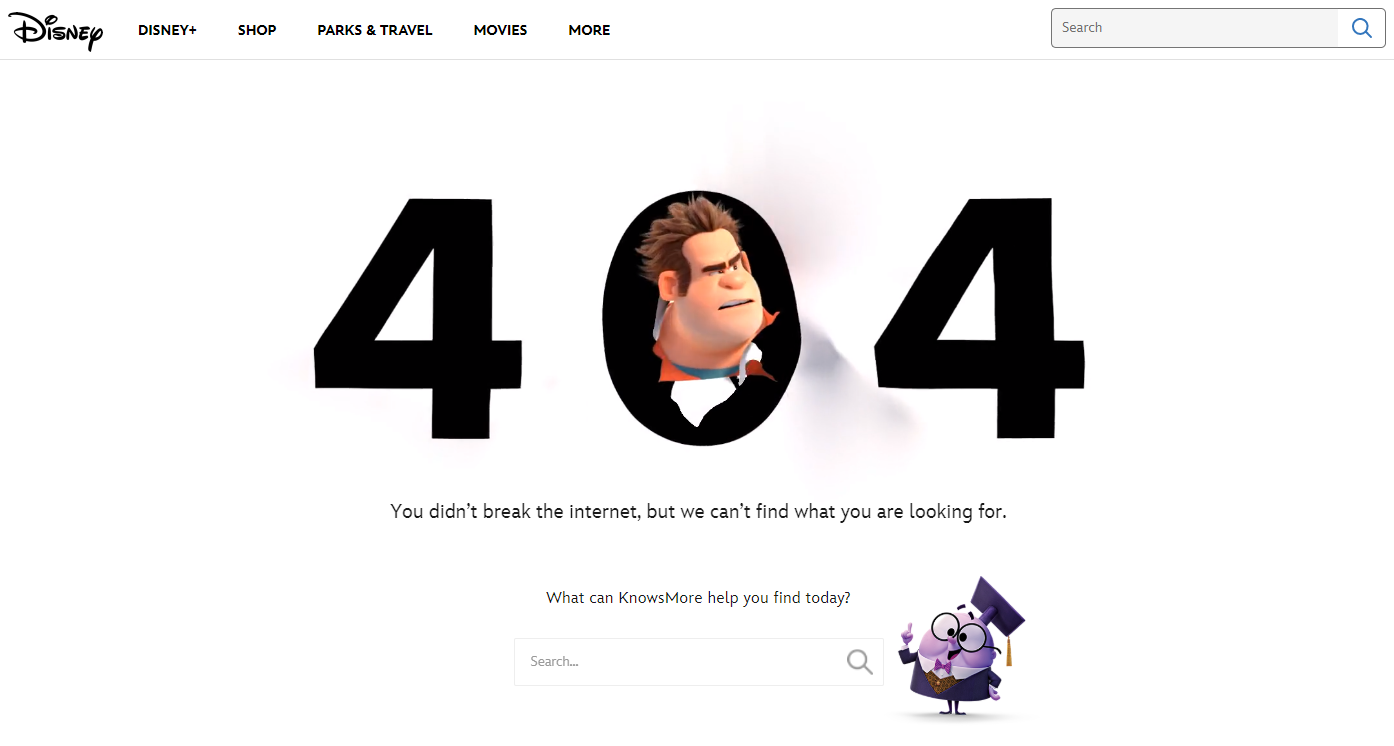
Disney knocks it out of the park with their 404 page by highlighting one of the most popular characters known for destruction – Wreck-it Ralph.
They also feature KnowsMore, a side character in Ralph Breaks The Internet.
Both characters are appropriate for the 404 page, but notice what is right next to KnowsMore: a little search bar.
There’s another one at the top of the page, but this one is dead in the center where users will see it. This search bar keeps users on-page by helping them find what they are looking for.
2. Drift
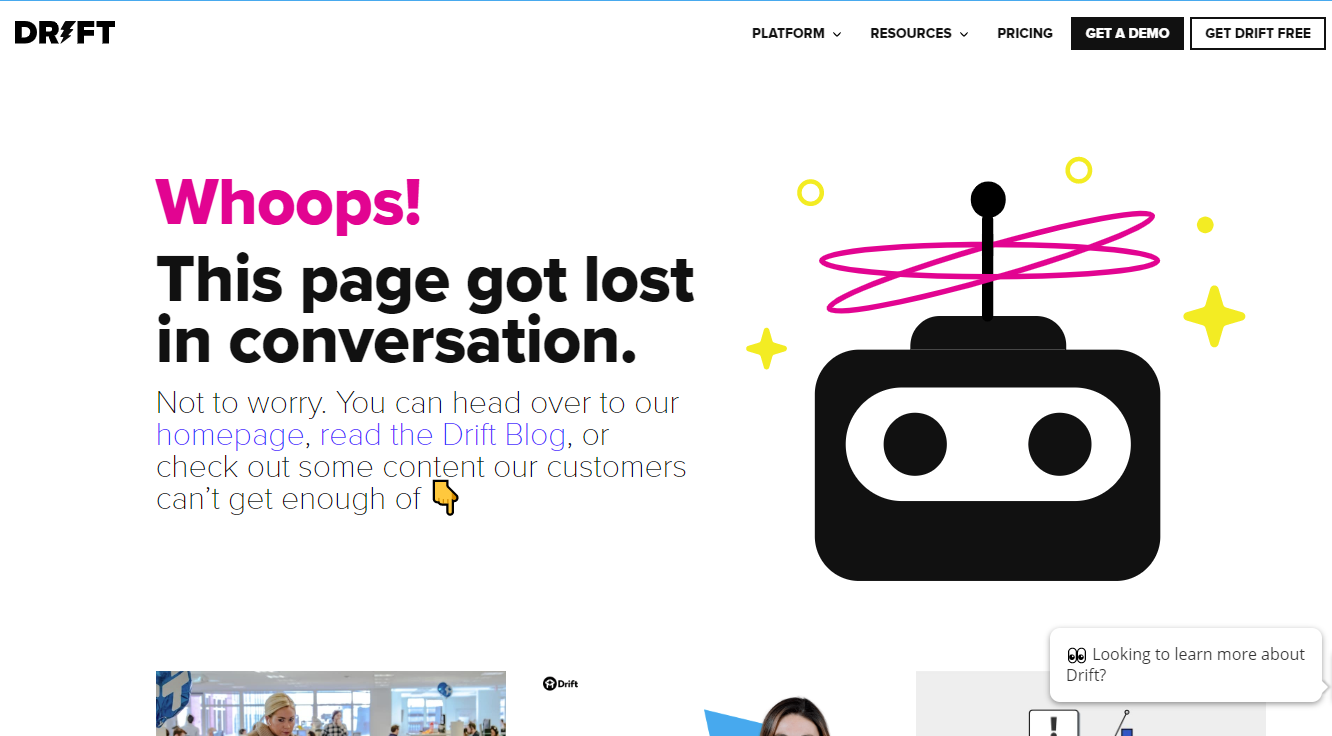
Drift is a conversion marketing tool and sales platform that offers tools for live chat, landing pages, and more.
The copy on their 404 page stays on-brand by mentioning “conversations,” but also works to keep people on the Drift website by offering links to their homepage, their blog, and links to a few of their most popular pieces of content.
In the upper right corner, they also offer a path to conversion by providing the Get Drift Free button.
3. Help Scout
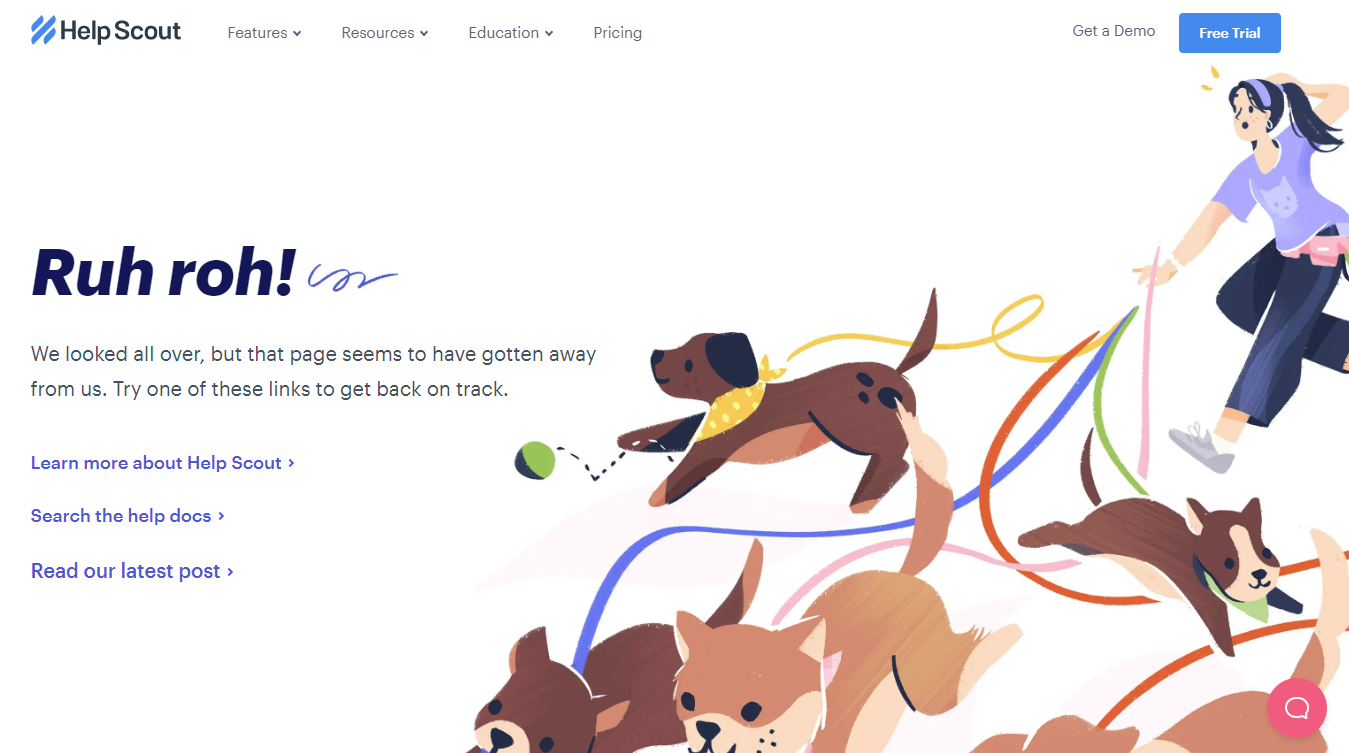
Help Scout provides companies by providing tools for help desk software, email-based customer support, and online knowledge bases.
Like Drift, their 404 page offers links to their blog and other posts, but they use a cute graphic of cute dogs to keep people smiling.
4. Apartment Therapy

Apartment Therapy, a home decor site, keeps it light by joking that washi tape (a popular paper tape used in decorating and scrapbooking) can’t fix the broken link.
Just below the fold, they link to several popular posts to keep site visitors engaged.
They also included a search bar and their main nav bar so users can continue to explore the site.
5. CoSchedule
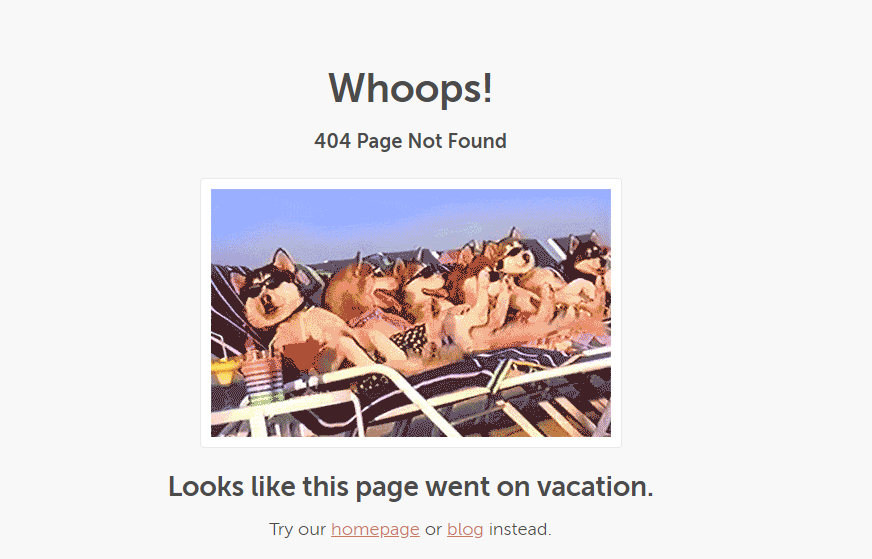
CoSchedule, a marketing scheduling tool, keeps it simple with a cute dog GIF and links to their homepage and blog.
This example just goes to show you don’t have to drop big money to create an engaging 404 page.
It’s simple, but does the job.
6. Sprout Social
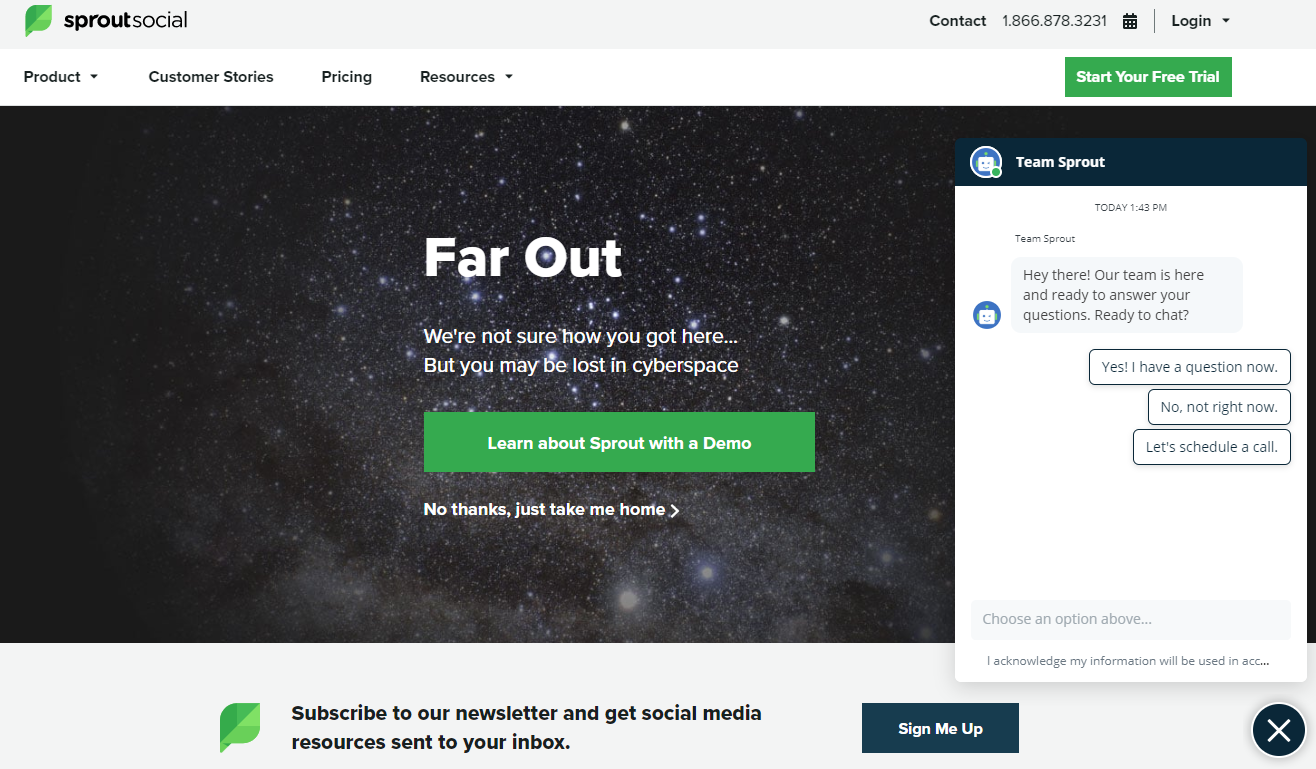
Sprout Social, the social media marketing tool, really wants to keep its customers on-page.
They start with a tongue-in-cheek reaction to landing on the wrong page – but they also push a free demo, while the home page link takes a back seat.
Then, their chatbot pops up to find out what you need.
At the bottom, they promote their newsletter.
Essentially, they’ve turned their 404 page into a landing page.
7. ConvertKit
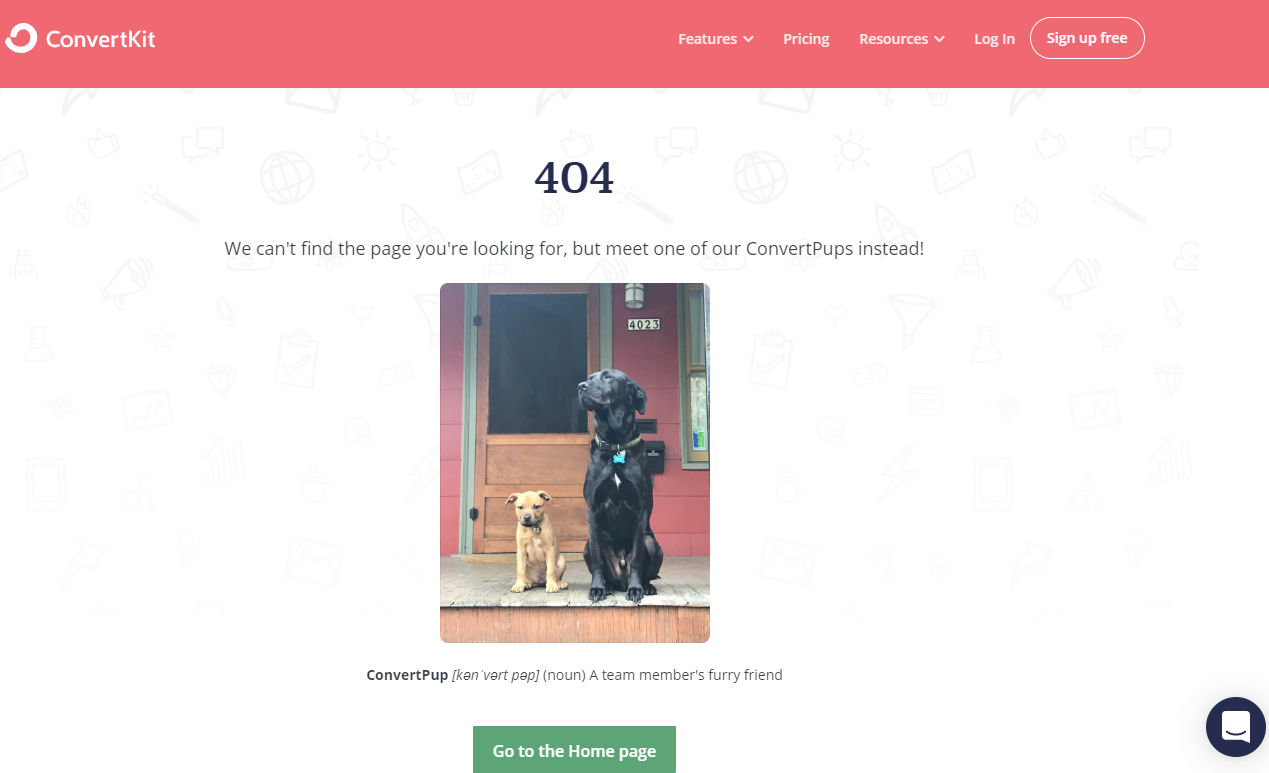
Who doesn’t love dogs?
ConvertKit keeps it light by offering a photo of a team member’s dog and a link to their homepage.
But, they also keep it professional by providing their online chat and a CTA to sign up for free.
8. Screaming Frog
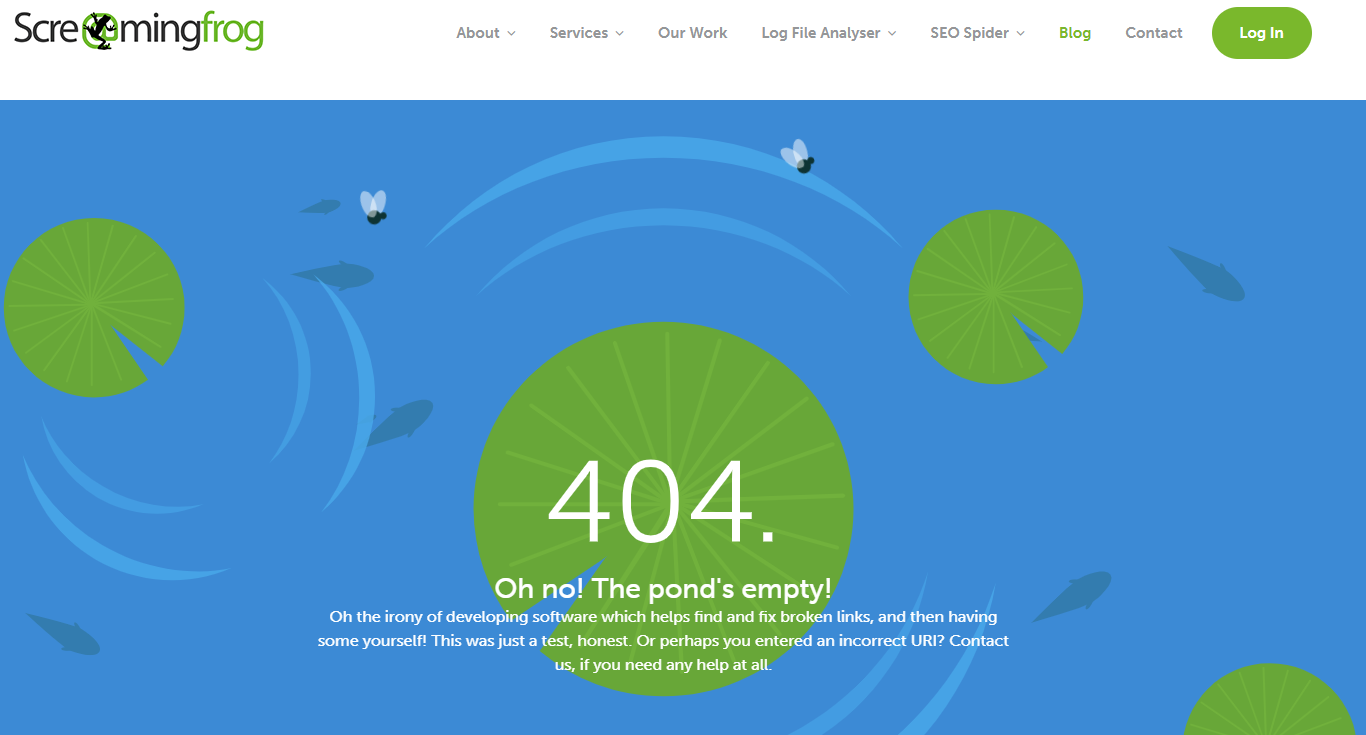
Screaming Frog is a tool designed to help site owners find and fix broken links – and they acknowledge the irony of having a 404 page by poking a bit of fun at themselves, then offering links to their blog, contact page, and services.
Unlike the other 404 pages on the list, this one isn’t static.
The flies move around the page, the fish float, and the lily pads spin.
It’s a small change, but it makes the page feel well thought out.
9. Moz

Moz keeps it simple with a cameo from Roger Mozbat, the brand’s mascot.
His presence is on brand and an easy way to make most people smile.
Moz also gives you a site search bar so you can find what you are looking for.
10. BigCommerce
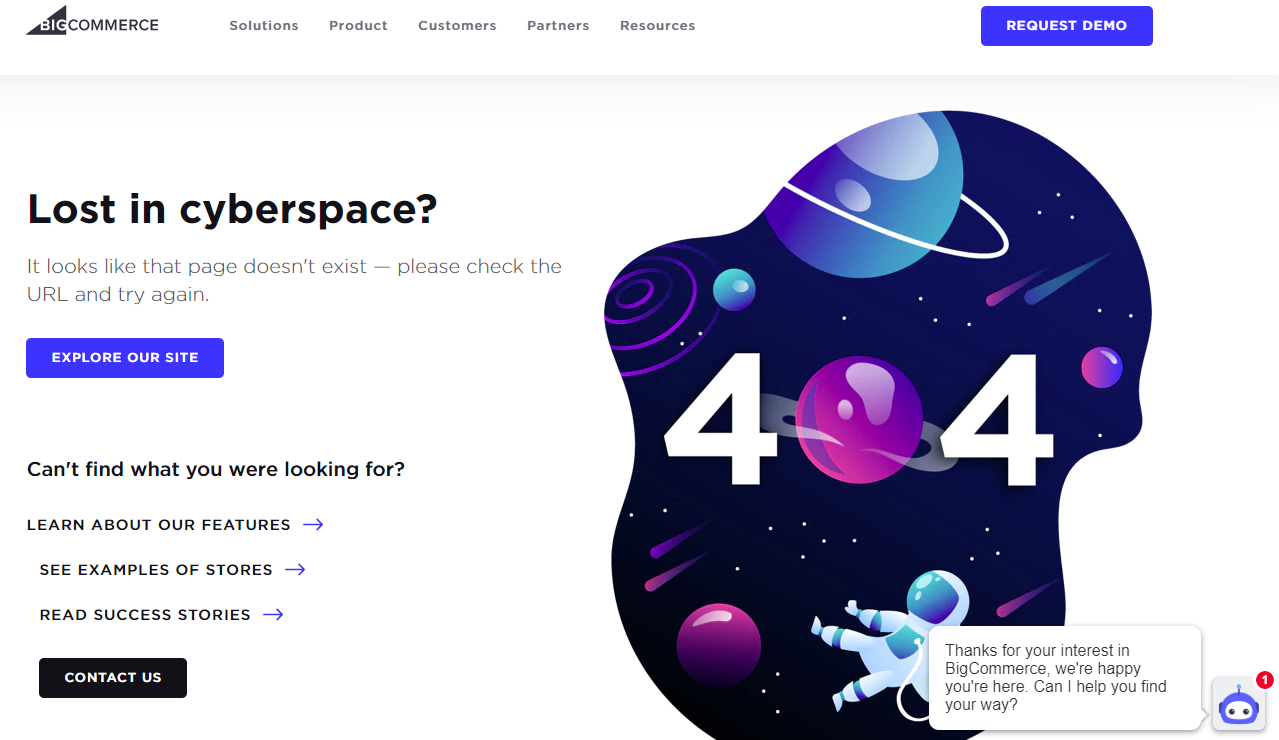
BigCommerce’s 404 page offers many of the same features we’ve seen before – the CTA to contact, request a demo, and an easy way to explore the site.
But what stands out is the well-designed outer space image, which makes the page feel thought-out and planned.
There’s a good chance that users who land on your 404 page are going to be annoyed – a creative graphic helps it feel like you’ve got your stuff together and this was just a small misstep.
11. Kinsta
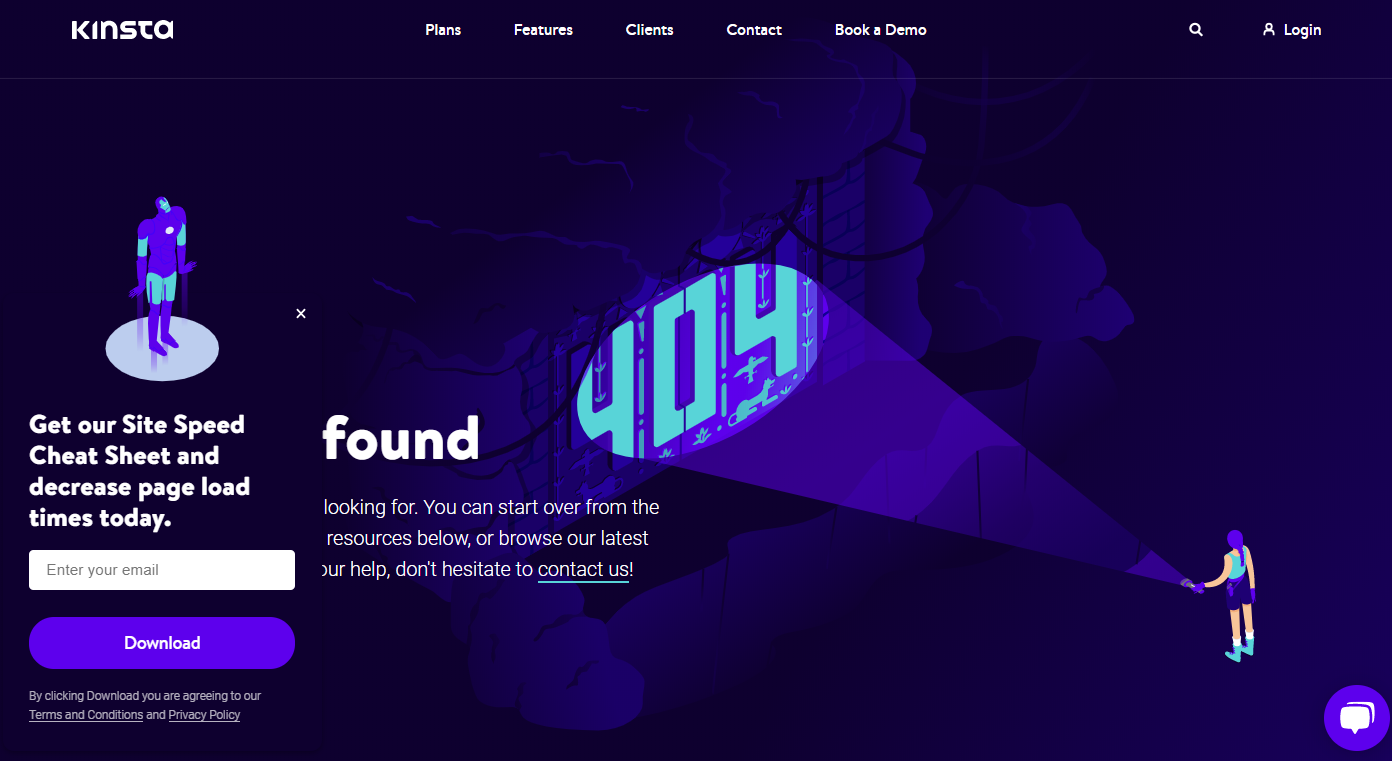
Kinsta, a cloud-based WordPress hosting company, takes a similar approach to BigCommerce by offering a well-designed image on their 404 page.
They keep their top navigation and search bar, so users can easily find other information.
They also use a pop up to suggest gated content, which likely helps drive email subscribers.
12. Lego
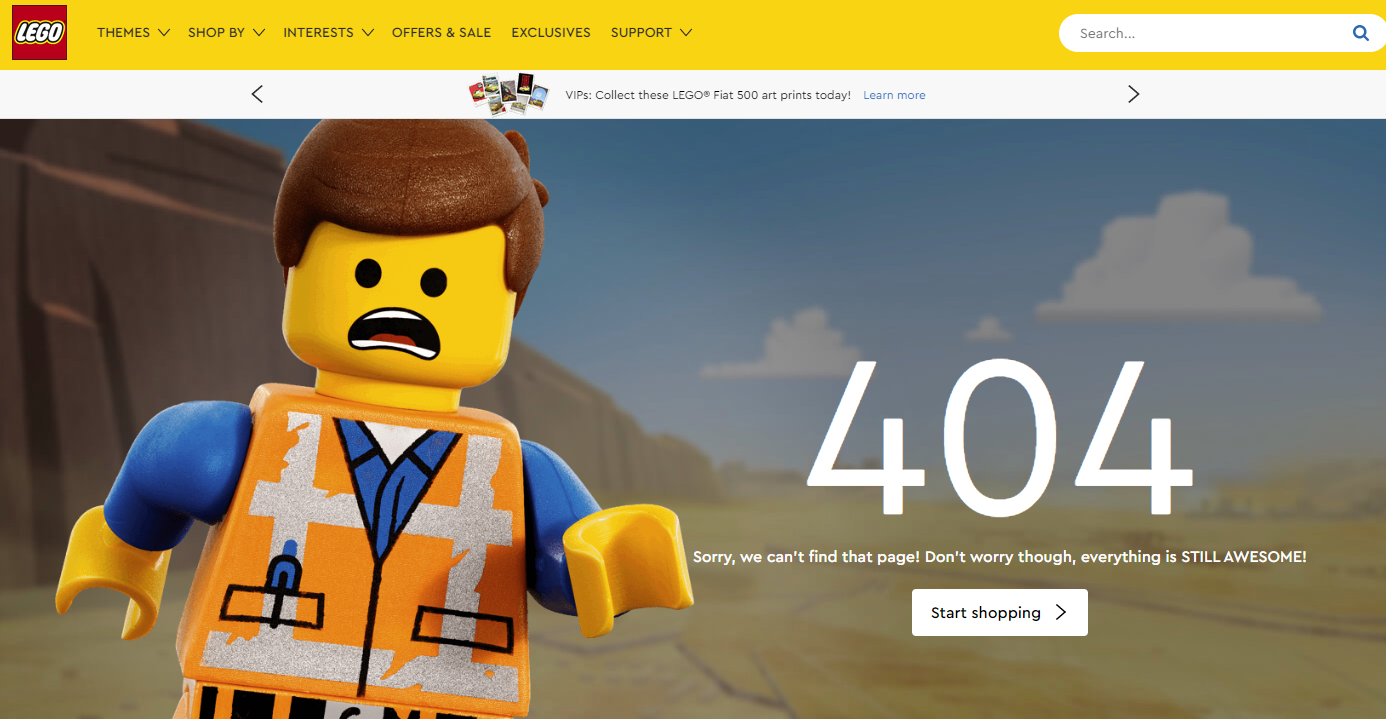
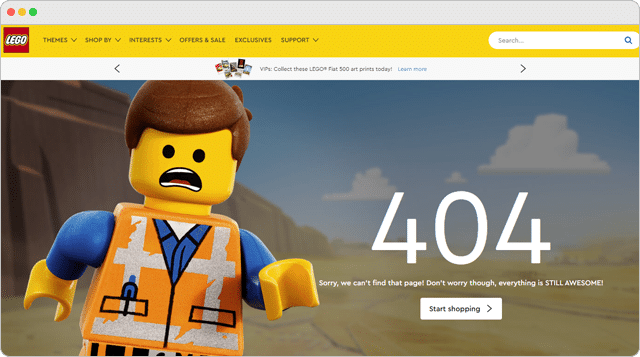
Lego keeps it light using a large image of a Lego man along with the quip “Sorry we can’t find that page! Don’t worry, though everything is STILL AWESOME!” which is a reference to a song from the Lego Movie.
They also offer a link to their shop to keep users on-site.
13. Slack
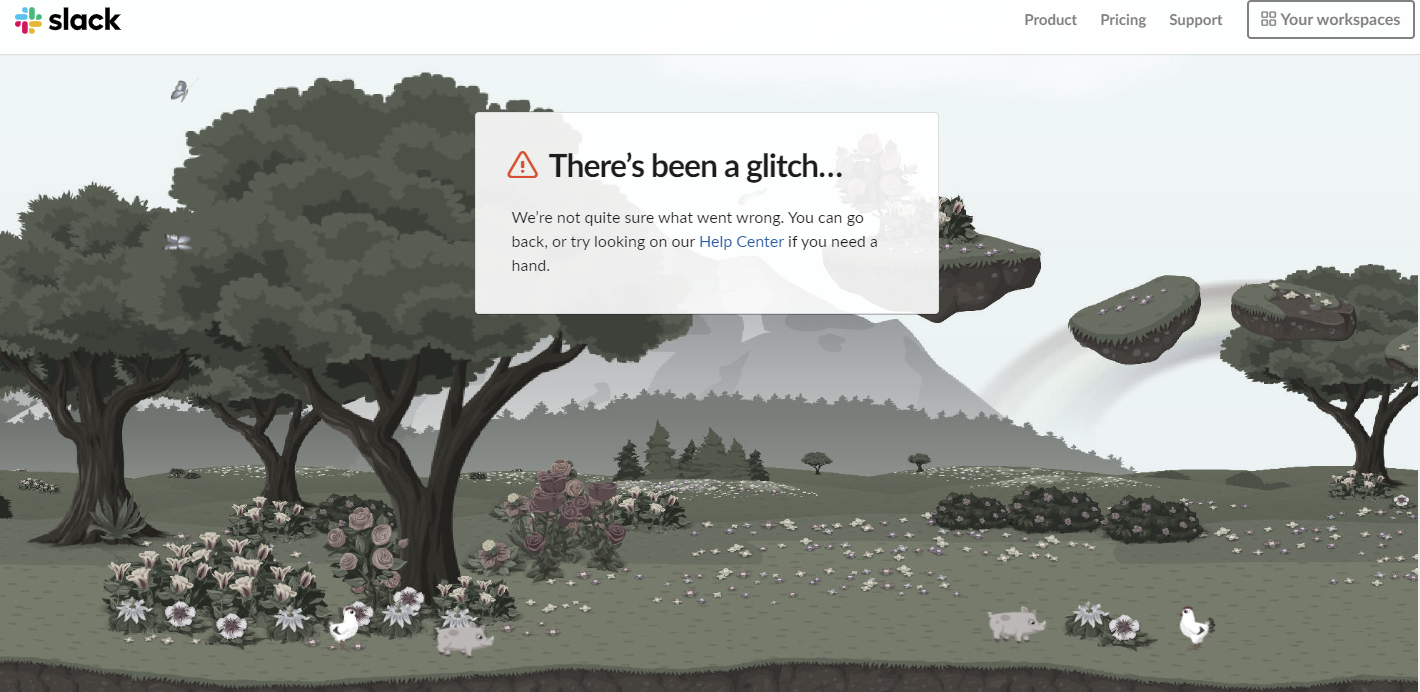
Slack’s 404 page is incredible.
The image above actually scrolls to show you a forest with flying butterflies, pigs, flowers, and chickens.
It also goes black and white if you go to another tab which, unfortunately, makes it hard to get a screenshot of the awesomeness.
Head over to their site for the full experience.
14. Mailchimp
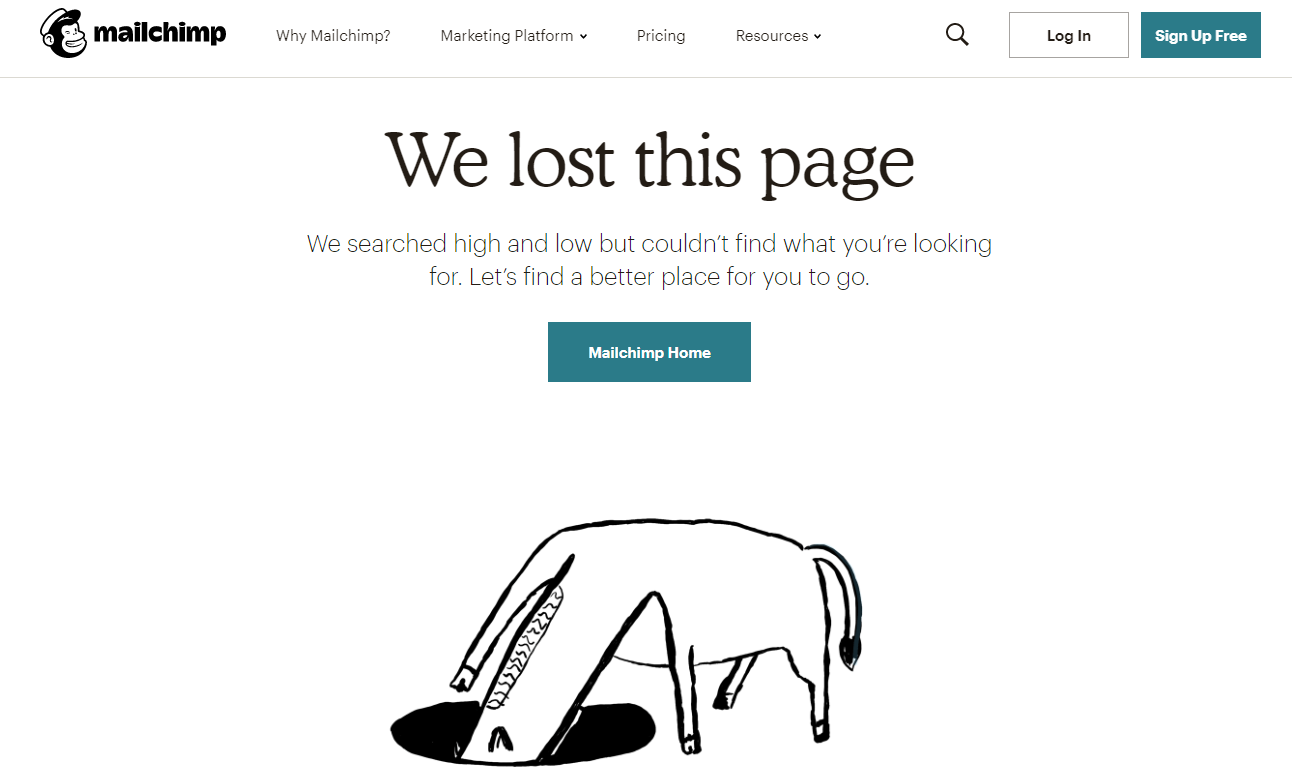
Email tool Mailchimp keeps it simple – yet clever – with their animated 404 page of an animal searching in a hole for, presumably, the page that is lost.
It’s smart and shows their 404 page isn’t an afterthought.
15. okta
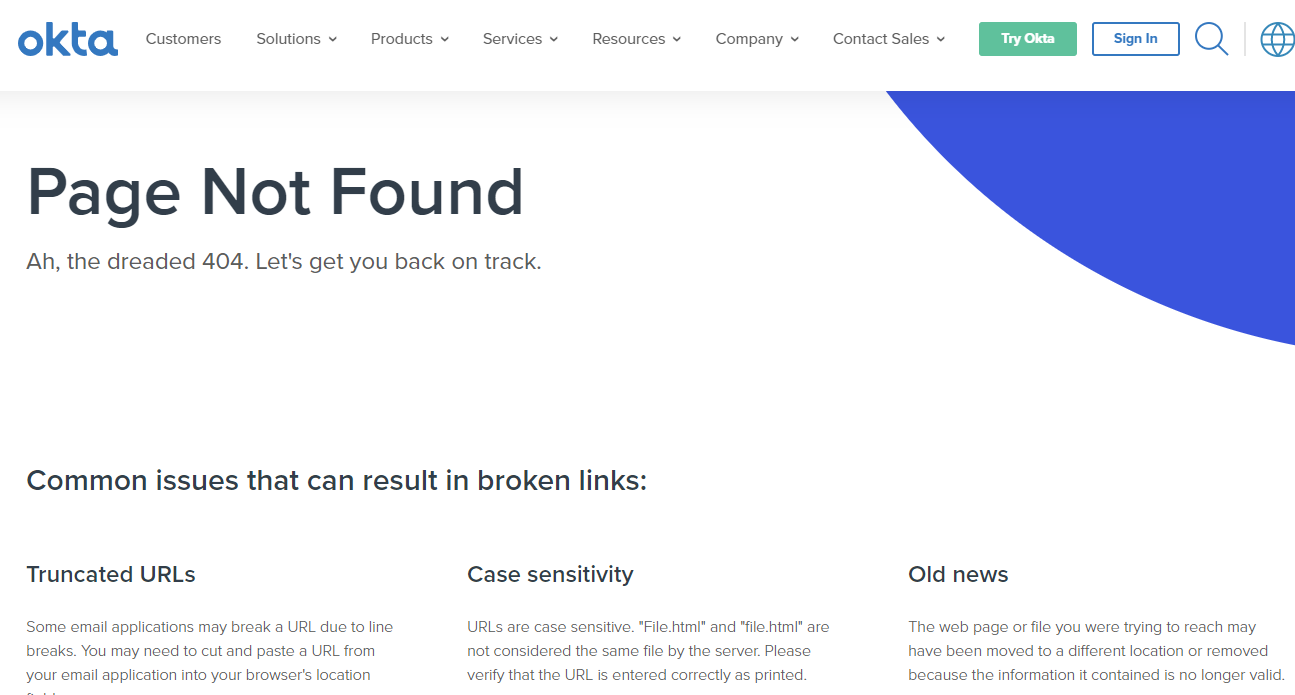
Okta is a cloud-based access management company based in San Francisco.
Their 404 page is pretty simple, but I really like that they offer reasons why the link might be broken, which helps users understand what might have gone wrong.
16. Swiss
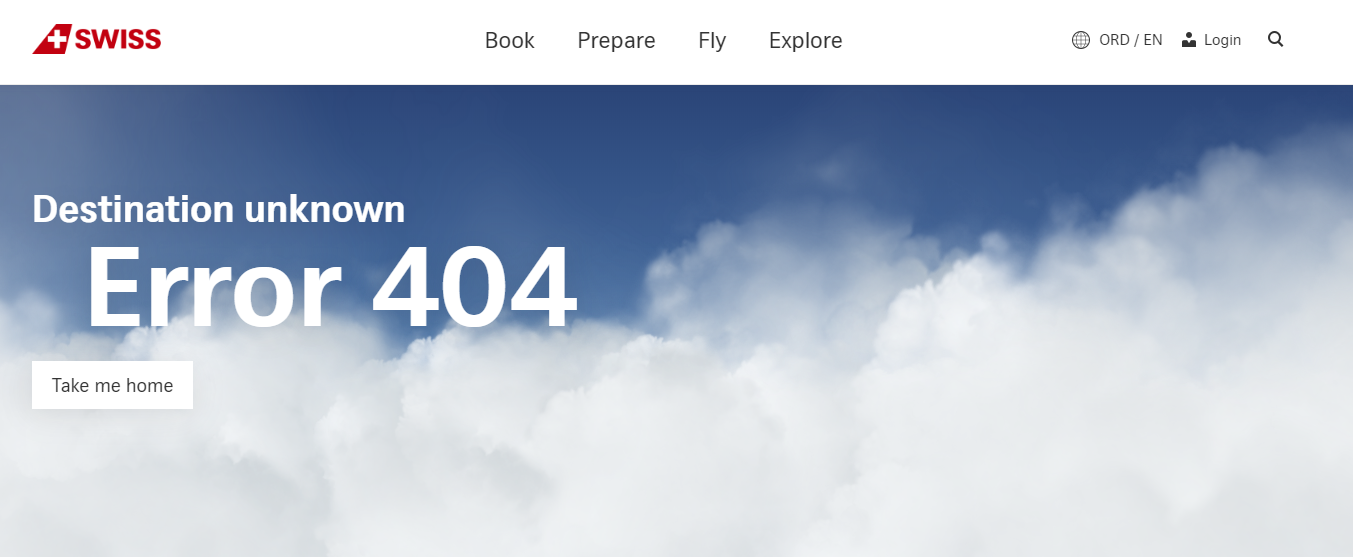
Swiss Airlines doesn’t offer any additional information, other than a link to their homepage and the navigation bar, but the image on their 404 page is really neat.
The clouds move as you guide your cursor over the page, enveloping you in clouds.
It’s an interesting feature that kept me on their 404 page longer than I’d like to admit.
17. Wizarding World
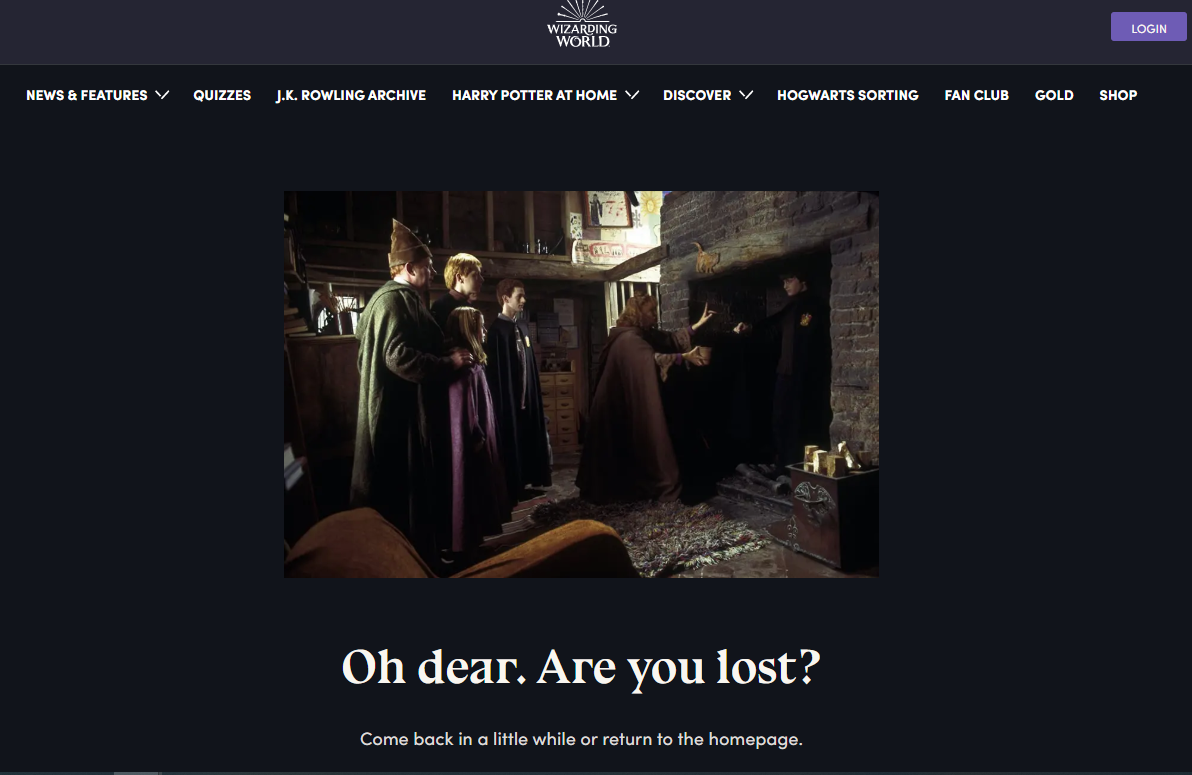
As many Harry Potter fans will know, Harry gets lost the first time he tries to use Floo powder, a glittery substance that lets wizards travel by transporting them to nearly any other house or building with a fireplace.
The image above shows the scene where Harry comes out of the fireplace where he accidentally transported himself covered in soot – making it the perfect image for a 404 page.
18. Southwest

Here’s another 404 page that made me smile – first, they use a “Star Wars” reference, which keeps it light.
The page also features a moving baton used by aircraft marshallers who direct planes on the tarmac.
Next to the image, Southwest offers quick links to help users find what they need.
It’s functional but still stands out.
19. 9GAG
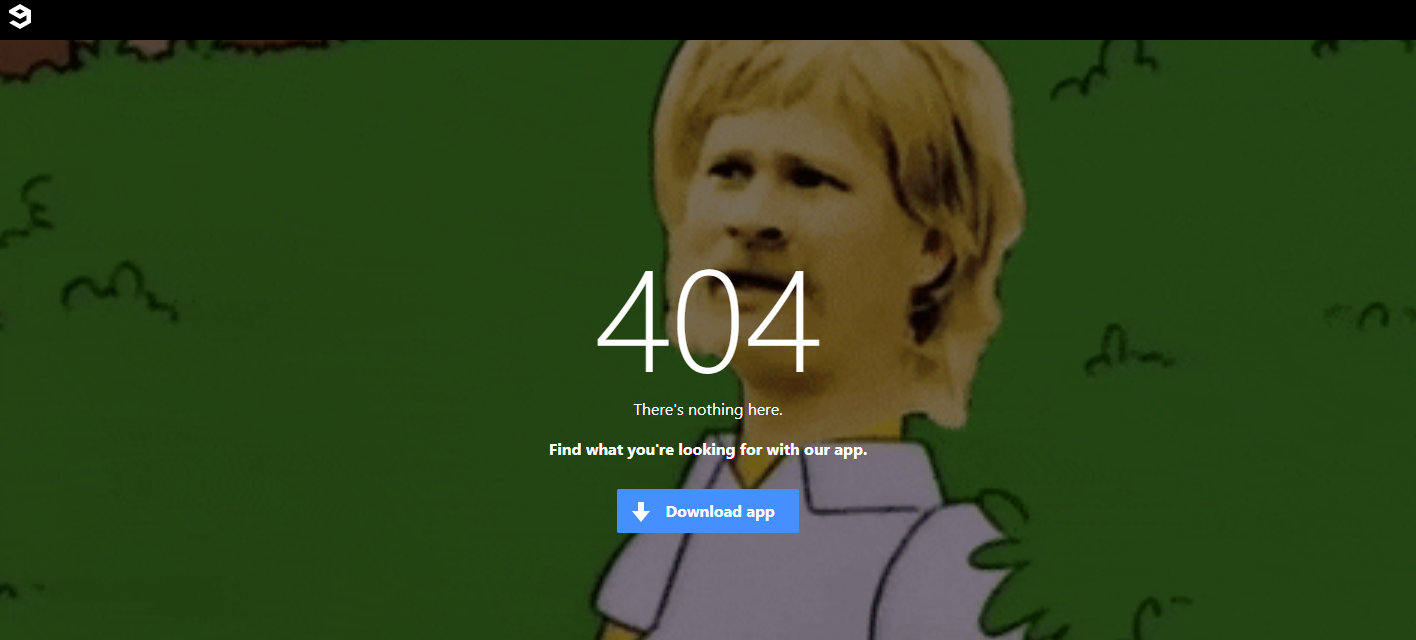
9GAG, the online platform for memes and videos, uses a totally on-brand GIF for their 404 page and offers a single link that directs users to their app.
It is simple, but staying on-brand ensures site visitors know they are on the right site, despite not finding the page they were looking for.
20. Flywheel

Flywheel, a managed WordPress hosting company, offers this quirky 404 page to let folks know they landed on the wrong page.
The casual language reflects their overall brand feel, and the link to the homepage helps users find their way.
Like several other brands, they also offer a chat function to further help users who have lost their way.
21. Dan Woodger
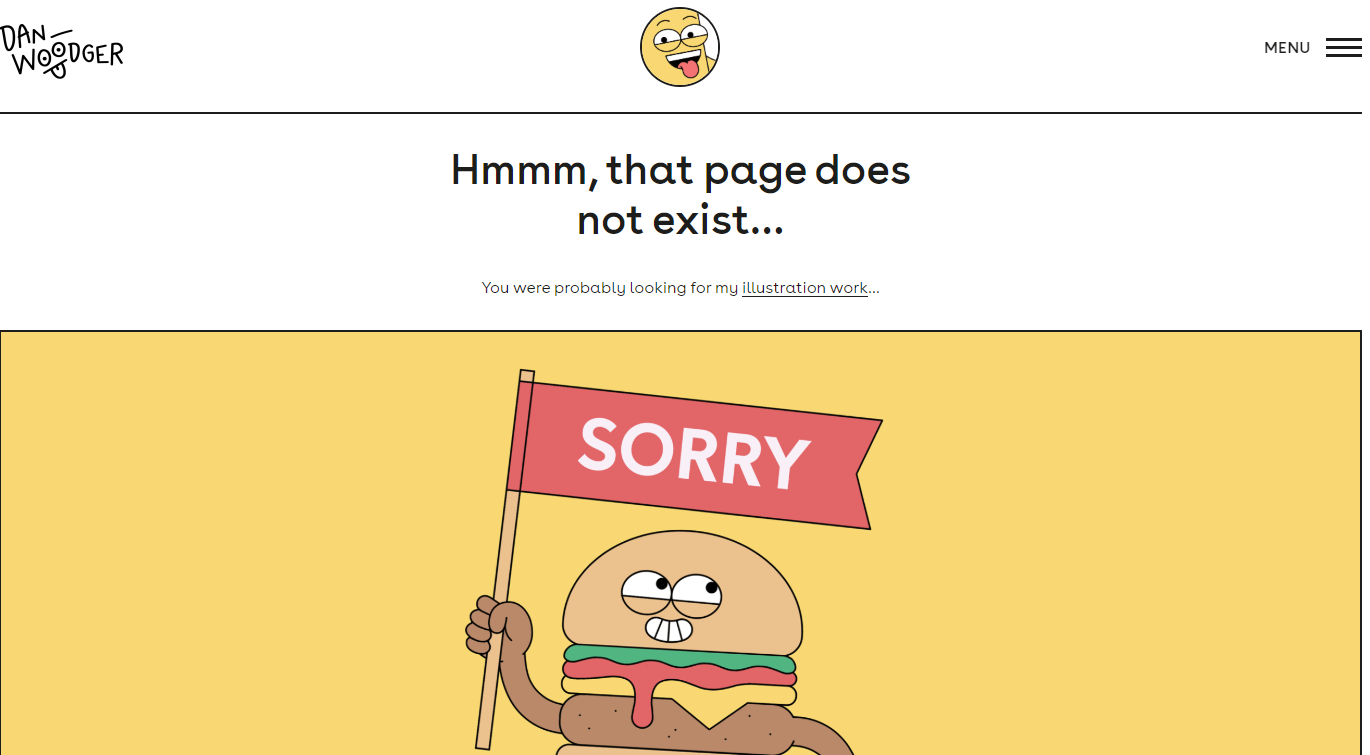
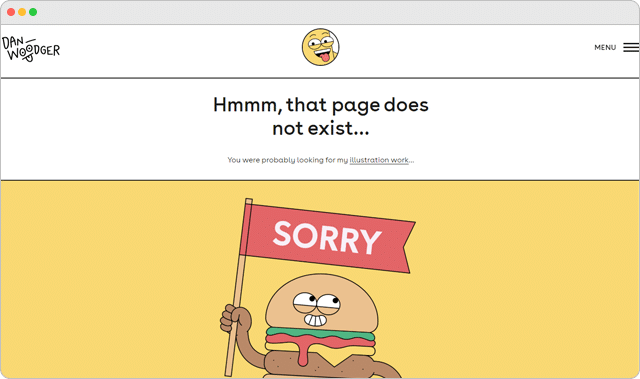
Dan Woodger, an artist and illustrator, features his own work on his 404 page. His bright and cheery hamburger is right at home.
Notice that he doesn’t mention it’s a 404 page or give any other information, other than a link to his work.
This example goes to show a great page doesn’t have to be complicated.
22. Distilled
A lot of brands call in their 404 page. They figure not many people will see the page, so what does it matter.
But showcasing your brand’s style on a (seemingly) insignificant page carries a lot of weight.
If you care about your 404 page, there’s a good chance you care about your clients and customers too.
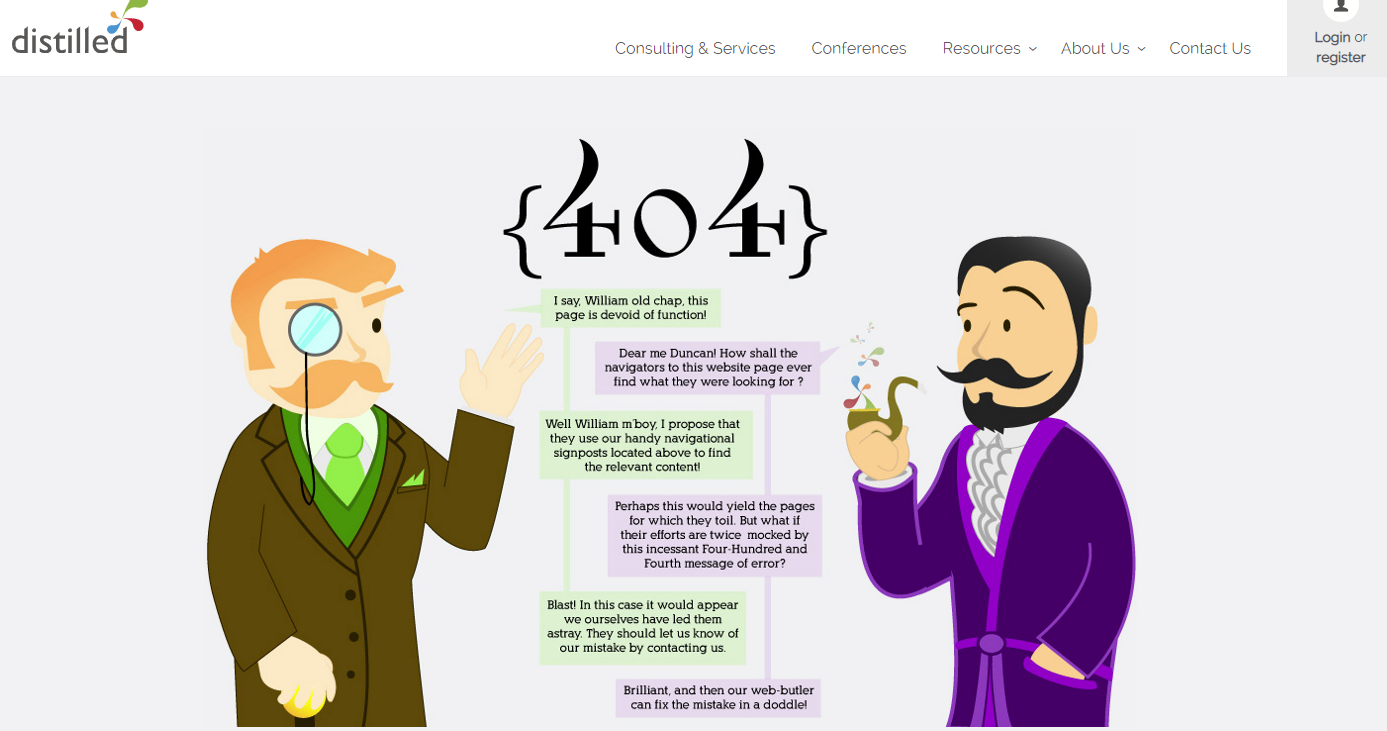
Distilled uses an infographic-like image to explain what the page is and what might have gone wrong.
23. Taco Bell
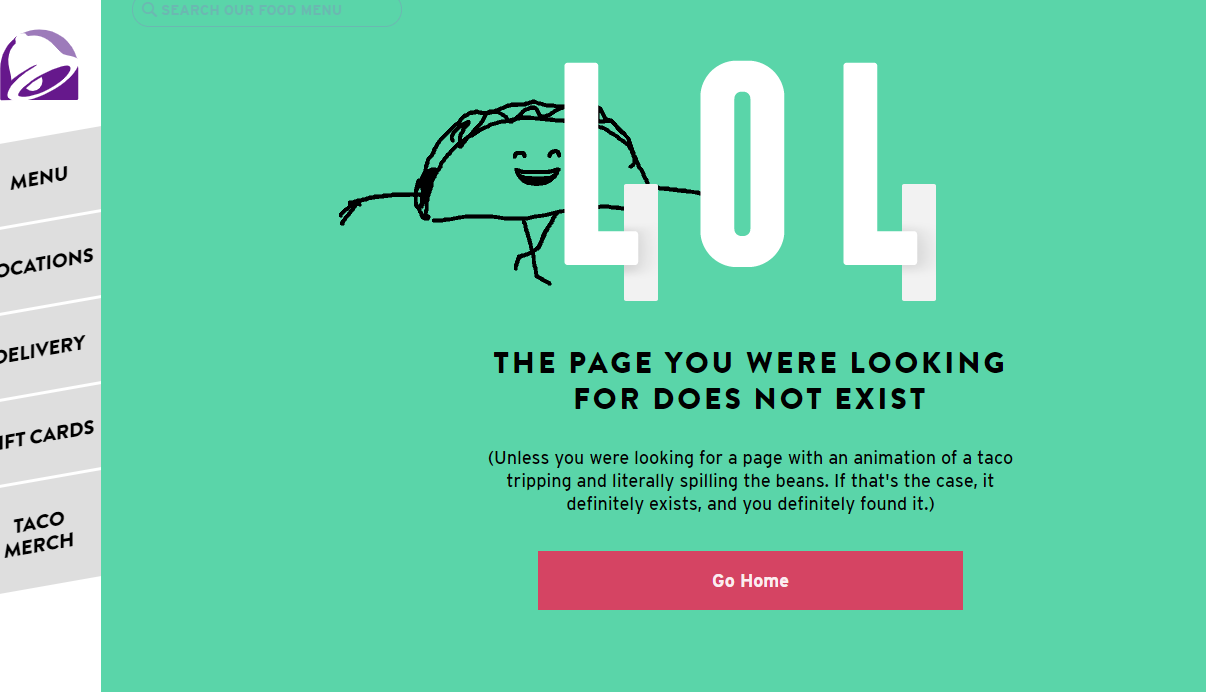
Taco Bell is known for being a bit irreverent. Their 404 page is no exception.
The page features a dancing taco who slips and spills their fillings, then scoops them back into their shell.
It’s a funky reminder that they know something went wrong.
The page also includes a link to the site’s homepage, menu, locations, and where to buy gift cards and merchandise.
24. Magnt
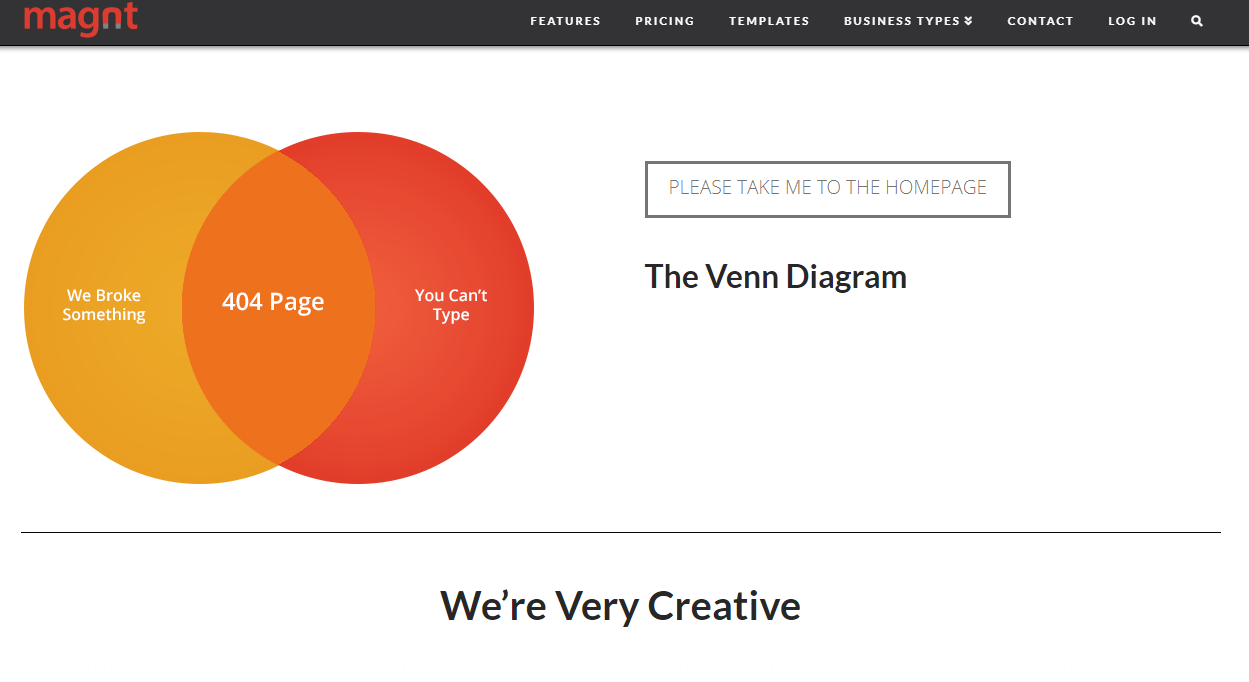
Magnt offers an easy to use builder and tools for creating sites, and they pride themselves on being better than your standard template-based website builder.
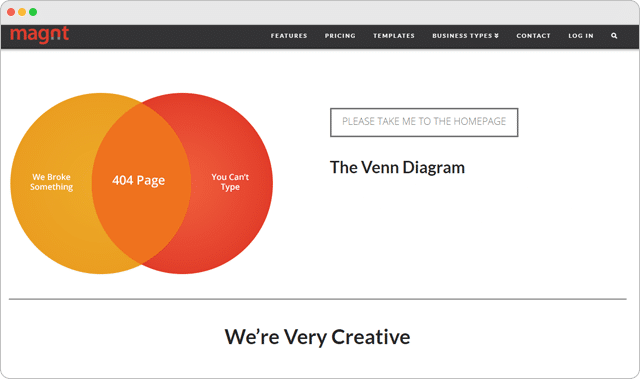
Their 404 page highlights the brand’s creativity with a clever Venn diagram that explores the reasons why you might have ended up on the page – “We broke something” or “You can’t type.”
25. Dribble
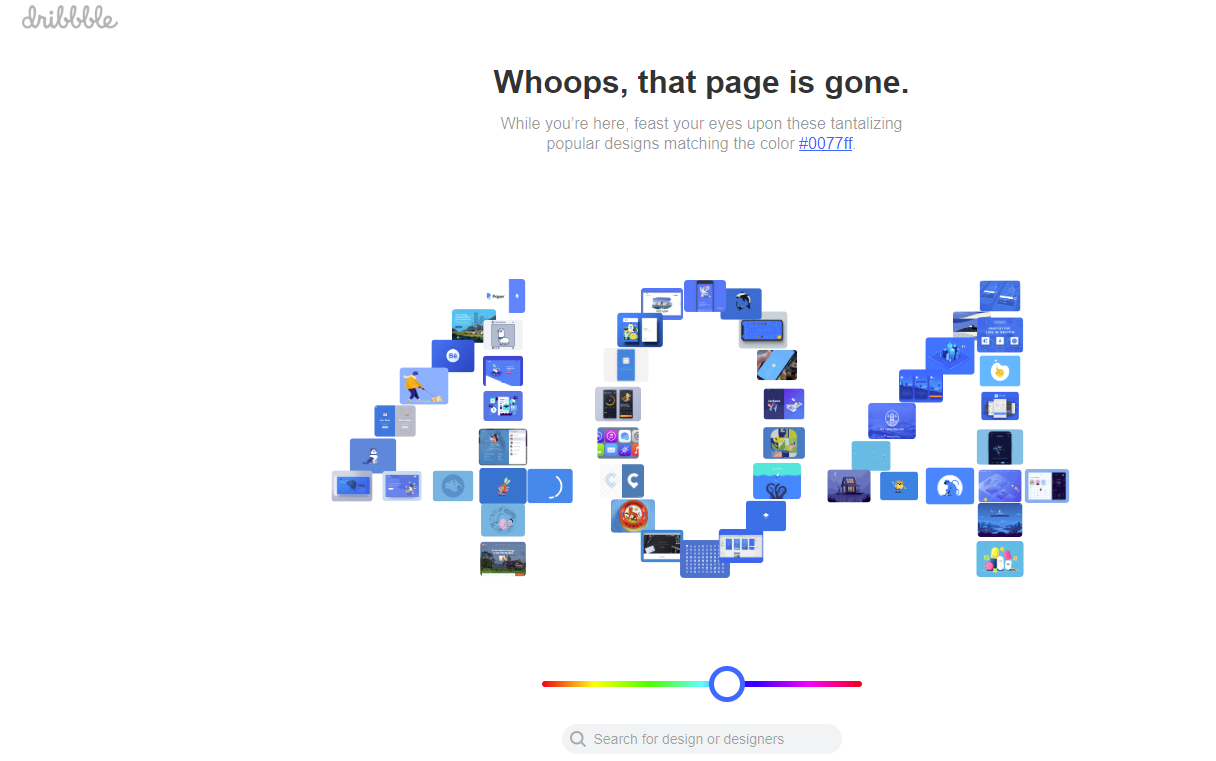
Dribble, a creative marketplace for design professionals, offers up a fully-functional 404 page.
Users can drag the dot below the 404 font to explore designers within a specific color range.
Clicking on the blocks that make up the 404 numbers takes you to those specific designers.
They also offer a search bar, for users who’d rather search the site that way.
26. Overflow
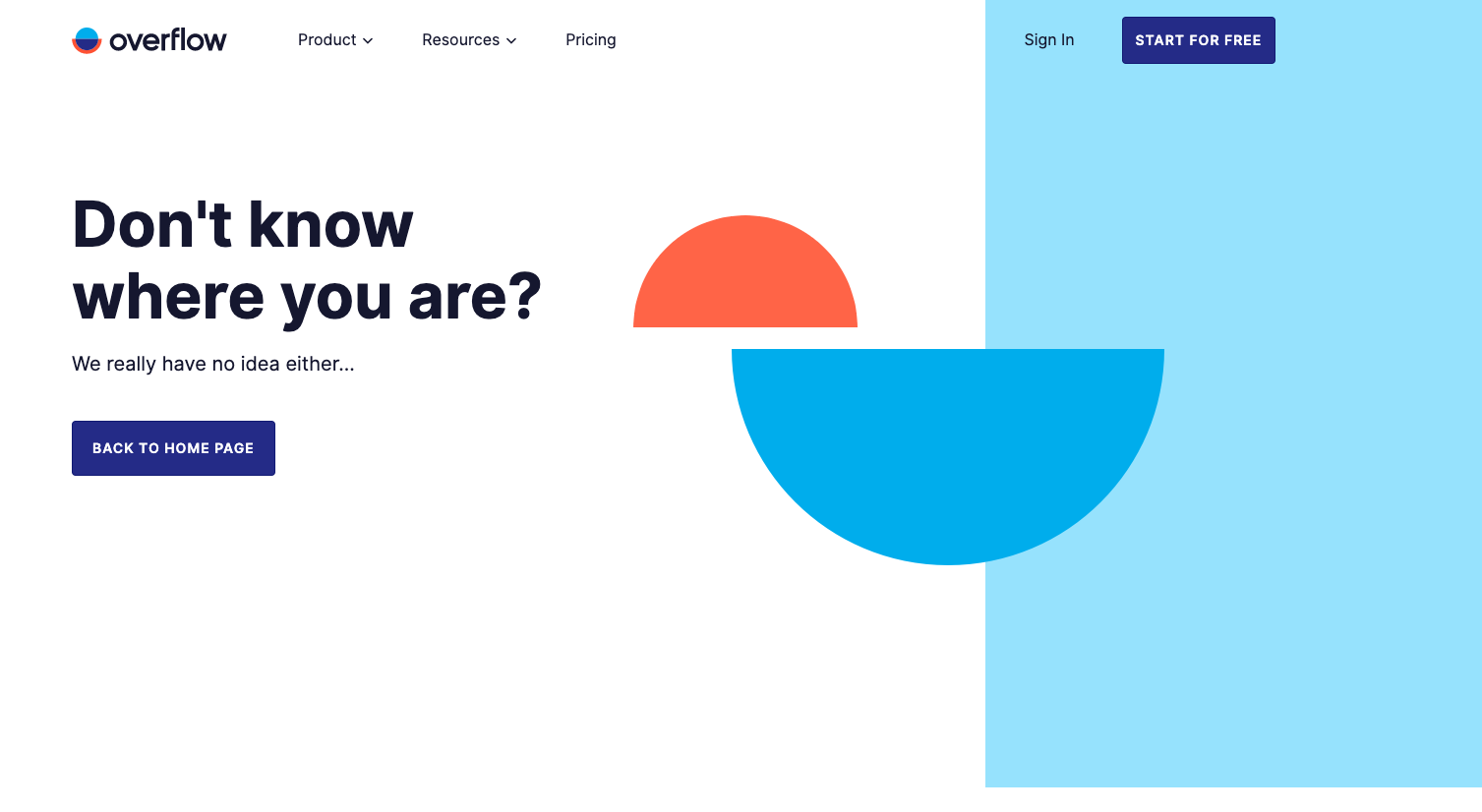
Overflow’s personality is placed front and center on their 404 page.
Their conversational tone and humor are inviting and welcoming which connects with me to want to click back to their home page.
And, the same voice and tone are conveyed on the homepage.
27. Wendy’s
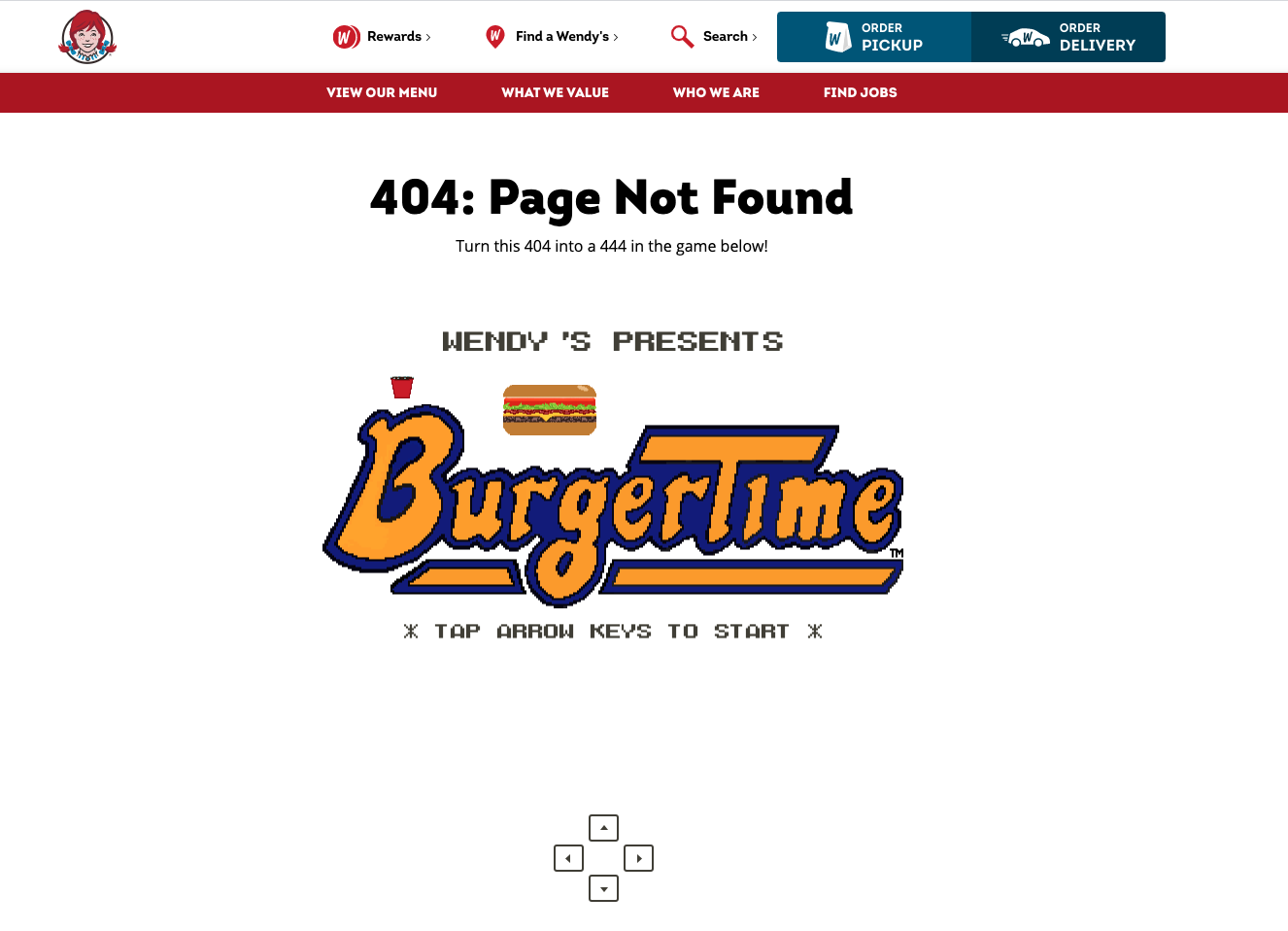
By now, you’ve probably laughed at one or two tweets from Wendy’s.
But, similar to Overflow, Wendy’s continues the same voice and tone flow to their website, even their 404 page.
They created an interactive video game for users similar to Pac-Man on their 404 page.
See if you can get Wendy to the end!
28. Red Bull
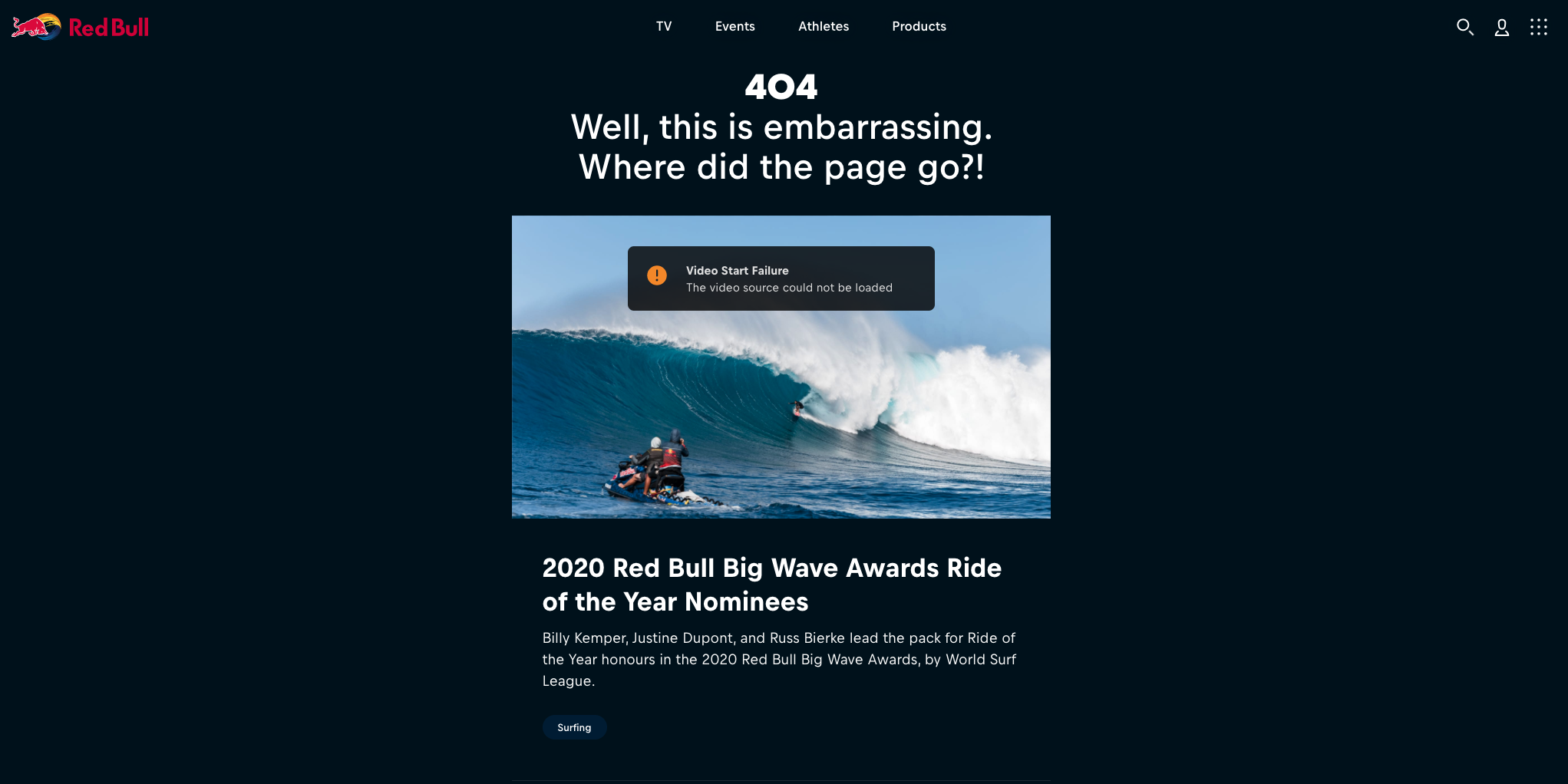
Red Bull’s 404 page is a dream for any SEO or marketing professional.
It’s jam-packed with links to articles and playlist of videos.
Red Bull even rotates the video playlist for their most recent event.
You can see from the image above, Red Bull was using their 2020 Red Bull Big Wave surfing event as the source of inspiration.
29. Blizzard

Blizzard Entertainment, the creators of World of Warcraft, also known as WOW if you’re a geek like me. 🤓
Blizzard features one of their most well-known characters, a Murloc, to help rescue you from their 404 page.
30. Marvel

Marvel utilizes its different comic book characters like Captain America, Deadpool, etc. in a rotating 404 page.
A little hint: Keep hitting refresh. Every third refresh, Marvel will serve up a different visual.
31. Patagonia

Patagonia is hanging ten on their 404 page playing up its casual, tropical vibe.
First, they engage the viewer with a video loop, but then they guide the user further down the page to links to their popular shopping categories.
32. Backcountry
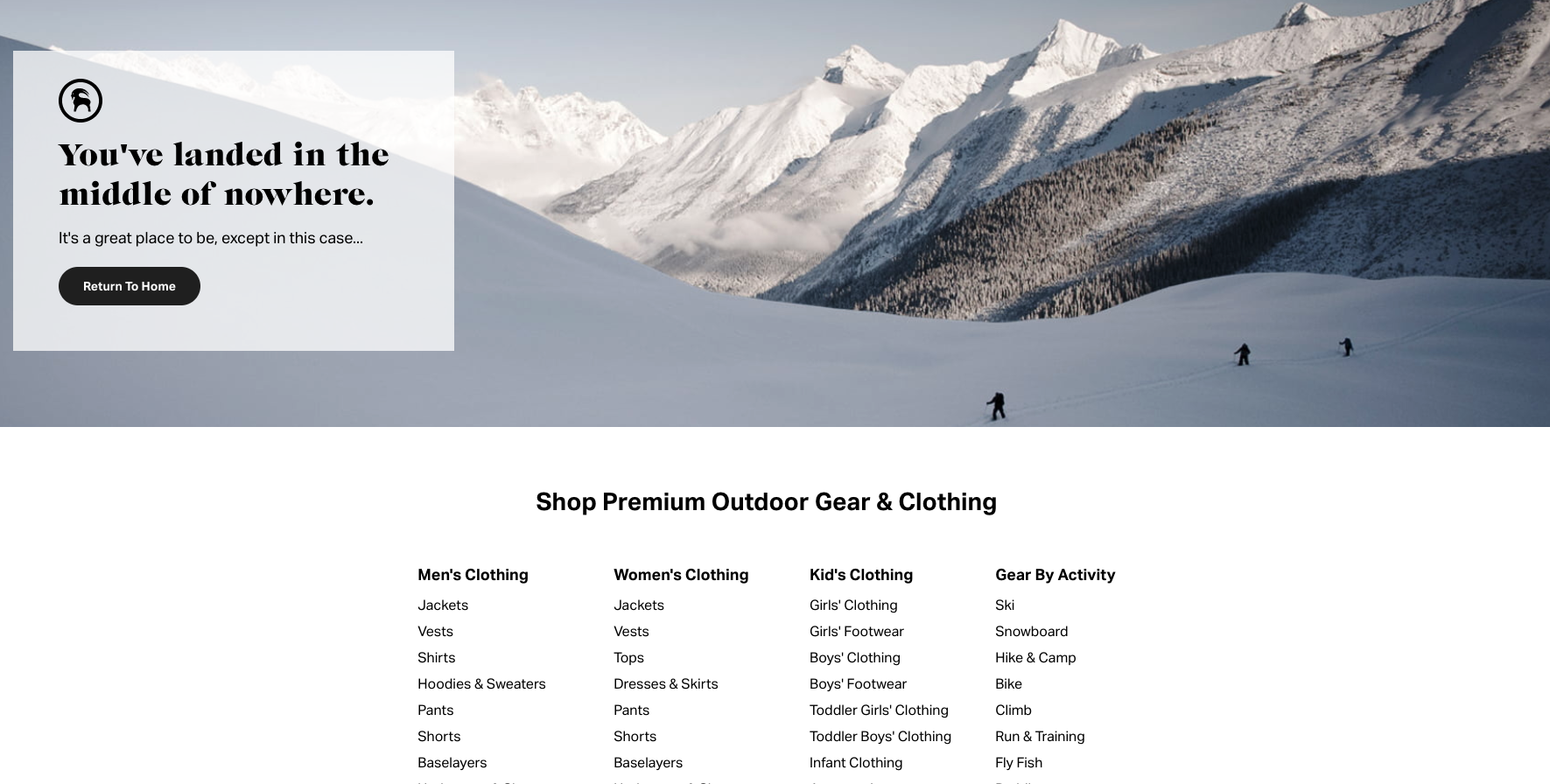
Backcountry, a popular outdoor gear website that I often spend way too much time shopping for things I’ll never buy, shows off its funny side while connecting with its audience.
33. Nintendo
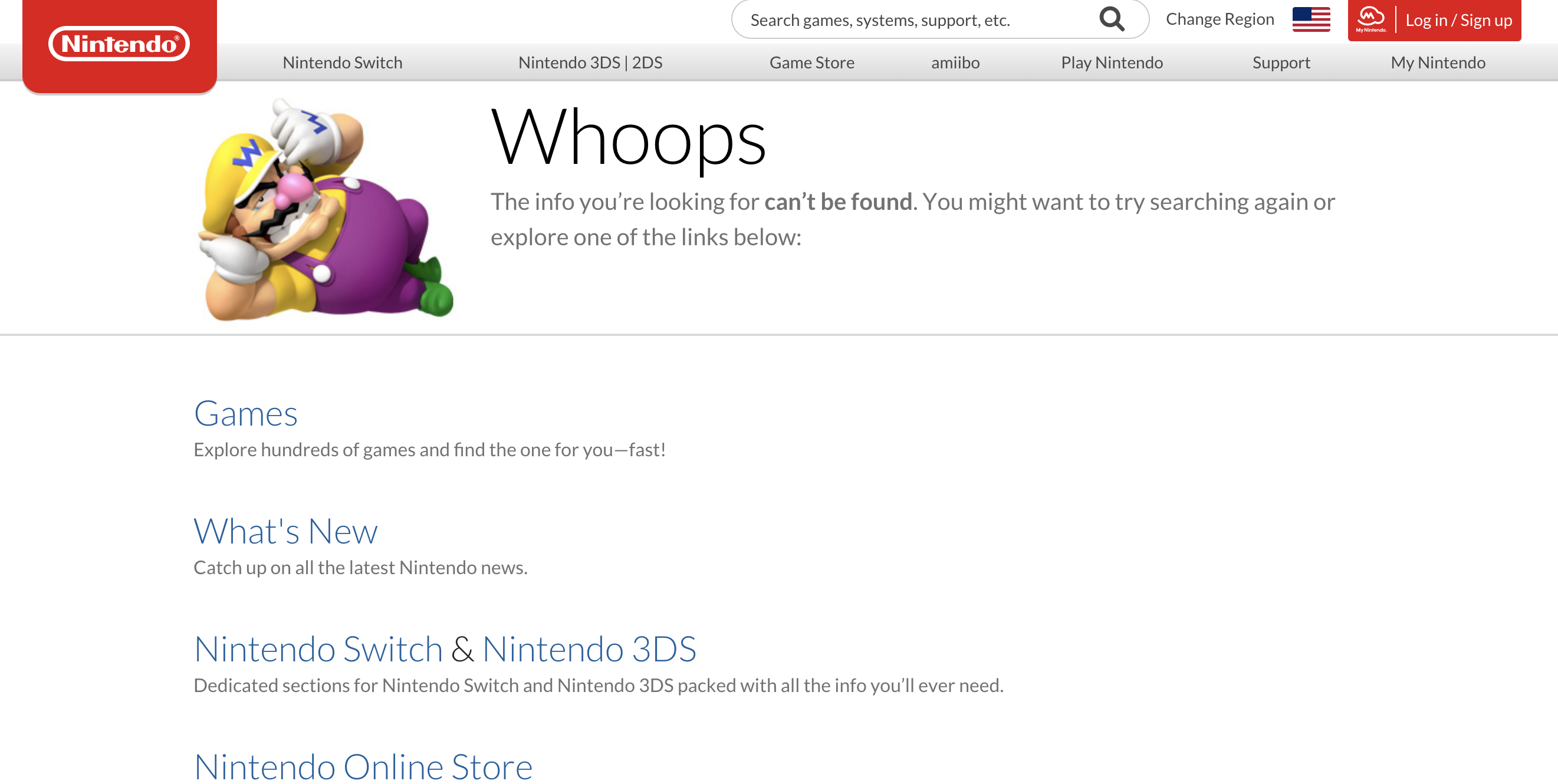
Nintendo does lack some visually engaging pieces, which I was surprised by, you know, being Nintendo and all.
But, what’s important is that Nintendo adds links for resources for the user.
It forces users to stay on the website and not bounce back to the SERPs.
34. Zillow
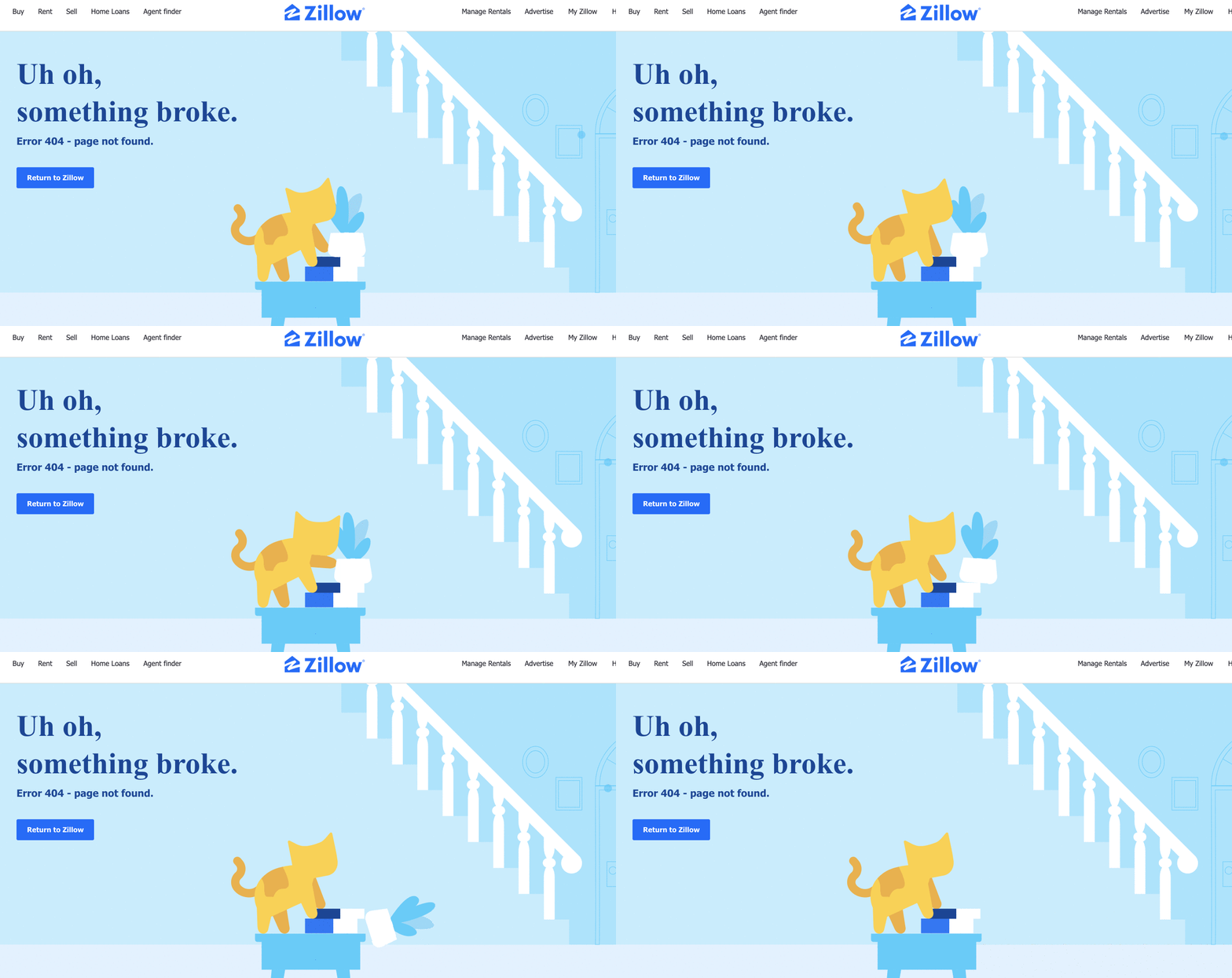
Zillow offers an interactive GIF benefit to its home searchers.
Zillow utilizes customer data to see that their users are pet lovers.
And, to keep those pet lovers engaged, they created this interactive cat that adds a little chuckle at the end when it breaks something in the living room.
As an animal lover, I can connect to this!
35. H&R Block
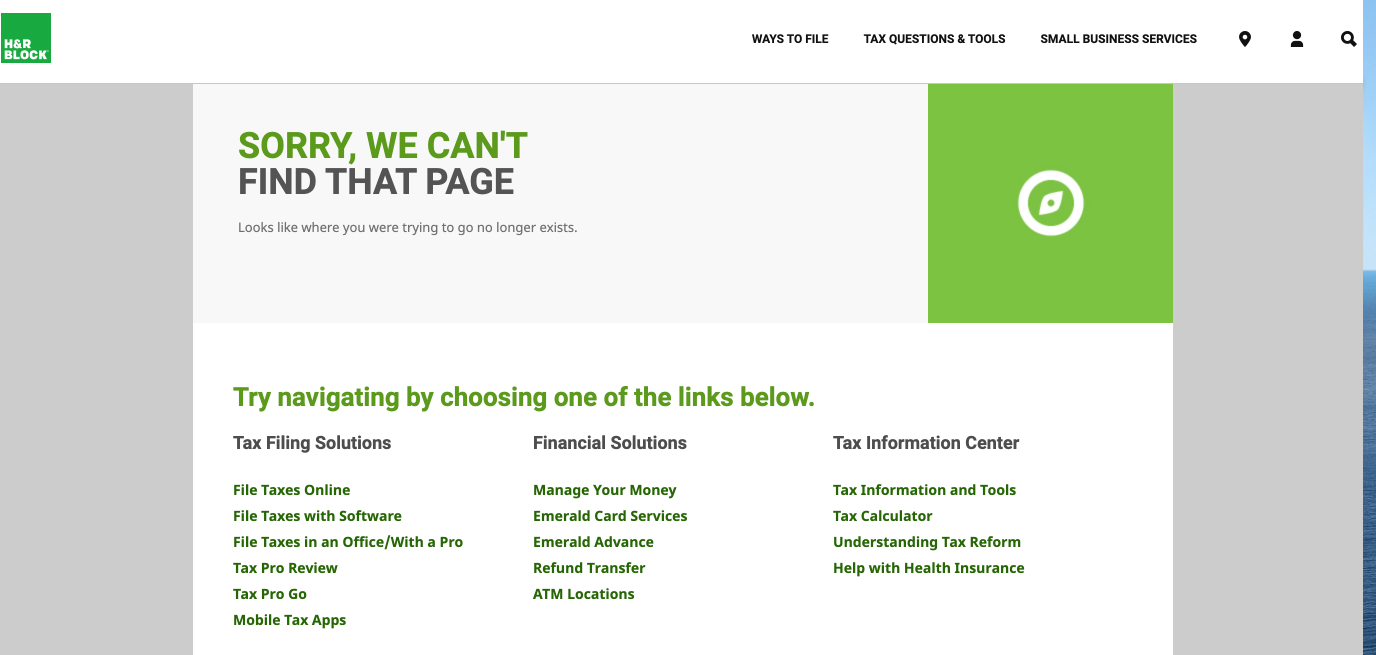
H&R Block is another look at a not-so-appealing 404 page, but it does offer more information to users to keep them clicking and engaged on their website.
36. World of Warcraft

The team at World of Warcraft acknowledges their audience’s skillset with a few jokes about CDNs and above the fold.
37. Playstation
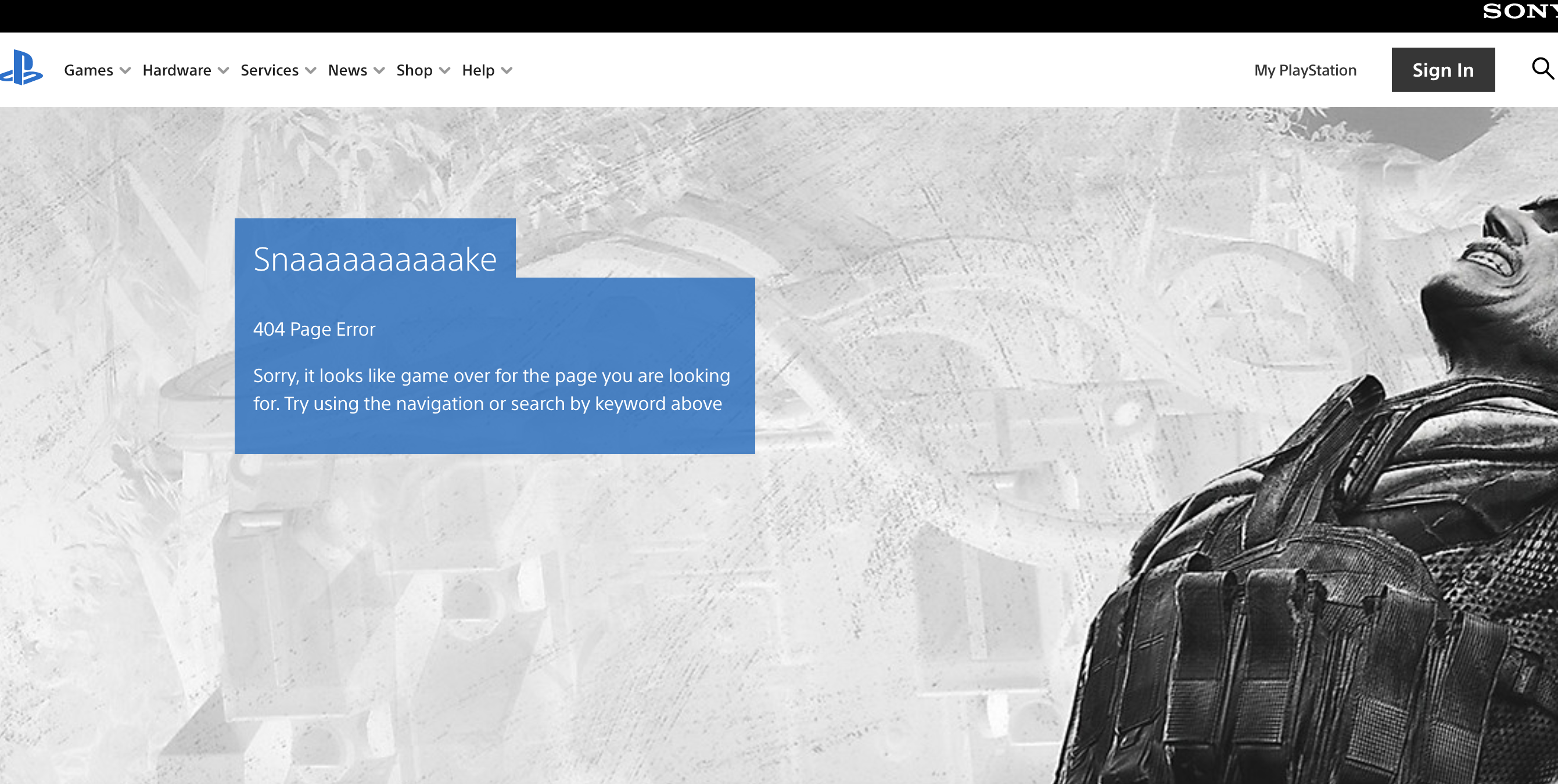
Playstation gives a nice shout out to one of its newer games on its 404 page.
Plus, they provide options to go back to the homepage or get advice from the help center.
Summary
In a perfect world, no one would ever see your 404 pages.
They would stay hidden far away, like the bag of Reese’s thins I keep hidden in my closet. You know, for drastic times.
But in the real world, things happen.
Links get truncated, fat fingers slip, and sometimes you just forget to redirect a page. Start by using a tool like Screaming Frog to find those broken links.
Remember, it takes time to create a creative 404 pages that draw users in rather than chasing them away.
More Resources:
- 404 vs. Soft 404 Errors: What’s the Difference & How to Fix Both
- How to Map 404 URLs at Scale with Sentence Embeddings
- A Technical SEO Guide to Redirects
Image Credits
Featured Image: Created by author, August 2020
All screenshots taken by author, August 2020
Статья будет полезна предпринимателям, для которых сайт компании — не просто визитка, а продающий инструмент, требующий постоянного развития.
Если у вас не лендинг, а крупный сайт со множеством страниц и разделов, то рано или поздно ваши посетители столкнутся с битыми ссылками и ошибкой 404. К этому следует подготовиться.
Грамотно оформленная с точки зрения дизайна и содержания страница 404 способна удержать посетителей на сайте, снизить показатель отказов и повысить конверсию трафика в продажи.
После анализа сотни веб-сайтов разной направленности на предмет наличия проработанной, интересной и нестандартной страницы 404 были выявлены 27 достойных примеров, которые представлены ниже. Также в конце этого материала вы найдёте несколько рекомендаций по теме.
Идеальной формулы для страницы 404, конечно, не существует. Здесь всё индивидуально и зависит от конкретного бизнеса.
В целом страница 404 должна решать следующие задачи:
-
Объяснять посетителю, что произошло.
- Указывать причины, по которым пользователь попал на эту страницу.
- Подсказывать, что делать дальше.
Общие рекомендации по теме
- При разработке или редизайне страницы 404 проявляйте творчество и креатив, отталкиваясь от сферы бизнеса. Здесь можно разместить ограниченные по времени купоны на скидку, форму подписки на выгодные акции, тематическую иллюстрацию, строку поиска по сайту, интерактивные элементы, генератор случайных советов и так далее.
- Обязательно проверьте, чтобы страница ошибки 404 на вашем сайте была правильно настроена, а сервер возвращал код статуса HTTP 404 Not Found. Иначе в результатах выдачи поисковых систем могут начать появляться ссылки на несуществующие страницы вашего сайта, что негативно повлияет на SEO.
- Регулярно проверяйте ссылки, размещённые на сайте, на предмет актуальности. Заменяйте или удаляйте битые ссылки при обнаружении.
На этом всё. Надеемся, что приведённые выше примеры вдохновят вас на создание своих собственных оригинальных решений, которые будут способствовать улучшению сайта и бизнеса в целом.

Nobody wants their web visitors getting lost. But it happens. When it does, a great 404 error page can turn a bad experience into a delightful one.
We’re always praising the benefits of good strategies for downtime. Another aspect of that is making sure visitors are taken care of if they land on an old page or a dead link. That’s why we advocate putting a little extra thought into your 400- and 500-level error pages.
A clever or engaging error page reinforces your brand message and increases visitors’ chances of staying on your site rather than clicking out altogether.
What is a 404 error page?
A 404 error page is a web page designated to be displayed when a request triggers the HTTP 404 response code. This code means the client (or, “visitor”) was able to locate the server, but not the specific destination. In other words, they found your site, but not a specific page within your site. So the server sends your browser a 404 response code, letting them know what happened. If the site’s designer designated one, a 404 error page is loaded.
Here’s an example:
Visit Statuspage and your browser will load our main homepage. You’ve located our server. Add a correct destination to the end of that url, /pricing or /login, for example, and your browser loads that specific destination. But try a destination that doesn’t exist, like /gibberish, and you’re served the 404 page. Basically our server is saying this: you found me, I can see my URL in there, but the specific destination you’re looking for after the slash is a page I don’t have a match for. So here’s this error page to let you know that I don’t see a page in my directory that matches what you’re asking for.
The great thing about a 404 error page is that the same page loads no matter what mistake leads you there. So any of the infinite combinations of bad URL extensions will generate that page, provided the top-level domain, the site-dot-com part, is intact.
There are two common reasons a visitor might land on an error page:
- They hit a link that points to a URL for a page that no longer exists
- They click or type a misspelled link
The effect of “link rot” is a byproduct of the first reason, old links. Websites are regularly updated, moved, or deleted. But no one person can fully control, or know, the network of external properties linking to their page. This means that although the links live on, they point to a page that no longer exists. Thus, link rot. It’s so widespread that half of the links cited in Supreme Court opinions no longer host the original content, according to one estimate.
Since we can’t control who might be sending visitors to dead links on our domain, the next best thing we can do is have a great 404 error page set up. Even though sending visitors to an error page isn’t an ideal experience, it’s still an experience you can own.
What about other error pages?
While the 404 is the most common error code most people see, it’s only one of a handful of errors that can be served.
Any three-digit error code that starts with a 4, like 404, is called a 400-level error and means something went wrong on the client’s side. The client, in this relationship, is your web visitor. More specifically, it’s their browser. So it makes sense that a misspelled URL is considered a client error. The server (the computer hosting the site) is working fine.
Other common 400-level errors include:
- 400 Bad Request: The request sent to the server was malformed or somehow didn’t follow syntax rules.
- 404 Forbidden: Sounds ominous. But all this really means is that the requested URL is valid, but the client doesn’t have the proper permissions to access the site. This can happen when you try to visit a URL for a site you need to be signed in to visit.
The other common set of error codes are 500-level codes. Where 400-level codes indicate a problem with something the client is doing, 500-level codes flag something unexpected happening on the server side.
Some of the common 500-level codes:
- 503 Service Unavailable: This is your standard “server unavailable” error. Typically the server can’t respond because it’s overloaded or down for maintenance.
- 504 Gateway Timeout: The server was acting as a gateway to an upstream server, but didn’t receive a response from the upstream server in time.
Pro tip: Even if a site doesn’t have an error page, you can see the error codes for yourself in your browser. In Chrome, for example, right-click on the page and hit “inspect.” You’ll see the set of developer tool panels. In the tab labeled “Console” you’ll see a list of any HTTP response codes that may be getting generated, along with a bunch of other “under the hood” info the server is telling your browser.
Fun fact: A little-known Error 451 code exists and is sometimes used. The code is meant to be used when access is denied due to legal request, and is a reference to the dystopian novel “Fahrenheit 451.”
44 incredible 404 error page examples
1. 20th Century Fox
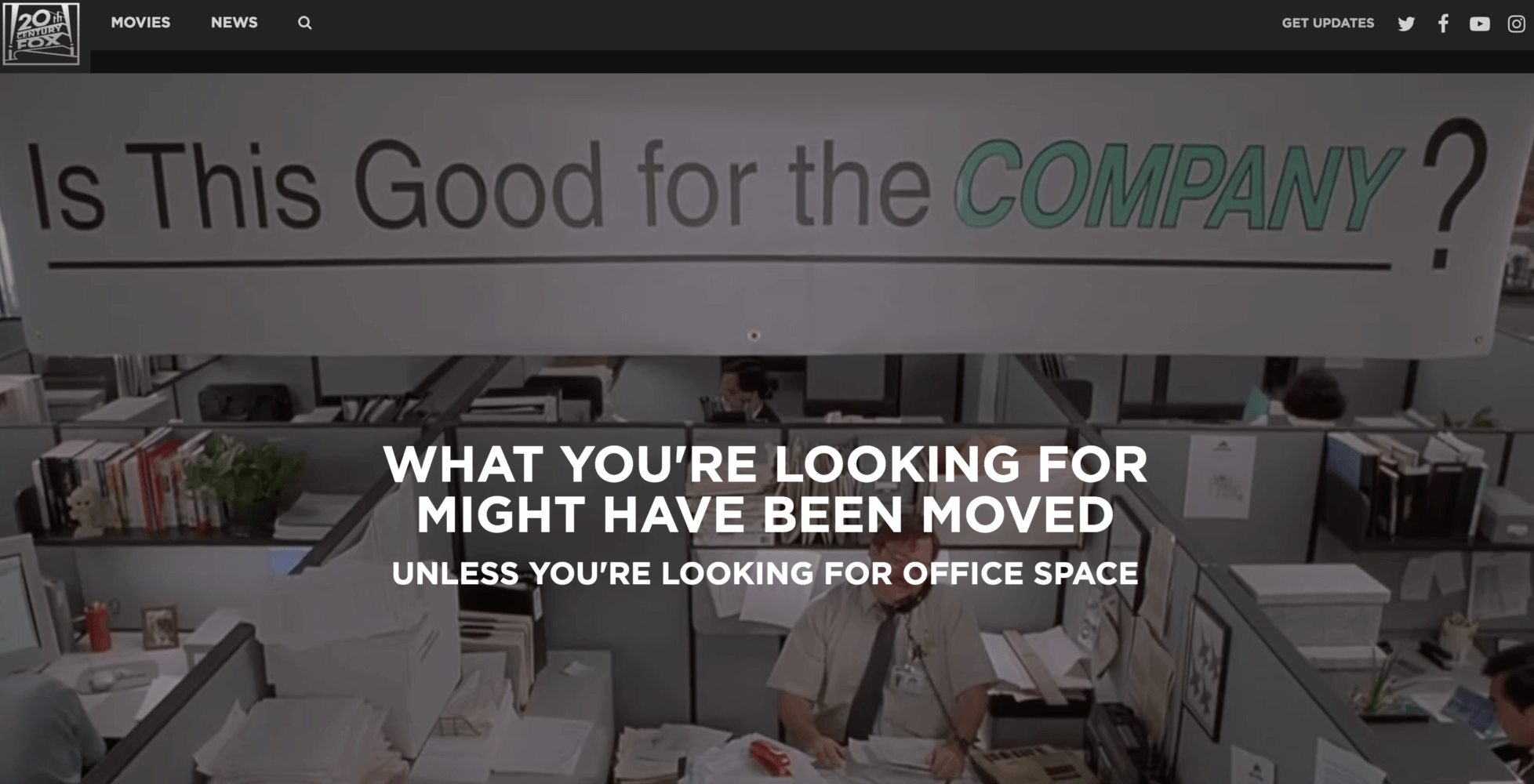
A company like 20th Century Fox has a giant library of memorable material to draw on for inspiration. They’ve pulled in some clips from their film library favorites like “Office Space,” “Revenge of the Nerds,” and “Edward Scissorhands.” Click the text and you’ll get to a page where you can buy your own copy.
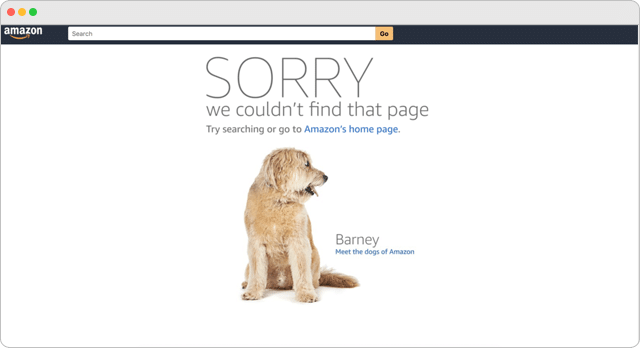
2. Amazon
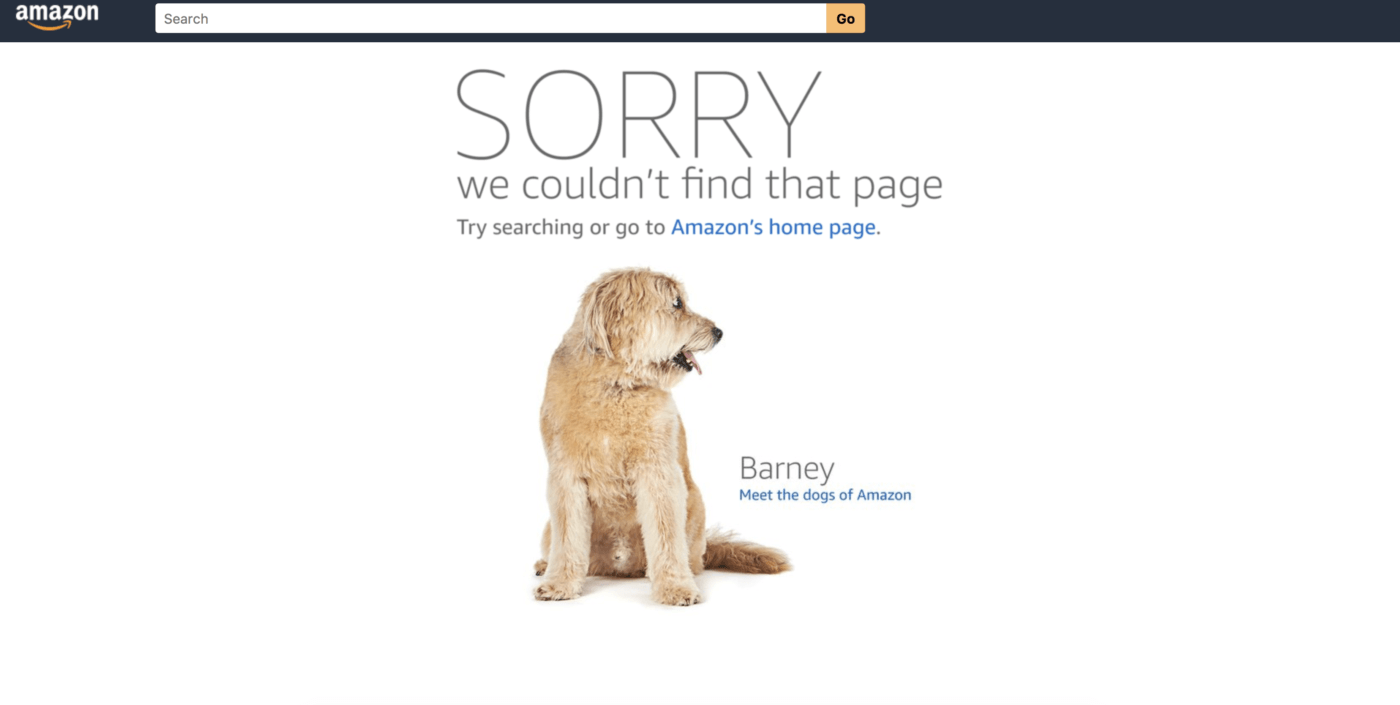
Amazon’s good at doing a lot of things at once. Their error page is no different, part brand affinity device, part recruiting tool, their error page loads images and copy on the many different dogs who frequent the company’s offices. From there you can click into bios of the different dogs, and go further down to real stories from real human employees about working at Amazon. It’s almost like they knew that talented people who build on the web would be looking for fun examples of error pages.
3. Astuteo
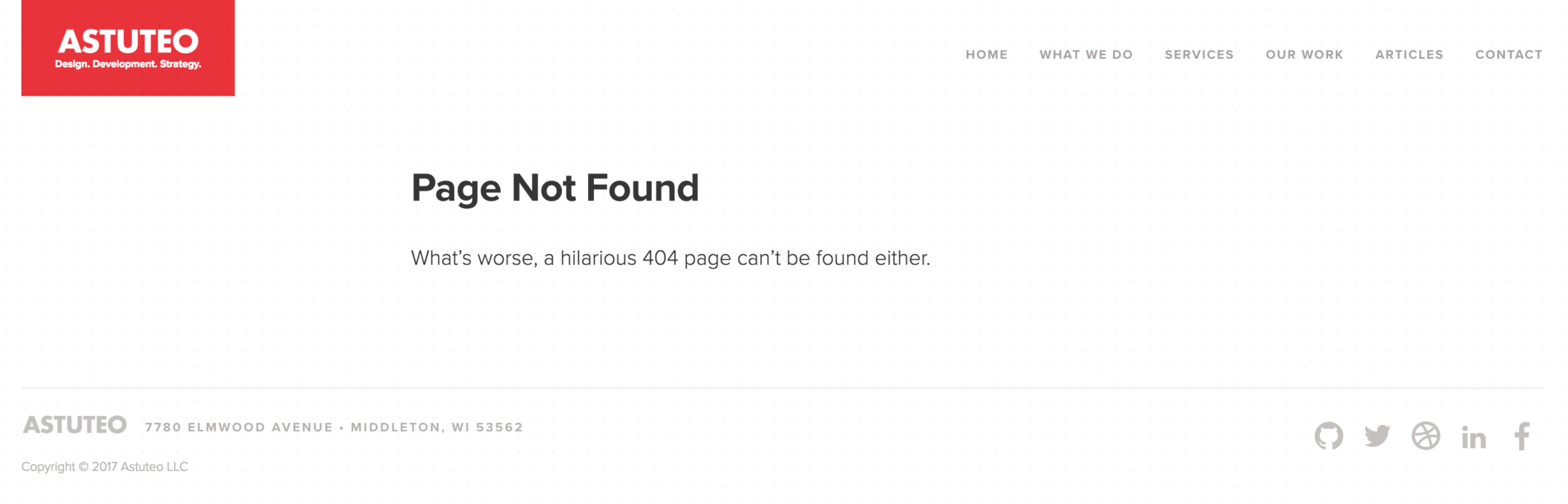
Web design and digital marketing firm Astuteo got a lot of attention for their “Casablanca”-themed error page. Land on their error page now and the copy makes a clever reference to everyone looking for a funny error page. Still funny.
4. Batman 3-D

German artist Achim Loobes’ Batman fan art website is an excellent example of using design and motion in an error page. Move your mouse around to direct Batman’s flashlight and reveal the error message.
5. Benjamin Reid
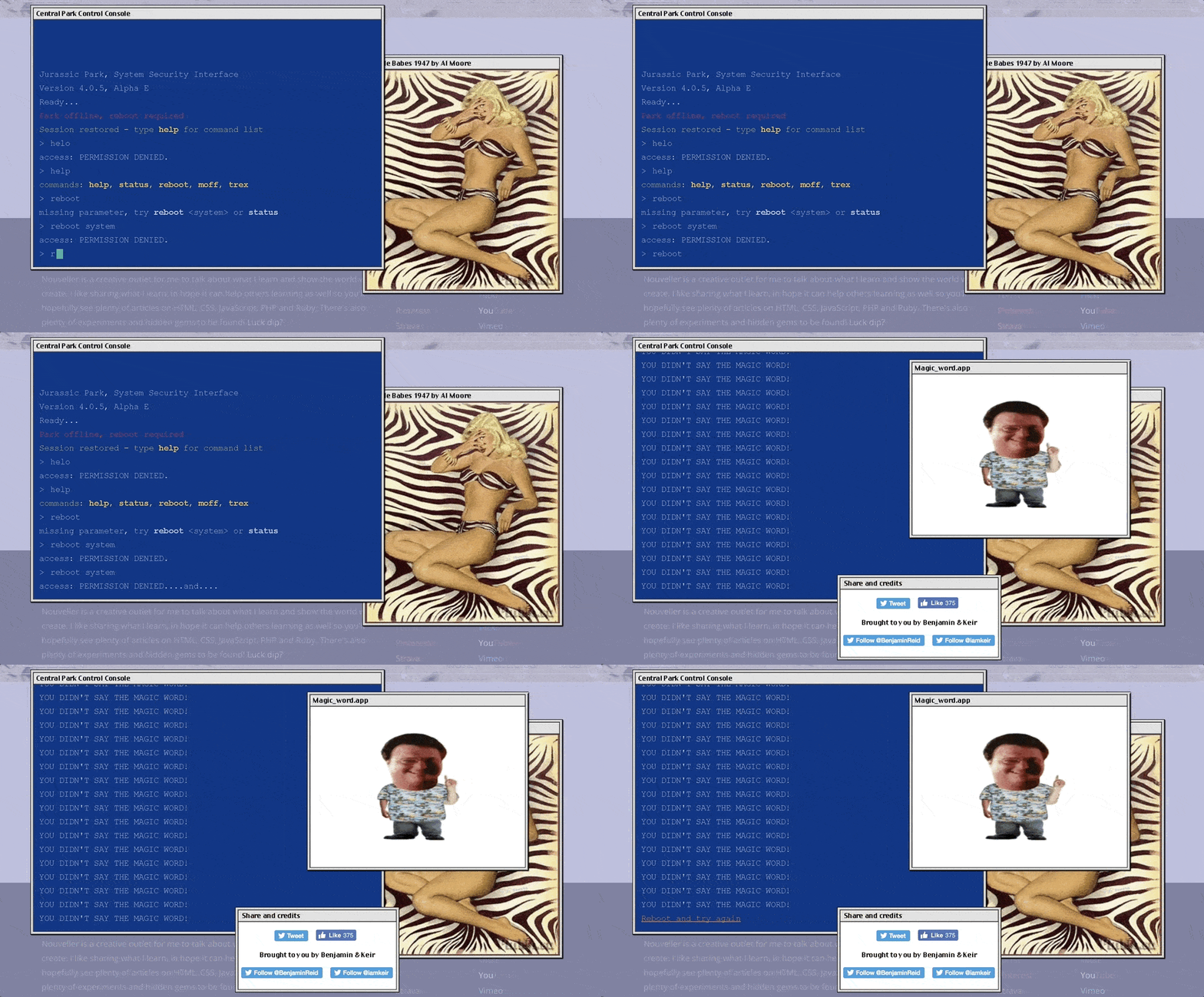
UK-based web designer Benjamin Reid’s firm Nouveller built an incredible error page using the film “Jurrasic Park” as inspiration. The page lets visitors try their hand at breaking into the park’s computer system, based on the scene where Samuel L. Jackson’s character tries to bypass the security setup by the park’s devious programmer.
6. Bernie Sanders Campaign
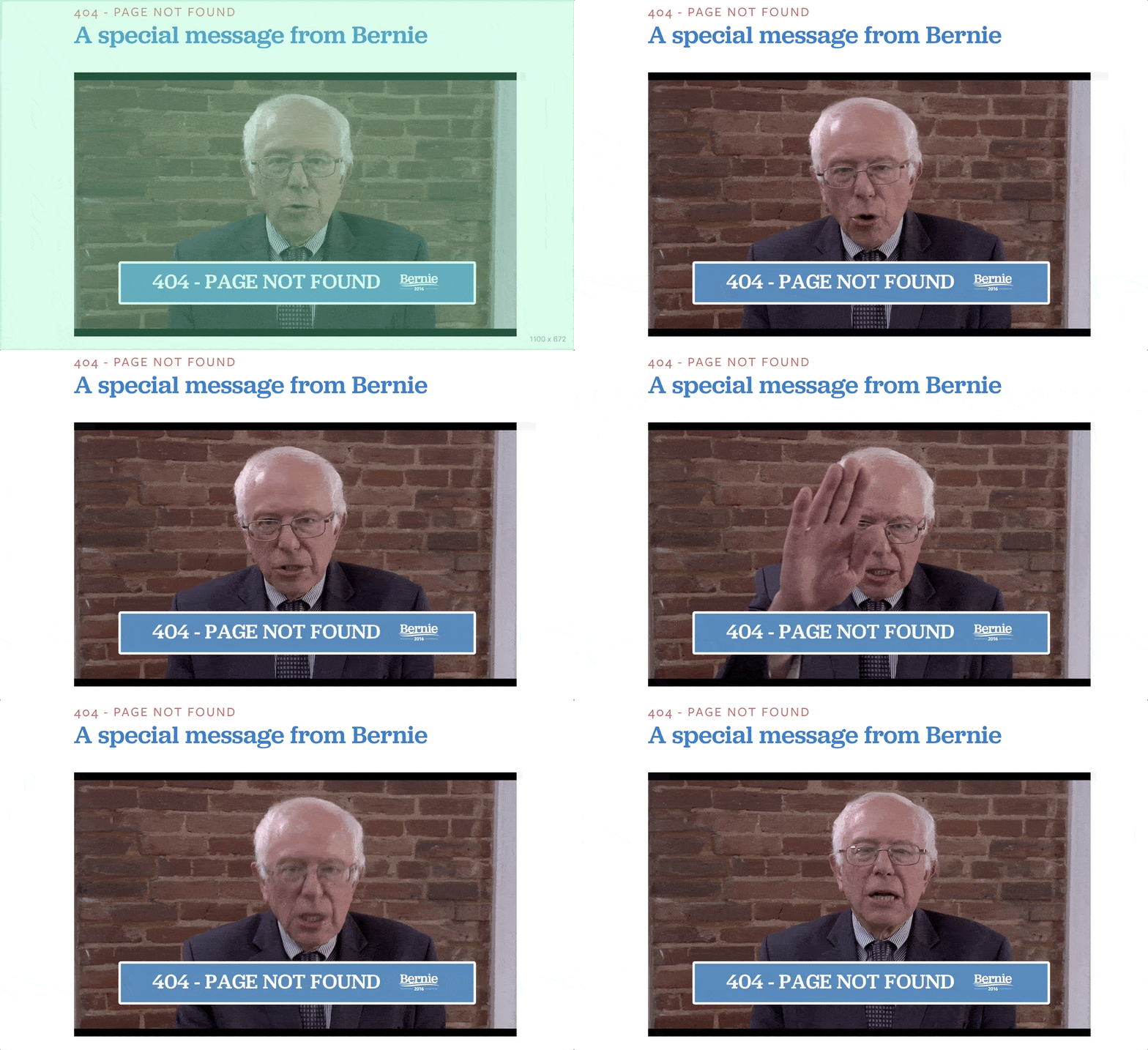
Shortly after announcing his 2016 presidential bid, Bernie Sanders created the what’s probably the most memorable error page of any presidential candidate. The page plays a video of Sanders explaining what went wrong and how to get back to the homepage. “Just scoot down to the bottom of the page and you’ll find your way back home to where you should be!”
7. Bitly
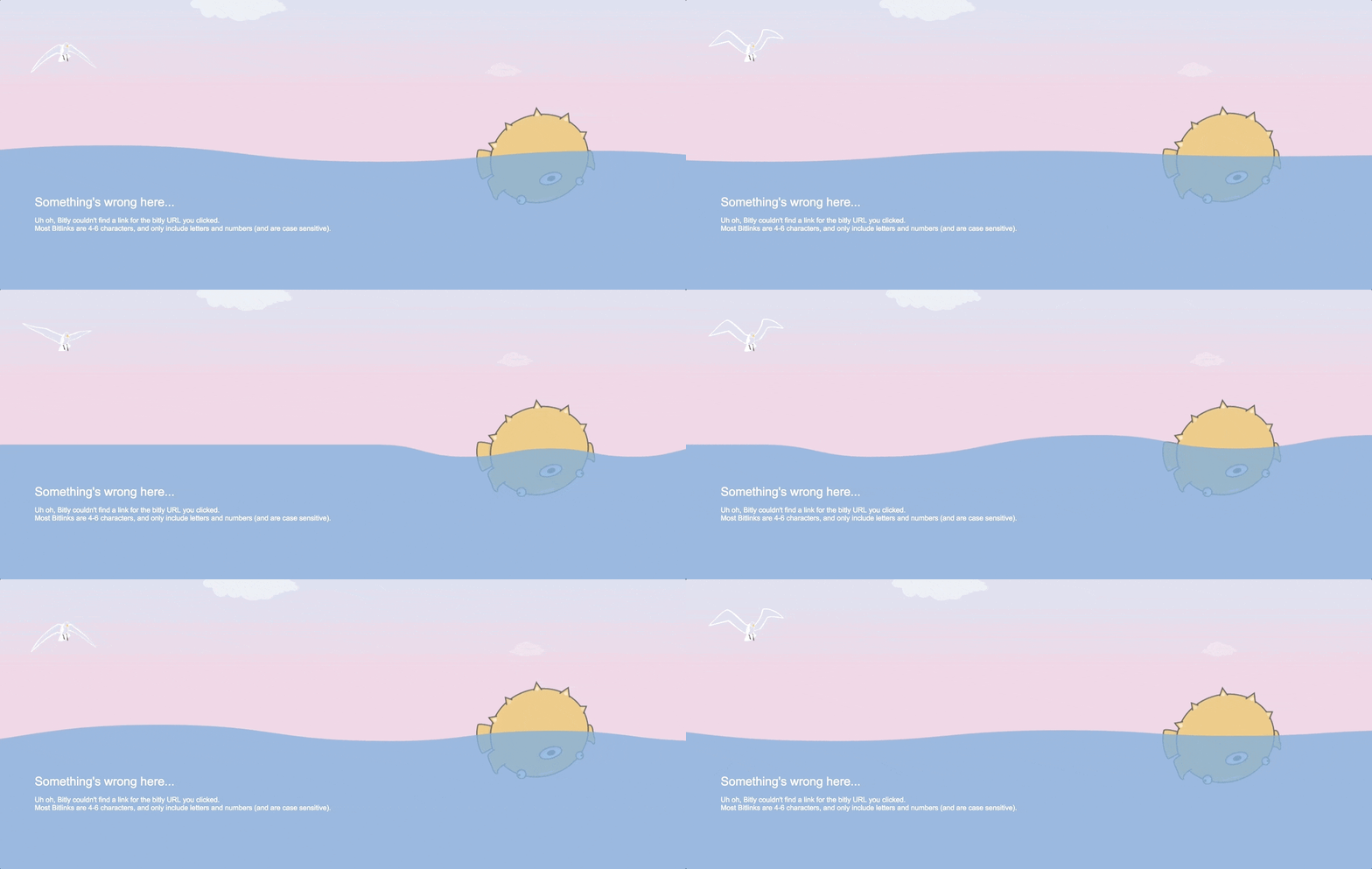
Interactivity and motion art doesn’t have to be over the top to make an impression. Bitly’s error page takes visitors to a creature floating in the sea. Use your cursor to make the waves bounce and roll. Surprisingly calming and satisfying, almost makes you feel OK about being lost as sea.
8. Blizzard Entertainment

Blizzard Entertainment uses a broken glass design on their error page with cheeky copy about the user “breaking” the page. Clever concept, especially for the millions of Blizzard fans firing digital ammo on their screens.
9. Bloomberg
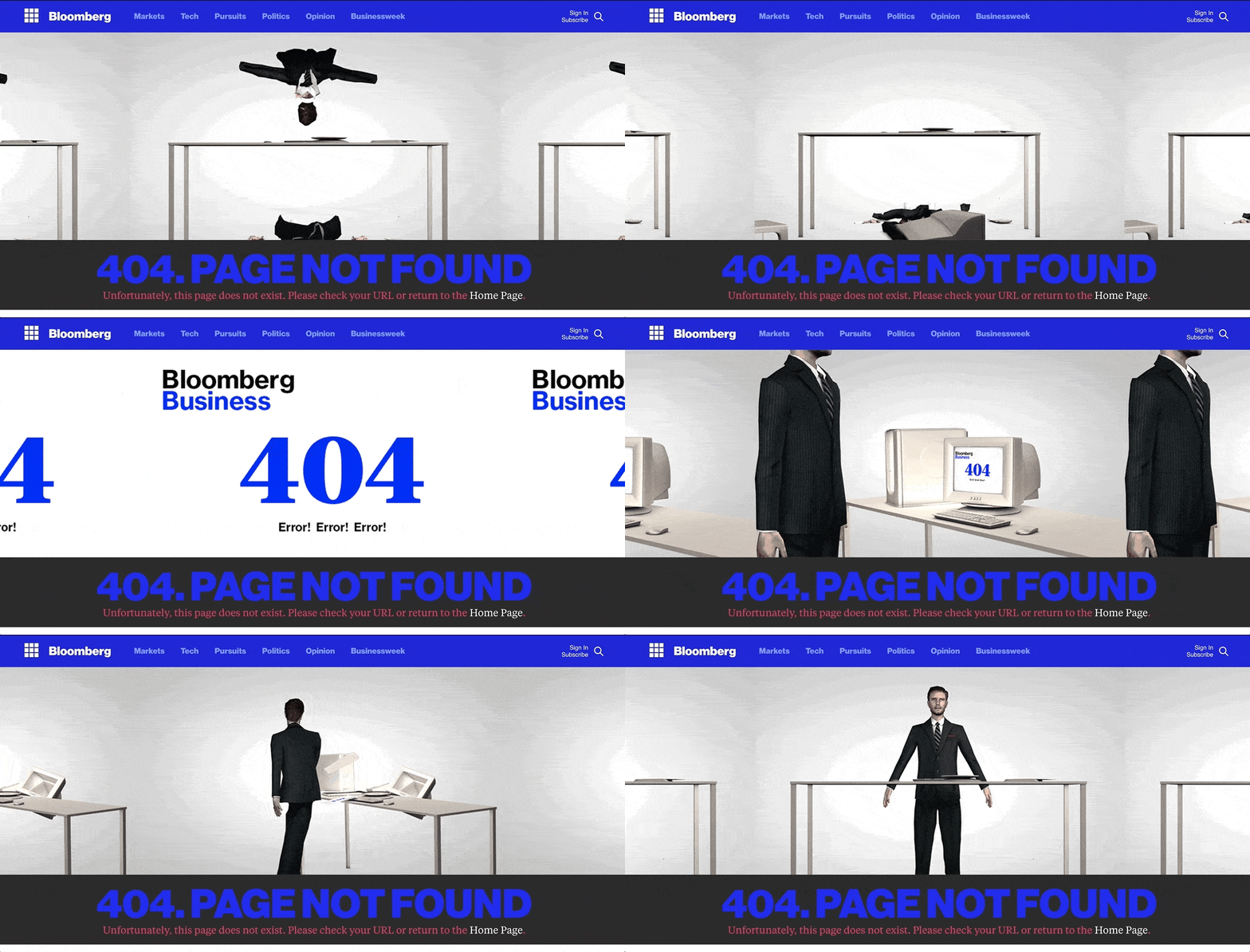
Bloomberg’s known for two things. Great financial reporting, and great tools for financial services professionals. That’s why it’s bizarre and memorable that they’ve put this animation on their error page. It shows a man in a suit, slapping his computer off a desk and then falling into pieces on the floor. Perhaps a metaphor for spending too many late nights at your Bloomberg Terminal?
10. Bluegg
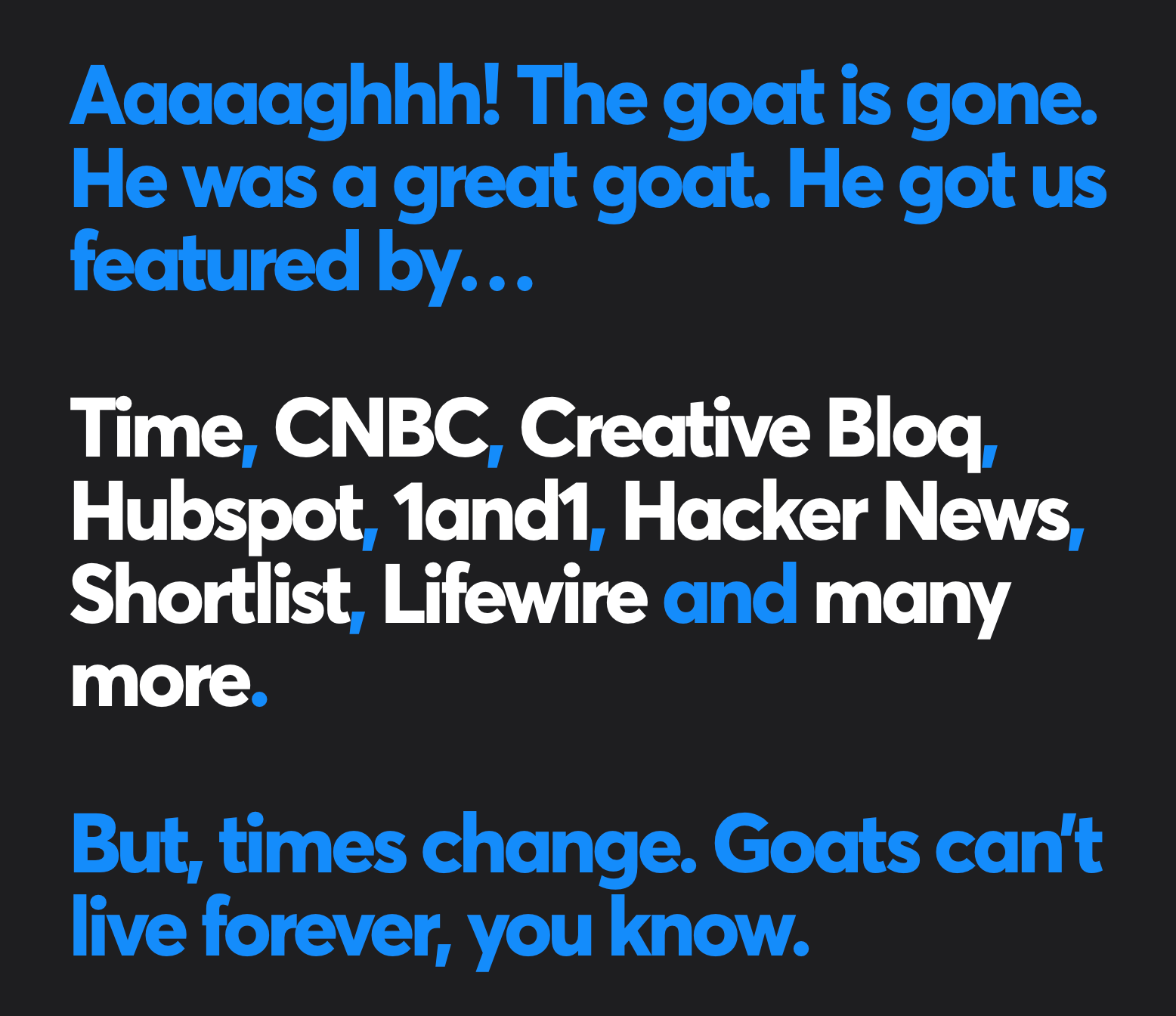
Blugg’s had a pretty famous 404 error page. For a long time, the page featured a viral video of a laughing goat. Sounds odd, but it matched the tone of the company, it was funny, people loved it. So much so, that when the team redesigned their error page, they just had to talk about the goat. They even included a roundup of articles where the goat was mentioned. Good for you, goat.
11. Codecademy
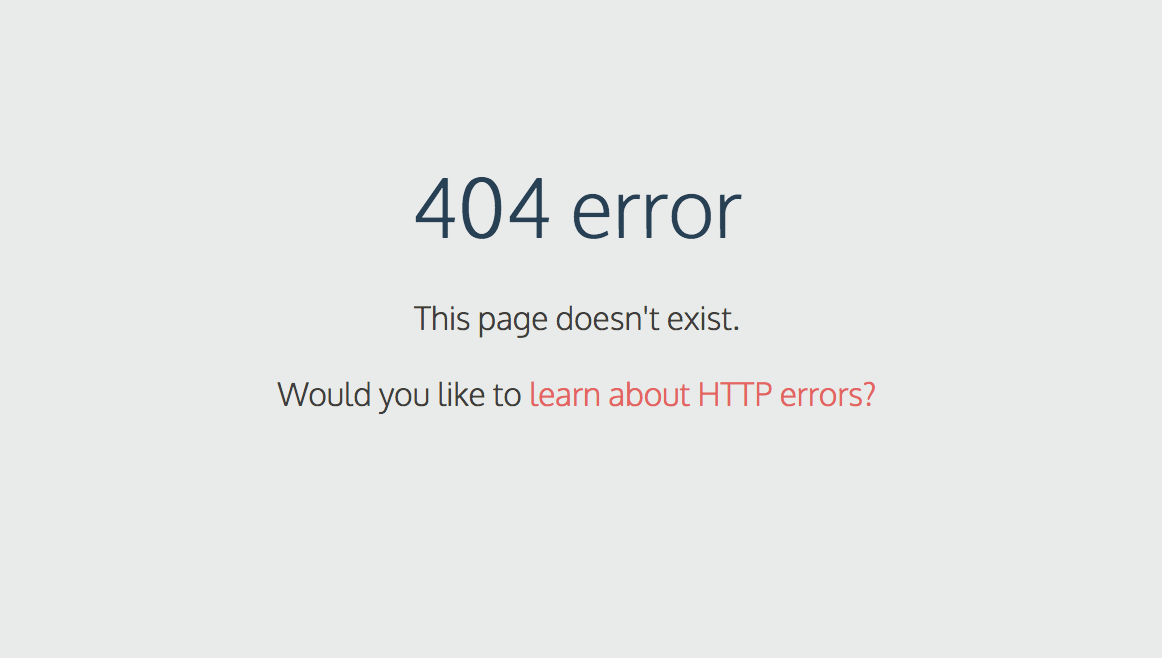
Codecademy helps people learn to code. What better place to put a call to action to a lesson about error pages than their very own error page.
12. Daniel Karcher
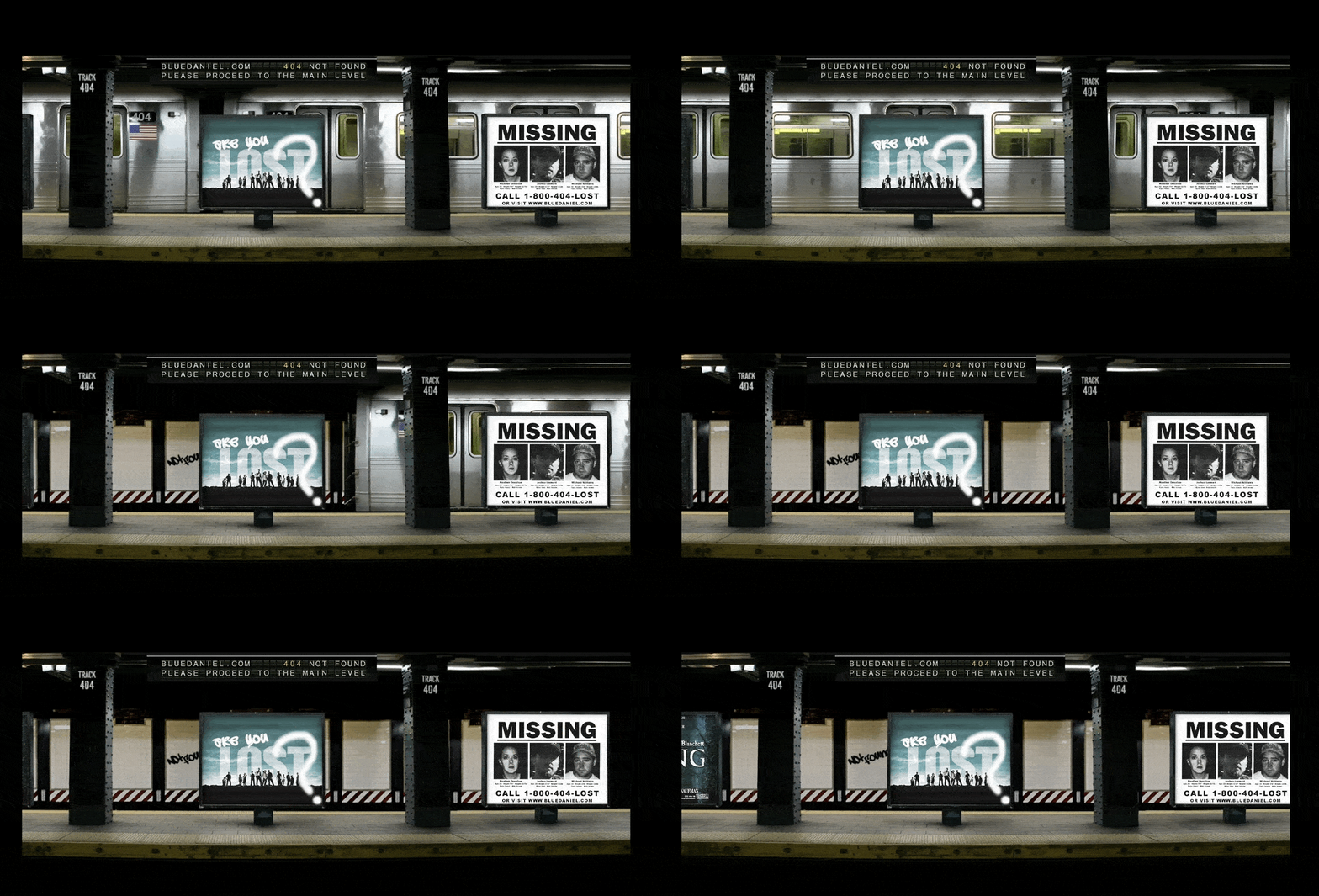
The entire scene in this error page is mesmerizing and a bit haunting. The subtle touches and visual effects happening in the abandoned subway setting create a mood that gives the effect of winding up somewhere unexpected.
13. Dilbert
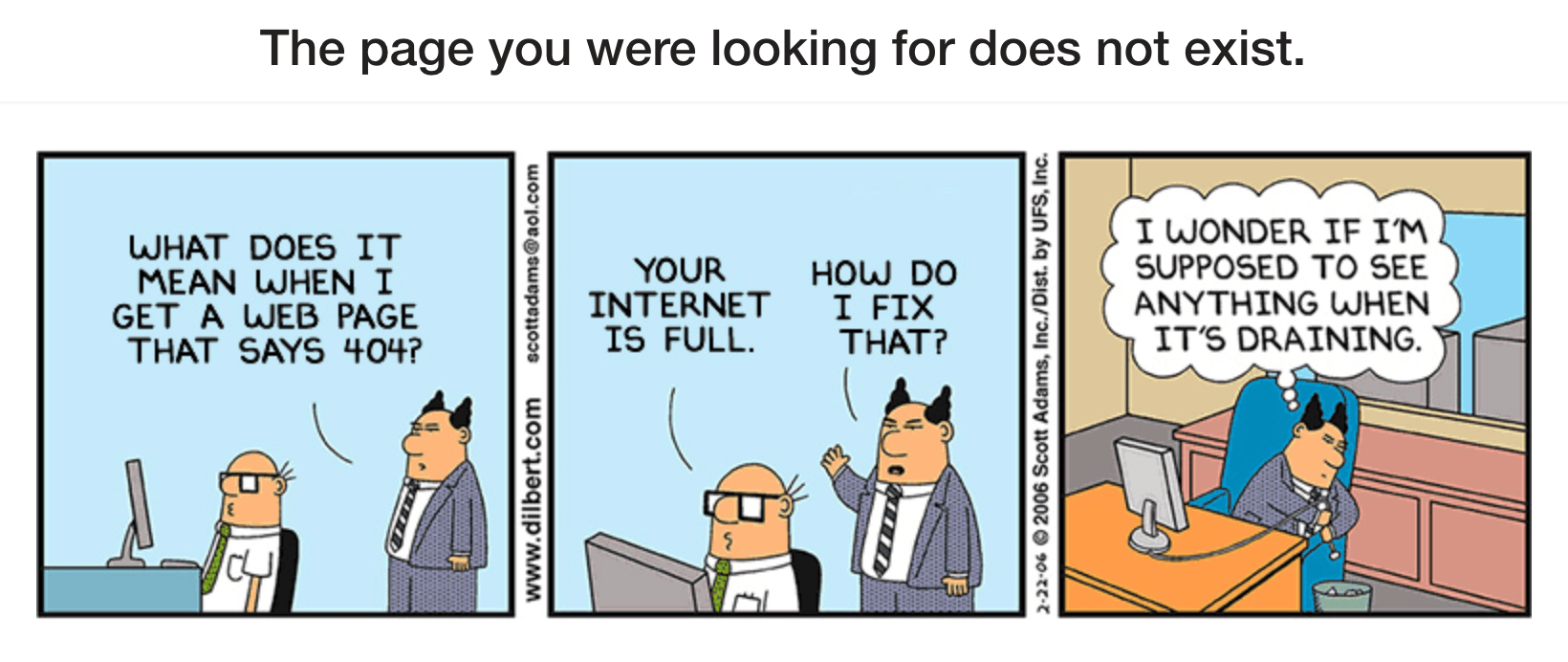
The Dilbert comic strip is a great example of using owned content as material for your 404 page.
14. Dogstudio
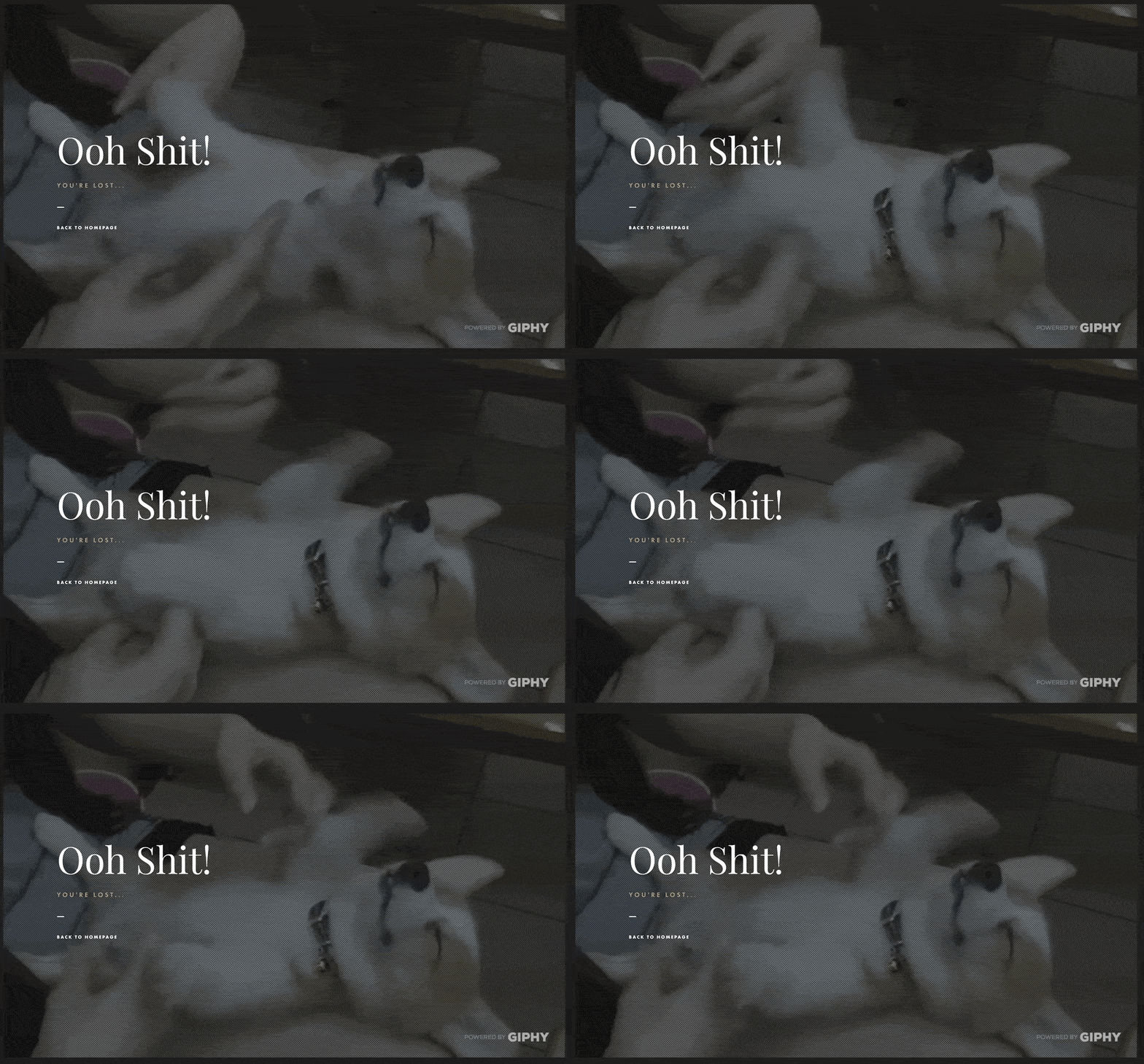
Dogstudio leverages Giphy’s awesome library of animal gifs to populate their error page with a rotating cast of dog gifs.
15. Eastern Market
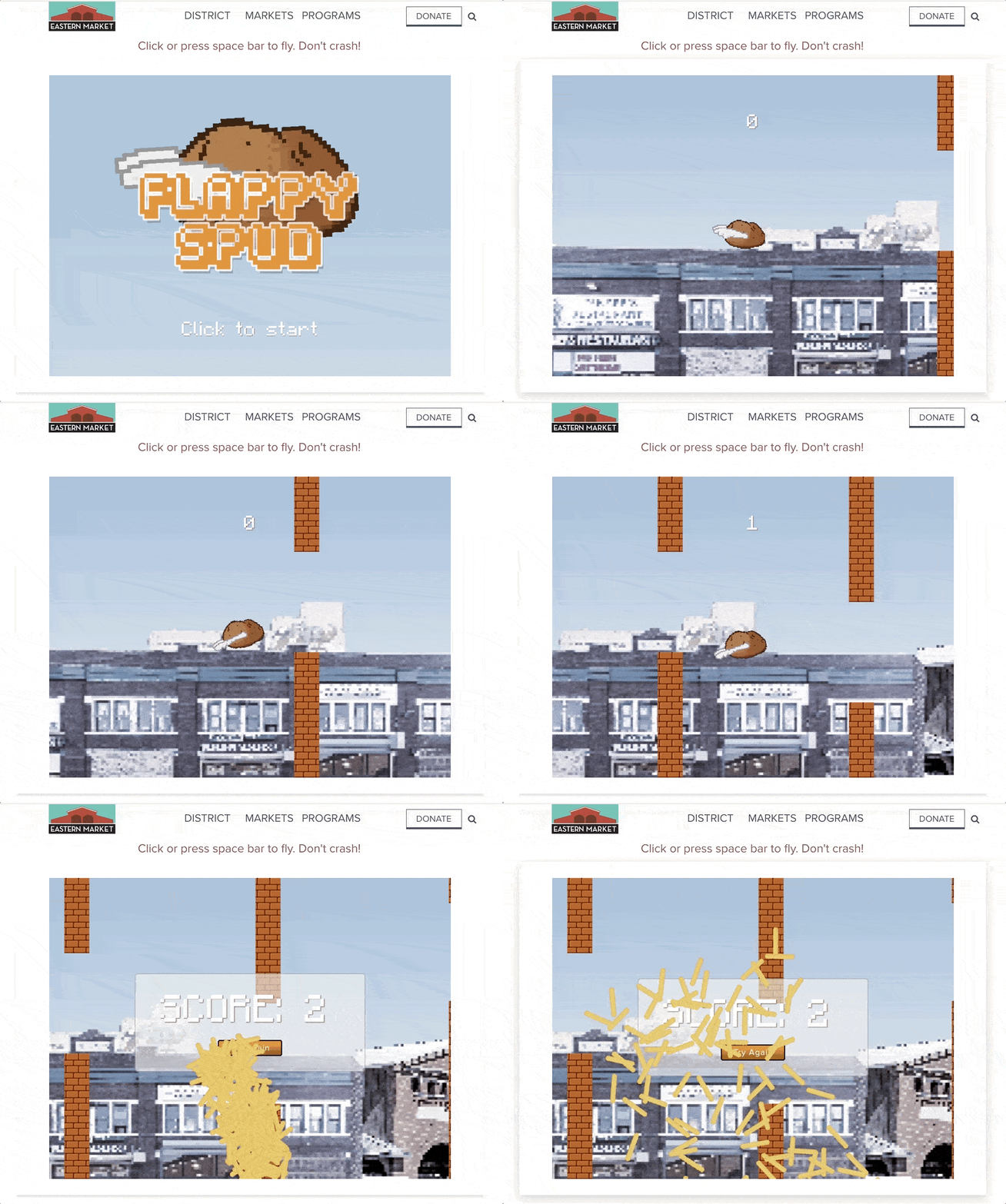
People love flappy games, the kind where you tap or click to fly an object through the sky and avoid obstacles. Detroit’s Eastern Market hosts a 404 error page with a game called “Flappy Spud.” Maybe it’s the same kind of spud you can buy at the market. Also a nice touch that the potato explodes into a pile of french fries when it hits a wall.
16. Emailcenter UK
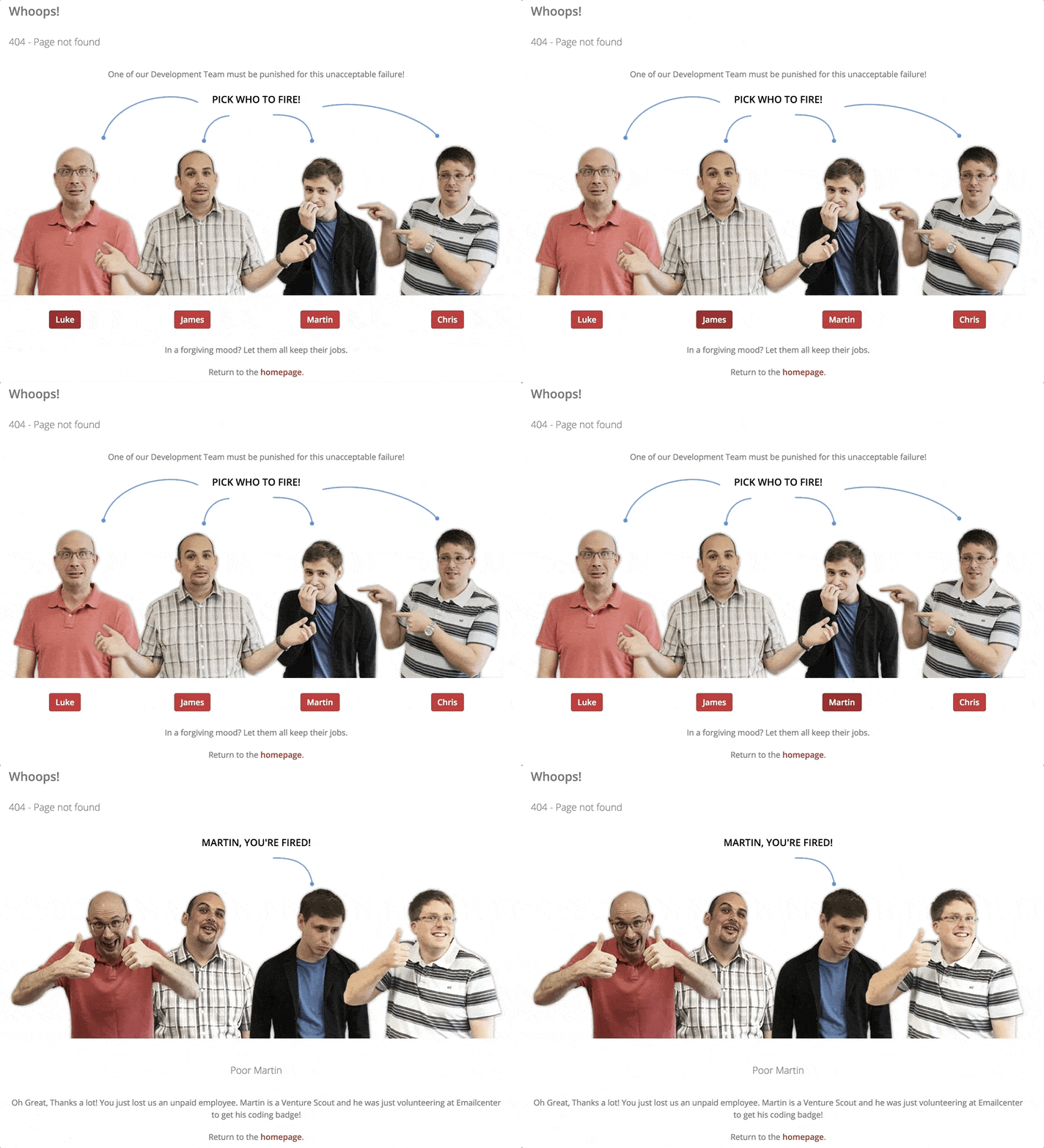
Error pages are a good place to show off some of your company’s team members and creativity. For Emailcenter UK, this meant an interactive joke about firing a member of their Development Team. It’s a clever way to have some fun as a brand and show off the team behind the scenes, who typically don’t get a lot of fanfare.
17 . Google
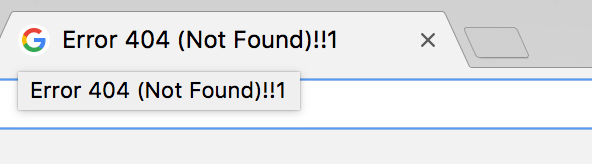
Google’s always done a great job of keeping their brand fun and playful even through they create some of the most visited tools on the web. With so many different visitors and use cases for their products, it’s a tough line to walk. Google does a nice job of putting subtle pops of personality in unexpected places. Their error page is a great example.
The error page is a pretty basic illustration of a broken robot and some copy. But the easter egg is up in the page title, the one you see on your browser tab. It looks like a typo at first, but “!!1” is a reference to a web joke commenting on how quickly enthusiasm (!!!) can get sloppy (!!1). Mind that shift key, kids.
18. HeyZap
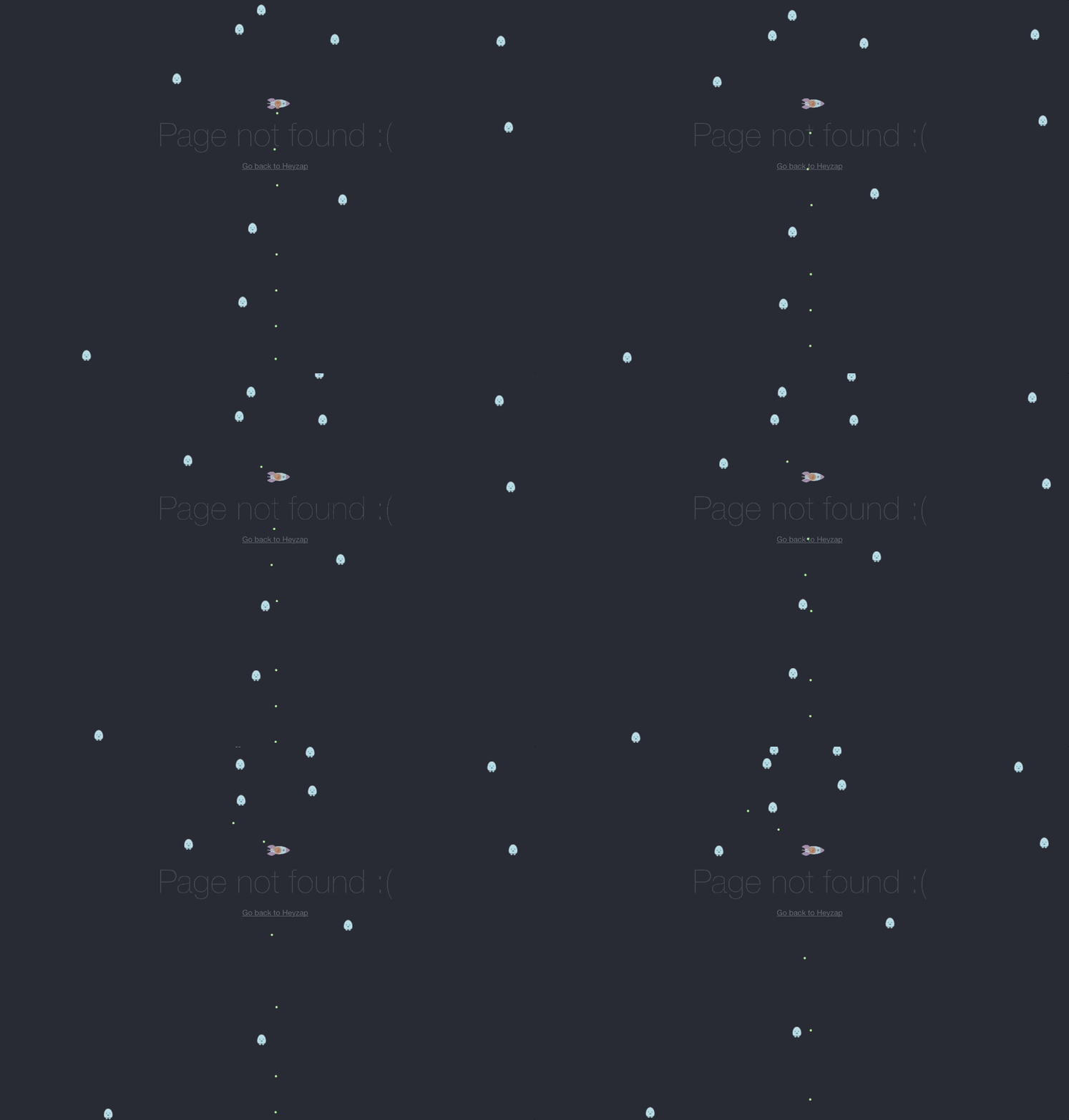
People love vintage video games. The team at HeyZap captured some of this love by coding a version of the arcade classic “Astroids” into their error page. Fire a few lasers at flying space rocks and you’ll soon forgive whoever sent you to a dead link.
19. Hot Dot Production

Hot Dot Production built a slick interactive 404 error page with a giant, floating “404” animation. Click parts of the numbers and the dots explode into space and respawn.
20 Hugo Bonacci
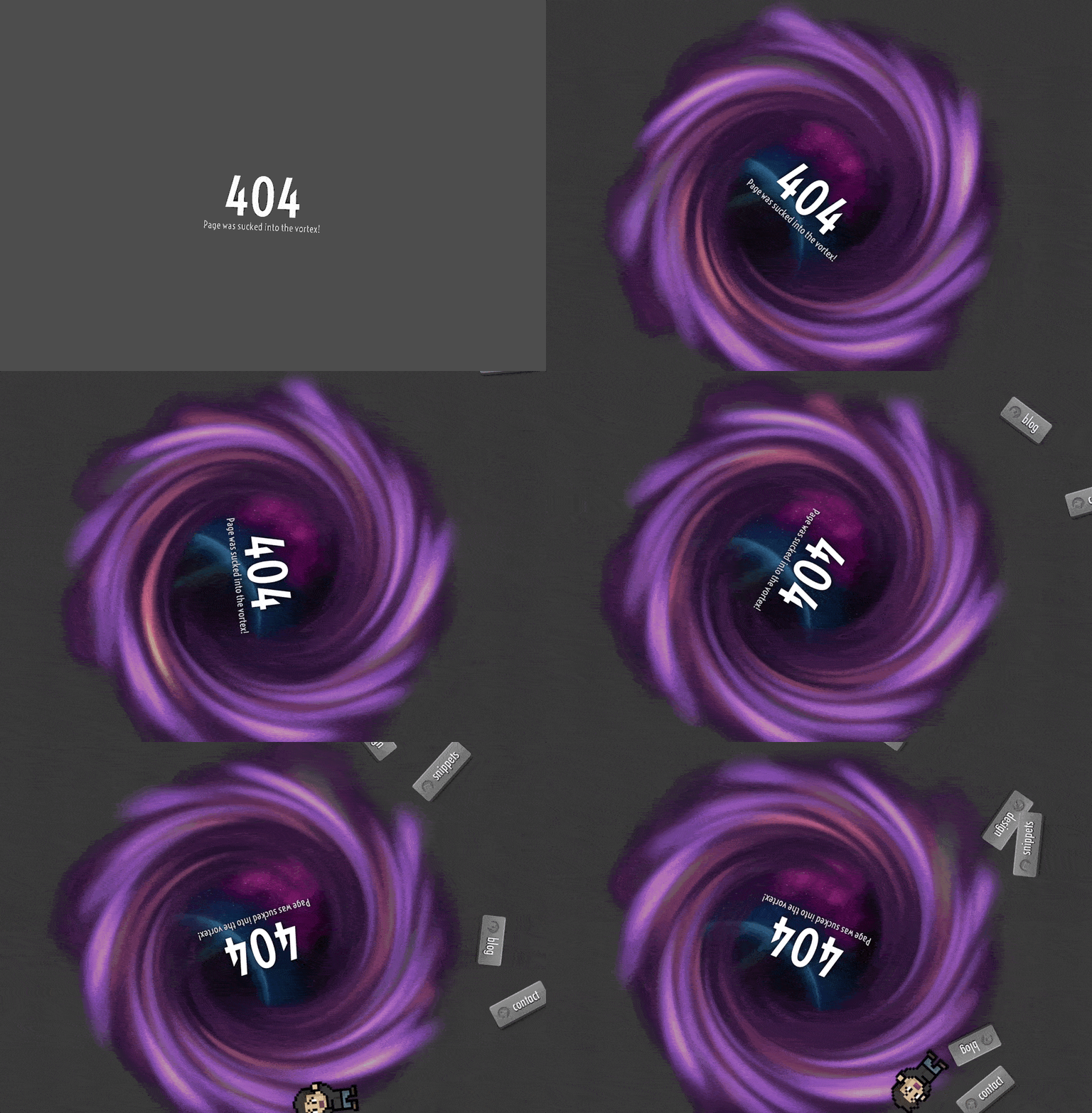
Developer and designer Hugo Bonacci’s error page seems like a standard 404 error page when you first land on it. Then a purple spinning black hole starts sucking in all the elements of the page.
21. IGN
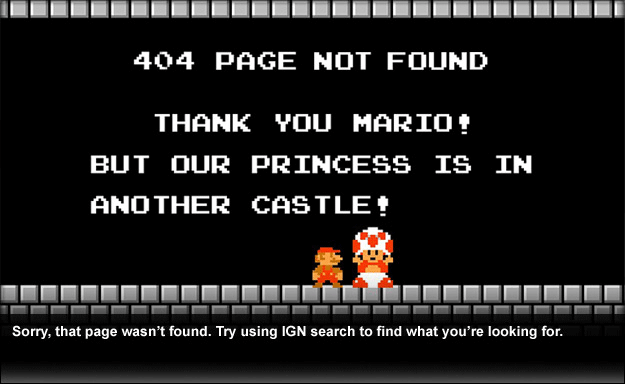
IGN borrows some nostalgia from video game lovers for their Mario-inspired error page. The copy references the “Princess is in another castle” moments from the games.
22. IMDb
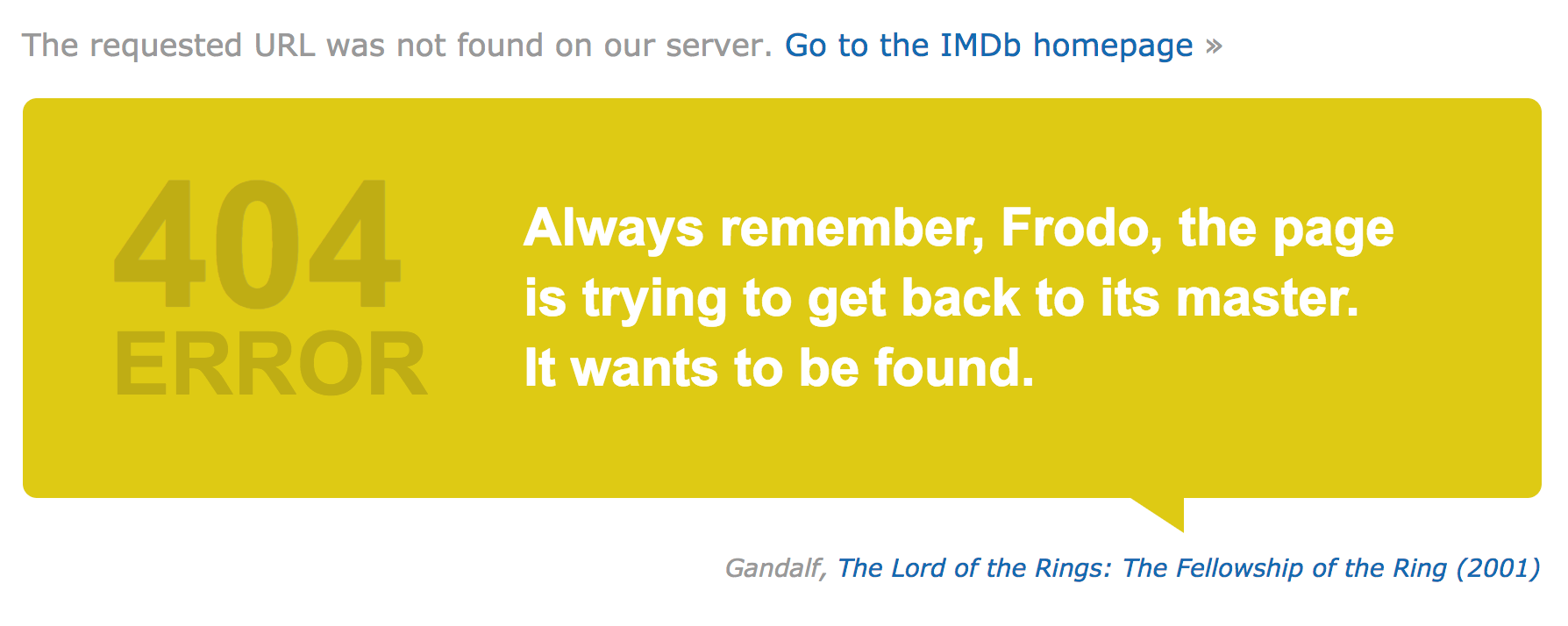
Error pages don’t need to load the same content on every visit. They can be set up to rotate through a library of copy or artwork, so every visit feels new. That’s what IMDb did with their error page, which features slightly-altered quotes from movies. Go ahead and hit refresh a few times to see what other quotes come up.
23. Iconfinder
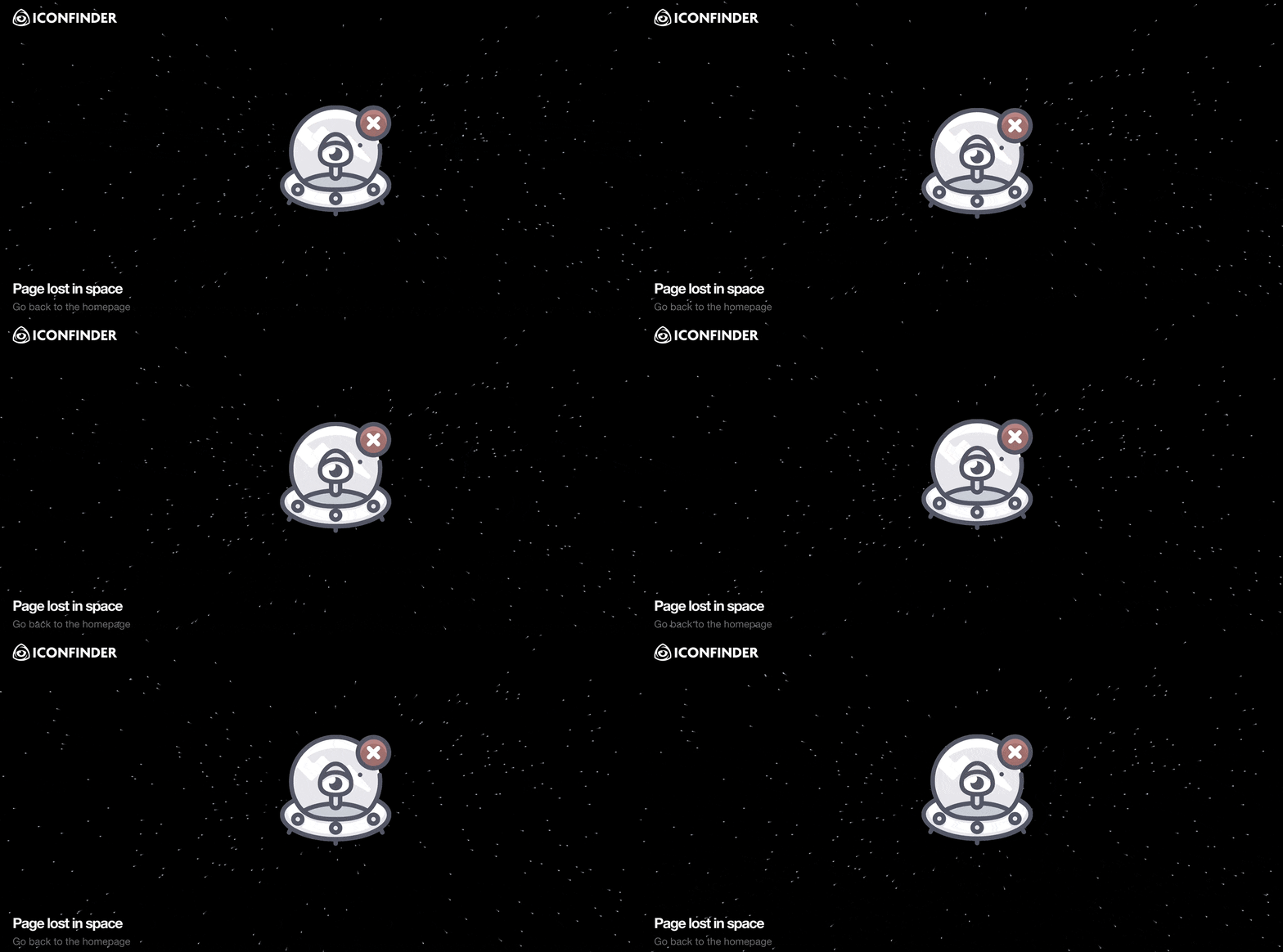
The “Star Wars” flying-through-space effect has mesmerized audiences since the 1970s. It’s in full effect on Iconfinder’s 404 error page. Another great example of subtle animation making a big impression.
24. Imgur
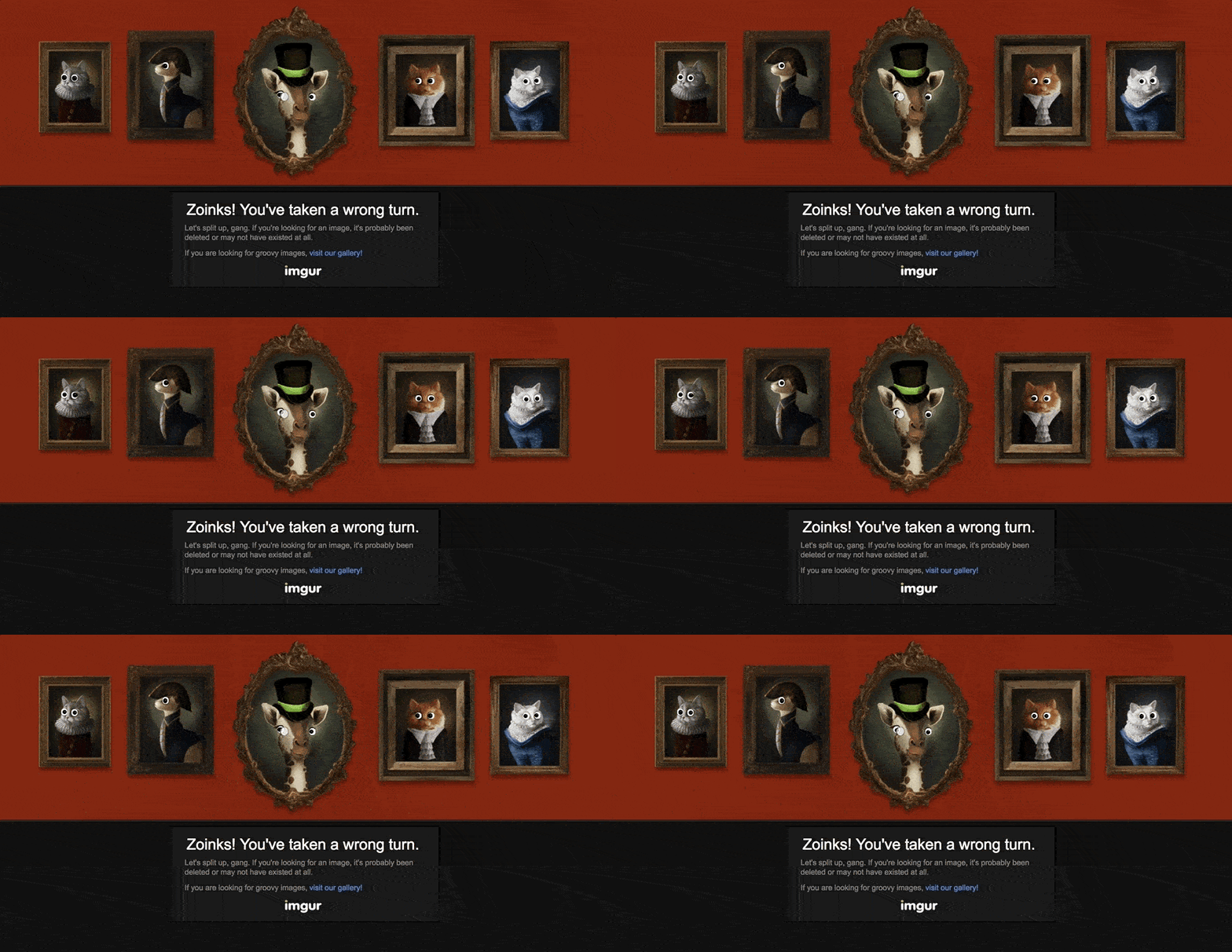
Speaking of subtle, you might land on Imgur’s error page a dozen times before noticing that there’s even an animation happening. Move your mouse around and try to find it.
25. Jackrabbit Design

Jackrabbit Design brings visitors into this rich animation by creating layers that move and shift based on the user’s cursor. It’s a great way to get people spending a little more time with your artwork.
26. Kualo
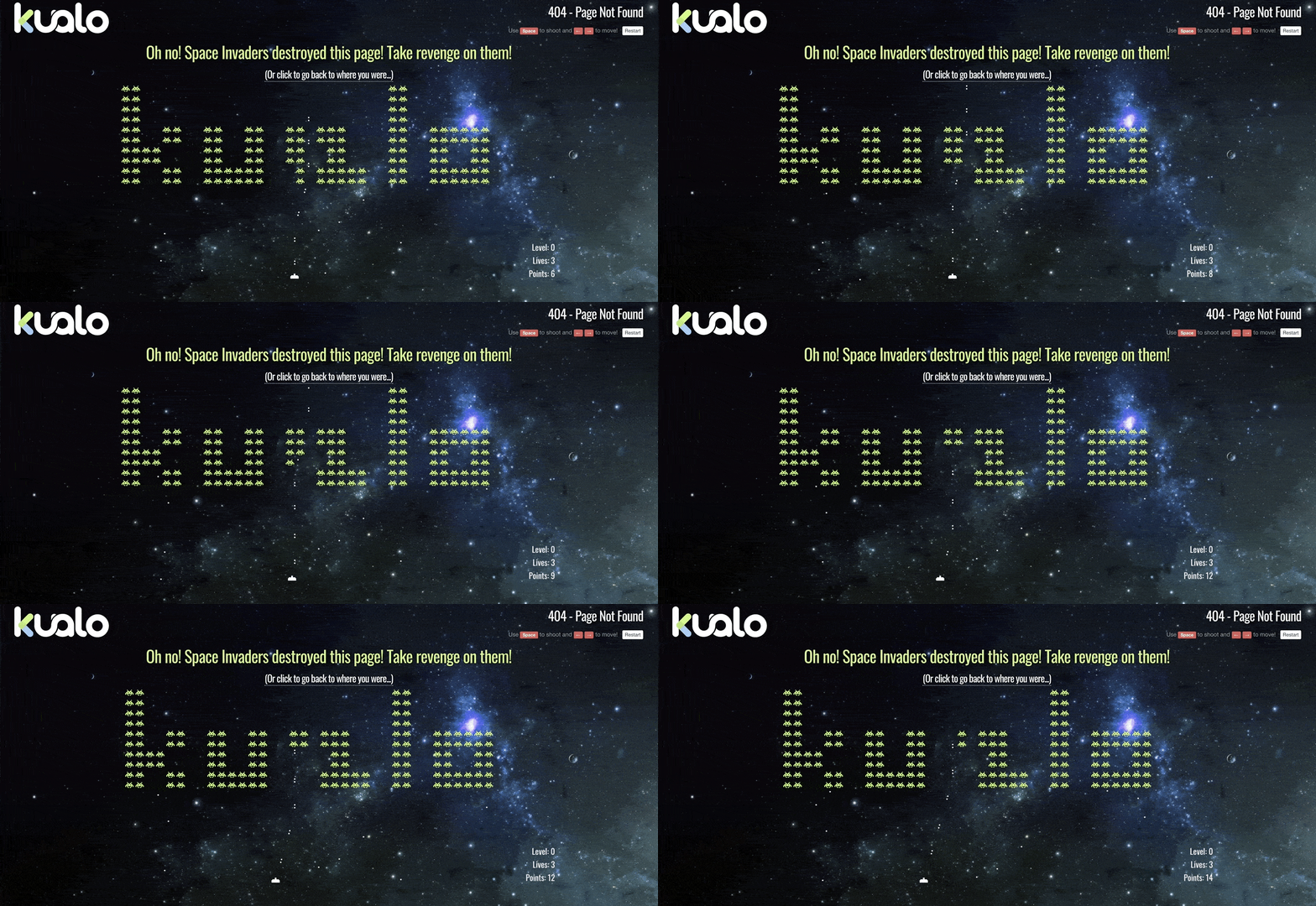
Space Invaders is another arcade classic. The UK team behind Kualo made a fun spin on things by spelling out their company name with Invaders. Invaders you’ll love blasting with a space laser.
27. Lego
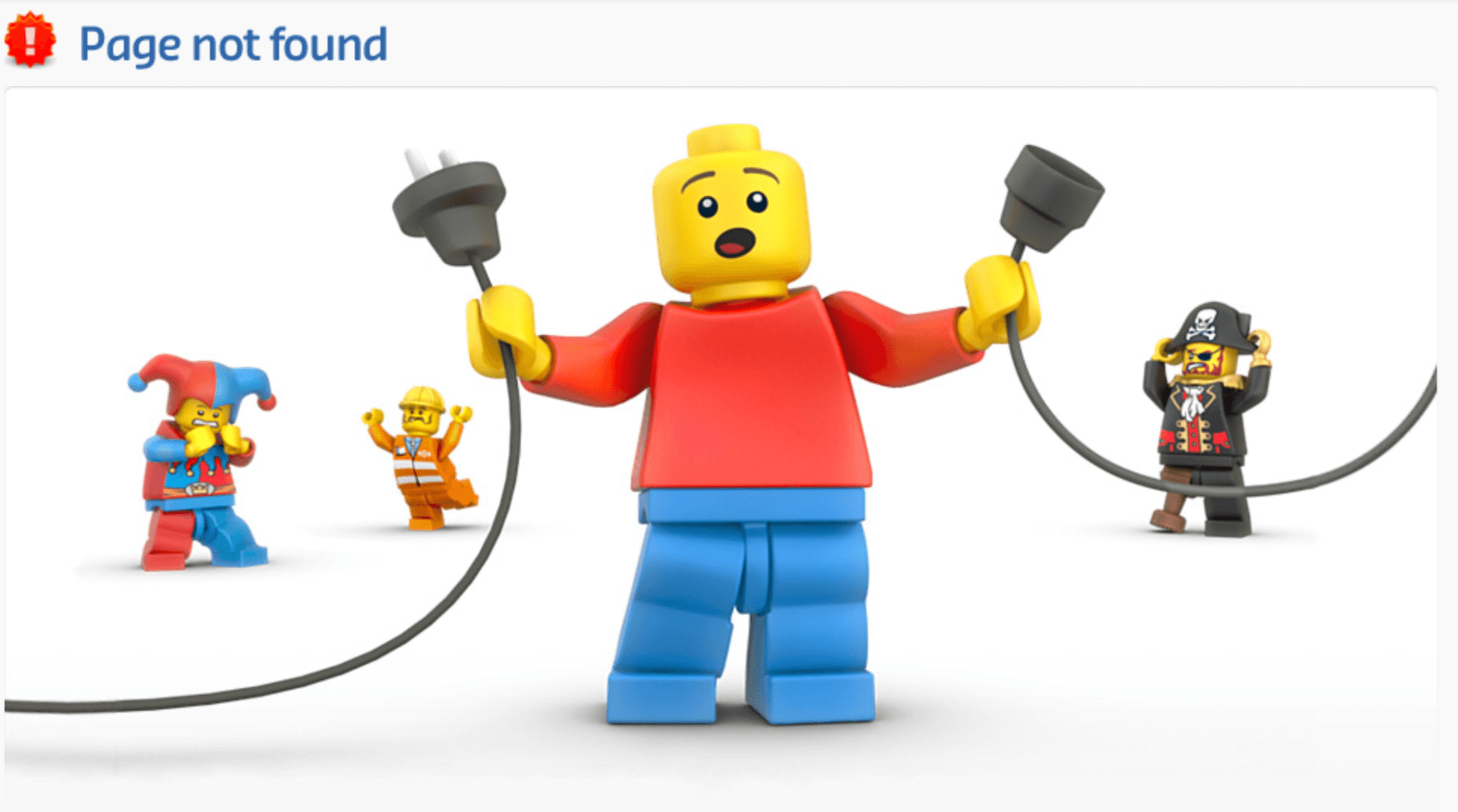
Lego’s error page is simple, but it’s become a classic. The artwork shows lego characters in states of disarray over the pulled power plug. A great visual metaphor and clever way to use their familiar brand to tell a story.
28. Lonely Planet
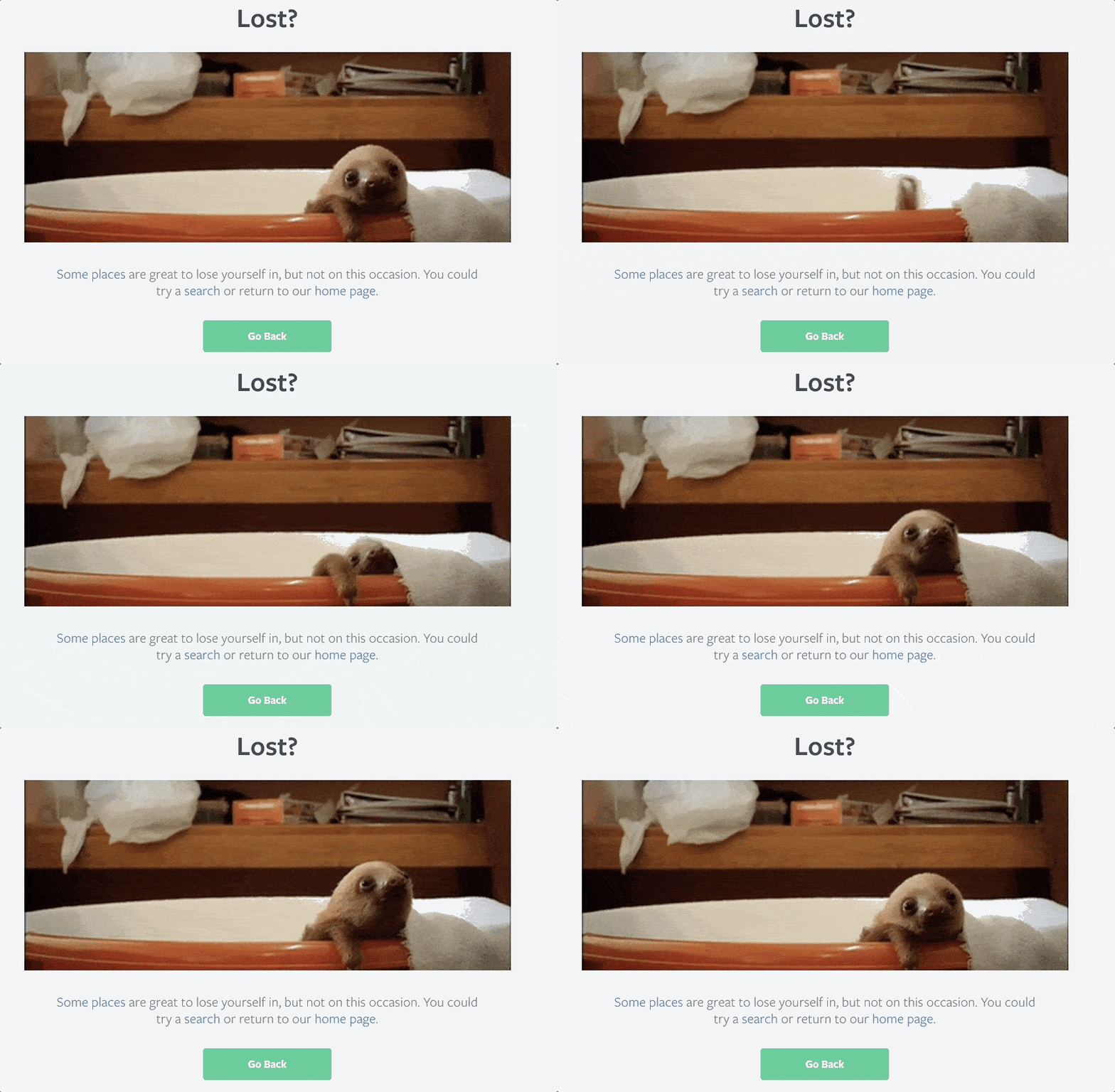
Not every error page needs to have some clever brand connection or complex metaphor going on. Sometimes a funny animal gif is a enough to turn user sentiment around. Lonely Planet does a nice job with this error page gif.
29. Lush
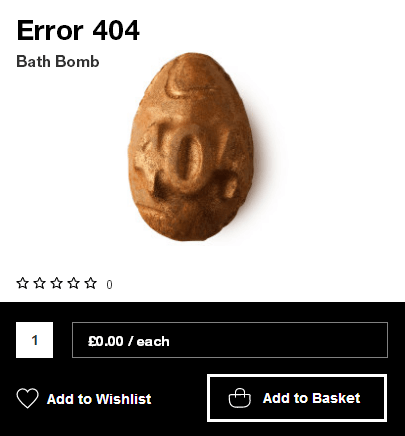
This error page from cosmetics brand Lush is an excellent example of tying your page into a promotion. The brand announced for Easter 2014 their “Easter Egg Hunt.” Find the easter egg on their site and win a free prize. Turns out the easter egg was hidden on the 404 error page, and the prize was a special “Error 404” edition of their popular bath bomb product.
30. Magnt
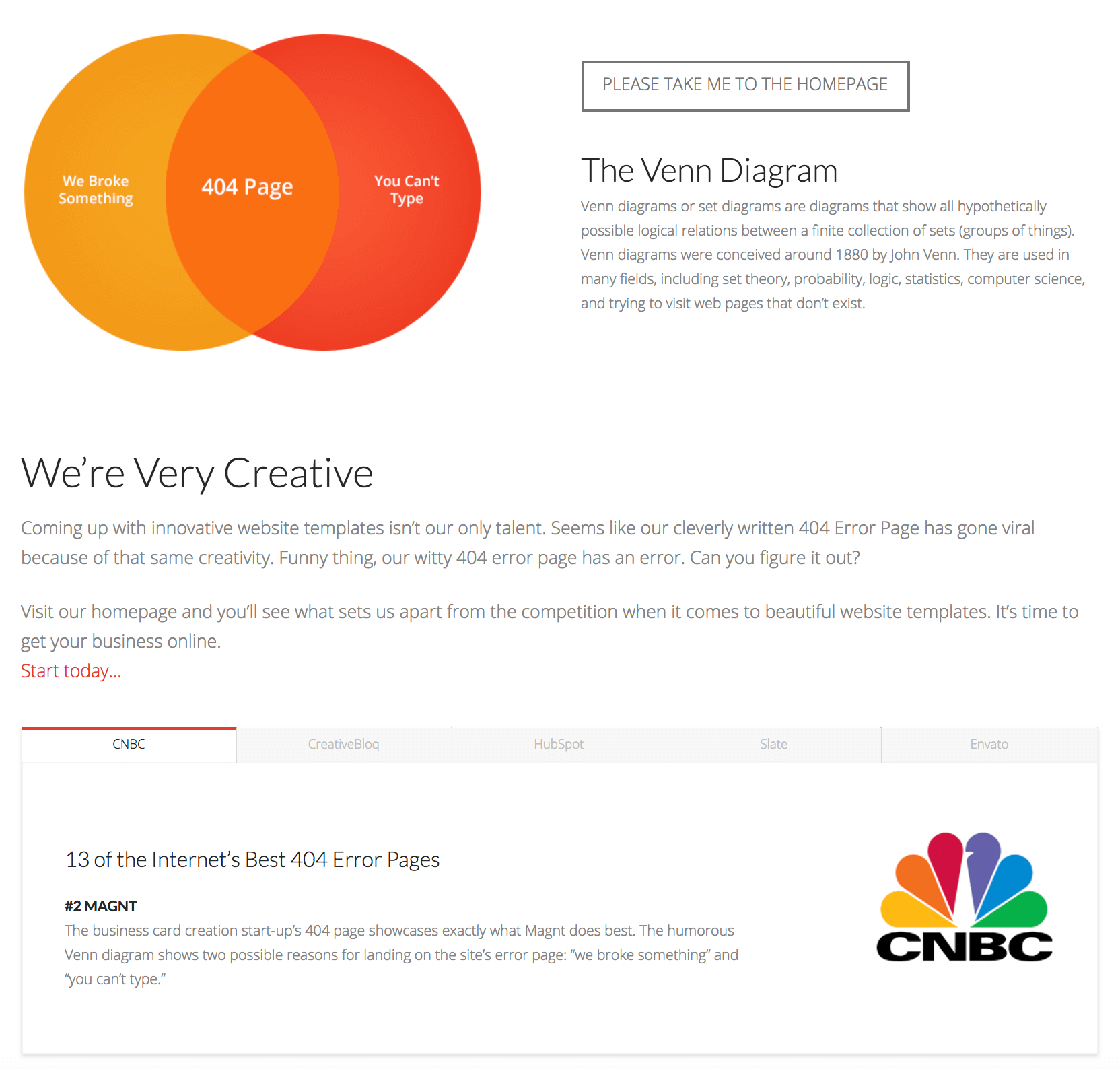
An error page doesn’t need complex animations or spaceships zapping lasers to get people’s attention. Magnt’s simple Venn Diagram error page has gotten plenty of love over the years, so much so they added a section highlighting the press clippings the page generated.
31. MailChimp
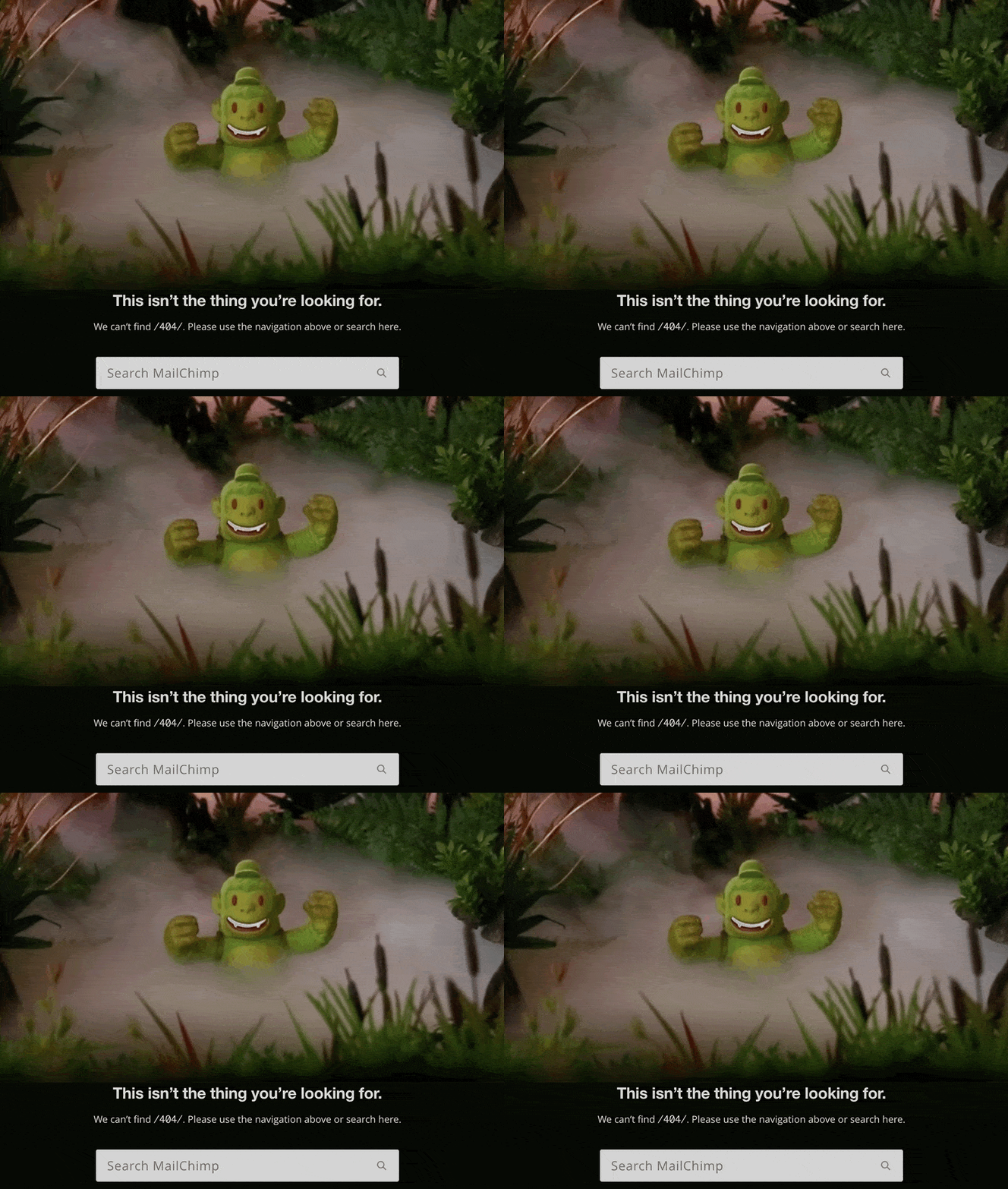
Mailchimp’s subtle animation of fog rolling through the jungle shows off the brand’s ability to tell a story and capture attention using little touches of creativity. It’s a nice effect that you almost don’t notice if you aren’t paying attention.
32. NPR
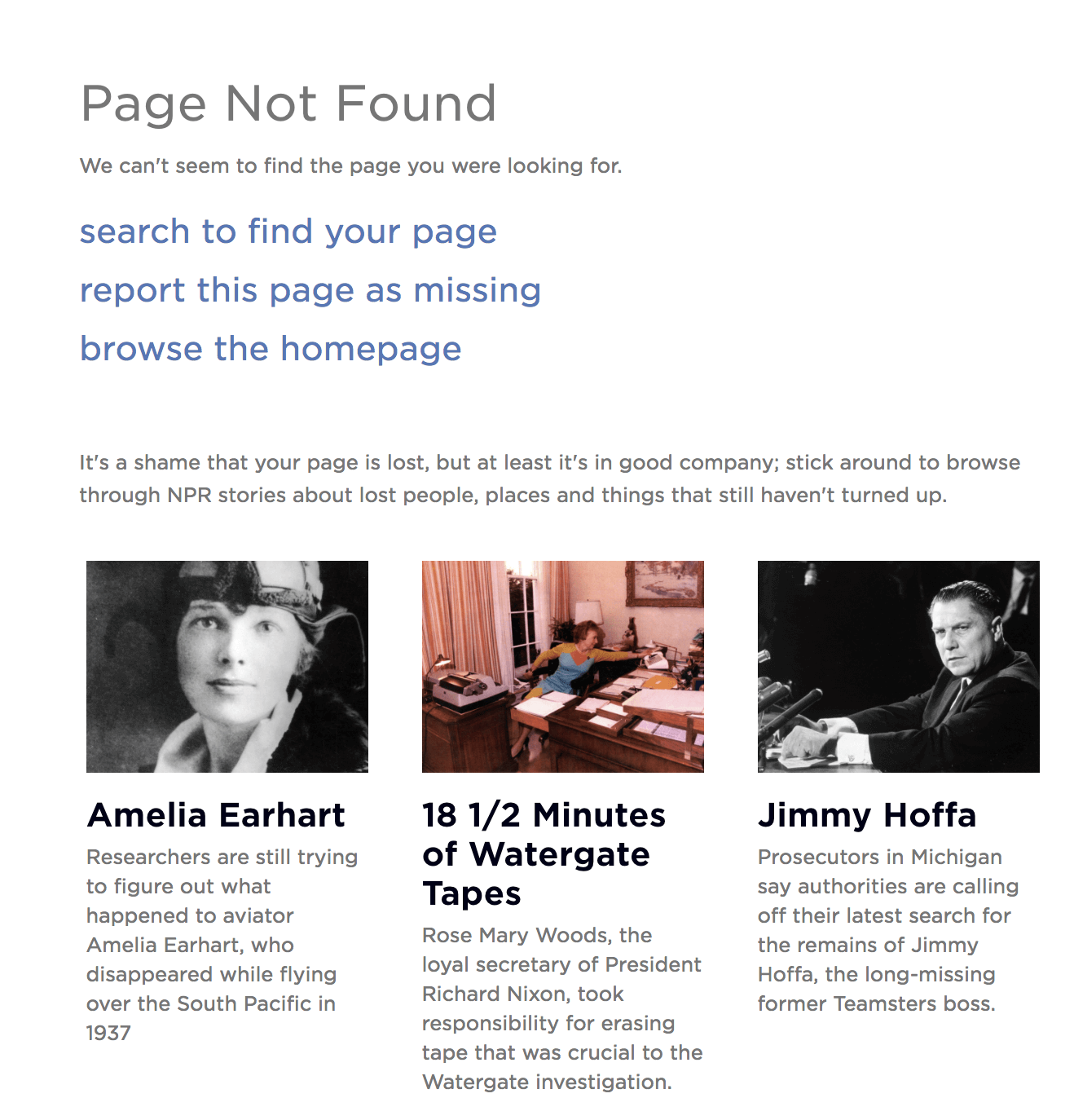
NPR has a ton of great content they can point visitors to. They have some fun with this on their 404 error page, which features NPR stories about other people and things that took a wrong turn.
33. National Museum of Funeral History
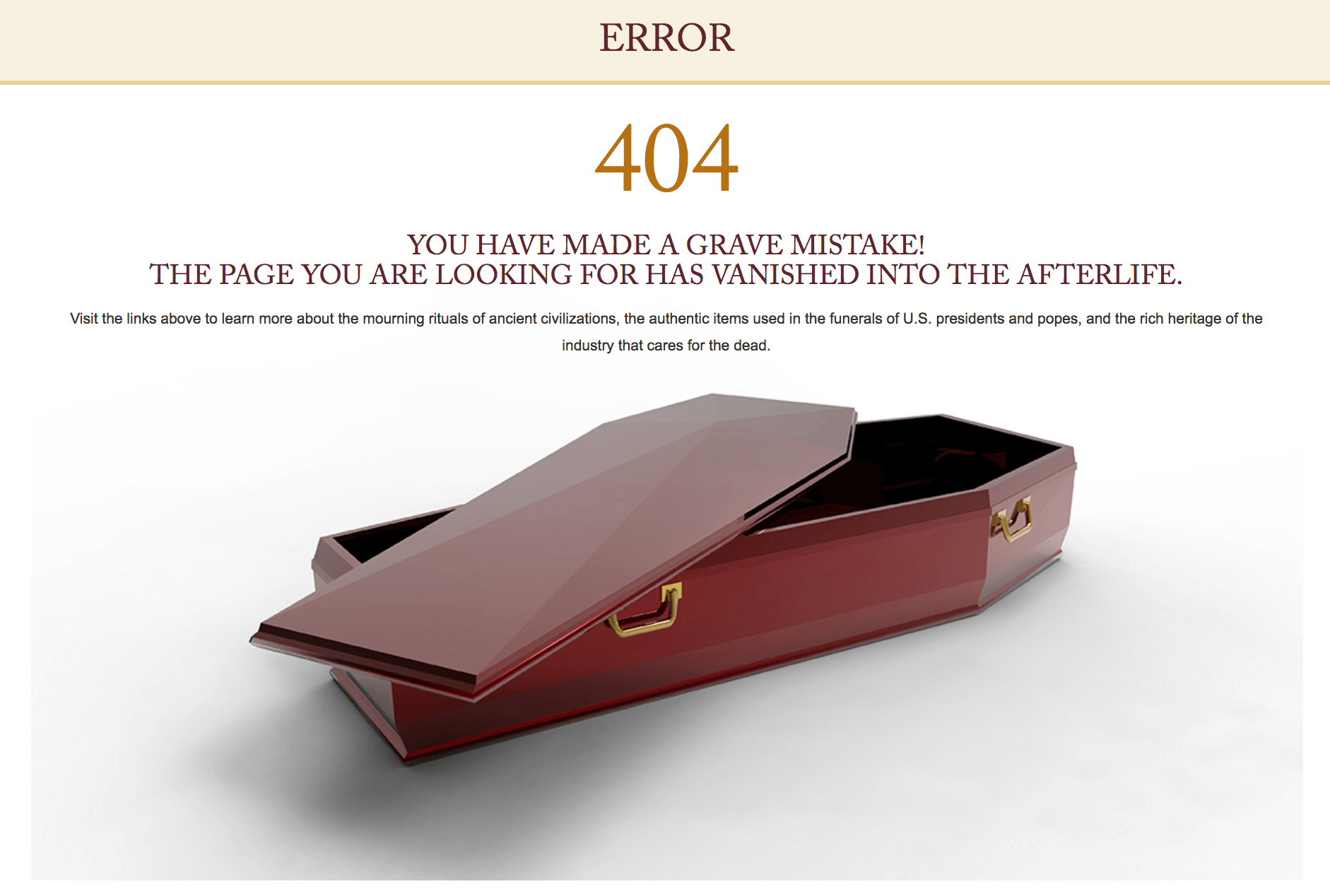
Are funerals a laughing matter? If anyone would know it’s the National Museum of Funeral History. Their error page has a “grave mistake” pun and mentions the page “vanished into the afterlife.”
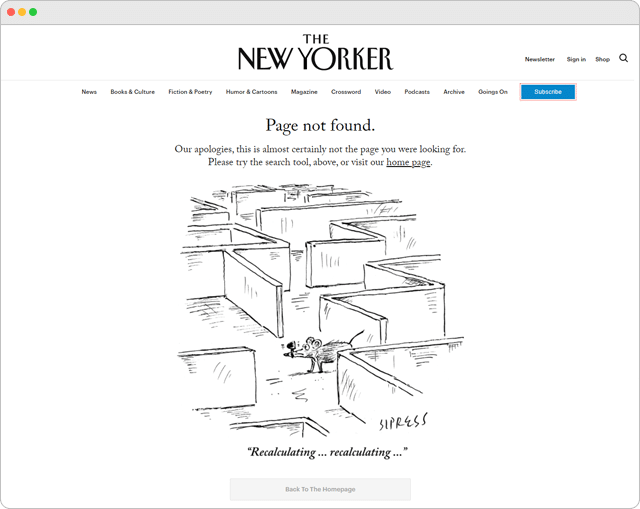
34. New Yorker
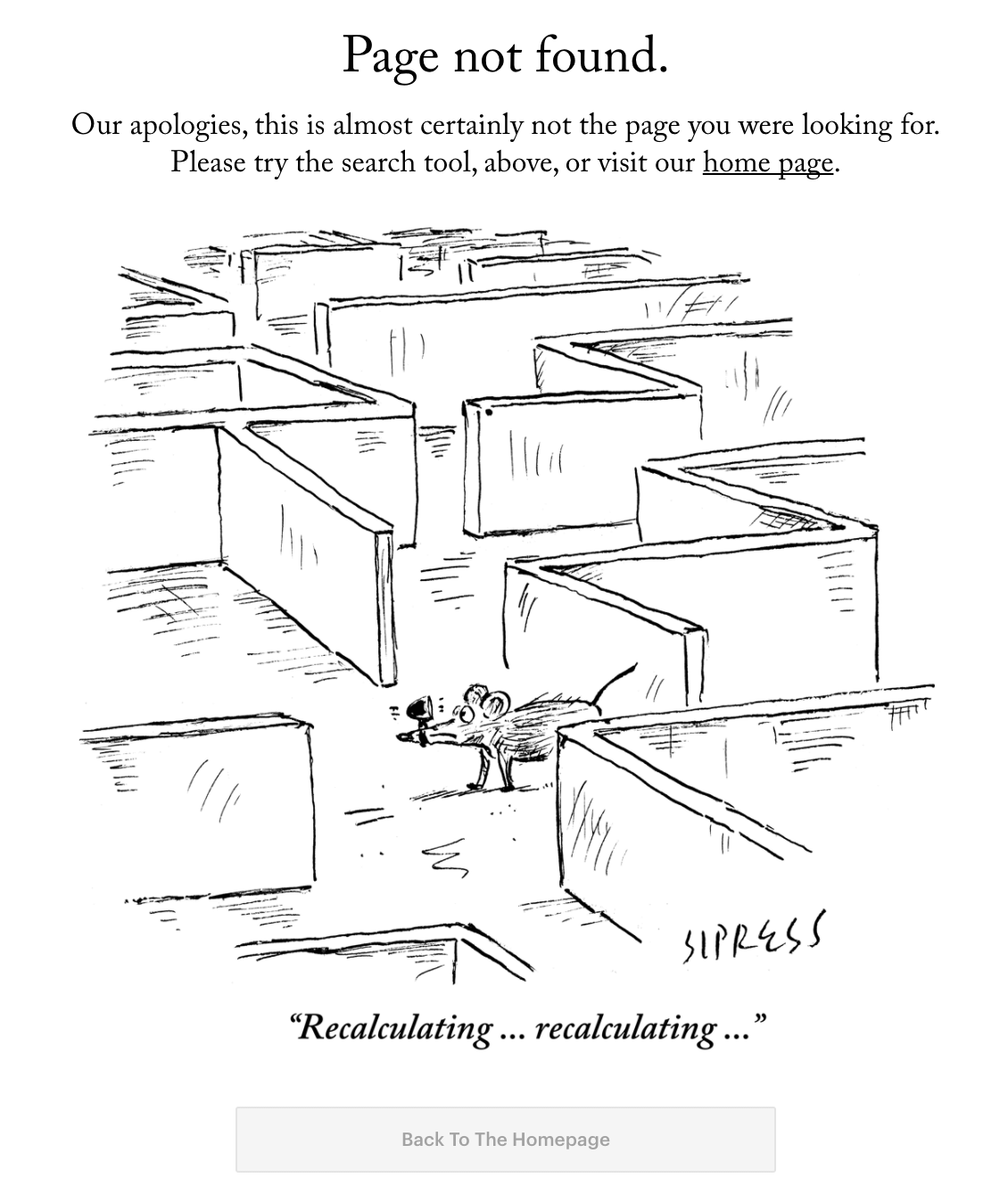
The New Yorker is known for their excellent cartoons. So of course they have one that works perfectly for an error page.
35. New Zealand Government
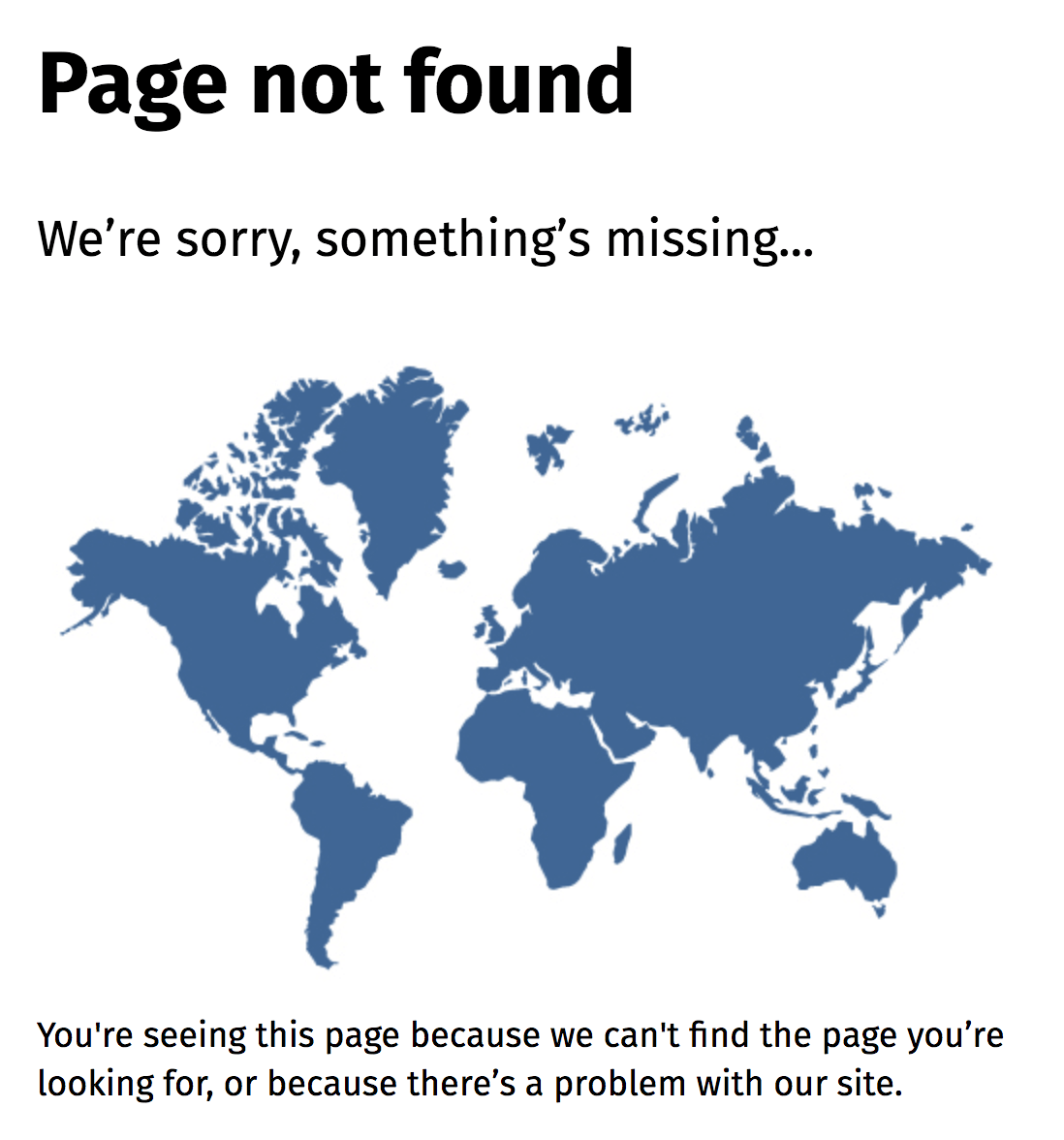
People have a bad habit of leaving New Zealand off maps. The country’s government had a bit of fun with this on their own website with a “something’s missing” reference and a world map with no New Zealand in sight.
36. Nuvango
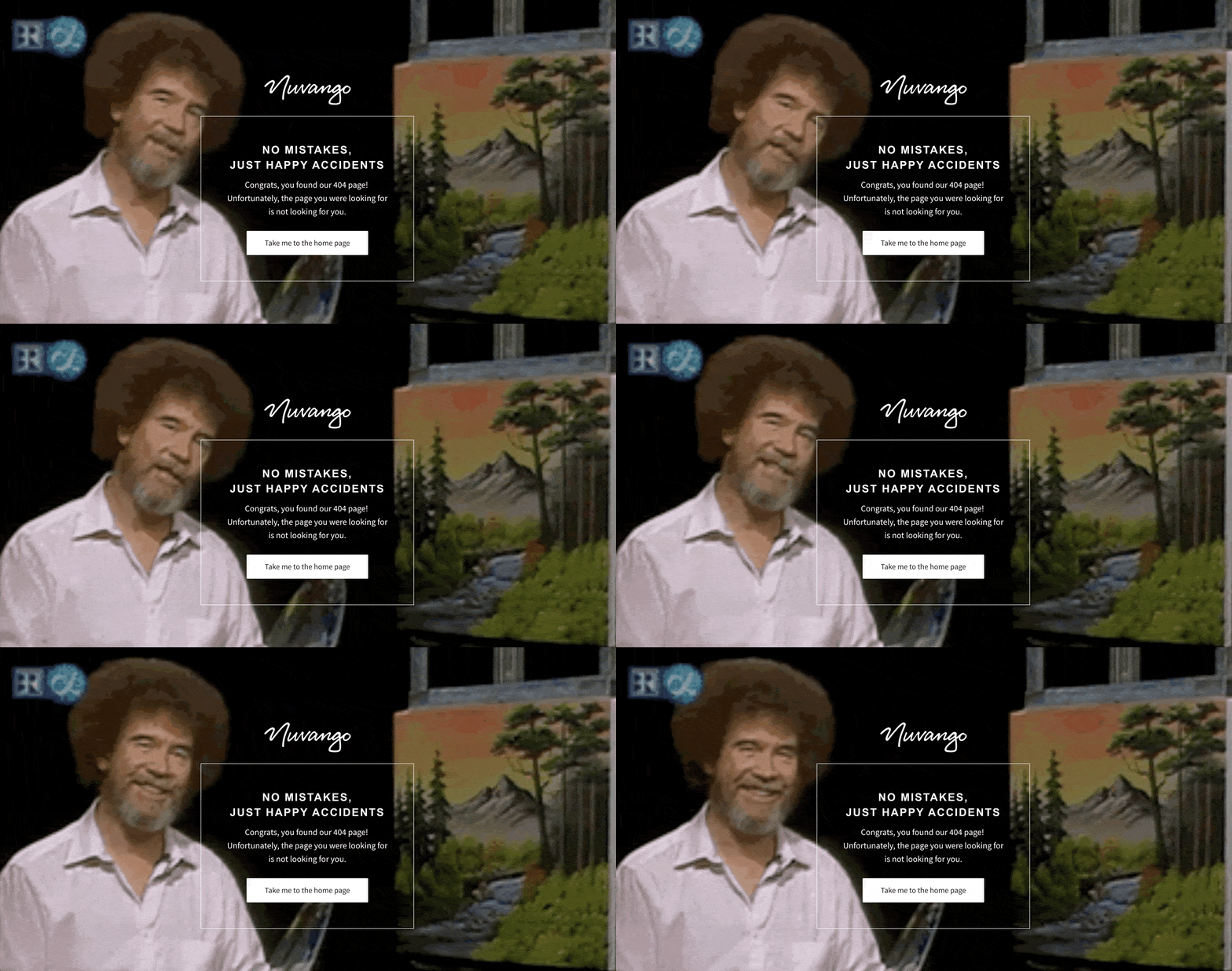
There are no mistakes, just happy accidents. If the goal of an error page is to turn frustration into a different emotion, like calm, there’s no person for the job like Bob Ross.
37. Orange Coat
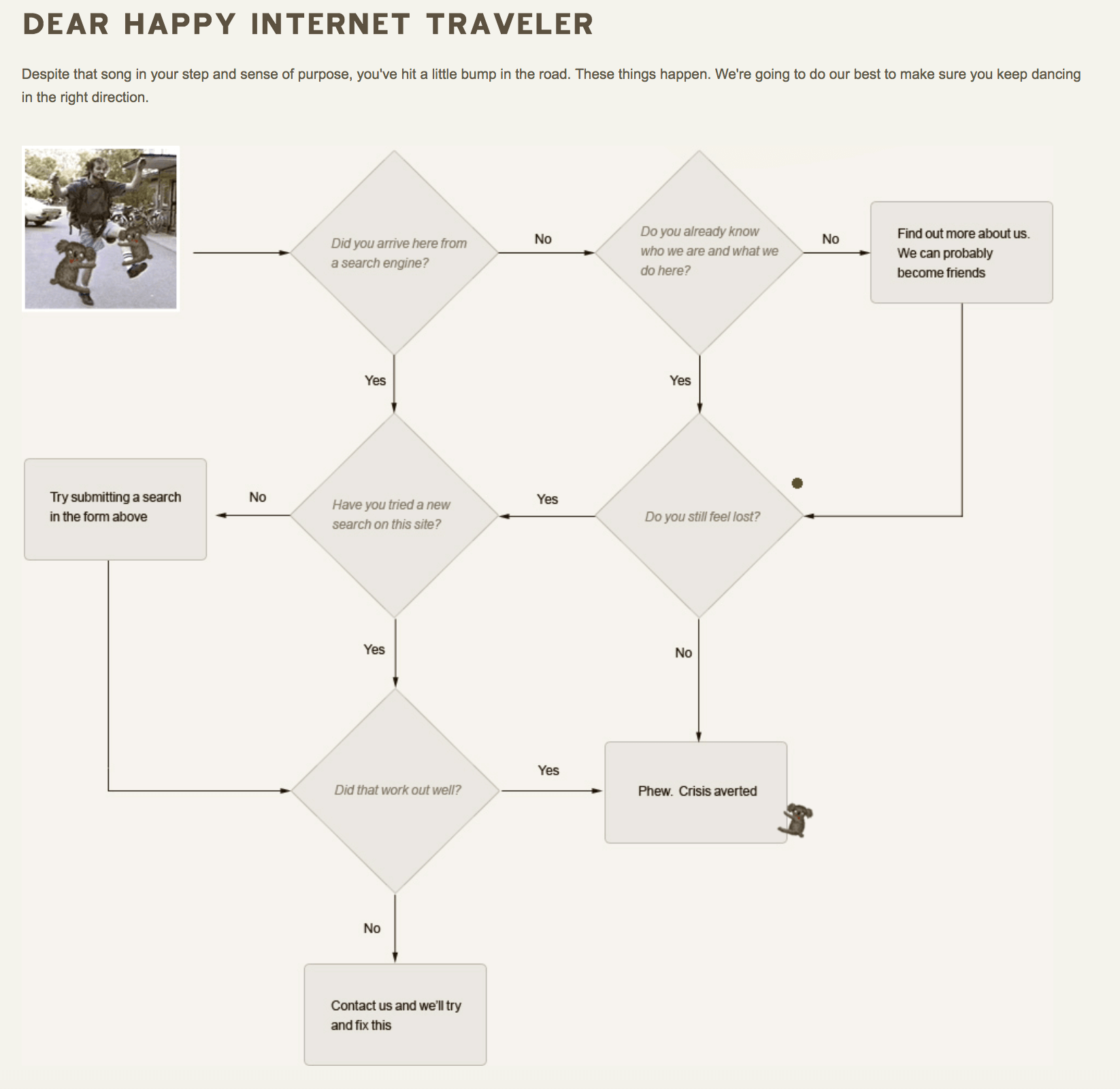
Interactive doesn’t have to mean games and Javascript widgets. Orange Coat’s error page gives visitors a choose-your-adventure style flow chart to work through.
38. Romain Brasier
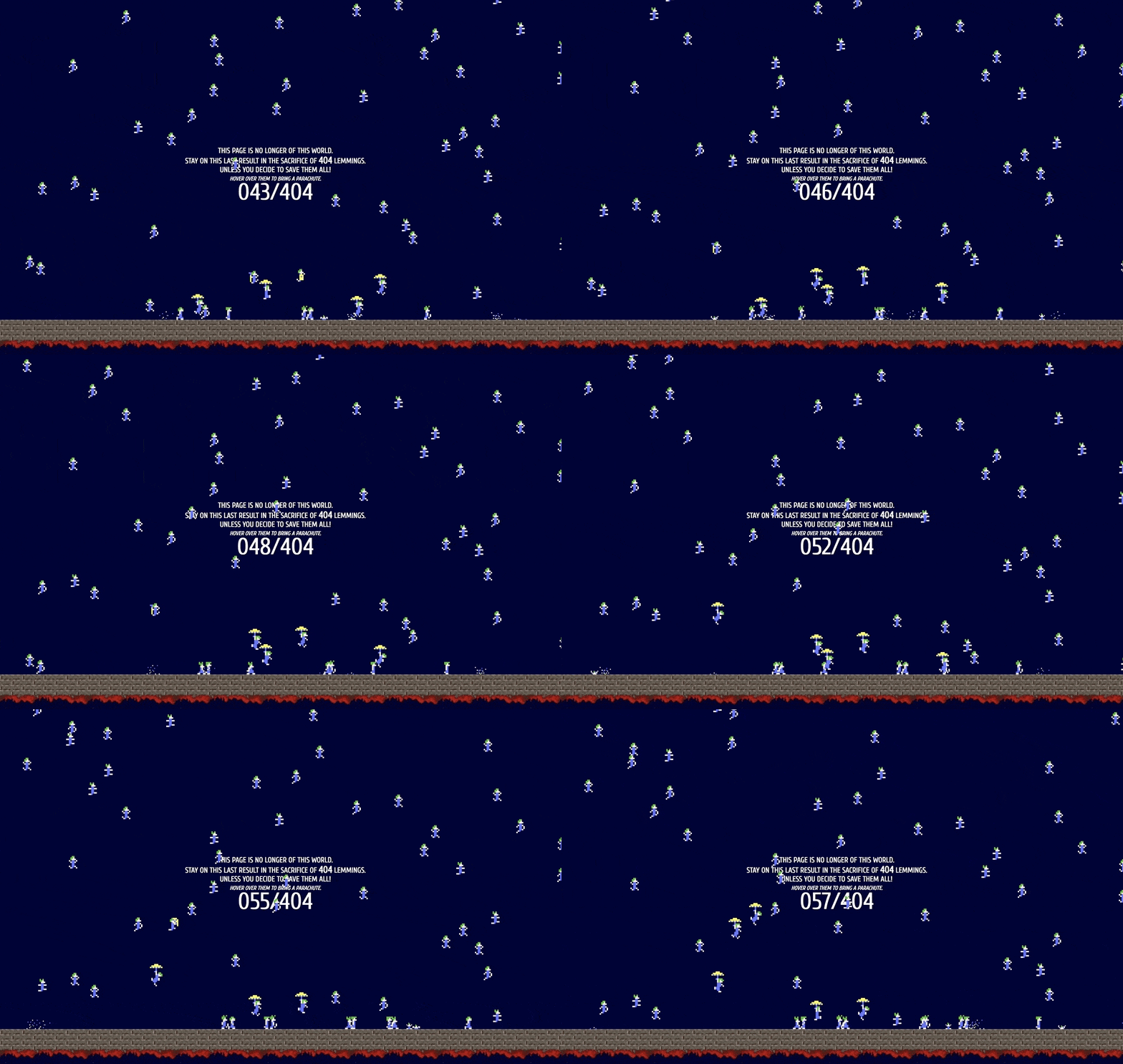
Another great examples of using classic video games to inspire nostalgia and joy in your error page visitors. Romain Brasier’s personal site gives you the clever goal of saving as many as you can of the 404 lemmings dropping from the sky.
39. Spotify
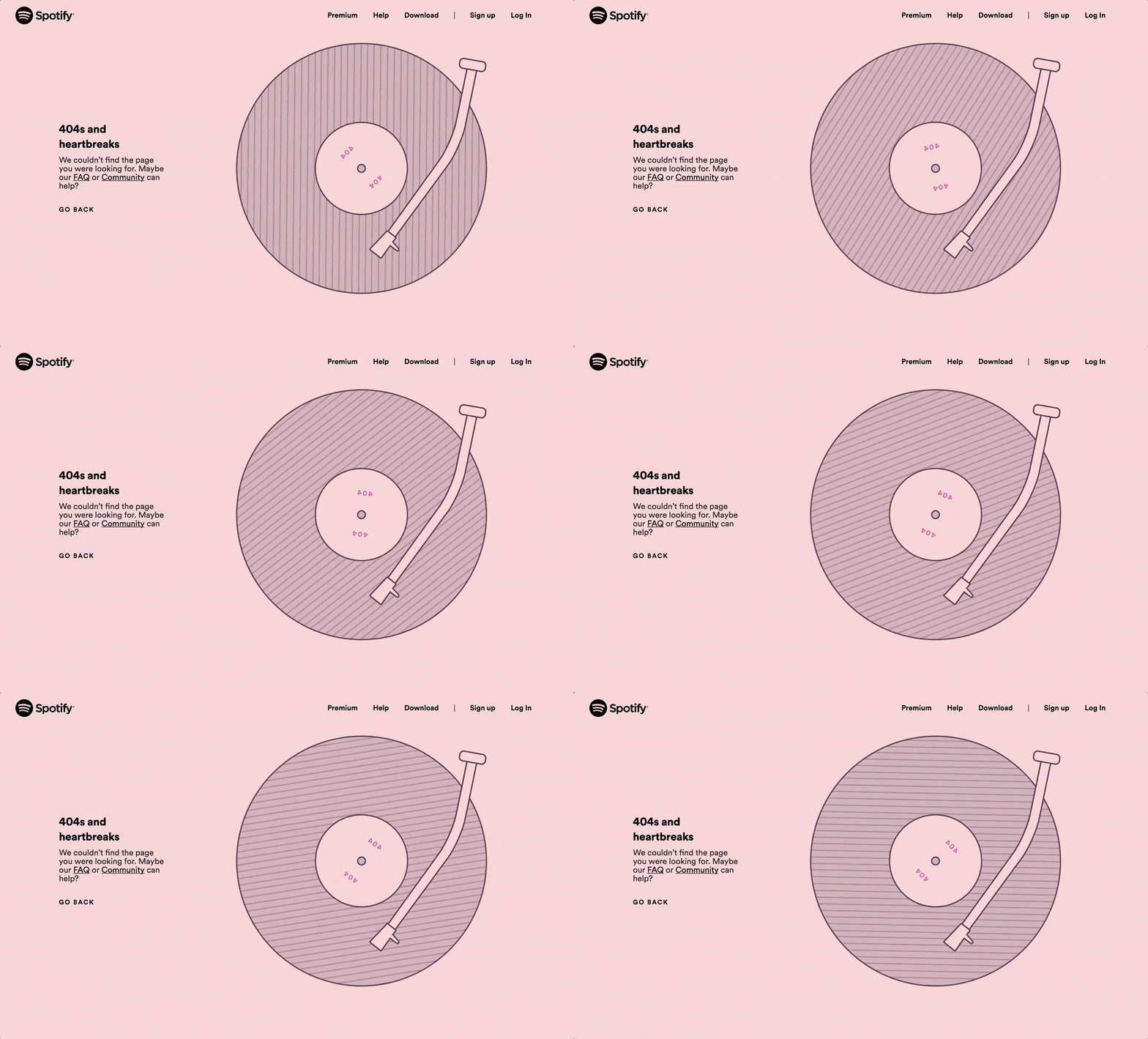
The copy is a reference to a Kanye West album, the animation is a satisfying movement of a vinyl record. So chill you just want to fire up some music and watch the pixels spin.
40. Steve Lambert

Dubbed “The most awkward error page on the internet,” artist Steve Lambert’s page is worth a watch. Try getting to the end. Like Steve writes on the page, “This kind of idea only comes to you at 12:30am. And you gotta do it then or you’re never gonna do it.”
41. Sygic Travel
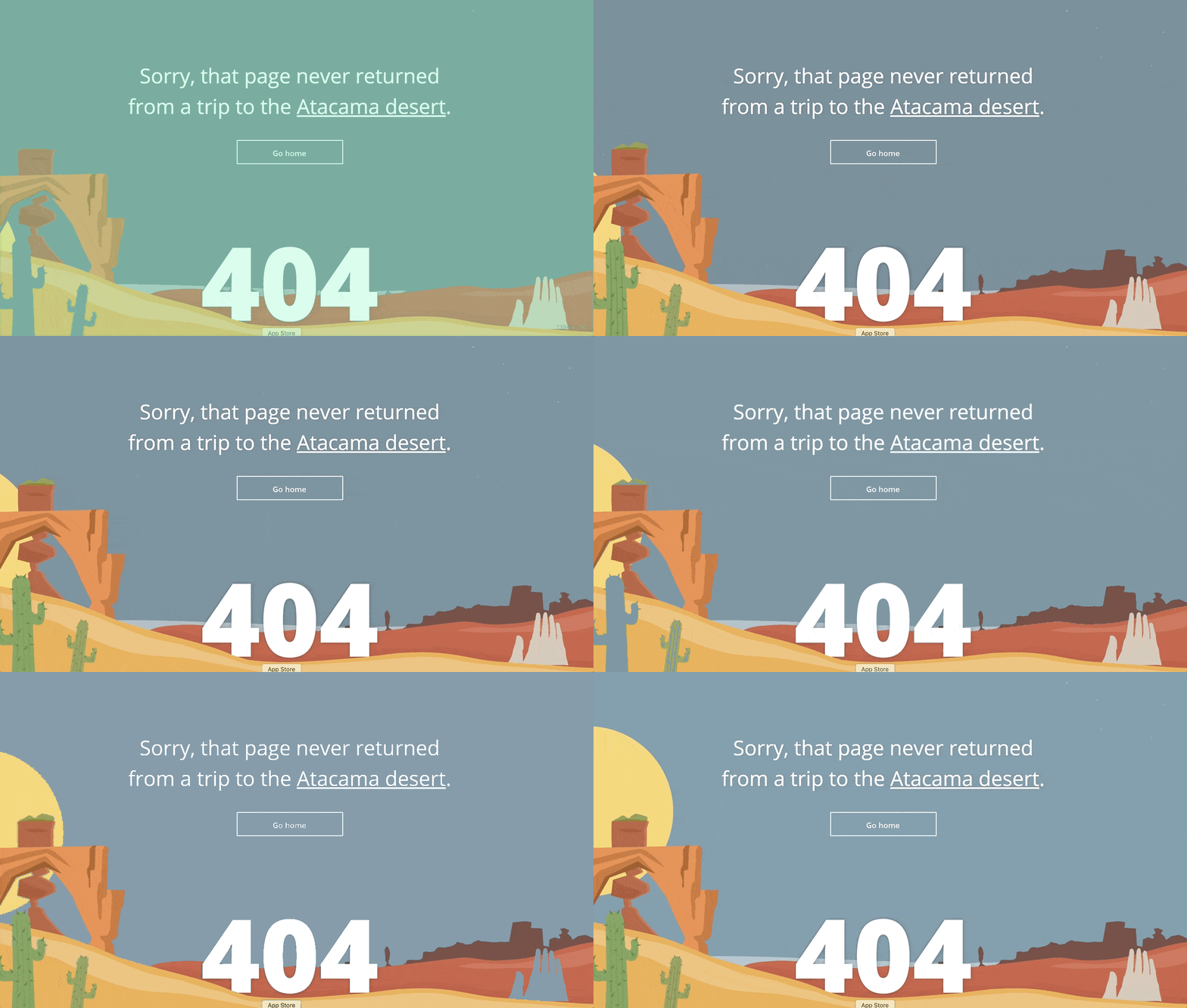
Sygic Travel inspires wanderlust with their animated error page. Watch the sun rise and fall as the desert landscape moves and cycles through day and night.
42. The Australian
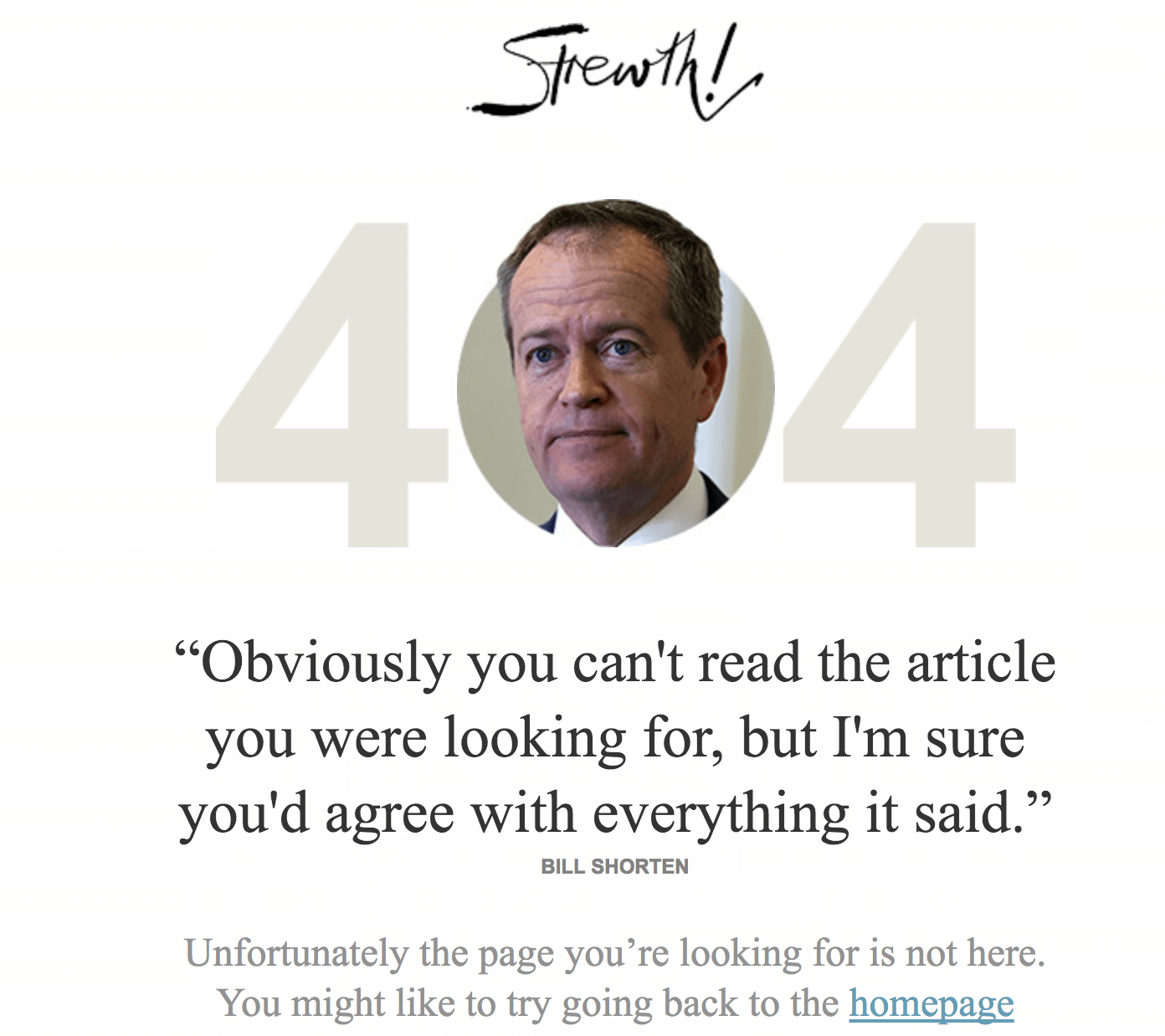
News organizations are typically a little stodgy with their brands. The Australian does a nice job flipping this perception on their error page. The page features fake but nearly-believable quotes from Australian politicians.
43. The Creation Museum
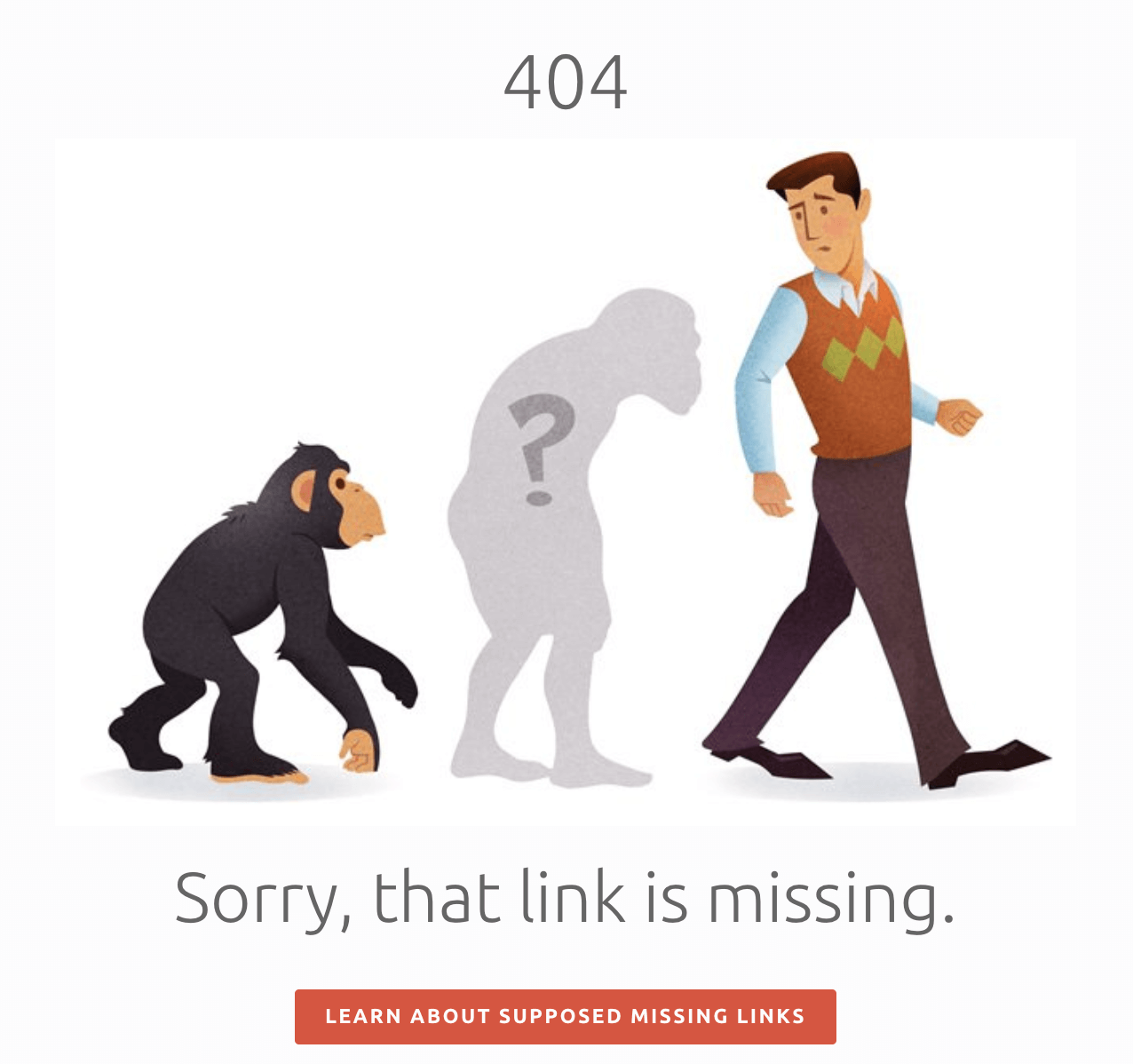
The Creation Museum is a place with a big mission. Many folks are divided about that mission, but either way it’s a big task: convince the world that evolution didn’t happen. They take a playful stab at evolution on their error page.
44. The Irish Times
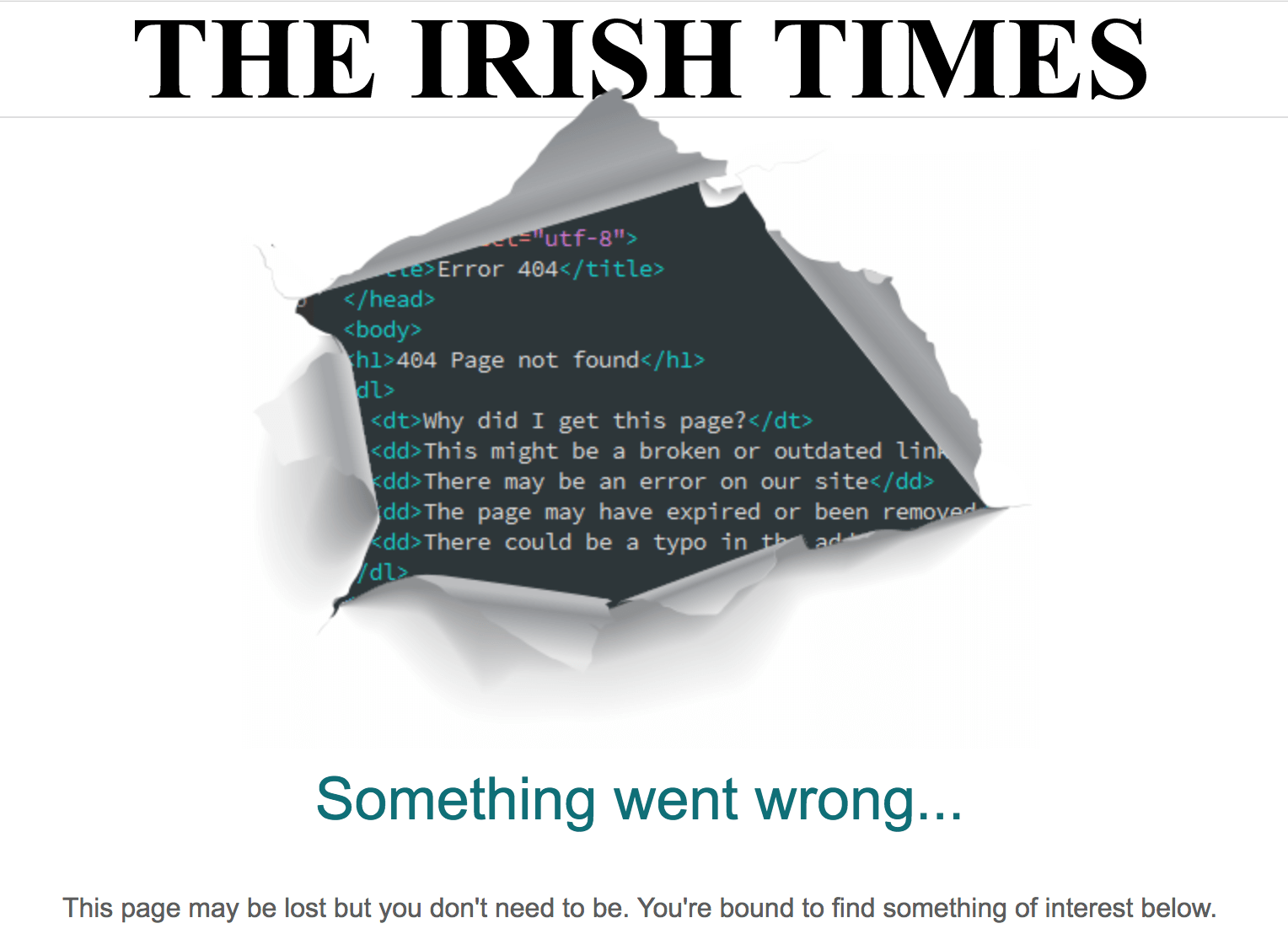
Here’s another example of a news organization having fun with their error page. The Irish Times 404 page shows code bursting through the newsprint.
Bonus tip:
Link error pages to your Statuspage. So when your users reach a page that is down, they can click into your Statuspage to get details on what the issue is and the status of the fix.
Statuspage is a tool that helps you easily communicate details of incidents and maintenance periods to your customers.
Here’s why it’s important to have a status page in addition to an error page:
- Reduce support tickets: When users know when to expect a resolution, they won’t need to open a ticket to ask for more information or worse, complain on social channels.
- Notify users automatically: When your users subscribe to your status page, they get notified via email, SMS or Slack automatically when there is an error or maintenance period on your app.
- Better customer experience: Being transparent with your users about maintenance periods and resolution times builds trust with your customers and is a better customer experience.
Try Statuspage free.
 This post is the ultimate guide to 404 error pages in 2021.
In this all-new guide, you’ll learn precisely what 404 error pages are, why they’re essential, and exactly how to use custom 404 pages to drive higher rankings and conversions.
Plus, I’m sharing over fifty 404-page examples you can use for inspiration or simply swipe and deploy.
Here’s an overview of what this guide covers:
- What is a 404 error (and how to avoid them)
- Five reasons you’re seeing page not found and what you need to do about it
- How you can win-back traffic using a custom 404 page
- The eleven elements to an alluring HTTP 404 response page
- Exactly how to build a 404 page using HTML or WordPress
- Over fifty stunning 404-page examples (including my top-ten picks)
Let’s jump in.
DOWNLOAD: A free checklist that will show you step-by-step how to create the perfect 404 page. You’ll also get my secret swipe file of over one hundred forty 404 page examples.
What is a 404 Error Page? (and Why the Heck Should You Care)
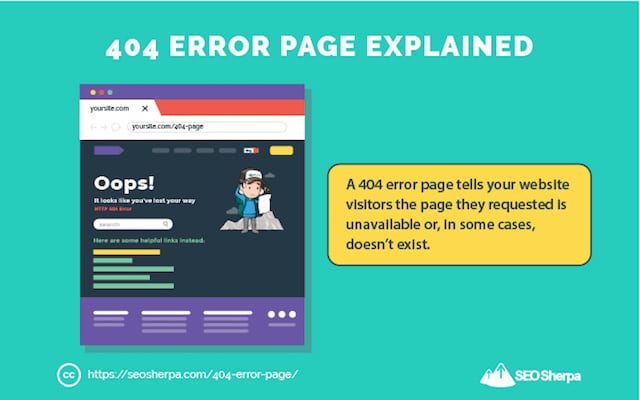
A 404 page is a website landing page that tells your website visitors the page they requested is unavailable or, in some cases, doesn’t exist.
Its primary purpose is to inform your users they’ve reached a 404 error.
(Don’t worry I’m about to explain what a 404 error is).
But first, why’s a 404 page so important?
If you don’t create a 404 page, your server can’t provide an adequate response for a resource that isn’t found.
And, that’s BAD for two reasons:
- Users won’t know why the URL they’re trying to visit isn’t working resulting in a really shoddy user experience.
- Googlebot won’t get the correct status code (404 or 410) to know it’s not there.
Both send negative signals to Google that can destroy your ranking chances.
But don’t make the mistake of thinking that’s it when it comes to 404 error pages, there’s WAY more to 404 pages than merely conserving ranking performance.
The good news is, I’ll be sharing EVERY single one of those things in this post…
What is a 404 Error? A Jargon Free Definition
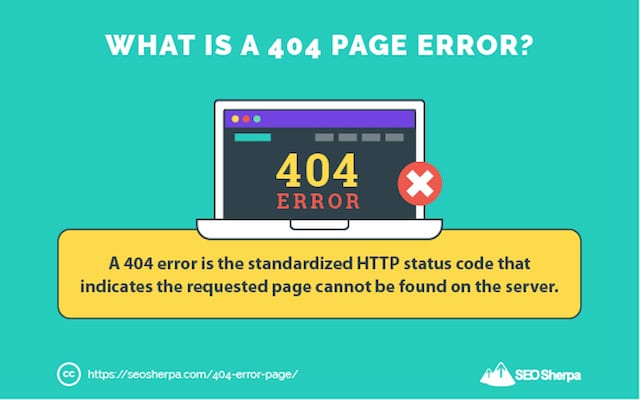
In simple terms, a 404-page error is an HTTP status code that means the page a user wants to access on a website cannot be found on the server.
A 404 page not found error will be returned to you when;
- You insert the wrong URL in your browser.
- You try to access a page that’s been removed.
Pretty straight forward, but still;
Let’s break this down in a bit more detail.
The 404 Not Found error message is an HTTP standard response code indicating your web browser was able to communicate with the website’s server, but the server could not find the resource you requested.
Anytime you enter a URL into your browser, the browser makes a request on your behalf.
It goes like this:
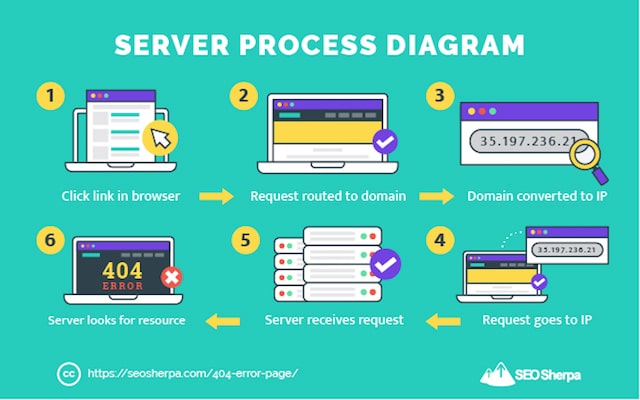
(1). You click a link via your browser. (e.g., https://seosherpa.com/random-page/)
(2). Your browser routes your request through the internet to the domain you are trying to visit (e.g., www.seosherpa.com).
(3). The domain is converted to an IP. (e.g. 35.197.236.21)
(4). Your request goes through to that IP address.
(5). Once it reaches the computer on that IP address, there is a web server listening.
(6). The web server will look for that resource and if it does not find it will send back a 404 message via an error page.
This is the 404 error page we’ve configured to show when our server responds with an HTTP 404 page not found error:
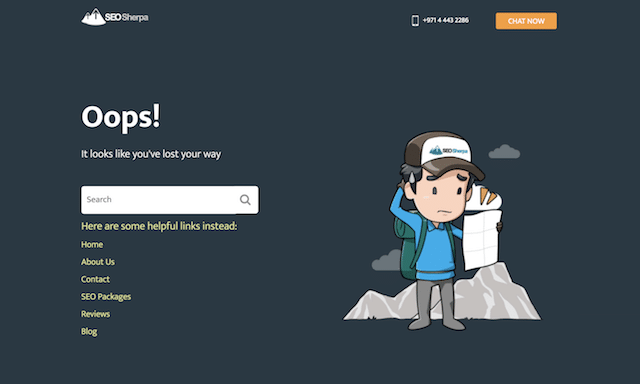
In short, a 404 error simply means “page not found.”
But, there are many common ways you’ll see an HTTP 404 error displayed to you on a webpage:
- 404 Error
- 404 Not Found
- Error 404
- The requested URL https://example.com/page/ was not found on this server.
- HTTP 404
- Error 404 Not Found
- 404 File or Directory Not Found
- HTTP 404 Not Found
- 404 Page Not Found
- Error 404. The page you’re looking for can’t be found.
Google on the other hand uses “404, that’s an error.”
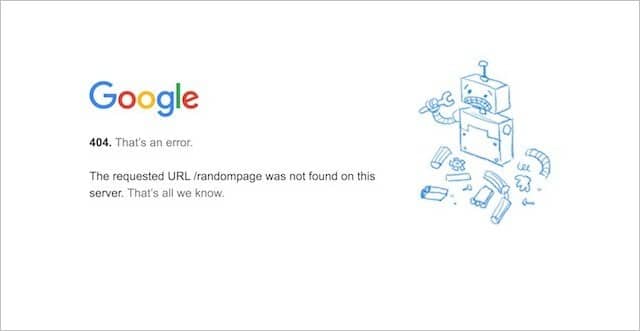
Are you following along so far?
Great, next, let’s cover why 404 errors occur.
What Causes a 404 Error? Five Reasons Why You See a Page Not Found Message
To be clear, when an HTTP 404 appears on your screen, it means the server is reachable, BUT the specific page you’re looking for is not.
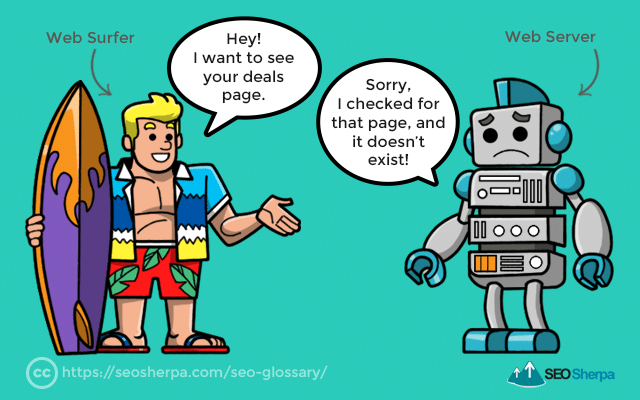
There are many reasons why the server might be sending you a 404 error message for the page you are trying to access.
Let’s dive into the five main ones:
Reason #1 – The Page Got Deleted from the Website
Simply, the page was located there before but has since gotten removed.
This can result from an intentional website clean up or accidental deletion of a page.
Either way, the page got deleted and is no longer there.
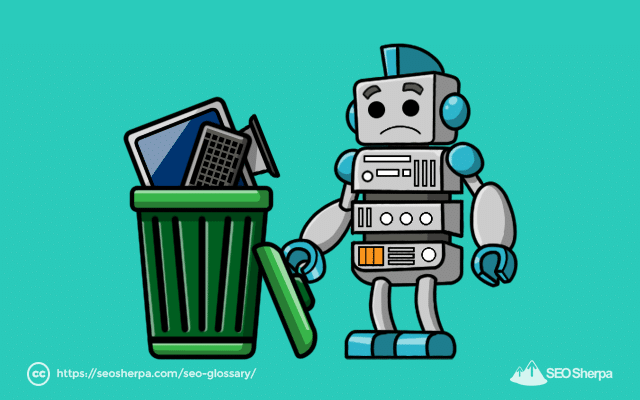
And that’s why the server can’t find it.
PRO TIP:
Before deleting any page from your website, you should check if links are pointing to the page.
If there are, go to each link’s source and either remove the link or point it to a new (live) location. This will help minimize 404 errors that result from pages being removed.
Reason #2 – The Page Got Moved
It’s common for pages to get moved from one URL slug to another.
For example;
You might decide to reorganize your website’s content and, in turn, drag a page from one folder to another;

Or, you may choose to update a page’s permalink (AKA “slug”), which means the address of the page – known as the URL – gets changed.
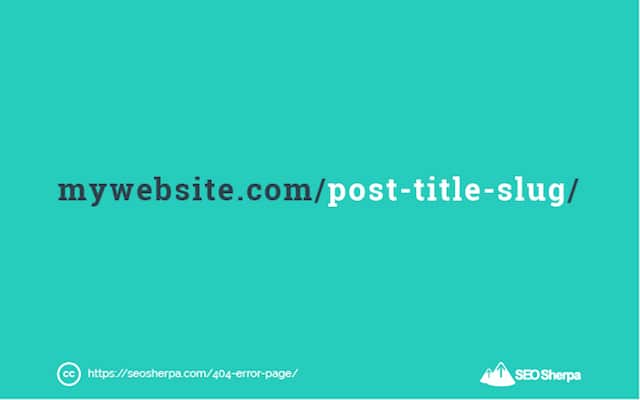
In either scenario, if a user goes looking for the page at its original address…
Unless the server gets instructions about the page’s new location, it will return a 404 not found error.
Reason #3 – The URL Was Typed Incorrectly
This one’s straightforward.
If a user types a URL into their browser that doesn’t exist, the server will return a 404 Page Not Found Error.

Even the smallest typo in a URL can cause an HTTP 404:
- The use of upper case if the URL gets written as lower (and vice versa).
- When space is added to the URL unnecessarily.
- The addition – or removal – of a trailing slash at the end of the URL.
- The use of an underscore when the URL uses a dash (”-”) as a separator.
- Etc, etc.
You get the point!
If the address used by a user is anything but the actual URL on which a page is located;
The server may return a 404 message.
PRO TIP:
To minimize 404 errors resulting from mistyped URLs, make sure your permalinks are human friendly. For that, follow these four recommendations:
- Keep your URLs short. One to five words is ideal.
- Use only lower case. Mixing upper and lower case is more likely to lead to type-in errors.
- Use dashes to separate words – Using dashes between words makes your URLs more readable and less likely to be mistyped.
- Make your URLs memorable. In other words, use a concise name that perfectly describes the page.
Reason #4 – The Domain Name Doesn’t Exist Anymore
It goes without saying:
If the page you are trying to access is on a domain that no longer exists – the server will not find it.
This error type will occur when a domain name expires, or when a website gets moved from one domain to another.
If ever you move your website to a new domain, it’s essential you use 301 redirects.
A 301 HTTP status code (AKA “301 redirect”) informs users and search engines of the new location of your webpages – and redirects them there (more on that later).
If you don’t use 301’s when moving your domain, users get hit with a 404 error.
Reason # 5 – A Server Error
A server error can happen when the server hosting your website is not running, or the connection is broken.
It can also occur when you move your website to a new host, and the domain name servers (DNS) are yet to propagate fully.
In short, the DNS for some users may temporarily remain pointed to the old hosting provider where there is no website anymore.
While 99% of website hosts do everything they can to minimize this downtime, it still happens every once in a while.
PRO TIP:
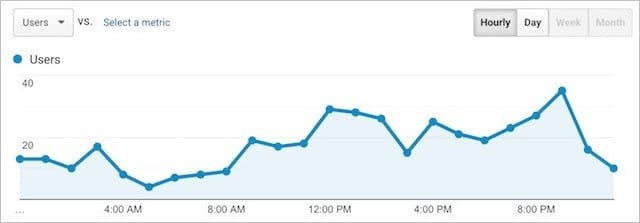
If you plan to move your website to a new host, you can minimize downtime by migrating your site when traffic is lowest. Depending on your business, this may be weekends, overnight, or at other dead times, for example, 11 PM to 8 AM:
Here’s the long and short of it concerning 404 errors:
Regardless of HOW a user lands on a 404, the fact they HAVE means the page they wanted was unreachable.
As you’d expect, inaccessible pages are a bad thing for the user experience.
But how about SEO?
I’m going to give you the full low down on that next.
How 404 Errors Affect Usability and SEO (Hint: They’re Harmful)
According to Google:
Four hundred four errors don’t impact your site’s ranking in Google, and you can safely ignore them.
But, that’s not entirely true!
Sure, 404 errors themselves are not negative ranking factors, but their impact on link signals is detrimental.
Let me explain:
When third-party websites link to your site and those links are broken (e.g., the links lead to 404 errors), the link equity from those inbound links doesn’t pass through to your domain, at least not entirely.
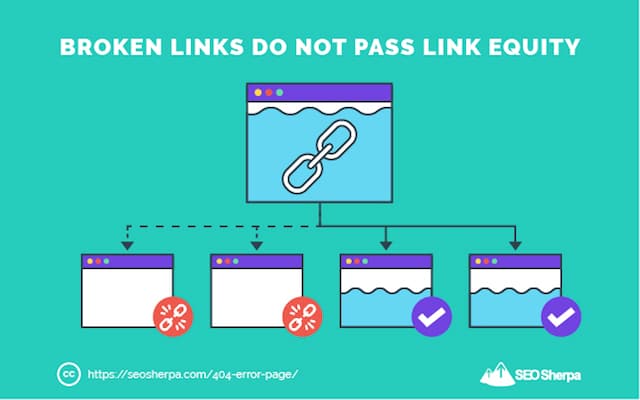
In other words, when you have broken backlinks, you miss out on ranking signals.
What’s more, a high number of 404 errors wastes a search bots crawl budget…
And raises the risk that robots won’t crawl your most important pages.
Add to that the obvious negative implications on user experience when a visitor hits a 404 error page (as opposed to the page they expected to find);
It’s clear that lessening the number of 404’s will positively impact your website’s performance.
STEP 1 – Run a crawl to identify your website’s 404s
Site crawlers like Screaming Frog, Ahrefs, and SEMrush are a great way to find broken links that lead to 404 errors.
To find 404s using Screaming Frog, simply run a site audit, then, click on Response Codes in the top menu.
Next, filter for Client Error (4XX), and Screaming Frog will list every page with a 404 status code.
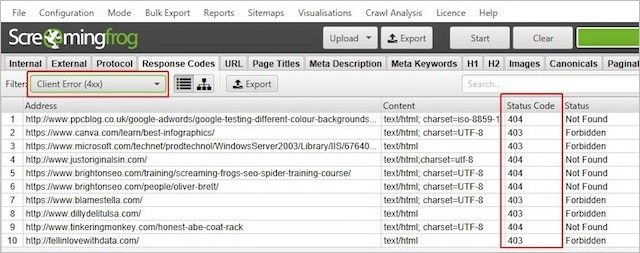
Real simple.
Another excellent tool for uncovering your website’s 404 errors is; Google Search Console.
All you need to do to see the 404 errors Google Bots found on your site is…
Log in to Search Console, click Coverage, and then select the Excluded tab.
There you’ll see a list of hard 404 errors marked Not found (404) and soft 404 errors marked Soft 404.
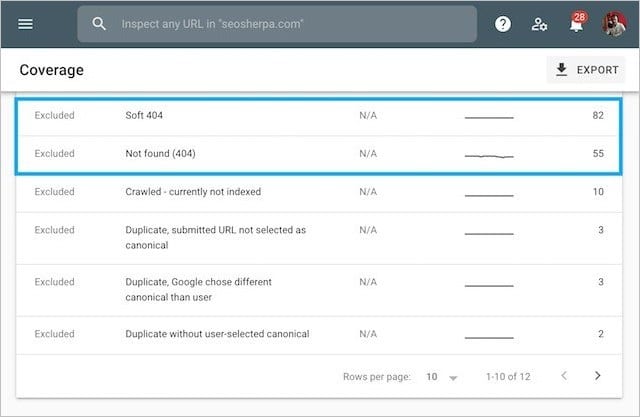
Click on each item to see a full list of pages returning 404 errors.
Side note – we also have a free website audit tool at seosherpa.com:
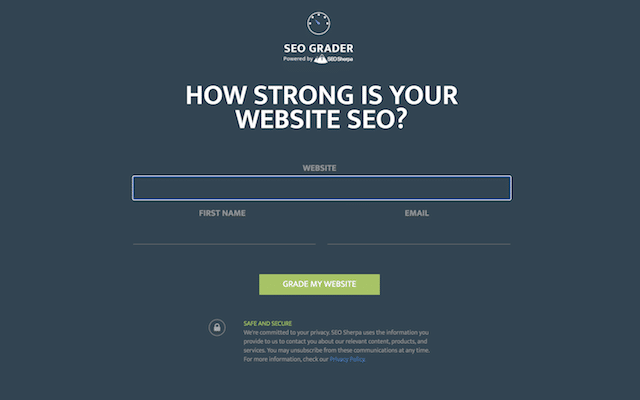
You can run audits on any website you want, and in just a few seconds the tool will show you issues with your site, including a list of broken links if you have any.
STEP 2 – Fix the broken links
Now it’s time to fix the errors you’ve found.
For that, you have three main options:
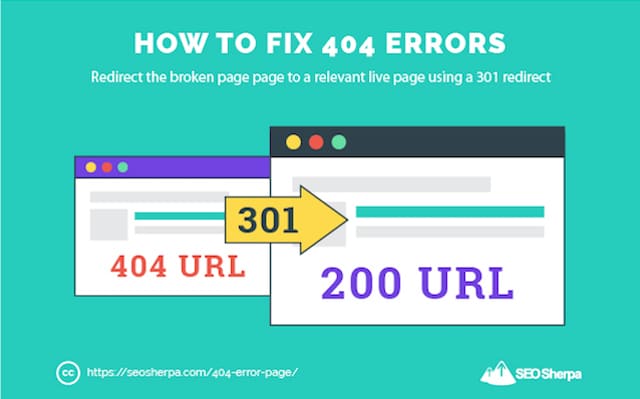
(1). Redirect the 404 error: Redirecting users to another relevant page via a 301 redirect is the easiest way to fix 404 errors on your site.
When implementing 301 redirects, be sure to send the redirect to a relevant page — redirecting the link to an irrelevant destination may be detrimental to ranking performance.
(2). Restore the page: If you determine there’s still significant demand for a page you’ve deleted, and there’s no suitable page to redirect users to, consider restoring the original version.
You can either restore the page from an old backup or recreate the page by referring to WayBack When archives.
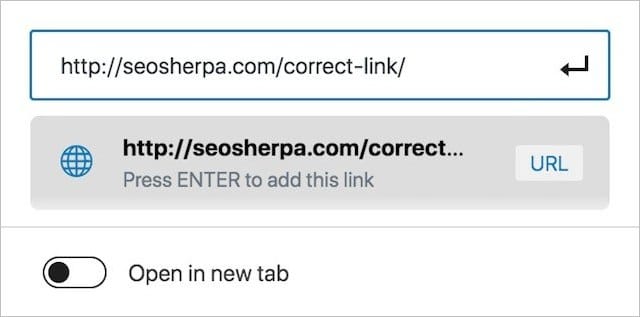
(3). Correct the link: If broken links exist between pages on your site, you can simply edit the source to point to the correct URL.
On the other hand, if the broken link exists on a third party domain, try reaching out to the site owner via email. If you’re having difficulty finding the right email address, our email address guide has got your covered.
And since it’s in the best interest of all website owners to fix their dead links…
I’ll bet my bottom dollar A LOT of your outreach is successful.
What to Do with 404 Pages: How to Finding New Opportunities from Lost Traffic
So you’ve fixed all the 404 errors you can.
Good job, you’ve gone a long way toward improving the user experience of your website and recovering lost traffic and rankings.
What’s next?
It’s time to work on the 404 error page itself.
But, before we dive into what makes a GREAT 404 page (and how to create one)…
Let me first explain why you need a customized 404 page in the first place.
Generic 404 Pages
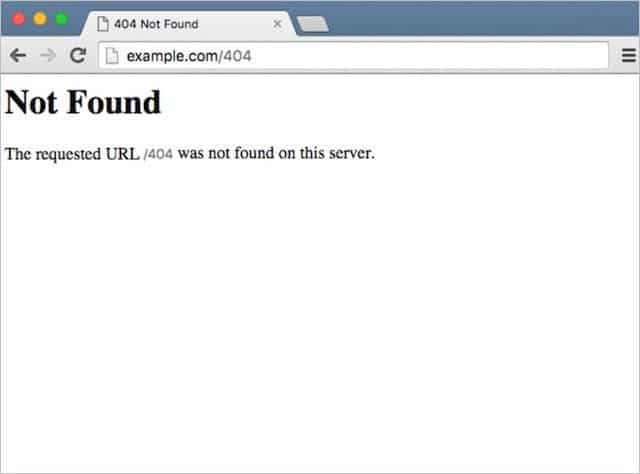
Out of the box, generic 404 pages look this:
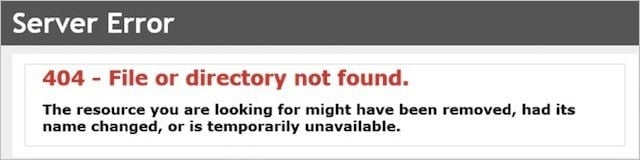
Or this:
I’m sure you’ve run into a few online.
The question is, how did they make you feel?
Frustrated, confused, and unsure what to do next?
The trouble with generic 404 pages is the user experience sucks.

They use technical language, offer no path forward, and force users back and off your site.
If leaving your website visitors frustrated and clueless is okay for you…
Sure, stick with a generic 404 page.
On the other hand, if you are committed to better user experience, traffic, and search engine rankings, creating a custom 404 page is a MUST.
Custom 404 Pages
Deploying a custom 404 page requires time, effort, and energy.
Jeez, if your website is custom coded, you may even need to hire a developer – and that comes at an expense.
If you’ve already minimized 404 errors through the steps I shared above, why invest extra resources into a custom 404 error page when a relatively small percentage of visitors see it?
At least we hope.
Here are five reasons why:
(1). Use Your Custom 404 Page to Ensure Your Tough to Index Pages Get Crawled
If your website is extensive and famous, it’s going to have dead links.
There’s no escaping it.
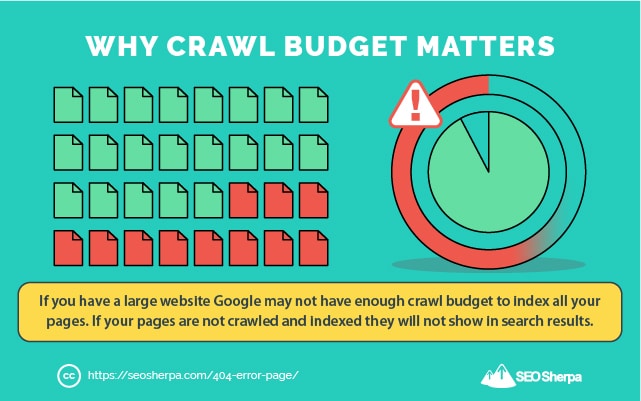
When you have lots of URLs, there’s also a chance your most essential pages don’t get crawled as frequently as you would like.
That’s part and parcel of having a big website and a limited crawl budget.
How would you like to ramp up your search traffic by getting your highest priority pages indexed?
Well, you can do that via your 404 error page.
Sounds cool, right?
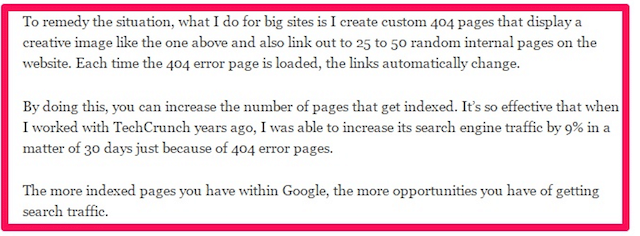
To do so, create a list of the pages you want to be indexed, and use a script like this to randomly insert them into your 404 page.
Because you’ll always have many inbound links to your HTTP 404 response page, search engine spiders will crawl it frequently and discover the new pages you want indexing.
Neil Patel used this technique to improve Tech Crunches traffic by 9%.
In short, it works great!
Give it a try and let me know the results you get for your site.
(2). Leverage a Custom 404 Page to Elevate Your Brand to Reduce Your Bounce Rate
If your website users arrive at a dead page from an internal link.
And the page they land on looks like this:
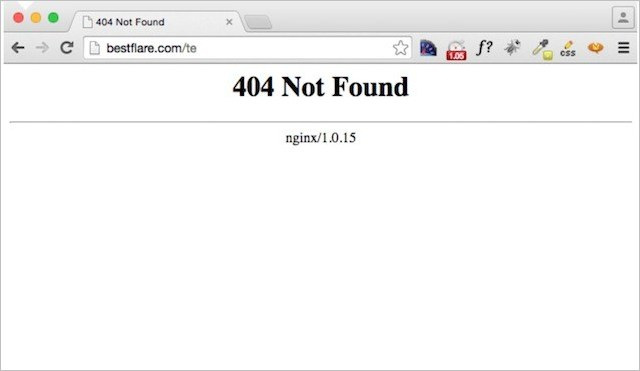
They might get confused into thinking they are on a different website or blocked from accessing your site by a web server.
Either way, it’s a shoddy user experience.
This is just one reason why I recommend a custom 404 page that inherits your website’s header, navigation, color scheme, fonts, and logo.
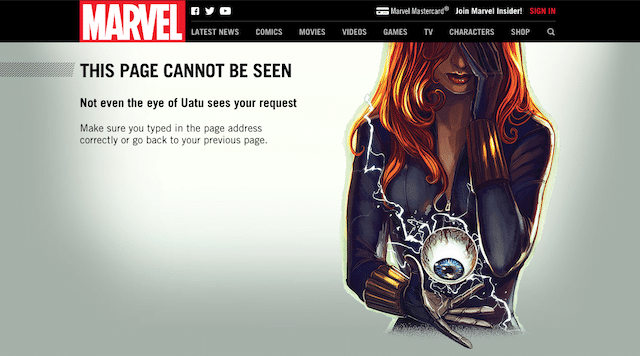
If a user lands upon a 404, with consistent branding, they’ll understand they are on your website… even if they didn’t find the specific page they were looking for.
And, that should at least mean they stick around.
(3). Use a Custom 404 Page to Engage (And Surprise)
A 404 error page is a natural cause for frustration.
Unless that is you lighten the mood.
By using a custom 404 page to engage your visitors via games, humor, and exciting visuals:

You can turn a user’s initial frustration into a moment of delight.
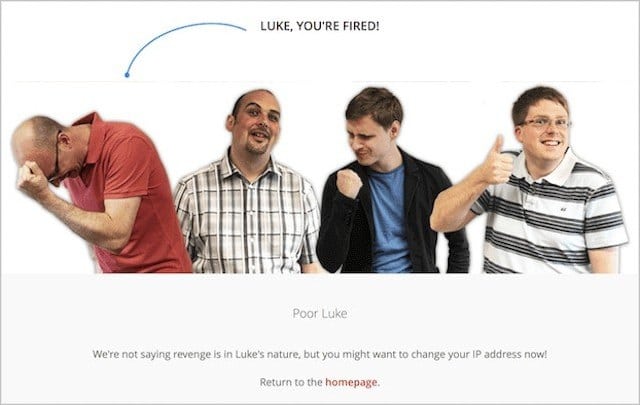
I’ll share several excellent examples of this later in the post.
(4). Utilize a Custom 404 Page to Guide Visitors Along the Path (to Purchase)
A generic 404 page is a digital dead end.
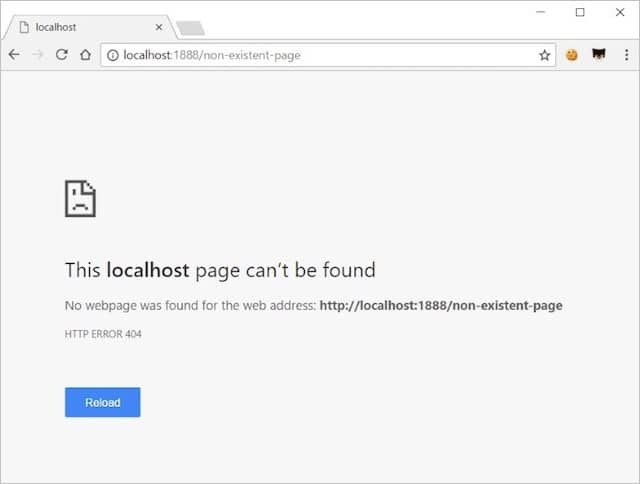
It leaves users with nowhere to go but back from where they came.
On the other hand, a custom 404 page allows you to layout links that might be relevant and useful.
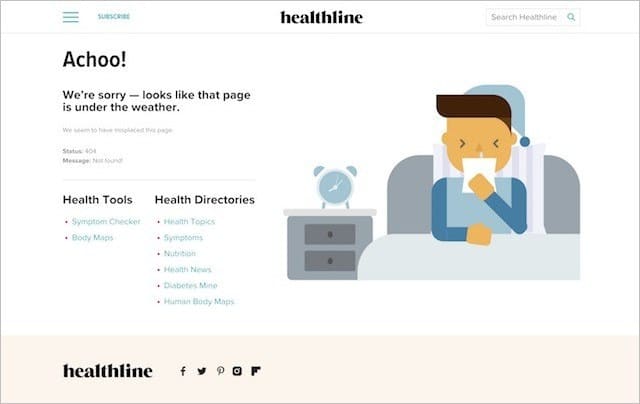
In this way, a user can continue through your website and find what they’re looking for, or at least something that interests them.
You retain the user; they continue browsing – everyone wins!
(5). Use a Custom 404 Page to Generate Conversions
Most website owners think about their 404 pages in terms of recovering lost traffic.
What if I told you that some websites had used their 404 pages to increase conversions and revenue?
Sounds hard to believe, right?!
Well, it shouldn’t be because it’s done easily.
For instance, you can add a coupon code to your 404-page just like Ballard Designs:
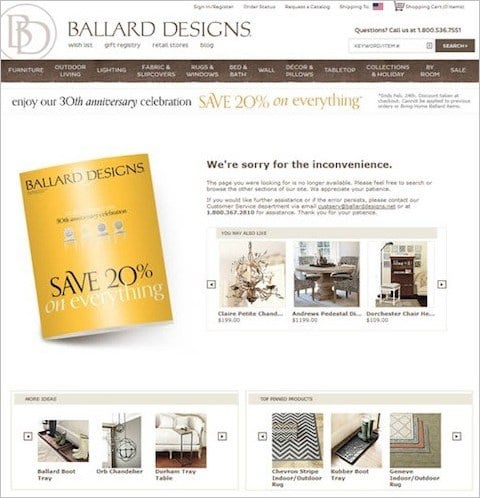
According to Which Test Won, this 404 error page with product recommendations and a 20% discount code led to increased total purchases and a higher add-to-cart rate.
You can also use your 404 pages to display a lead magnet:
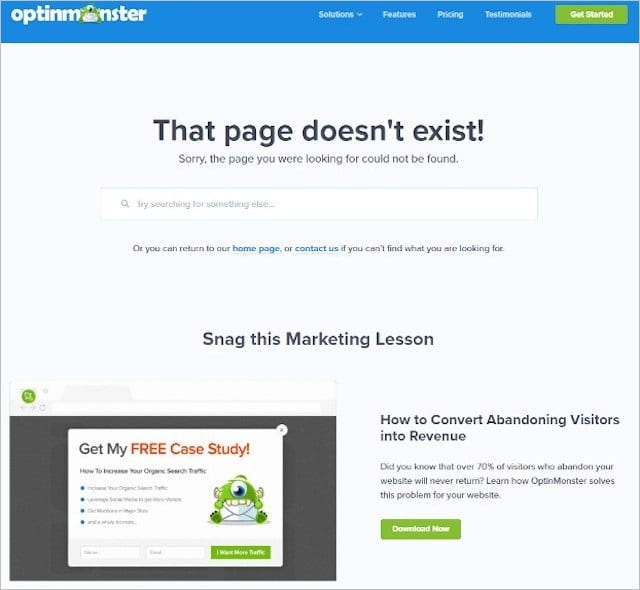
OptinMonster has used their 404-page to great effect by adding the option to download a free case study in exchange for a user’s name and email.
According to OptinMonster’s website, this page “converts like gangbusters.”
Now you WHY a custom 404 page is so important.
Let me show you WHAT makes an effective one.
404 Error Page Best Practices: Eleven Elements to an Alluring 404 Page
I’m now going to lay out exactly what makes a highly effective 404 response page.
This is a thorough list of the components that go into the very best 404 pages on the web.
You don’t necessarily need to incorporate all of my recommendations, but the more you do use the better response rate you are likely to get.
(1). A REALLY Simple 404 Error Message
This may sound obvious, but it’s imperative.
You see, the issue with generic 404 pages is that they use technical language.
And, most users will not understand what an “HTTP 404” is.
So cut the jargon and use uncomplicated language your users will understand:
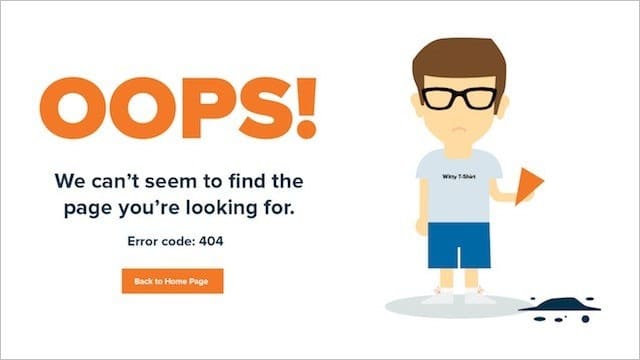
Something like:
“Sorry, the page you were looking for doesn’t exist” will do just fine.
You can also add further context as to why the error “might” have occurred.
I stress might, because the 404 error may have resulted from a user error (e.g. your visitor typed in the wrong URL).
Stating “the error occurred because” (or similar) sounds like you are playing the blame game and may turn your visitors off.
Instead, opt for wording like:
- You may be seeing this page because
- You might have ended up here due to
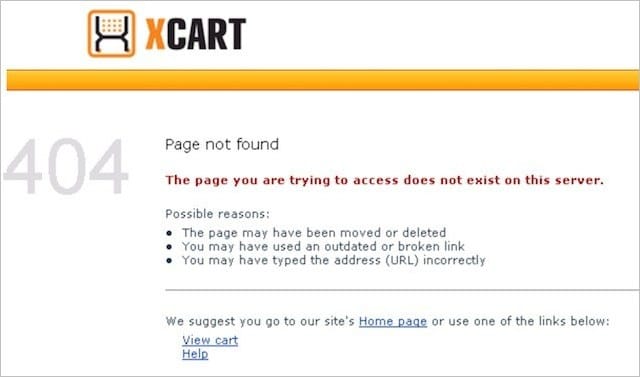
Here’s an excellent example from X Cart with the reasons all spelled out.
(2). Use a Consistent Look and Feel for Your 404 Error Page Template
I mentioned this already…
But it’s so important I want to drill it home here:
Use a consistent brand look and feel!
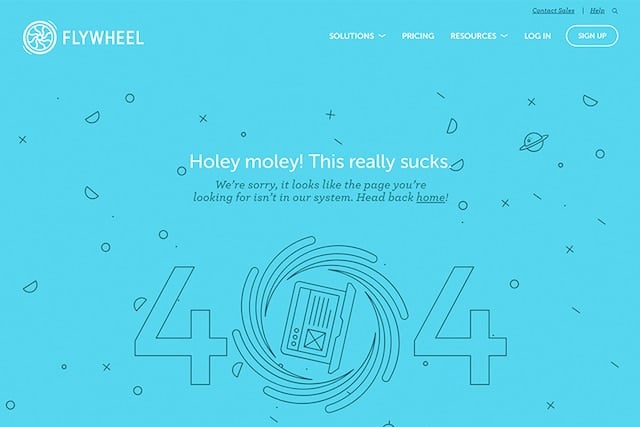
That means all of the following should run through your 404 error page:
- Your brand’s logo
- Your website color scheme
- Your standard fonts and design style.
When a user lands on your 404-page, they should know immediately they are on YOUR website.
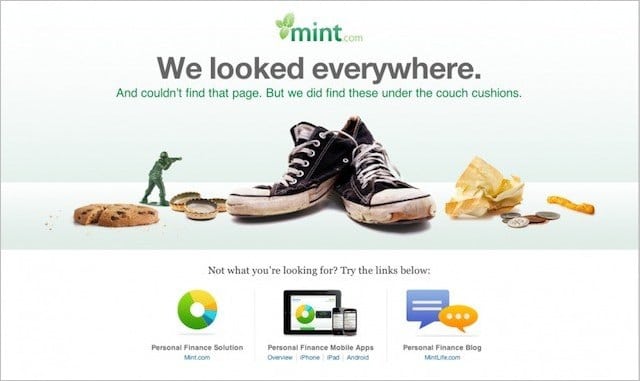
If they don’t, there’s a high chance they’ll decide they’re in the wrong place and click elsewhere.
That’s not the outcome you want.
To minimize bounce rate, make sure your 404 page design is consistent with the rest of your website.
Next up, I’ll share another way you can keep 404 page visitors browsing your site…
(3). Refer Your 404 to Your Homepage
A simple technique used frequently on 404 pages is a homepage reference link.
I strongly recommend directing users to your homepage from your 404-page as it’s a great way to keep users around.
That’s because a well-designed home page acts as a navigational page to the rest of your content.
Simply add a prominent link or button with a clear call to action, and you’re done.
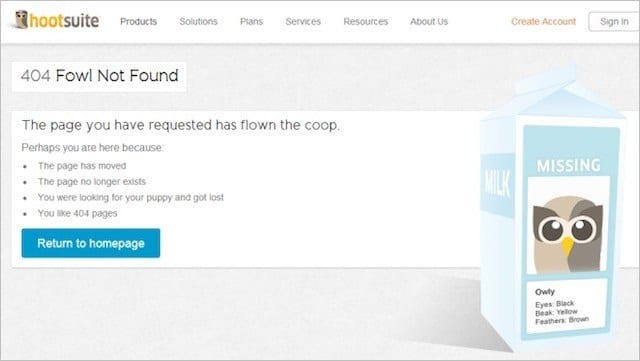
Just like Hootsuite did above.
(4). Link Your 404 Page Not Found to Your Best Content
You’ve done the hard job of earning a click to your site.
It would suck real bad to lose even one visitor due to a lack of options.
That’s why I recommend you also include links to your most popular pages and posts.
A quick scan through Google Analytics will help you identify your most in-demand content.
Steve Madden offers links to to its trending products on its custom error page.
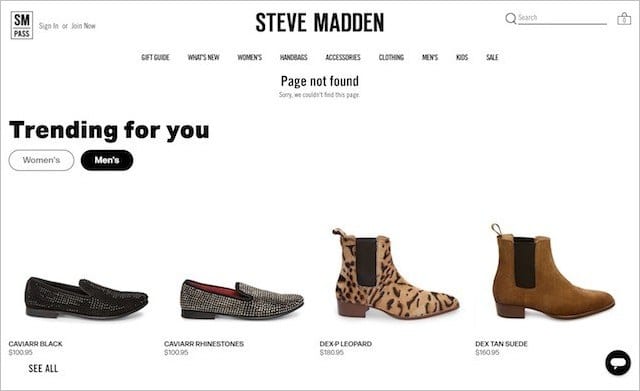
AirBnB provides a link to their Traveling and Hosting pages when you land upon their 404 http status code.
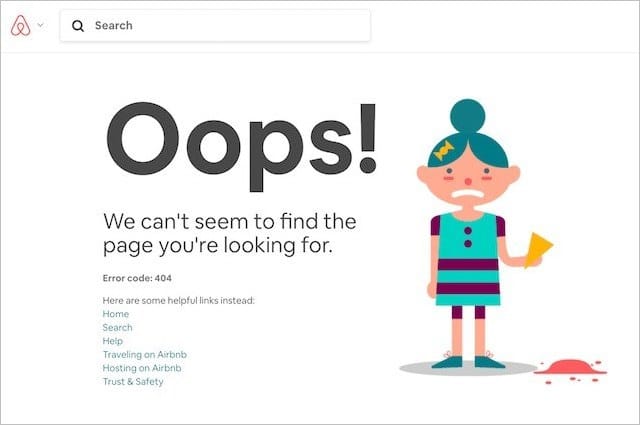
The goal here is to serve up the content your users are most likely looking for.
For the rest, do this:
(5). Add a Search Box: It’s Insurance for Your HTTP 404 Visitors
You don’t want your visitor to scan your list of links and still conclude:
“I don’t see what I’m looking for, I’m outta here.”
So, instead, you should serve a search box:
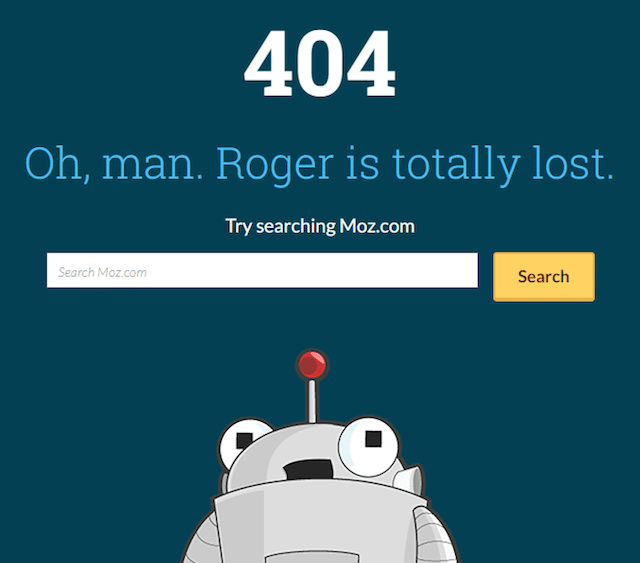
And help your visitor in finding whatever he or she is looking for.
Most popular content management systems like WordPress and Shopify have search functions built-in.
We leveraged the standard WordPress search functionality on the SEO Sherpa 404 page:
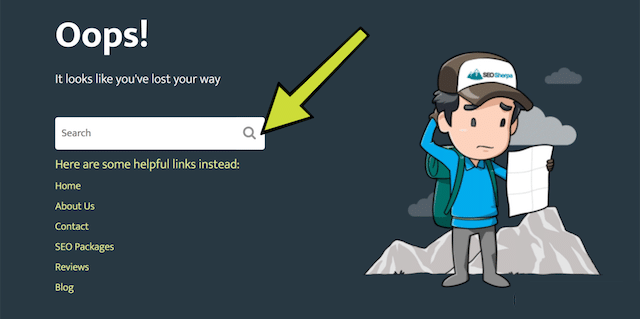
I tell you what; it’s a real no brainer.
(6). 404 Page Design: Less Clutter = Higher Success Rates
As you already know, I advocate including several popular links on your 404 page.
But don’t infer my advice to mean:
Let’s show visitors everything we got and see if they bite.
Bad idea!
Overwhelming a user with a 404 page jam-packed with links to every nook and cranny of your site is a dead cert way to overload an already frustrated visitor.
Numerous studies support this notion:
The more options you give to consumers, the more you debilitate consumer decision-making.
To avoid the “paradox of choice” keep your design simple and clickable actions lean.
Dropbox gets the balance of just enough, but too many links, right with their minimalist design:
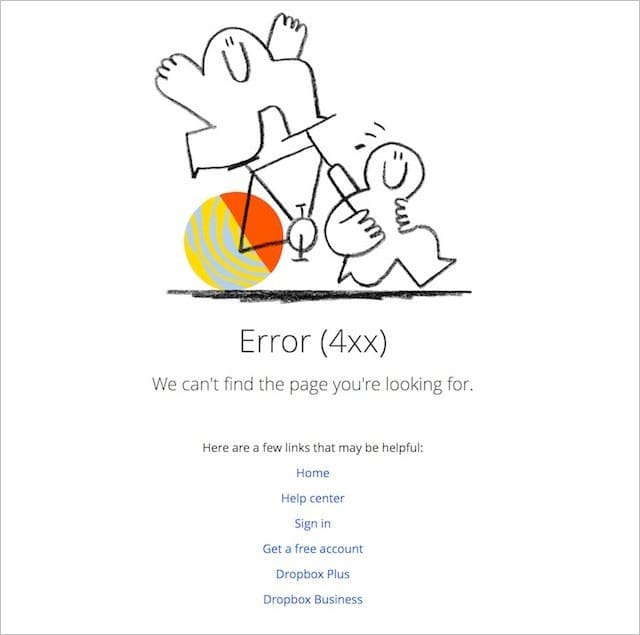
They include internal links to their most important pages overlaid on a clean and simple design.
Spot on!
(7). Include Your Contact Details
The primary purpose of most business websites is to convince and convert visitors into customers.
And what’s the most effective mechanism of converting website traffic into sales?
Human interaction.
A BIA/Kelsey study discovered that phone calls are 10-15 times more likely to convert than leads over the web.
Yet, most websites hide their phone number out of sight.
Remember, too that users landing upon your 404 pages are likely feeling frustrated.
Would you want to add another barrier and make it difficult for them to get in touch?
No, right!
To minimize frustration and show users that you care – include your contact information prominently on your error page.
We include our telephone number as well as live chat.
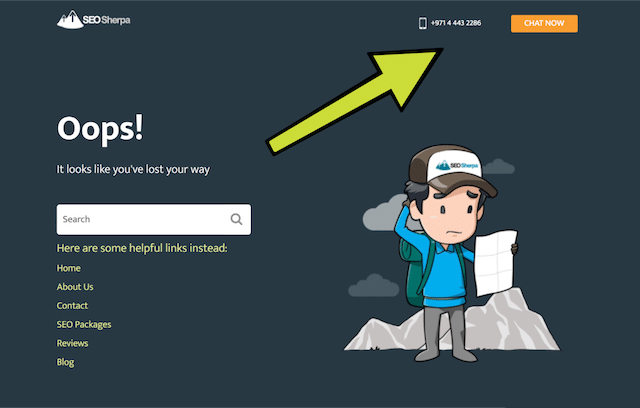
The channels you include are up to you.
Just be sure to include your contact information front and center.
(8). Display Consistent Header and Footer Navigation Through Your Website AND 404 Page
Another best practice is to include your regular header and footer navigation.
Like adding popular links, this ensures that users can quickly and easily navigate your website’s main pages.
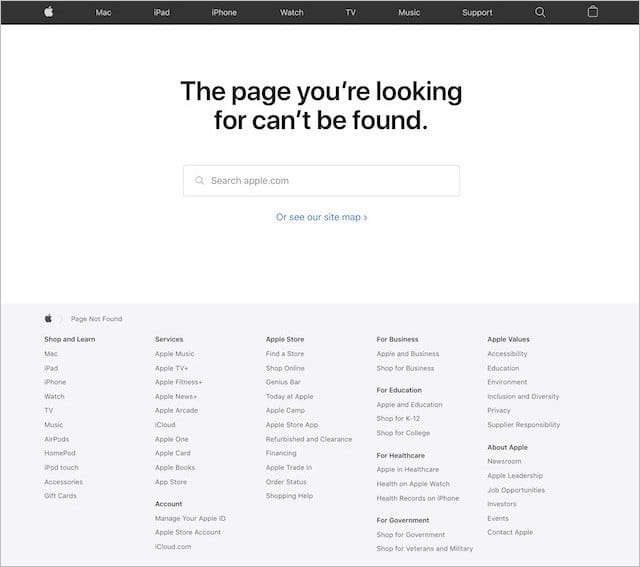
It also has the added advantage of making your 404 page consistent with the rest of your website, which as I mentioned earlier, is vital to reducing bounce rates.
(9). Translate Your 404 Page into Multiple Languages
404 terminology is confusing enough without it being in languages your users do not read.
If you have a multilingual website, then you should create multiple 404 pages in each of the languages you serve.
Once done, you can then set up rules to display the appropriate version depending on the language directory the user was trying to access.
It goes without saying, people like to consume content in their native language.
By translating your error 404 page, your visitors will connect better with your brand and website.
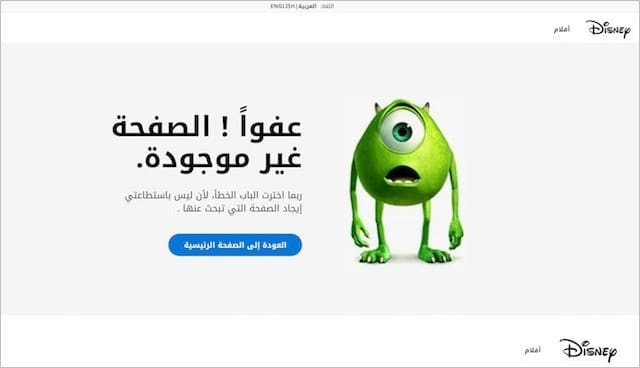
Disney does a great job of creating various language versions of their 404 page.
(10). Make an Offer via Exit Intent and
Exit-intent technology is not something that gets commonly used on 404-pages, but it should.
It reduces bounce rate, increases conversions, and is easy to set up with tools like OptinMonster or Sumo.
Exit-intent technology works by detecting when a user is about to abandon your 404 error page.
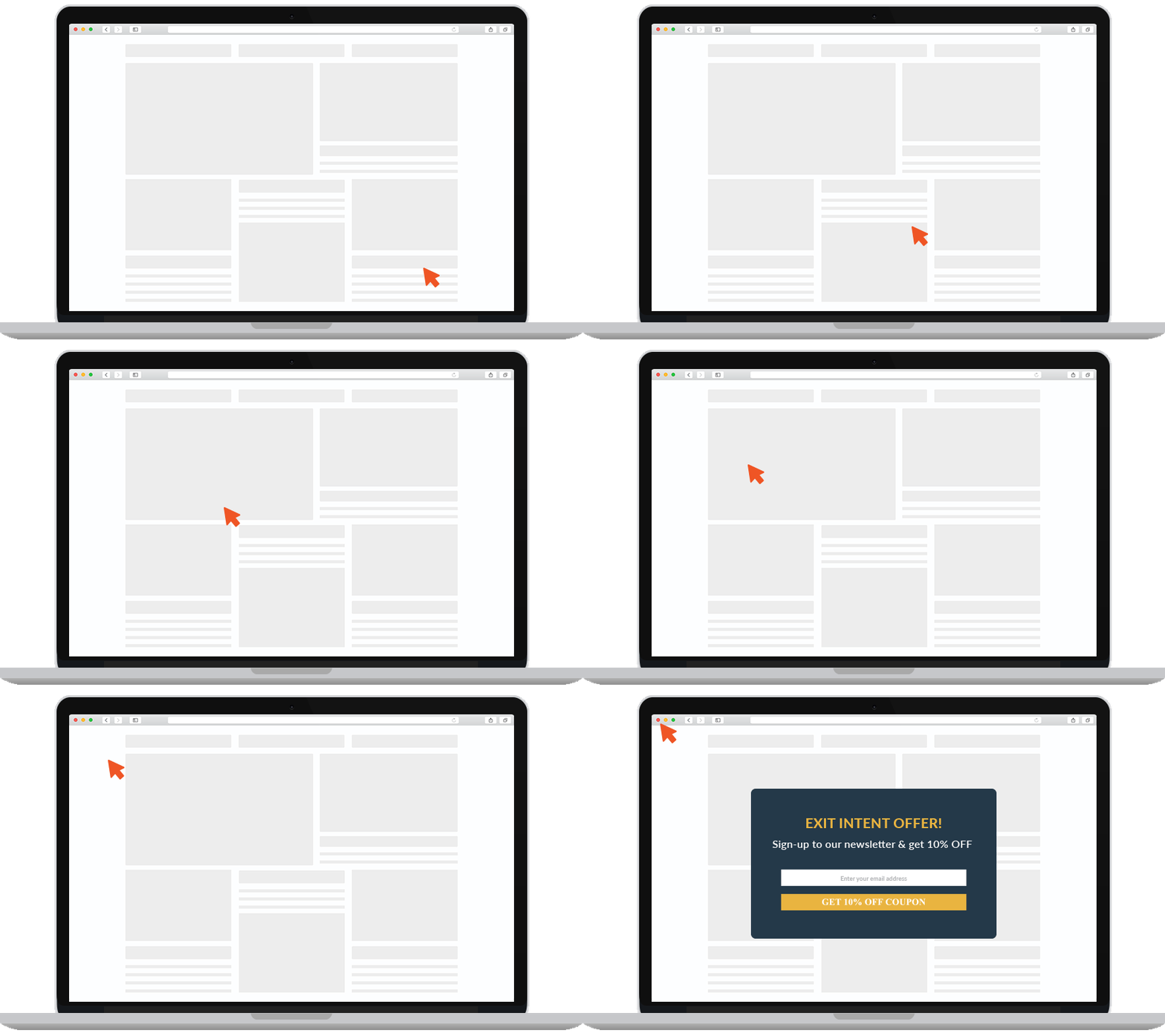
Then displays a popup to them at that very moment.
Showcasing a relevant offer before the exit button gets clicked can help you retain some of the 70% of users who would otherwise leave your site, never to return.
Here’s a great example of a popup containing a search box that’s perfect for a 404-error page:
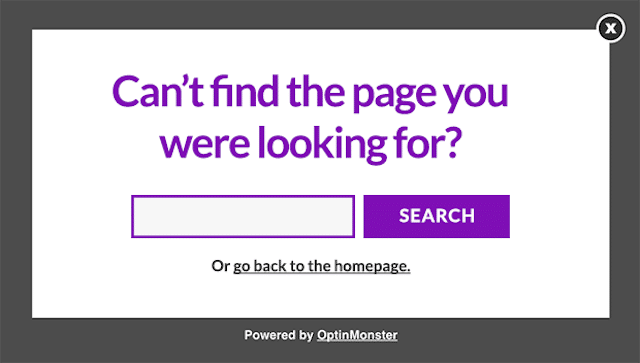
You can also use exit-intent to provide a discount code or to promote a free consult:

There are no limits to the ways in which you can use exit intent technology on your 404-page.
Pull out the stops and get creative!
(11). Inject a Little Humor in to Your 404 Page
Landing on a ‘page not found’ can quickly drive visitors nuts.
One of the best ways to ease their frustration and lighten the mood is with a healthy dose of humor.
A funny gag, or an engaging animation can quickly turn “oh shit” into “that’s awesome?”
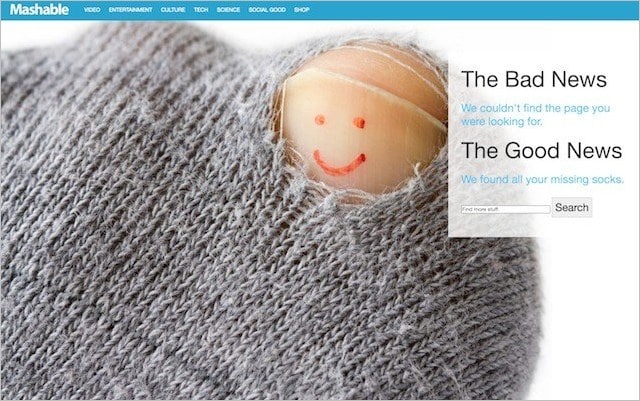
Not the comedic type?
Don’t worry; I’ve got plenty of inspiration for you later in this post.
Okay, so hopefully, by now, you know what makes up a seductive 404 page.
Let’s recap:
- Show a jargon-free error message
- Adopt a consistent look and feel
- Link to your homepage
- Include links to your best content
- Embed a search box
- Make your design clutter-free
- Display your contact details
- Incorporate your website’s header and footer navigation
- Create versions for different languages
- Display an exit popup
- Inject humor into your page
Got it, cool?
Let me next show you how to turn your design into a functioning page.
How to Create a 404 Error Page in HTML
Nowadays, most content management systems have a built-in feature for 404 error pages.
But that’s not always the case.
If your infrastructure doesn’t support 404 pages out of the box, then you’ll need to configure your server.
Here are technical instructions for common server types:
- Apache
- Microsoft IIS
- Nginx
Each of these server environments will require you to update your .htaccess file (or their equivalent).
This code tells the server, that if an error occurs to display the page named 404:
ErrorDocument 404/404.phpNote – you should not use the domain name in this .htaccess line, as search engines will often interpret this as a soft 404 error.
Once you’ve done that, you next need to create the 404-page in HTML.
The fastest way to do that is to copy the source code of a regular website page and change the main content section to show the error message – and the other elements I describe above.
You should also update the title tag to something relevant too.

And add your Google Analytics tag to the page so it can be tracked.
PRO TIP
You can create a segment in Google Analytics to track visits to pages returning 404’s. To do that, go to ‘Admin’, then ‘Segments’ and then ‘New Segment’
Next, click on ‘Conditions’ and set a filter to segment all pages displaying the page title you previously set. e.g., “Page not found – SEO Sherpa”
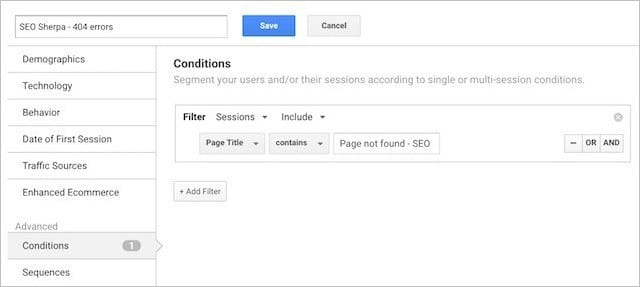
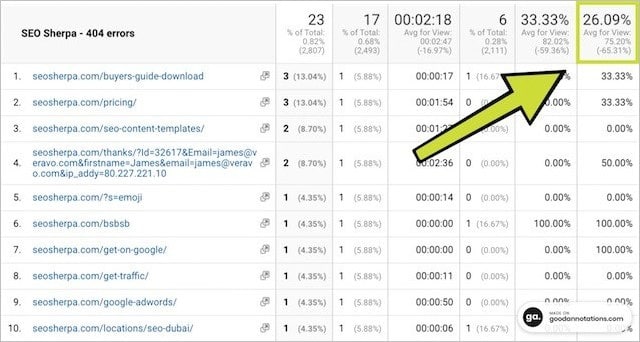
Use this report to find and fix 404 errors as well as monitor the effectiveness of your 404 error page as indicated by the exit percentage. For SEO Sherpa just 26% of users seeing a 404-page exit the website, not bad!
Once done, save the page in your server’s root directory with the name “404” and you’re done.
How to Create a Custom 404 Page in WordPress
The easiest way to create a 404 error page in WordPress is by using a plugin.
The one I recommend is this one.
All you need to do is create your 404-page as a standard page in WordPress and name it 404 Page.
Update the page title:

And then in the plugin settings select that page as the 404-page you want to display:
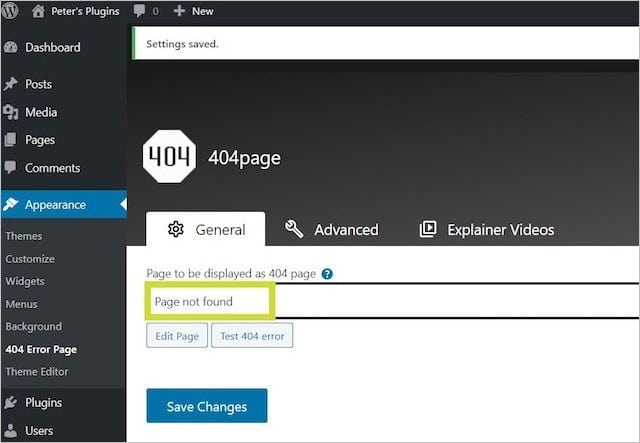
Easy as that!
How to Test Your 404 Page (Making Sure It Works)
Testing your 404 Page is an essential last step.
Aside from ensuring your 404-page displays correctly, you must make sure it displays the 404 status code.
If your 404-page returns a 200 status code (the standard response for a working web page), you’ll cause all kinds of confusion for crawlers.
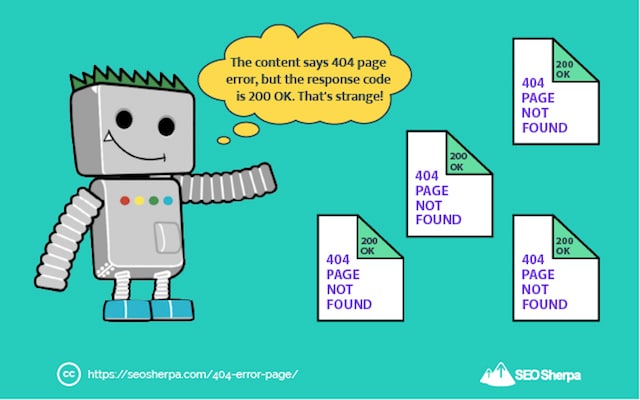
And you will receive soft 404 errors inside Google Search Console.
To test the correct HTTP 404 status code is returned, check your page using HTTP status code checker.
Simply enter a random URL like https://seosherpa.com/gobbledygook/ and then “Check status”
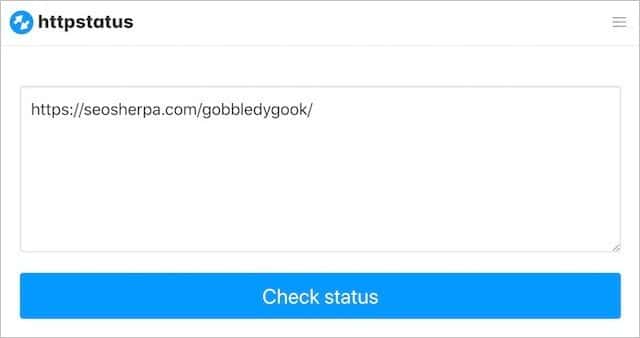
If the random (non-existent) page returns a 404 status code and no redirects, then you are golden:

Custom 404 Page Design: Fifty 404 Page Examples
Hopefully, by now you know the ingredients that make up a KILLER 404 page – and have gotten some ideas for your own custom 404.
If not, don’t fear:
As promised, here are fifty of my favorite 404 error page examples from around the web.
I hope they inspire you and help you create your own brilliantly designed 404 error page.
Best Overall 404 Pages – My Top-Ten Picks
These are some of the top 404 page examples I’ve found.
Each one of my picks does a fantastic job of fulfilling the functional requirements of an effective 404 error page, as well as incorporating unique design (and in many instances humor).
Let’s begin:
1. AirBnB 404 Page
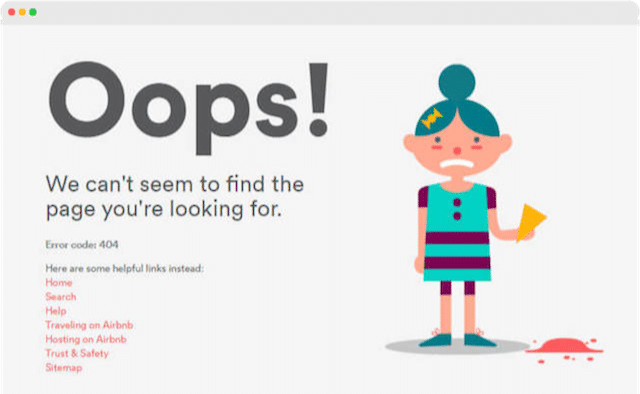
This 404 page by AirBnB uses a fun animation to turn a moment of frustration into delight. It’s also a great example of using internal linking to drive link equity and users to the most sought after pages on the website.
2. Steve Madden 404 Page
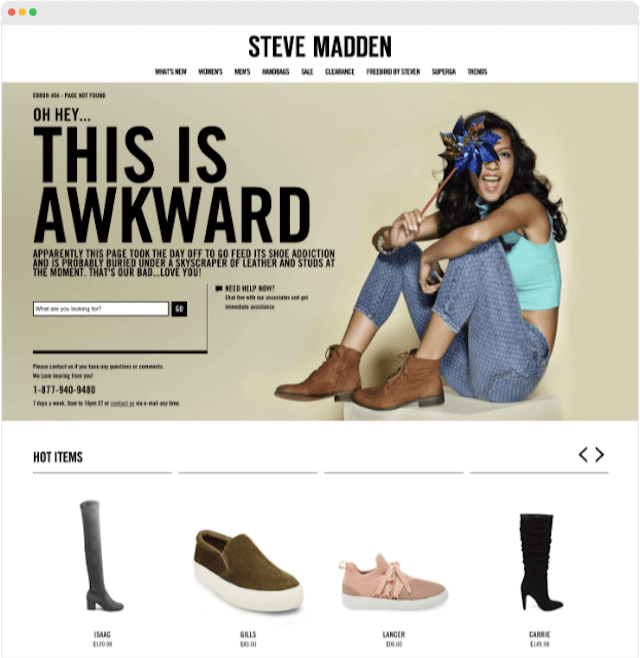
The Steve Madden 404 error page incorporates witty copy, a search box, consistent navigation, and prominent contact information. It also features its hottest products prominently below the fold, which helps Steve Madden turn lost traffic into sales. This 404 error page is a stellar example of how to do e-commerce 404 pages right.
3. Drift 404 Page
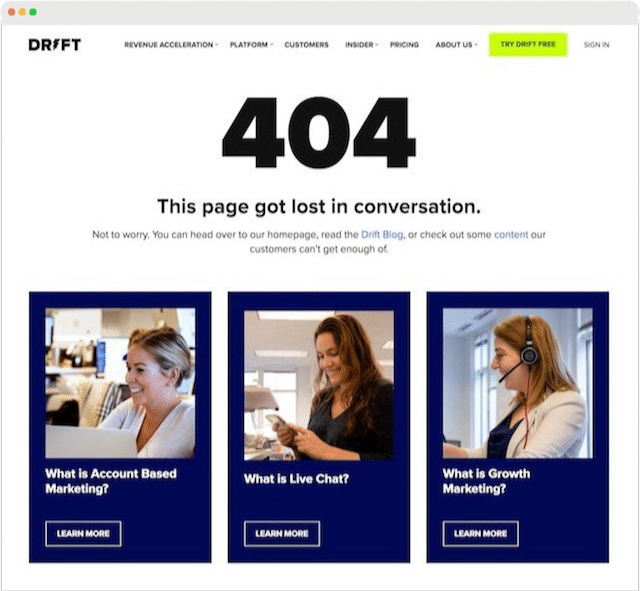
The Drift 404 page is a wonderful example of a long-form 404 page that takes a lost user along a journey of discovery to Drift’s best content. I really like the simple design, the embedded “Try Drift Free” and “Get a Demo call-to-actions, and the live chat feature. This a simple but effective 404 error page that any SAAS business could follow.
4. Slack 404 Page
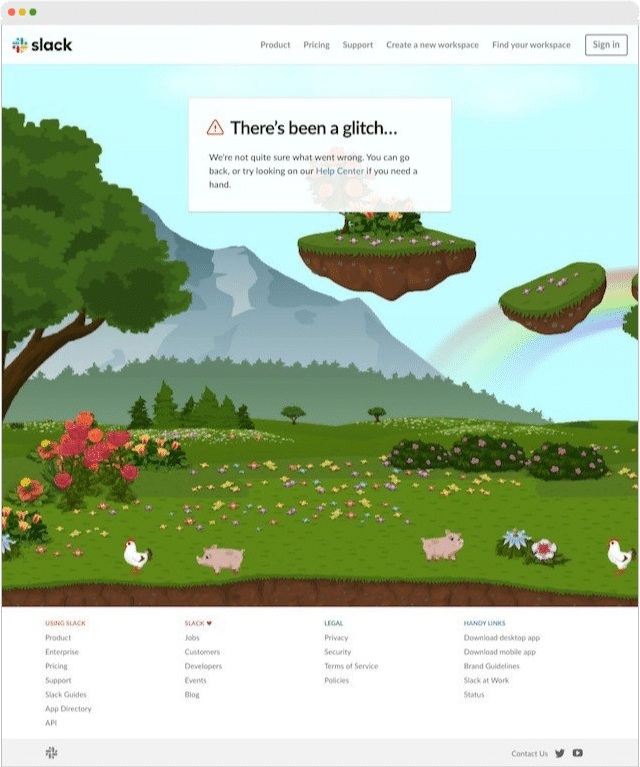
I love Slack’s 404 page. It uses a brilliant interactive scene to hook and engage browsers coupled with consistent site wide branding and navigation. Over the top of the interactive background is a jargon free error message which links to their Help Center.
5. Big Commerce 404 Page
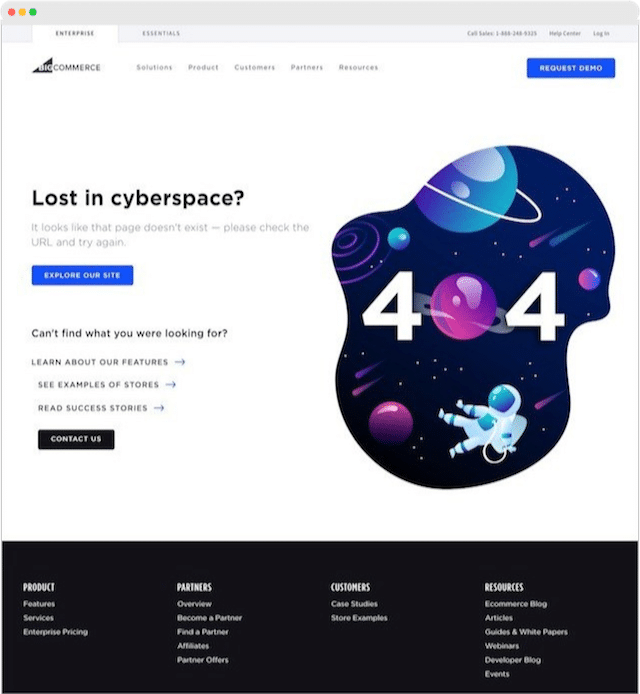
The Big Commerce 404 page is a great all-around 404 error page. Some of the things this page does well are; consistent branding and navigation, fun design style, internal linking, and prominent call-to-action.
6. Dribbble 404 Page

The Dribbble 404 error page is another fantastic example of using interactivity to surprise and delight. The hex code slider can be moved from left to right to change the color of the 404 error montage. It’s really addictive, and coupled with a simple search function offers a very effective user experience too.
7. Kinsta 404 Page
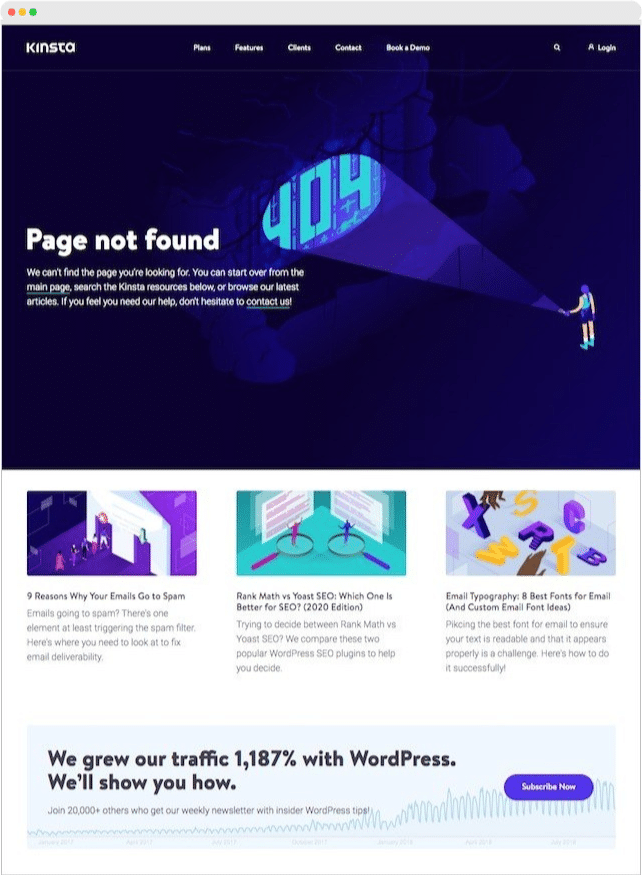
Kinsta uses it’s 404 pages to inform and educate by showcasing it’s most helpful articles and blogs. It also has a low-threat call to action, enticing visitors to subscribe to their newsletter. These reasons, plus great use of branded design and internal linking, make this one of my top picks.
8. Wendy’s 404 Page
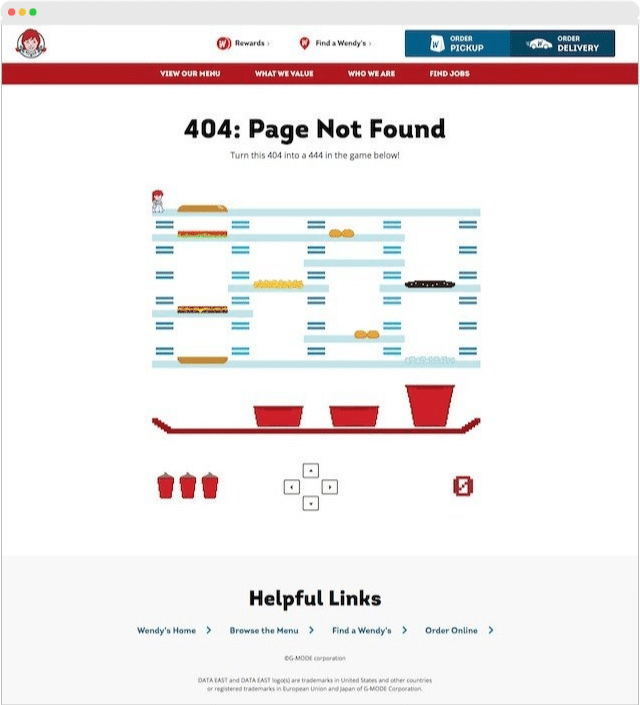
Wendy’s uses a fun game it calls Burger Time to engage it’s 404 page visitors. Functionally the page is very good too, with a clear 404 error message, user-friendly navigation, and a set of helpful links.
9. Modcloth 404 Page
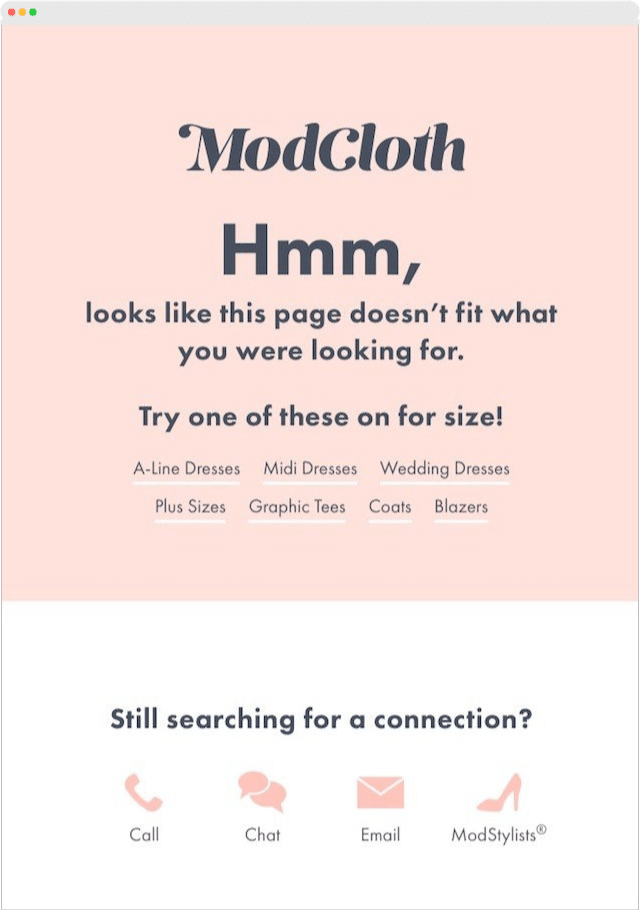
I really like ModCloth’s paired-down 404 error page. It uses light-hearted humor in a creative way to navigate users towards its products. It also displays a variety of support information to cater to their customer’s varying preferences in modalities. Simple design and on-brand too.
10. Flipping Book 404 Page
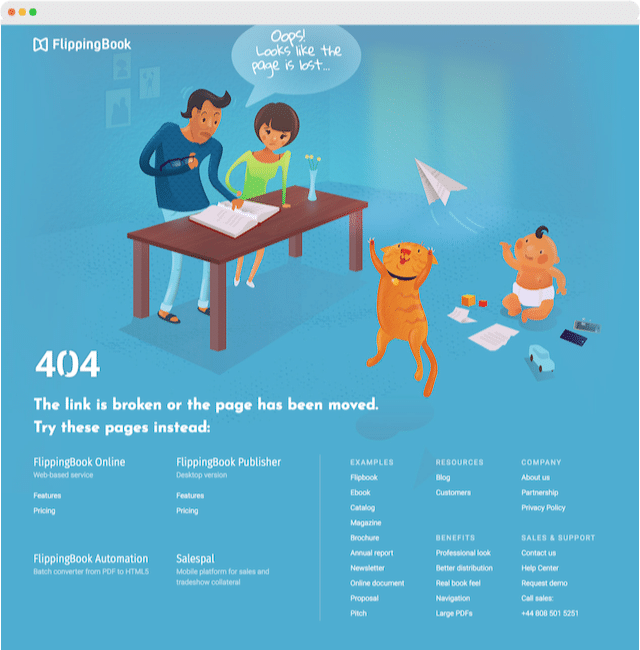
Flipping Book uses a condensed sitemap on its 404 error page to help users find what they’re looking for. This aids both user experience and internal linking which positively improves SEO performance. Their page is also a great illustration of how to incorporate humor and brand into a 404 page which they do via a custom illustration that ties back to their product.
404 Page Examples – Best of the Rest
If you’re still looking for more 404-page ideas, here is my best of the rest.
Another forty of my favorite 404 error pages from around the world-wide-web to fuel you with inspiration for your own custom 404-page not found.
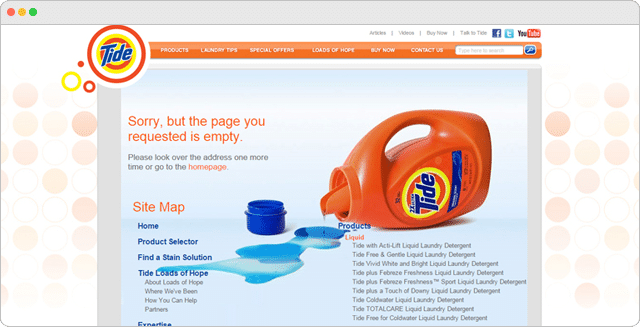
Tide 404 Error Page
Amazon 404 Error Page
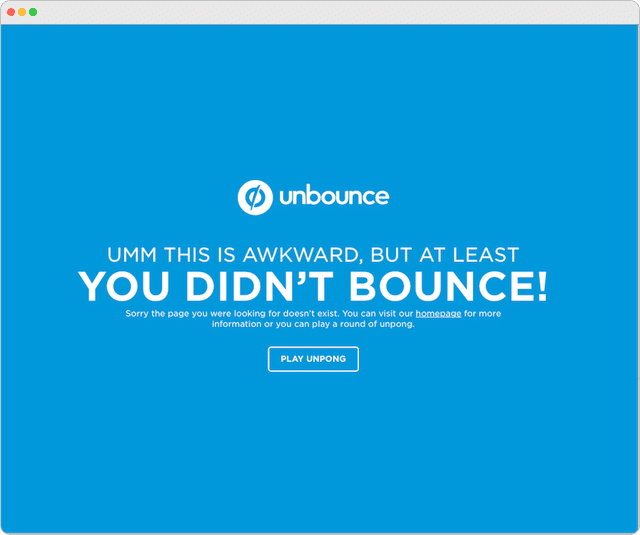
Unbounce 404 Error Page
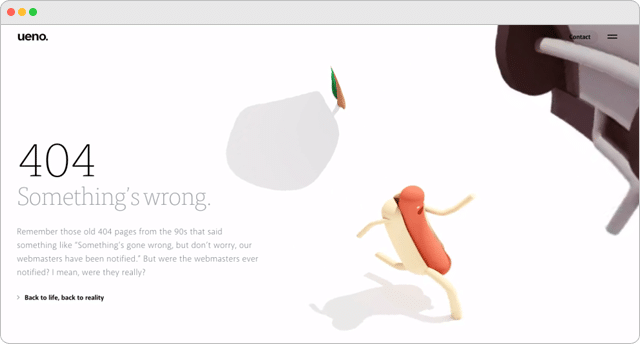
Ueno 404 Error Page
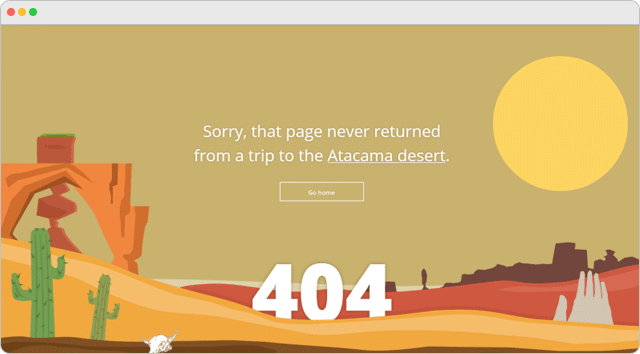
Tripomatic 404 Error Page
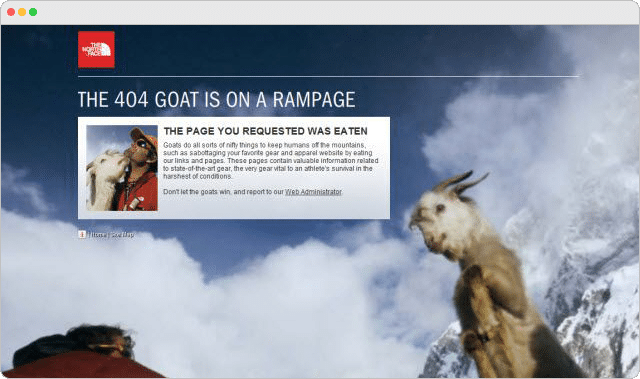
The North Face 404 Error Page
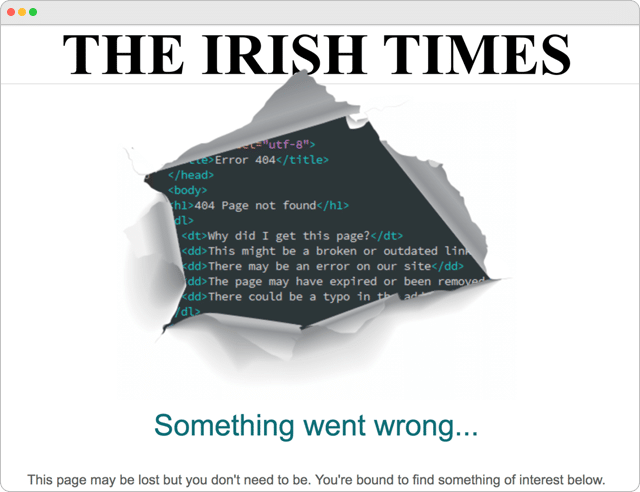
The Irish Times 404 Error Page
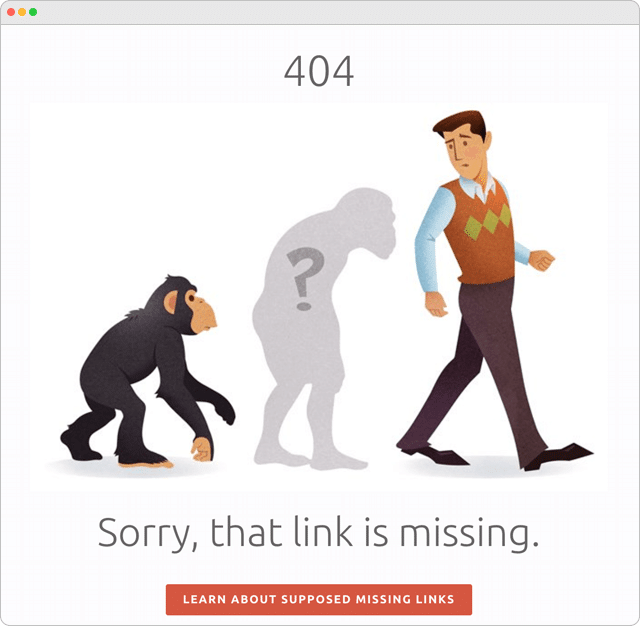
The Creation Museum 404 Error Page
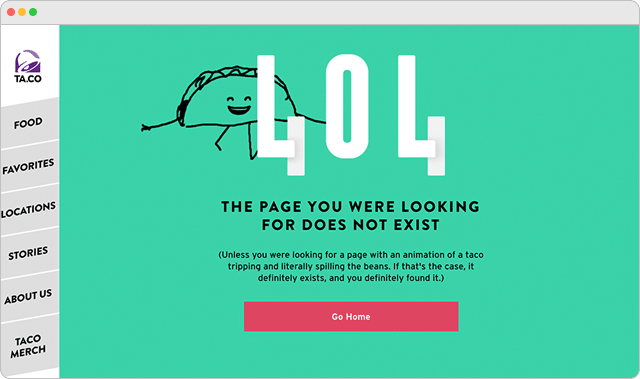
Taco Bell 404 Error Page
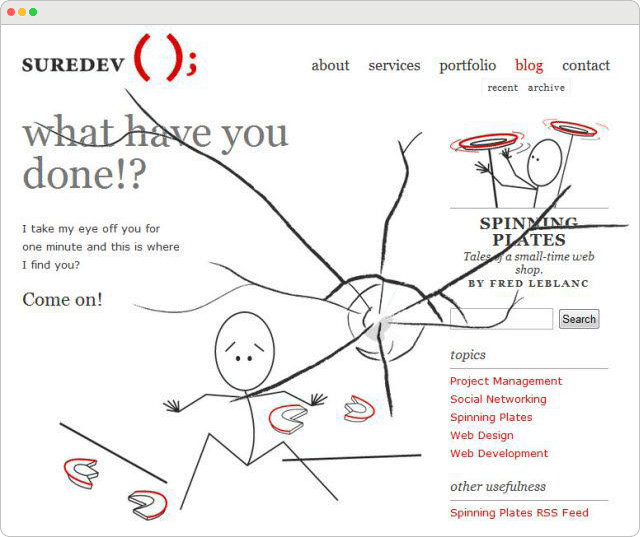
Sure Dev 404 Error Page
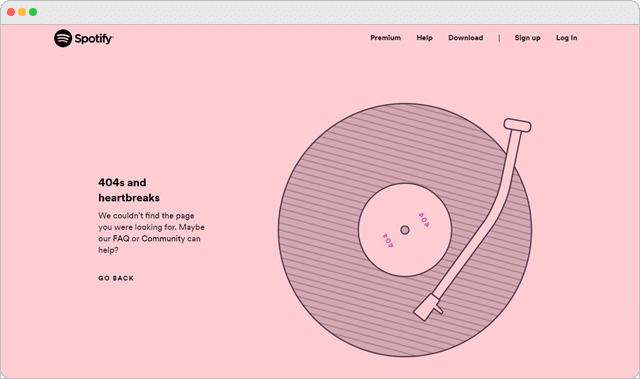
Spotify 404 Error Page
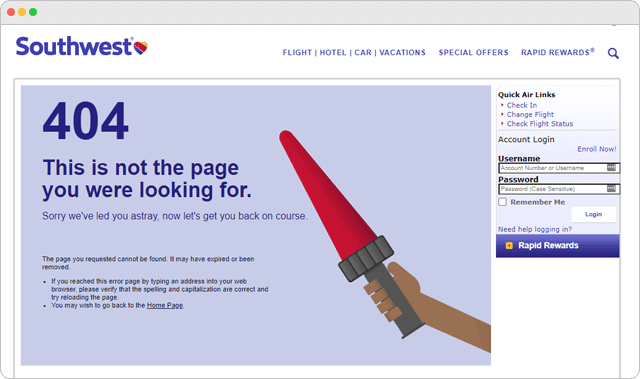
Southwest Airlines 404 Error Page
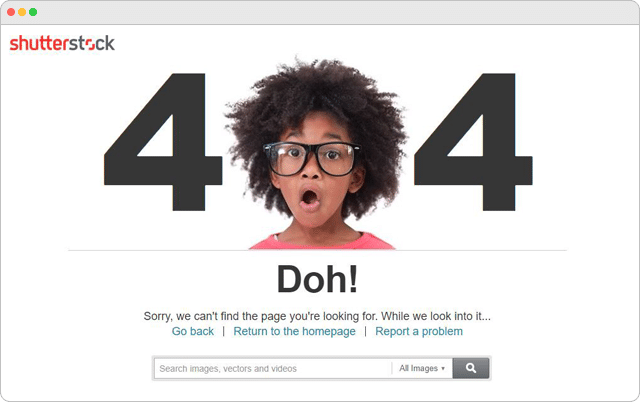
Shutterstock 404 Error Page
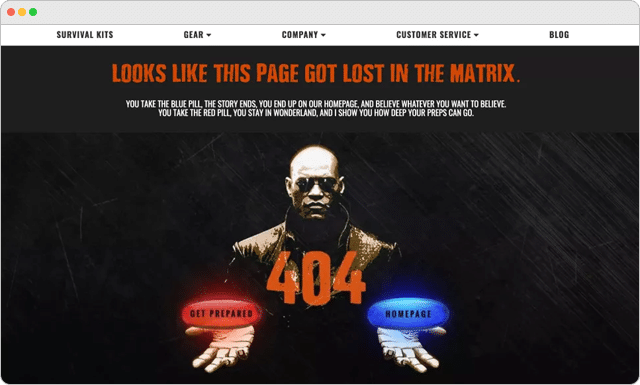
Ready To Go Survival 404 Error Page
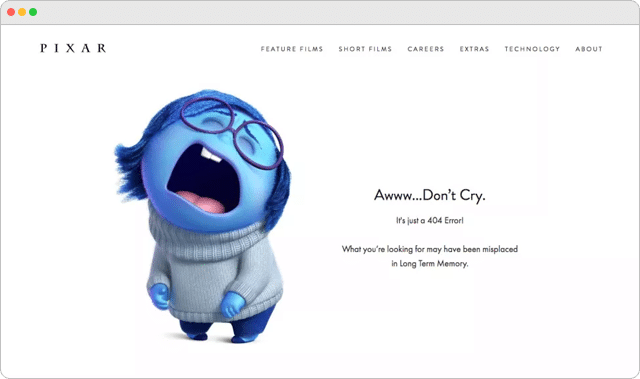
Pixar 404 Error Page
Page Magnt 404 Error Page
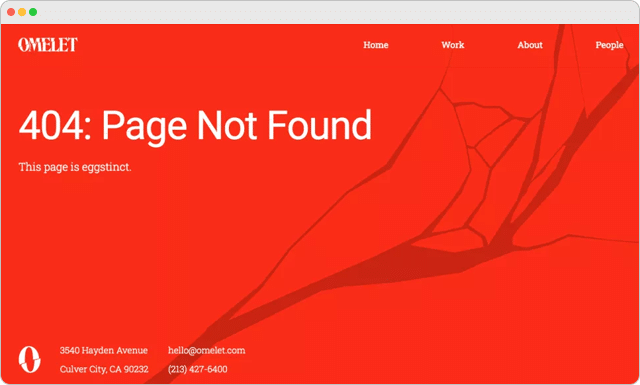
Omelet 404 Error Page
The New Yorker 404 Error Page
Firefox 404 Error Page
Matra Labs 404 Error Page
Lego 404 Error Page
Kualo 404 Error Page
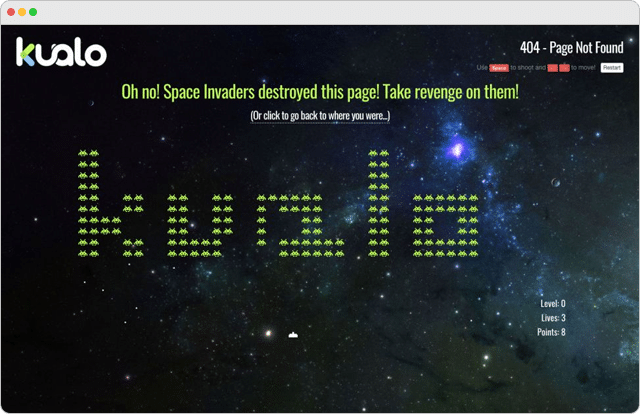
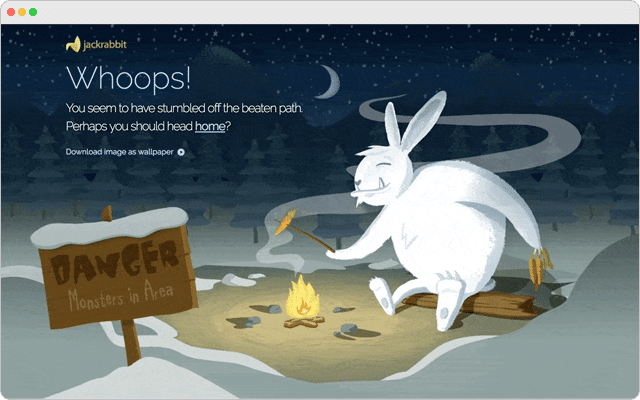
Jake Rabbit 404 Error Page
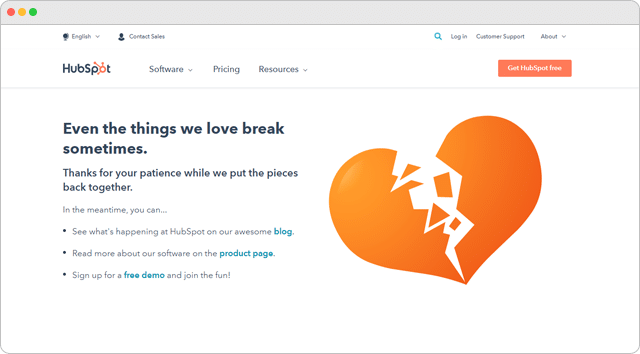
Hubspot 404 Error Page
HBO 404 Error Page

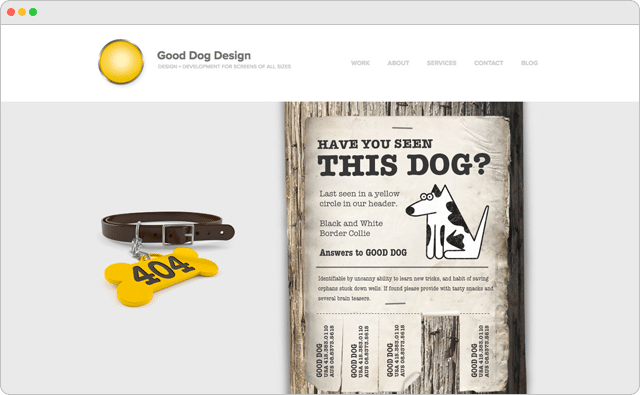
Good Dog Design 404 Error Page
Giant Eagle 404 Error Page
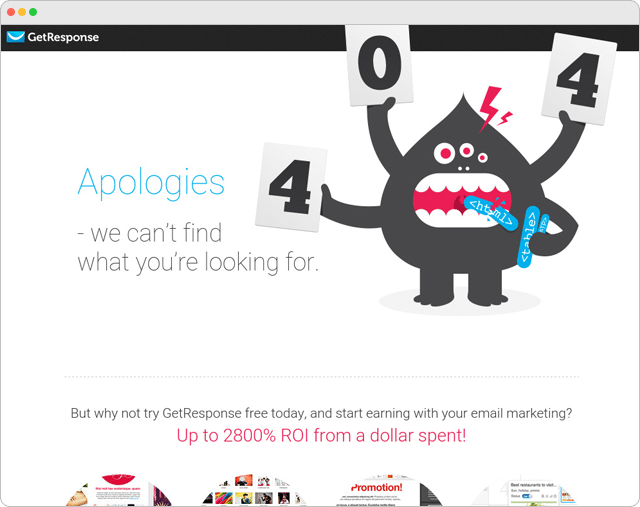
Get Response 404 Error Page
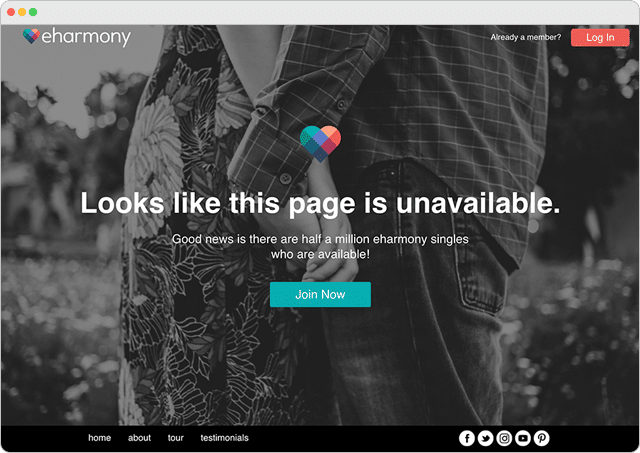
Eharmony 404 Error Page
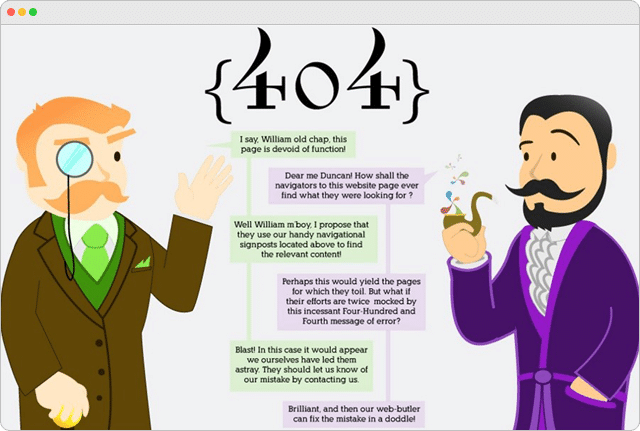
Distilled 404 Error Page
Dan Woodger 404 Error Page
CSS Tricks 404 Error Page
Coolappse 404 Error Page
Buzzalot 404 Error Page
Brandstack 404 Error Page
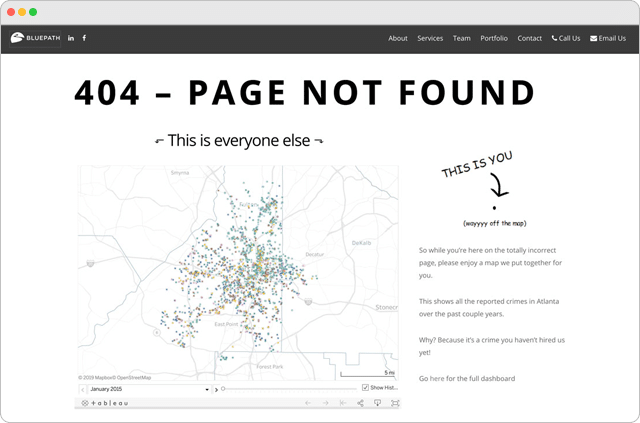
Blue Path 404 Error Page
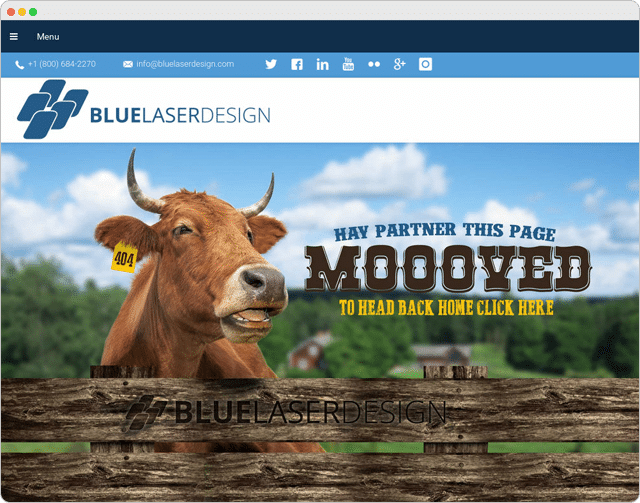
Blue Laser Design 404 Error Page
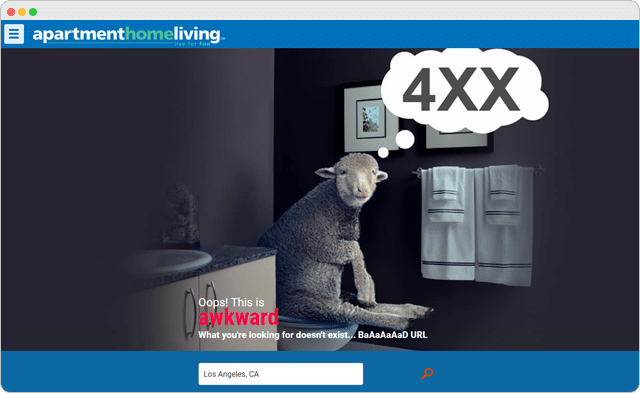
Apartment Home Living 404 Error Page
AMC Theaters 404 Error Page
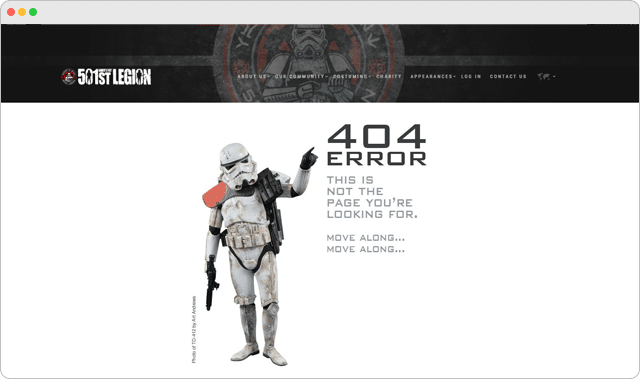
501st Legion 404 Error Page
Over To You
Are you ready to create your own custom 404-page?
To make things really easy for you, I made a handy PDF checklist that outlines the most important elements of an effective 404 error page and exactly how to implement those things to increase your rankings, traffic, and conversions.
I’m also including my secret swipe file containing one hundred and forty 404 page examples from the webs top brands.
Download the free checklist and swipe file right now:

And finally, if you’ve come across an example of a GREAT 404 page, I’d love for you to share it in the comments below.
Are you looking for the best 404 page examples? And did you know that a great 404 page can increase your site conversions and boost revenue?
It might sound like a pretty wild claim. But a properly optimized 404 page has the power to transform lost site visitors into loyal, returning customers.
In this article, we’ll explore the best 404 error page examples we’ve discovered and why they work so well.
Before sharing the best 404 pages, let’s see why having a 404 landing page matters for your business.
What Is a 404 Error Page and Why Do You Need One?
You might already know that over time some website links go bad. It might be due to missing pages, deleting poor content, changing your web design or home page, or even changing your website’s permalink structure.
But here’s the thing…
Those deleted or moved pages will often appear in search engines or social media on their old URLs. So when someone users land on them, they’ll see a 404 error page showing a page not found message. This can also happen if they miss-type a URL or click on a broken or dead link.
With that in mind, take a good, hard look at your current WordPress 404 page design. Does it accurately reflect your brand?
If it doesn’t, you could be losing visitors and potential customers.
For instance, if your 404 error message page looks like this…
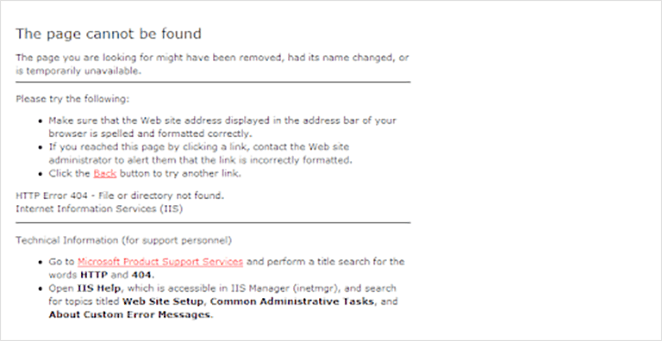
… it’ll put people off, and they might never come back.
Yet, if you optimize your 404 not found landing page with:
- Great images
- Excellent copy
- Helpful information and links
- Methods to collect email addresses
You can reduce your bounce rate and increase your website subscribers and conversions.
Now that you know what a 404 error page is and why it matters for your website, let’s look at the best 404 page examples. With a bit of luck, you’ll get some 404 design inspiration to help create your own custom 404 pages.
11 Best 404 Page Examples from Real Brands
The following 404 error page designs are taken from genuine brands online. We’ll explain why that particular design works and offer some tips for how to do it yourself.
- 1. Lego – Friendly 404 Page Design Inspiration
- 2. Slack – Scrolling 404 Page Not Found Example
- 3. Mantra Labs – 404 Screen with Redirection
- 4. 20th Century Studios – 404 Page with Movie Ideas
- 5. Figma – Interactive 404 Page Deisgn
- 6. Behance – 404 Page Example with Project Suggestions
- 7. eBay – 404 Page with Trending Deals
- 8. 9gag – Call-to-Action 404 Page
- 9. IMDB – 404 Page Design Inspiration
- 10. Ueno – Creative 404 Page Example
- 11. CloudSigma – Funny 404 Page Design
- 12. Brett Terpstra Simple 404 Page
- 13. Marvel Animated 404 Example
- 14. CSS Tricks 404 Page Design
- 15. Mailchimp 404 Page Examples
- 16. Broken Egg SeedProd 404 Page
- 17. SeedProd eCommerce Oops Page Not Found Template
- 18. SeedProd Sunset 404 Page Examples
- 19. SeedProd Funny 404 Page Examples
1. Lego – Friendly 404 Page Design Inspiration
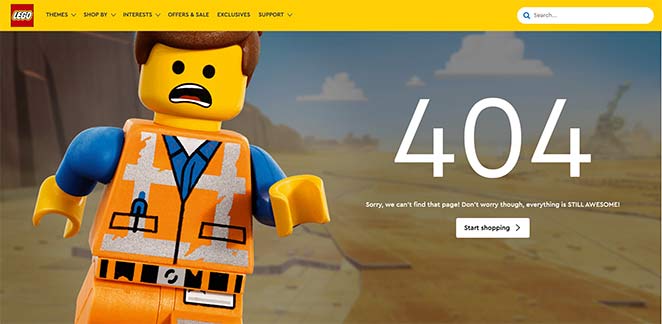
Lego’s 404 page is an excellent example of using humor and good branding to engage website visitors.
Users see a recognizable character, Emmet, who is sorry for not finding the page you’re looking for. He then tells you not to worry, reassuring you that everything is awesome, an excellent movie reference, and a nod to the lego movie song.
By that point, with the song buzzing through your head, he invites you to start shopping with a clear call-to-action (CTA) button.
The whole concept works because it’s friendly, recognizable, and completely on-brand.
To create a similar 404 page design, remove any technical language and replace it with something more human. Use words like don’t worry, oops, and sorry to reassure users the error page isn’t their fault.
You can also use images related to your brand so users know they’re almost in the right place. Then, with a CTA button, you can help them find what they’re looking for and keep them on your website longer. Including a search box or search bar is another great way to improve user experience and improve your SEO performance.
2. Slack – Scrolling 404 Page Not Found Example
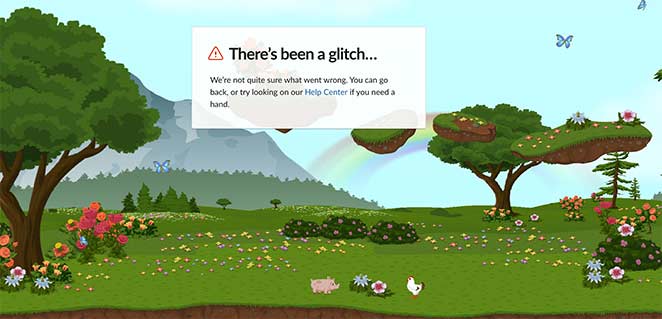
This custom 404 screen design from Slack offers a more interactive user experience than some of the other webpage examples in this article.
Upon landing on the page, you enter a magical landscape complete with trees, flowers, and even a rainbow off in the distance. Butterflies flit across the sky, and you can even see the odd piglet and chicken wandering around.
Even better, the entire page scrolls horizontally as you move your mouse cursor, revealing more lush scenes to enjoy.
It’s easy to think that reality glitched out for a moment, something Slack seems to think too, as you can see from their messaging.
The error message makes no mention of a 404 error. Instead, they use words and phrases that are easy for anyone to understand. It also suggests what you should do next: go back or look in the help center for a solution.
By giving users a choice, they keep them around on their website for longer instead of closing the tab.
3. Mantra Labs – 404 Screen with Redirection
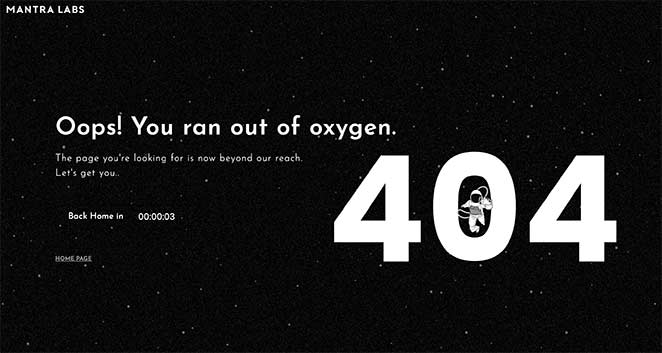
The custom 404 page design from Mantra Labs is a clever example of deciding out of the user’s hands.
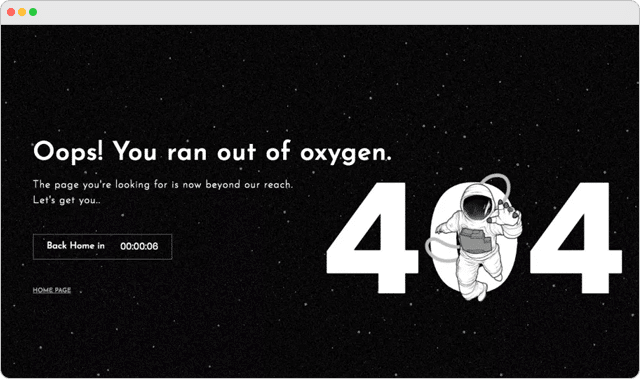
On reaching the page, you see a simple illustration of an astronaut floating in space with the headline of “Oops! You ran out of oxygen.” The astronaut sits over the ‘0’ in 404 and slowly falls in. It’s like they’re falling into a black hole or floating out into space.
You then see a countdown timer ticking down until they take you “back home,” redirecting you to the website’s homepage. If you blink, you might miss the 404 page entirely.
The great thing about this example is there’s no time to think. In just 10 seconds, you head to the homepage, where you can look for the content you need, which is hardly enough time to decide to leave.
4. 20th Century Studios – 404 Page with Movie Ideas
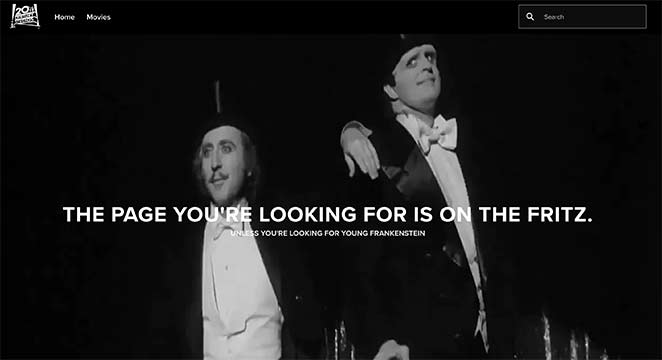
Another great example of creative 404 page branding done right is this one from 20th Century Studios. If you visit a broken link or removed article on their website, you’ll see a message and a still from one of their cult movies.
Further down the page, they suggest several movies from their collection where you can click to learn more and buy a copy.
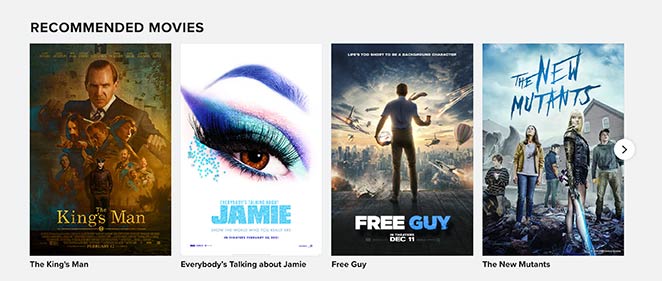
This is a fantastic way to keep users engaged on the website, naturally progressing to qualified leads.
You can use a similar approach for your site by suggesting popular articles or products.
For example, with SeedProd’s custom WooCommerce blocks, you can easily add a product grid to your 404 screen to display recent products, sale products, best-selling products, and more.

Now you can make sales right from your 404 page!
5. Figma – Interactive 404 Page Deisgn
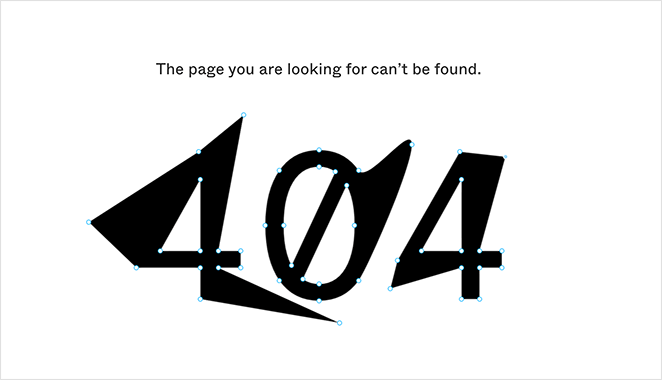
We love Figmas’ 404 page design for its simplicity. The page is pretty straight to the point, minimal, and has no extra bells and whistles.
Unless, of course, you consider that you can manipulate and play with the anchor points on the 404 text.
While at first, this might seem pointless, it’s pretty clever. This little design game perfectly encapsulates Figmas’ branding as a design tool. You get an instant idea of what you can do with it, encouraging you to find out more.
Getting more info isn’t hard, either. Figmas’ 404 page includes a navigation menu and helpful links to find what they need quickly.
6. Behance – 404 Page Example with Project Suggestions
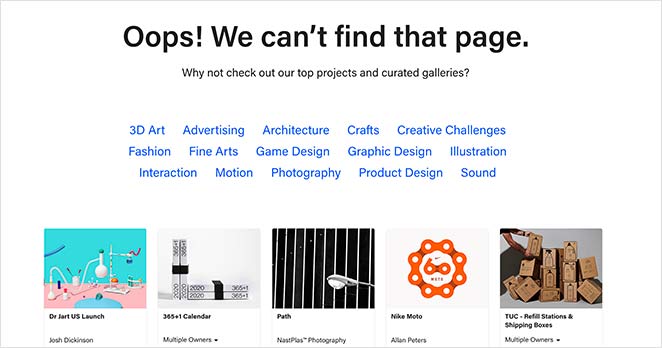
Behance, similar to Dribbble, provides another great 404 page example that helps users find the correct information.
The page has a simple headline of “Oops! We can’t find that page” with a subheading suggesting visitors check out their curated project galleries.
Under the headline, you can click various project categories to head to the right page. Then you have the option to browse several featured projects for inspiration.
With this page, users don’t need to hang around. If you don’t land on what you were looking for, there are so many suggestions on offer to help you find something similar or better.
7. eBay – 404 Page with Trending Deals
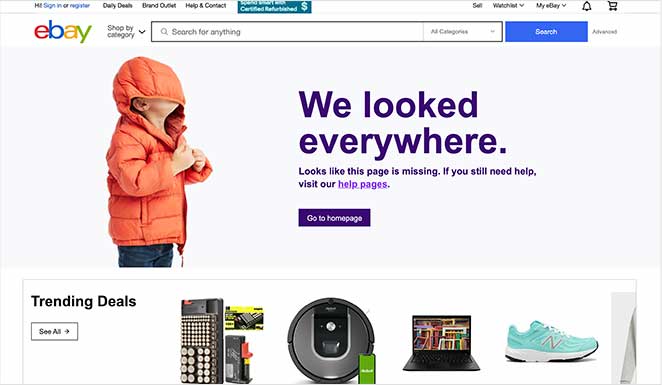
eBay is a popular eCommerce website that leverages its custom 404 error page message to showcase the hottest products.
On visiting the page, you see a fun image and quirky headline saying they “looked everywhere” for your desired page. This helps users relate to the situation. It then links to their homepage with an eye-catching button.
After, they go on to suggest looking on their help pages if you still need help. Or, you can go straight to browsing their trending deals, which most users are probably looking for anyway.
By organizing their 404 page design this way, they offer more opportunities for people to keep using their site without being too pushy.
8. 9gag – Call-to-Action 404 Page
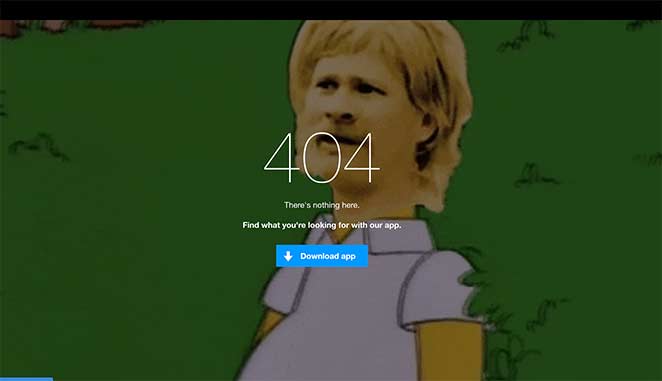
Knowing your audience is crucial for converting them into paying customers. If you don’t know what they like, you can’t offer the content, products, and services they crave the most.
In this 404 error page, 9gag demonstrates that they know their audience well.
Their 404 landing page features a popular meme which the majority of their users will be familiar with. This leaves little doubt that you’re in the right place, even if it’s not the page you were looking for.
What follows is a simple message and a CTA to download their app, an instant solution for getting more business leads.
9. IMDB – 404 Page Design Inspiration
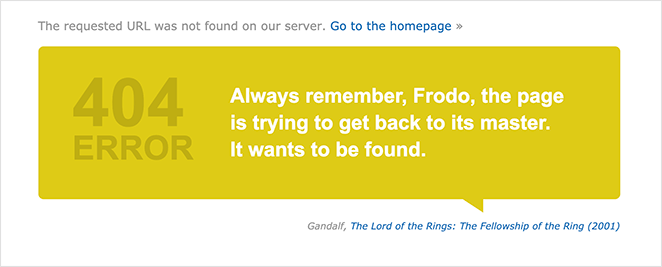
Most people know that IMDB is the go-to website for movie news and suggestions. So it’s no surprise that their 404 screen is film-focused.
On entering, users can see a custom quote from a popular film. In the above example, it’s a well-known quote from Gandalf in The Lord of Rings.
The film title beneath the 404 message is linked to its respective page, giving people the chance to learn more. Or, you can navigate to the homepage to continue browsing. Either way, the users remain on the website.
10. Ueno – Creative 404 Page Example
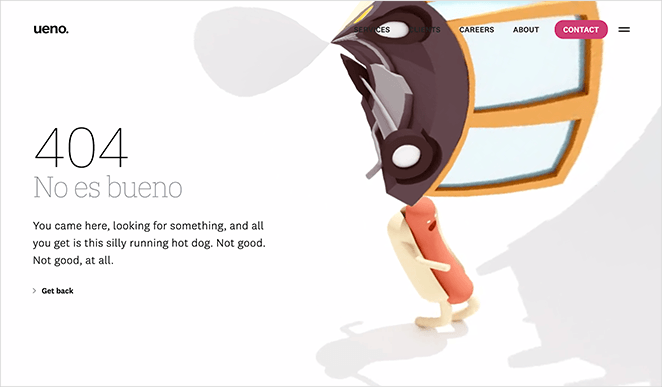
Another way to use your custom 404 page is to showcase your brands’ creativity. That’s what Ueno, a full-service agency, did with this 404 page example.
You can’t see the full effect in the screenshot above.
The image is an animation of a hotdog running through strange and surreal scenery. What’s more, each time you refresh the page, you’ll see a different message explaining the situation.
This 404 page demonstrates the full range of the agency’s creativity, which is perfect for potential clients. Plus, getting back to the homepage is easy with a well-placed “go back” link.
11. CloudSigma – Funny 404 Page Design
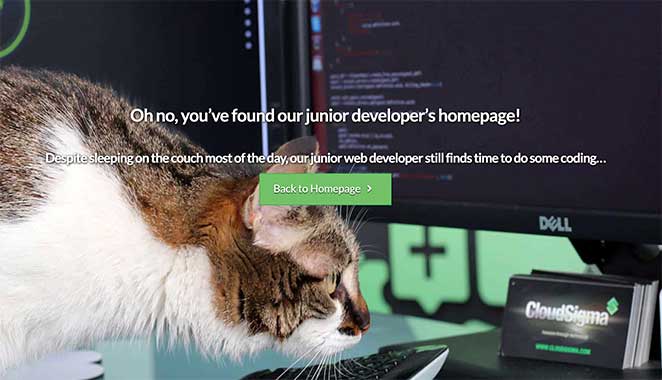
Cloud hosting isn’t necessarily a fun topic to showcase, even if it’s a handy service for many website owners. That’s why we love this 404 page design from CloudSigma.
Their tongue-in-cheek messaging gives visitors a peek behind the scenes of life as a developer. Yet, the humor is light-hearted enough not to cause any offense.
The entire page creates an engaging and friendly impression, making you click through to the homepage to learn more.
Hopefully, the 404 page examples above provide enough inspiration for you to go ahead and make one for your website.
12. Brett Terpstra Simple 404 Page
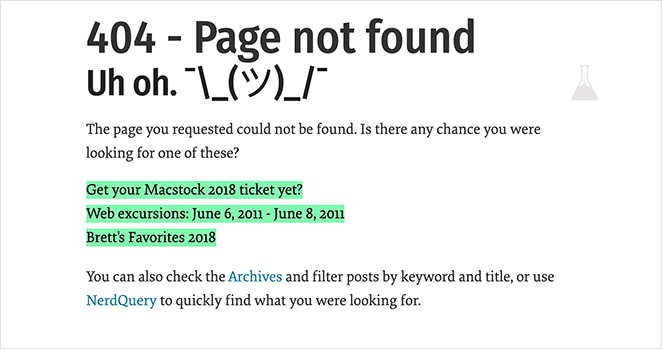
If your 404 page isn’t well designed, it could signal a dead end for visitors and offer them nowhere else to go. This can result in losing a ton of potential customers.
Instead, you can do something like this 404 page from Brett Terpstra. He immediately recognizes something went wrong, and instead of leaving it at that, he offers suggestions for what you might be looking for.
While the page isn’t flashy, it’s super-useful.
You can create something similar by looking at your website analytics to find the most articles people search for.
13. Marvel Animated 404 Example
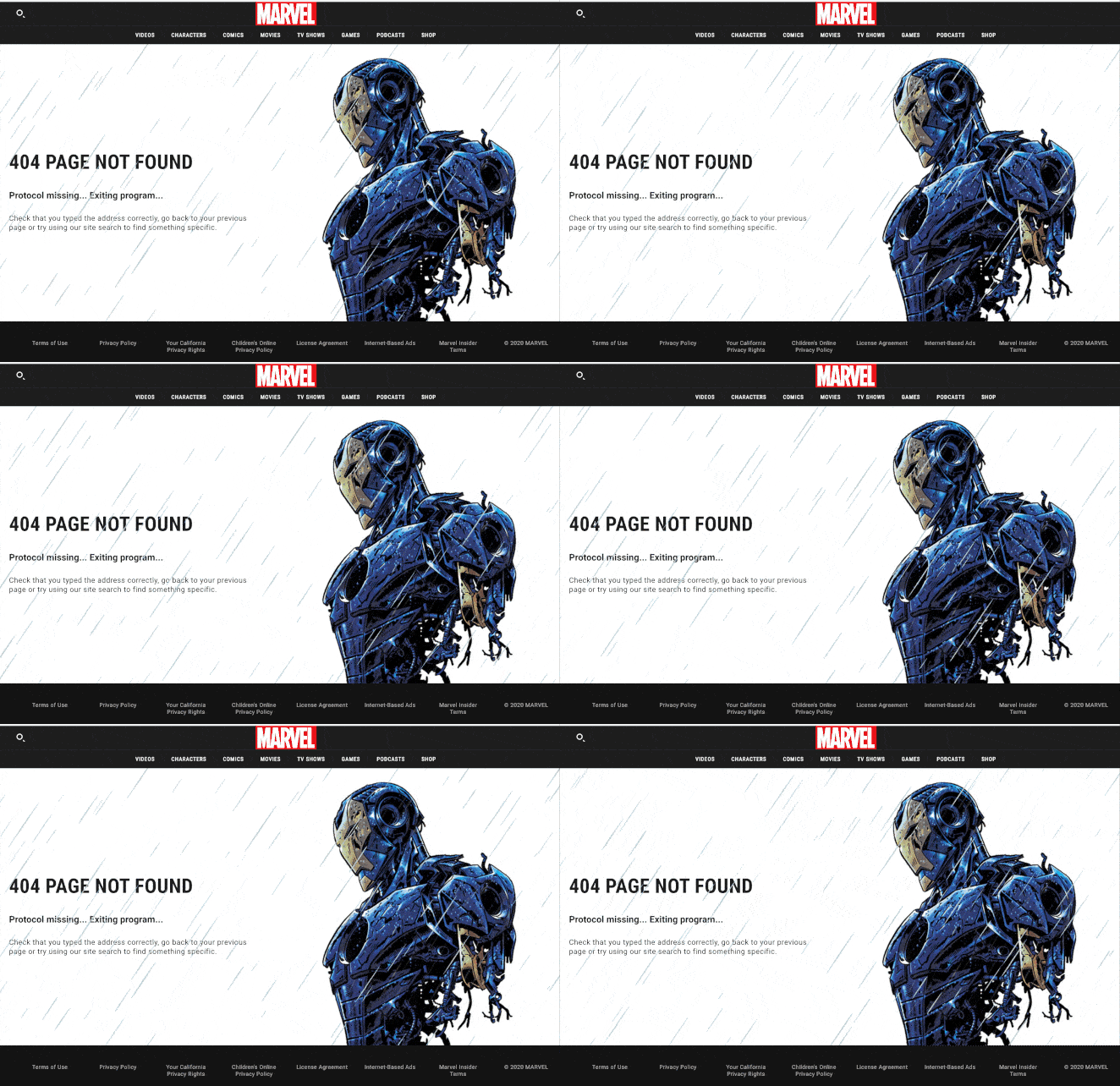
Marvel’s 404 pages come in all shapes and sizes. In fact, they have many error pages themed around different characters in their universe.
This example has a 404 page animation about Iron Man that many fans will relate to.
The movement of the animated gif draws your eye to the instructions. And that encourages visitors to either hit the back button or use their search function to find what they’re looking for.
14. CSS Tricks 404 Page Design
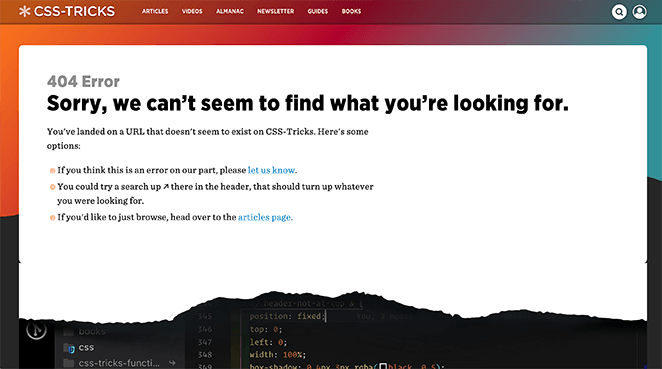
This functional yet straightforward 404 page from CSS Tricks is an excellent example of knowing your audience well. The page has a rip at the bottom, revealing its CSS, which will resonate with many developers.
As you can see, they also include links to relevant pages to keep people from exiting their website. Plus, internal linking is an excellent way to boost your SEO.
15. Mailchimp 404 Page Examples
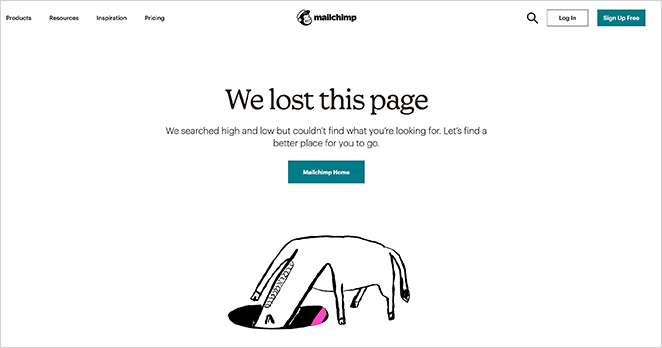
When things go wrong, often the best way to handle the situation is to come clean and admit it’s your fault. That’s what Mailchimp does with their 404 page design.
The page features an animated gif of a character “searching” for what you’re looking for. Plus, the message is candid about having lost the page. That said, they offer a solution to readers by showing a button leading visitors back to their homepage.
16. Broken Egg SeedProd 404 Page
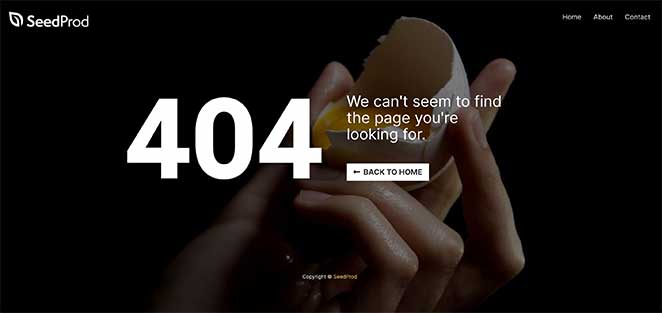
The broken egg 404 page from SeedProd is a straightforward design with an easy, customizable message. It includes an area for your site logo, a navigation menu, and a CTA directing users back to your homepage.
The background image is an excellent sign that something doesn’t work. And the menu links make for easy navigation to other areas of the website.
17. SeedProd eCommerce Oops Page Not Found Template
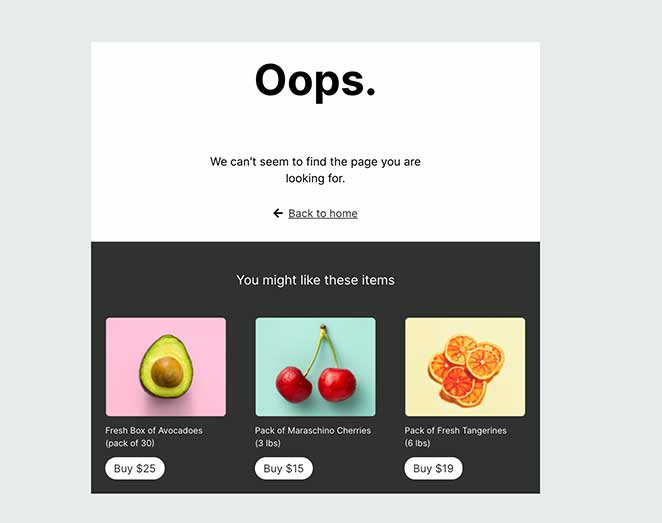
eCommerce websites will find this 404 page useful. It has a simple message declaring something went wrong but also includes product suggestions to keep users browsing.
18. SeedProd Sunset 404 Page Examples
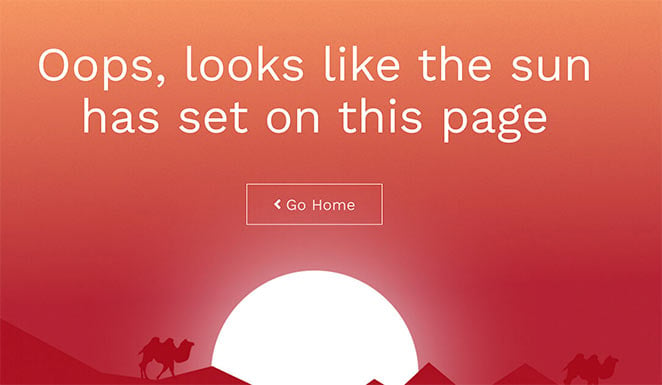
In this design from SeedProd, you can create a stunning, full-screen 404 page that makes an impact. The full-screen display immediately grabs attention with the warm, sunset image. Users can then click the large “home” button to find their way back to your homepage.
19. SeedProd Funny 404 Page Examples
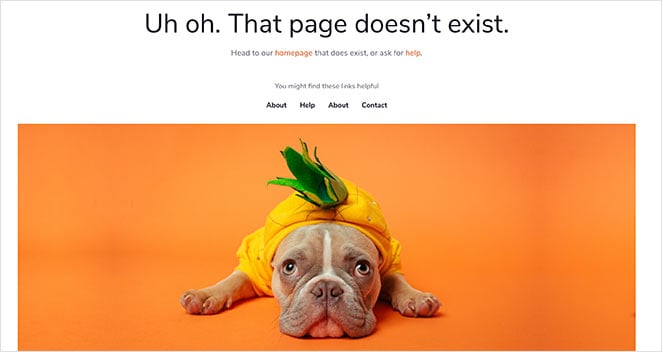
Who can resist a cute dog in a pineapple costume?
In this bright and cheerful 404 page design, it tells you the page doesn’t exist. But with a bit of help, you can head to the homepage that does exist.
It also includes a handy navigation menu so users can find other pages on your website easily.
404 Page FAQ
What should be on a 404 page?
When creating a 404 page, you should first tell people that the page they’re looking for can’t be found. You can then enrich the page with helpful links to other pages on your site or even add an optin form to sign up for your email newsletter.
How do I redirect a 404 page?
You can use an SEO plugin to redirect 404 error pages to another page on your website. We recommend using All in One SEO, as it’s the easiest and most user-friendly WordPress SEO plugin. Check out their guide on How to Easily Find and Fix 404 Errors in WordPress.
How do you make a good 404 page?
When it comes to building your custom 404 pages, there are several options.
Many WordPress themes include ready-made 404 page designs as part of the theme package. So you could see if the theme you currently use has that functionality.
You could also hire a developer to design and code a 404 page or 404 page animation, but this could become expensive.
Or, you can create a 404 page using a landing page builder like SeedProd.
SeedProd is the best drag-and-drop landing page builder for WordPress. It makes it super-easy to create any landing page and provides an easy drag and drop builder for creating pages without needing code.
It also comes with a wide variety of landing page templates you can customize in the visual builder. Plus, the plugin is bloat-free, with minimal code, so that it won’t slow down your website.
So what are you waiting for?
And if you liked this article, please follow us on Twitter and Facebook for more useful content to help grow your business.
Hello Friends, In this article I have listed 35+ Best HTML CSS 404 Page Templates which are available on CodePen.
Best Collection of 404 error page design
#1: 404 Page – Lost In Space

404 Page – Lost In Space, which was developed by Saleh Riaz Qureshi. Moreover, you can customize it according to your wish and need.
Author: Saleh Riaz Qureshi
Created on: April 23, 2018
Made with: HTML, CSS & JS
Tags: 404 Page Lost In Space
#2: 404 SVG animated page concept

404 SVG animated page concept, which was developed by Volodymyr Hashenko. Moreover, you can customize it according to your wish and need.
Author: Volodymyr Hashenko
Created on: October 7, 2016
Made with: HTML & CSS
Tags: 404 SVG animated page concept
#3: Oops! 404 error page template

Oops 404 error page design, which was developed by Israa Adnan. Moreover, you can customize it according to your wish and need.
Author: Israa Adnan
Created on: June 30, 2021
Made with: HTML & CSS
Tags: Oops 404 error page template
#4: Simple 404 page error template

Simple 404 page error template, which was developed by Naved khan. Moreover, you can customize it according to your wish and need.
Author: Naved khan
Created on: June 18, 2018
Made with: HTML & CSS
Tags: Simple 404 page error template
#5: Yeti 404 Page

Yeti 404 Page, which was developed by Darin. Moreover, you can customize it according to your wish and need.
Author: Darin
Created on: August 17, 2018
Made with: HTML, CSS(SCSS) & JS
Tags: Yeti 404 Page
#6: 404 Page UI

404 Page UI, which was developed by Rafaela Lucas. Moreover, you can customize it according to your wish and need.
Author: Rafaela Lucas
Created on: November 27, 2019
Made with: HTML, CSS(SCSS) & JS
Tags: daily ui 404 Page
#7: Fargo 404 page template

Fargo 404 page design, which was developed by Nate Watson. Moreover, you can customize it according to your wish and need.
Author: Nate Watson
Created on: November 18, 2015
Made with: HTML(Pug), CSS(SCSS) & JS
Tags: Fargo 404 page design
#8: GSAP 404 typed message using SplitText
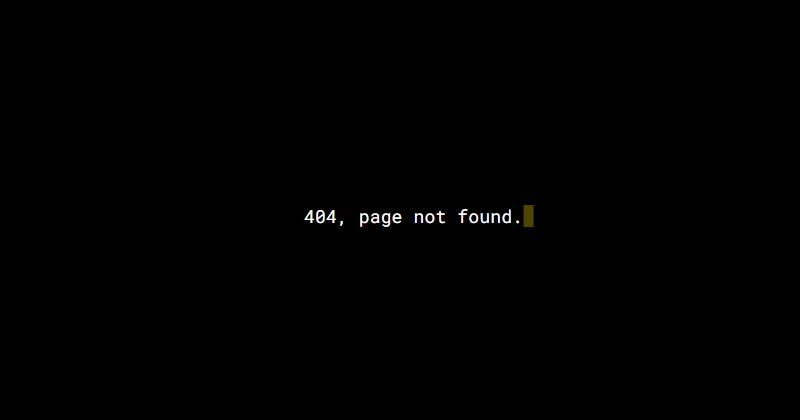
GSAP 404 typed message using SplitText, which was developed by Selcuk Cura. Moreover, you can customize it according to your wish and need.
Author: Selcuk Cura
Created on: October 22, 2017
Made with: HTML, CSS(SCSS) & JS
Tags: GSAP 404 typed message using SplitText
#9: Mars 404 Error Page

Mars 404 Error Page, which was developed by Asyraf Hussin. Moreover, you can customize it according to your wish and need.
Author: Asyraf Hussin
Created on: September 2, 2018
Made with: HTML & CSS
Tags: Mars 404 Error Page
#10: 404 Error Page Template Example

404 Error Page Design, which was developed by Ricardo Prieto. Moreover, you can customize it according to your wish and need.
Author: Ricardo Prieto
Created on: November 4, 2017
Made with: HTML & CSS
Tags: 404 Error Page Design

#11: CSS 404 page template

CSS 404 page template, which was developed by agathaco. Moreover, you can customize it according to your wish and need.
Author: agathaco
Created on: July 28, 2018
Made with: HTML(Pug) & CSS(SCSS)
Tags: CSS 404 page
#12: Error 404 Page not found
Error 404 Page not found, which was developed by Robin Selmer. Moreover, you can customize it according to your wish and need.
Author: Robin Selmer
Created on: August 22, 2017
Made with: HTML & CSS(SCSS)
Tags: Error 404 Page not found
#13: Neon – 404 html template

Neon – 404 html template, which was developed by Tibix. Moreover, you can customize it according to your wish and need.
Author: Tibix
Created on: August 27, 2019
Made with: HTML & CSS(SCSS)
Tags: Neon 404 html template
#14: Sassy page not found template

Sassy page not found template, which was developed by Justin Juno. Moreover, you can customize it according to your wish and need.
Author: Justin Juno
Created on: May 7, 2020
Made with: HTML & CSS(SCSS)
Tags: page not found template
#15: Animated 404 page design html

Animated 404 page design html, which was developed by Jaymie Rosen. Moreover, you can customize it according to your wish and need.
Author: Jaymie Rosen
Created on: October 15, 2017
Made with: HTML, CSS & JS
Tags: Animated 404 page design html
#16: Pure CSS Error Page 404 vampire
Pure CSS Error Page 404 vampire, which was developed by Omar Dsooky. Moreover, you can customize it according to your wish and need.
Author: Omar Dsooky
Created on: August 10, 2017
Made with: HTML & CSS
Tags: Pure CSS Error Page 404 vampire
#17: Simple 404 Error page

Simple 404 Error page, which was developed by vineeth.tr. Moreover, you can customize it according to your wish and need.
Author: vineeth.tr
Created on: April 12, 2016
Made with: HTML & CSS(SCSS)
Tags: Simple 404 Error page
#18: HTML CSS 404 Crying Baby Page Template

HTML CSS 404 Crying Baby Page Template, which was developed by vineeth.tr. Moreover, you can customize it according to your wish and need.
Author: vineeth.tr
Created on: October 12, 2016
Made with: HTML(Pug) & CSS(SCSS)
Tags: HTML CSS 404 Crying Baby Page Template
#19: CSS Train 404 Page

CSS Train 404 Page, which was developed by Carla. Moreover, you can customize it according to your wish and need.
Author: Carla
Created on: November 3, 2018
Made with: HTML & CSS
Tags: CSS Train 404 Page
#20: Pure CSS Animated 404 error page template

Pure CSS Animated 404 error page template, which was developed by Sergio. Moreover, you can customize it according to your wish and need.
Author: Sergio
Created on: March 27, 2018
Made with: HTML & CSS(SCSS)
Tags: Pure CSS Animated 404 error page template
#21: SVG 404 page not found template

SVG 404 page not found template, which was developed by Sylvain Lepinard. Moreover, you can customize it according to your wish and need.
Author: Sylvain Lepinard
Created on: August 9, 2019
Made with: HTML & CSS(SCSS)
Tags: SVG 404 page not found template
#22: Fully responsive 404 page

Fully responsive 404 page, which was developed by Kasper De Bruyne. Moreover, you can customize it according to your wish and need.
Author: Kasper De Bruyne
Created on: February 18, 2020
Made with: HTML, CSS(SCSS) & JS
Tags: Fully responsive 404 page
#23: Responsive custom 404 page
Responsive custom 404 page, which was developed by Ash. Moreover, you can customize it according to your wish and need.
Author: Ash
Created on: September 28, 2017
Made with: HTML & CSS
Tags: Responsive custom 404 page
#24: Wild West 404 Error page Concept
Wild West 404 Error page Concept, which was developed by Zissis Vassos. Moreover, you can customize it according to your wish and need.
Author: Zissis Vassos
Created on: August 26, 2019
Made with: HTML & CSS
Tags: Wild West 404 Error page Concept
#25: html template 404

html template 404, which was developed by Jhey. Moreover, you can customize it according to your wish and need.
Author: Jhey
Created on: March 23, 2020
Made with: HTML(Pug), CSS & JS
Tags: html template 404
#26: Windows 10 style 404 error design

Windows 10 style 404 error design, which was developed by Marco Peretto. Moreover, you can customize it according to your wish and need.
Author: Marco Peretto
Created on: February 8, 2019
Made with: HTML & CSS
Tags: 404 error design
#27: 404 Error Page: Animated SVG GSAP
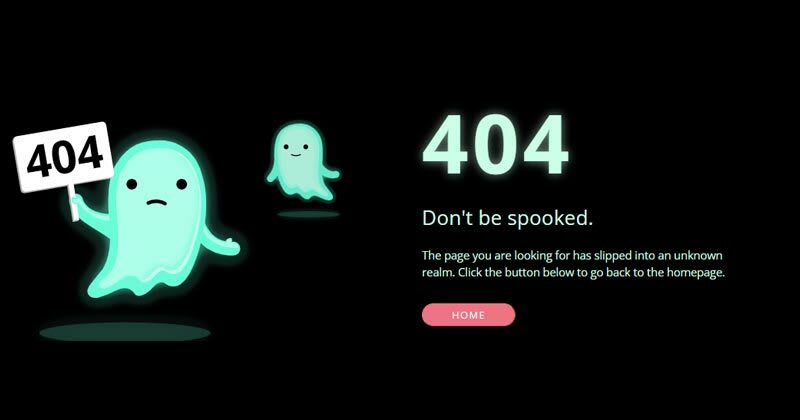
404 Error: Animated SVG GSAP, which was developed by christine i. Moreover, you can customize it according to your wish and need.
Author: christine i
Created on: February 22, 2020
Made with: HTML, CSS & js
Tags: 404 Error
#28: Custom 404 error page design

Custom 404 error page design, which was developed by Muhammad Rauf. Moreover, you can customize it according to your wish and need.
Author: Muhammad Rauf
Created on: December 3, 2021
Made with: HTML & CSS
Tags: Custom 404 error page design
#29: Oops! page not found template

Oops! page not found template, which was developed by Swarup Kumar Kuila. Moreover, you can customize it according to your wish and need.
Author: Swarup Kumar Kuila
Created on: August 14, 2020
Made with: HTML & CSS
Tags: page not found template
#30: Awesome 404 page not found

Awesome 404 page not found, which was developed by gavra. Moreover, you can customize it according to your wish and need.
Author: gavra
Created on: April 19, 2014
Made with: HTML, CSS & JS
Tags: Awesome 404 page not found
#31: Error 404: Monument Valley inspiration
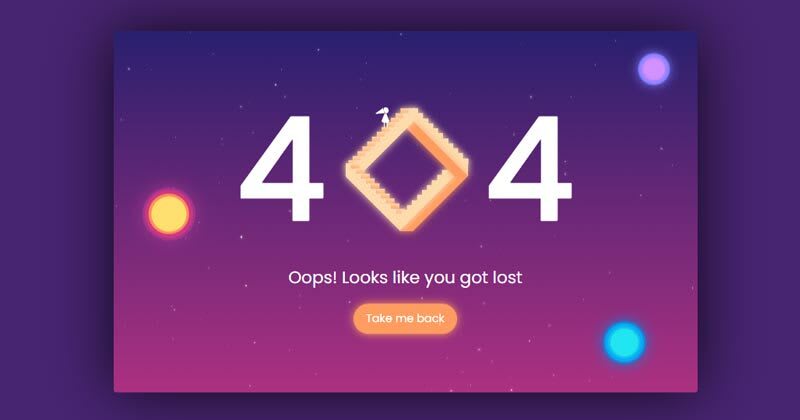
Error 404: Monument Valley inspiration, which was developed by Sussie Casasola. Moreover, you can customize it according to your wish and need.
Author: Sussie Casasola
Created on: April 29, 2018
Made with: HTML(Pug) & CSS(Sass)
Tags: Error 404
#32: 404 page

404 page, which was developed by Julia. Moreover, you can customize it according to your wish and need.
Author: Julia
Created on: September 7, 2018
Made with: HTML & CSS(Sass)
Tags: 404 page
#33: 404 SVG Error Based Page
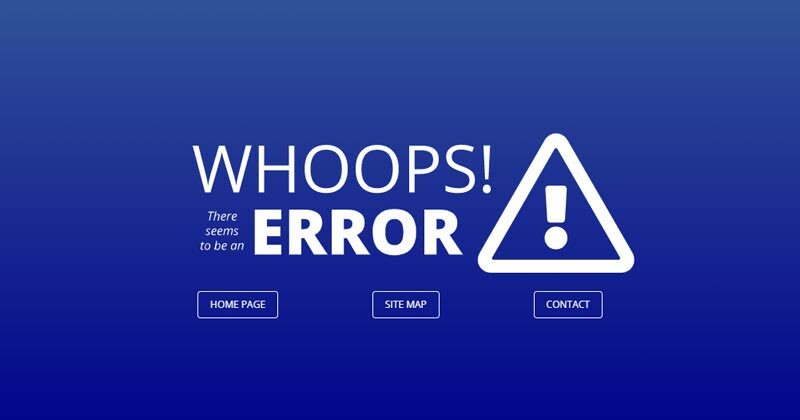
404 SVG Error Based Page, which was developed by Dave Pratt. Moreover, you can customize it according to your wish and need.
Author: Dave Pratt
Created on: September 6, 2017
Made with: HTML & CSS(SCSS)
Tags: 404 SVG Error Based Page
#34: bootstrap 404 error page template
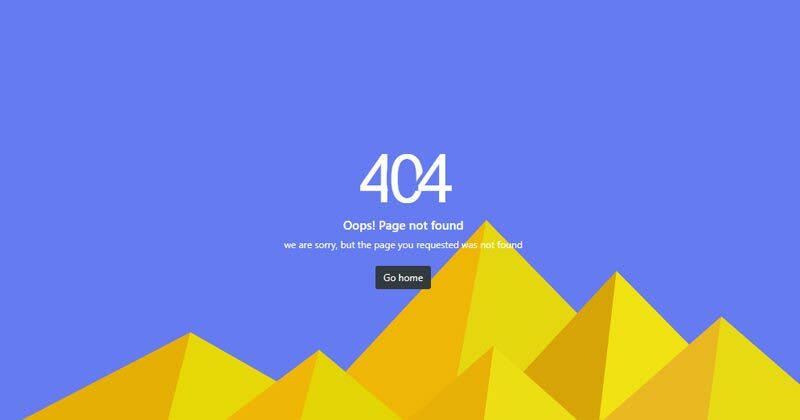
bootstrap 404 error page template, which was developed by Aji. Moreover, you can customize it according to your wish and need.
Author: Aji
Created on: June 26, 2021
Made with: HTML & CSS
Tags: bootstrap 404 error page template
#35: Cool 404 error page

Cool 404 error page, which was developed by Anton Lukin. Moreover, you can customize it according to your wish and need.
Author: Anton Lukin
Created on: November 1, 2018
Made with: HTML & CSS
Tags: Cool 404 error page
#36: 404 error template

404 error template, which was developed by Natalia. Moreover, you can customize it according to your wish and need.
Author: Natalia
Created on: January 4, 2021
Made with: HTML & CSS
Tags: 404 error template
Our Awesome Tools
#01: Lenny Face
#02: Fancy Text Generator
Running a successful website means staying alert for errors like broken pages or slow performance. However, sometimes there are problems that you just can’t avoid, and 404 errors are one of them.

A 404 occurs when a user requests a page on your website that doesn’t exist, thus throwing a 404 error page prompting users to return to the right place. No matter how many resources you put into ensuring your website never goes down … there’s always a chance that users could end up here.
It’s inconvenient, but a fact of life. And the reaction of visitors when they land on a nonexistent page can range from «taking it in stride» to «totally losing their minds.»
While there’s nothing you can do about the latter, you can make things a little less of a pain by having a creative error 404 message. This can do wonders to make your website visitors crack a smile in an otherwise frustrating situation.
To get your website design juices flowing, this post will showcase some of our favorite website error pages. Hopefully, you’ll be able to take away a few ideas to snazz up your own 404 message.

What is a 404 Error?
A 404 error is a standard HTTP error message code that means the website you were trying to reach couldn’t be found on the server. It’s a client-side error, meaning either the webpage was removed or moved and the URL wasn’t changed accordingly, or the person just typed in the URL incorrectly.
For the most part, you can configure your server to create a customized 404 error page. (If you’re a HubSpot customer, click here to learn how to customize your 404 page in HubSpot.)
Some customized 404 error pages include a hero image, witty description, site map, search form, or basic contact information.
The Best 404 Web Page Examples
Over the years, websites have found different ways to inform visitors of a 404 error and channel them back to the right place, some simply, some creatively, and some hilariously. Let’s start by looking at some creative 404 pages, then check out some funny examples that are sure to delight anyone who comes across them.
Page Not Found: Creative 404 Error Pages
1. Pipcorn
While a 404 page can easily stick out from a website, Pipcorn’s error page aligns perfectly with the rest of the site’s branding. There’s a nice animated background, a friendly text prompt directing visitors to search the website (complete with a clever pun), and a piece of popcorn used as the “0” in “404.”
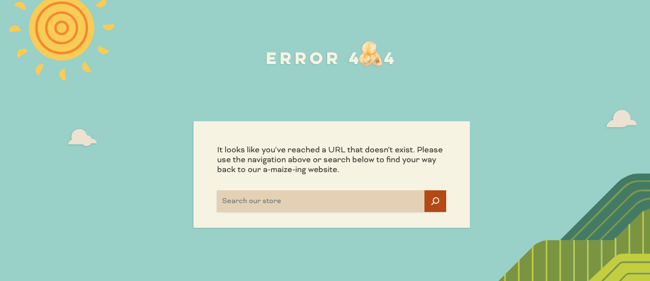
2. Spotify
Music streaming giant Spotify has covered its bases with a clever 404 page. With a witty pun off Kanye West’s album “808s and Heartbreak” and a record animation, the website briefly entertains and then sends visitors back to the page they came from.
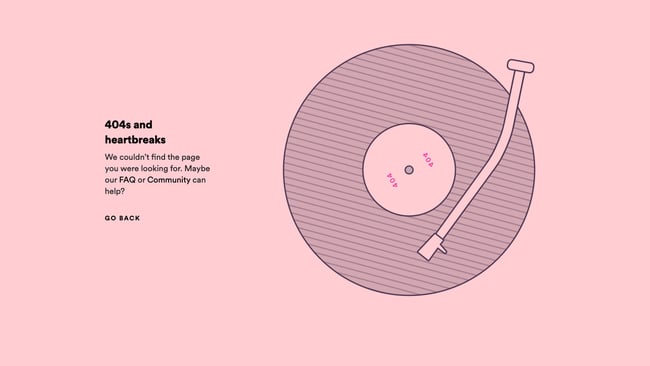
3. Genially
One simple way to ease the tension on your 404 page is to add a quick “Oops!” message — it helps your site feel more personable as you guide users back to the right place. In the case of Genially’s site, the page also includes a nifty illustration paired with some playful copy.
-Jul-19-2021-07-05-03-72-PM.png?width=650&name=Bonanza%20Update%20404%20Error%20Page%20(heavy%2c%20Update)-Jul-19-2021-07-05-03-72-PM.png)
4. Adobe
As you would expect, Adobe’s 404 error page is both useful and visually pleasing. It lists out popular links that visitors might want alongside some cool digital artwork serving as a visual metaphor for a broken or lost page. Honestly, websites should use visual metaphors more often.
-Jul-19-2021-07-04-59-41-PM.jpeg?width=650&name=Bonanza%20Update%20404%20Error%20Page%20(heavy%2c%20Update)-Jul-19-2021-07-04-59-41-PM.jpeg)
5. Clorox
The 404 page for Clorox cleaning products rotates between three lighthearted photos to signal to visitors that they’ve made a misstep. It’s a smart use of branding to add a brief delight moment while helping out lost users.
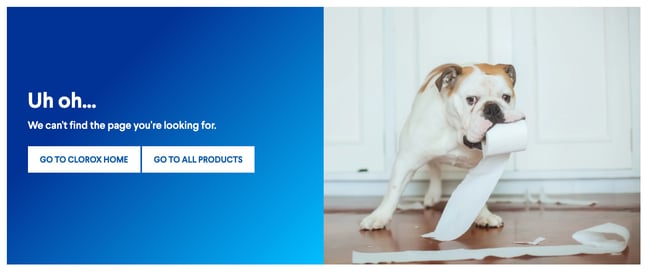
6. Duma Collective
Other times, you might not need a witty blurb — just tell visitors that there’s no page at the address and let them move on. Entertainment consulting agency Duma Collective does just this with its error page, though it’s complemented by a background image for some minor flair.
-Jul-19-2021-07-04-58-16-PM.jpeg?width=650&name=Bonanza%20Update%20404%20Error%20Page%20(heavy%2c%20Update)-Jul-19-2021-07-04-58-16-PM.jpeg)
7. Chillhouse
Speaking of flair, self-care brand Chillhouse has put in the extra work to reroute its visitors in style. The 404 page is branded appropriately and even takes visitors on a little journey through a few image stills before they go back to the homepage.
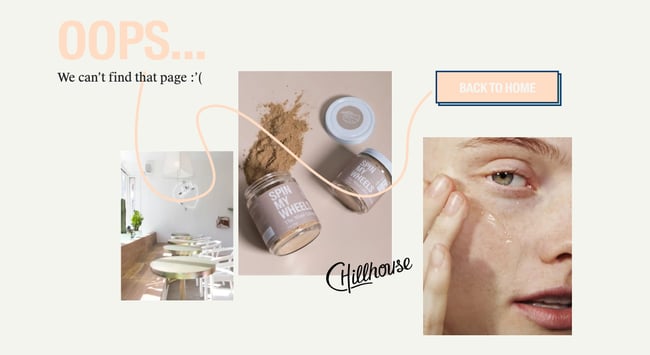
8. Bitly
If you enter an incorrect Bitly link, you’ll be taken to Bitly’s 404 page. We assume this happens a fair amount, which is why the 404 page gets straight to the point. It explains what might have gone wrong and prompts users to visit the Bitly homepage if that’s what they’re after.
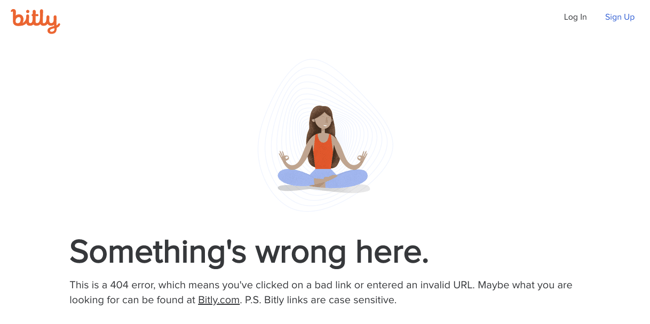
9. Ikea
Ikea’s 404 page is similarly minimalist but still manages to sneak some smart branding in there. This example shows that your error pages don’t need to be elaborate to get the point across, but there’s nothing wrong with injecting some fun either.
.jpeg?width=650&name=Bonanza%20Update%20404%20Error%20Page%20(heavy%2c%20Update).jpeg)
10. Moxie Design Co.
Sure, “blew up the Internet” might be a bit hyperbolic, but it tells visitors that Moxie Design Co. doesn’t take itself too seriously with small slip-ups like this one. Also, a search bar is conveniently placed at the bottom to send you on your way.
-Jul-19-2021-07-05-02-13-PM.png?width=650&name=Bonanza%20Update%20404%20Error%20Page%20(heavy%2c%20Update)-Jul-19-2021-07-05-02-13-PM.png)
11. McKissack & McKissack
Ah, the classic “we lost the page” trick. Again, an easy way to present a 404 without alienating your audience. If you’re an agency like McKissack & McKissack that manages many client interactions, clear and concise copy is essential for all of your site’s pages, including error pages.
12. CSS Tricks
Ever ripped away a website’s wrapping to see what’s underneath? That’s the concept that CSS Tricks was going for in their 404 error page. This is both witty and reminiscent of what the website is all about: smart use of page styling.
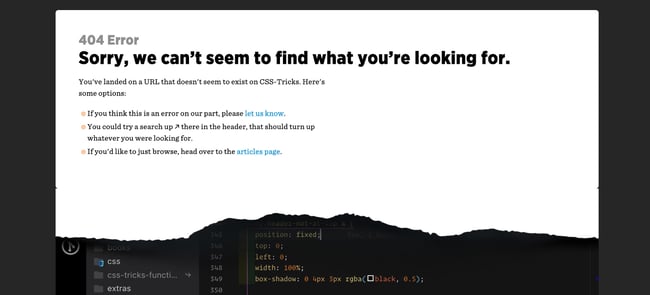
13. Good Old Games
For other websites, you unwrap the front end and there’s … just the vast emptiness of space. This page is a clever reference to GOG Galaxy, which is Good Old Games’ native video game client. Thankfully, a little video game character is there to give visitors a place to report an error if they want.
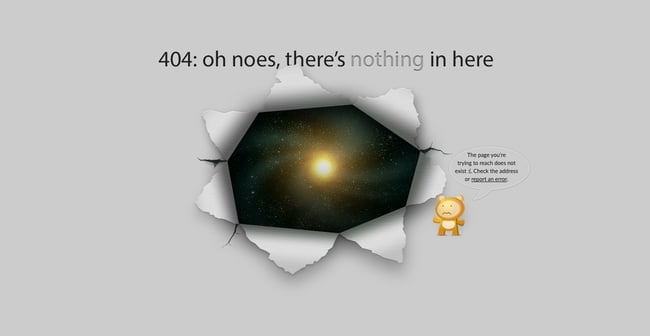
14. Canva
For something a little different, check out Canva’s 404 page. It includes not just an error message, but a nifty tile puzzle visitors can play for some brief entertainment. There’s no harm in letting your visitors slack off for a couple of minutes, right?
-Jul-19-2021-07-05-03-56-PM.jpeg?width=650&name=Bonanza%20Update%20404%20Error%20Page%20(heavy%2c%20Update)-Jul-19-2021-07-05-03-56-PM.jpeg)
15. Innotech
Similar to Canva’s approach, Innotech features a Pong-esque game on its 404 page to provide some brief entertainment. Chances are you’ll remember a website like this. Plus, the fun detour complements a truly impressive website — seriously, when you’re done playing, head to the home page and take it all in.
-4.png?width=650&name=Bonanza%20Update%20404%20Error%20Page%20(heavy%2c%20Update)-4.png)
16. Myriad
Video agency Myriad has opted for a quirky, on-brand 404 page design that mimics the classic SMPTE color bars that appear on old tapes and TVs. It’s a funny throwback to older technologies while representing the more modern problem of a nonexistent web page.
-Jul-19-2021-07-05-04-37-PM.png?width=650&name=Bonanza%20Update%20404%20Error%20Page%20(heavy%2c%20Update)-Jul-19-2021-07-05-04-37-PM.png)
17. KonMari
Known for her popular cleaning and organization methods and brand, Marie Kondo has brought a similar feel to her website’s 404 page. The copy briefly and humorously harkens back to her tidying philosophy — a small but well-branded detail that fans will recognize.
-Jul-19-2021-07-04-58-95-PM.jpeg?width=650&name=Bonanza%20Update%20404%20Error%20Page%20(heavy%2c%20Update)-Jul-19-2021-07-04-58-95-PM.jpeg)
18. BrandCrowd
Not only is the illustration on this error page detailed and engaging — the copy is clever, too. We love the reference to the Semisonic song “Closing Time”: “You can click anywhere else, but you can’t click here.”
-1.jpeg?width=650&name=Bonanza%20Update%20404%20Error%20Page%20(heavy%2c%20Update)-1.jpeg)
19. Hot Dot Productions
Hot Dot’s error page stays true to its tagline, “the intersection of new technologies and design.” The page is animated by hundreds of tiny dots that change direction in response to where you move your cursor. It’s mesmerizing and a great showcase of the agency’s design capabilities.
-2.png?width=650&name=Bonanza%20Update%20404%20Error%20Page%20(heavy%2c%20Update)-2.png)
20. OrangeCoat
If you’re going to give an error message, why not entertain the user for a few seconds while you help them out? Following a friendly greeting, OrangeCoat offers a flowchart that actually helps users figure out why they reached an error page in the first place.
-Jul-19-2021-07-05-03-10-PM.jpeg?width=650&name=Bonanza%20Update%20404%20Error%20Page%20(heavy%2c%20Update)-Jul-19-2021-07-05-03-10-PM.jpeg)
21. Ervin & Smith
This 404 page does more than redirect users back to active pages. Instead, Ervin & Smith’s 404 page invites you to scroll down and learn why you need a digital marketing agency, and why to choose Ervin & Smith in particular, capped off with a contact form. True to its mission, this agency shows that any page can be a conversion opportunity.
-Jul-19-2021-07-05-03-33-PM.png?width=650&name=Bonanza%20Update%20404%20Error%20Page%20(heavy%2c%20Update)-Jul-19-2021-07-05-03-33-PM.png)
22. DayCloud Studios
… or, your 404 can just be a place to waste time for a minute, as can be seen on the website for DayCloud Studios. Moving the cursor around the screen reveals a 404 message illuminated by lasers shooting from a cat’s eyes. Because why not?
23. Headspace
Another instance of a website smartly incorporating its brand messaging into a 404 page — guided meditation app Headspace makes the effort to calm users, encouraging us to take a deep breath, then return to the main site.
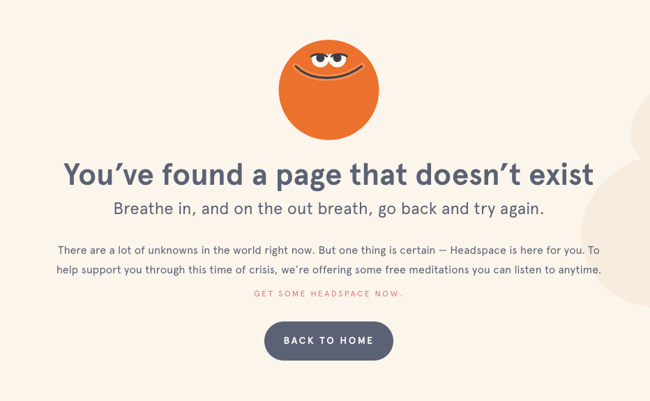
24. Wildwood Bakery
Some websites thus far have integrated clever branded copy in their pages, while others have hosted full-blown online games on theirs. But, there’s nothing wrong with a brief push back in the right direction. Wildwood Bakery’s exquisite site keeps things short and sweet (literally).
-1.png?width=650&name=Bonanza%20Update%20404%20Error%20Page%20(heavy%2c%20Update)-1.png)
Page Not Found: Funny 404 Error Pages
25. Astuteo
Design agency Astuteo’s 404 page is a perfect balance of elegant visuals, humor, and helpfulness. The minimal layout gives users the information they need alongside another amusing visual metaphor, a sinking cargo ship and a fleeing figure.
-Jul-19-2021-07-05-04-19-PM.jpeg?width=650&name=Bonanza%20Update%20404%20Error%20Page%20(heavy%2c%20Update)-Jul-19-2021-07-05-04-19-PM.jpeg)
26. LEGO
There’s few words needed on LEGO’s 404 error page — the character’s expression makes everything clear. Plus, fans of the LEGO movie franchise will enjoy the fun reference in the copy.
-Jul-19-2021-07-05-00-24-PM.jpeg?width=650&name=Bonanza%20Update%20404%20Error%20Page%20(heavy%2c%20Update)-Jul-19-2021-07-05-00-24-PM.jpeg)
27. Magnt
In this funny error message, Magnt pokes fun at the fact that, yes, they could have broken something — or, you just can’t type. The visual serves as a quick way to quickly illustrate their point.
-3.png?width=650&name=Bonanza%20Update%20404%20Error%20Page%20(heavy%2c%20Update)-3.png)
28. IconFinder
IconFinder’s error page is simple but delightful. The company’s mascot wearing a robe and appearing weary is a relatable nod to lost visitors. No worries though, since the site lists some of its links to visit down below.
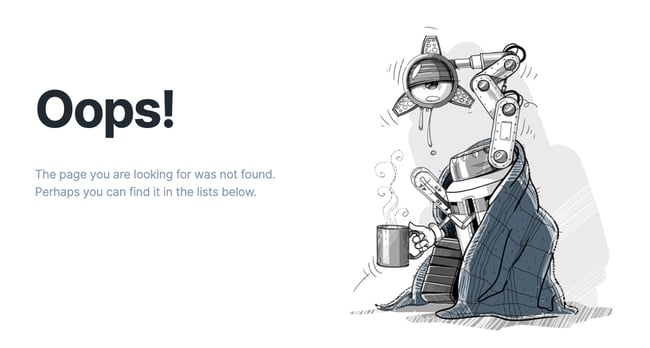
29. Sweet Dreams
Apparently, the team at sleep aid company Sweet Dreams took too many of its products according to the website’s 404 page. Not only is this page humorous — it also blends well with the rest of the site’s front-end aesthetic and messaging for a cohesive feel.
.png?width=650&name=Bonanza%20Update%20404%20Error%20Page%20(heavy%2c%20Update).png)
30. GitHub
The line «These aren’t the droids you’re looking for» refers to Obi-Wan Kenobi’s Jedi mind trick on Stormtroopers in Star Wars Episode IV, and it’s become a well-known phrase used to tell someone they’re pursuing the wrong course of action. GitHub plays on this famous line in their 404 error message.
-2.jpeg?width=650&name=Bonanza%20Update%20404%20Error%20Page%20(heavy%2c%20Update)-2.jpeg)
31. Patagonia
Patagonia’s custom 404 page captures the brand’s vibe perfectly, complete with a boomerang video of a frisbee twirler, a clever pun combining “404” and “aloha,” and links to its product pages. It’s a friendly and funny way to greet visitors who wound up in the wrong place.
-3.jpeg?width=650&name=Bonanza%20Update%20404%20Error%20Page%20(heavy%2c%20Update)-3.jpeg)
32. Cloud Sigma
Check it out: Cloud Sigma’s letting us in on some behind-the-scenes action. Their 404 error page pretends to be a «junior developer’s homepage» — that junior developer being, well, a cat.
-Jul-19-2021-07-04-58-65-PM.jpeg?width=650&name=Bonanza%20Update%20404%20Error%20Page%20(heavy%2c%20Update)-Jul-19-2021-07-04-58-65-PM.jpeg)
33. AMC Theatres
You might have been to an AMC movie theater before, but you’ve hopefully never seen their website’s 404 page. The website makes use of a quick, funny, and relevant one-liner before it sends you back to the right place.
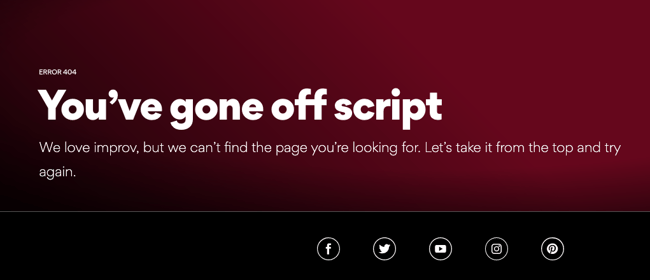
34. Bruno
It’s no coincidence that creative agencies are great at coming up with cool 404 pages. Here’s another one from the creatives at Bruno that plays off the 2000 cult comedy classic Dude, Where’s My Car? No, it has nothing to do with the company or website, but it’s sure to get a chuckle.
-Jul-19-2021-07-05-01-34-PM.png?width=650&name=Bonanza%20Update%20404%20Error%20Page%20(heavy%2c%20Update)-Jul-19-2021-07-05-01-34-PM.png)
35. NPR
At first, NPR’s error page seems like nothing special. But keep reading and you’ll see how they cleverly link to some of their great stories about lost people, places, and things, like a piece on Amelia Earhart and one on Waldo. This might just make lost users feel a little less alone.
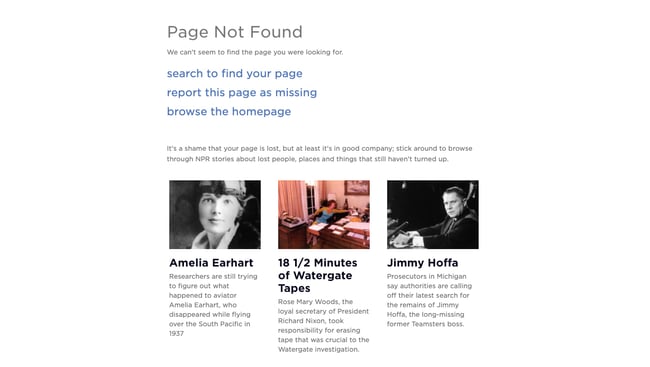
36. Medium
Medium takes a similar approach to NPR’s 404 page, recommending articles about getting lost and losing things. Check these articles out if you have time — they’re quite good reads.
-Jul-19-2021-07-05-01-03-PM.jpeg?width=650&name=Bonanza%20Update%20404%20Error%20Page%20(heavy%2c%20Update)-Jul-19-2021-07-05-01-03-PM.jpeg)
37. HomeStarRunner
HomeStarRunner.com, home to a Flash-animated cartoon series, has had a series of hilarious 404 error pages over the years. The most recent features characters from the cartoon series in a scene that could’ve come straight out of one of their episodes. If you turn the sound on when you load the page, you’ll hear their character Strong Bad — known for yelling phrases out loud — saying, «404’d!»
-4.jpeg?width=650&name=Bonanza%20Update%20404%20Error%20Page%20(heavy%2c%20Update)-4.jpeg)
38. Blizzard Entertainment
Here’s a simple idea that ends up looking slick: Blizzard Entertainment’s 404 page features an animated character lost in an actual blizzard and some humor that World of Warcraft fans will appreciate.
-Jul-19-2021-07-05-02-78-PM.jpeg?width=650&name=Bonanza%20Update%20404%20Error%20Page%20(heavy%2c%20Update)-Jul-19-2021-07-05-02-78-PM.jpeg)
39. Hello Big Idea
A quick trip around marketing and social media experts Hello Big Idea’s website will tell you what you need to know about its bold and blunt style of copy. And, of course, its 404 error page is no exception.
-Jul-19-2021-07-05-03-94-PM.png?width=650&name=Bonanza%20Update%20404%20Error%20Page%20(heavy%2c%20Update)-Jul-19-2021-07-05-03-94-PM.png)
40. HubSpot
It happens to us, too! This is the message we put up to tell our site visitors that there are some website issues. Our goal was to stay true to HubSpot’s brand voice by being as lovable, empathetic, and helpful as possible.
-Jul-19-2021-07-05-01-64-PM.jpeg?width=650&name=Bonanza%20Update%20404%20Error%20Page%20(heavy%2c%20Update)-Jul-19-2021-07-05-01-64-PM.jpeg)
Turn a 404 Error Page Into a Delight Moment
Nobody wants to land on a 404 page — they’re annoying and unexpected. However, you can’t really avoid them, so it’s always a good idea to have a 404 page to fall back on for your website.
And, from a user experience perspective, your 404 page should be a small speed bump, not a brick wall. The right design can be the difference between a frustrated bounce and a possible conversion, so why not make it fun?
Editor’s note: This post was originally published in December 2015 and has been updated for comprehensiveness.

В этой статье мы расскажем, почему стоит делать уникальную страницу 404 для сайта и как правильно её оформлять. Покажем удачные и неудачные примеры оформления таких страниц.
В конце статьи вас ждет бесплатный чек-лист и шаблон технического задания на дизайн страницы с 404-ой ошибкой.
Зачем оформлять страницу 404 Not Found?
Существует 2 основные причины появления 404-ой ошибки:
- неправильно введён адрес ссылки;
- страница была удалена.
Пытаясь попасть на несуществующую страницу, пользователь видит ошибку 404 Not Found. Стандартная страница с 404-ой ошибкой никак не связана с вашим сайтом. Именно поэтому большинство пользователей стараются как можно скорее закрыть ее.
Вот так оставлять нельзя:

Рисунок 1. Стандартная страница 404 Not Found
Правильно оформленная страница поможет удержать на сайте заблудившихся посетителей и тем самым улучшить показатели.
Приведем пример количества посещений страницы с 404-ой ошибкой на сайтах, с которыми мы работаем.
Сайт 1:
- 1 143 477 просмотров сайта за год;
- 42 114 просмотров страницы 404 за год (или 3,85%).
Приведем для сравнения такие цифры: у самого популярного раздела каталога 218 011 просмотров за год (19%), что всего в 5 раз превышает количество просмотров 404-ой страницы. А у раздела, который находится на 6 месте по количеству просмотров за год, эта цифра составляет 14 935 просмотров (или 1,3%), что в 3 раза меньше, чем у страницы 404.
Сайт 2:
- 64 625 просмотров сайта за год;
- 547 просмотров страницы 404 за год (или 0,84%).
Из 11 разделов на сайте целых 4 раздела имеют меньше просмотров, чем страница 404.
Только представьте, какое большое количество посетителей сайта попадает на страницу 404-ой ошибки, и в ваших силах удержать и заинтересовать их.
При желании вы можете проверить свой сайт на количество посещений страницы с 404-ой ошибкой через Яндекс.Метрику. Как это сделать, подробно описано в инструкции от Яндекса.
Как оформить страницу ошибки
Существует 5 вариантов:
1. Оставить стандартную страницу ошибки браузера. Но ведь мир и так довольно жесток 🙁

Рисунок 2. Мем
2. Сделать страницу креативной и интересной:

Gif 1. Страница 404 с анимацией с сайта https://rabota.gk-rte.ru/404
На странице 404-ой ошибки посетитель видит анимацию с отсчетом времени до столкновения. В итоге столкновение, конечно, не происходит, но пользователь может задержаться на странице из интереса, чтобы увидеть, чем все закончится. Это, в свою очередь, улучшает поведенческие факторы — увеличивается время на сайте и уменьшается показатель отказов.
3. Сделать страницу полезной для посетителя, помочь ему найти нужную информацию:

Рисунок 3. Страница 404 с полезным контентом с сайта https://drarthurkhristenko.ru/404
Попадая на несуществующую страницу на сайте пластического хирурга, посетитель видит основные услуги, которые оказывает доктор.
4. Совместить предыдущие 2 варианта:

Рисунок 4. Страница 404 с полезным контентом и креативом с сайта https://www.coca-cola.ru/404
Отличный пример совмещения креатива и полезной для посетителя информации на сайте Coca-cola.
Наша рекомендация: используйте именно такой вариант при оформлении страницы с 404-ой ошибкой.
5. Использовать промокод на скидку:

Рисунок 5. Страница 404 с промокодом с сайта https://www.planeta-sport.ru/404/
Хороший пример совмещения креатива и промокода на скидку в спортивном интернет-магазине. Это красивое “извинение” за то, что страницы не существует. В итоге вместо досады или раздражения у пользователя появится дополнительный стимул сделать у вас покупку.

Рисунок 6. Мем
Шапка и футер — оставляем?
Если пользователь знаком с вашим сайтом, то попав на страницу 404, внешне отличающуюся от самого сайта, он решит, что попал не по адресу, и уйдёт. Или перейдёт на главную, а резкая разница в цвете и общем оформлении доставит ему неприятные эмоции. Оба варианта — так себе.
Наша рекомендация: оставить шапку и футер при оформлении страницы с 404-ой ошибкой. Тем более так рекомендует Google:
“Страница 404 должна быть выполнена в том же стиле (включая элементы навигации), что и основной сайт.” — Google.
Создаем блок с ошибкой 404
Это этап креатива. Подумайте над интересным оформлением. Можно взять за основу сферу вашего бизнеса: какие услуги вы оказываете, что продаете.

Рисунок 7. Пример 404-ой страницы на сайте https://kolesa.kz/404/
Сайт по продаже автомобилей использует оригинальную фразу “Докатились” и тут же предлагает посмотреть объявления. Из минусов здесь можно отметить тёмный фон, так как на основном сайте он светлый.

Рисунок 8. Пример 404-ой страницы на сайте https://www.pixar.com/404
* Перевод: “Не плачь. Это всего лишь 404 ошибка. То, что ты ищешь, могло переместиться в долгосрочную память.”

Рисунок 9. Пример 404-ой страницы на сайте https://www.lego.com/ru-ru/404

Рисунок 10. Пример 404-ой страницы на сайте https://www.f1news.ru/404/
Если не получается придумать интересный дизайн, опираясь на деятельность вашего сайта, то рекомендуем использовать минимализм (да простят нас дизайнеры), как на примерах ниже.

Рисунок 11. Пример 404-ой страницы на сайте https://www.tinkoff.ru/404/

Рисунок 12. Пример 404-ой страницы на сайте https://www.aviasales.ru/404

Рисунок 13. Пример 404-ой страницы на сайте https://www.kinopoisk.ru/404/
Определившись с идеей оформления, не забывайте, что дизайн страницы с 404-ой ошибкой должен быть выполнен в общей стилистике самого сайта.
И не стоит делать этот блок слишком большим, выходя за пределы первого экрана. Вряд ли посетитель этой страницы захочет прокручивать экран вниз.
Текст для страницы с ошибкой 404
Пользователю должно быть понятно, что запрашиваемая страница недоступна. Наша задача — помочь ему быстро сориентироваться. На этом этапе составьте сообщение, которое не вызовет отторжения.
Примеры:
- Извините, такой страницы у нас нет. Мы поможем найти нужную информацию.
- Извините, такой страницы у нас нет. Но есть много другой полезной информации.
Элементы навигации
Google рекомендует разместить на странице 404-ой ошибки ссылки на самые популярные статьи или записи блога, а также на главную страницу.
Если ваш сайт предоставляет услуги или продаёт товары, то добавьте ссылку на каталог и основные услуги/товары.

Рисунок 14. Пример 404-ой страницы на сайте https://www.mann-ivanov-ferber.ru/404/
Если на вашем сайте есть блог, то добавьте ссылку на сам блог и на самые популярные статьи.

Рисунок 15. Пример 404-ой страницы на сайте https://www.nytimes.com/404
Например, The New York Times добавил на страницу 404-ой ошибки самые популярные статьи, которыми чаще всего делятся их читатели.
Возможность сообщить о неработающей ссылке
Дайте посетителю возможность пожаловаться на неработающую ссылку. Вы можете не отвечать на эти сообщения, но сделайте такой функционал.
Опишите в техническом задании для программистов, как должна работать эта кнопка. Добавьте ссылку на сайт, где есть та функция, которую вы хотите повторить.
Если это будет всплывающая форма заявки, то опишите дизайнеру, как она должна выглядеть.

Рисунок 16. Пример отработки кнопки “Сообщить о нерабочей ссылке” со страницы https://enjoyme.ru/404/
Основные рекомендации
Резюмируем основные рекомендации из данной статьи:
- Оформите страницу 404 в том же стиле, что и весь сайт. Это касается элементов навигации, шрифта, цвета.
- Подготовьте понятный и короткий текст, который не вызовет отторжения у пользователя. Ему должно быть ясно, что запрашиваемая страница недоступна.
- Добавьте креатив в оформление, чтобы удержать посетителя на сайте.
- Добавьте ссылки на главную страницу, основные категории и услуги, а также на самые популярные статьи или записи блога.
- Вся информация должна помещаться на первом экране. Нет смысла добавлять больше: вряд ли посетитель страницы 404 будет скроллить вниз.
- Дайте пользователю возможность сообщать о неработающих ссылках, даже если не собираетесь проверять эти сообщения.
Блок-схема
Как только вы определитесь с оформлением, нужно нарисовать блок-схему.
И не забудьте подробно описать в техническом задании, как должен выглядеть каждый элемент.
Если вы никогда не составляли блок-схемы или хотите получить больше информации об их составлении, то рекомендуем прочитать нашу статью “Как сделать ТЗ на дизайн сайта бесплатно самому: подробная инструкция”.

Рисунок 17. Пример составленной блок-схемы для 404 страницы Ant-team.ru
Итоги и бонусы
Страница 404 должна выполнять 2 действия: удерживать посетителя на сайте и давать ему самую популярную и полезную информацию, благодаря которой он будет дальше путешествовать по сайту и создавать трафик.
И чтобы процесс создания страницы с 404-ой ошибкой не принес вам лишней головной боли, предлагаем воспользоваться нашим чек-листом и шаблоном технического задания, где подробно описан каждый шаг (читайте красный текст):
- Чек-лист на дизайн для страницы 404
- Шаблон ТЗ на дизайн для страницы 404
А чтобы было ещё понятнее, можете воспользоваться примером заполнения шаблона ТЗ и нарисованной блок-схемой:
- Пример ТЗ на дизайн для страницы 404 Ant-Team
- Блок-схема 404 Ant-Team
Это настоящее техническое задание, которое мы заполняли для нашей страницы 404-ой ошибки.
Автор статьи: Кирилл Агафонов (Ant-team.ru)
P.s. Подписывайтесь на наш телеграм-канал t.me/seoantteam, чтобы первыми узнавать о выходе новых материалов.
При написании статьи использованы источники:
- https://developers.google.com/search/docs/advanced/crawling/soft-404-errors?hl=ru&visit_id=637885645086554669-667034082&rd=1#93641
- https://yandex.ru/support/metrica/stand-out/informative-page-404.html#informative-page-404